 Draw on a Map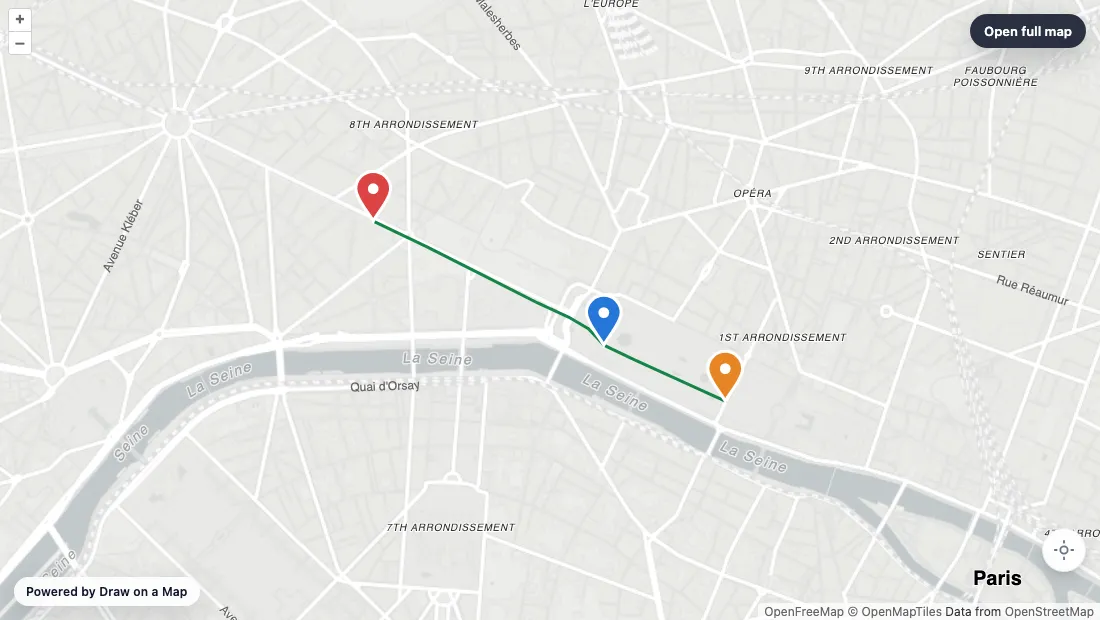
A standard map embed shows a pin. That does not help a guest find the side entrance, a visitor follow the path from the station, or a customer see where you deliver. Draw on a Map lets you draw those details first and then embed the finished map. You do not need an API key or an account.
Create the map and copy the embed code
- Open Draw on a Map and search for your location.
- Draw the route, area, arrows, or notes.
- Zoom and move the map to the view you want visitors to see first. The embed opens at that view.
- Select the Embed button (
</>) in the top toolbar. - Choose where you will paste the code: HTML, WordPress, Wix, or Squarespace. The dialog shows the steps for that platform.
- Set the height and select Copy code.
- Paste the code into your page, publish it, and check the page on a computer and a phone.
For WordPress, paste the code into a Custom HTML block. In Wix, add Embed Code → Embed HTML. In Squarespace, add a Code block set to HTML.
What the code looks like
<iframe
  src="https://drawonamap.com/embed/#..."
  title="Draw on a Map embed"
  width="100%"
  height="420"
  style="border:0;"
  loading="lazy"
  referrerpolicy="no-referrer-when-downgrade"
  allow="geolocation"
  allowfullscreen></iframe>
This is a template. Copy the real code from the Embed dialog, which fills in the src for your map. The width fits the column it sits in. Change height if your page needs a taller or shorter map.
Free embeds show “Powered by Draw on a Map.” To remove it, save the map and upgrade to Pro.
Keep the embed up to date
Save the map to your account before you copy the code. The embed then shows the latest saved version, so you can fix a route or move a marker without touching your website.
Code copied from an unsaved map stores the drawing in the URL. It does not change when you edit the map. After an edit, open Embed again, copy the new code, and replace the old iframe.
Large imported datasets do not fit in a URL. If the Embed dialog asks you to save first, save the map and open Embed again.
If the map does not appear
Use a block that accepts HTML or iframe code. A field that only takes a web address will not work with the full iframe. If the map disappears after you publish, your site builder may be removing iframes. Check its settings for embedded content.
Ideas for website maps
- Events and weddings: mark the right entrance, the shuttle stop, and parking on one map.
- Rentals and travel: draw the walk from the station to the apartment, or the shortcut to the beach.
- Service businesses: draw the area you cover. If visitors need to check their own address, the paid Service Area Widget turns that boundary into an address checker for your site.
Related guides
- Draw a circle on a map: mark a delivery or service area with an exact radius
- Draw on Google Maps: move an existing Google My Maps map before you embed it
- Share custom walking directions: draw a route that a routing app gets wrong
 Maptive
 Scribble Maps