Export your map instead
Close this print dialog. Then select Download in the toolbar to save your map.
Close this print dialog. Then select Download in the toolbar to save your map.
Start a map, open your work, or explore data.Find a place, then draw lines, add markers, or import your data.
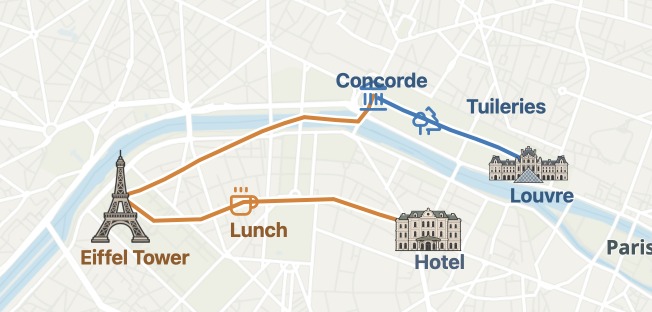
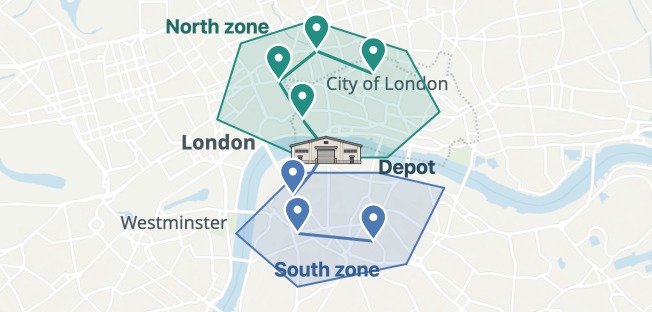
Draw routes, add places, and share your map.
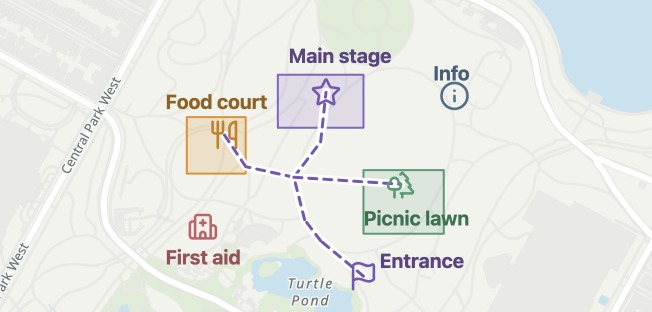
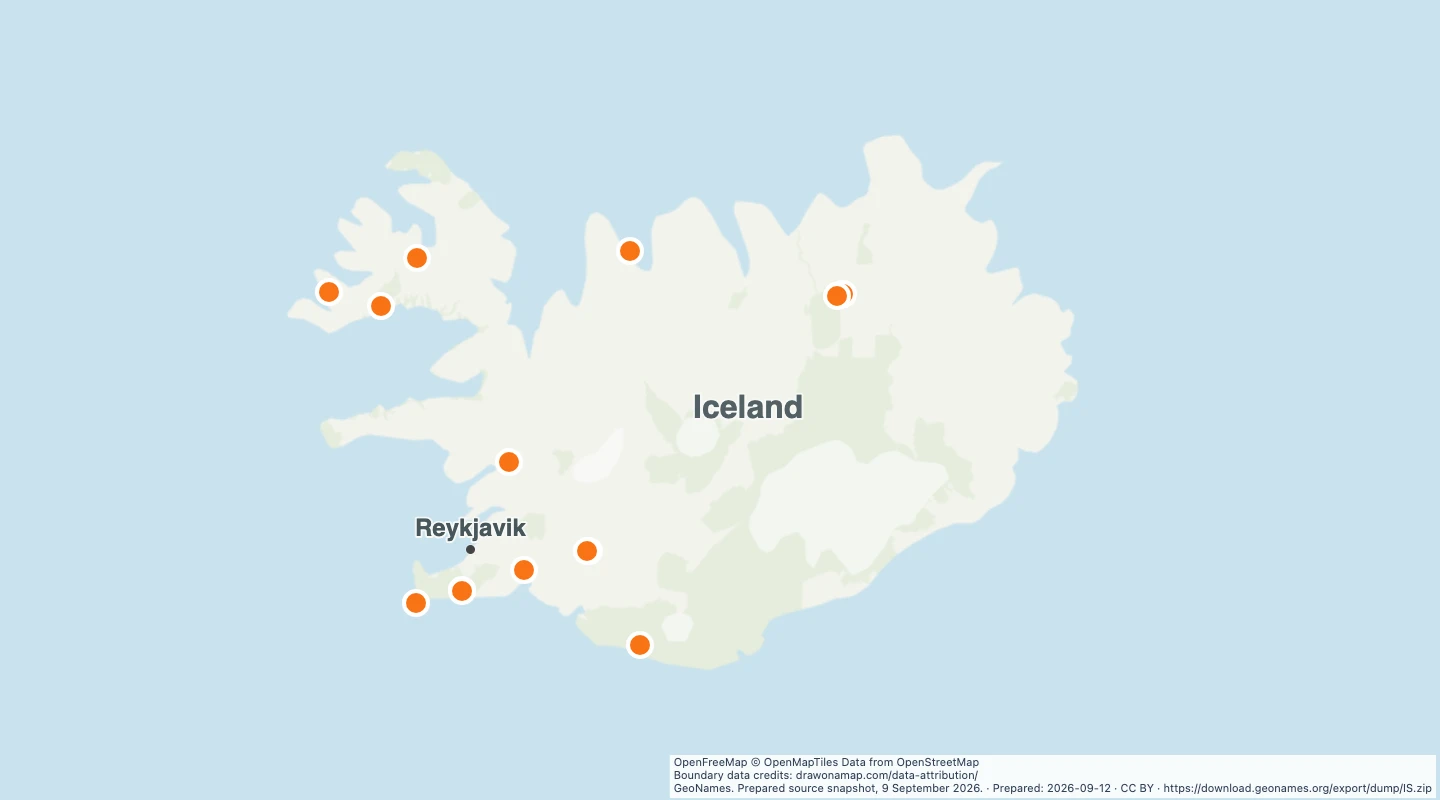 Hot springs in IcelandExplore 15 hot spring locations from GeoNames on a map of Iceland.
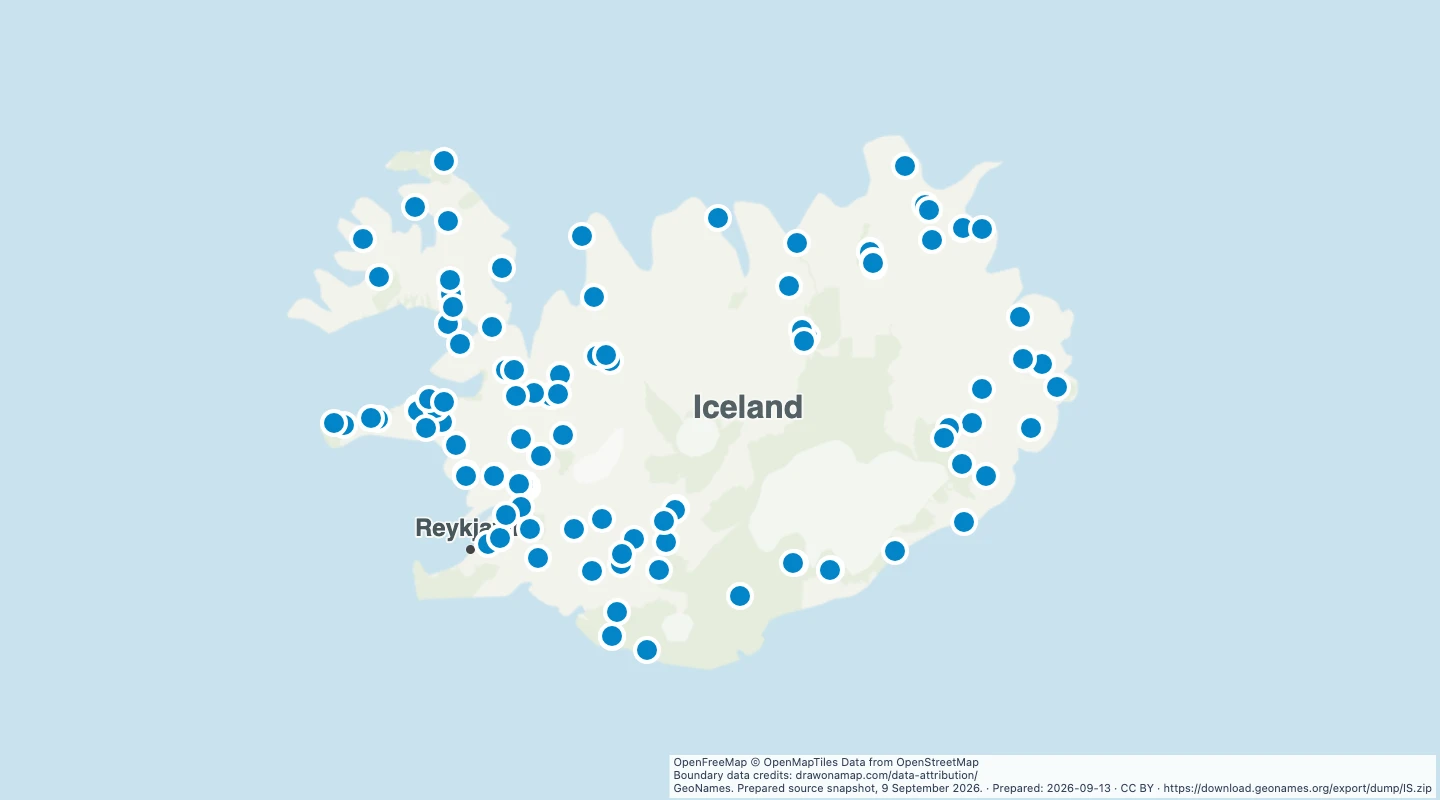 Waterfalls in Iceland mapExplore 114 waterfall locations in Iceland. Open the map, add routes and notes, or download the GeoJSON data. No account needed to edit.
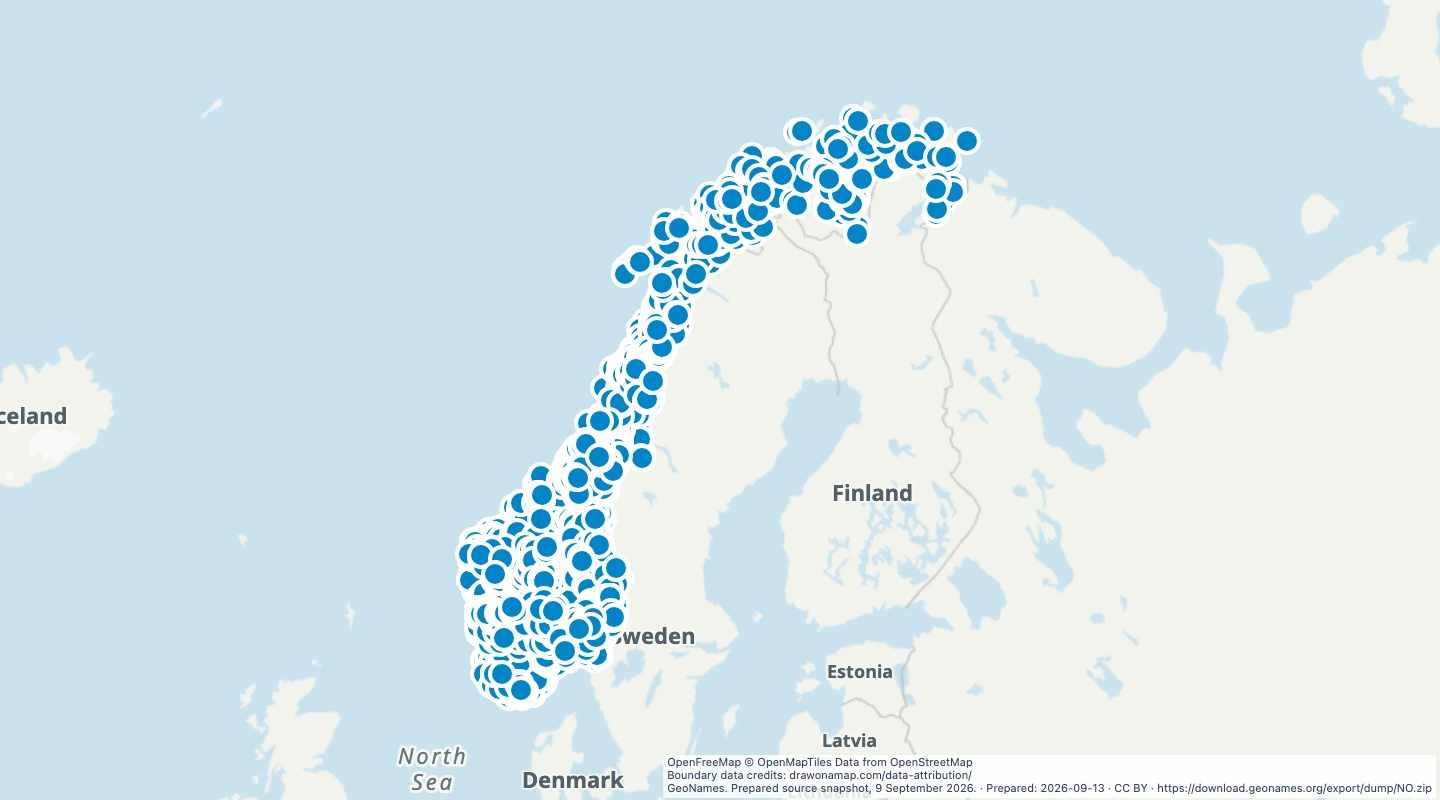 Waterfalls in Norway mapExplore 3,140 waterfall locations in Norway. Open the map, add routes and notes, or download the GeoJSON data. No account needed to edit.
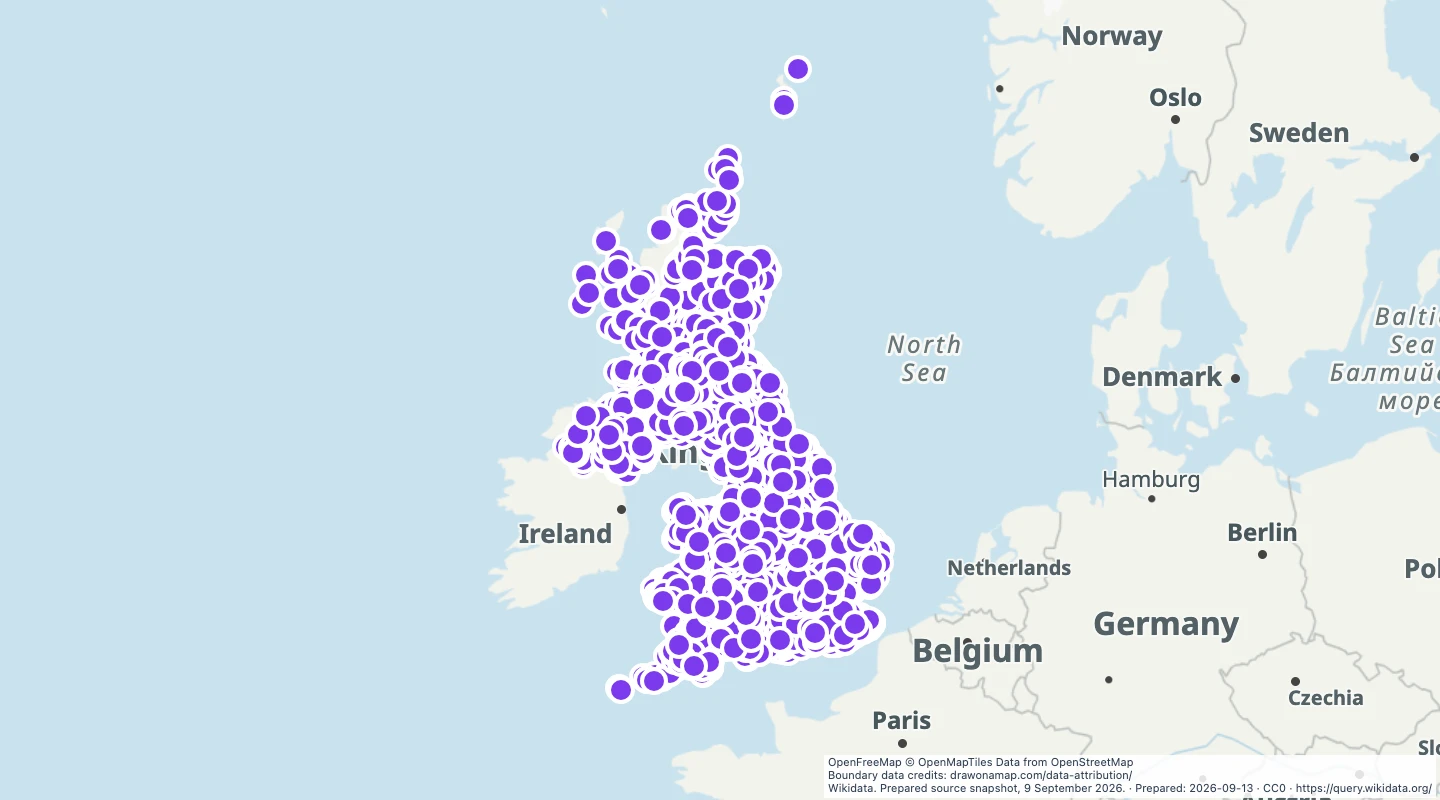 Castles in the United Kingdom mapExplore 3,807 castle and ruin locations in the United Kingdom. Edit the map, add notes, or download GeoJSON data from Wikidata.
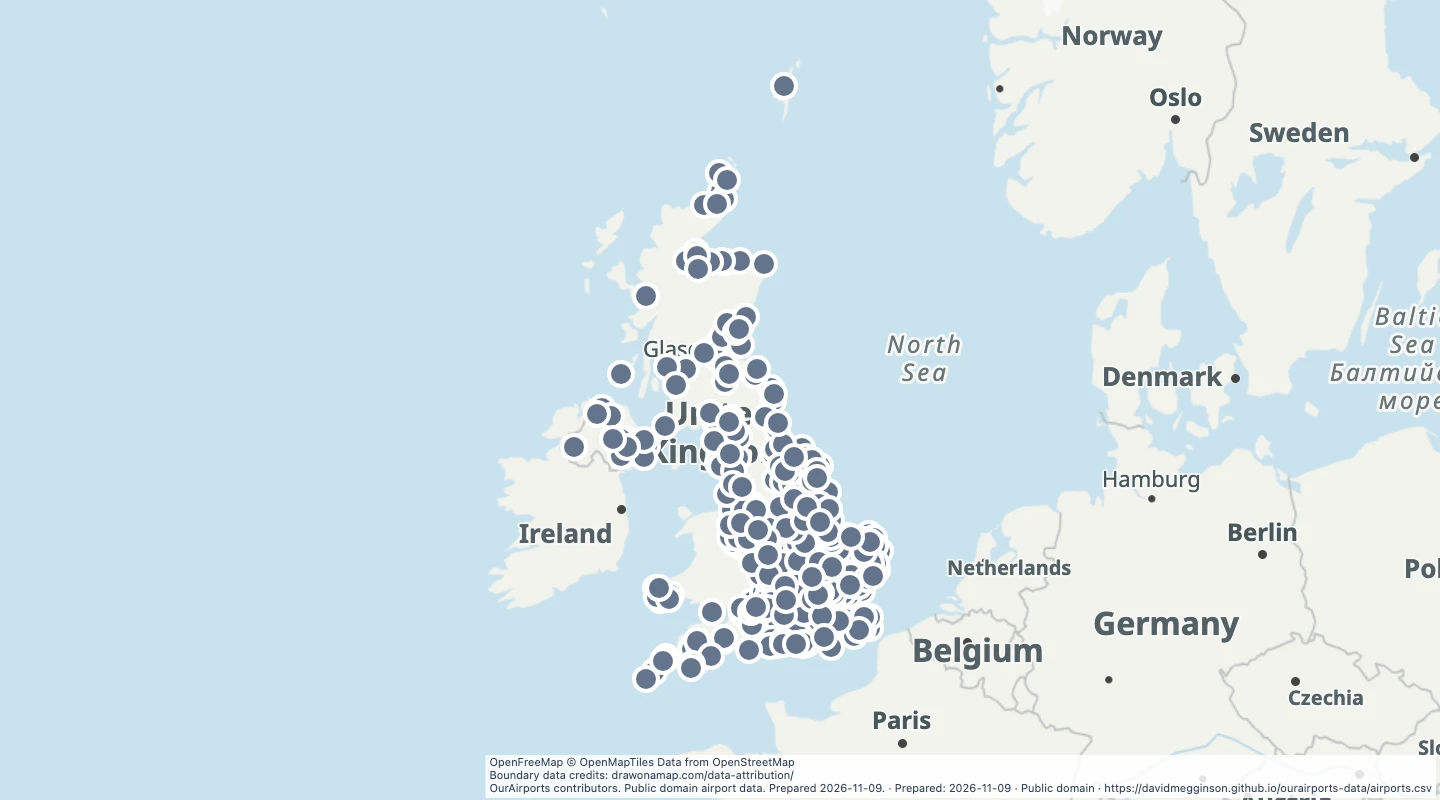 Closed airports in the United KingdomMap 384 closed airport records from OurAirports, with names and location details.
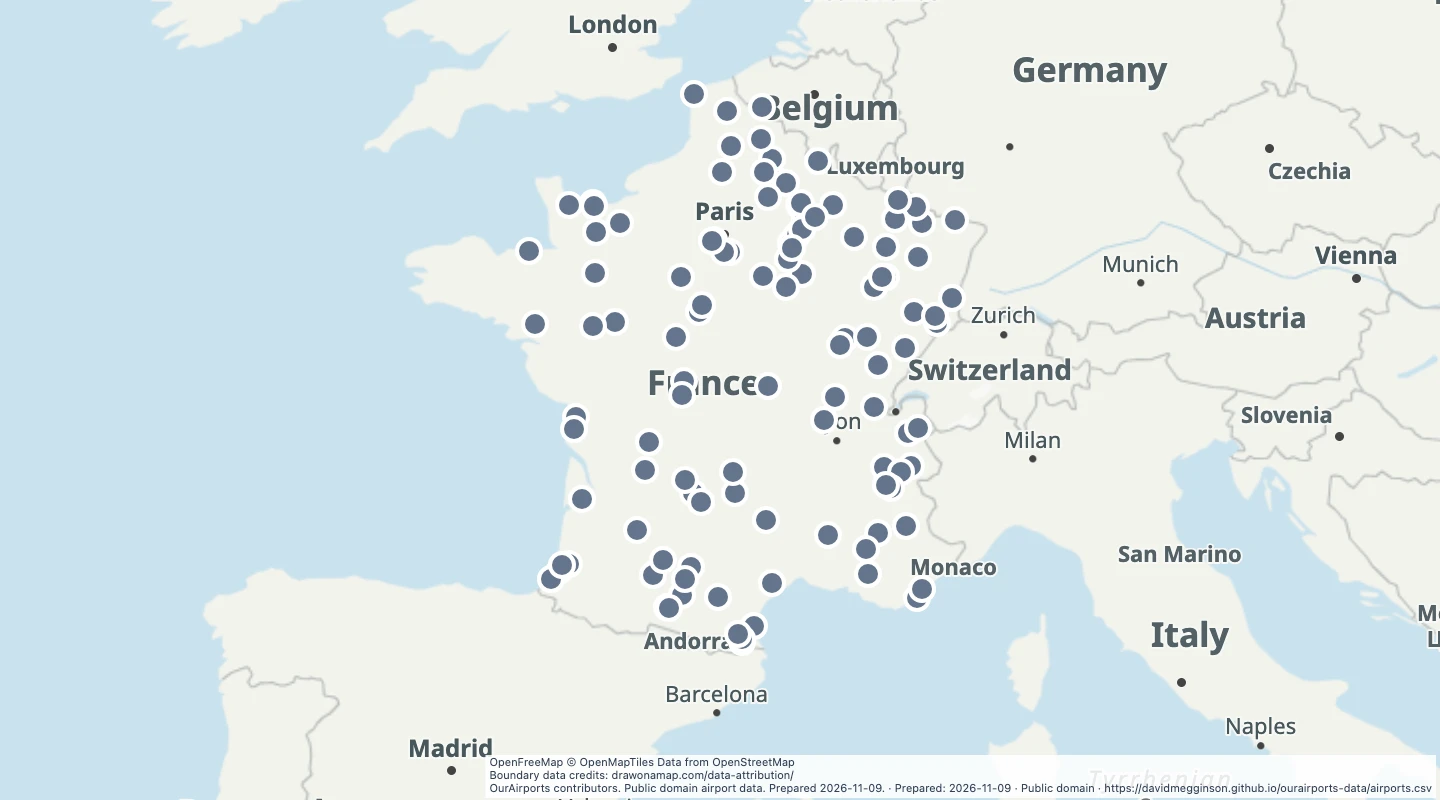 Closed airports in FranceMap 114 closed airport records in metropolitan France from OurAirports.
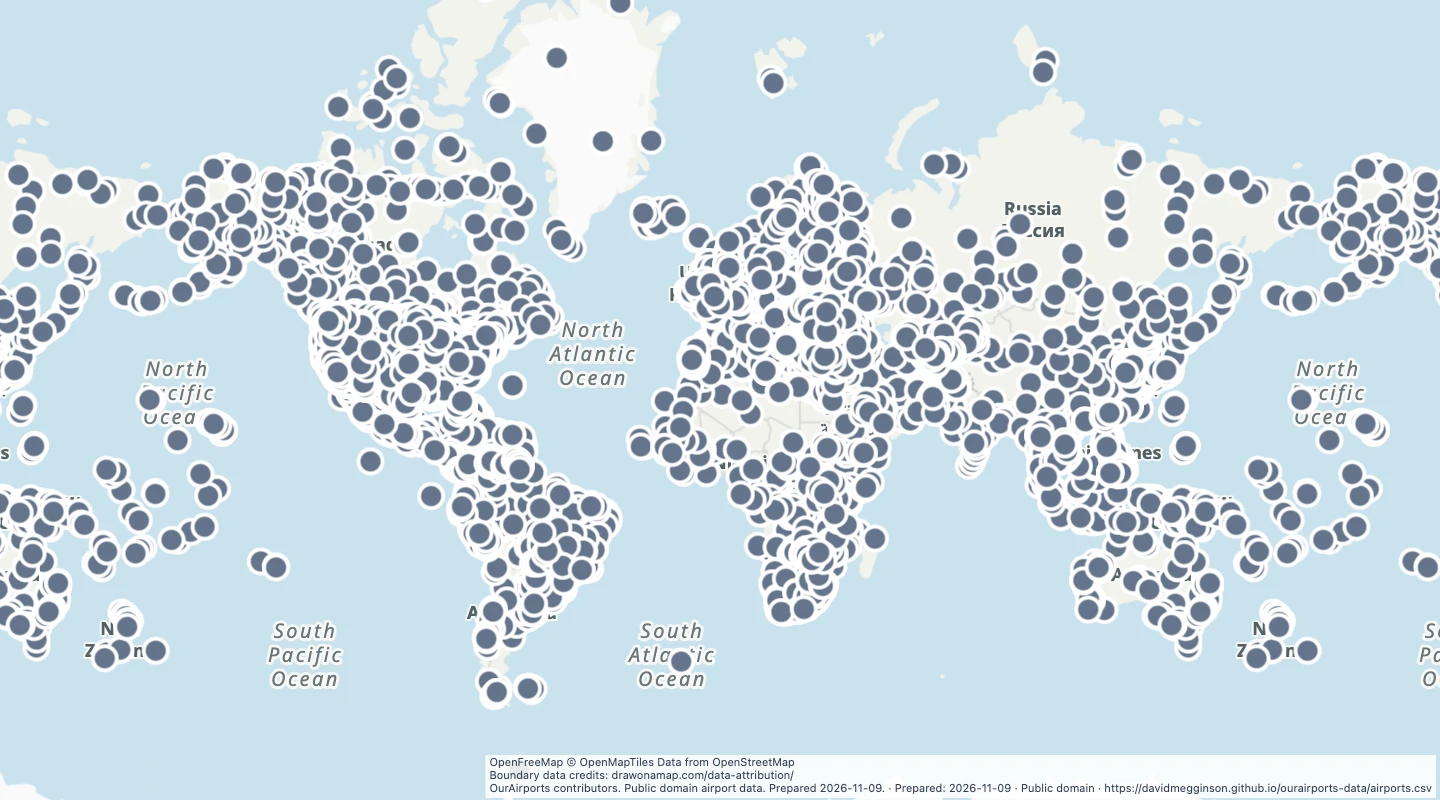 Closed airports worldwideExplore 13,657 closed airport locations worldwide from OurAirports.
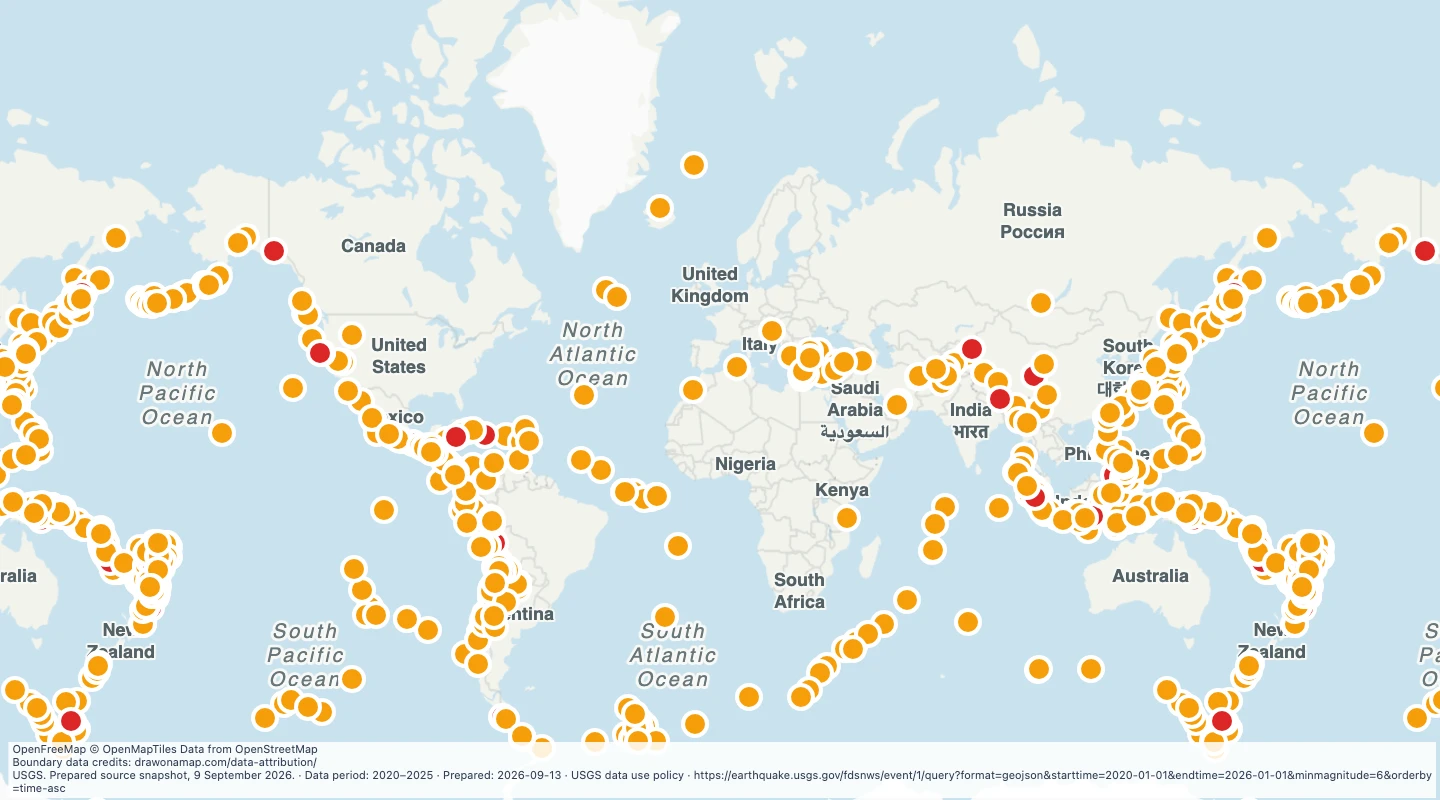 Earthquakes of magnitude 6 or above, 2020–2025Explore 796 earthquakes from USGS, with magnitude, depth, date, and links to each event.
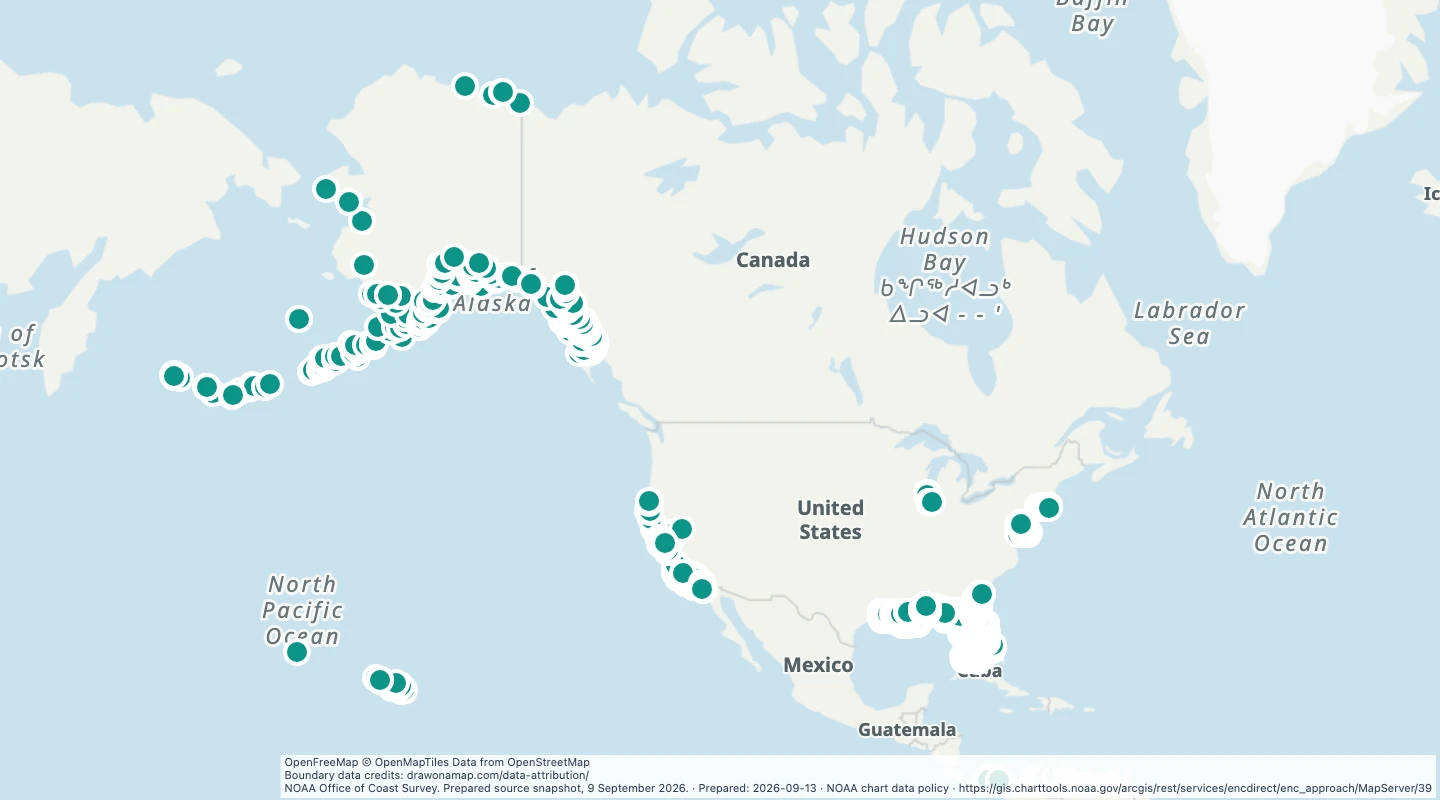 Shipwrecks on US approach chartsExplore 3,259 shipwreck locations from NOAA harbour approach charts. Not for navigation.
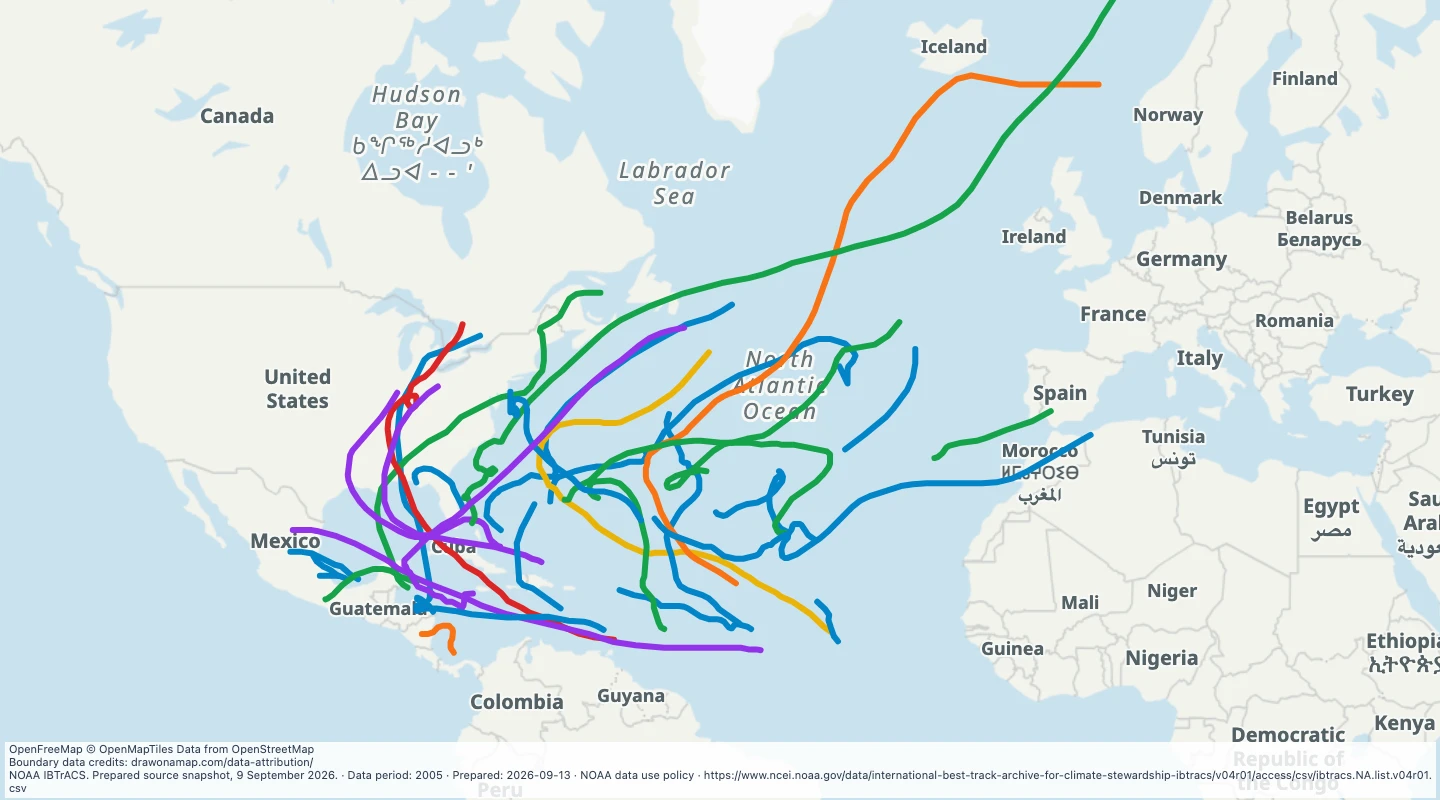 Atlantic storm tracks in 2005Explore 31 North Atlantic storm tracks from NOAA IBTrACS, with storm names, dates, and peak wind values.
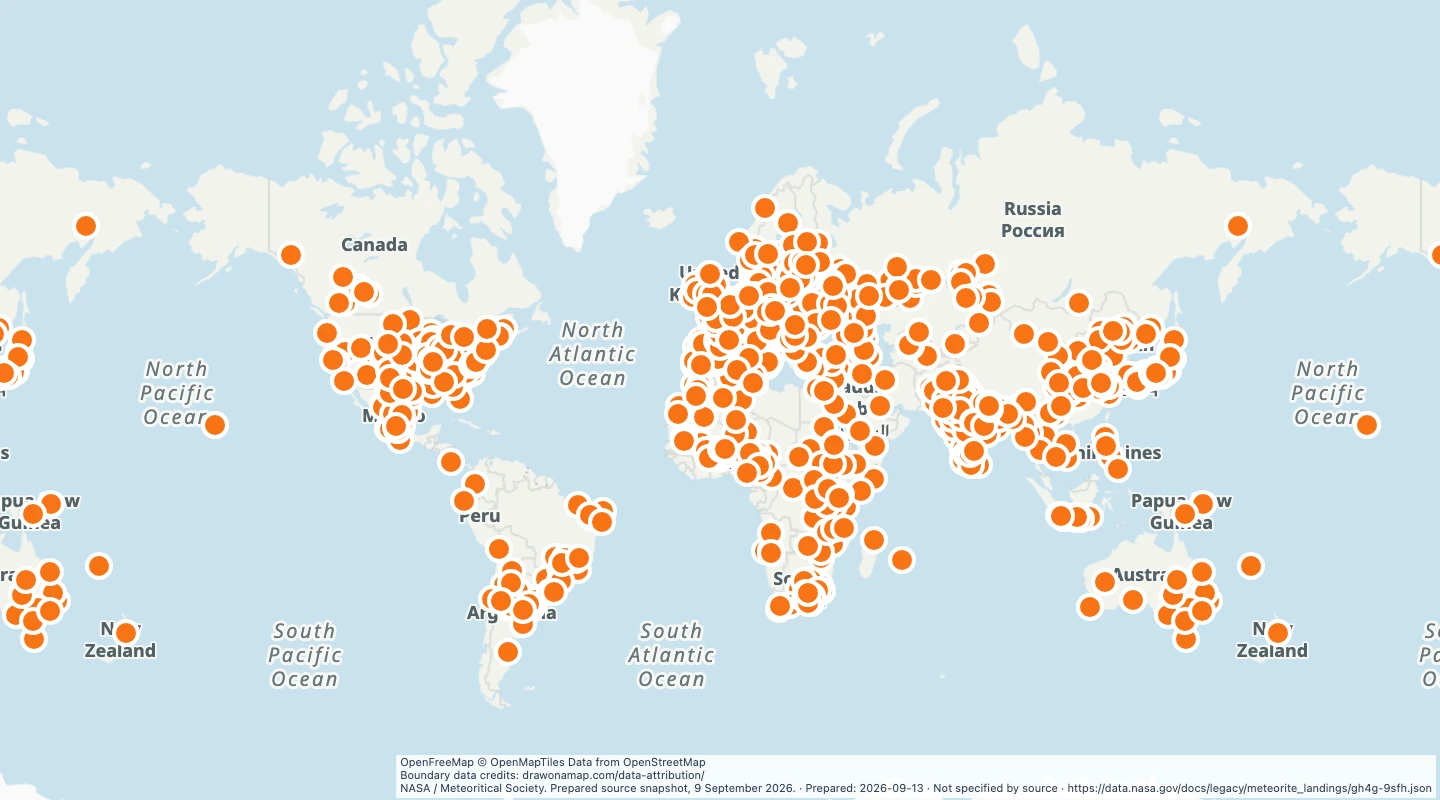 Meteorite landings: historical sampleExplore 986 meteorite locations from a historical NASA sample, with names, types, mass, and reported years.
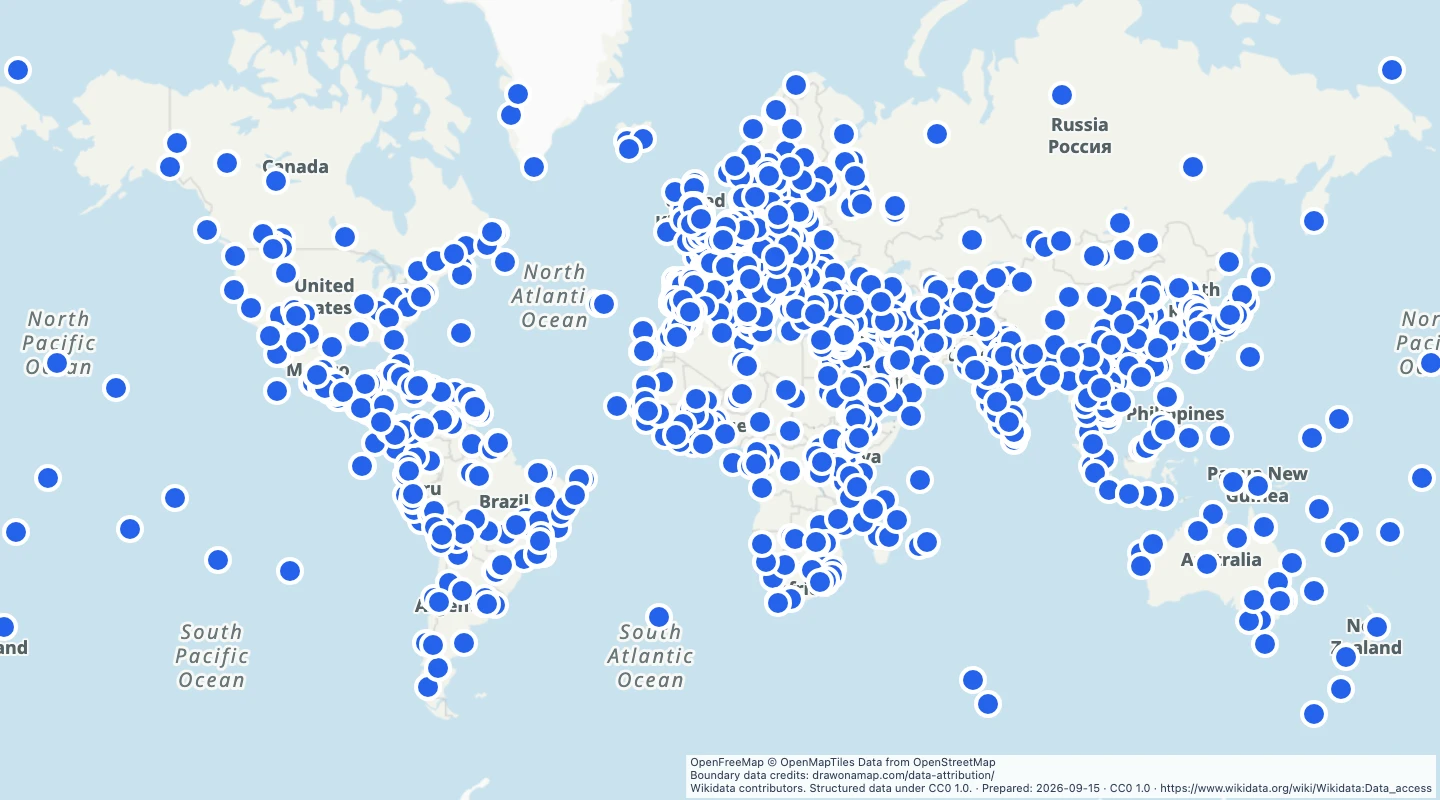 UNESCO World Heritage sitesExplore 1,378 UNESCO World Heritage site records on a world map. Compare cultural and natural sites and add your own notes.
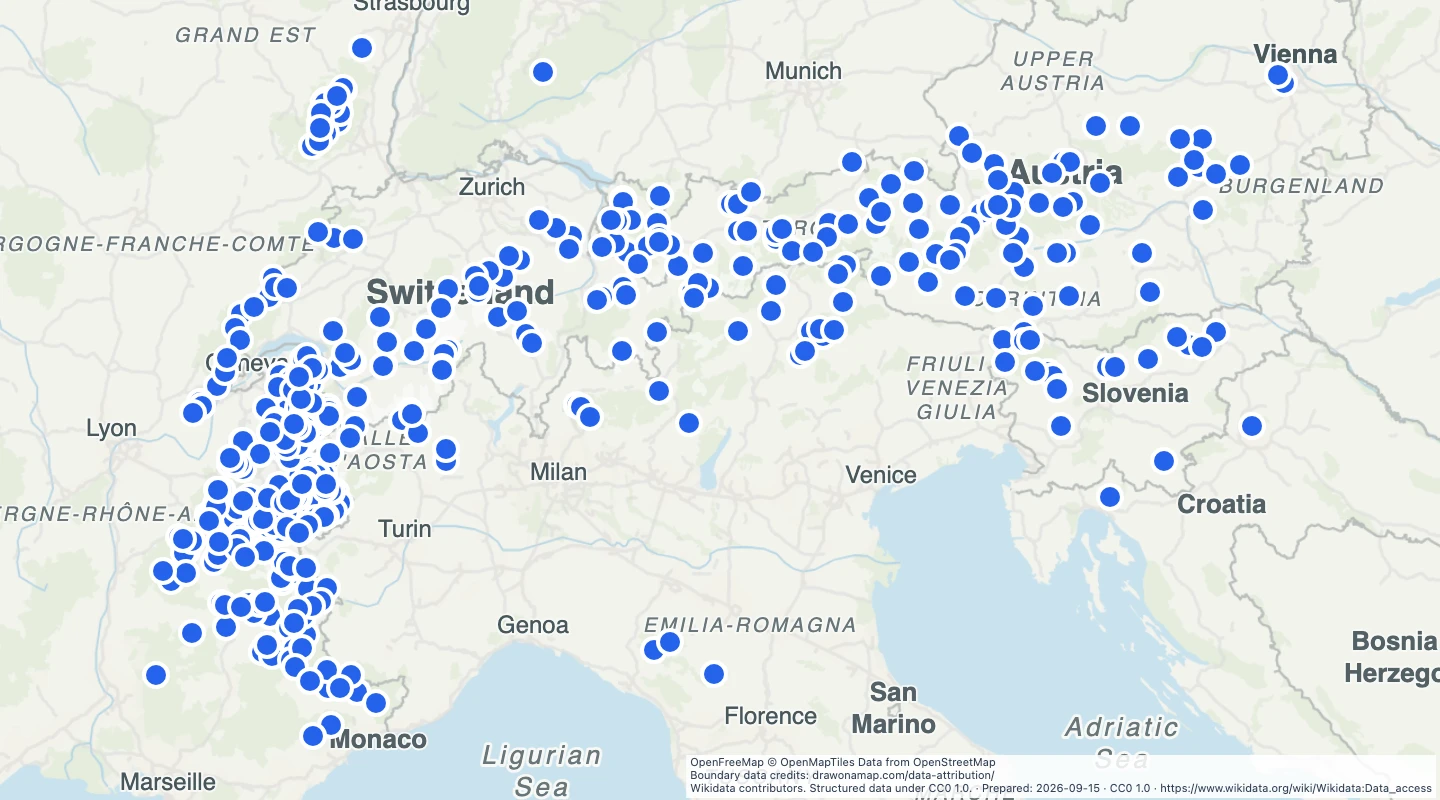 Alpine ski resortsExplore 470 ski resort locations across the Alps. Compare mountain destinations and add route notes.
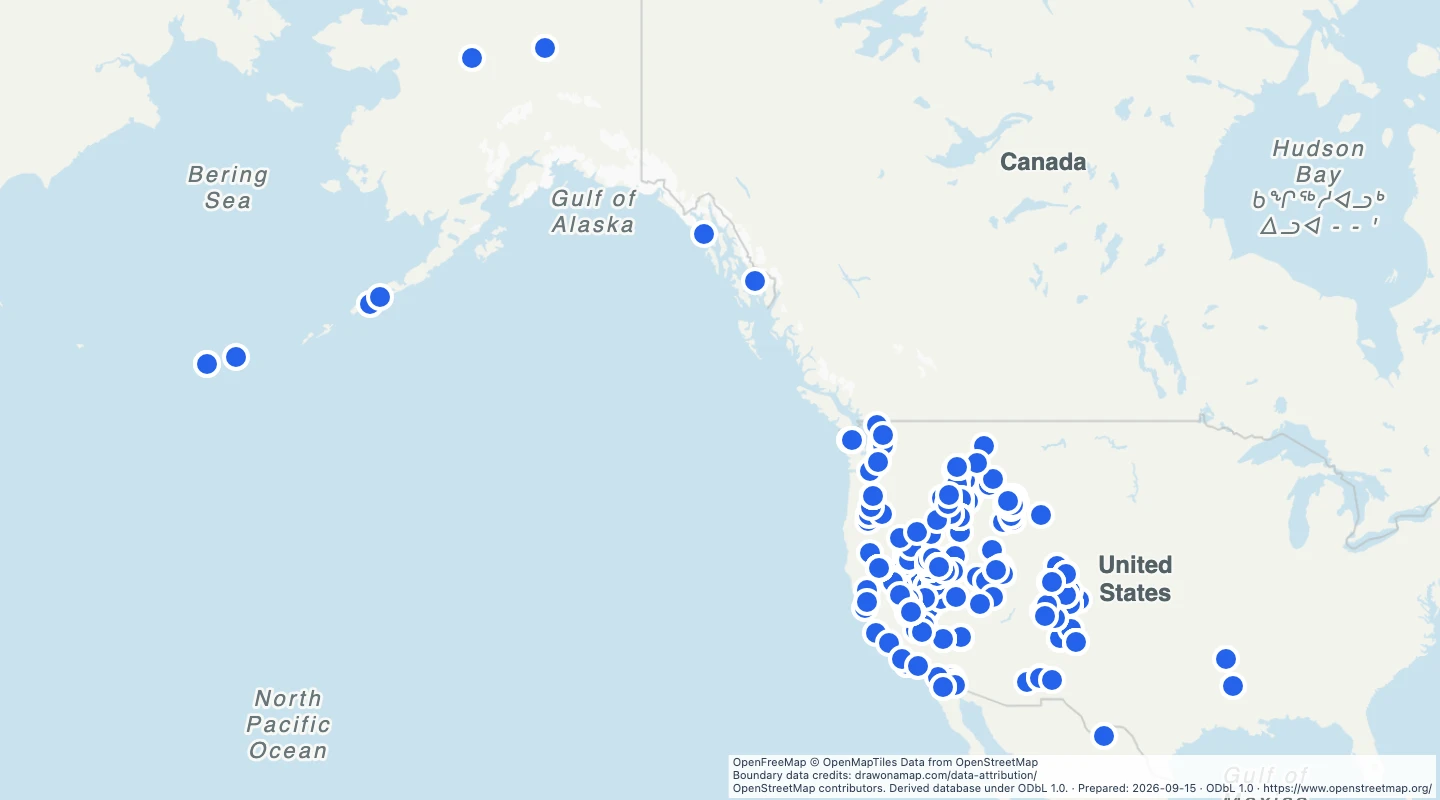 United States hot springsExplore 2,543 natural hot spring records across the United States. Compare locations and add your own site notes.
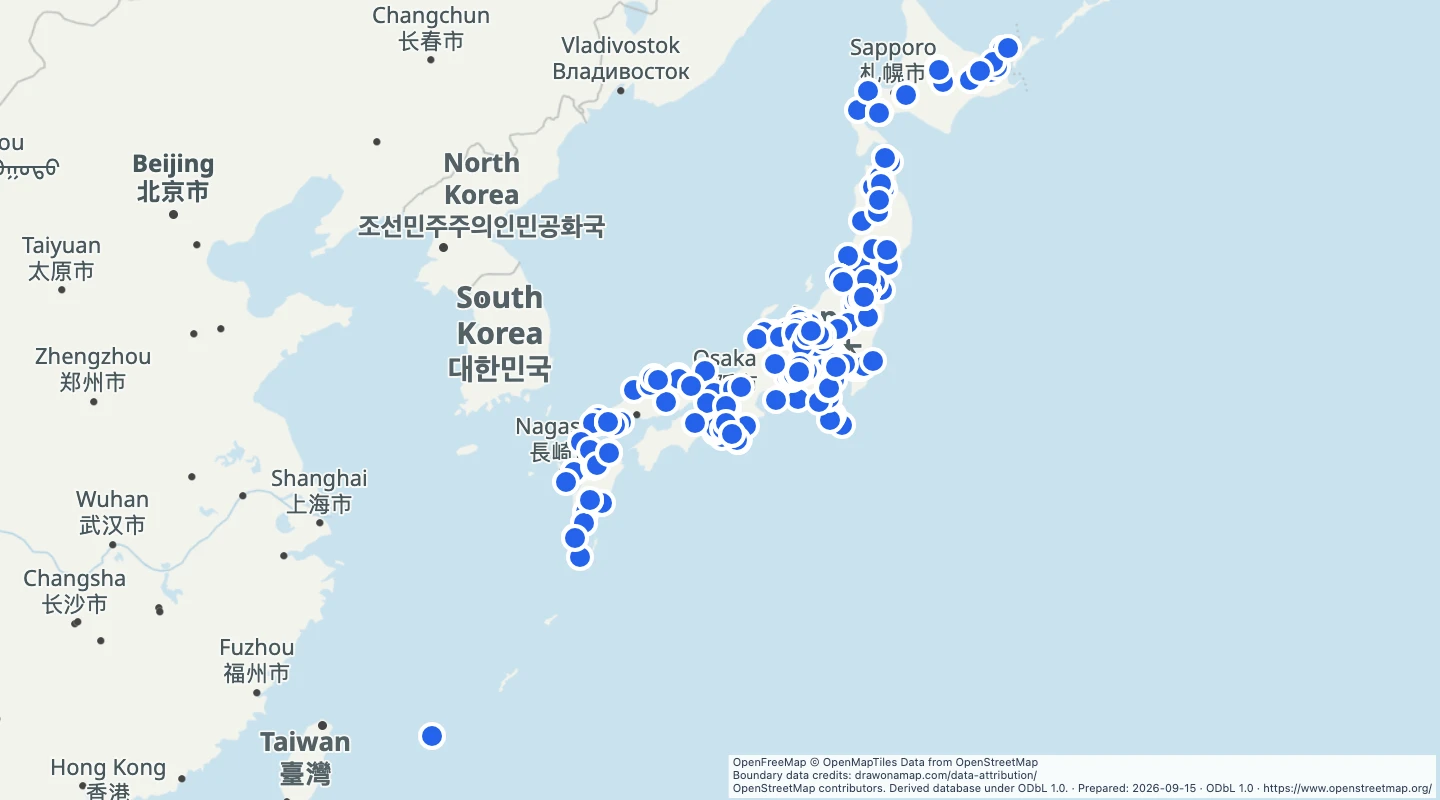 Japan hot springsExplore 270 natural hot spring records in Japan. Compare mapped springs and add your own site notes.
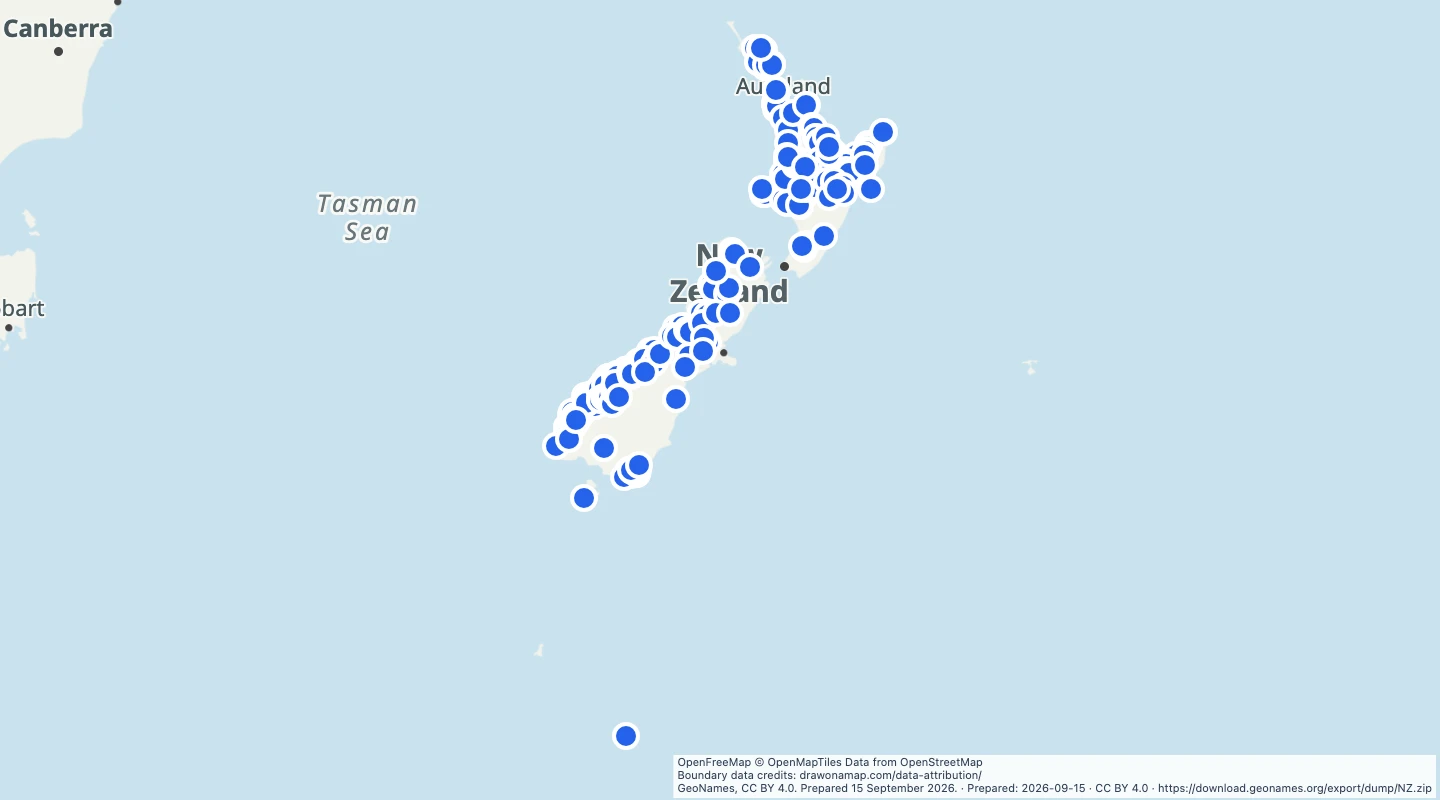 New Zealand waterfallsMap 288 waterfall and waterfall-section records in New Zealand. Compare locations and add trip notes.
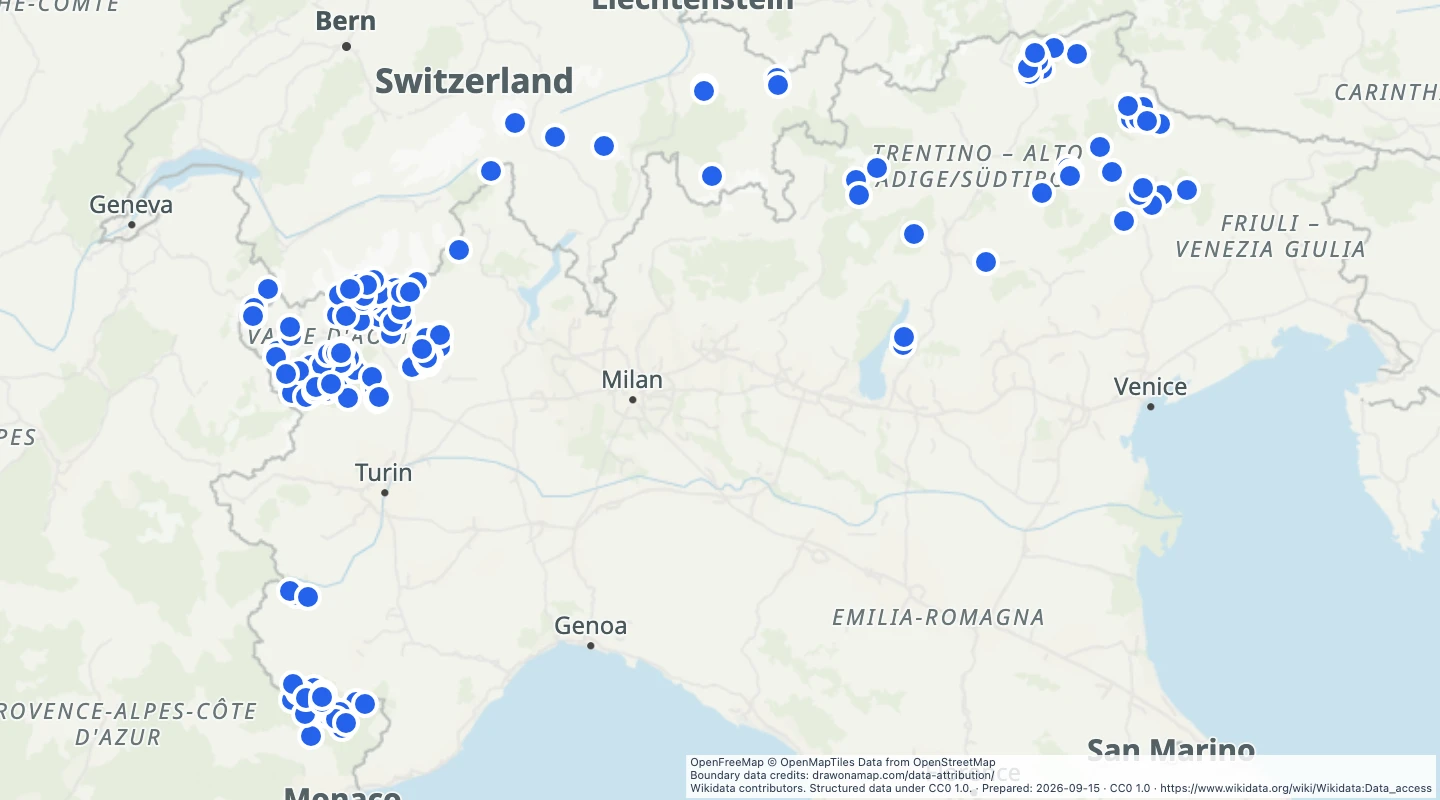 Alpine mountain summits above 2,000 metresExplore 187 Alpine mountain records at or above 2,000 metres. Compare summit locations and source elevations.
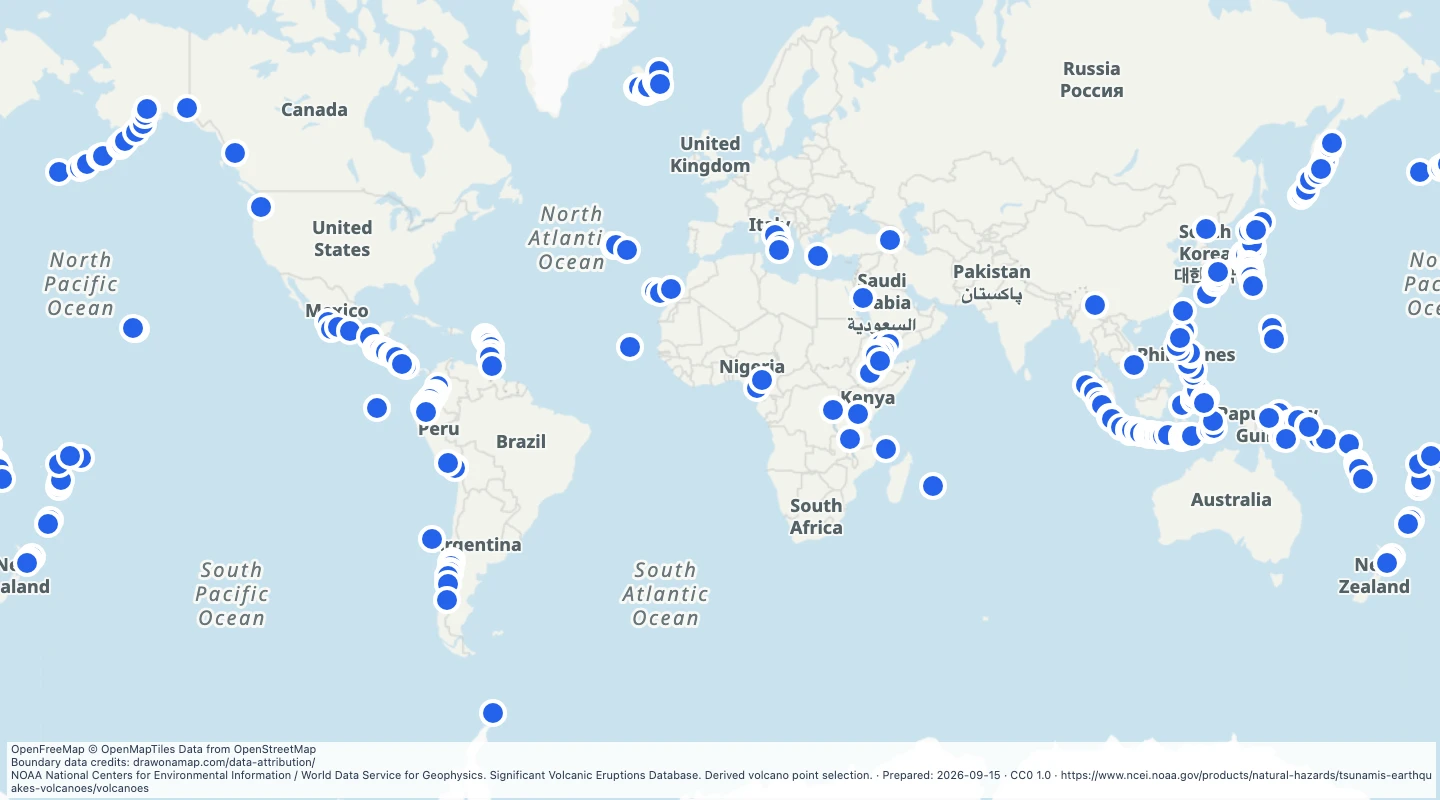 World Holocene volcanoes with significant eruption recordsExplore 257 Holocene volcanoes with significant eruption records in the NOAA NCEI database. Compare their locations on a world map.
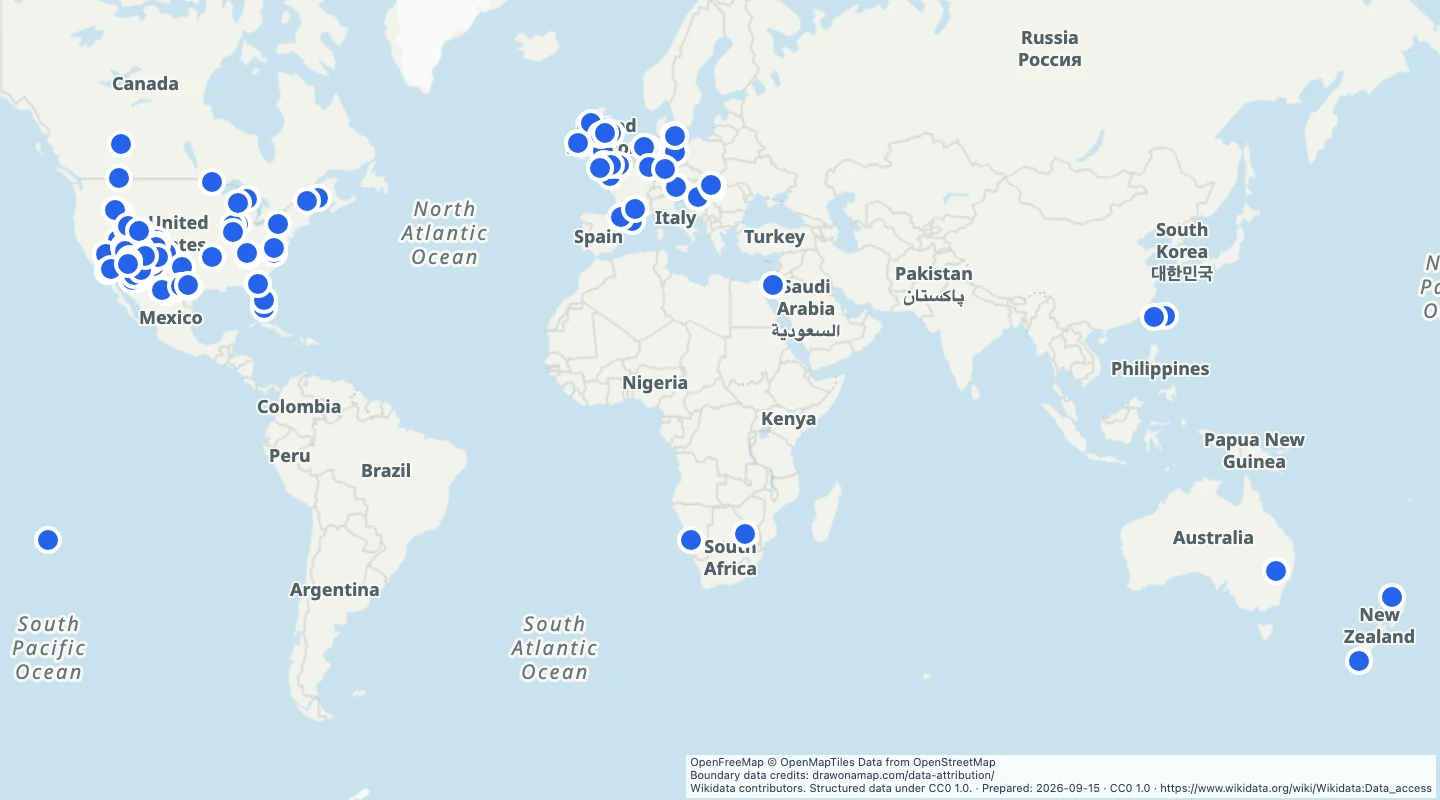 International Dark Sky PlacesExplore 128 International Dark Sky Place records from Wikidata. Compare named places with DarkSky directory identifiers.
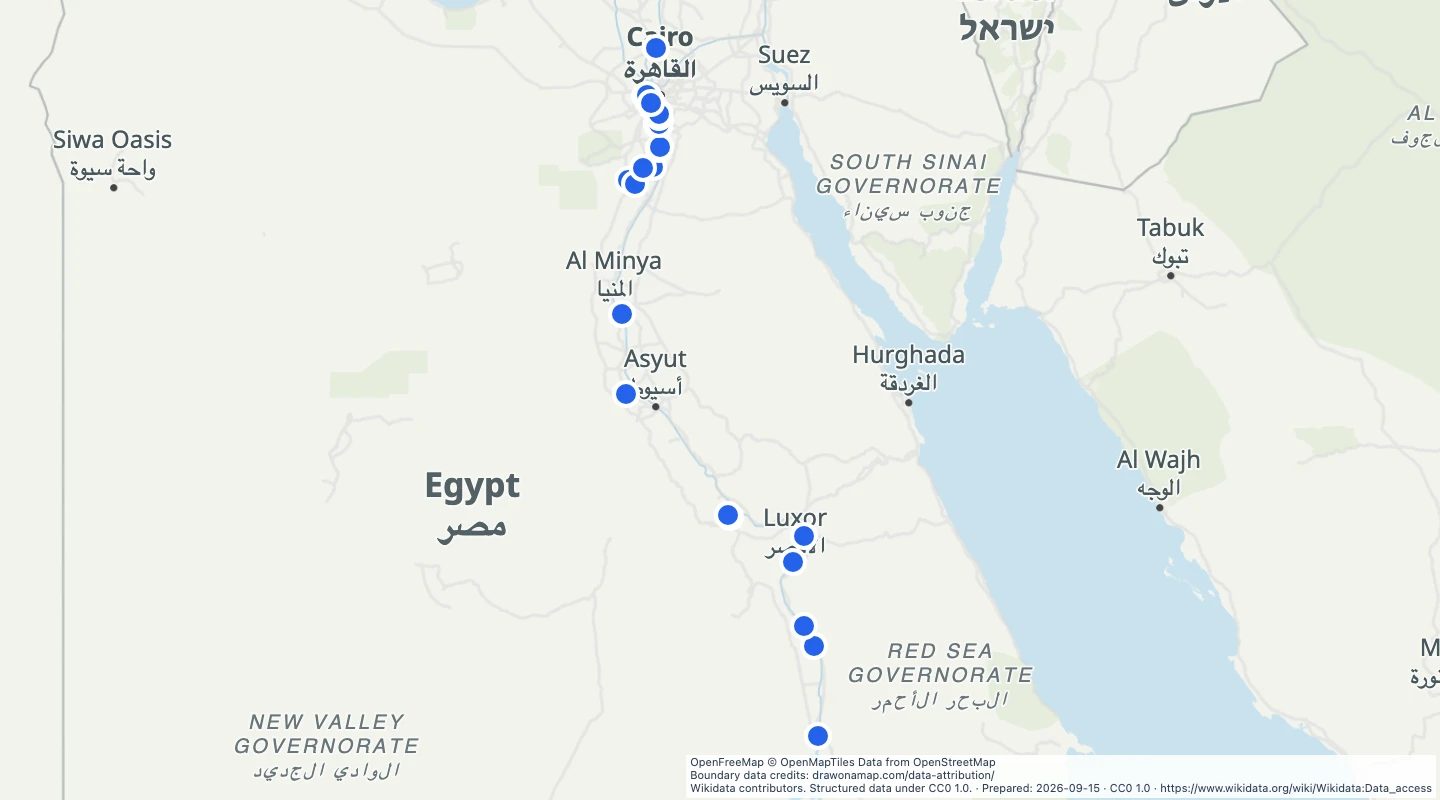 Egypt pyramidsExplore 80 pyramid locations in Egypt. Compare individual monuments and add historical notes.
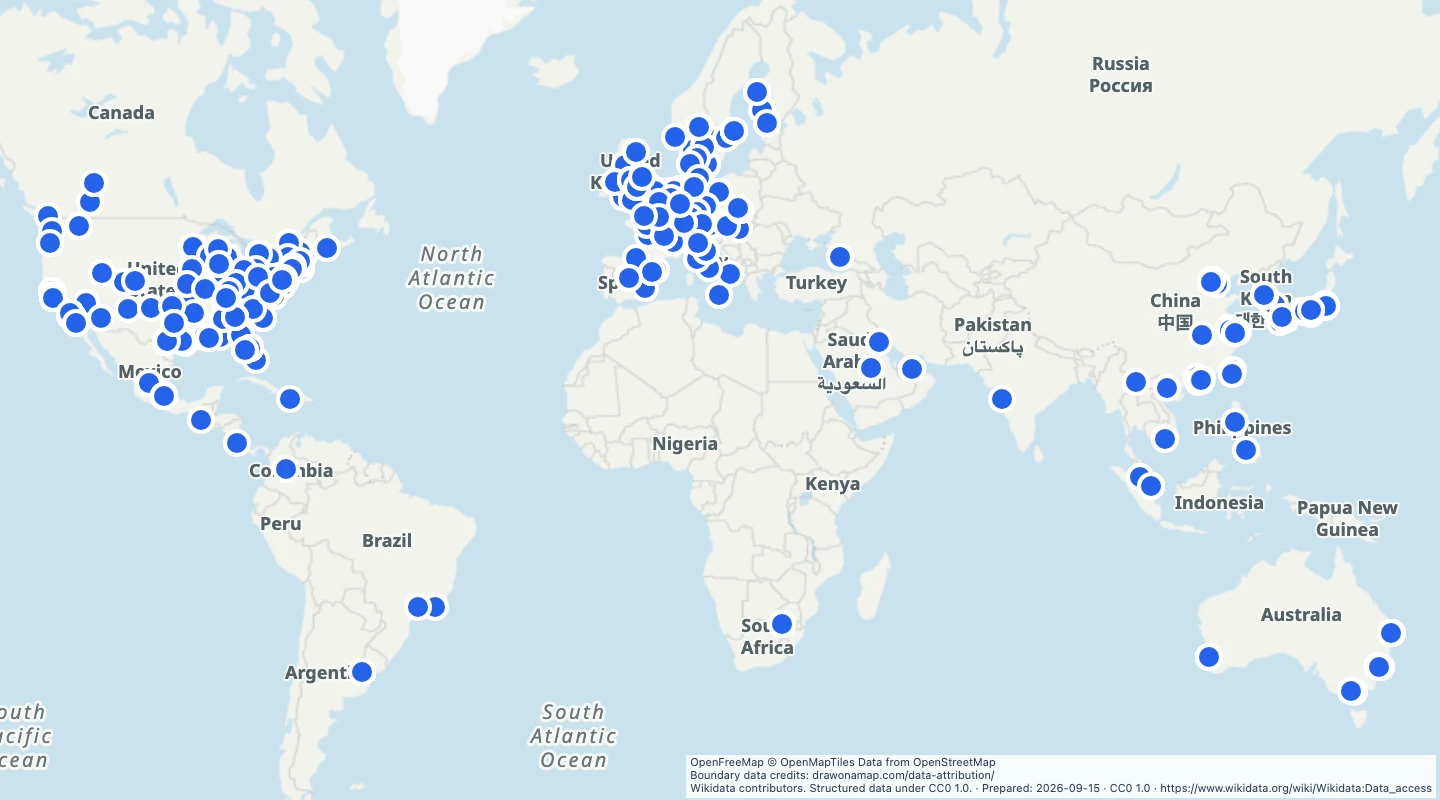 World roller coastersExplore 1,100 roller coaster locations around the world. Compare ride locations and add your own notes.
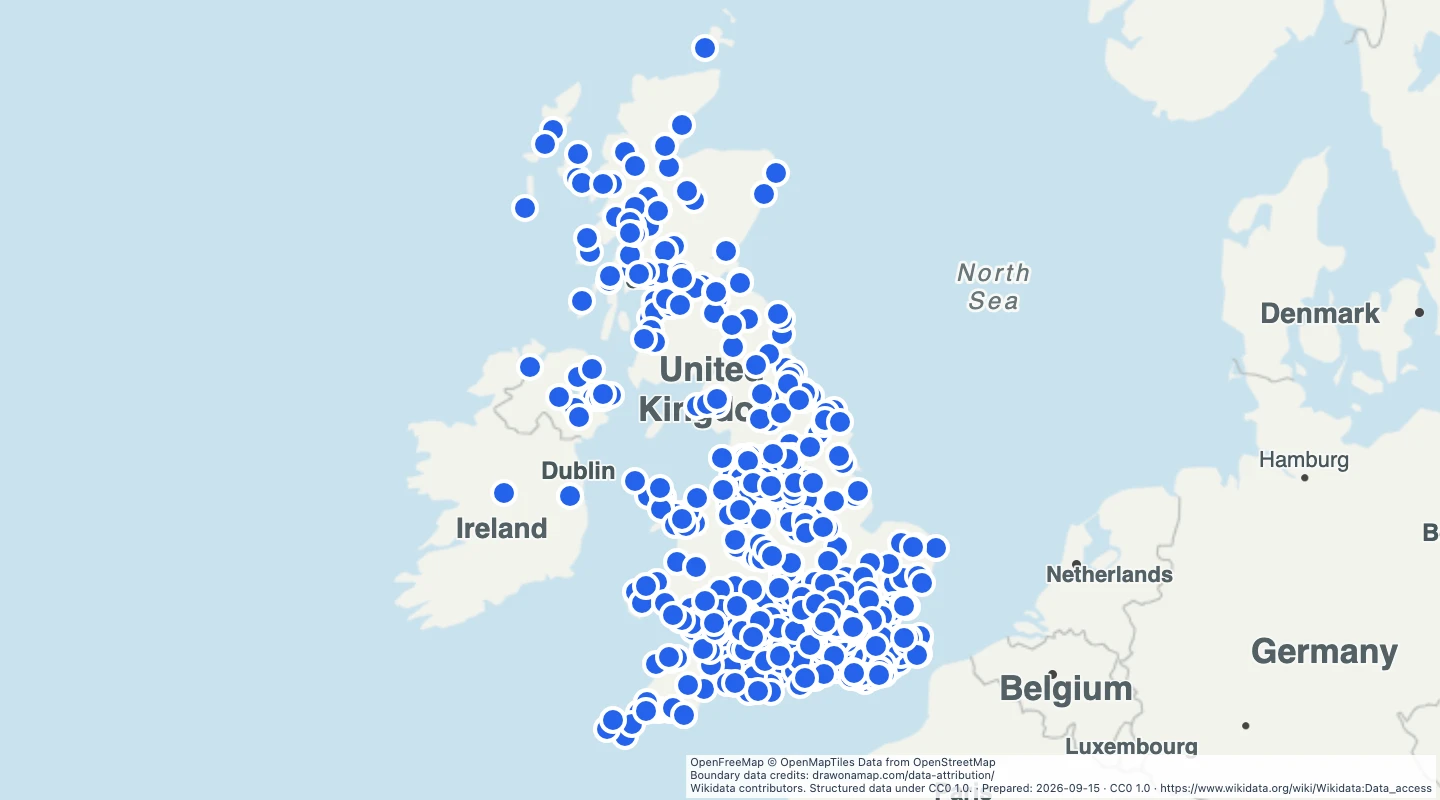 UK film and television locationsExplore 901 UK filming locations with linked film or television titles. Compare places and add your own scene notes.
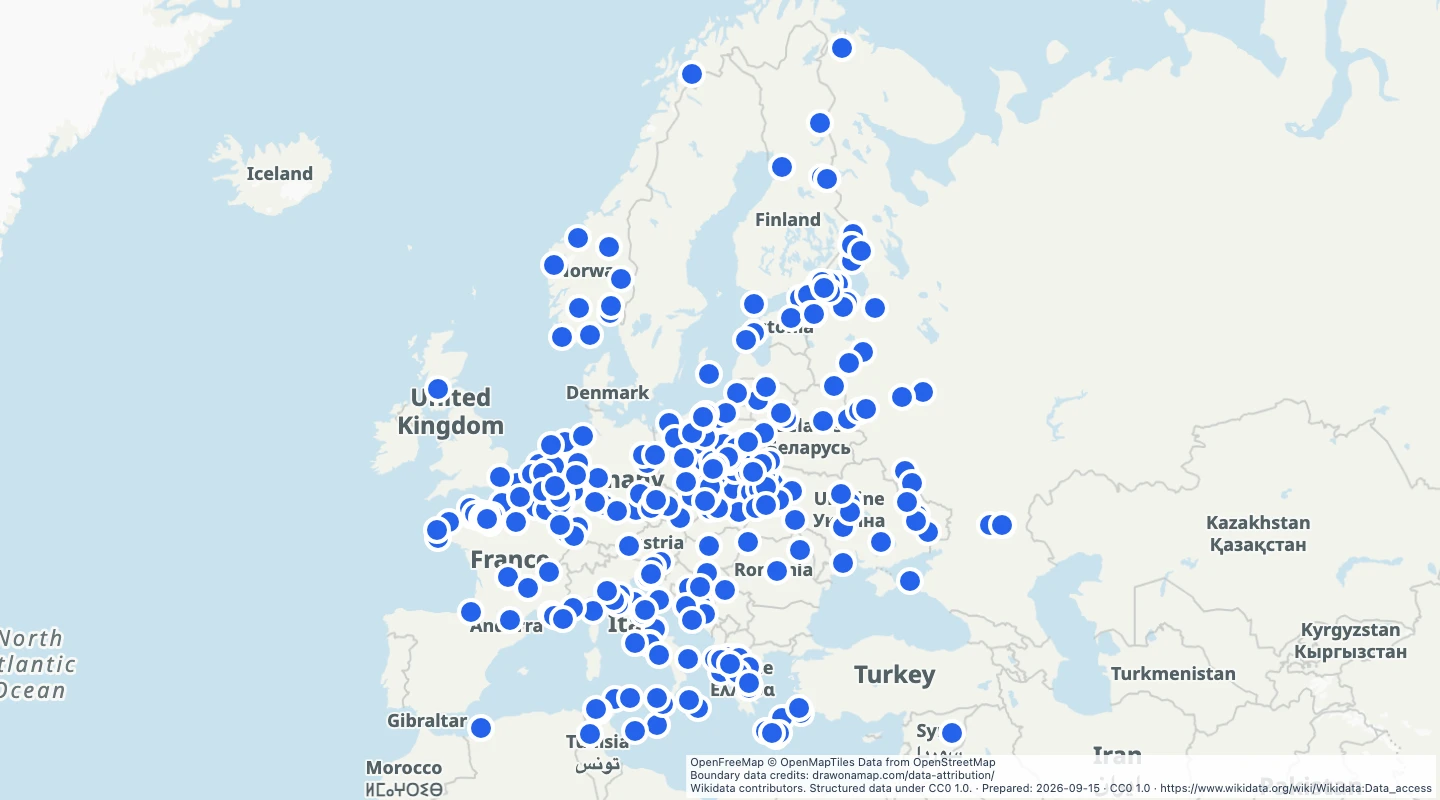 Europe Second World War battle sitesMap 354 Second World War battle records in Europe, dated from 1939 to 1945. Compare approximate locations and add historical notes.
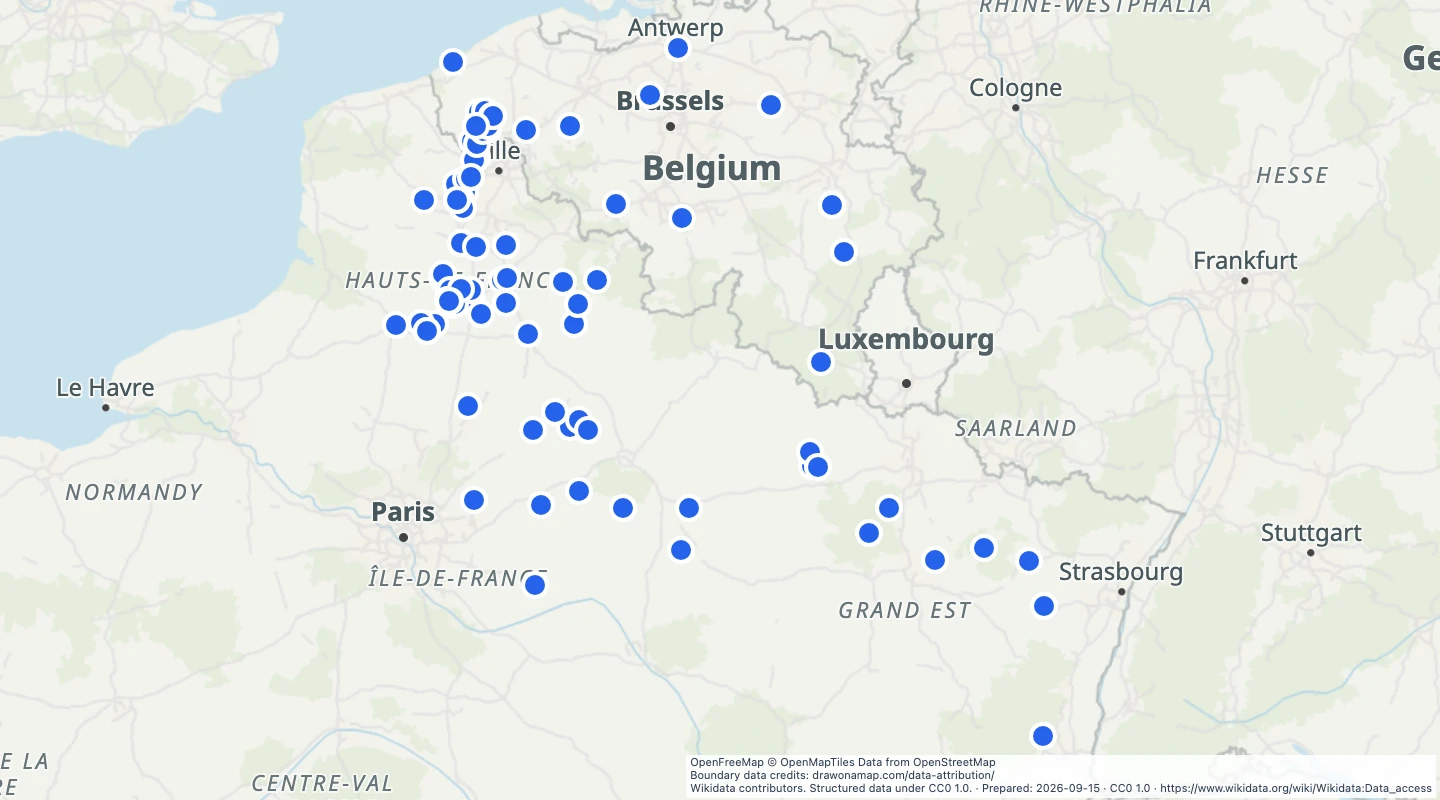 Western Front First World War battle sitesMap 110 First World War battle records on the Western Front, dated from 1914 to 1918. Compare approximate locations and add historical notes.
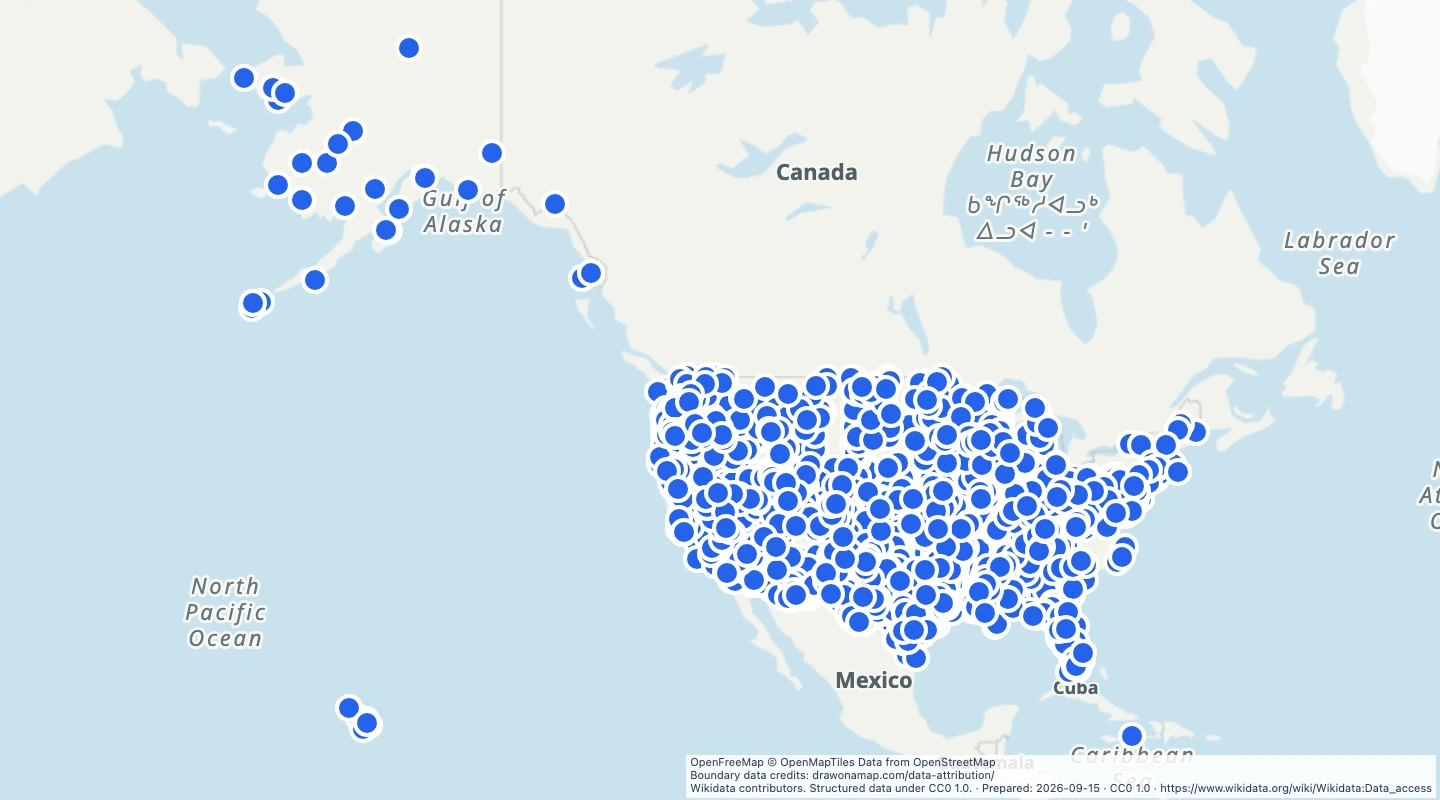 US ghost townsExplore 2,691 US ghost town records from Wikidata. Compare settlement locations and add historical notes.
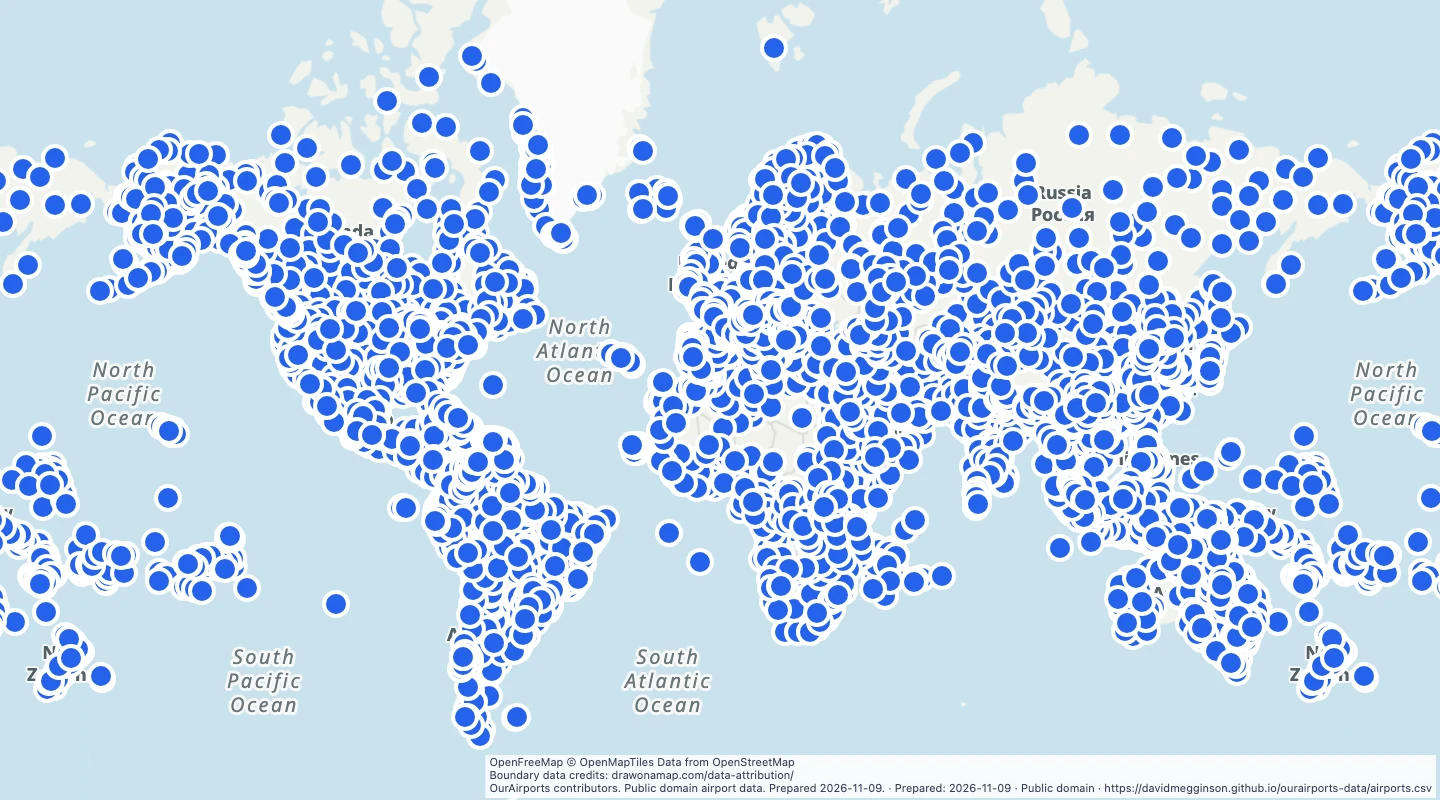 World scheduled-service airportsExplore 4,328 airports marked as having scheduled service by OurAirports. Compare airport locations around the world.
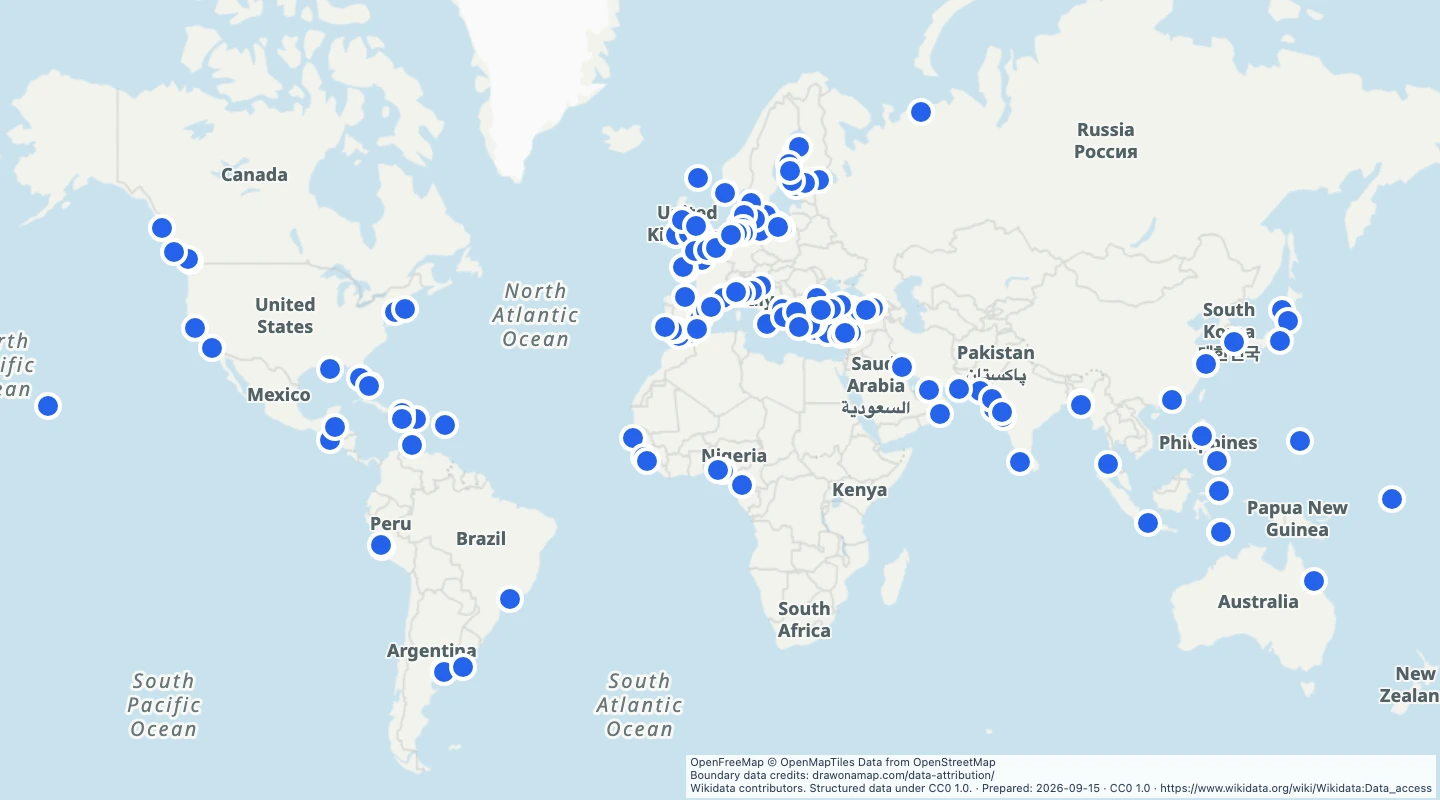 World seaportsExplore 182 seaport records around the world. Compare port locations and add your own shipping or travel notes.
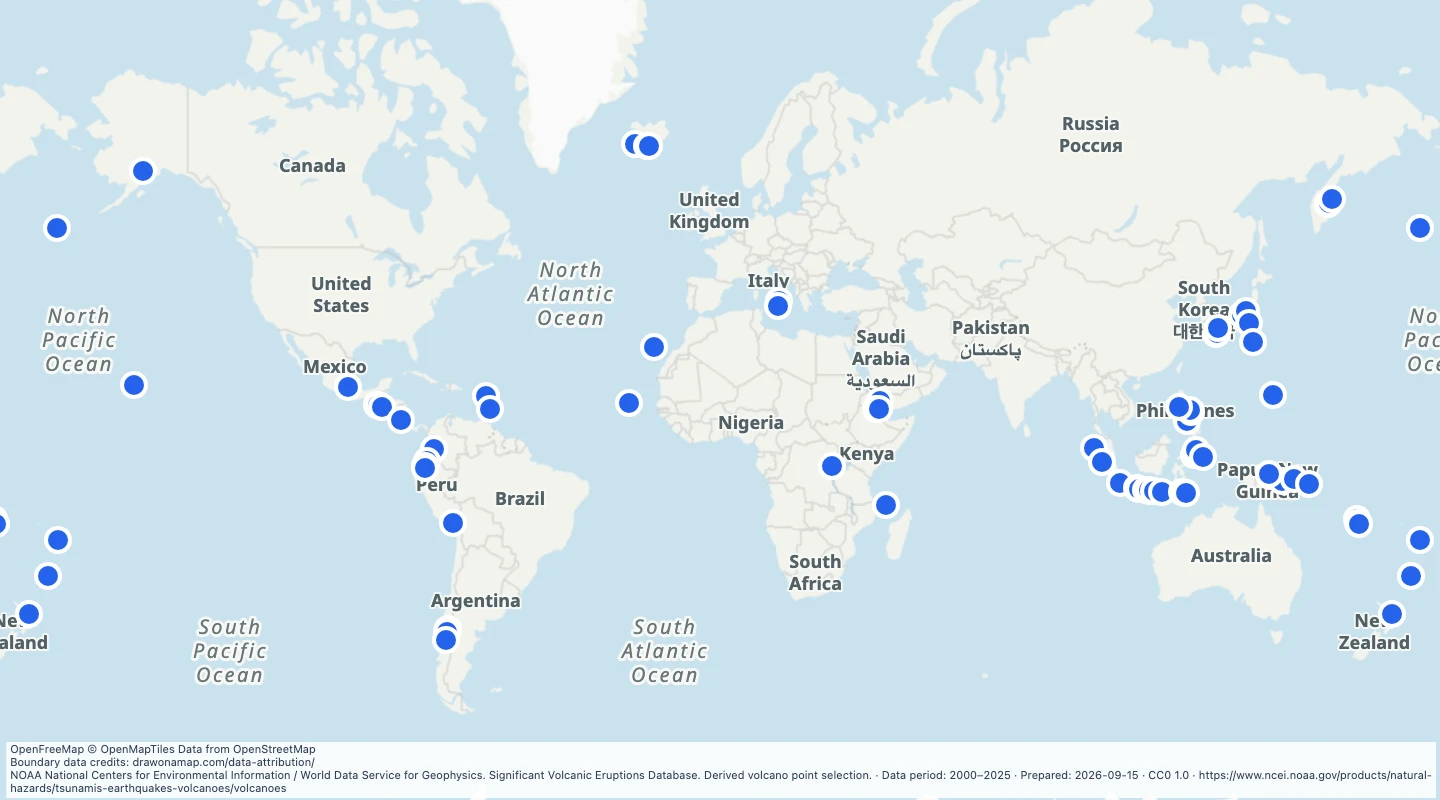 World volcanoes with significant eruptions in 2000 to 2025Explore 73 volcanoes with significant eruptions recorded from 2000 to 2025 by NOAA NCEI. Compare their locations on a world map.
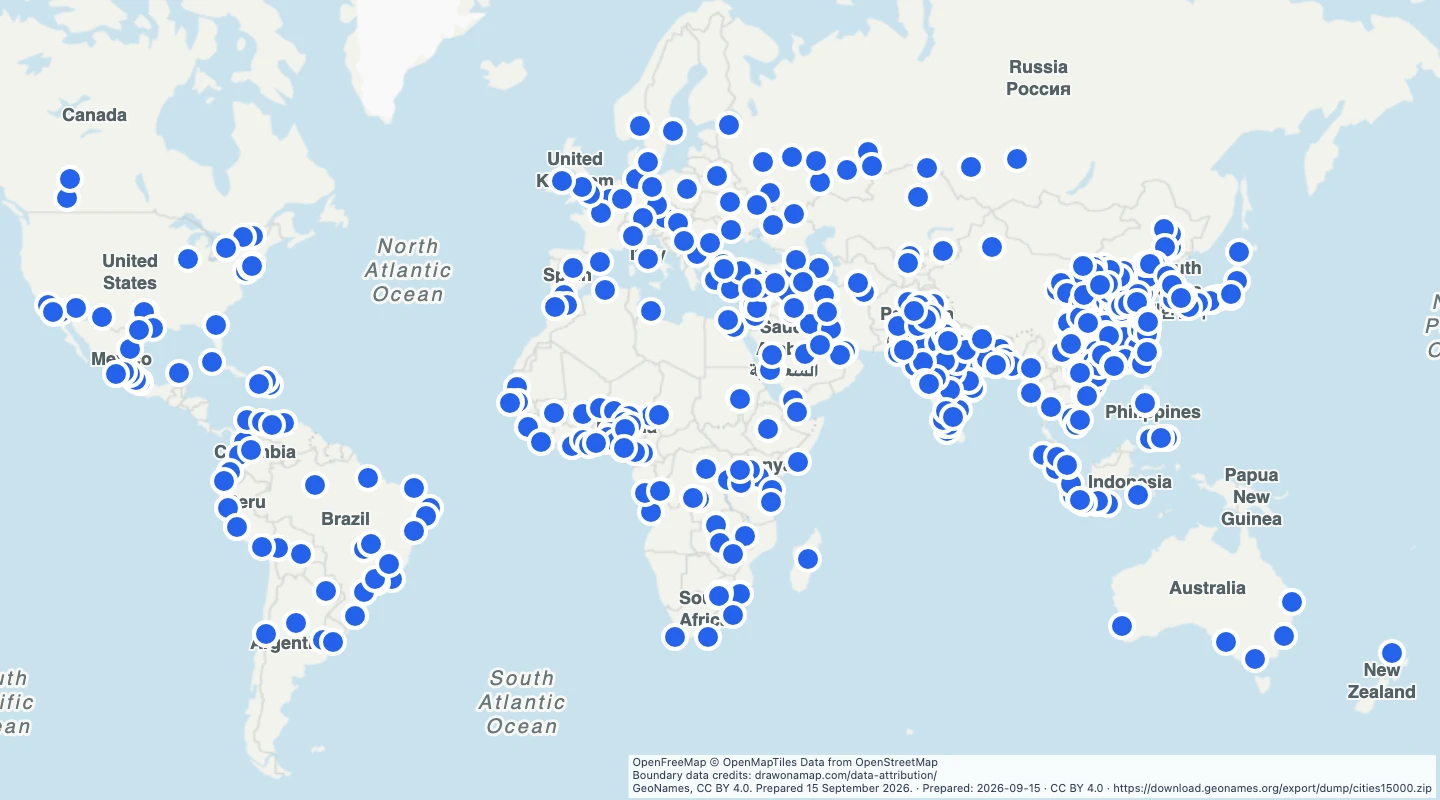 World cities above one million peopleMap 573 cities with a source population of at least one million. Compare city locations and population records around the world.
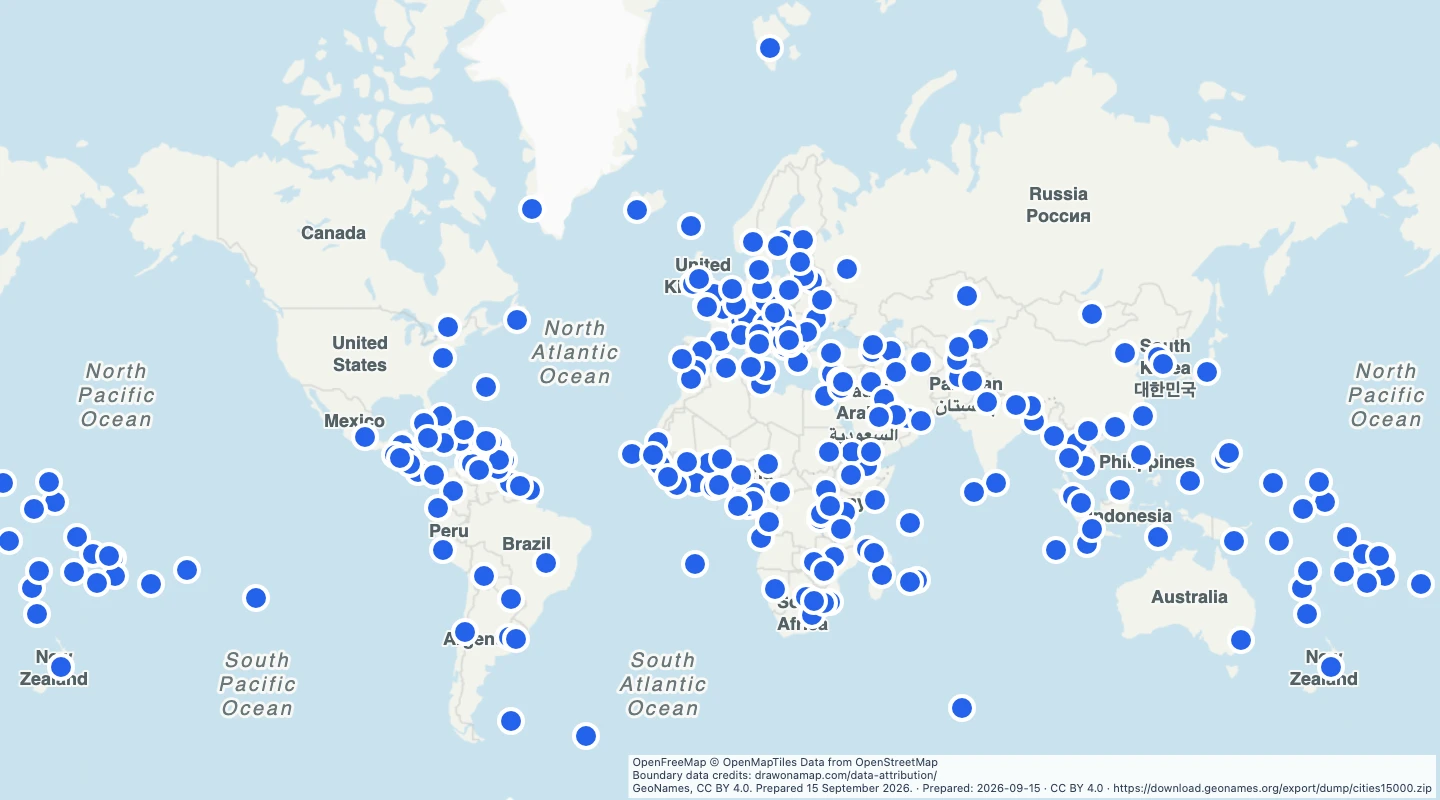 World national capitalsExplore 241 national and territorial capital records from GeoNames. Compare capital locations on a world map.
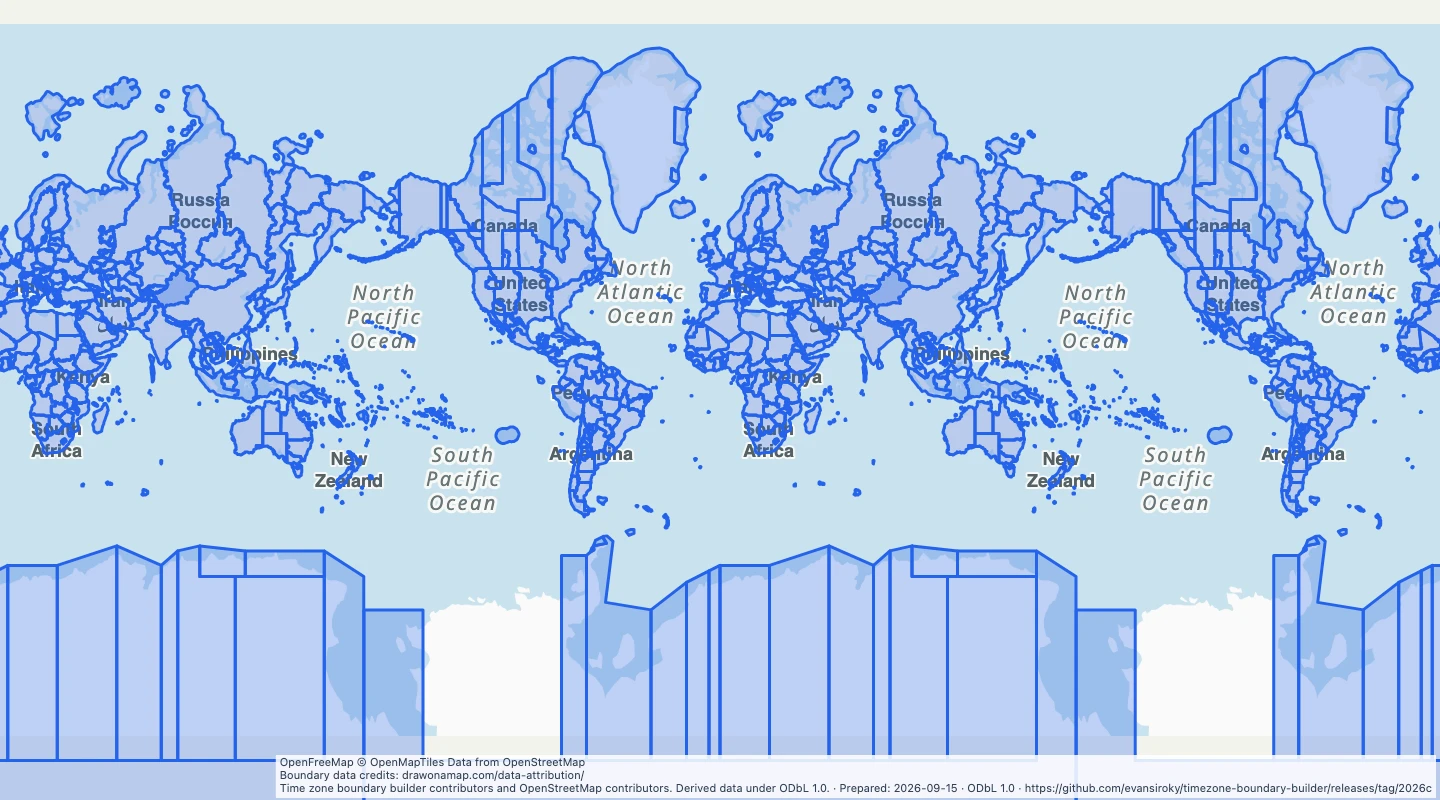 World time zone boundariesExplore 419 named IANA time zone areas on a world map. Compare time zone boundaries and add your own notes.
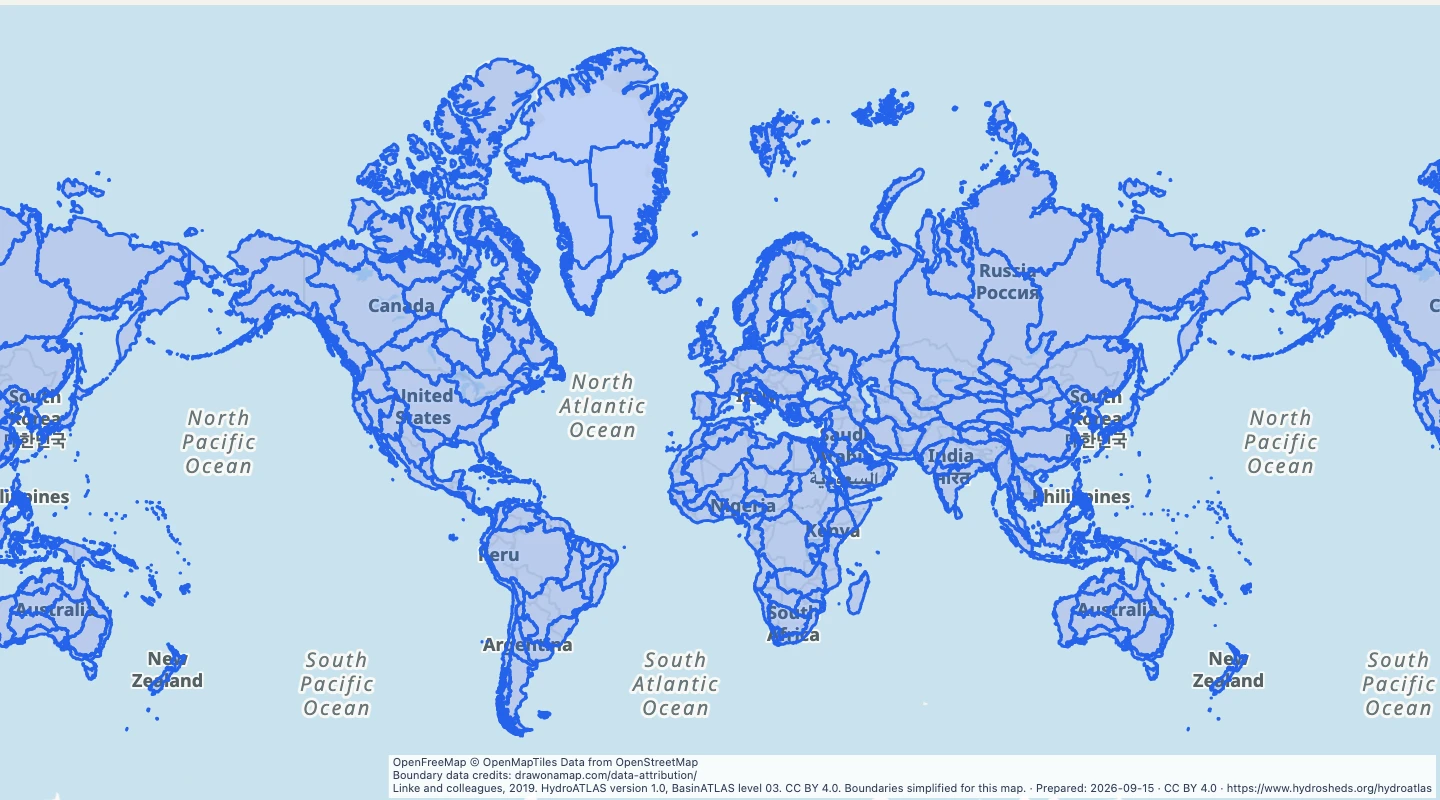 World major watersheds at level 03Explore 292 major watershed divisions from BasinATLAS level 03. Compare global drainage areas and trace their source basin identifiers.
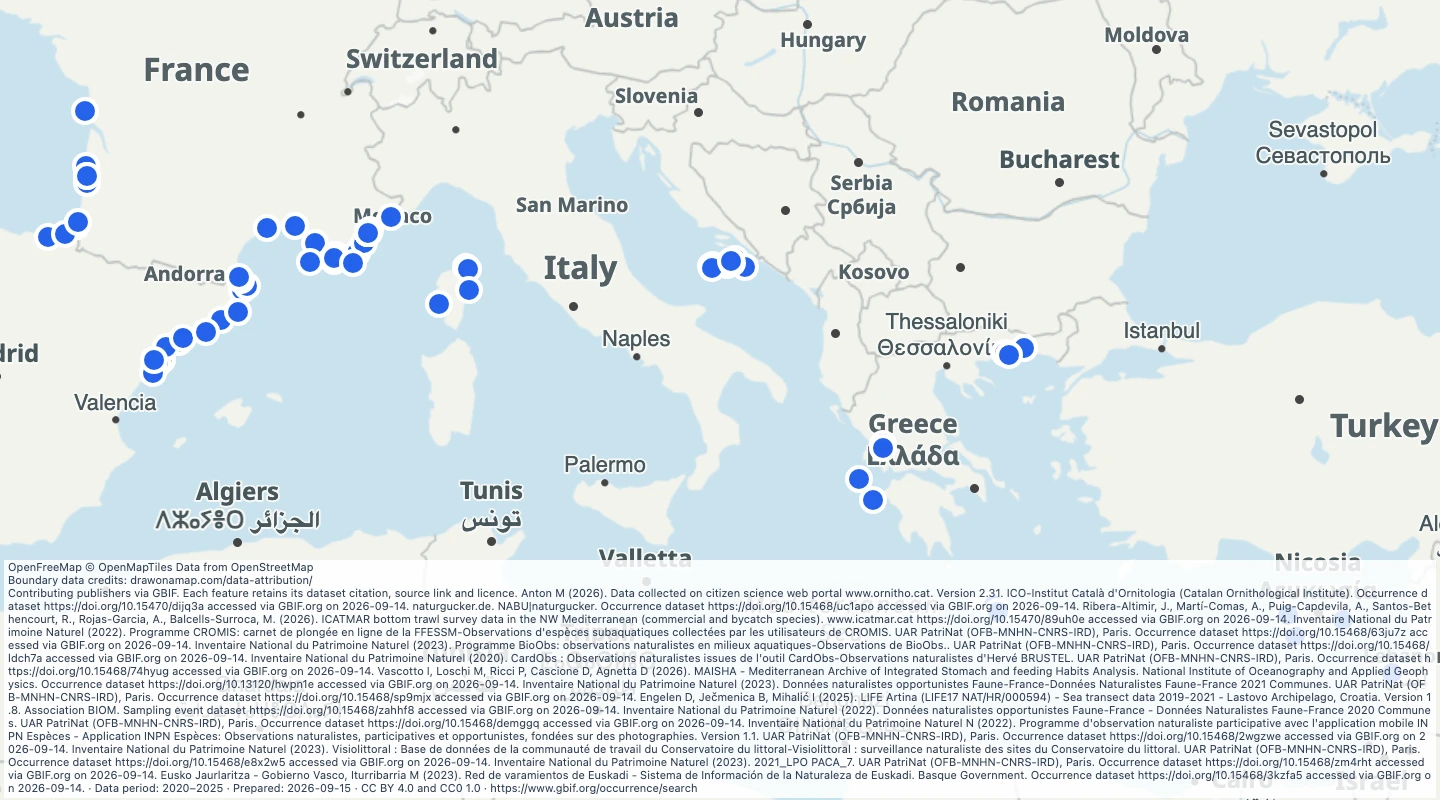 Mediterranean region sea turtle records, 2020–2025Compare 78 sea turtle records from 2020–2025 in the Mediterranean region. Read species, dates, source types and publisher citations.
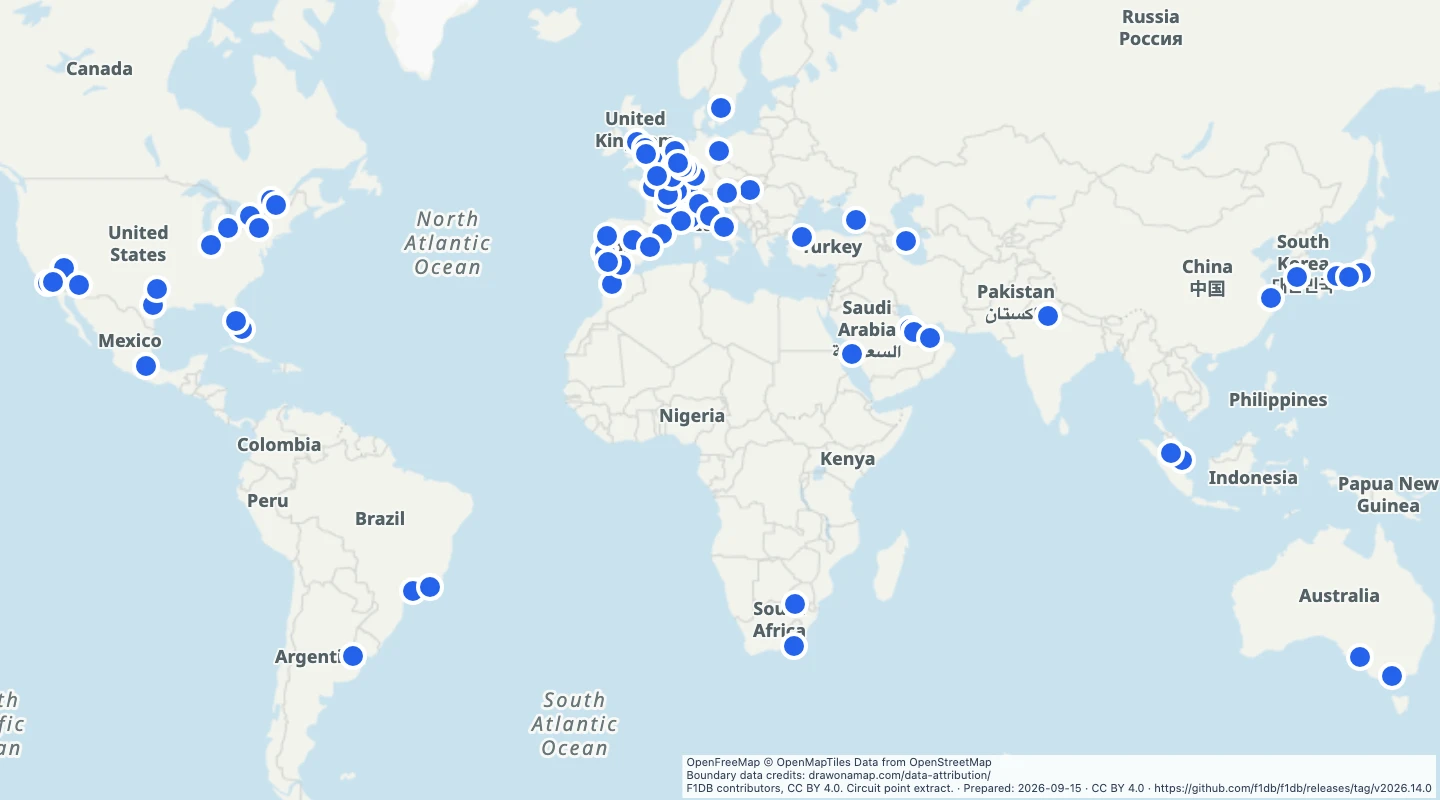 World Formula 1 circuitsExplore 78 circuits used for Formula 1 championship races. Compare locations and each circuit's first and latest race years.
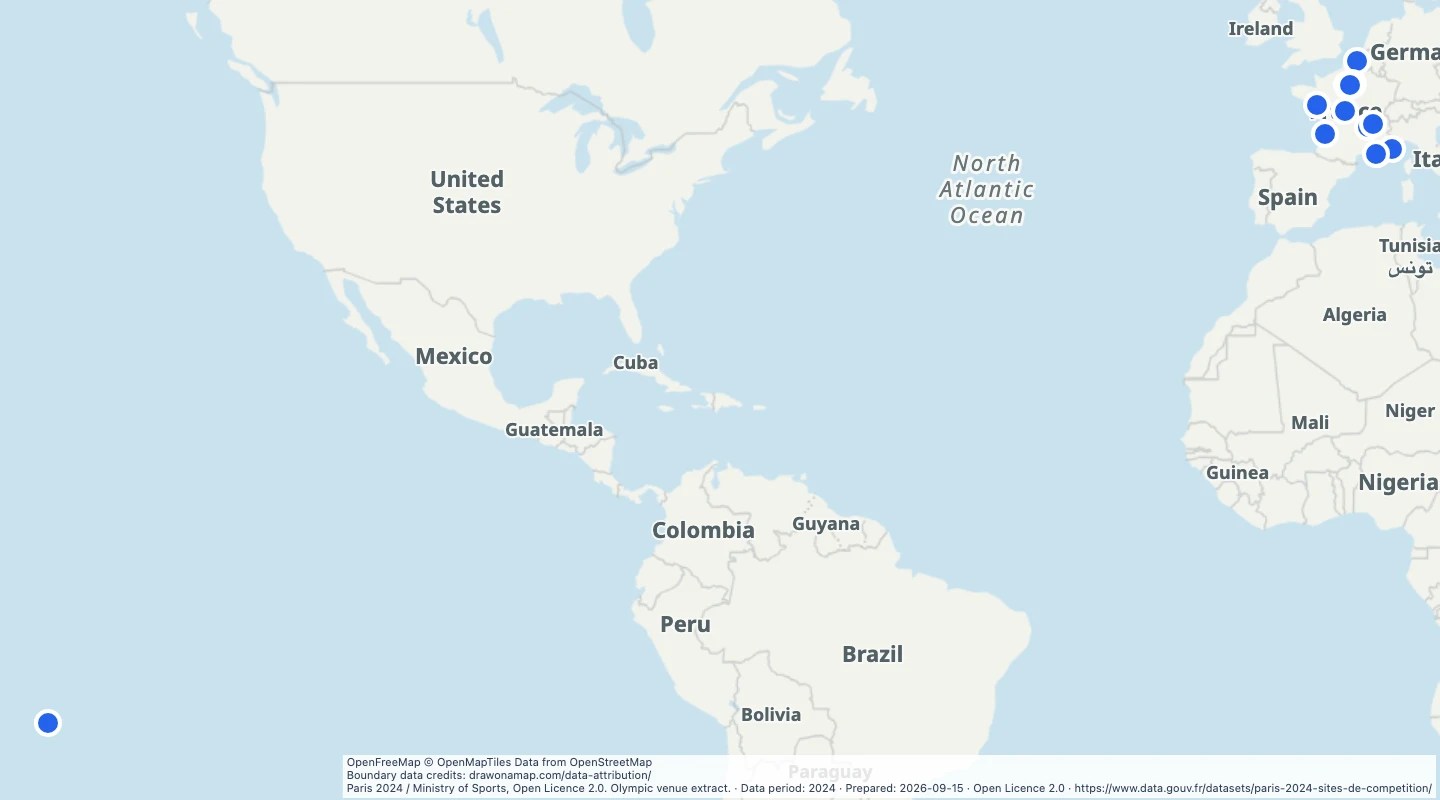 Paris 2024 Olympic venuesMap 42 Paris 2024 Olympic competition venues. Compare venue locations, sports, and dates from the official open dataset.
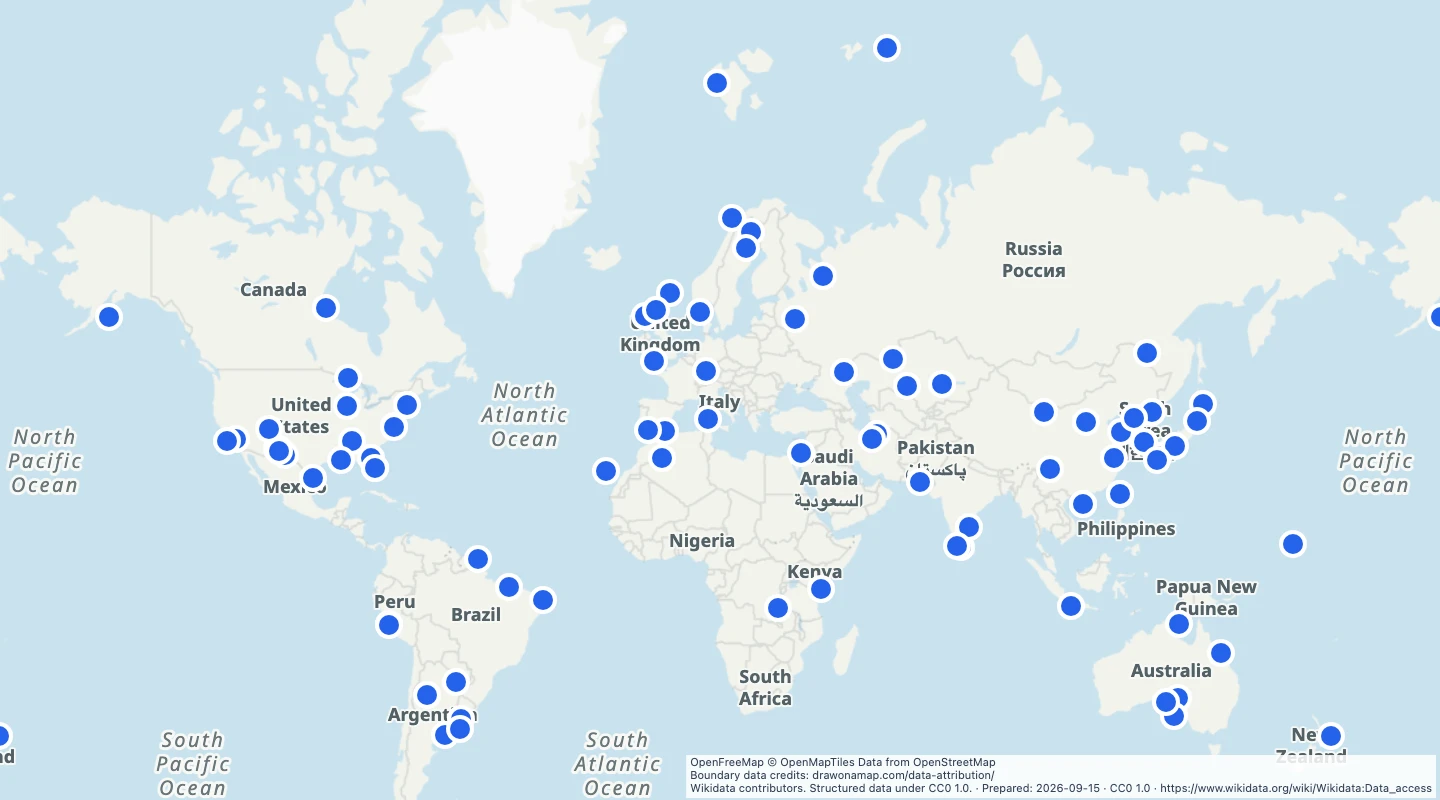 World spaceportsExplore 90 spaceport and rocket-launch site records around the world. Compare current, historical, and proposed locations.
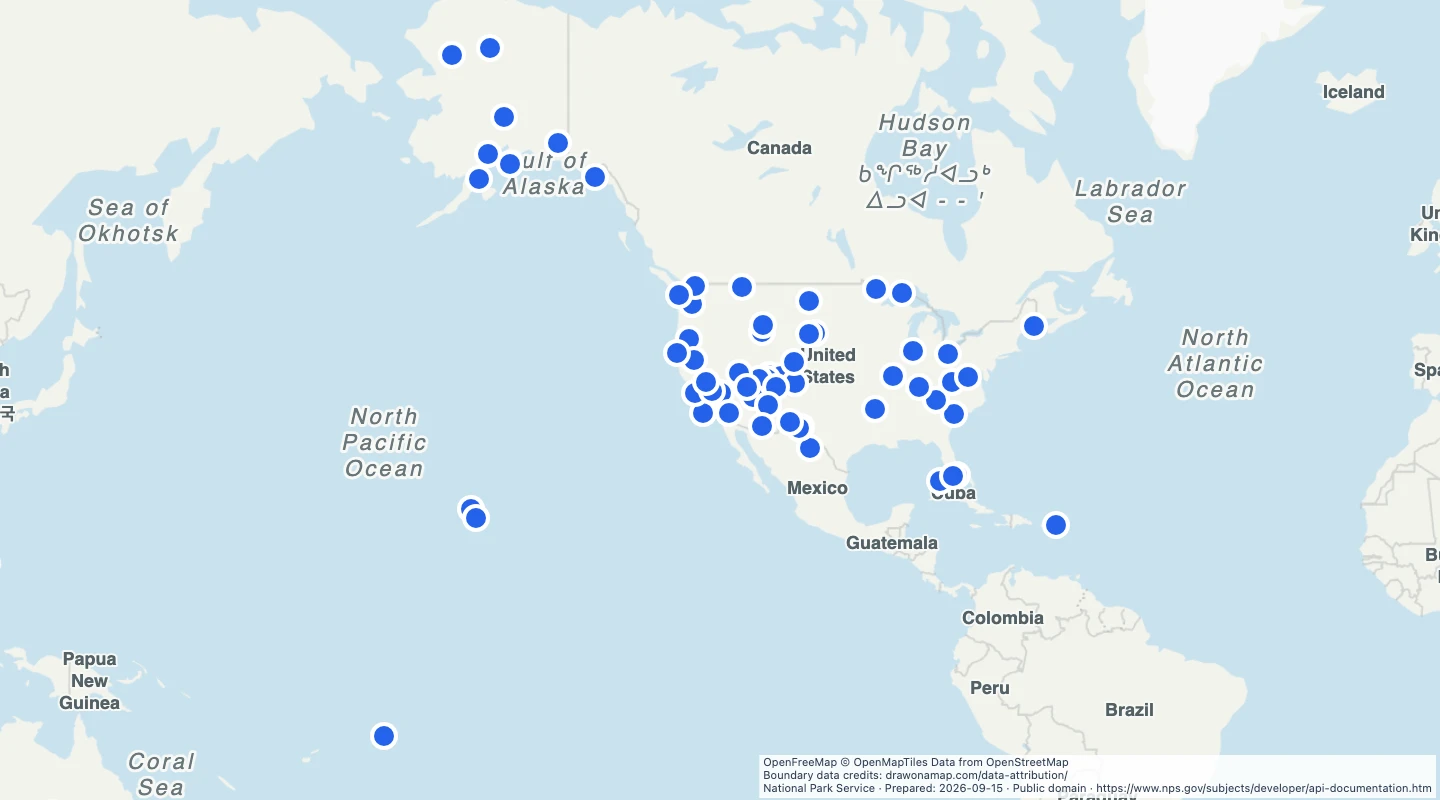 US national parksNational Park Service locations for units with a national park designation. Compare park locations and add them to a travel map.
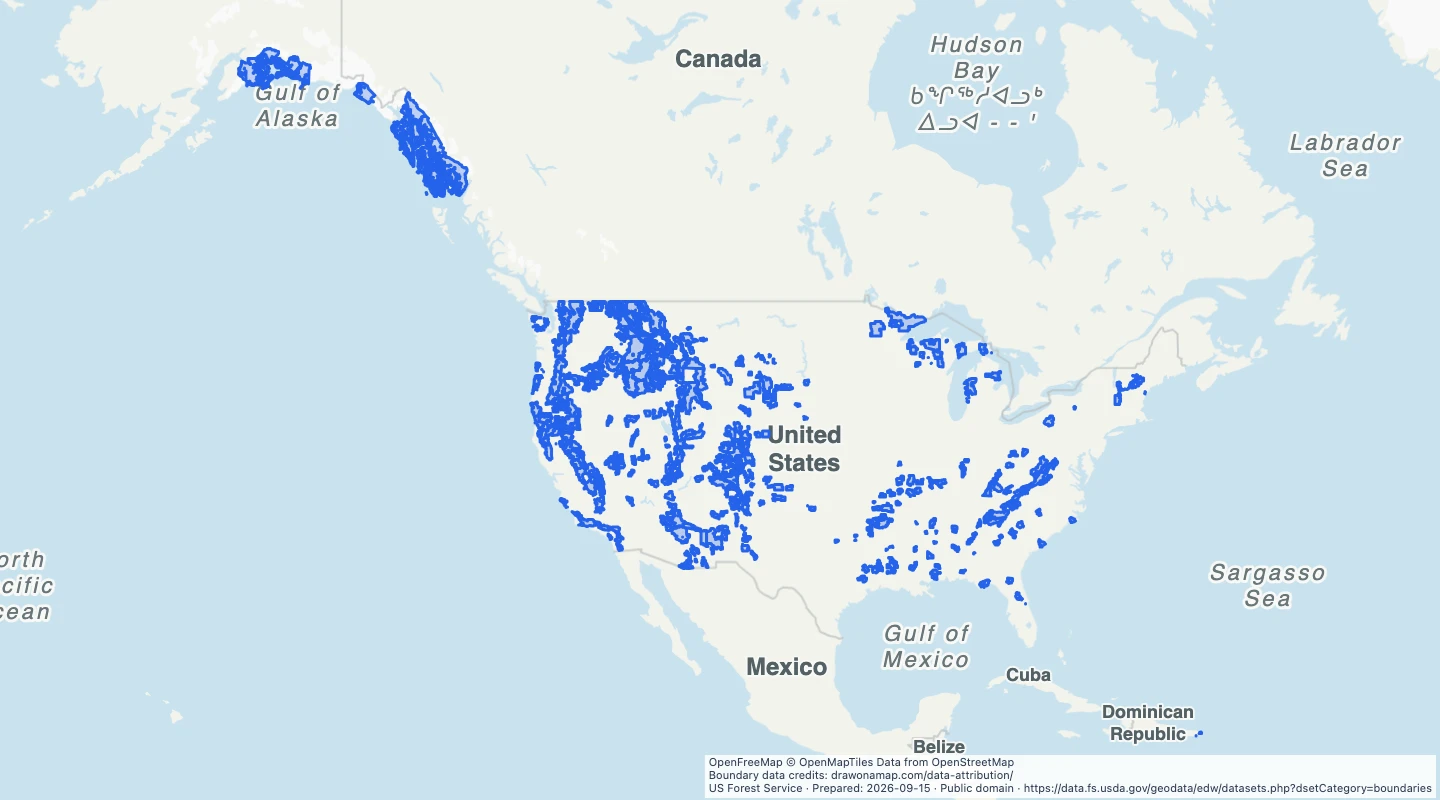 US national forest administrative boundariesUS Forest Service administrative boundaries for units whose names identify national forests.
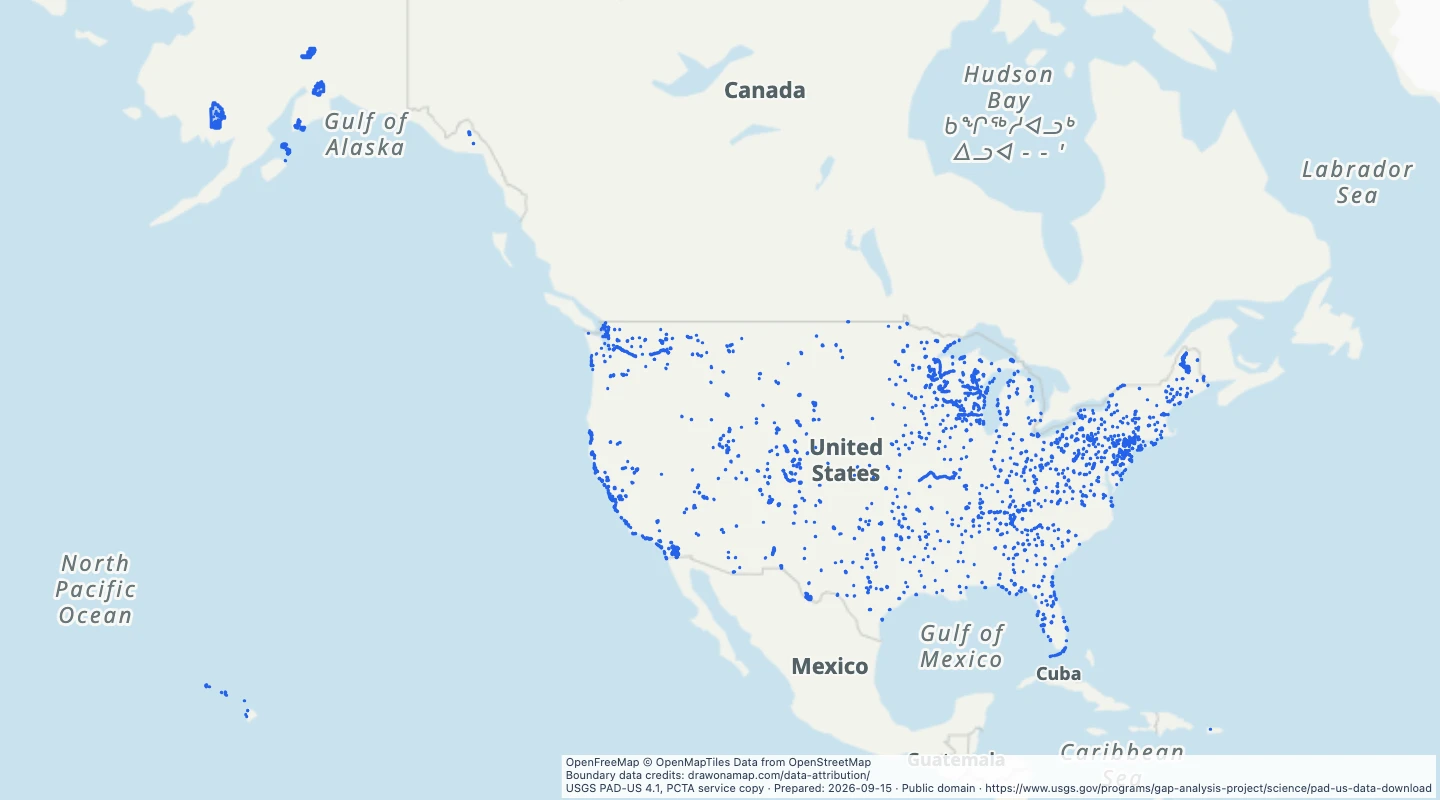 US state park boundariesProtected area boundaries selected from PAD-US 4.1 for state-managed parks.
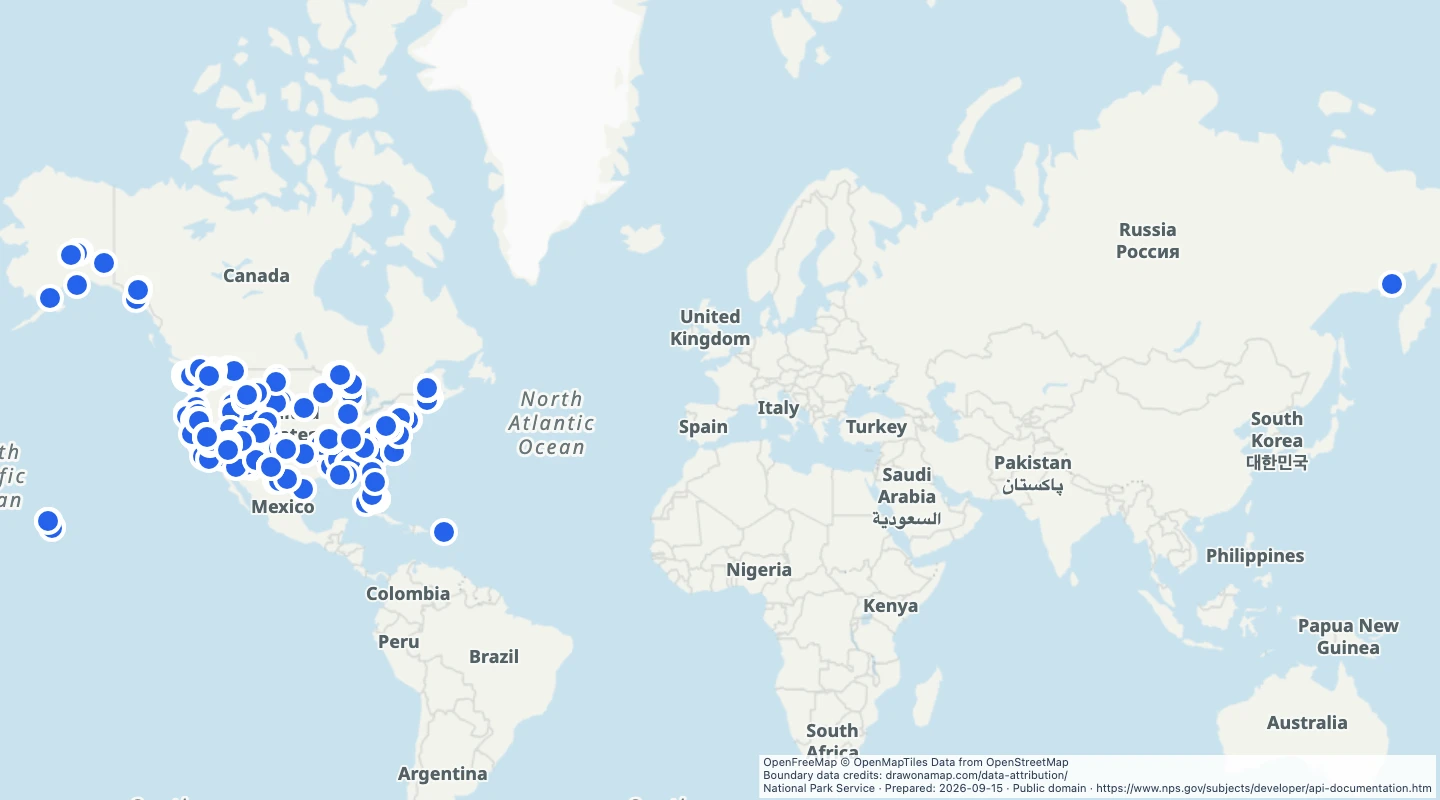 US national park campgroundsCampground locations published by the National Park Service, with park codes and reported site counts.
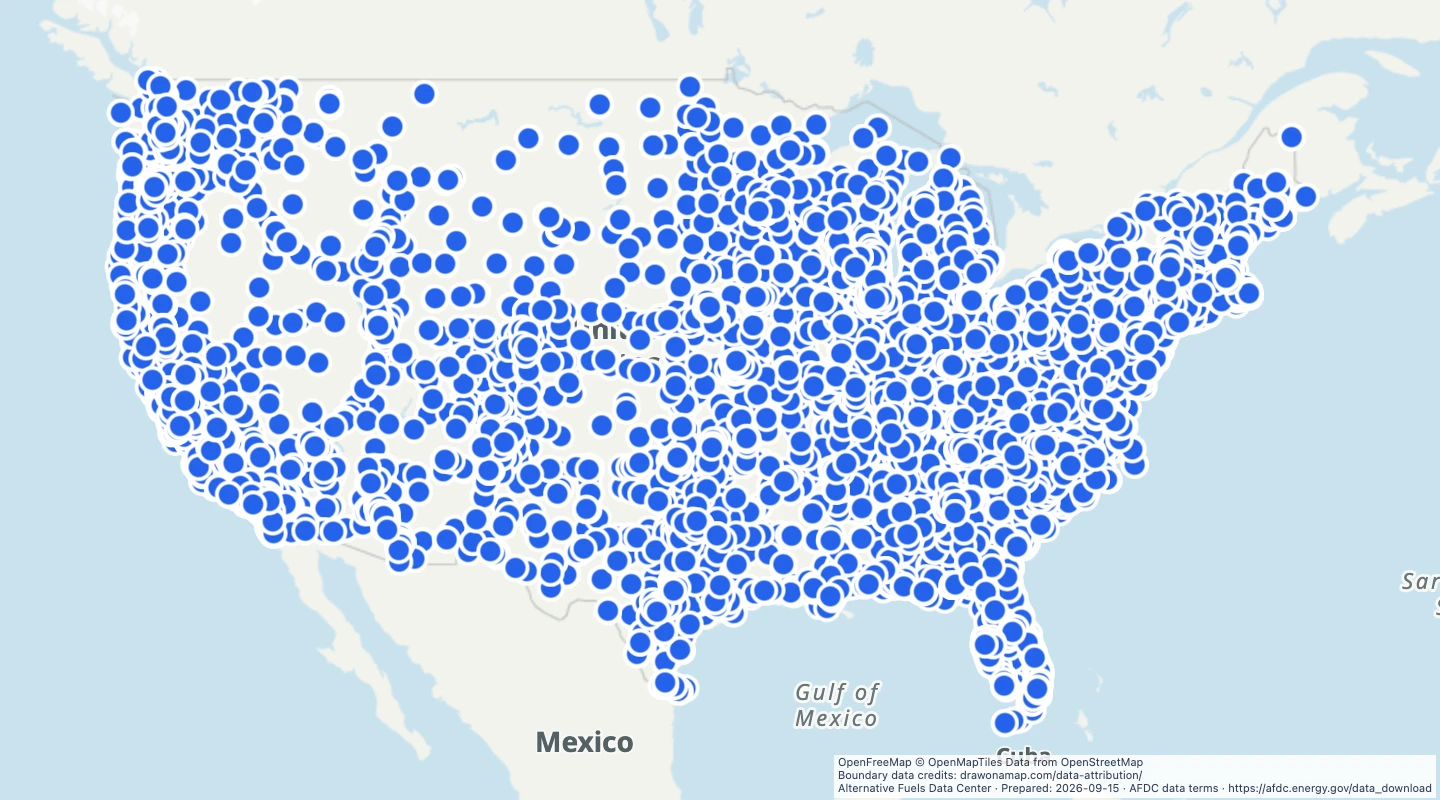 US public EV fast charging stationsPublic DC fast charging station locations in the US, with network names, connector types, and reported fast charging port counts.
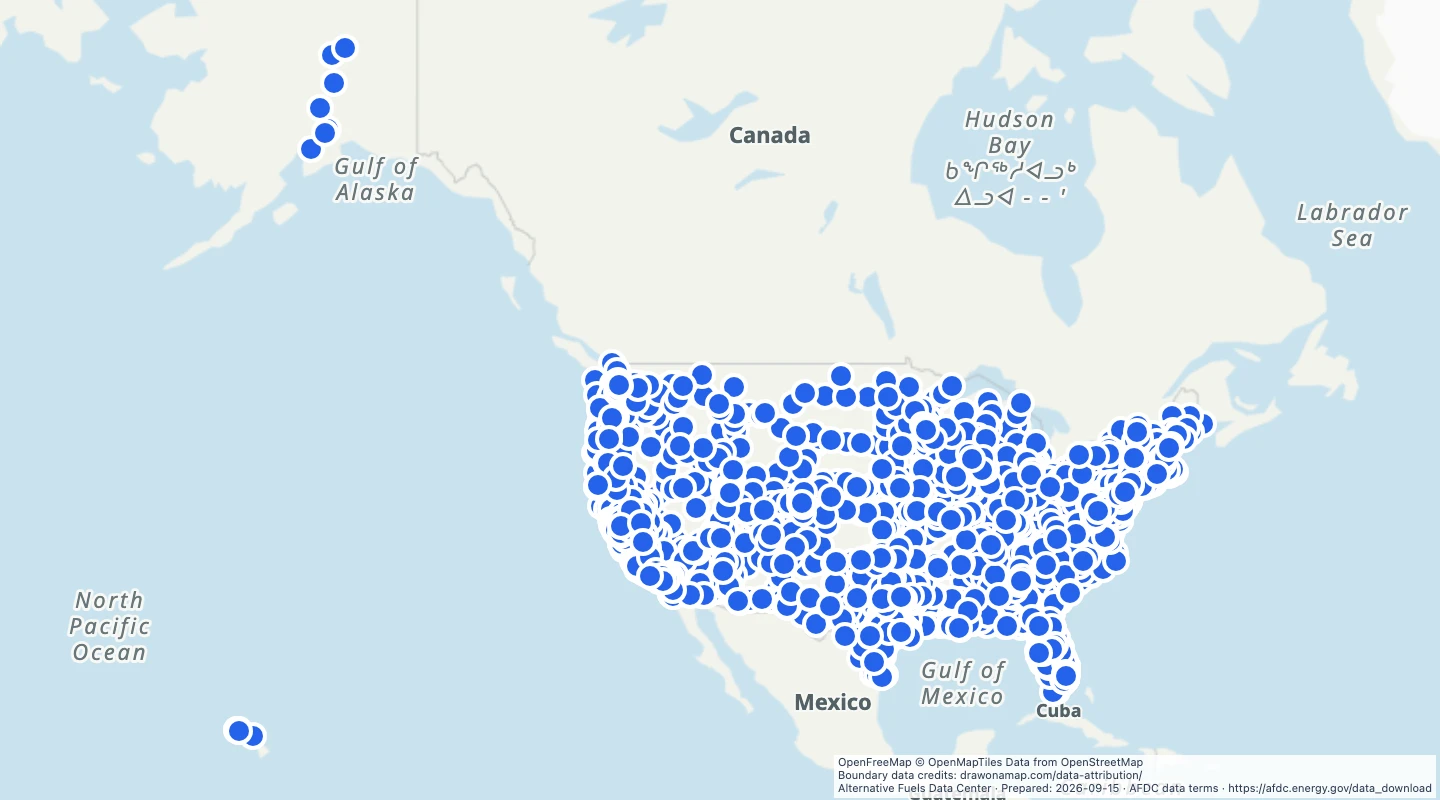 US Tesla Supercharger locationsPublic DC fast charging station locations in the US, with network names, connector types, and reported fast charging port counts.
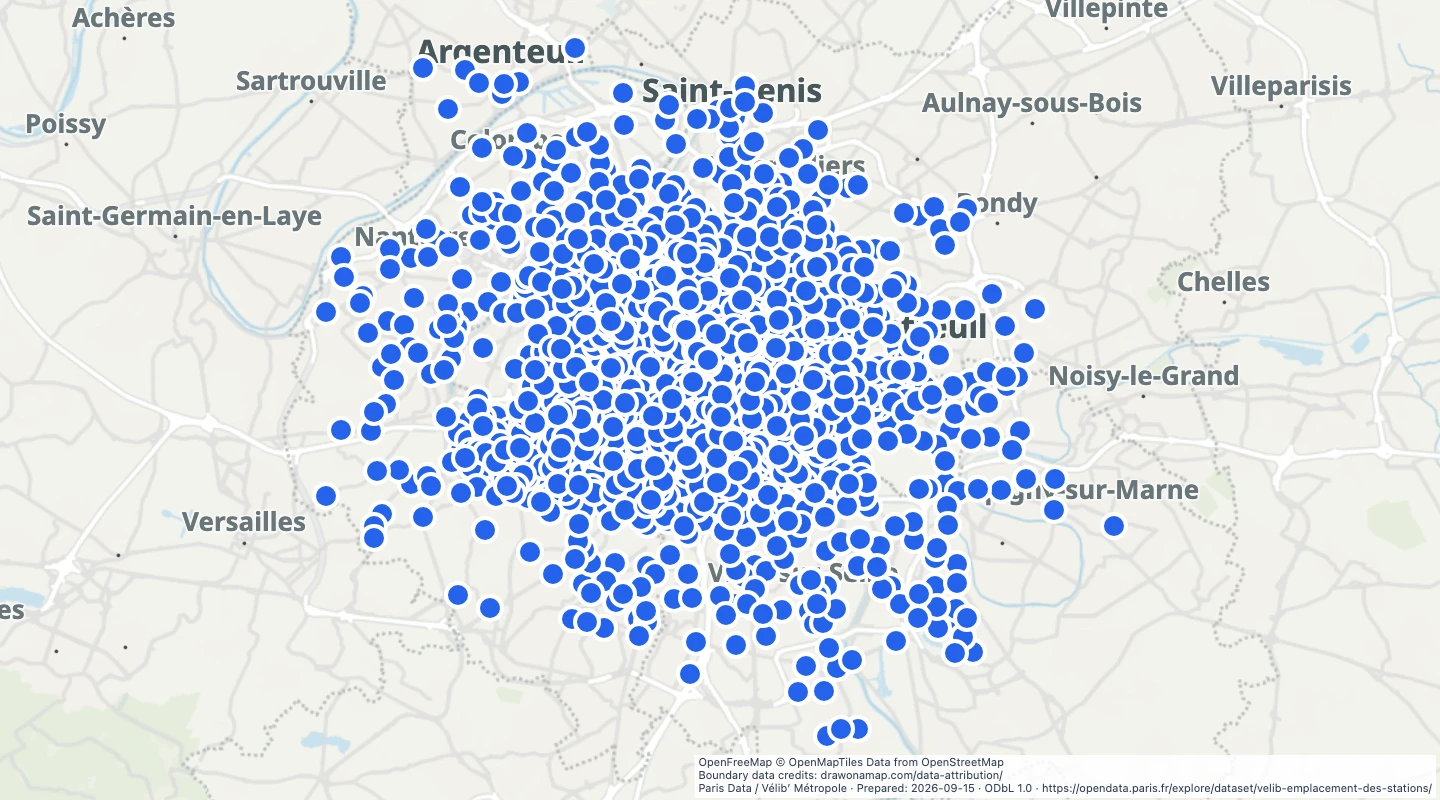 Paris Vélib’ bike-share stationsVélib’ station locations and dock capacity from the Paris open data catalogue.
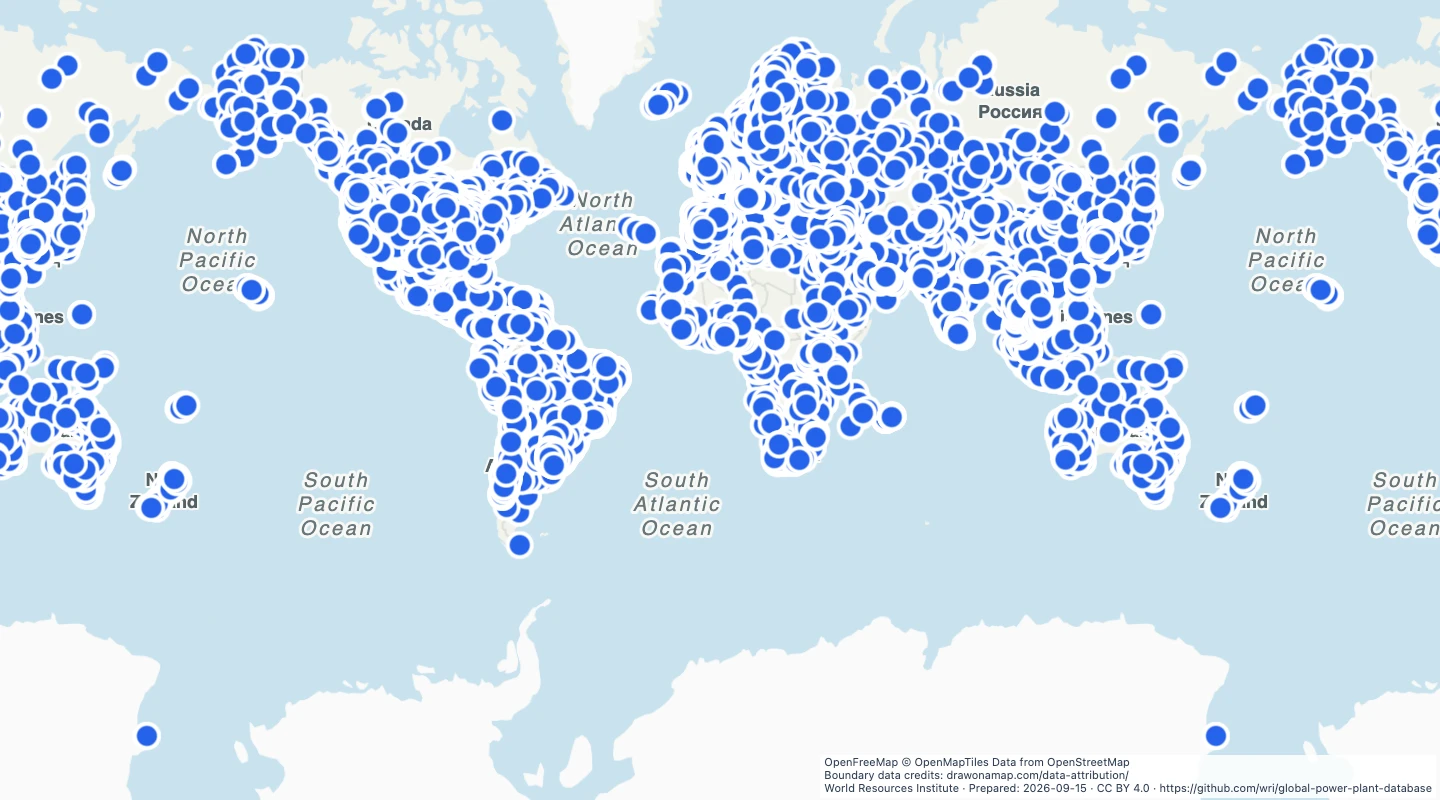 World power plants — WRI 1.3.0 archivePower plant locations, primary fuel types, and capacities from the archived WRI Global Power Plant Database.
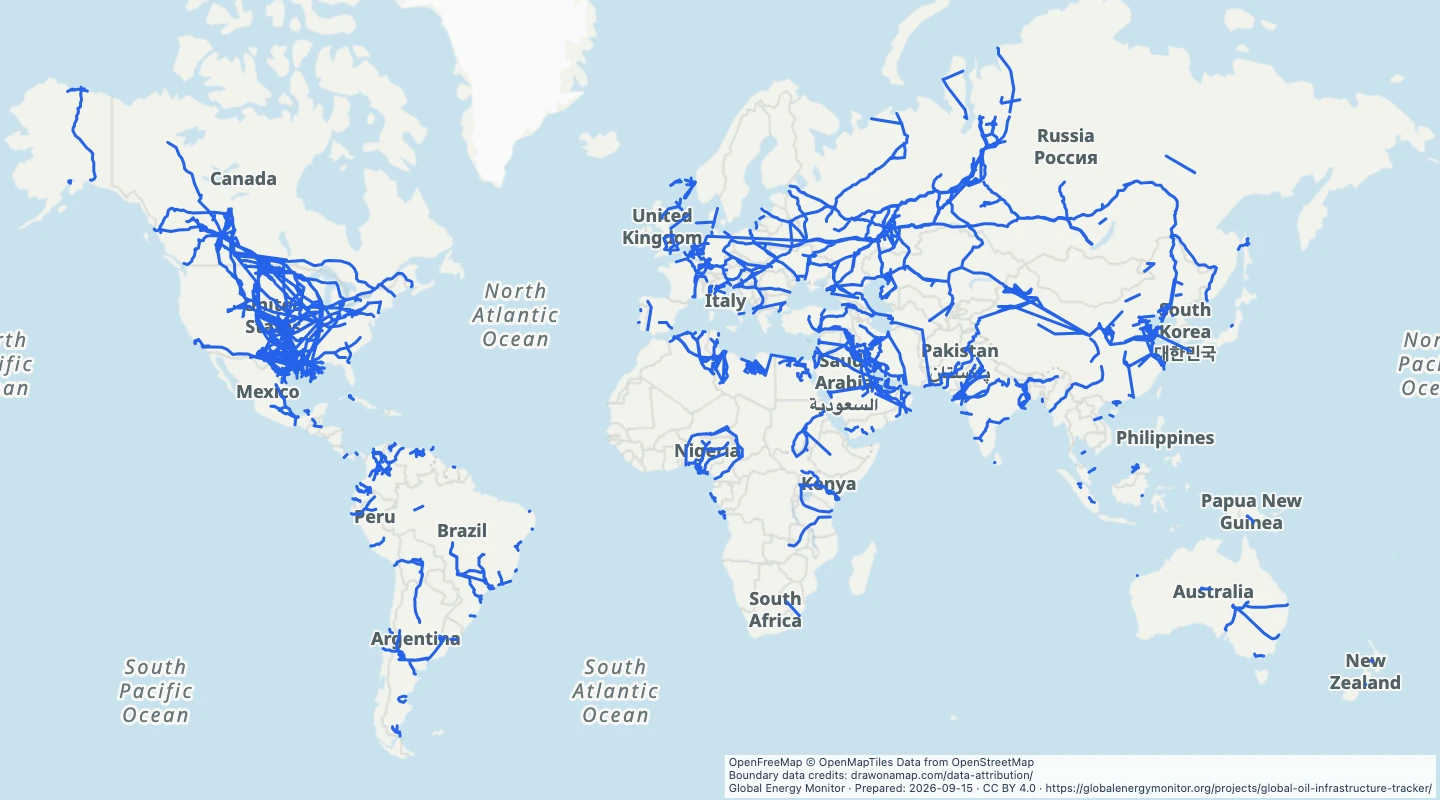 World oil pipeline routesMapped oil pipeline routes from Global Energy Monitor, with source operating status and project references.
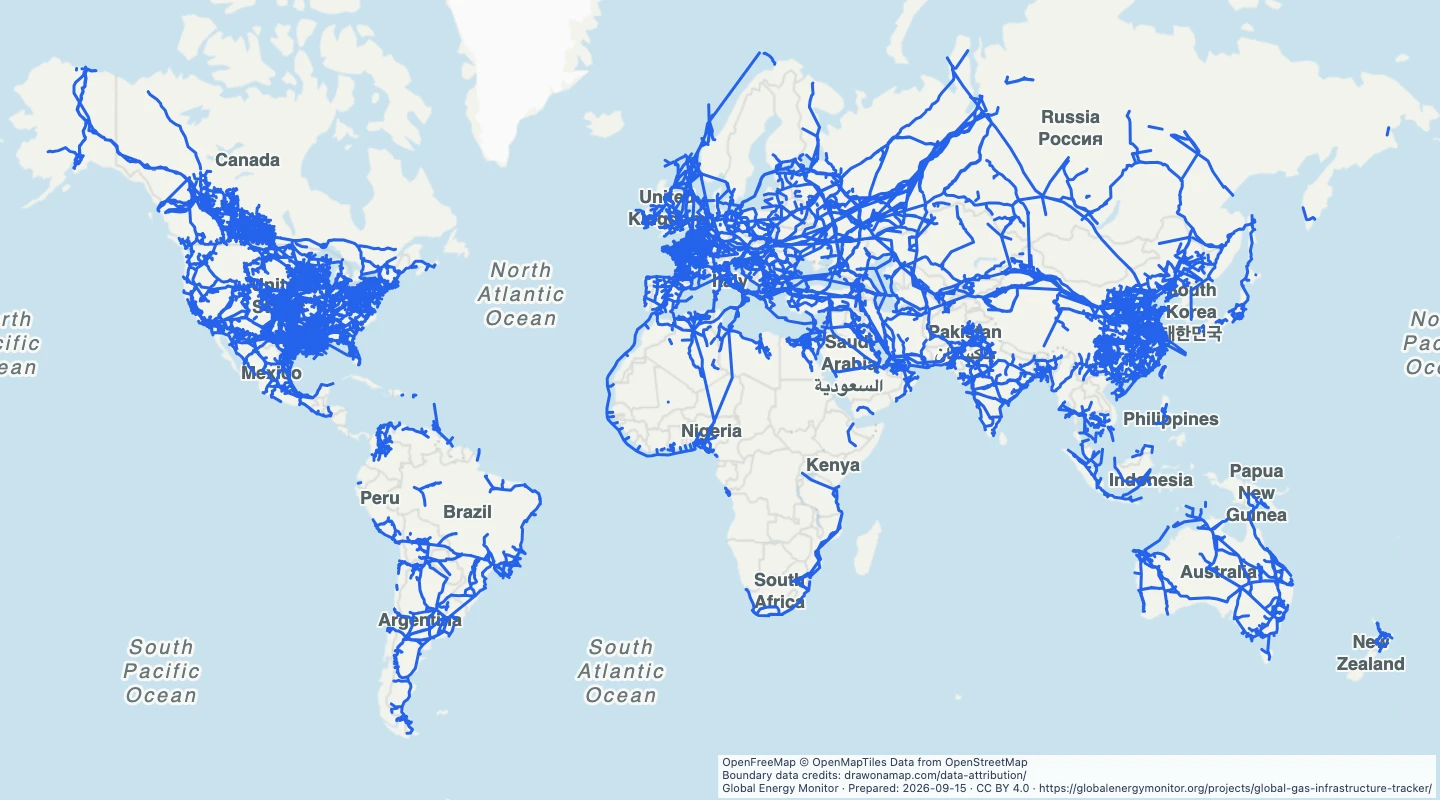 World gas pipeline routesMapped gas pipeline routes from Global Energy Monitor, with source operating status and project references.
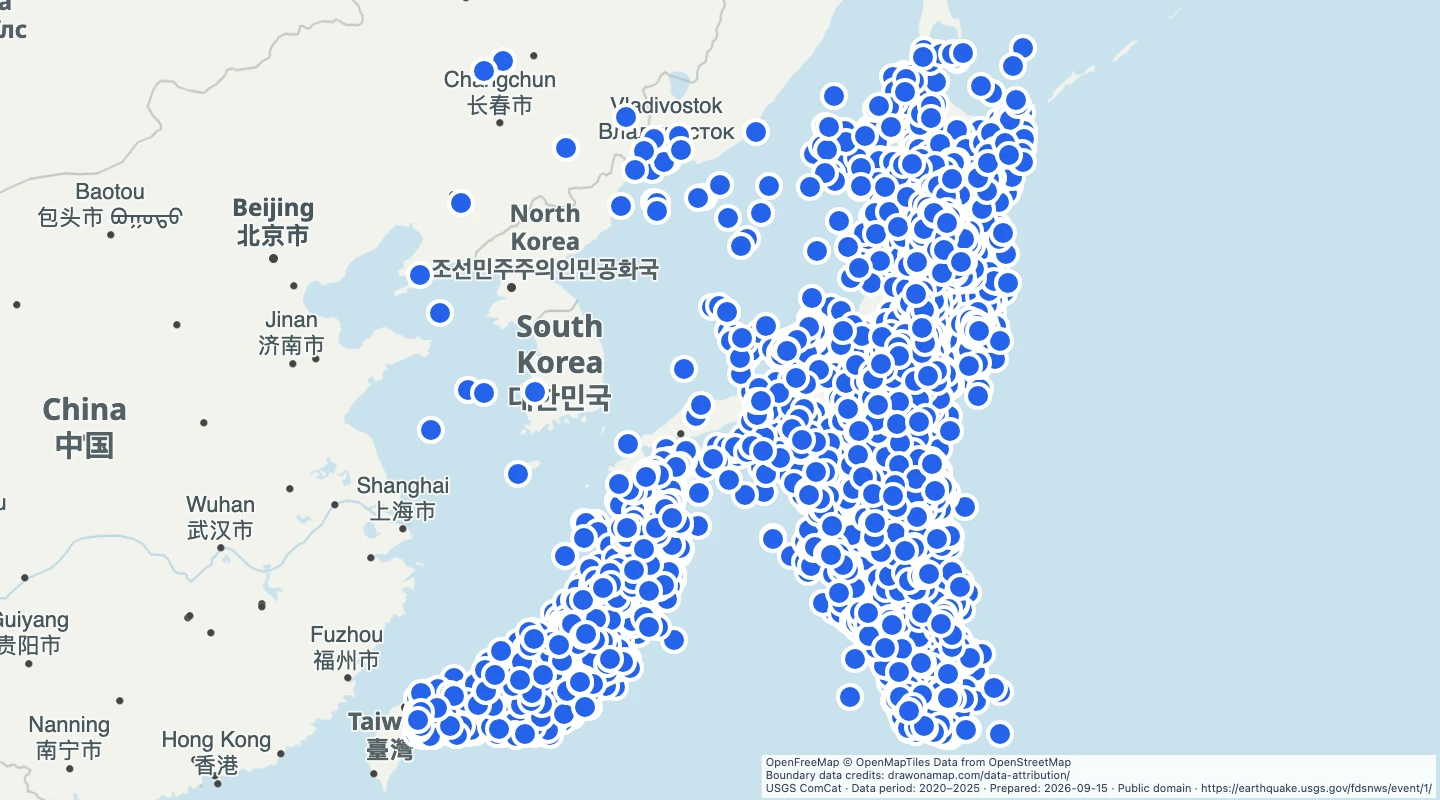 Japan earthquakes of magnitude 4 to below 6, 2020–2025USGS earthquake epicentres in Japan for 2020 through 2025, with magnitudes from 4 to below 6.
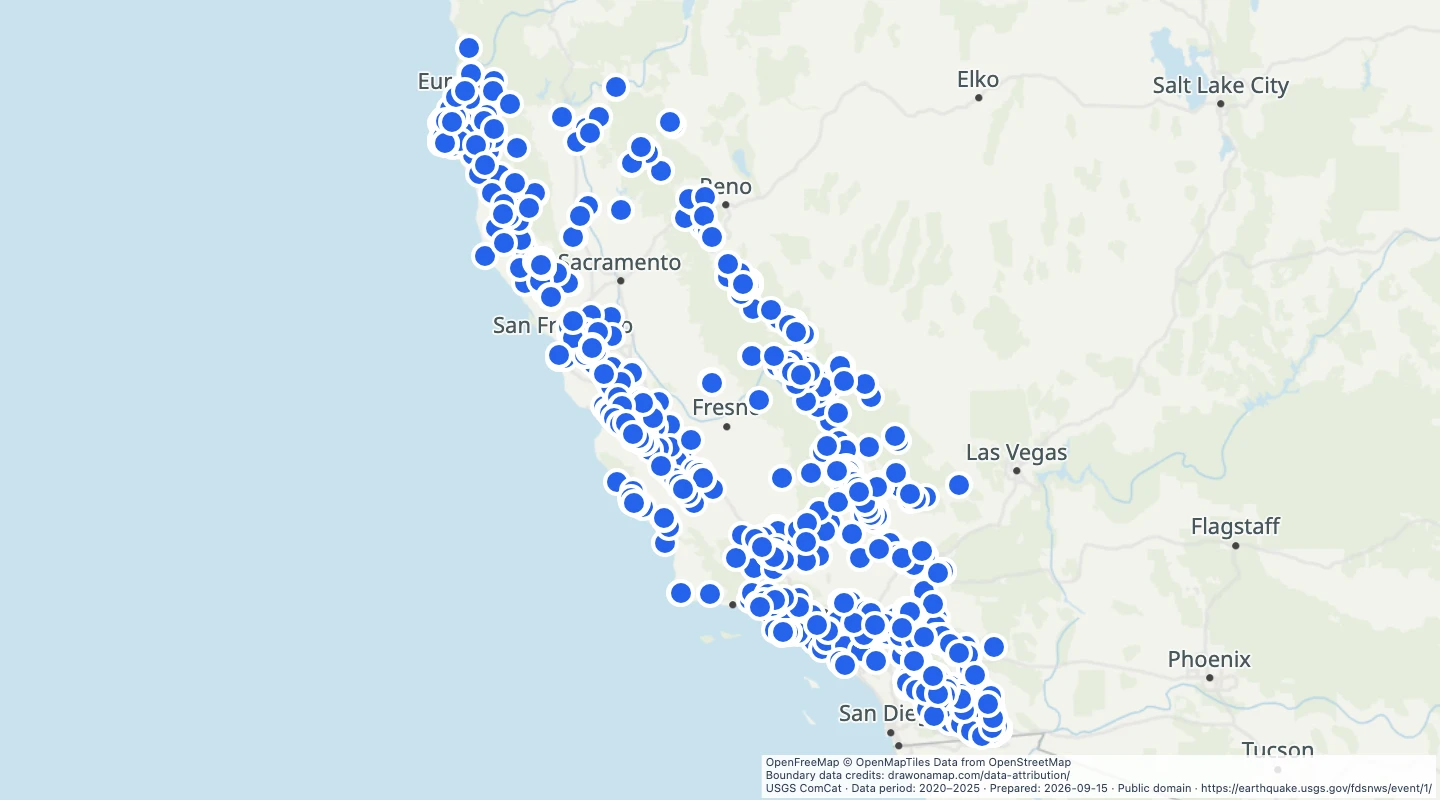 California earthquakes of magnitude 3 to below 6, 2020–2025USGS earthquake epicentres in California for 2020 through 2025, with magnitudes from 3 to below 6.
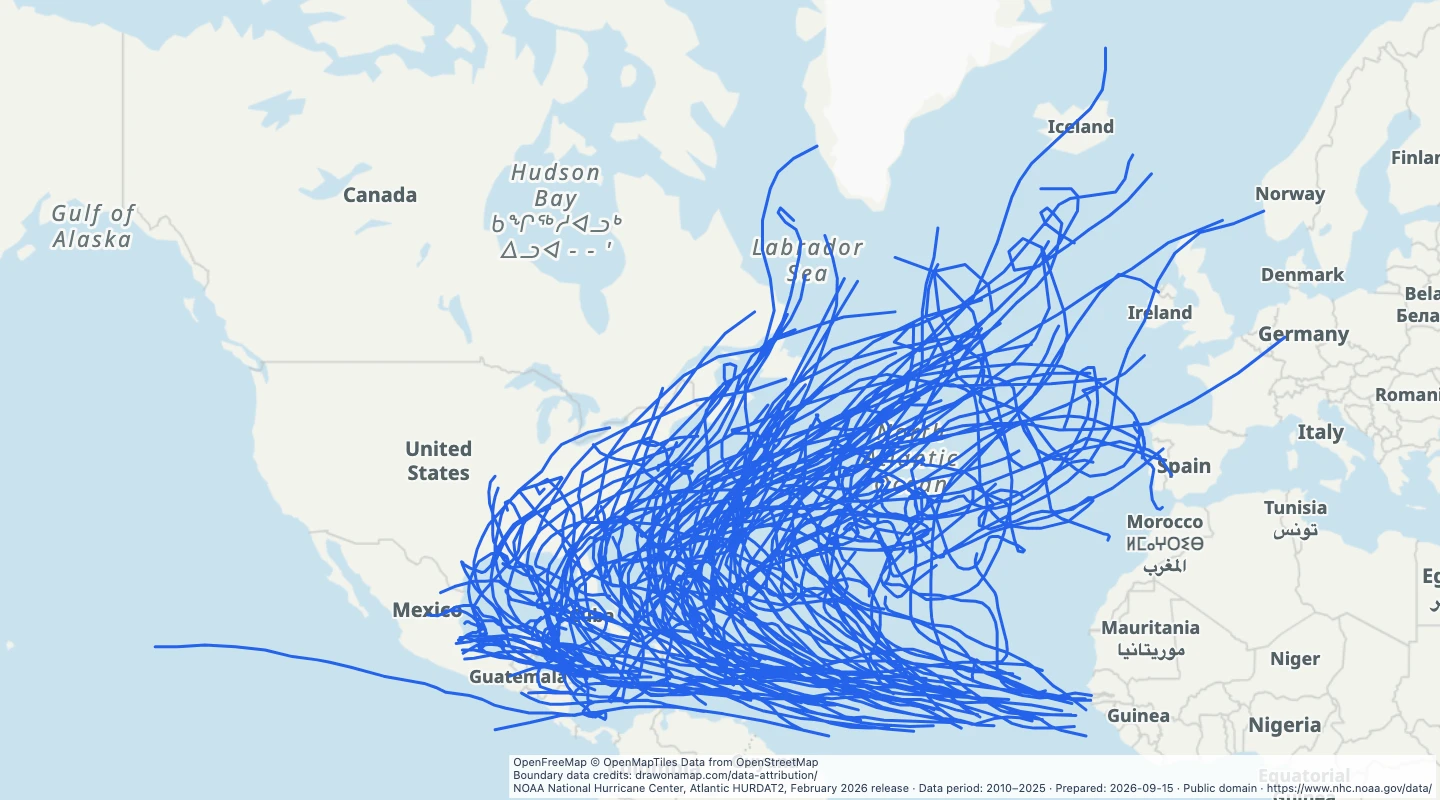 North Atlantic hurricane tracks, 2010–2025Historical tracks of North Atlantic storms that reached hurricane strength in the 2010 through 2025 seasons.
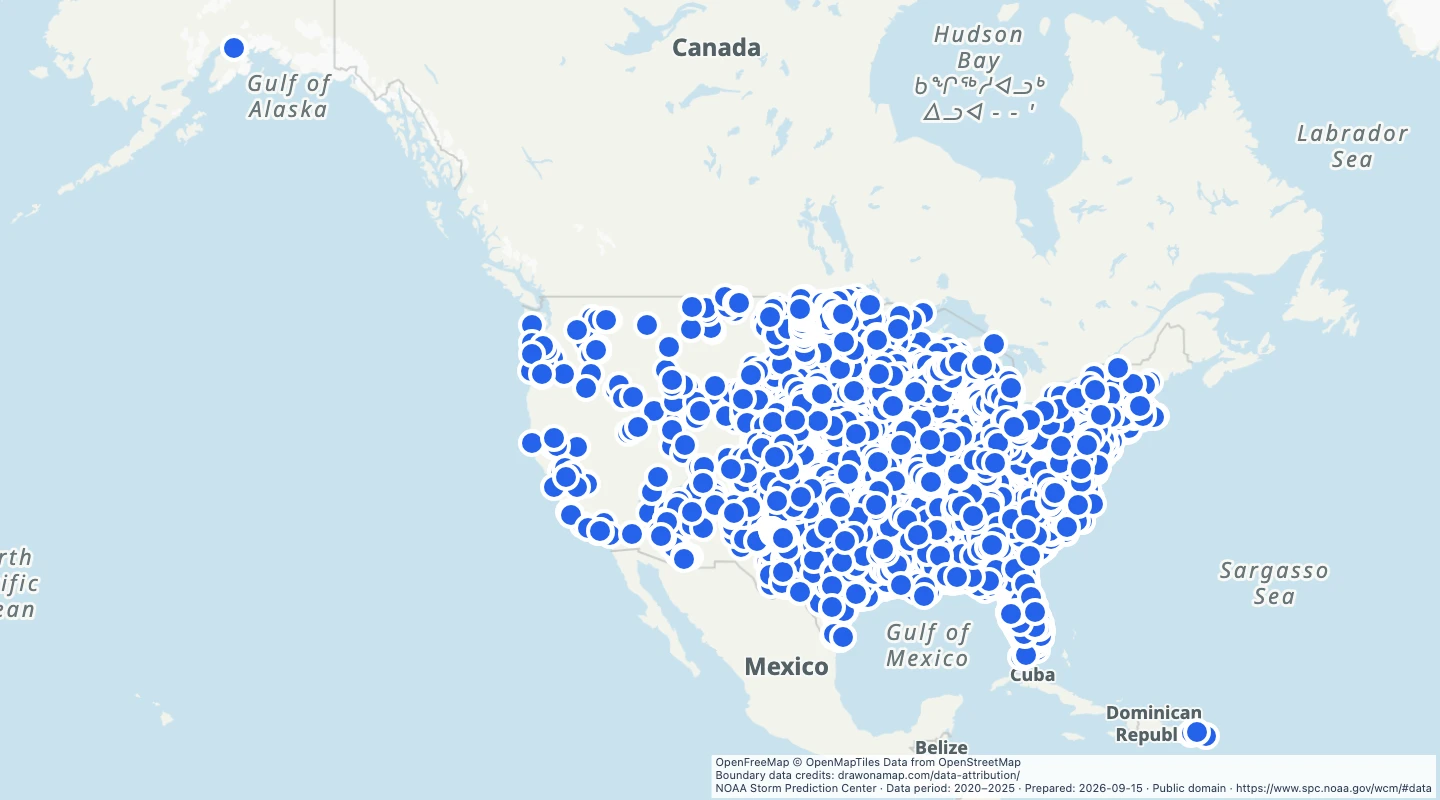 US tornado start locations, 2020–2025NOAA Storm Prediction Center tornado start locations for the 2020 through 2025 record.
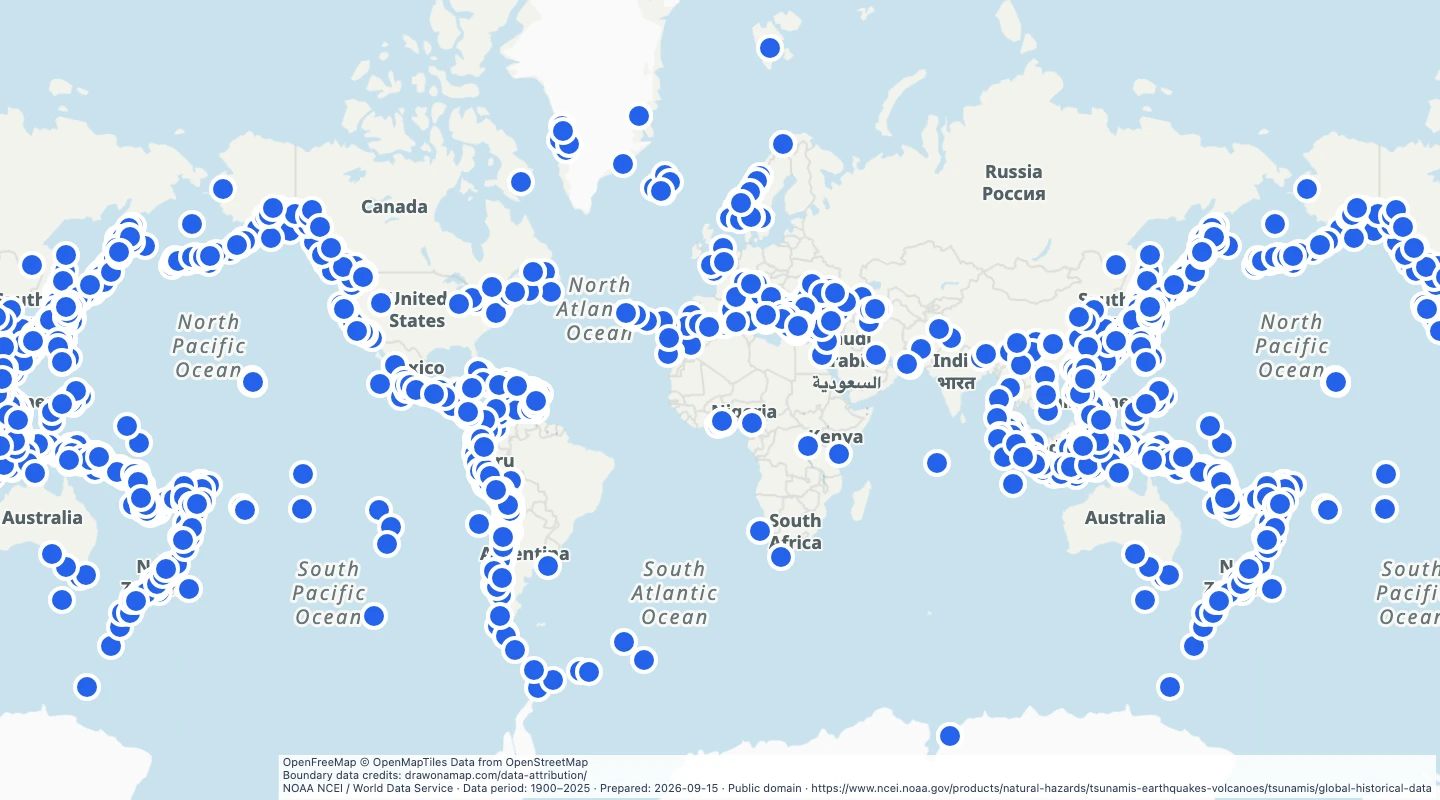 World historical tsunami source events, 1900–2025Historical tsunami source locations in the NOAA NCEI database for 1900 through 2025.
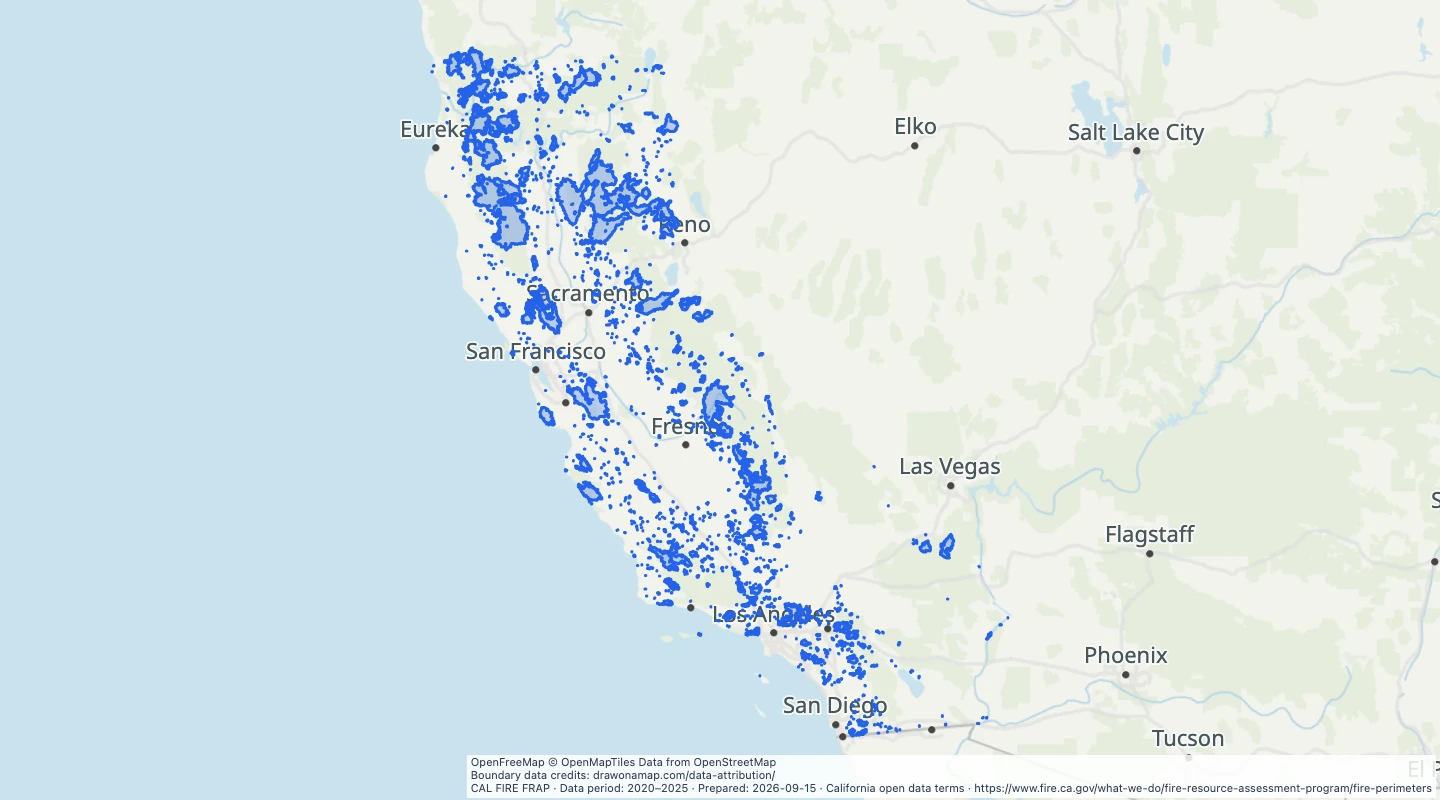 California wildfire perimeters, 2020–2025Historical California fire perimeters from CAL FIRE FRAP for the 2020 through 2025 fire years.
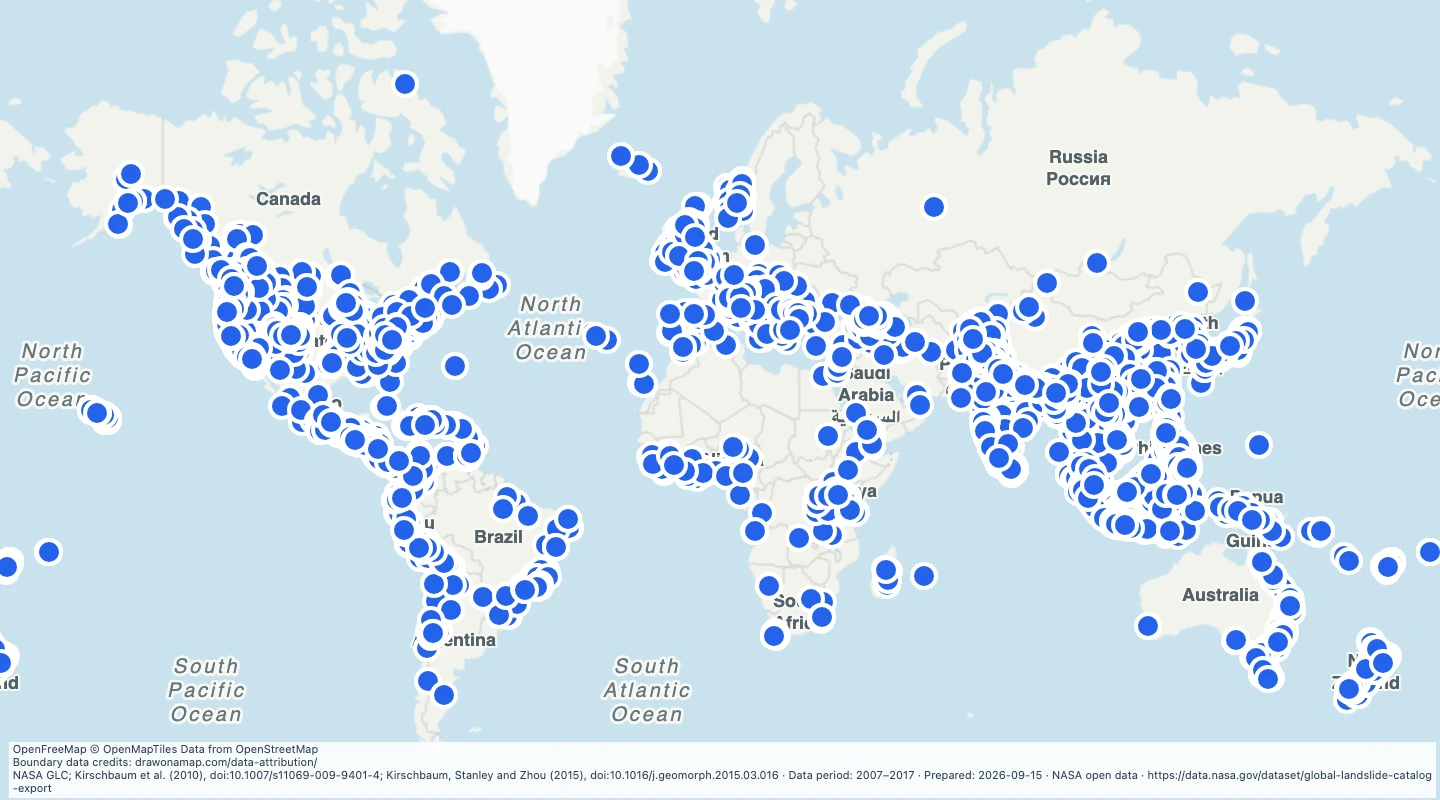 World recorded landslides, 2007–2017 archiveReported landslide locations from the NASA Global Landslide Catalog archive, selected for 2007 through 2017.
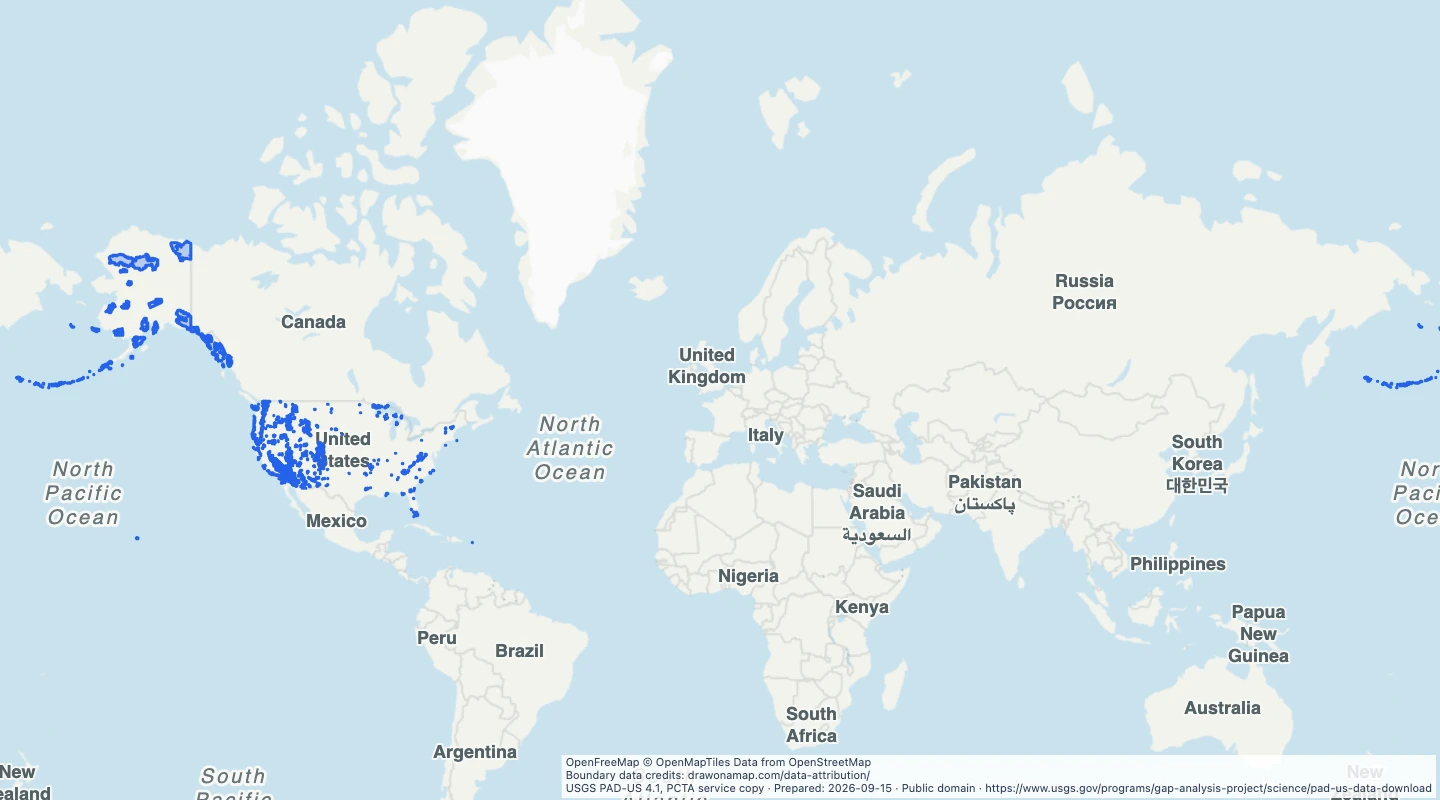 US designated wilderness areasProtected area boundaries selected from PAD-US 4.1 for designated wilderness areas.
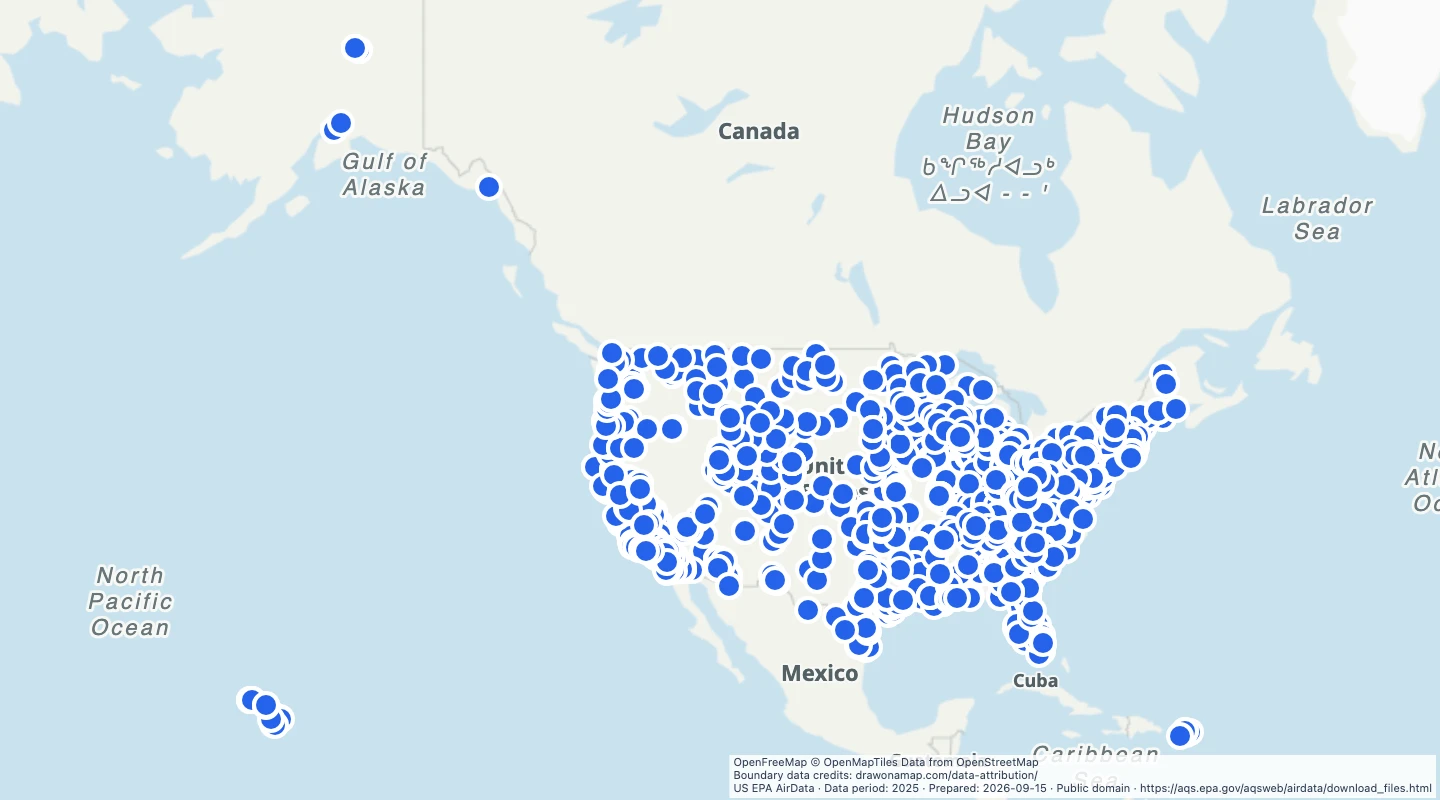 US annual PM2.5 at monitors, 2025Annual means of measured daily fine particle concentrations at US EPA monitors in 2025.
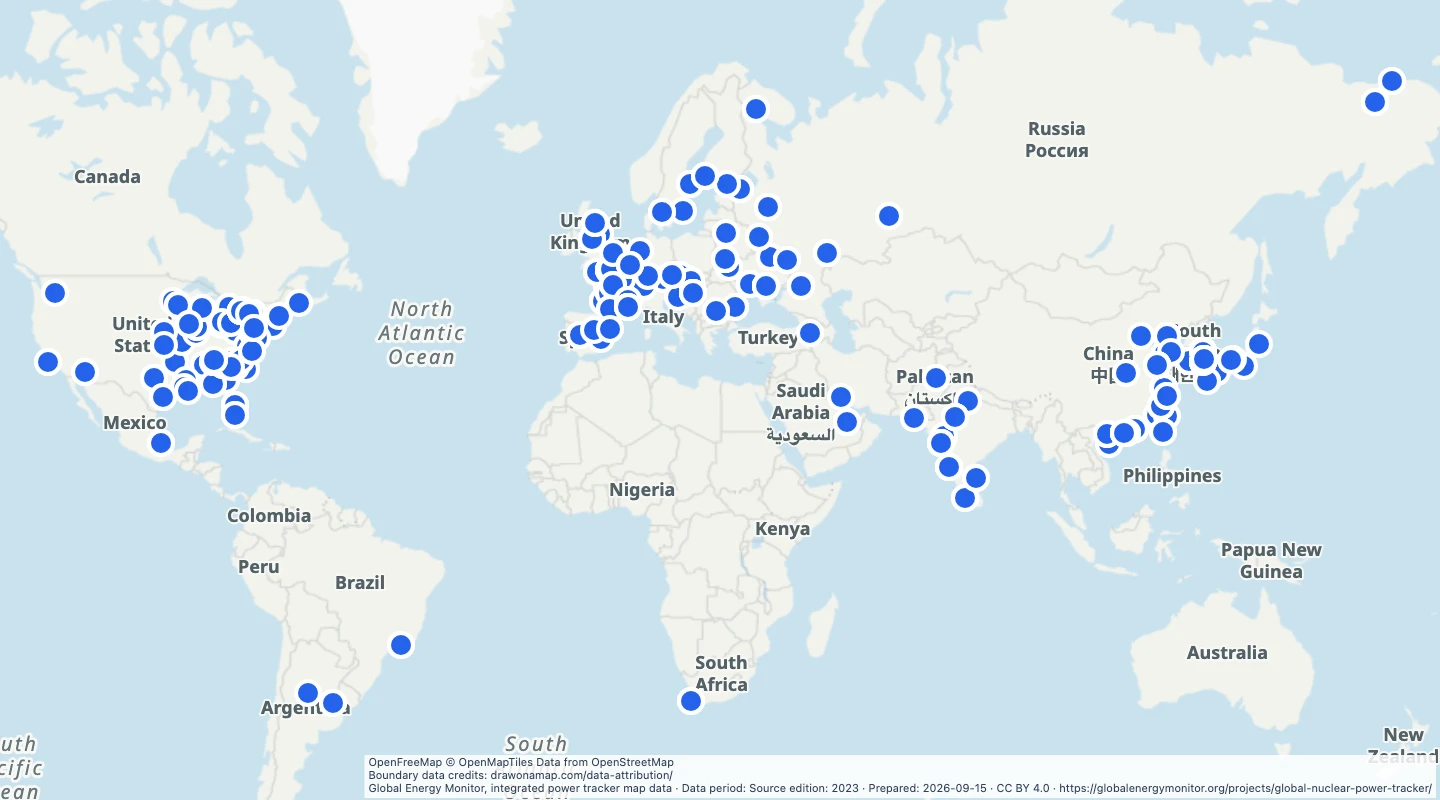 World operating nuclear power units, GEM 2023 archiveLocations, capacity, and facility names for operating nuclear power units in the Global Energy Monitor map data.
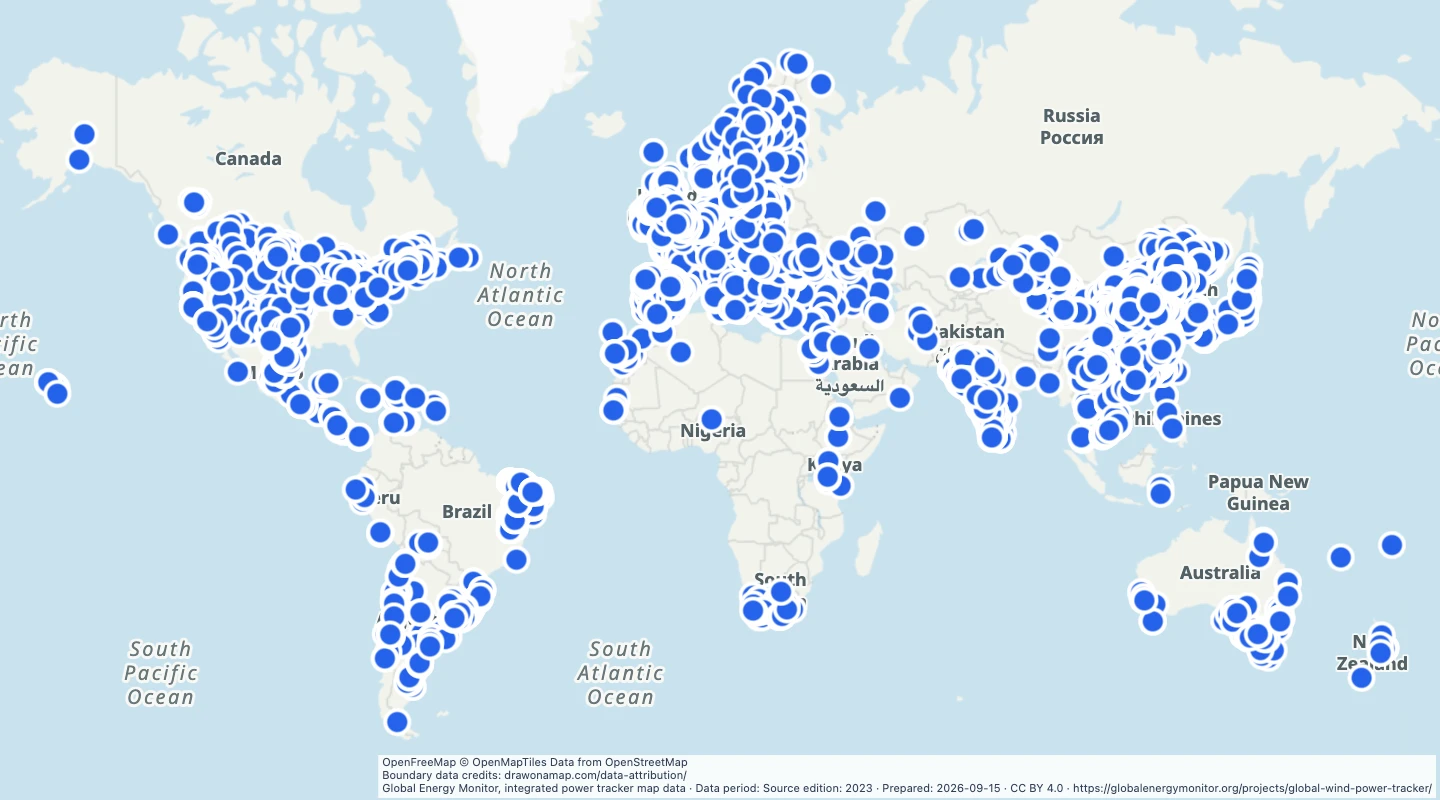 World operating wind farms, GEM 2023 archiveLocations, capacity, and facility names for operating wind power units in the Global Energy Monitor map data.
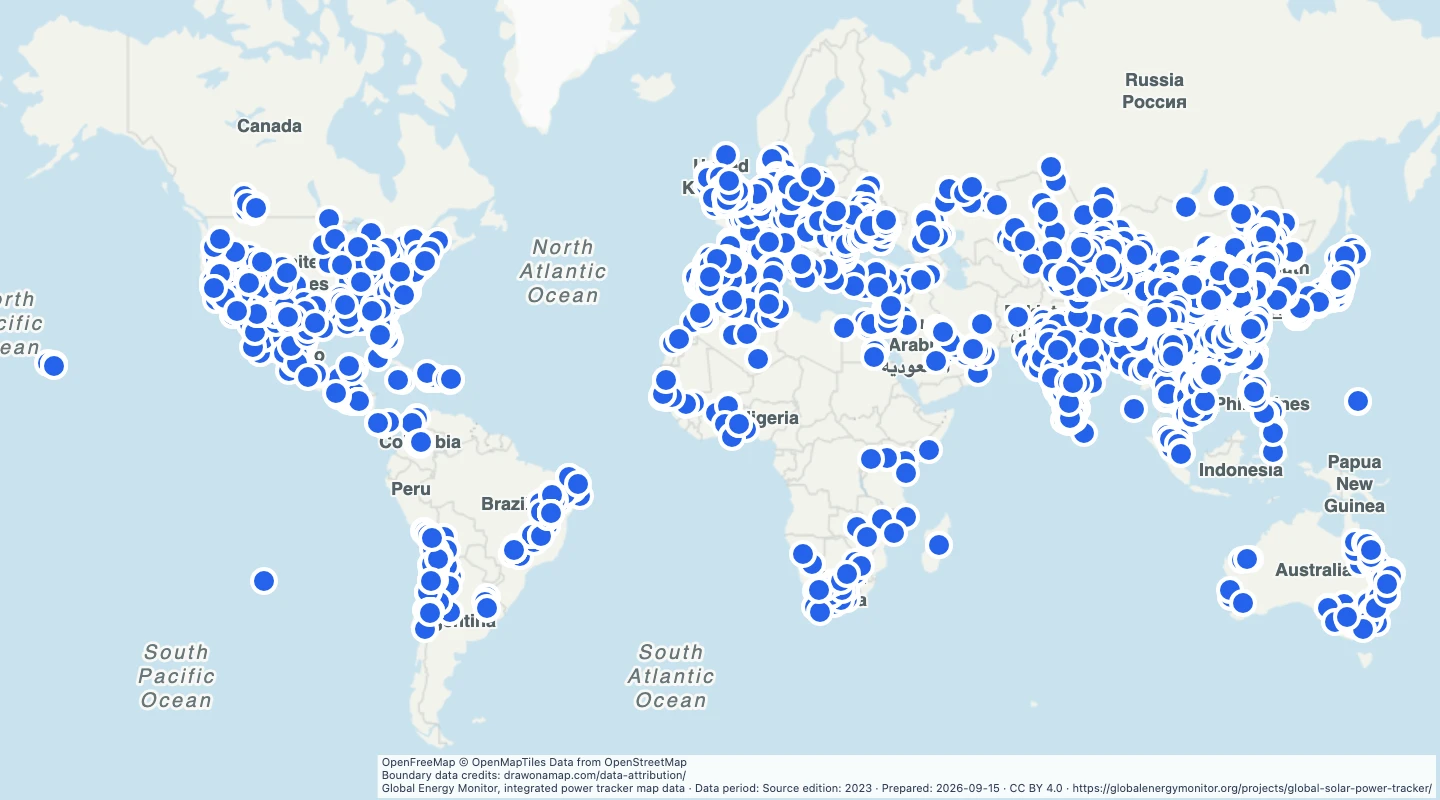 World operating solar farms, GEM 2023 archiveLocations, capacity, and facility names for operating solar power units in the Global Energy Monitor map data.
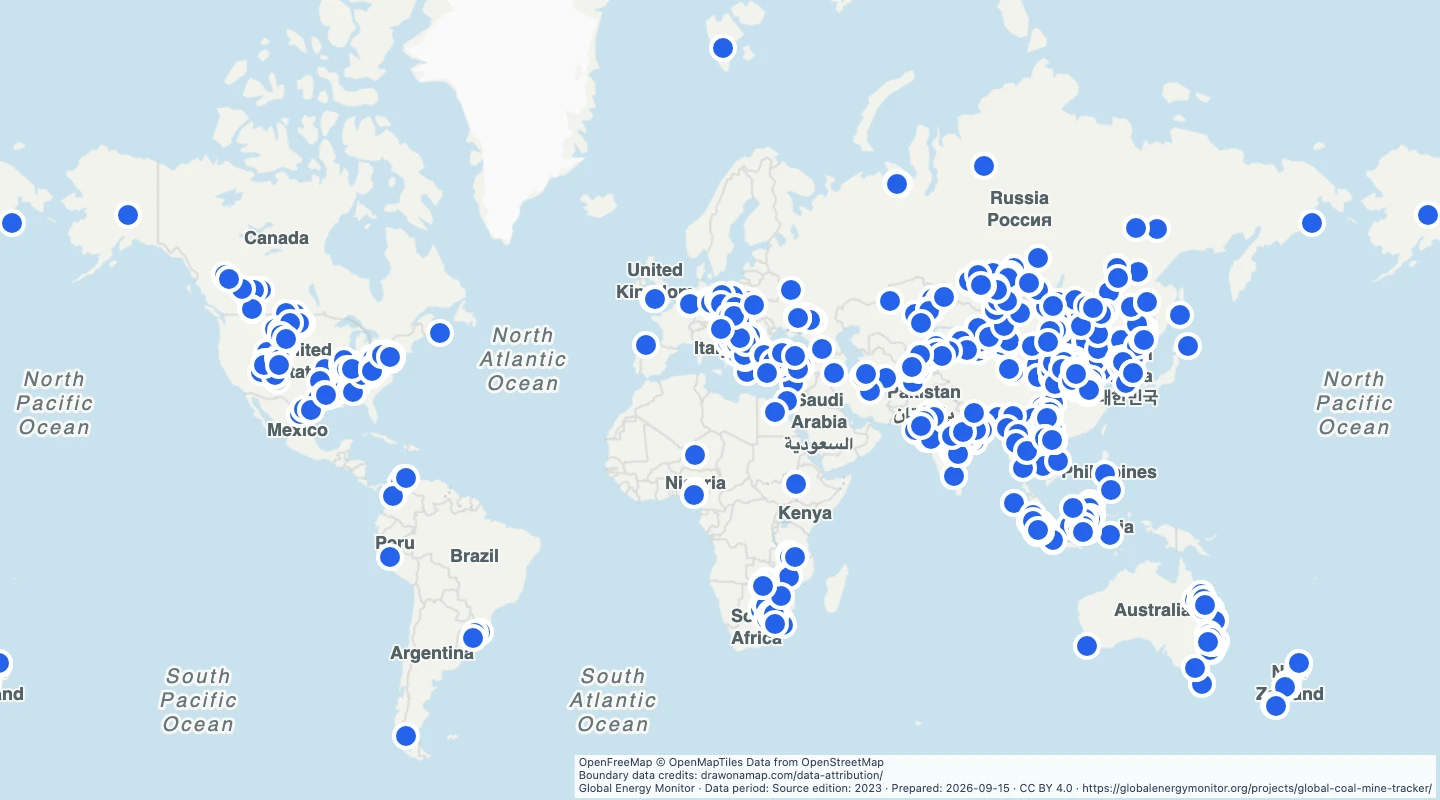 World operating coal mines, GEM 2023 archiveOperating coal mine locations from the Global Energy Monitor public tracker map.
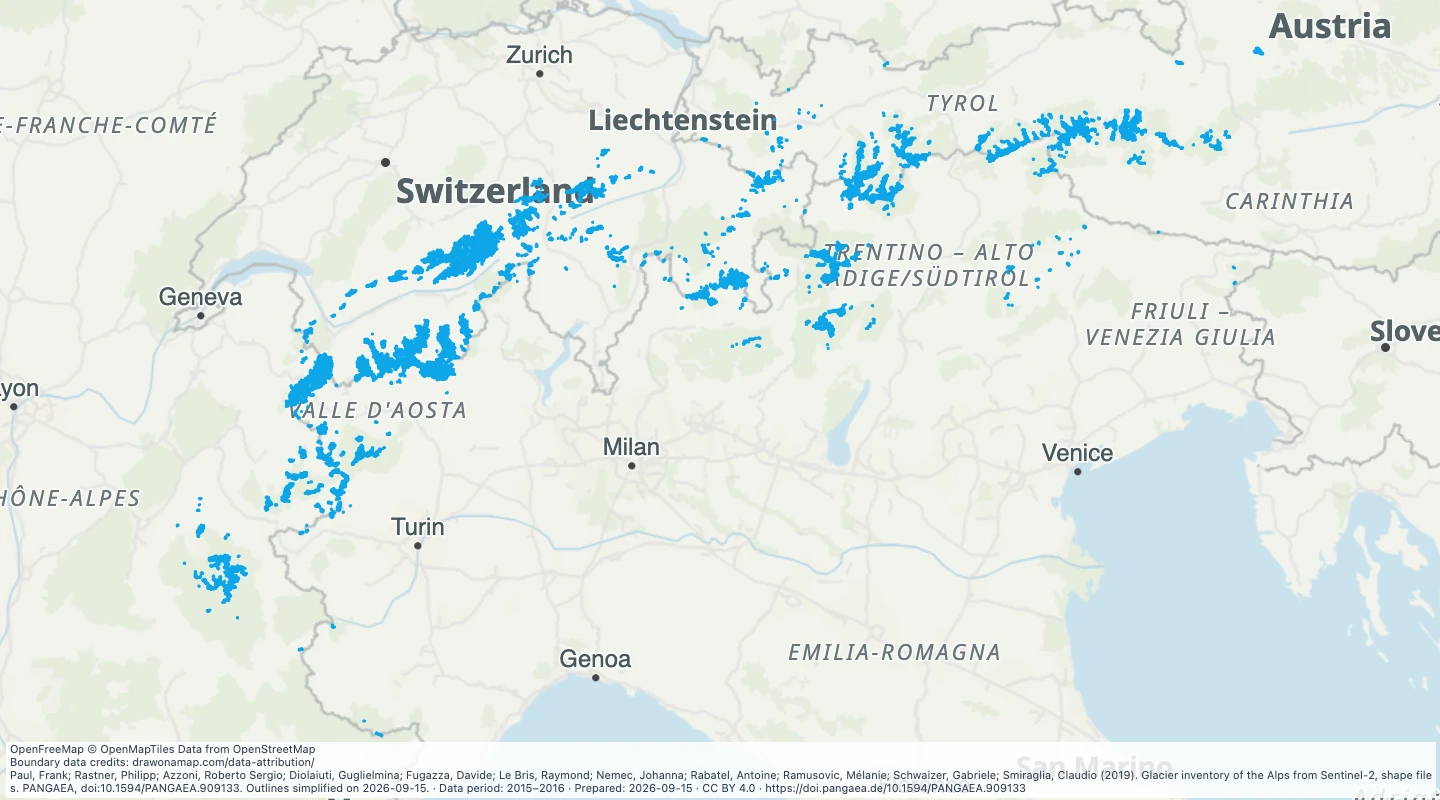 Alpine glacier outlines, 2015–2016Explore glacier outlines mapped from Sentinel-2 images in 2015 and 2016. Compare source areas and elevations across the Alps.
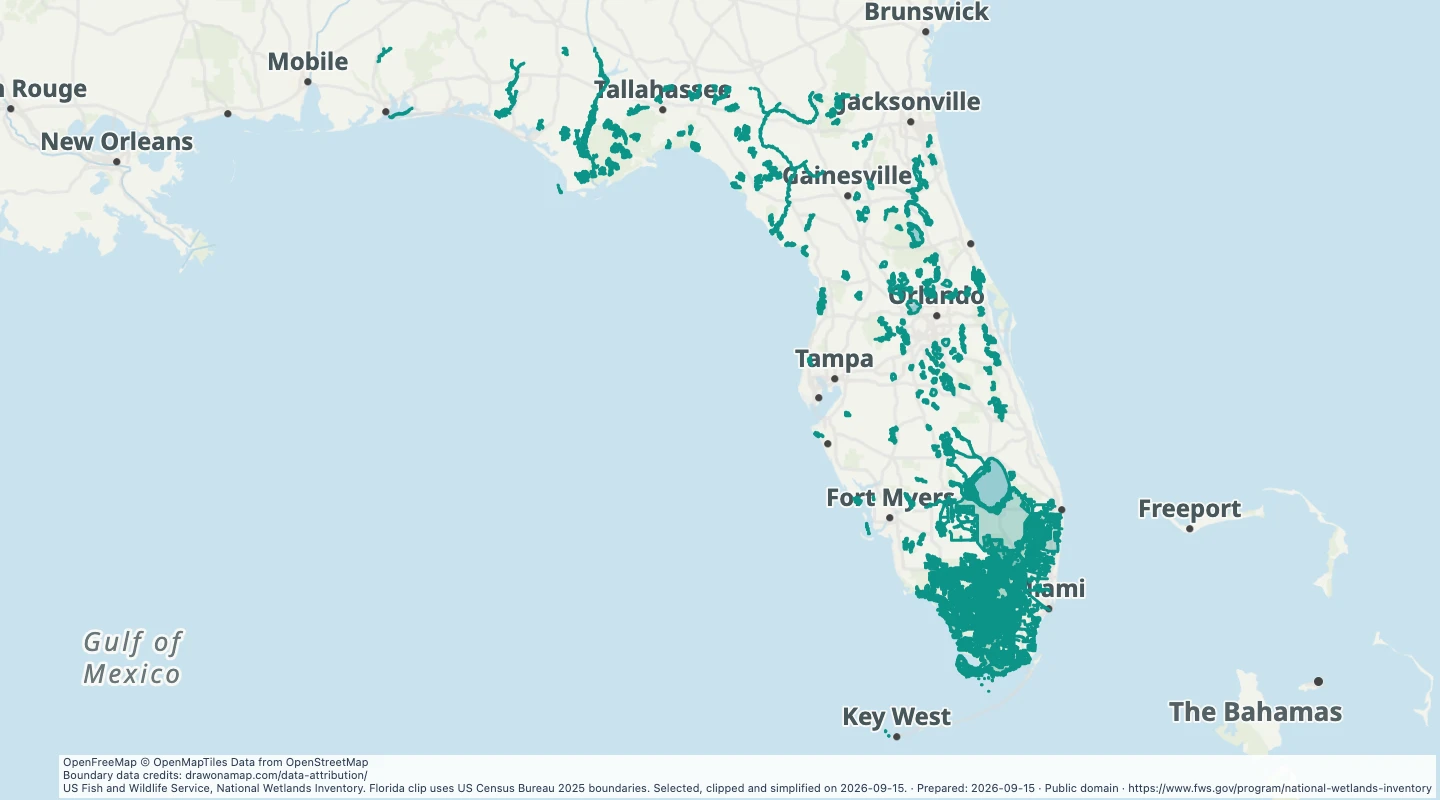 Large wetland areas in FloridaExplore large National Wetlands Inventory polygons in Florida. Compare wetland types and add conservation study notes.
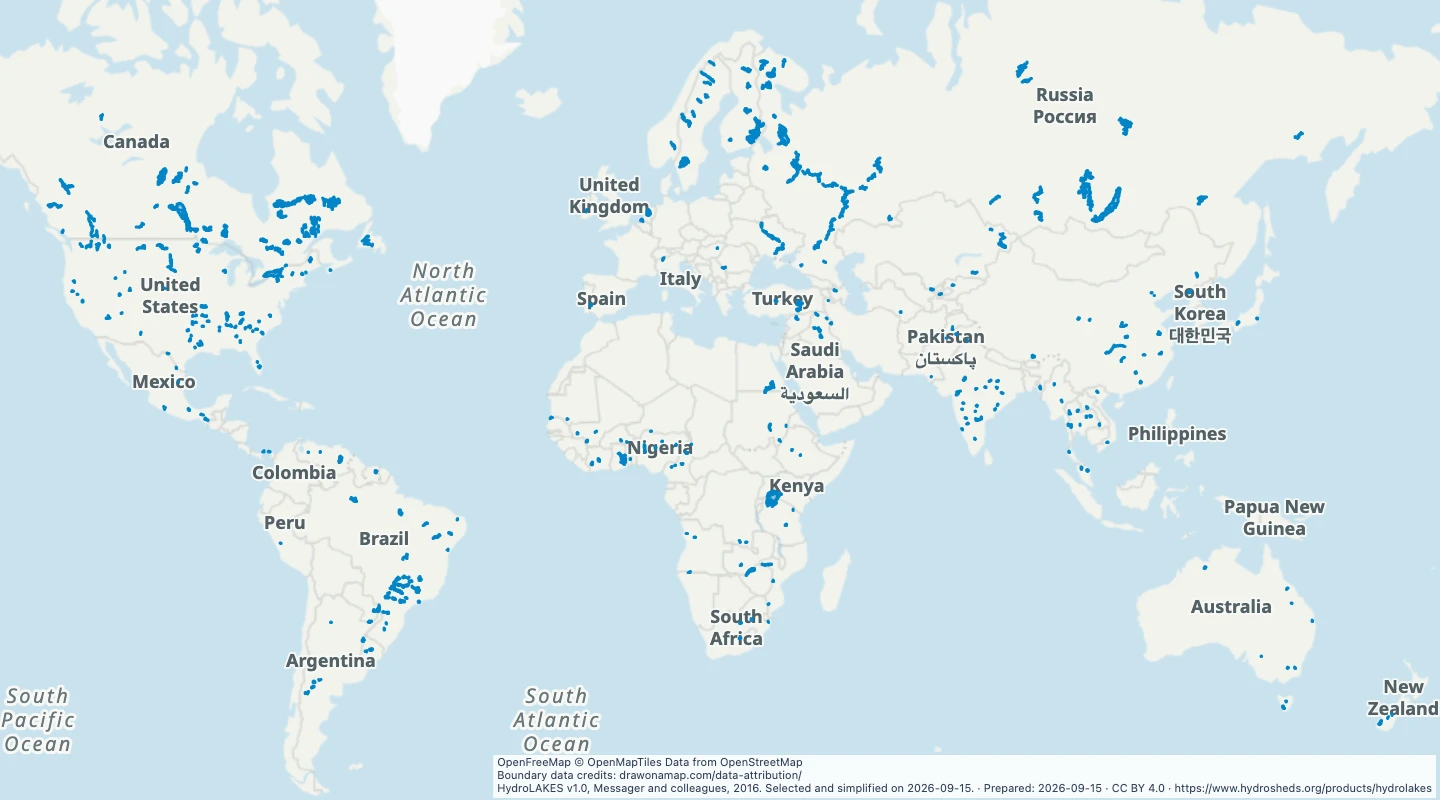 Large reservoirs and regulated lakes worldwideExplore reservoirs and regulated lakes of at least 100 square kilometres from HydroLAKES. Compare their areas, countries, and reported storage volumes.
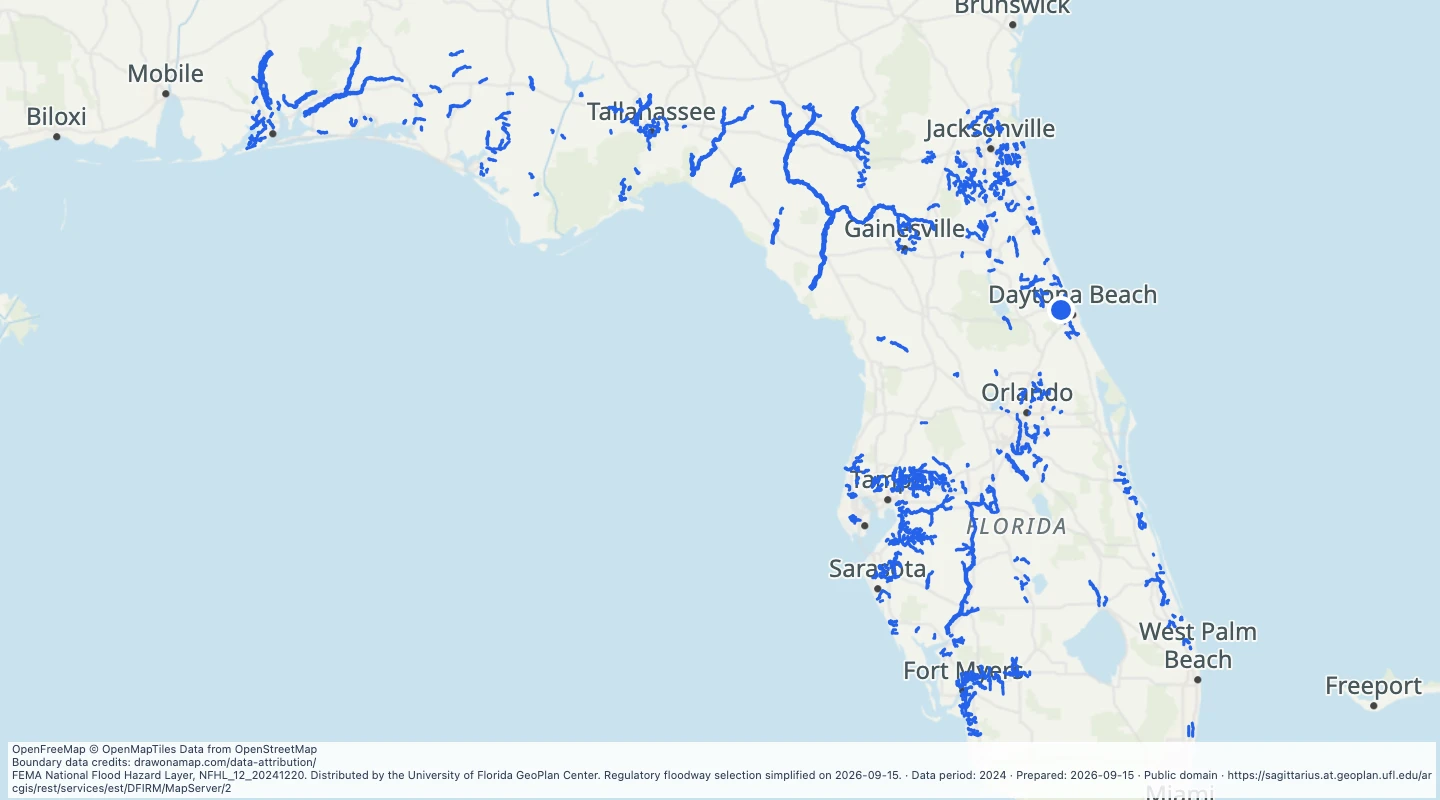 Florida regulatory floodways, 2024Explore FEMA regulatory floodway polygons in Florida from the December 2024 GeoPlan source. Compare county records and add study notes.
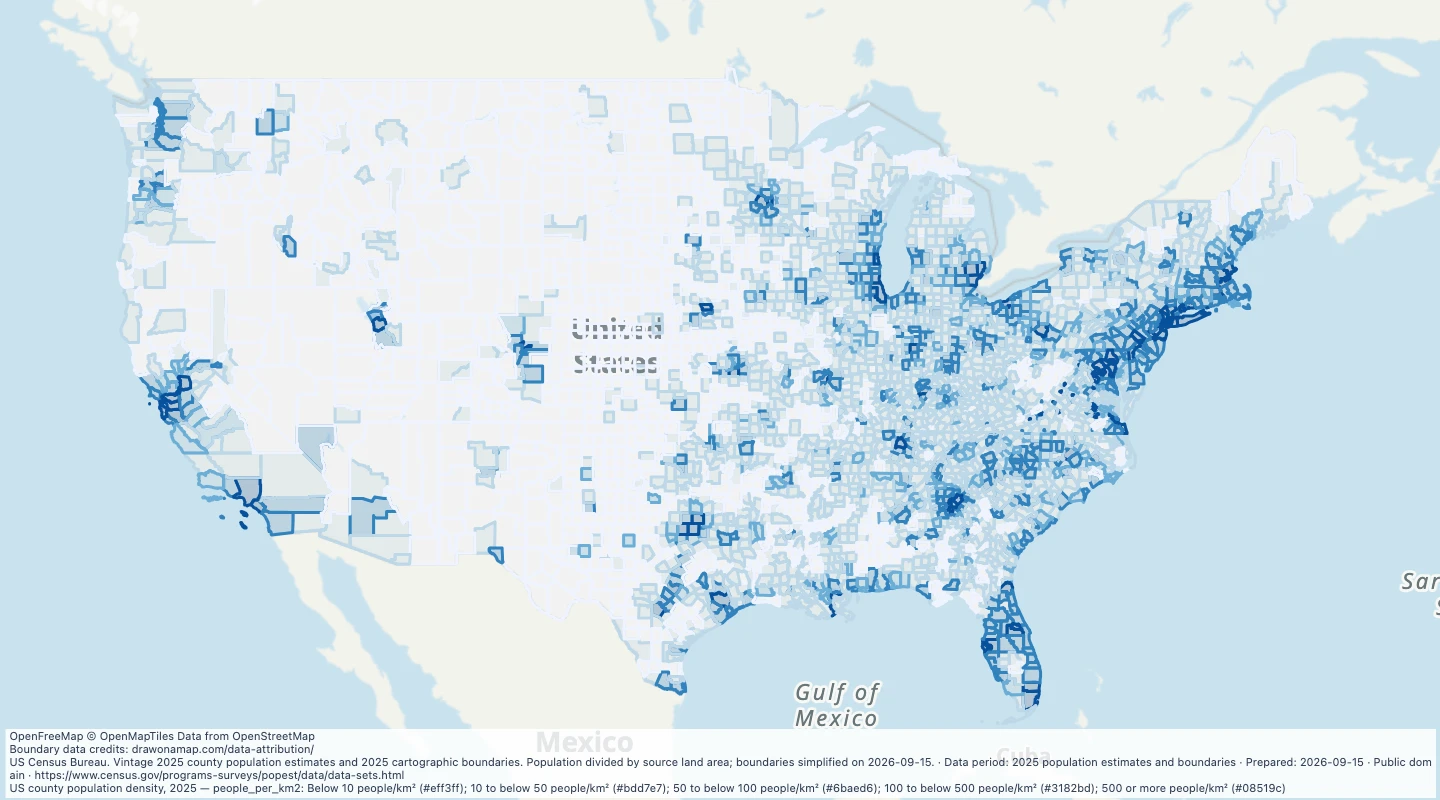 US county population density, 2025Compare 2025 population estimates and population per square kilometre for US counties and county equivalents.
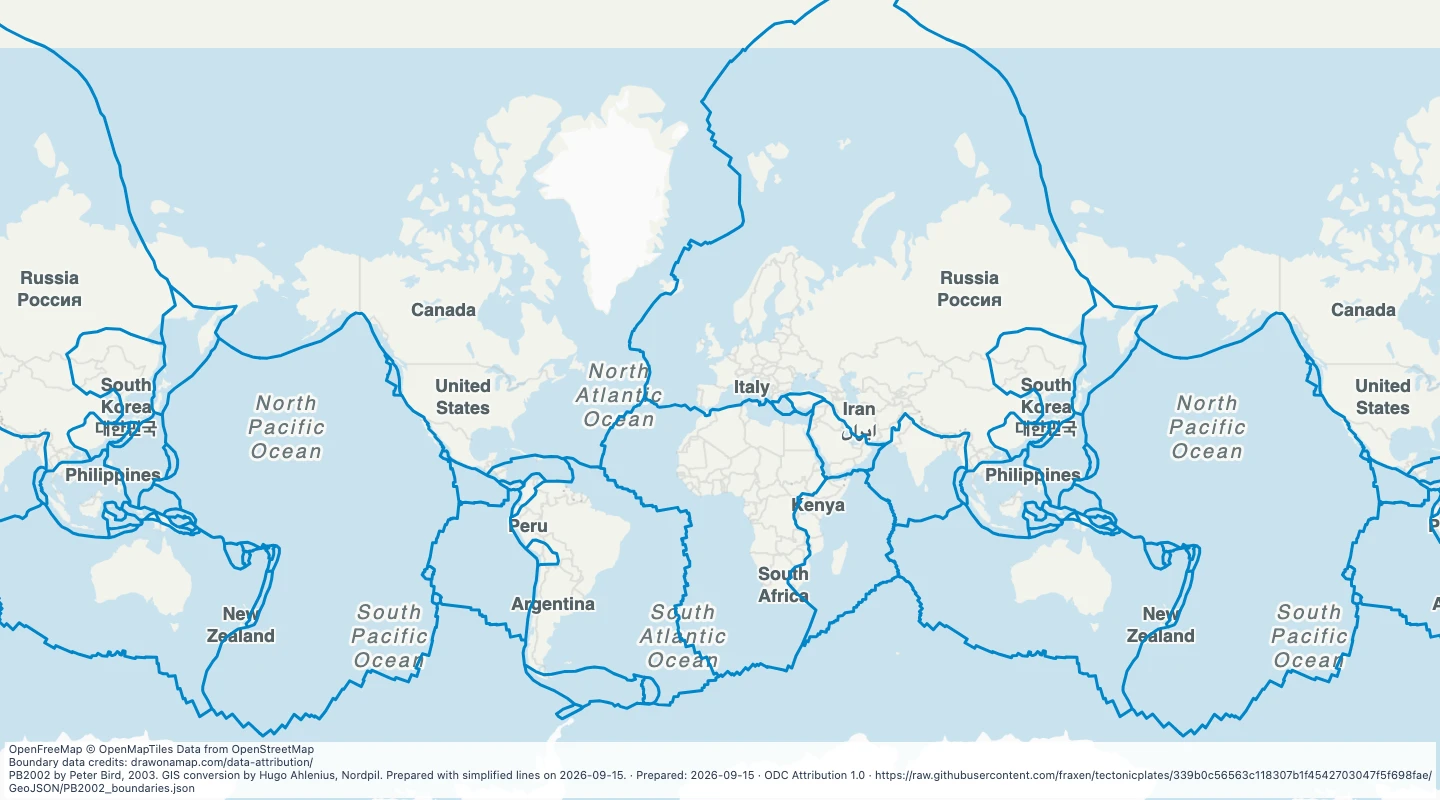 Tectonic plate boundaries worldwideExplore the PB2002 tectonic plate boundaries. Add earthquake layers and notes to compare plate edges with recorded events.
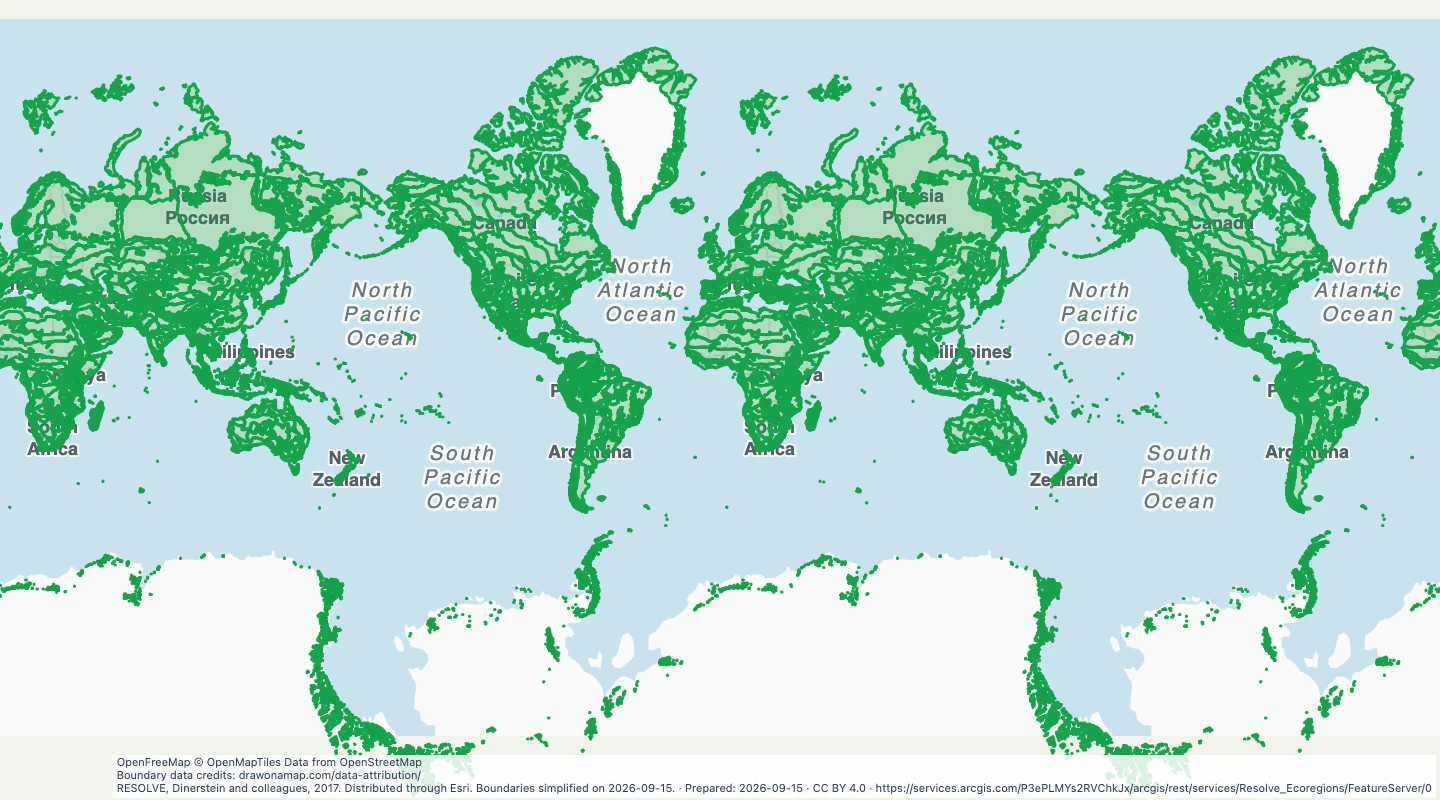 Terrestrial ecoregions worldwideExplore the RESOLVE 2017 terrestrial ecoregions. Compare ecological regions, biomes, and realms without using country borders.
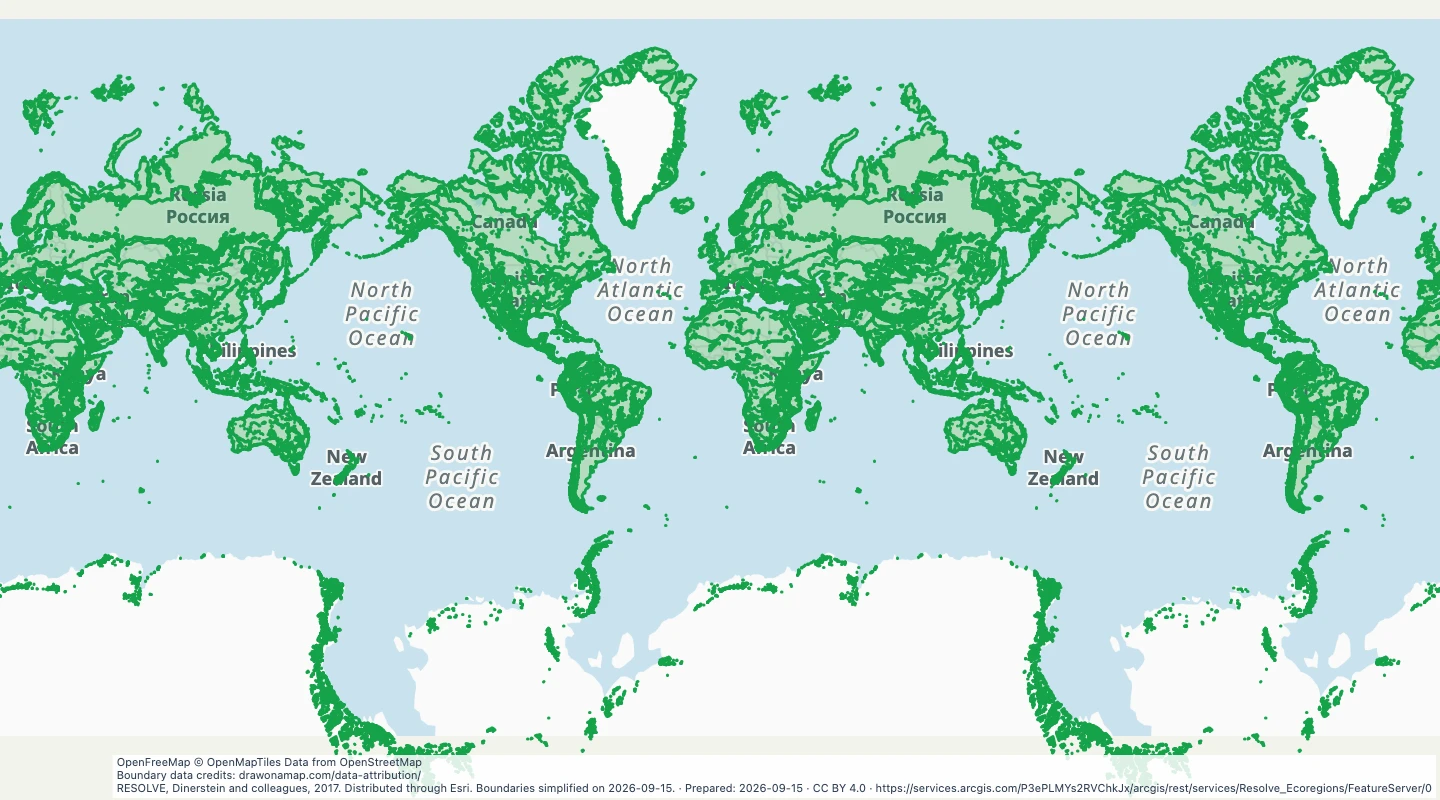 Terrestrial biomes worldwideExplore terrestrial biomes derived from RESOLVE 2017 ecoregions. Compare large ecological zones and add your own study notes.
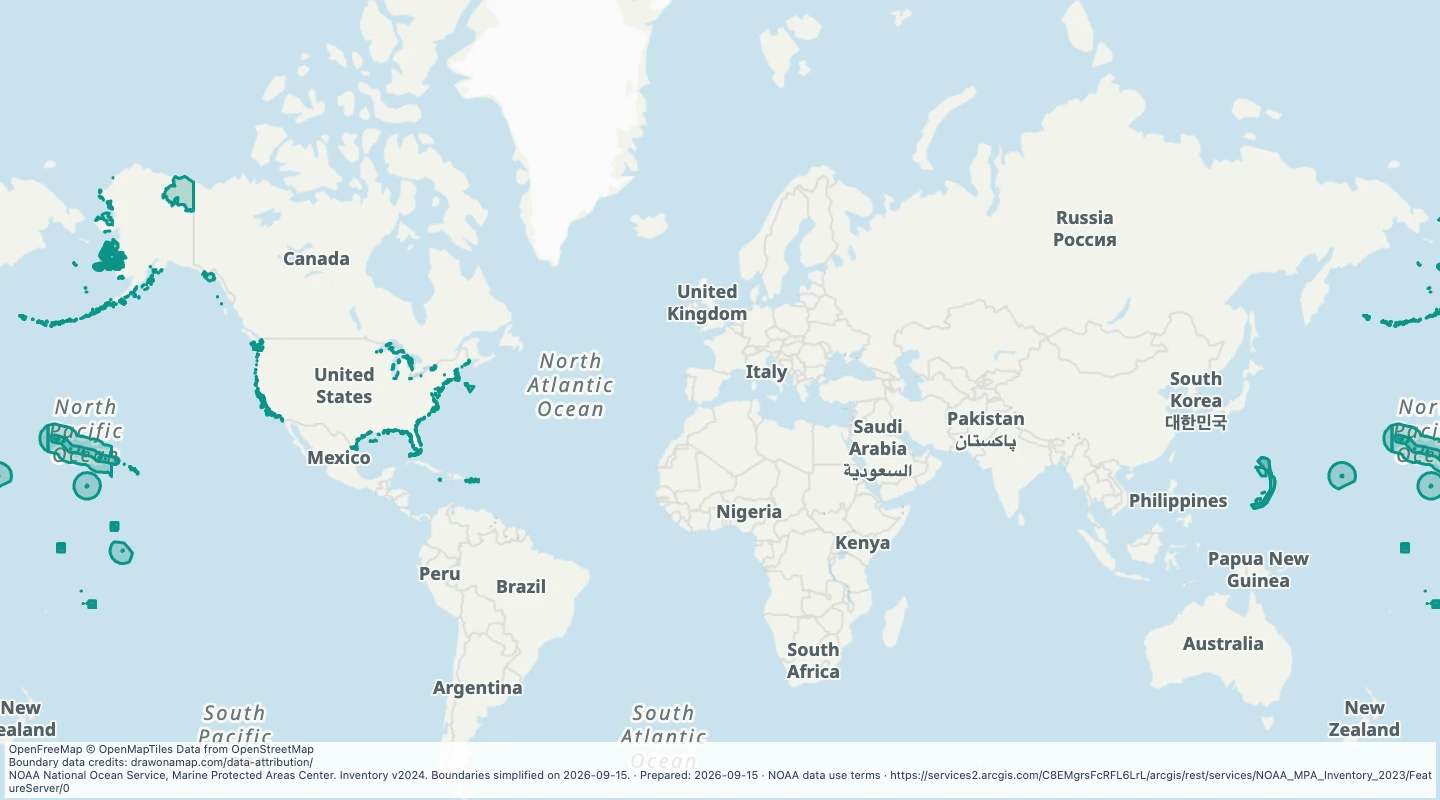 Marine protected areas in the United StatesExplore the NOAA 2024 inventory of US marine protected areas. Compare protection types, managing agencies, and marine areas.
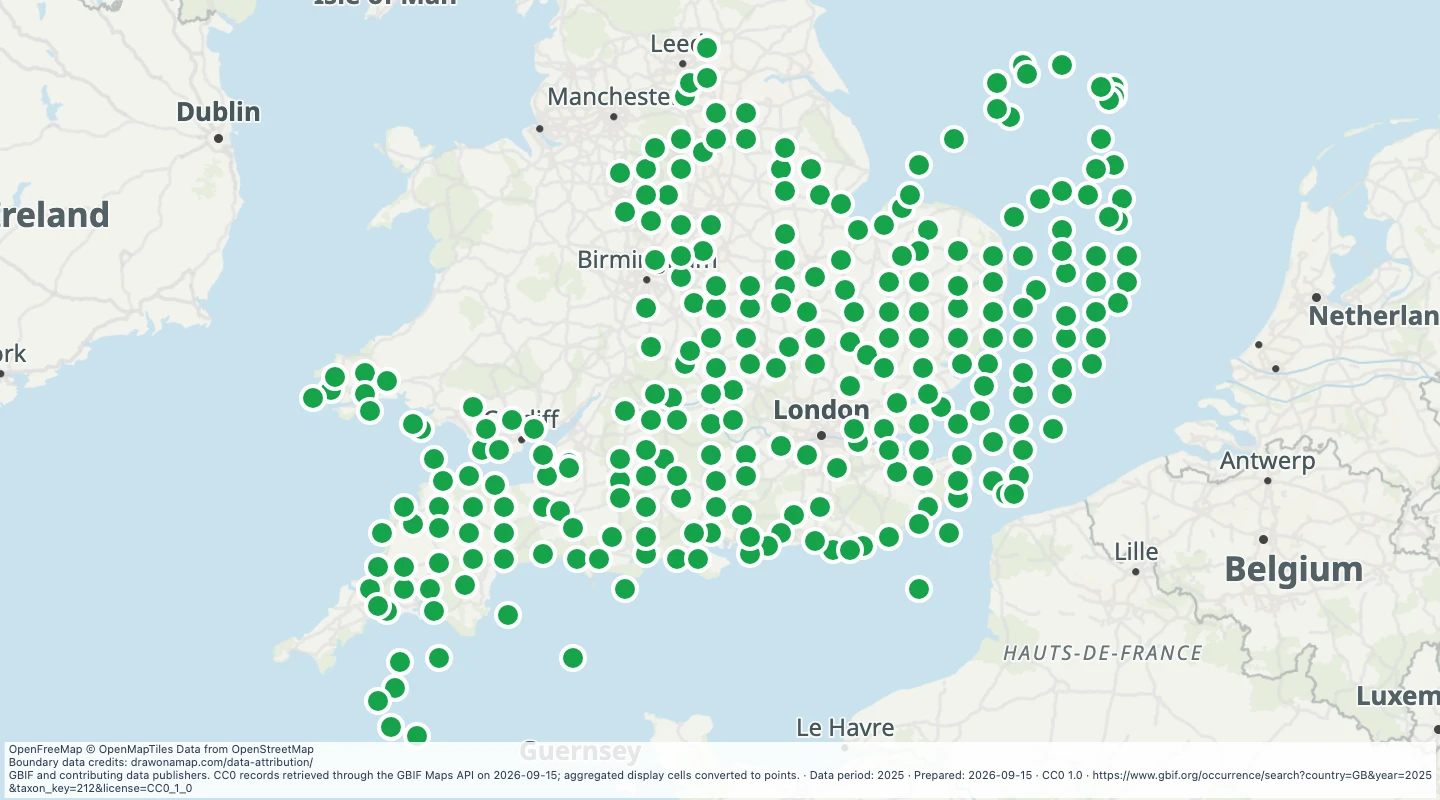 UK bird records in 2025, by map gridExplore CC0 bird records from GBIF for the United Kingdom in 2025. Compare record counts in map display cells.
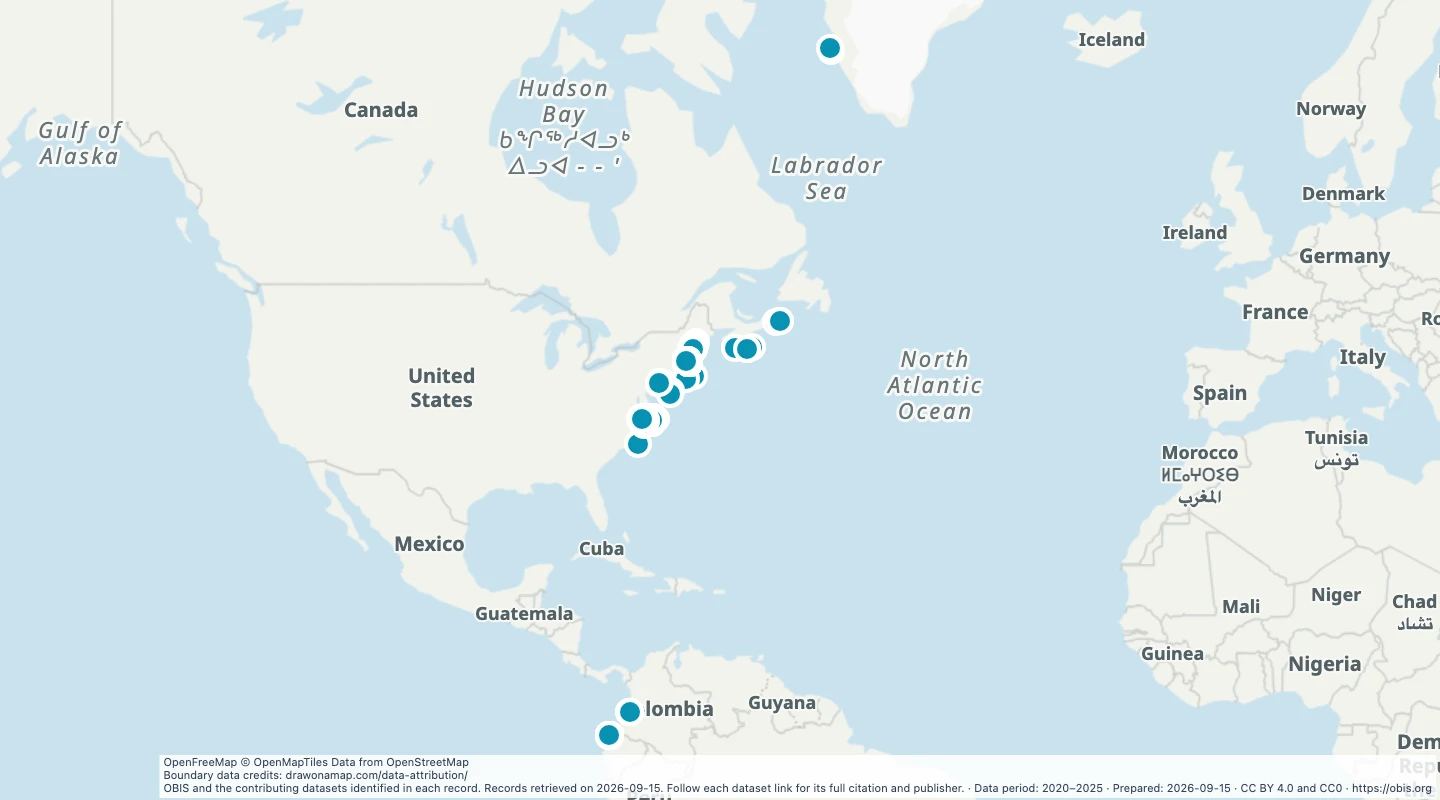 North Atlantic humpback whale records, 2020–2025Explore openly licensed OBIS occurrence records. Compare reported locations and dates, then add notes for a marine wildlife study.
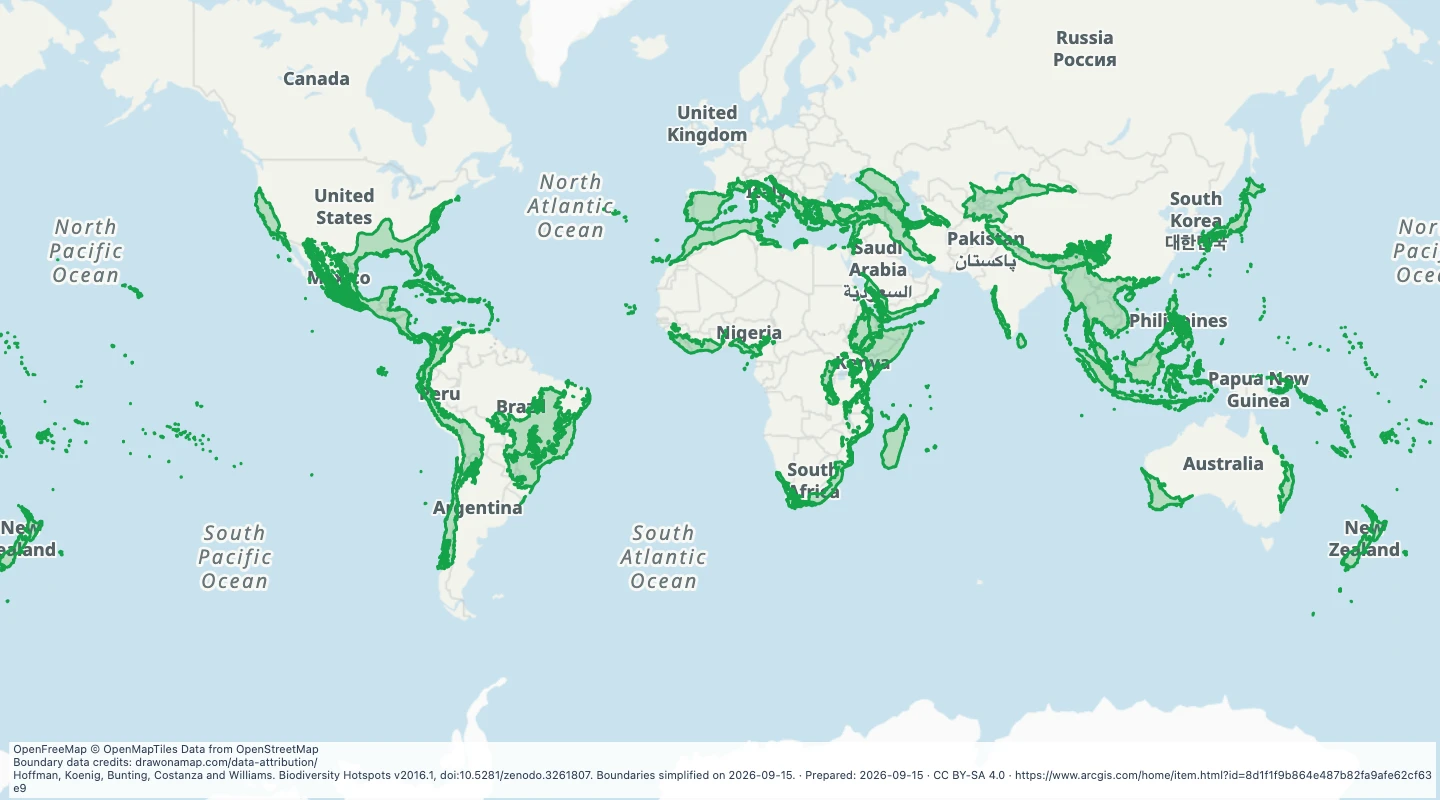 Biodiversity hotspots worldwideExplore the 2016.1 biodiversity hotspot boundaries. Compare these conservation regions and add notes about habitats and species.
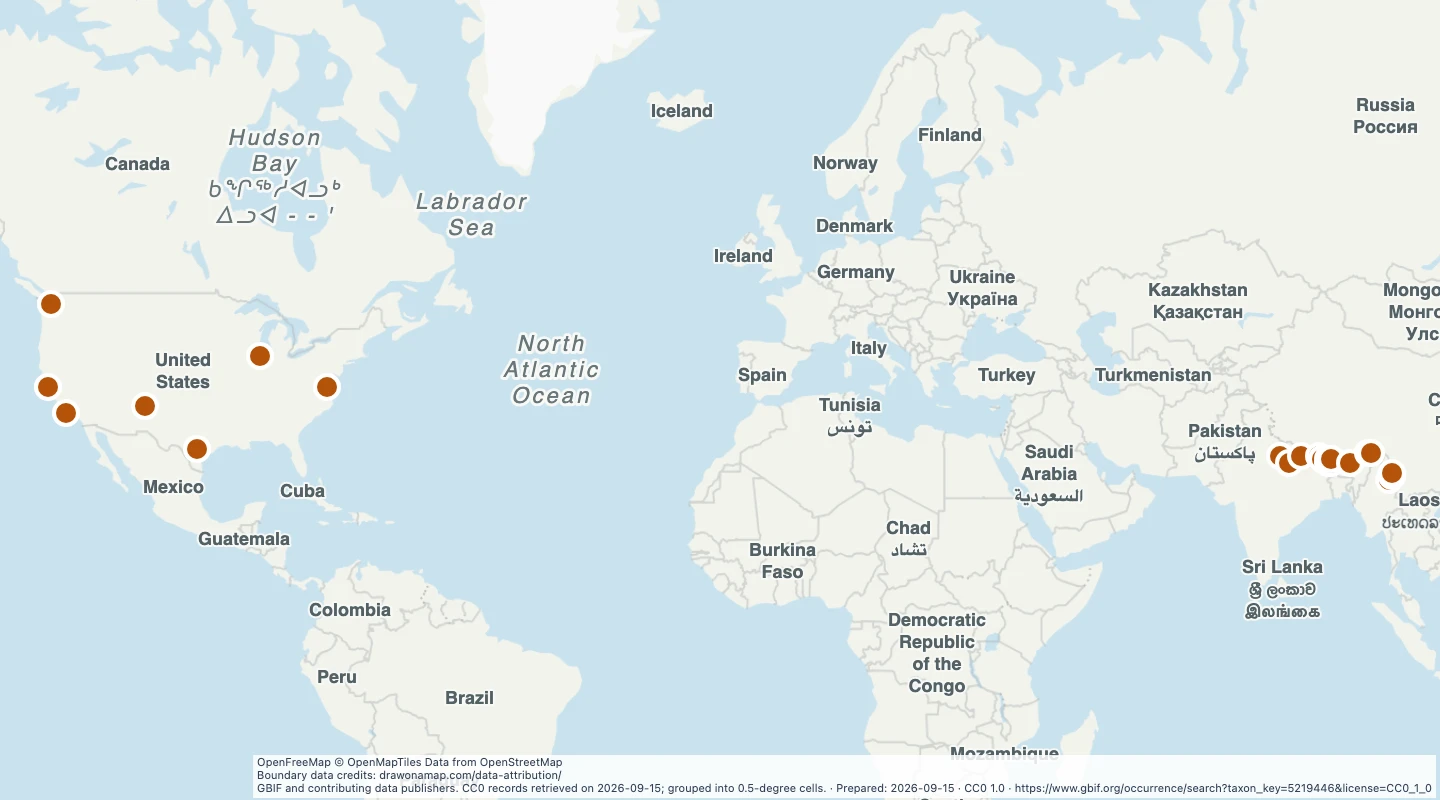 Red panda records, by coarse map gridExplore CC0 red panda records from GBIF in half-degree grid cells. Compare recorded locations and add conservation study notes.
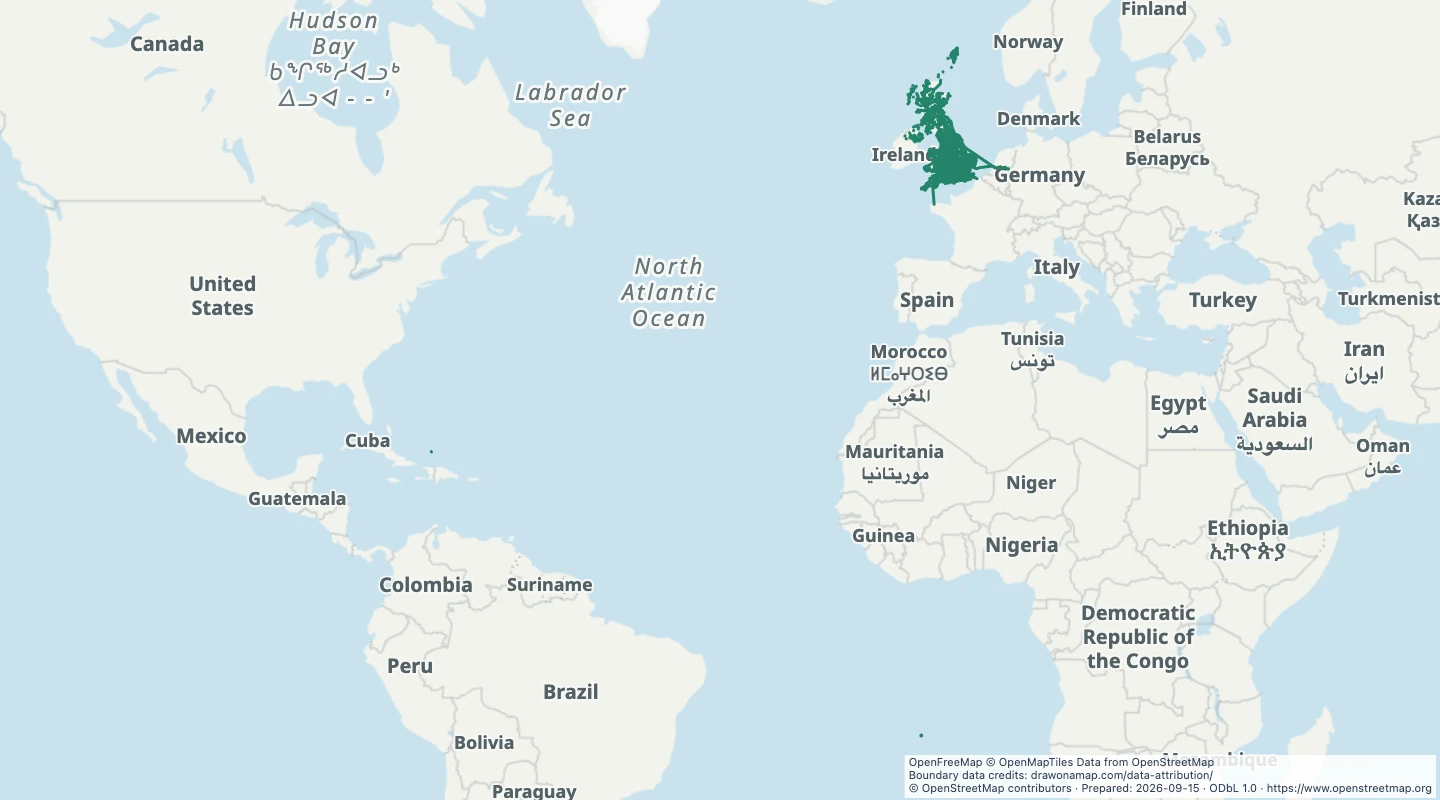 UK named hiking routesFollow named hiking routes across the United Kingdom. Compare route paths and inspect recorded route names and networks.
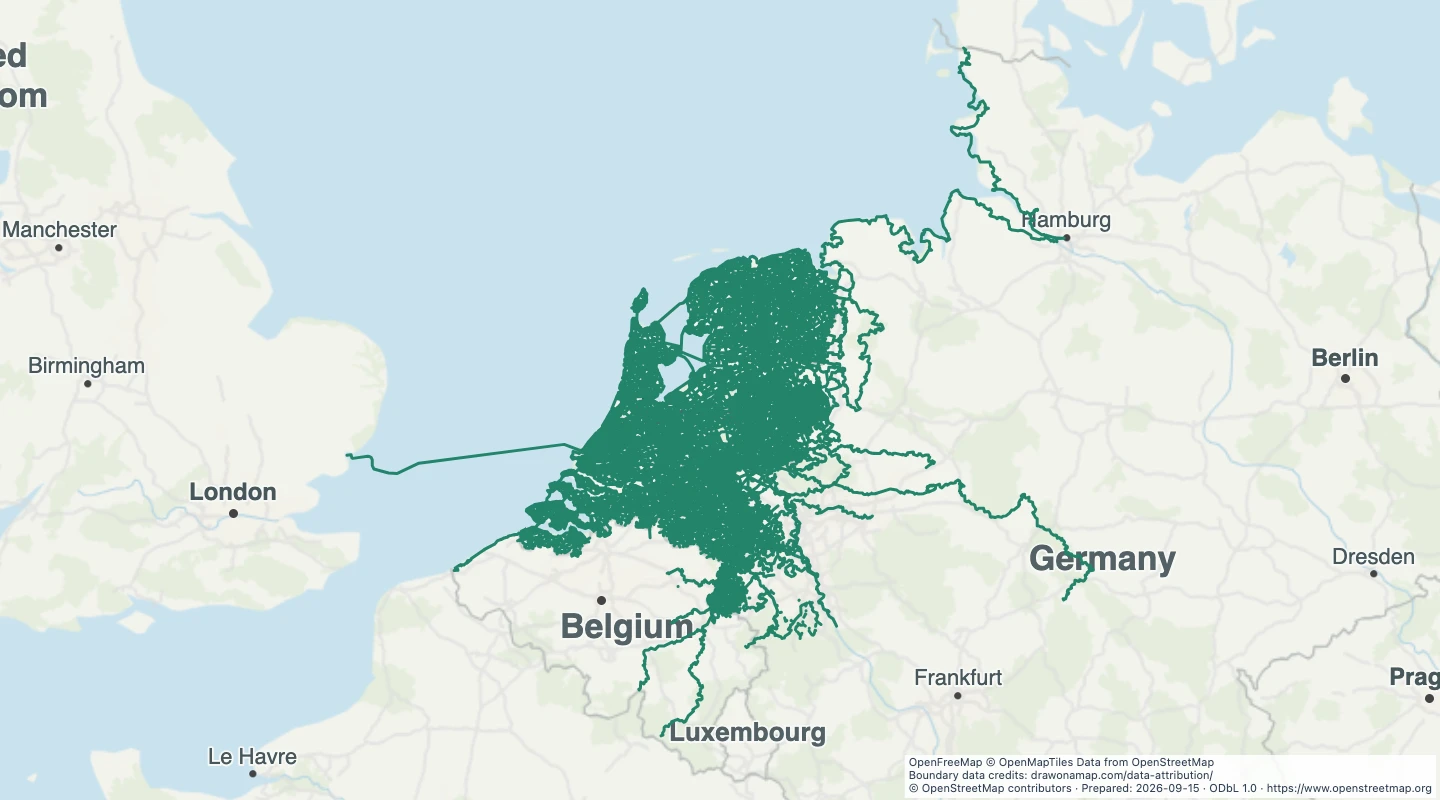 Netherlands cycle routesCompare mapped cycle routes across the Netherlands. Use route references and network names to identify paths that share a section.
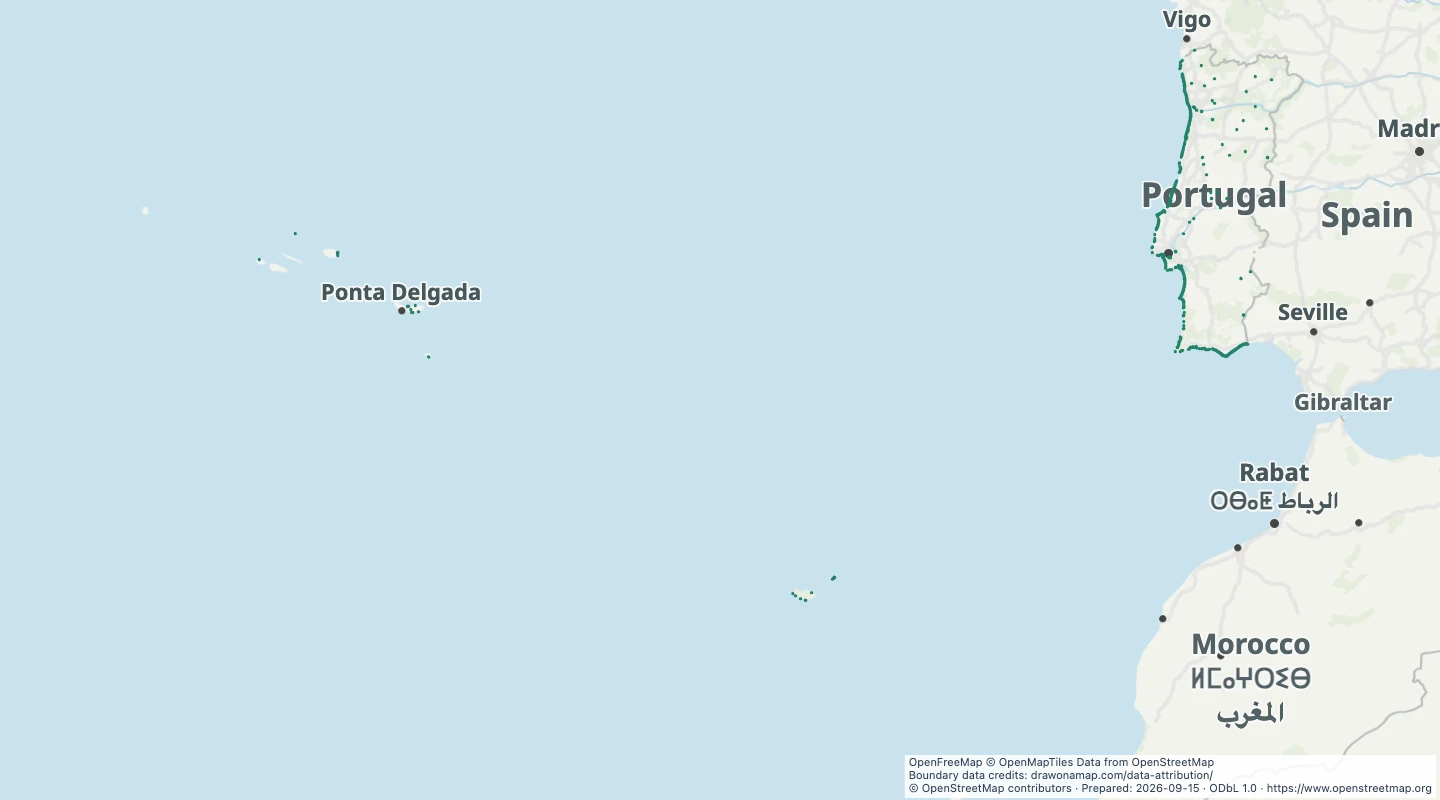 Portugal beachesCompare mapped beach areas along Portugal's coast and islands. Select a beach to inspect its recorded name and boundary.
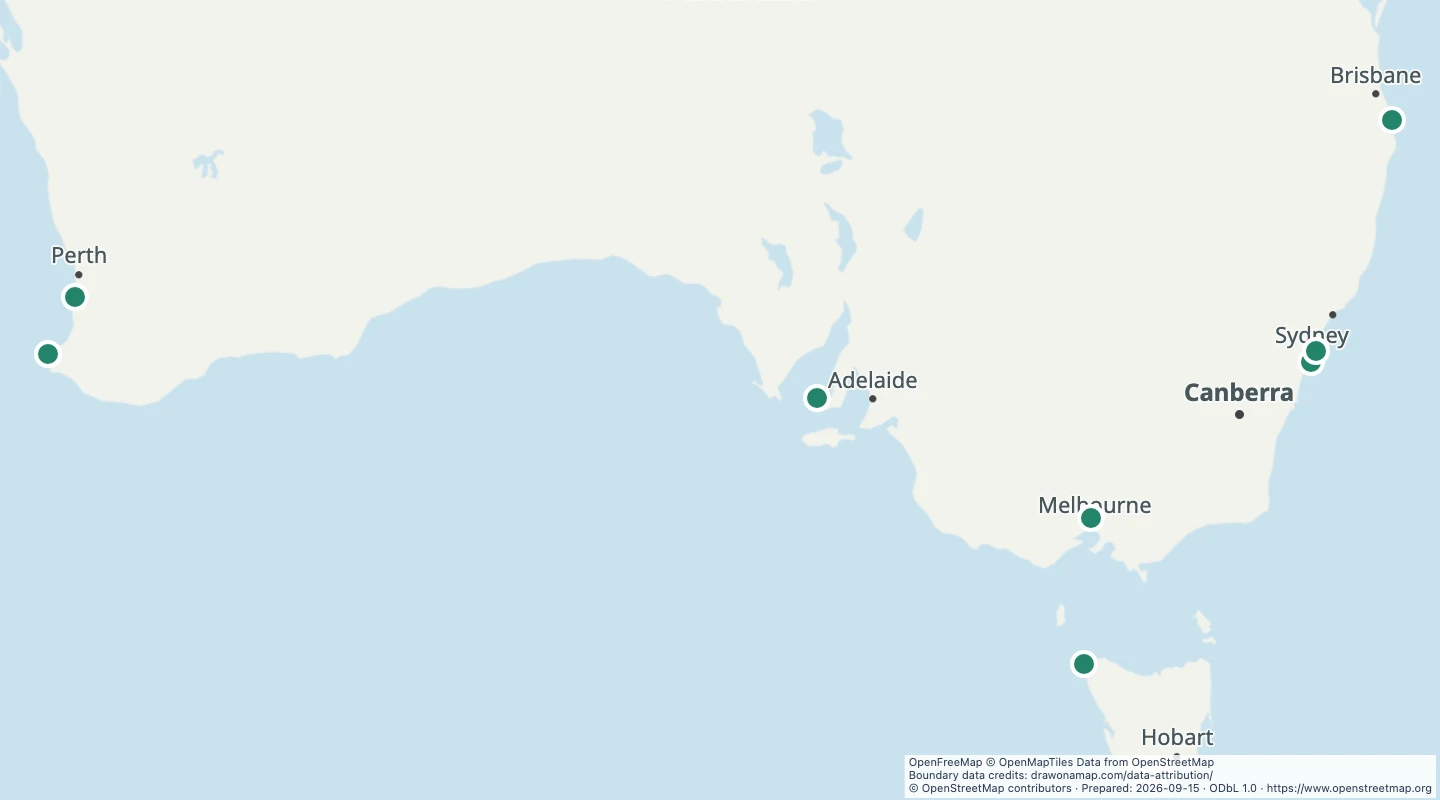 Australia surf locations — eight OpenStreetMap recordsExplore a small selection of eight named surf spots and wave parks recorded in OpenStreetMap. This is not a complete inventory of Australian surf locations.
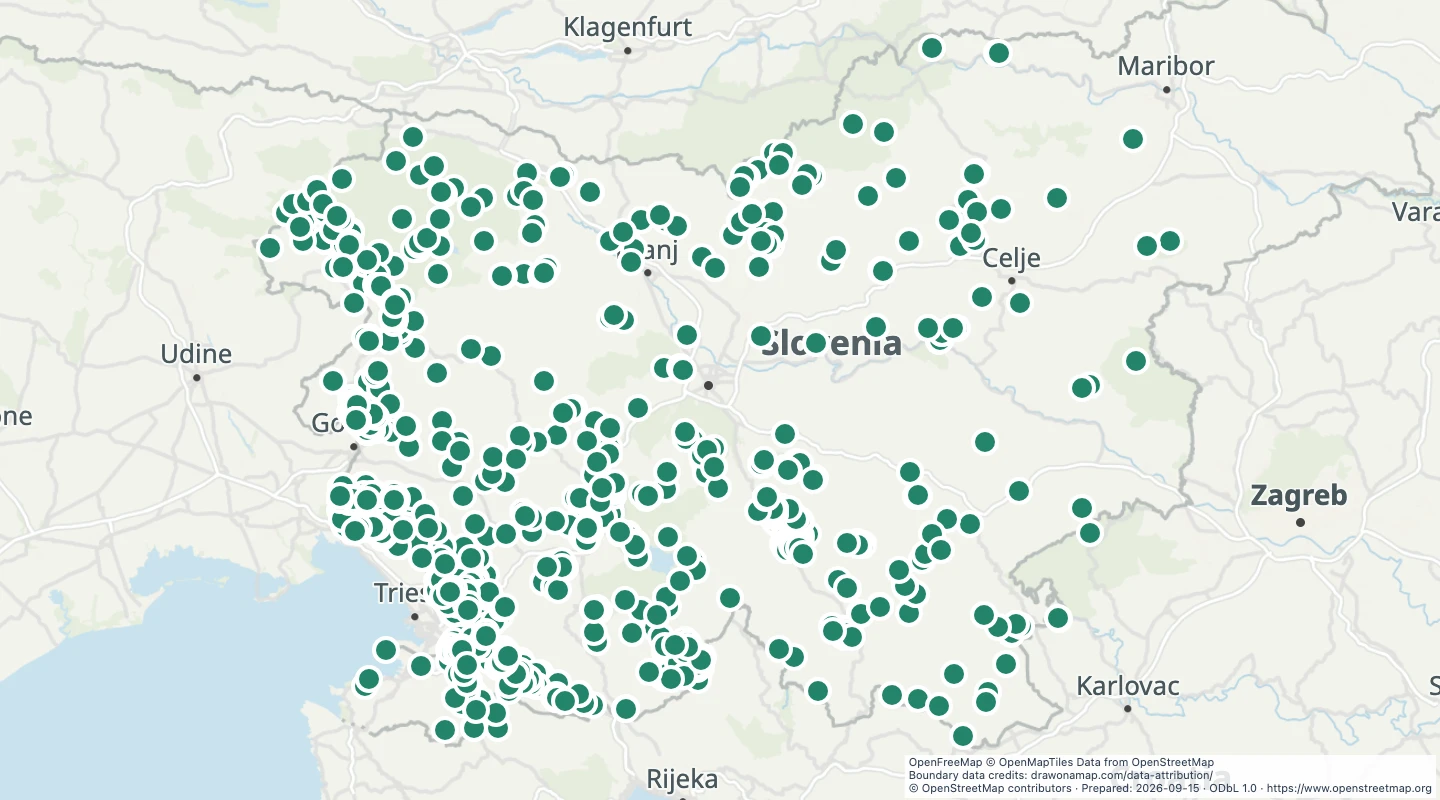 Slovenia cave entrancesLocate mapped cave entrances in Slovenia. Compare entrance locations and inspect recorded names and access details.
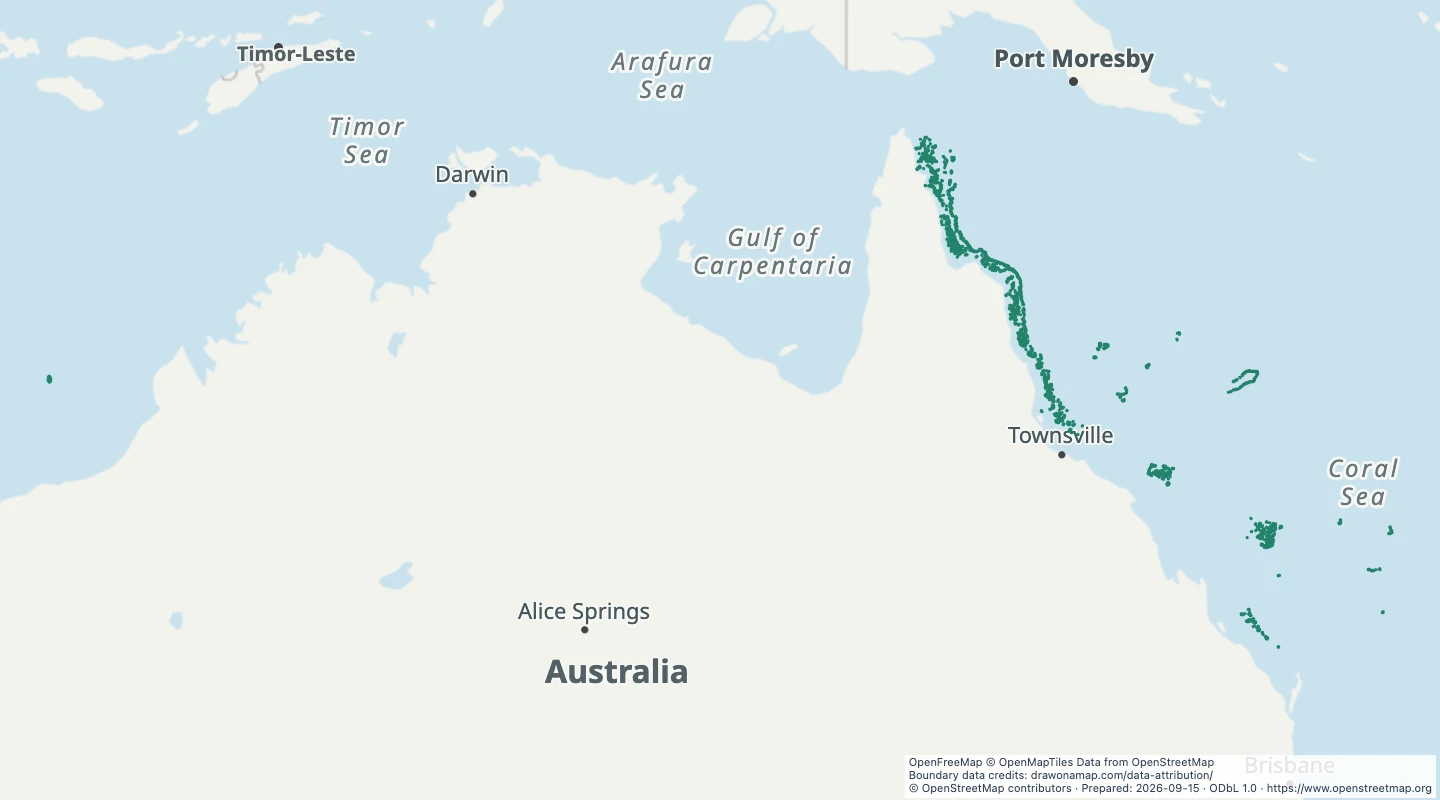 Australia mapped coral reefsExplore the coral reef areas recorded around Australia. Compare mapped reef boundaries and inspect the original source records.
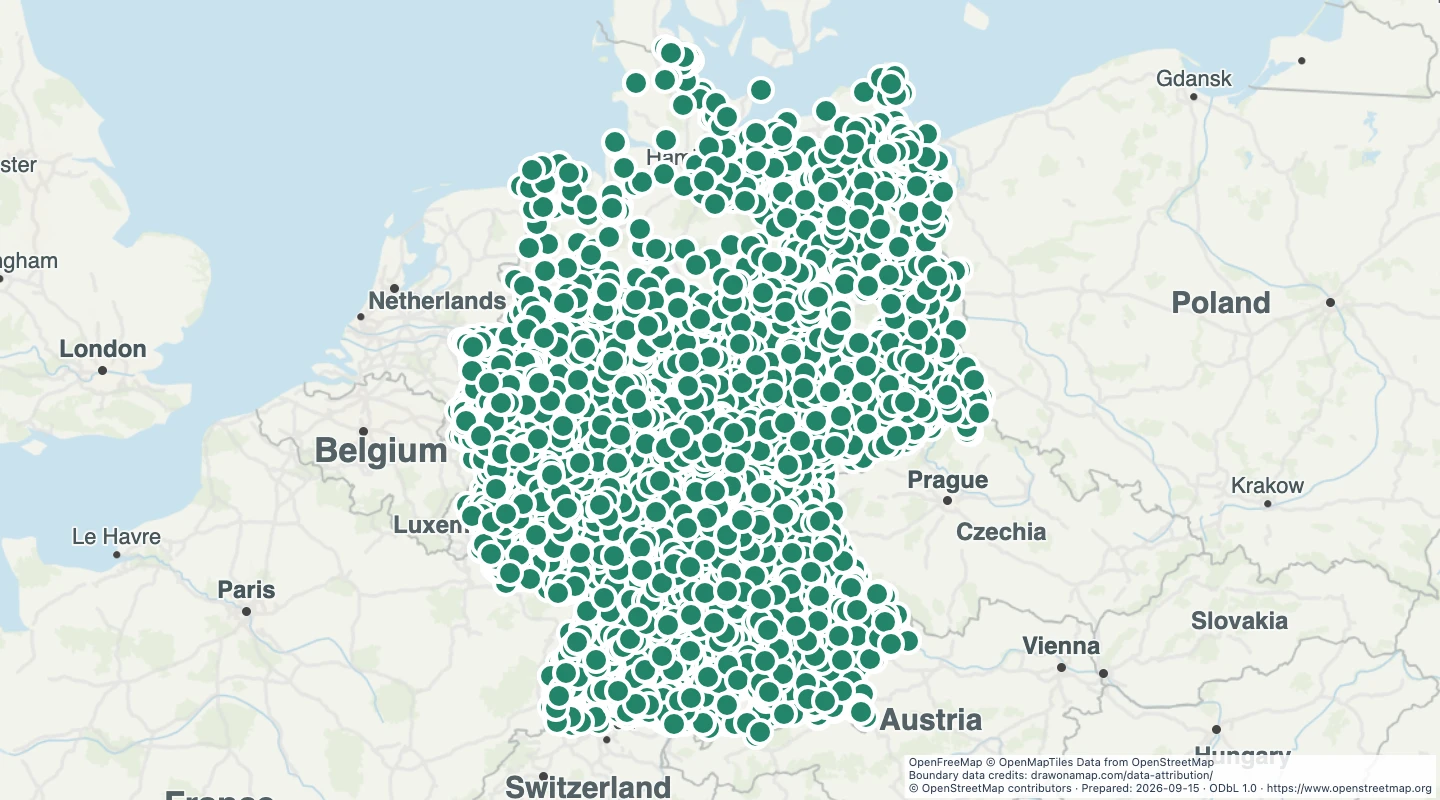 Germany castlesFind mapped castles across Germany. Compare castle locations and inspect recorded castle types and ruin status.
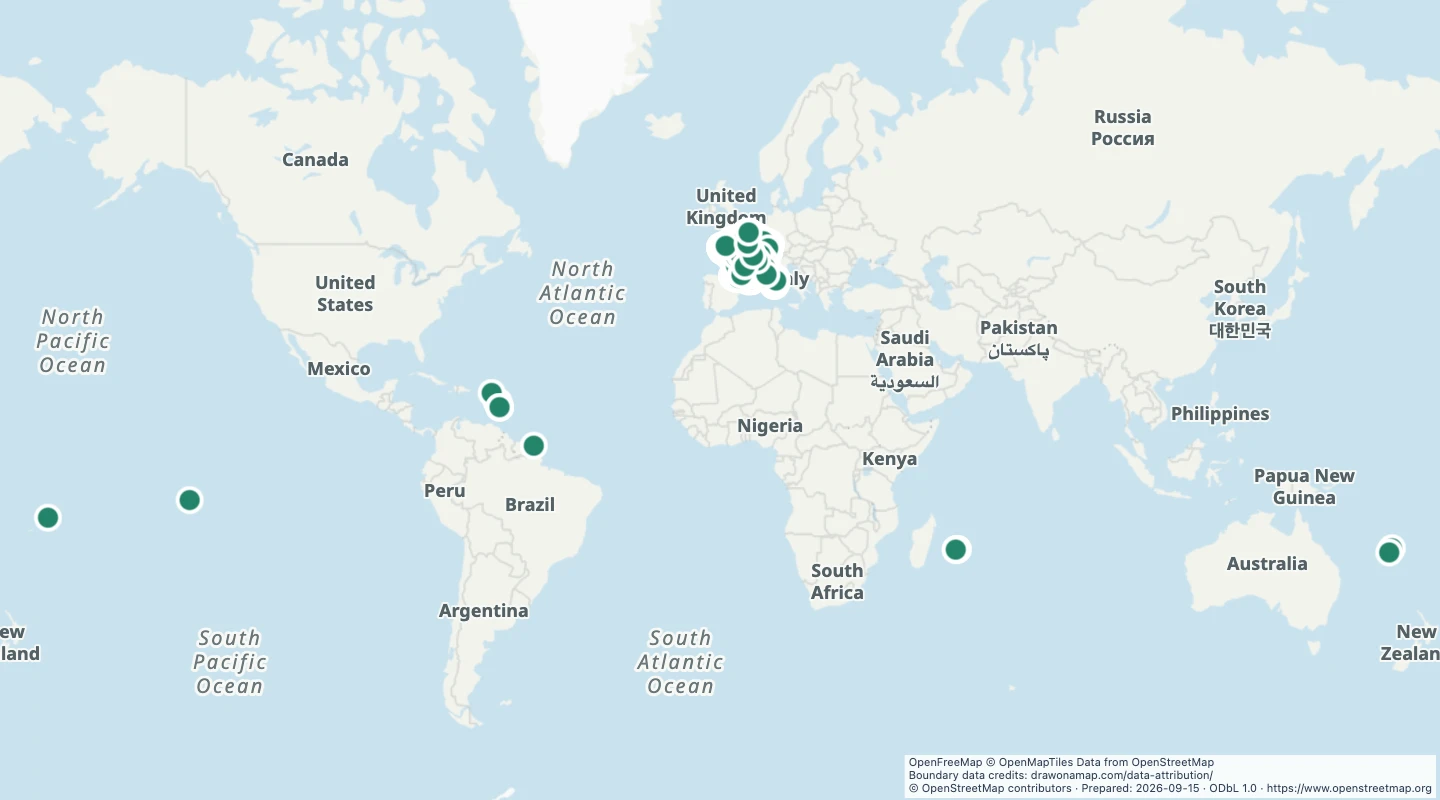 France castlesFind mapped castles across France. Compare locations and inspect recorded castle types to distinguish palaces and other historic sites.
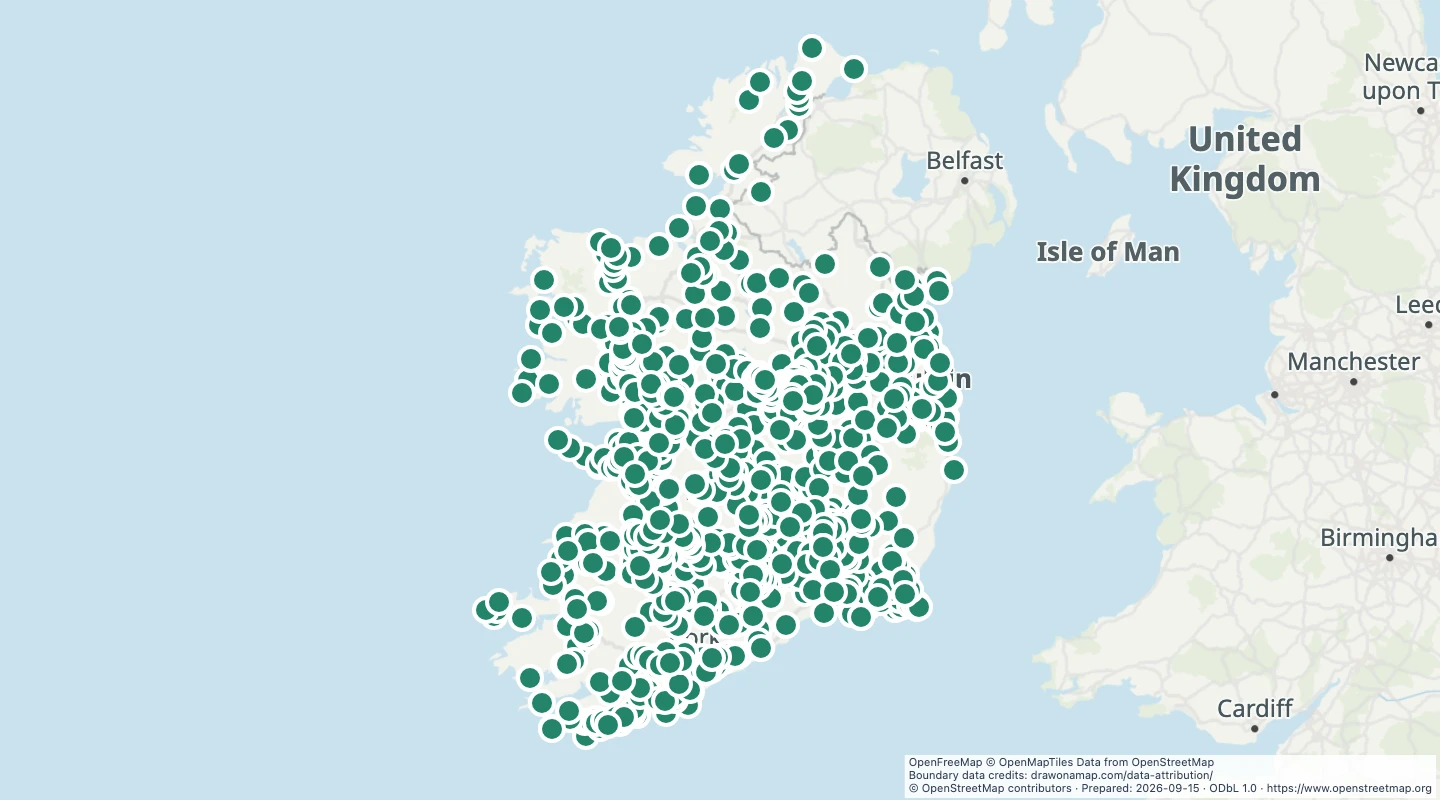 Ireland castlesExplore castle locations in Ireland. Inspect recorded names, castle types, and ruin status when the source supplies them.
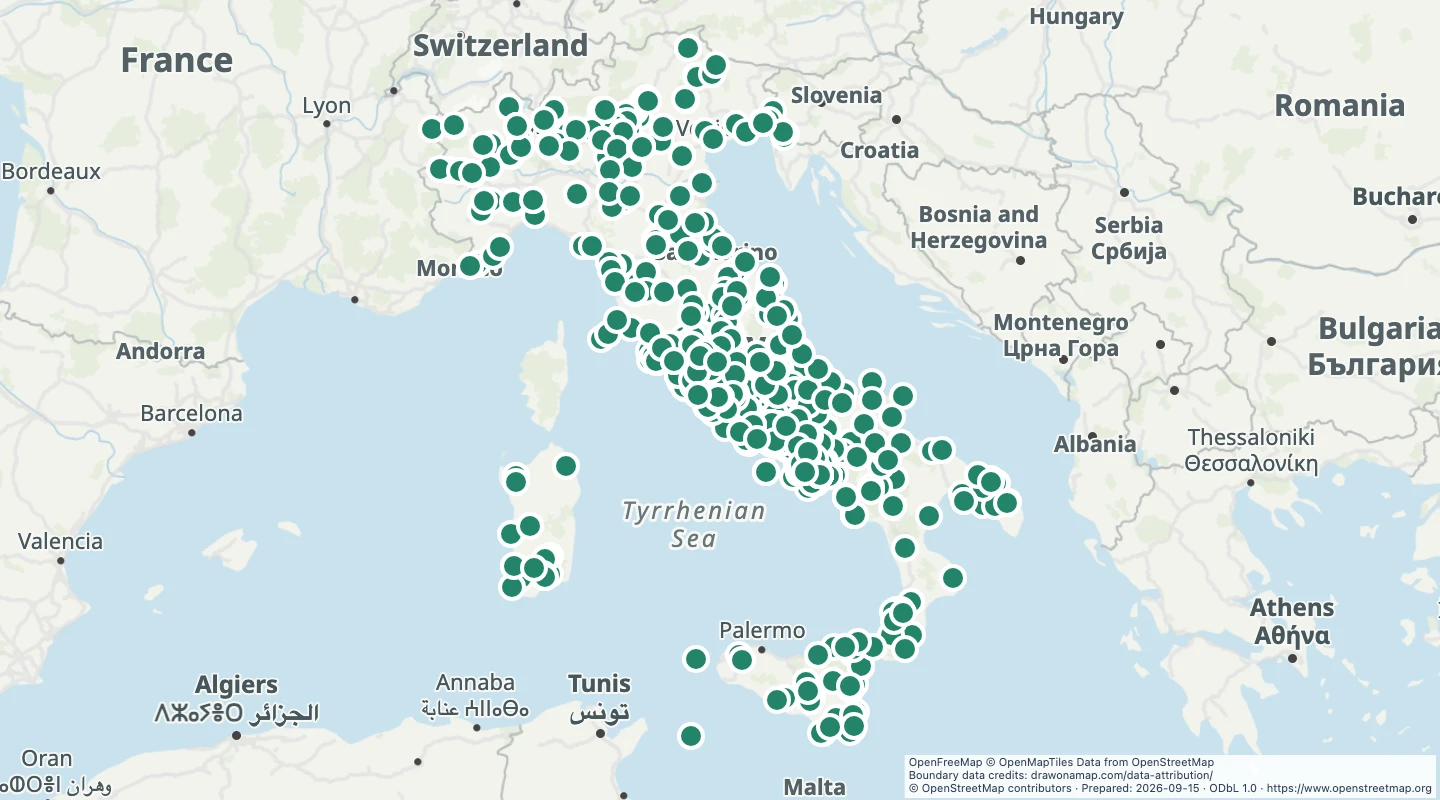 Italy Roman archaeological sitesLocate archaeological sites in Italy with a recorded Roman period or civilization. Compare their locations and inspect the period supplied by the source.
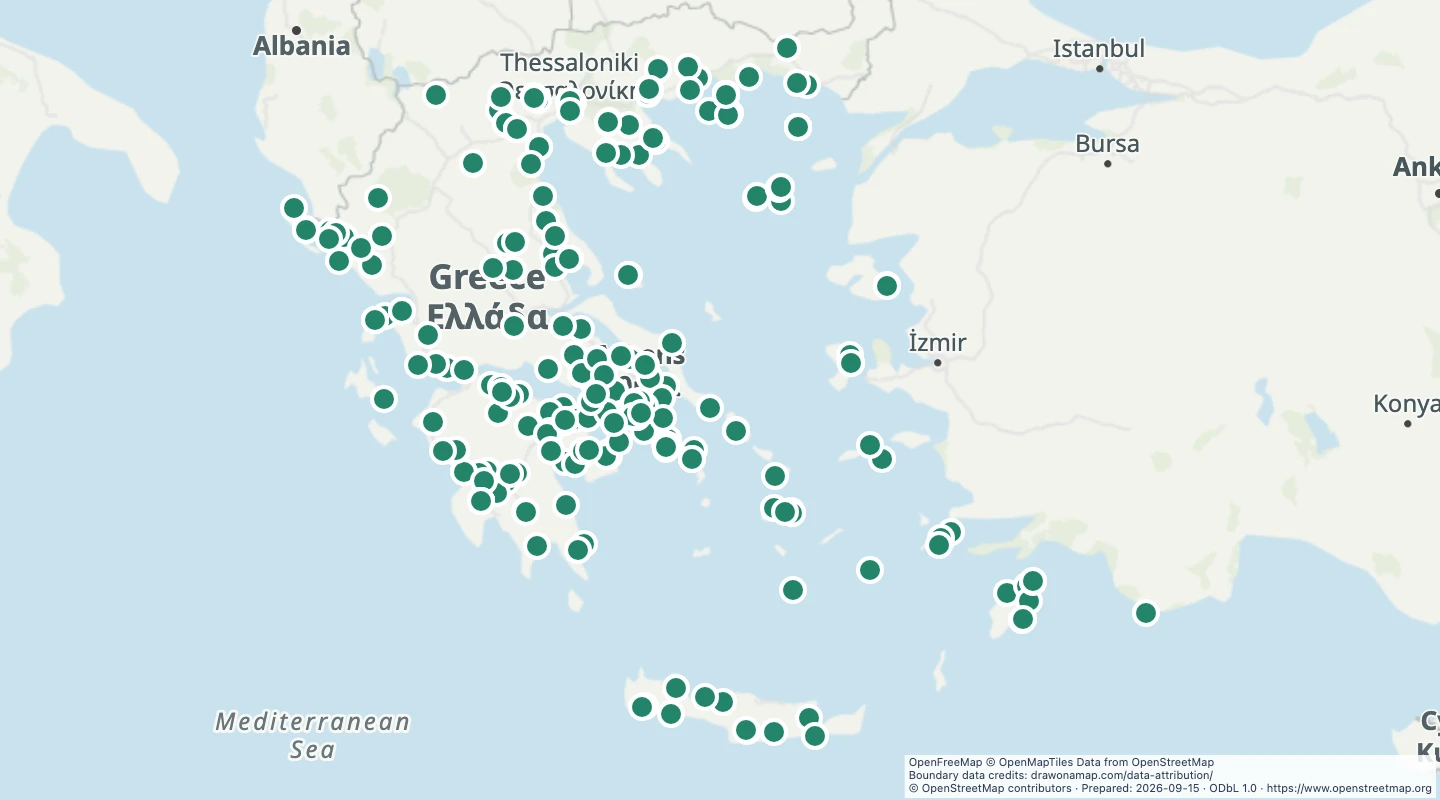 Greece ancient archaeological sitesLocate archaeological sites in Greece with a recorded ancient Greek period or civilization. Compare sites and inspect the historical classifications in their source records.
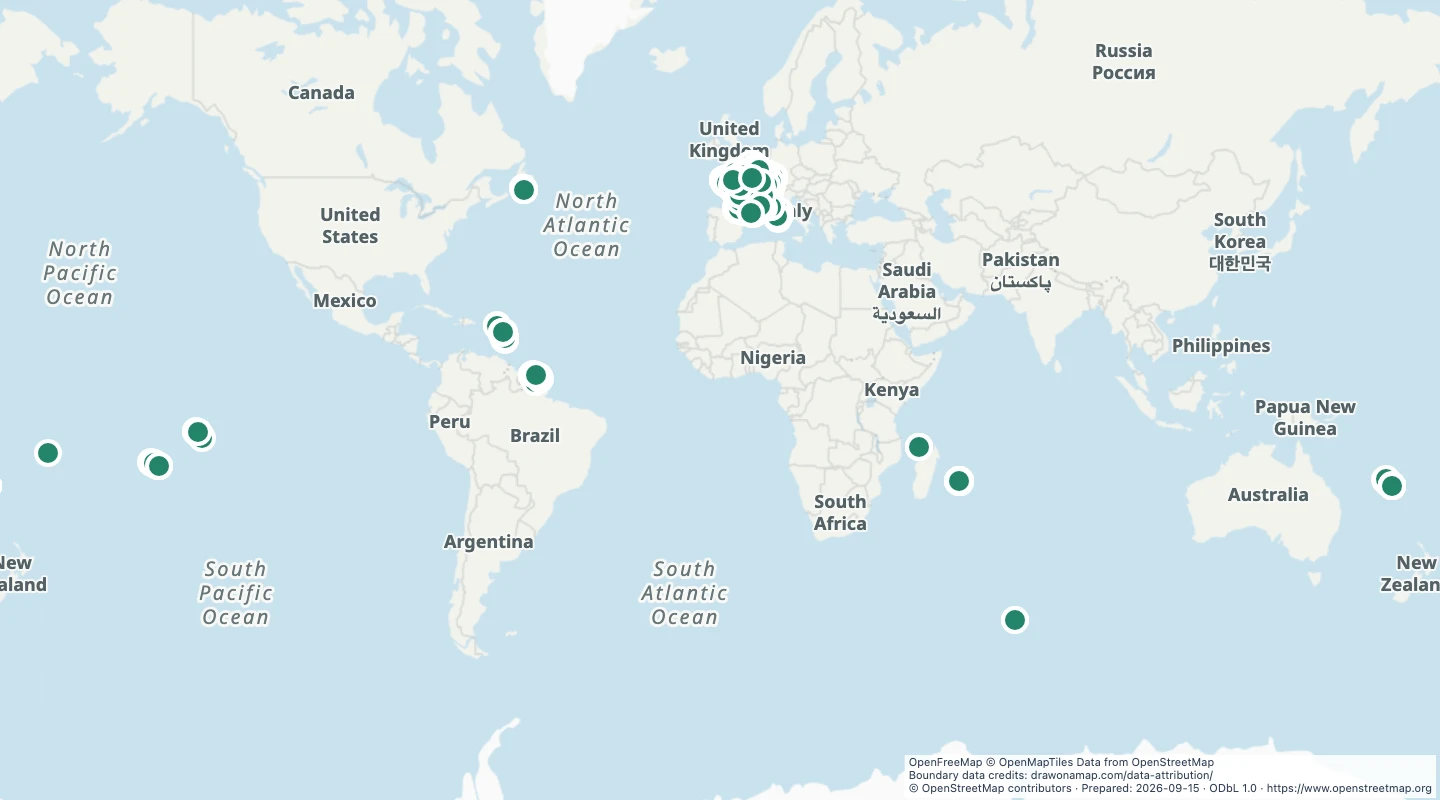 France museumsFind museum locations across France. Inspect names, operator details, and recorded websites to help plan a museum map.
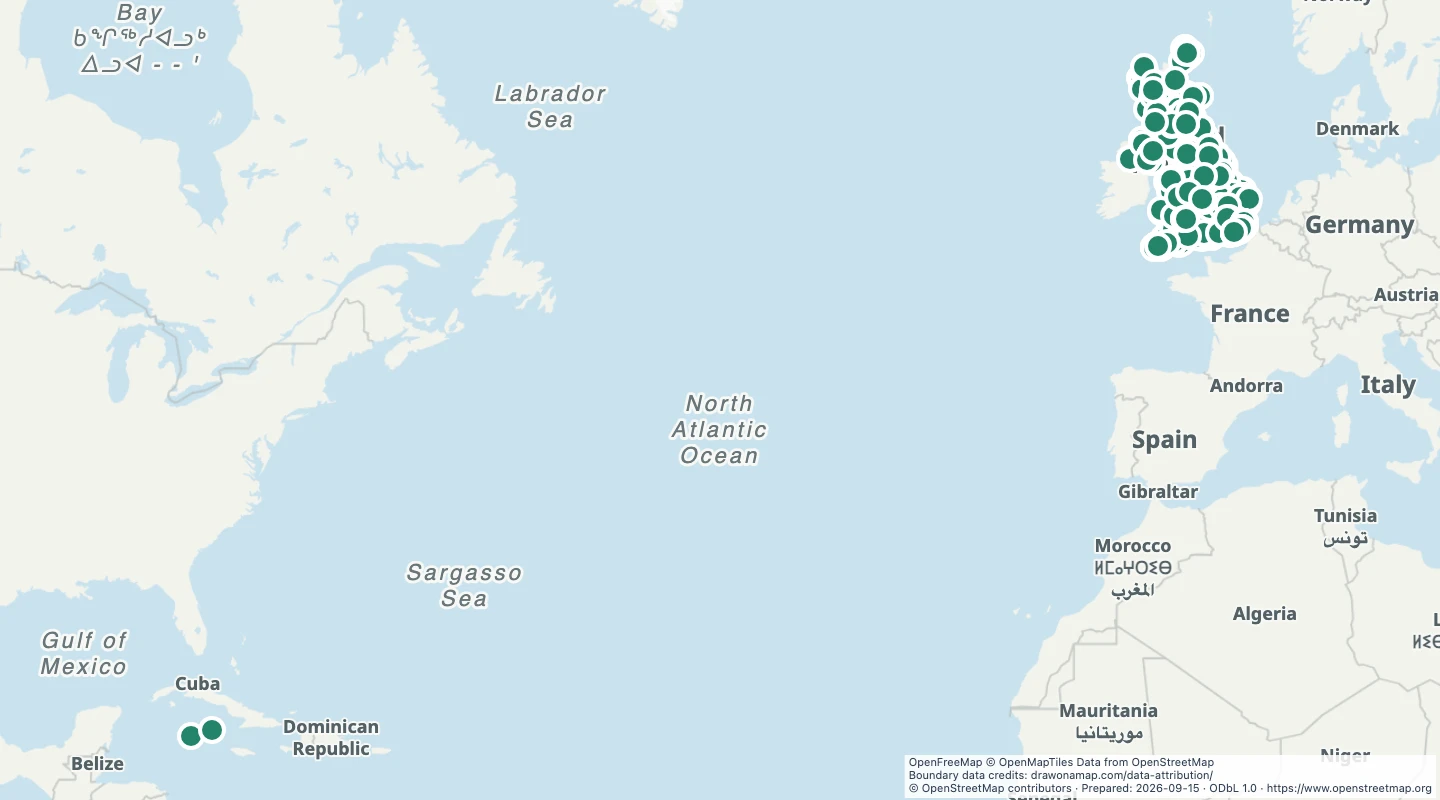 UK art galleriesFind art gallery locations across the United Kingdom. Compare galleries and inspect recorded names, operators, and websites.
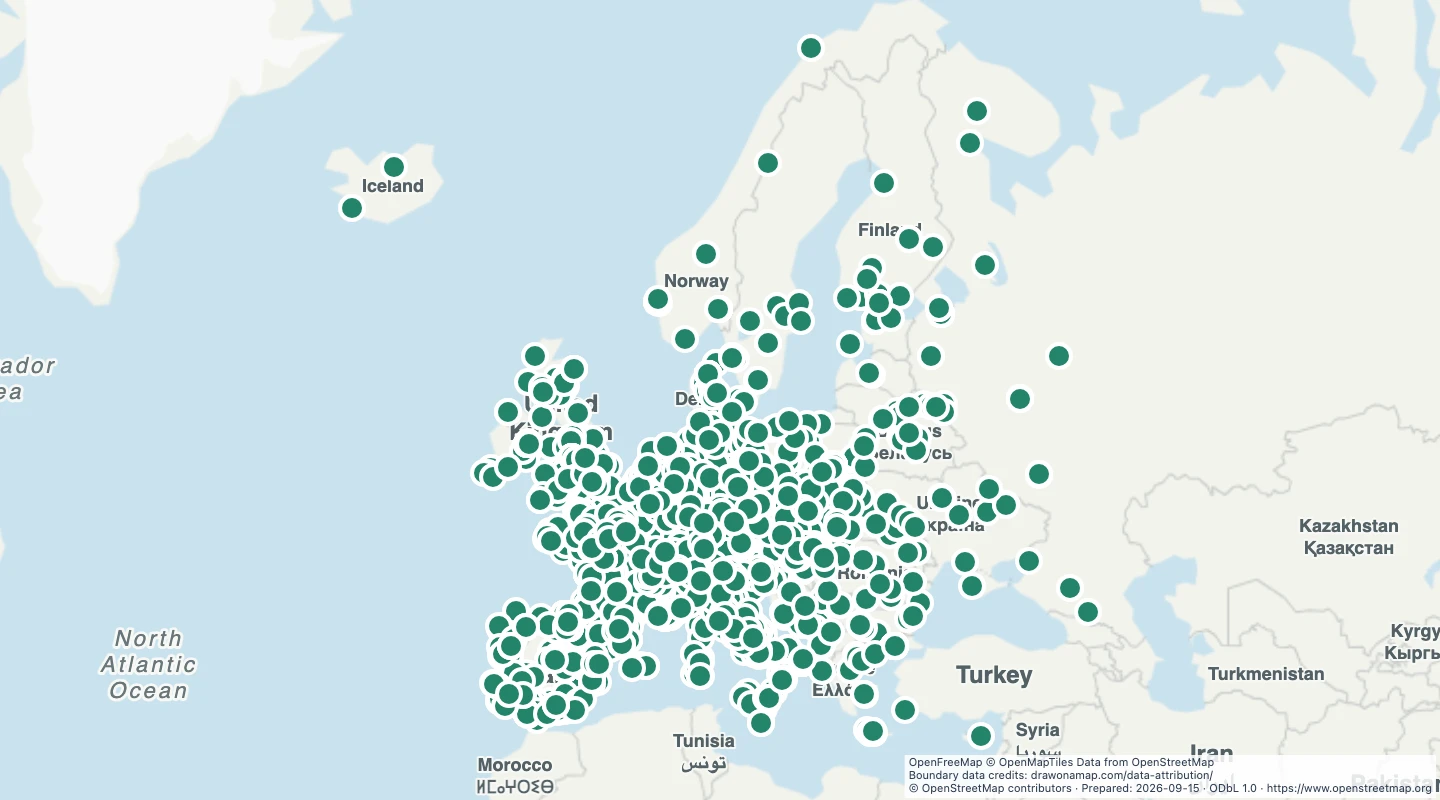 European botanical gardensLocate botanical gardens across Europe. Compare garden locations and inspect recorded names and visitor details.
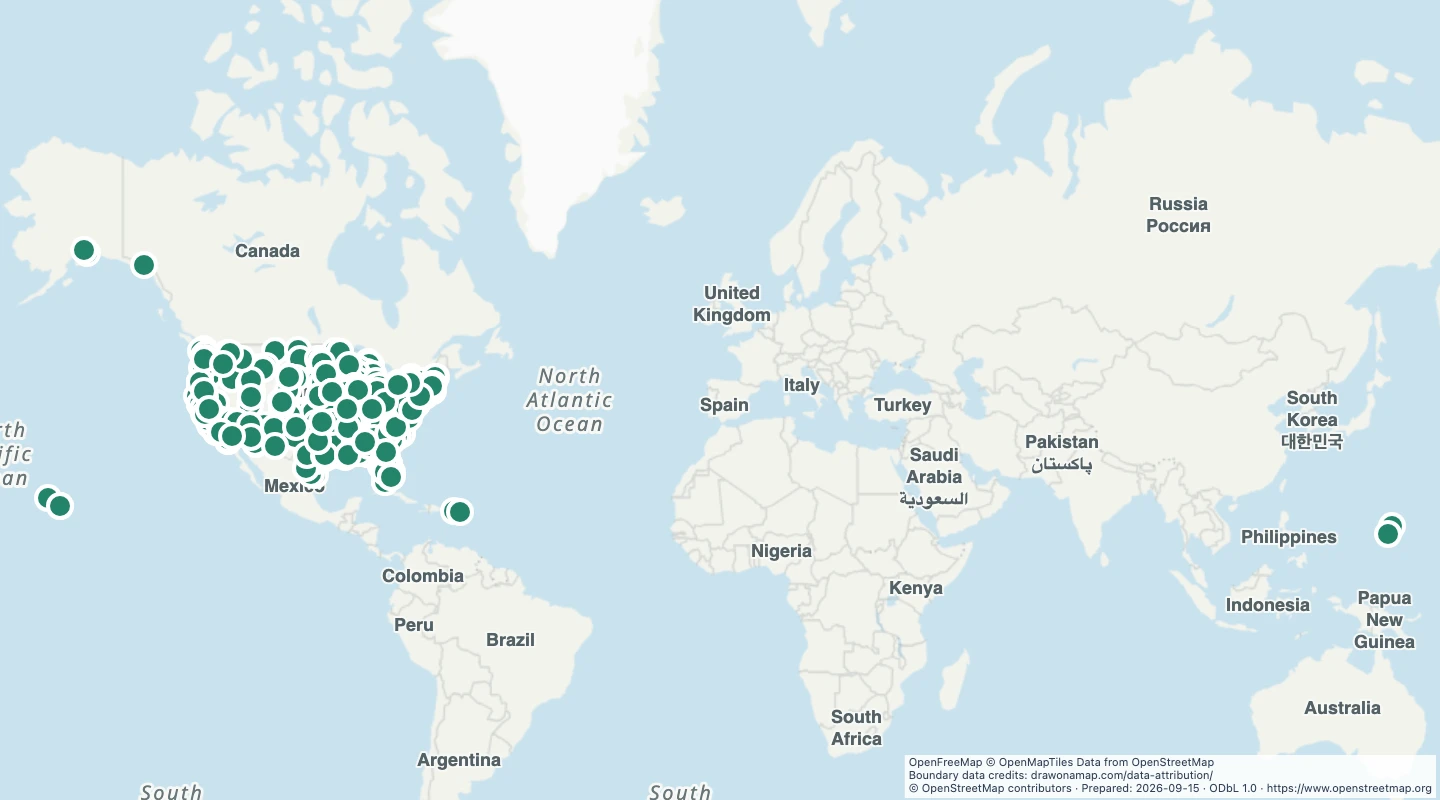 US zoosLocate mapped zoos across the United States. Compare zoo locations and inspect recorded operator and access details.
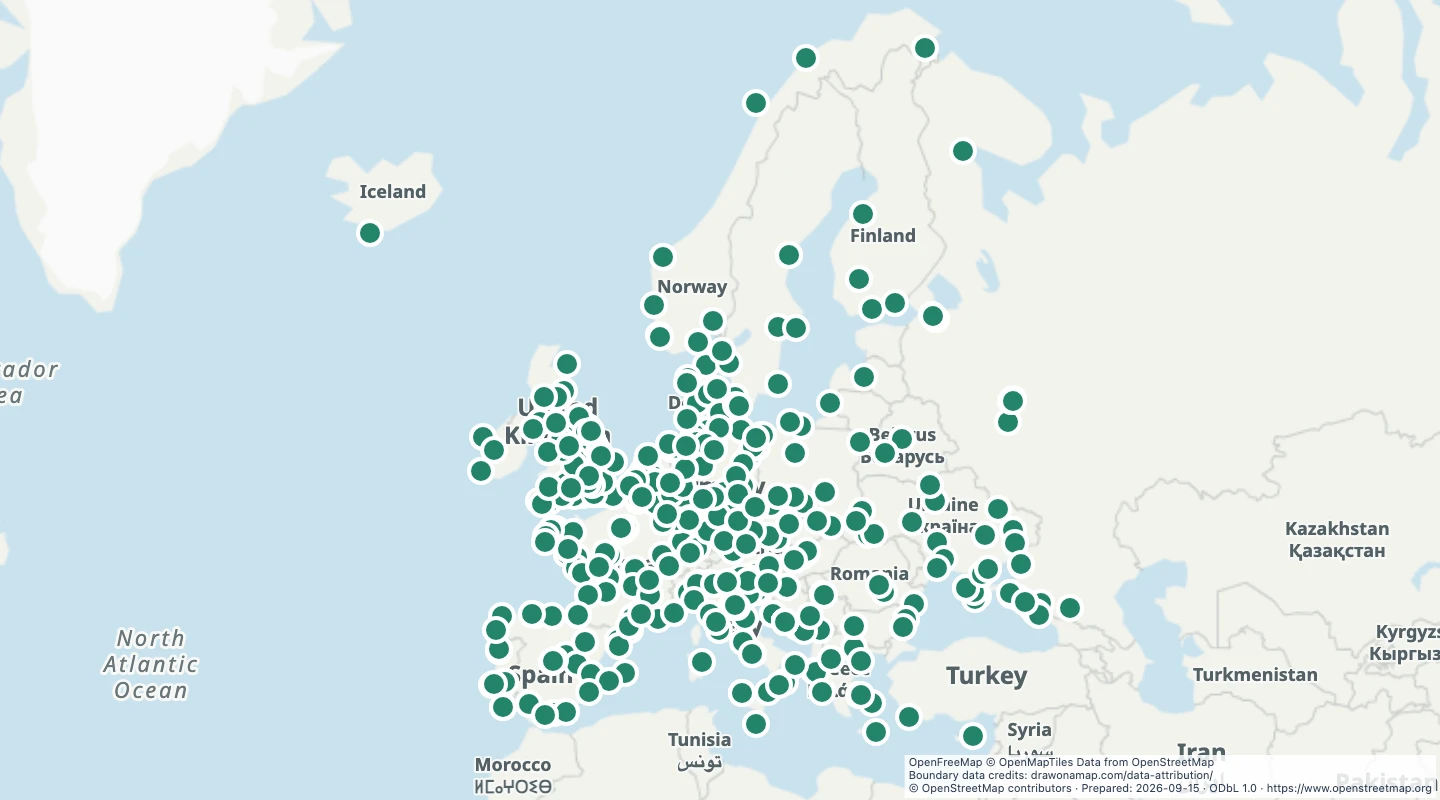 European aquariumsFind mapped aquarium locations across Europe. Inspect recorded names and websites to build a map of aquarium visits.
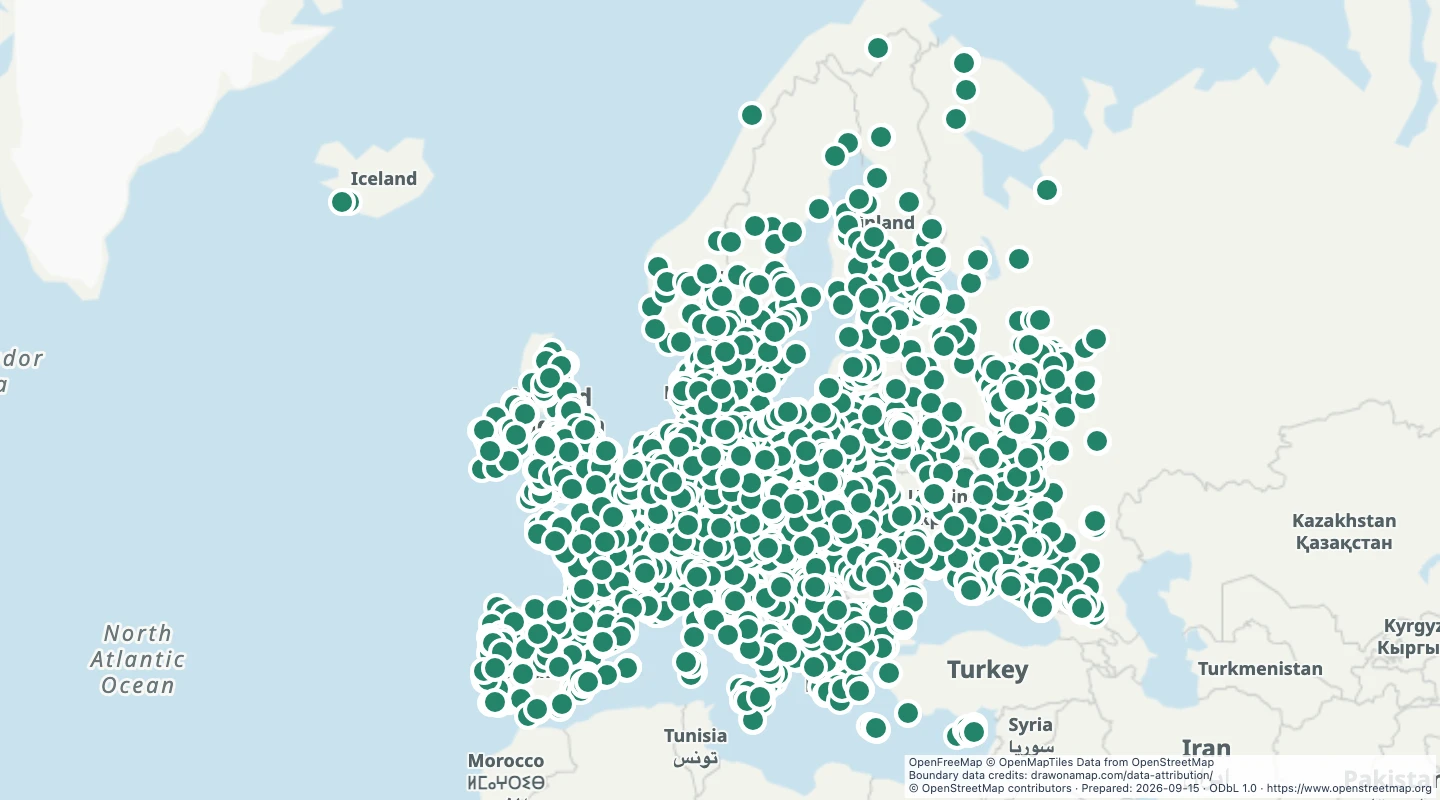 European theme parksCompare mapped theme park locations across Europe. Inspect park names and recorded visitor details when planning a map.
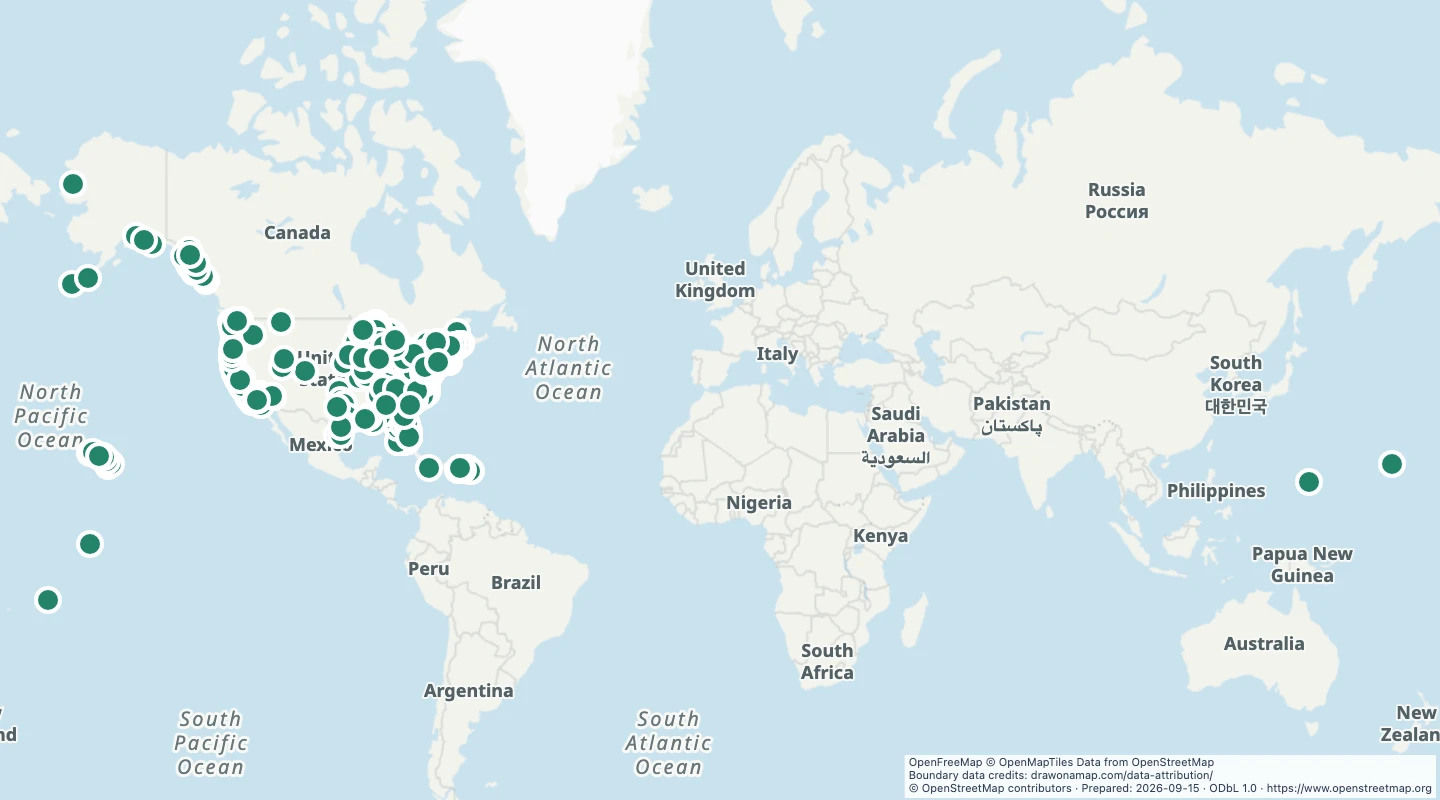 US lighthousesExplore mapped lighthouses across the United States. Compare coastal and inland locations and inspect each source record.
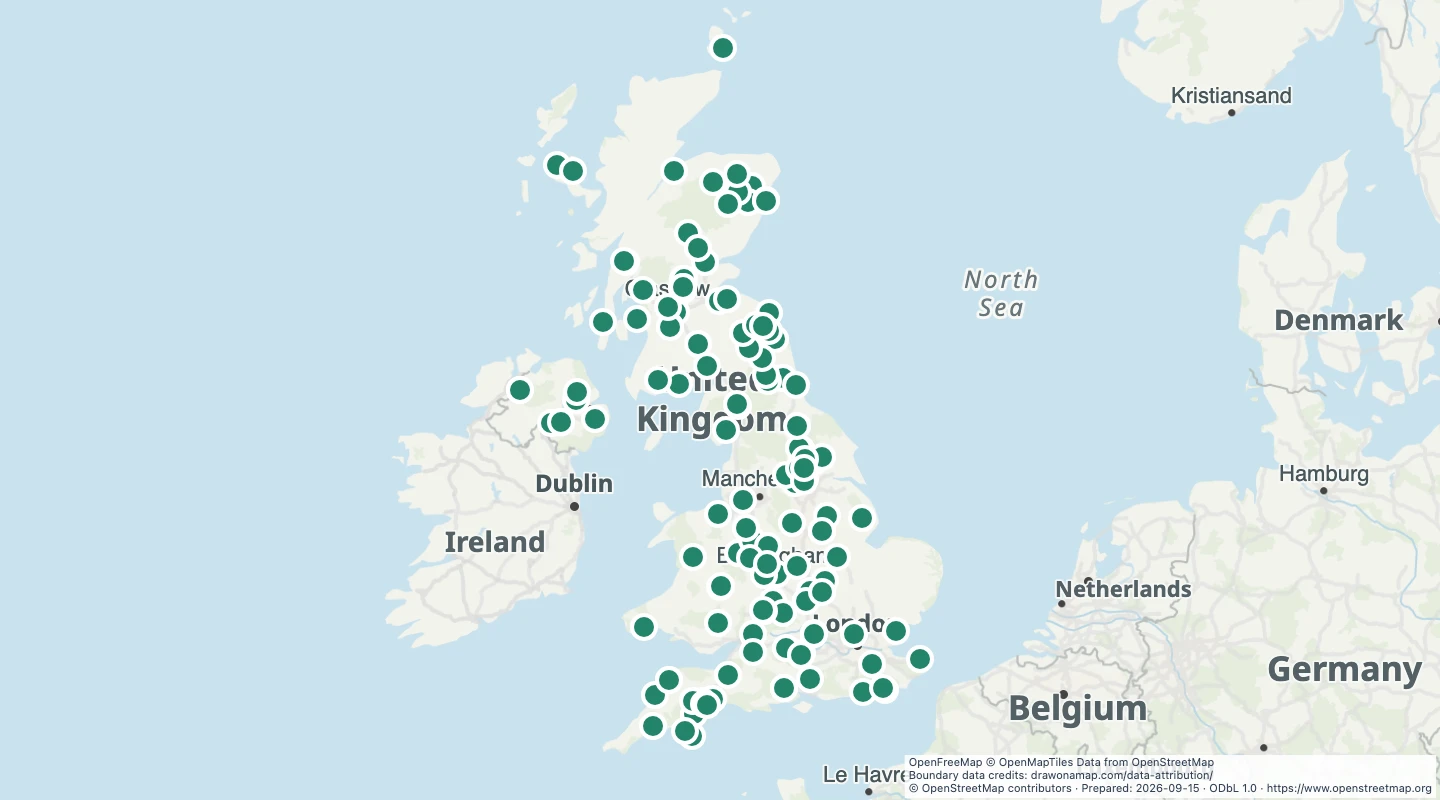 UK historic battlefield sitesLocate historic battlefield sites across the United Kingdom. Compare site locations and inspect recorded names and source details.
 Paris cemeteriesExplore mapped cemetery and graveyard boundaries in Paris. Compare their area and location within the city.
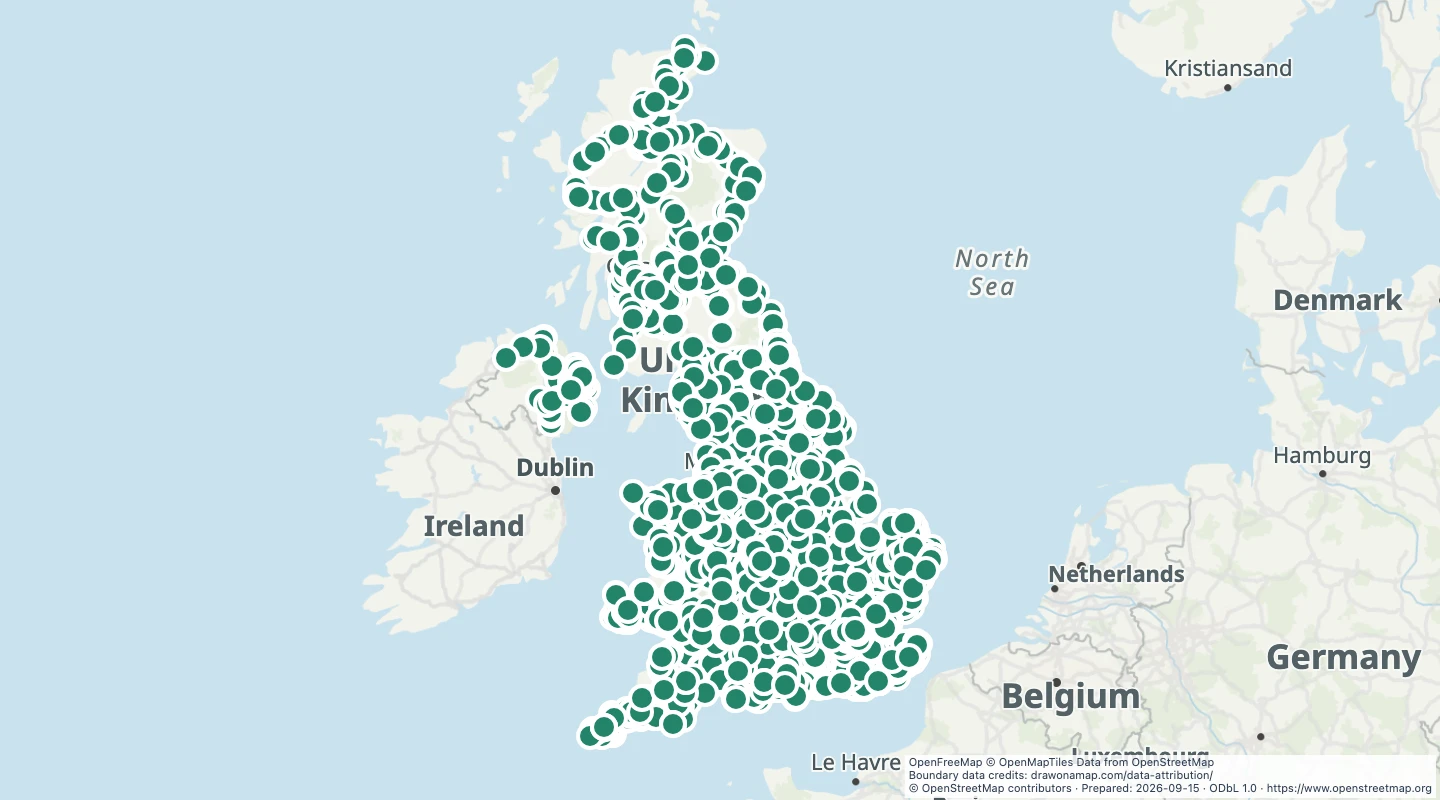 UK railway stationsLocate railway stations and halts across the United Kingdom. Compare station locations and inspect names, operators, and station types.
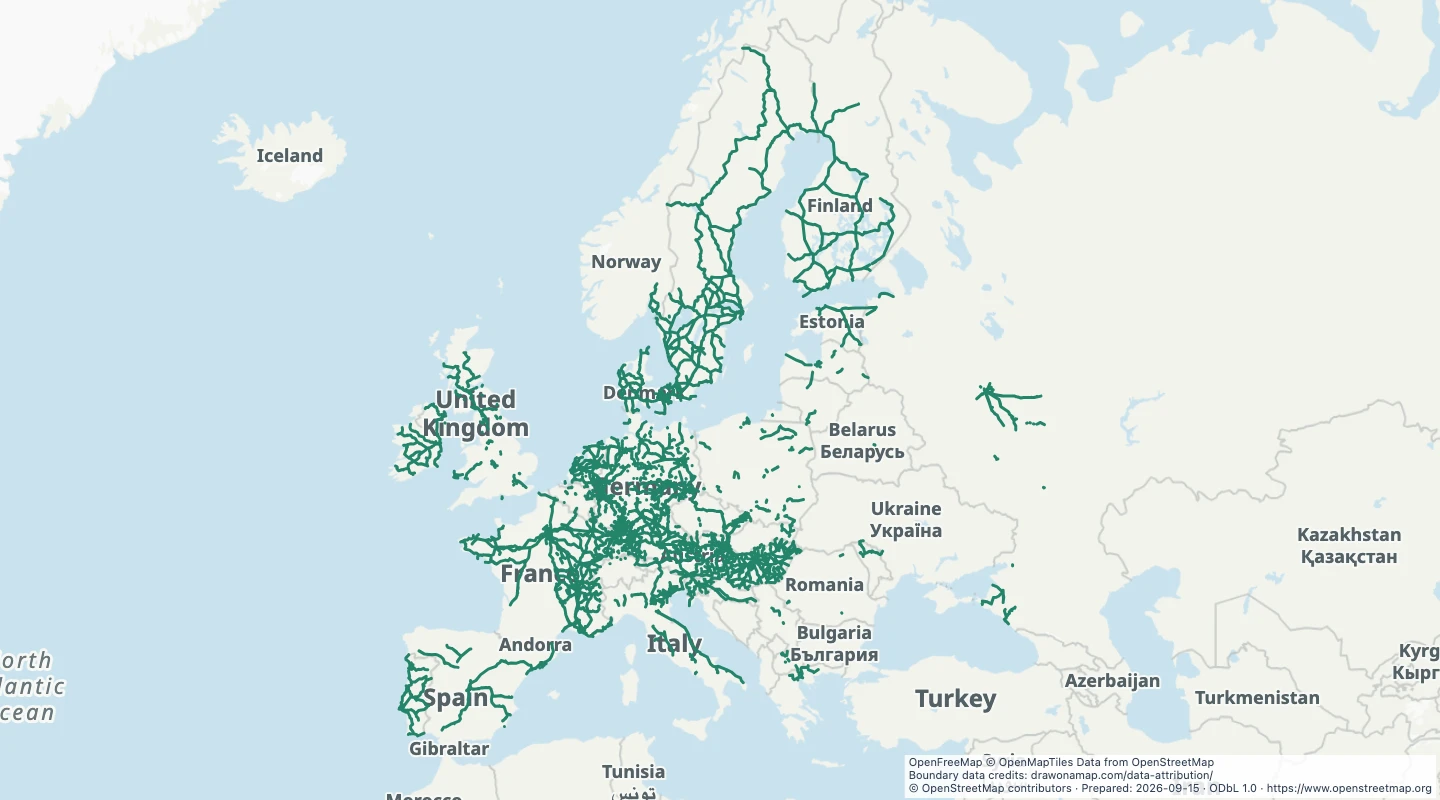 European passenger rail networkCompare European rail tracks with an explicit passenger or mixed-traffic record. Inspect track details and identify gaps in the source coverage.
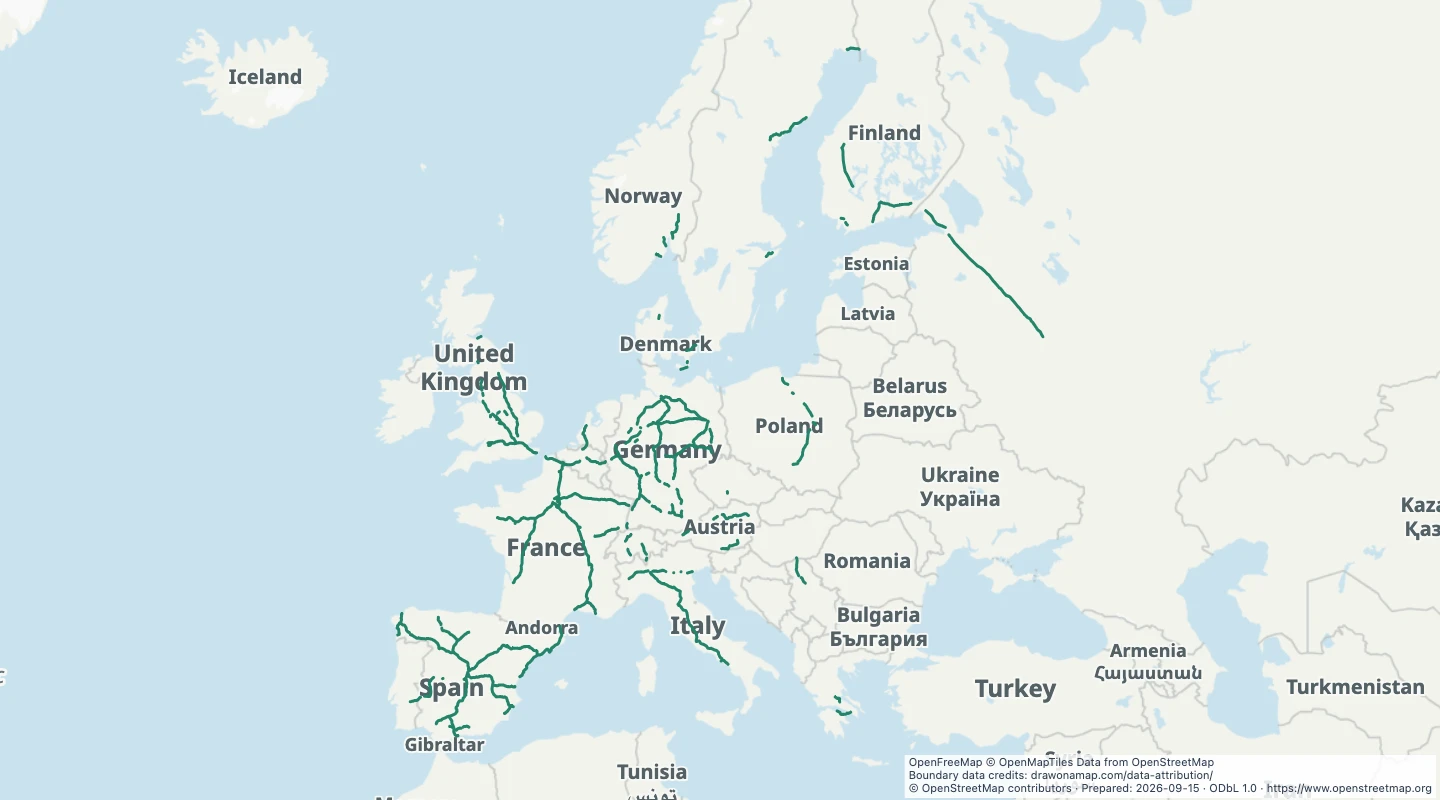 European high-speed railway linesCompare mapped high-speed railway tracks across Europe. Inspect recorded track names and speed limits where the source supplies them.
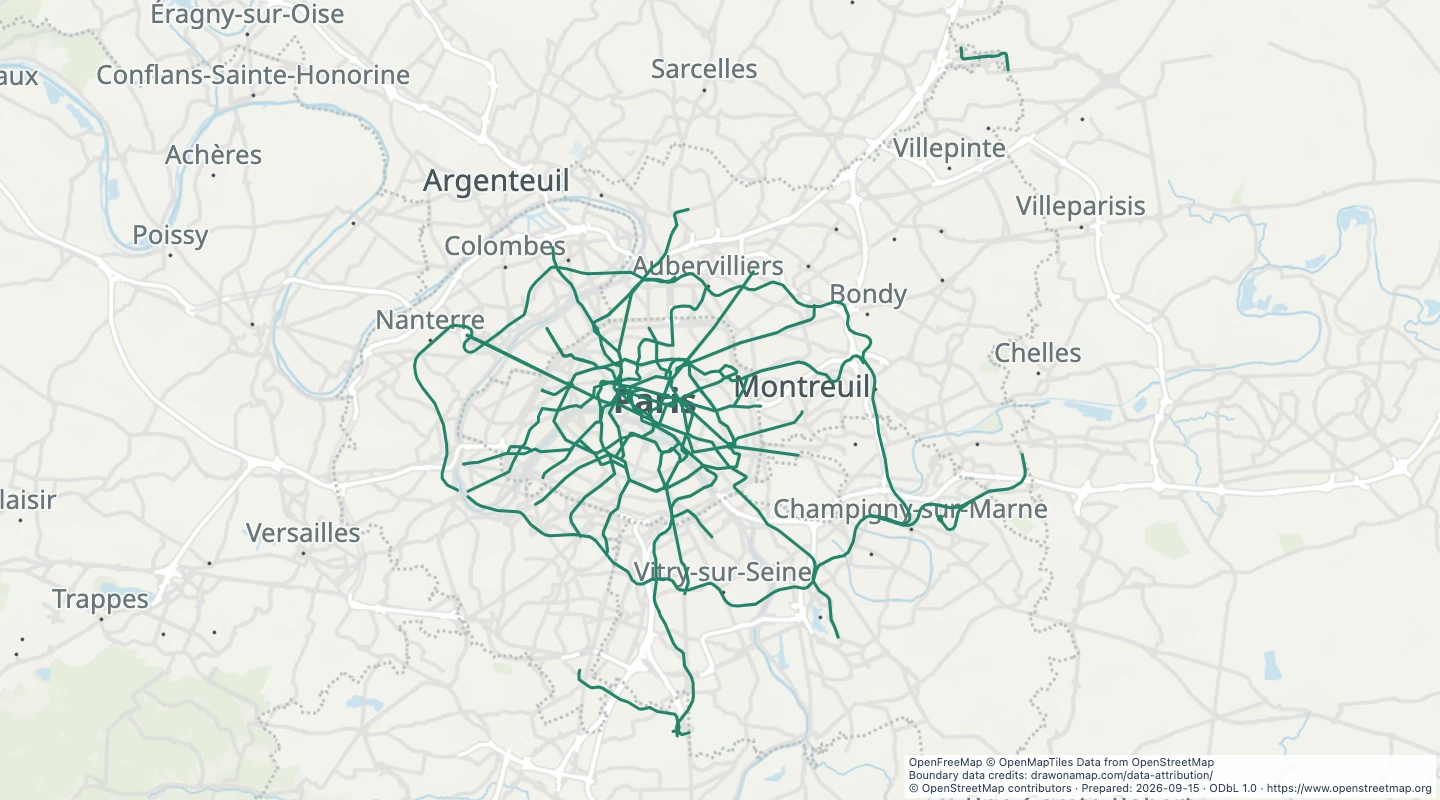 Paris Metro linesExplore Paris Metro route lines across Île-de-France. Compare route paths and inspect recorded line references and network names.
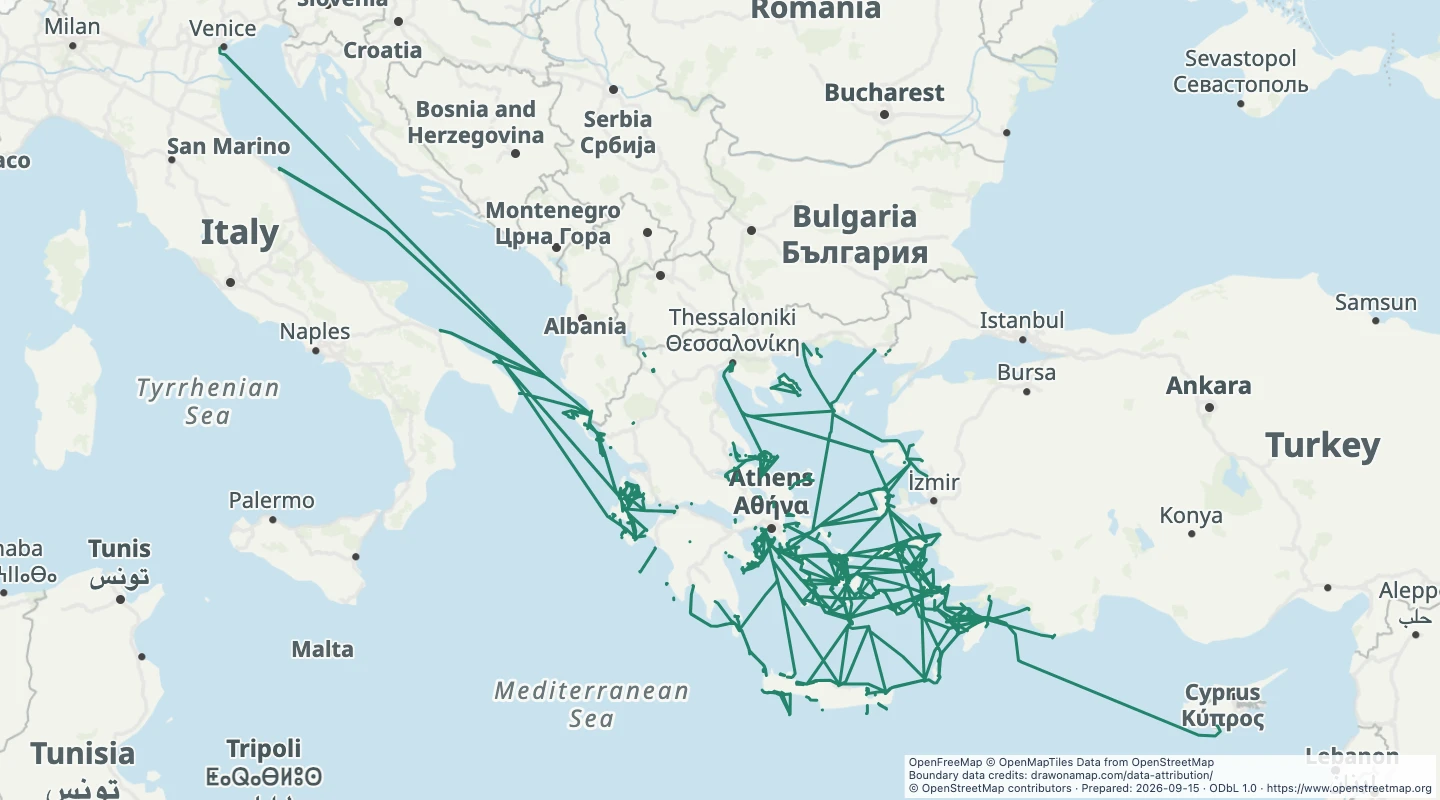 Greek island ferry routesExplore mapped ferry routes in Greece. Compare island connections and inspect recorded route names and operators.
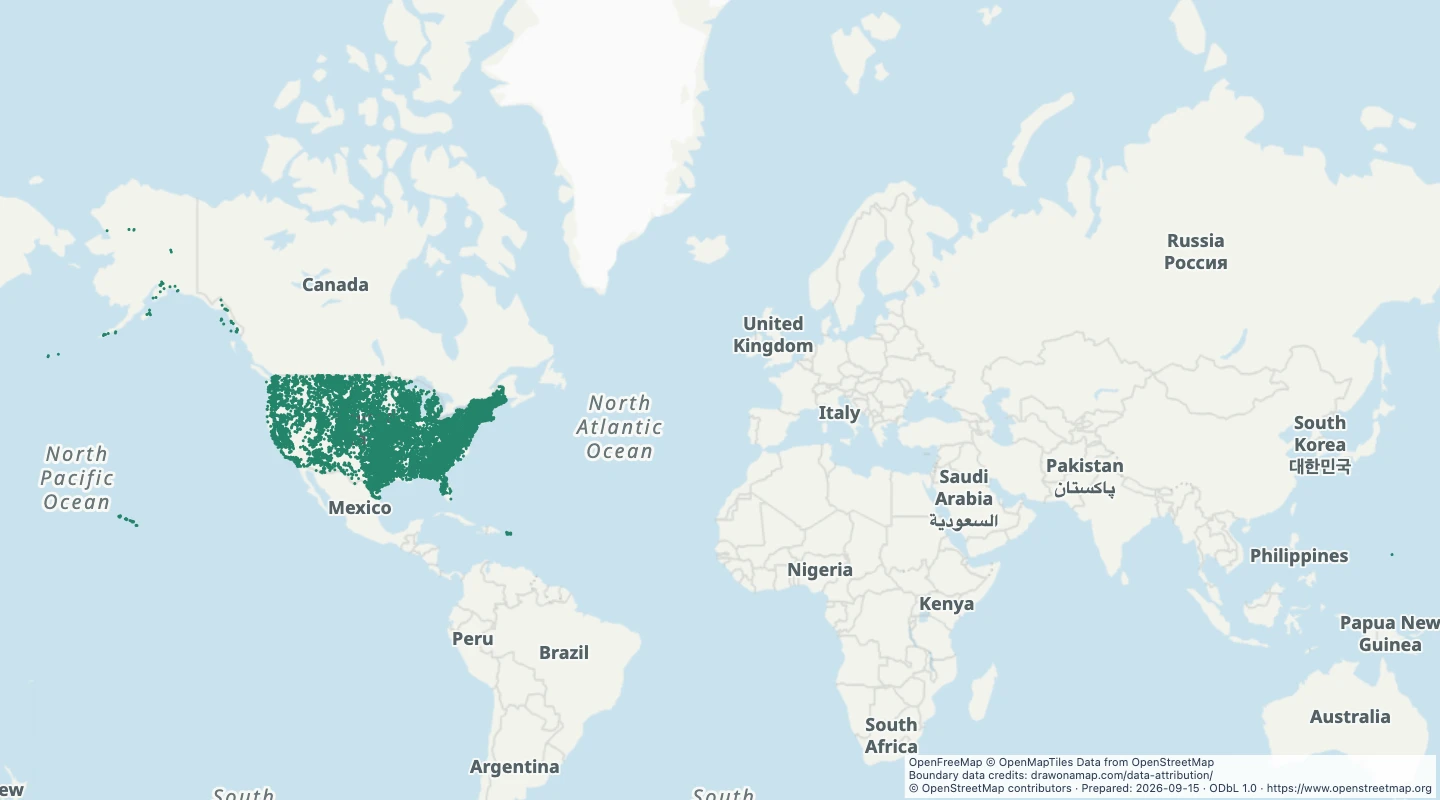 US named damsLocate named dam structures recorded across the United States. Compare their line shapes and inspect each original source record.
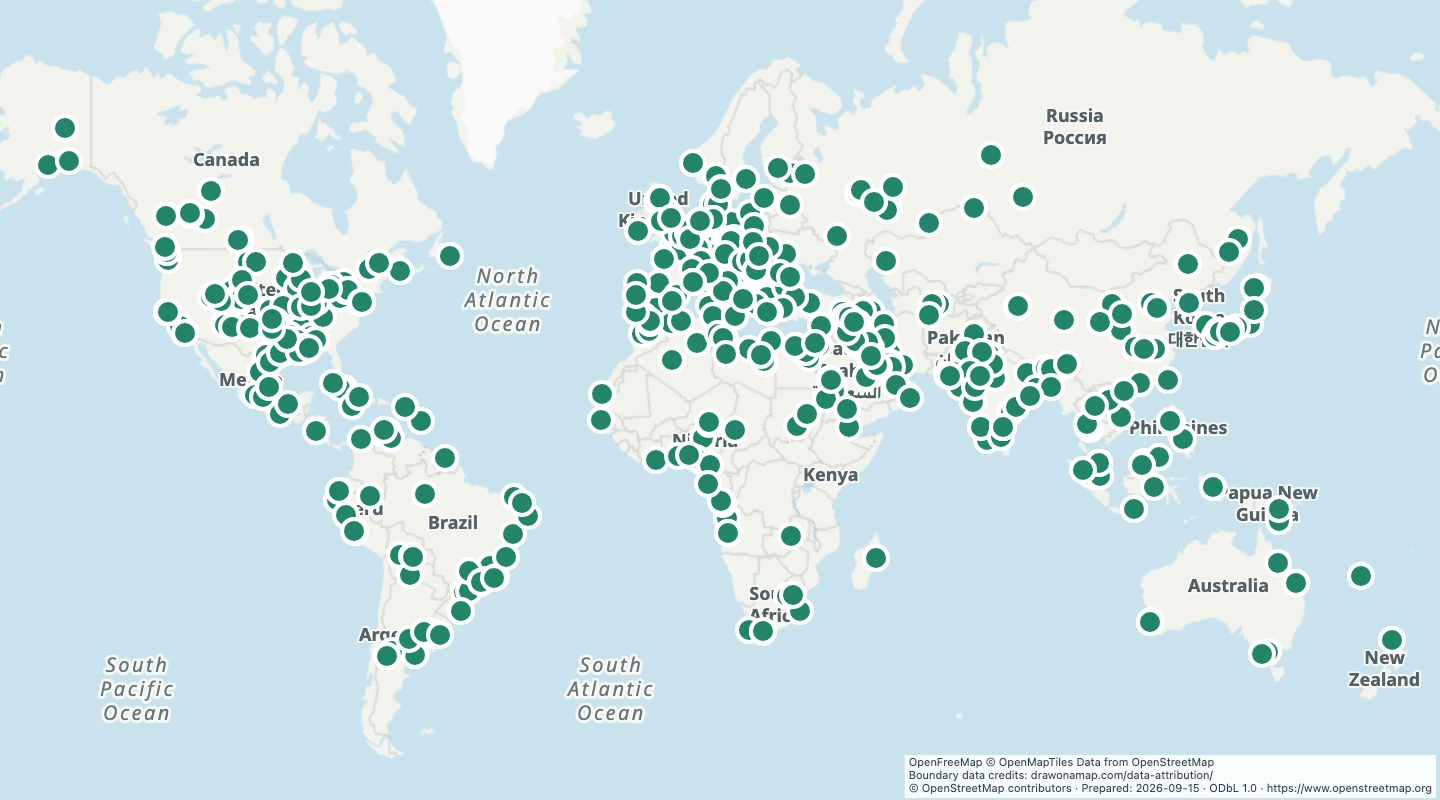 World oil refineriesLocate mapped oil refineries around the world. Compare facility locations and inspect recorded names and operators.
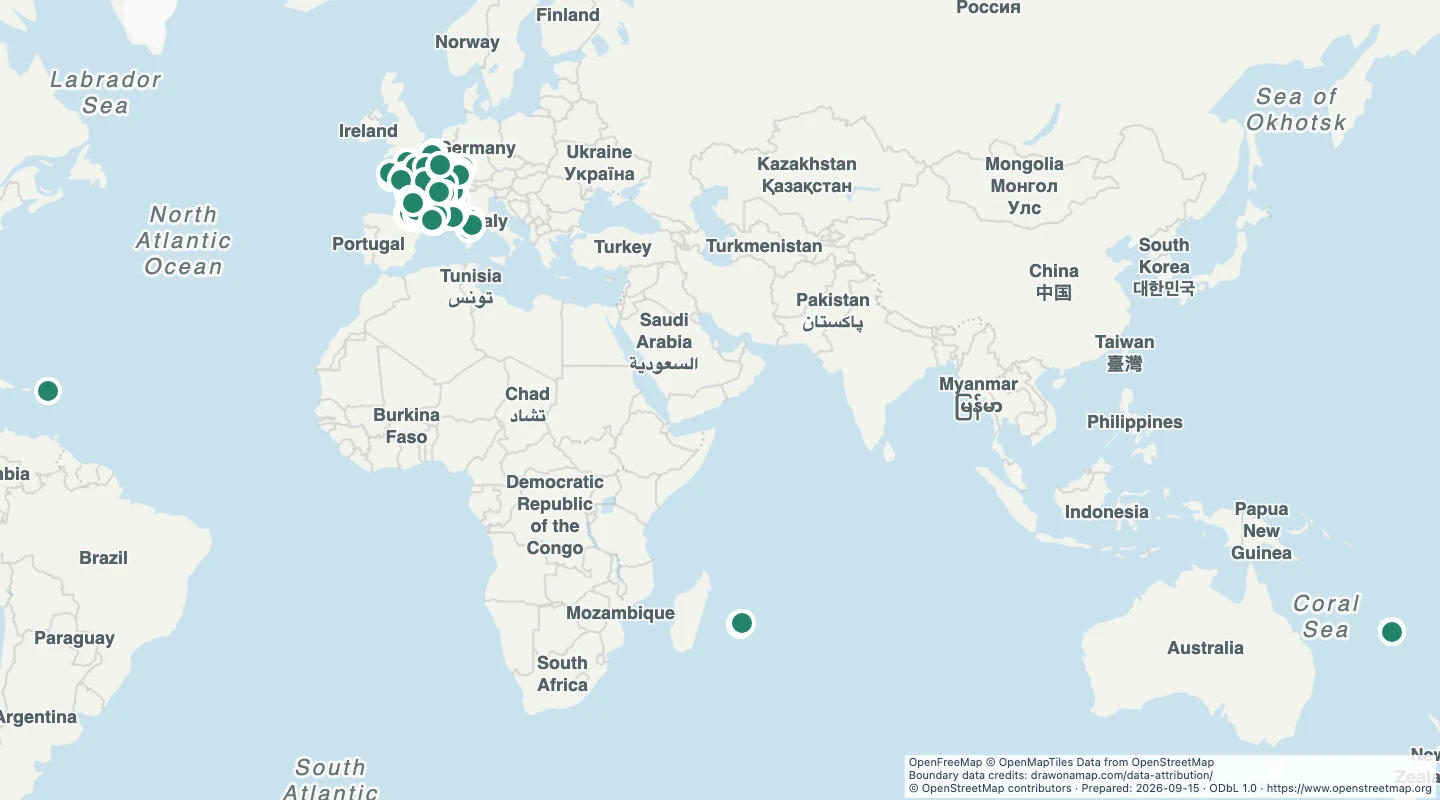 France wineriesLocate winery production sites across France. Inspect names, operators, and source websites when building a wine-region map.
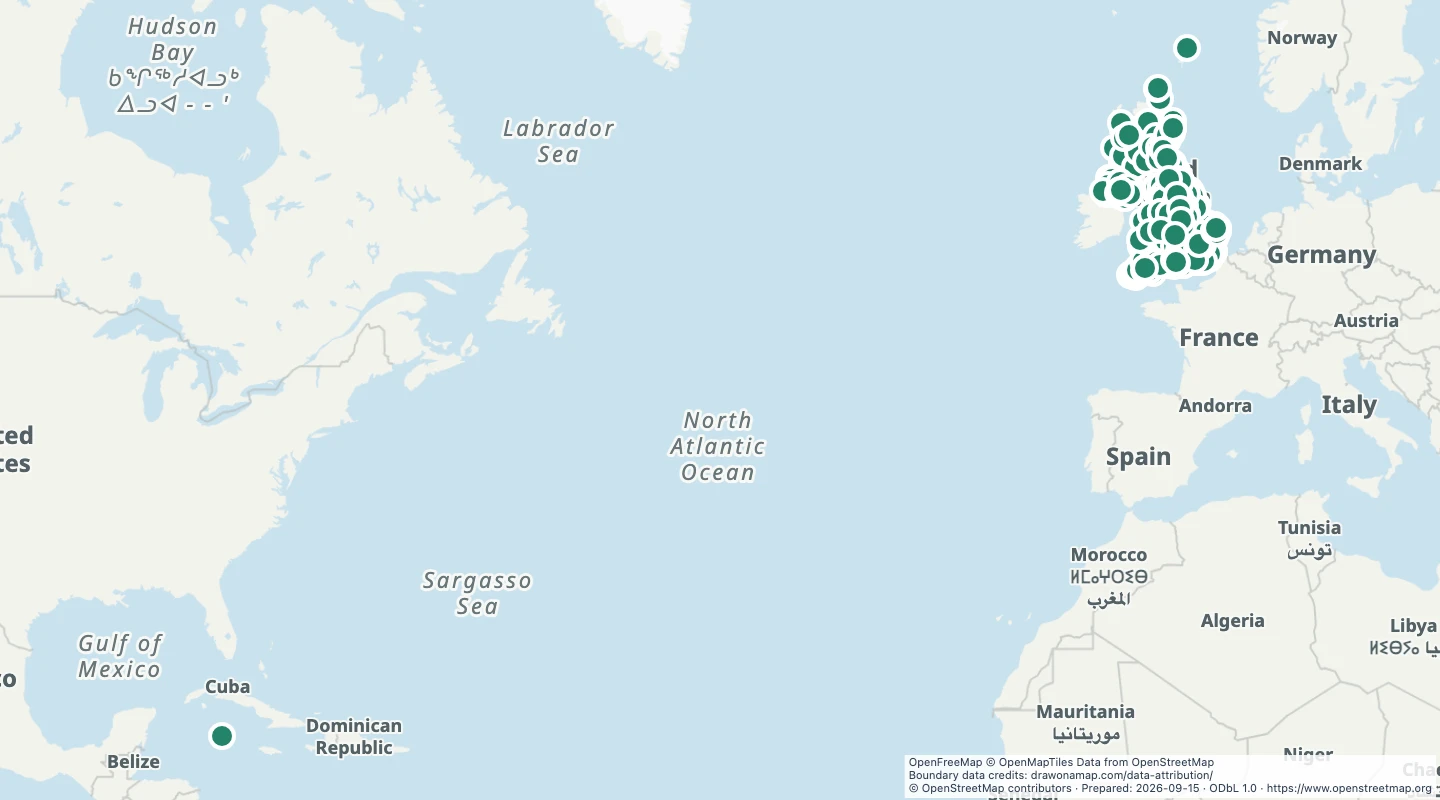 UK breweriesLocate brewery production sites across the United Kingdom. Compare locations and inspect recorded names, operators, and websites.
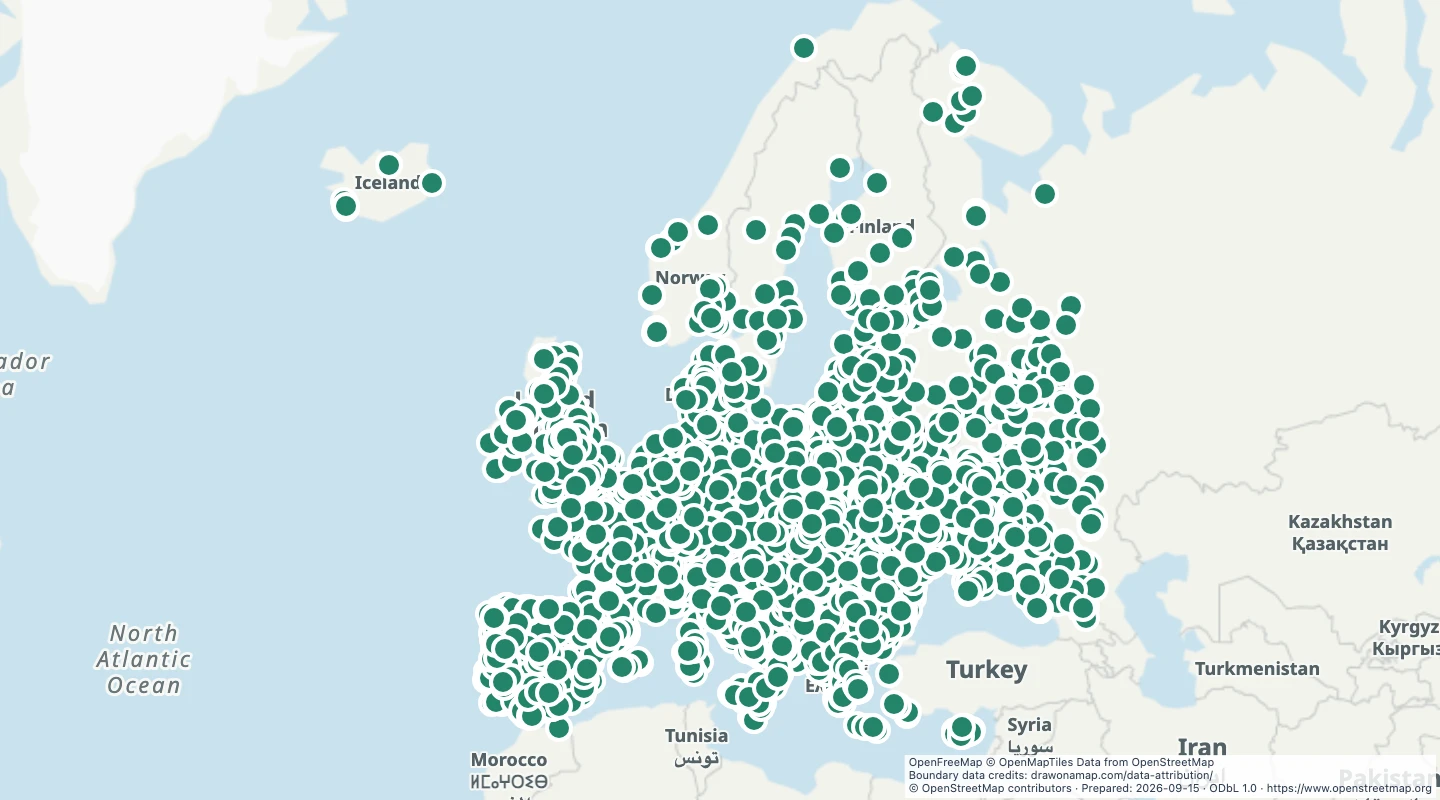 European football stadiumsCompare football stadium locations across Europe. Inspect stadium names, operators, and capacity when the source records it.
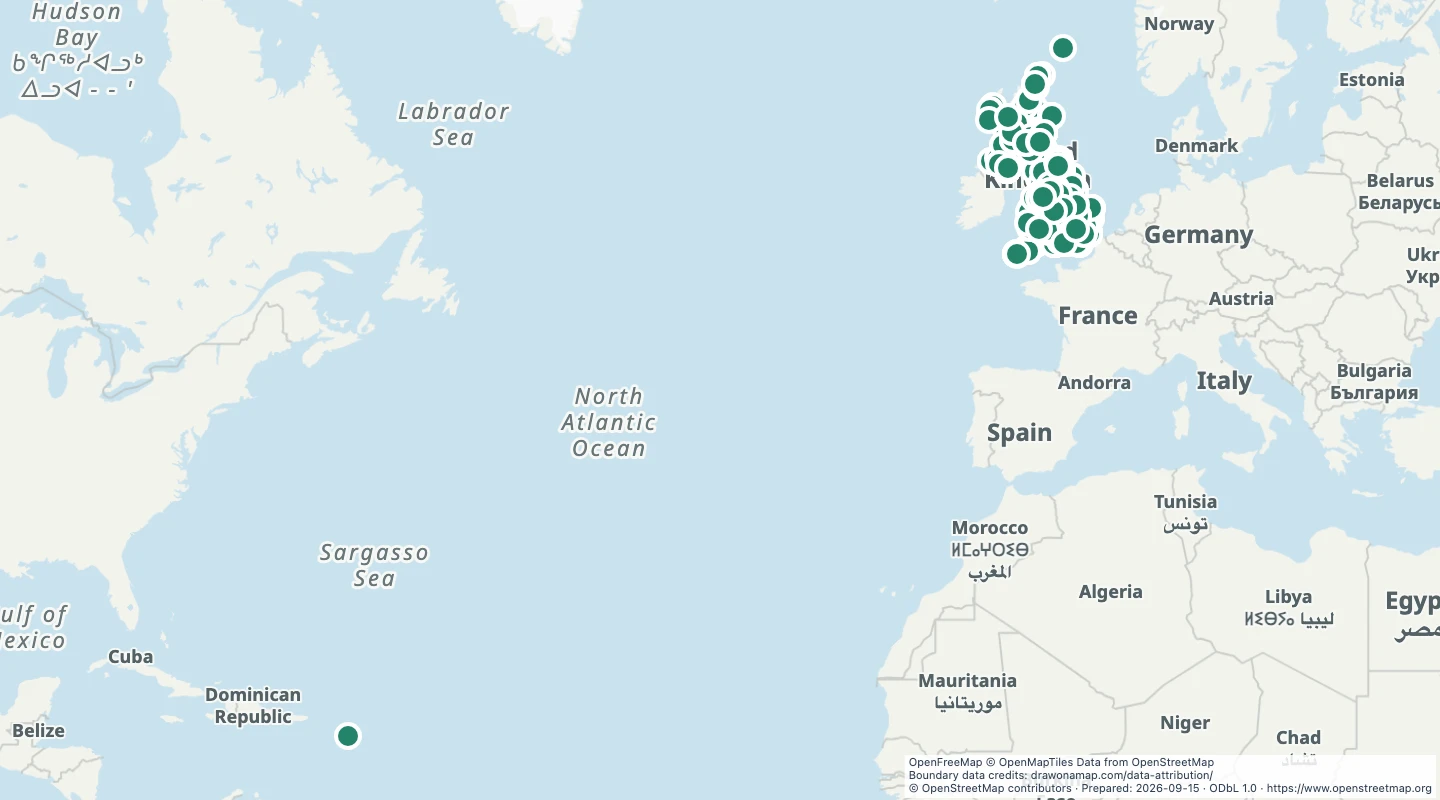 UK universitiesExplore mapped university sites across the United Kingdom. Compare campus locations and inspect recorded names and operators.
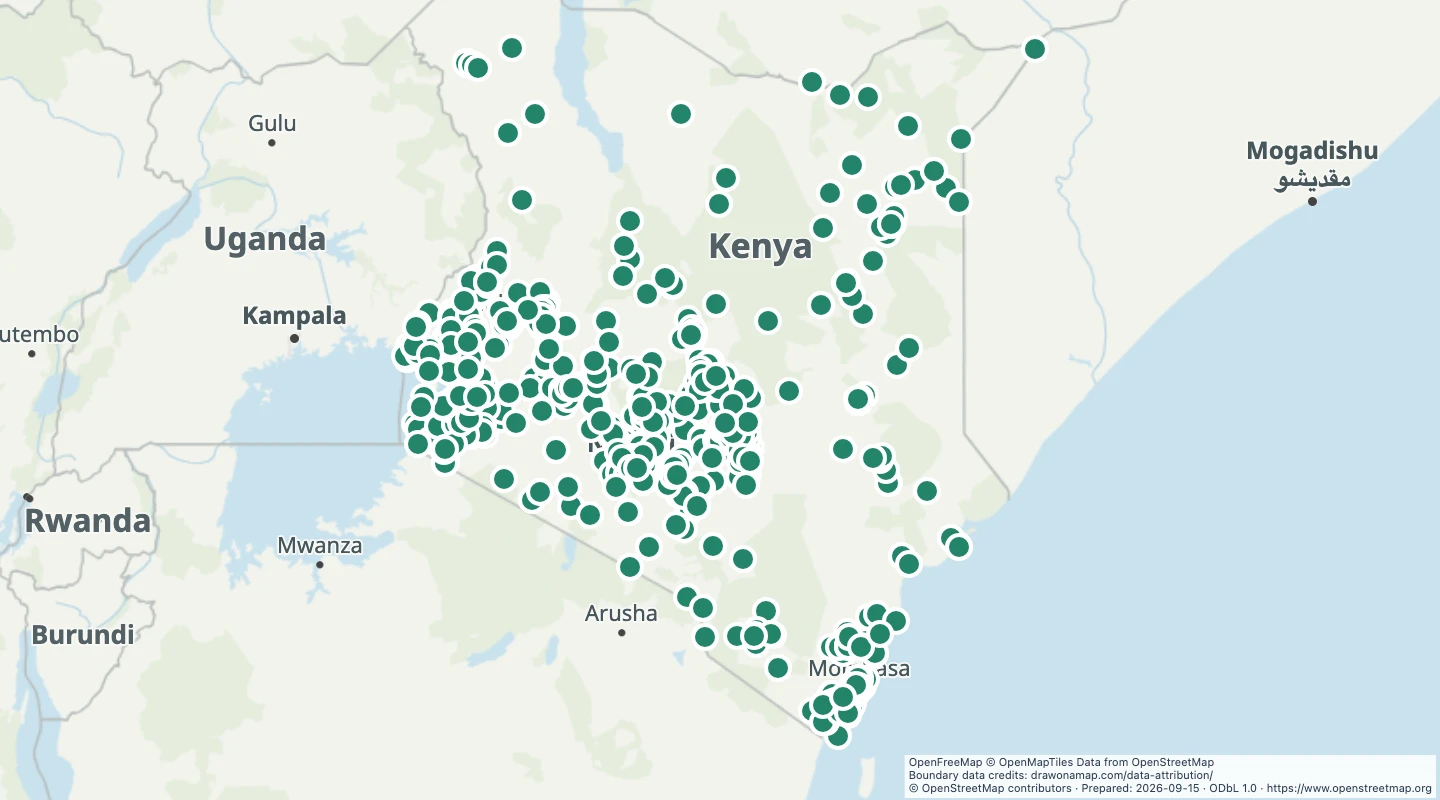 Kenya hospitalsLocate hospital sites recorded in Kenya. Compare mapped locations and inspect names and operators without assuming current service availability.
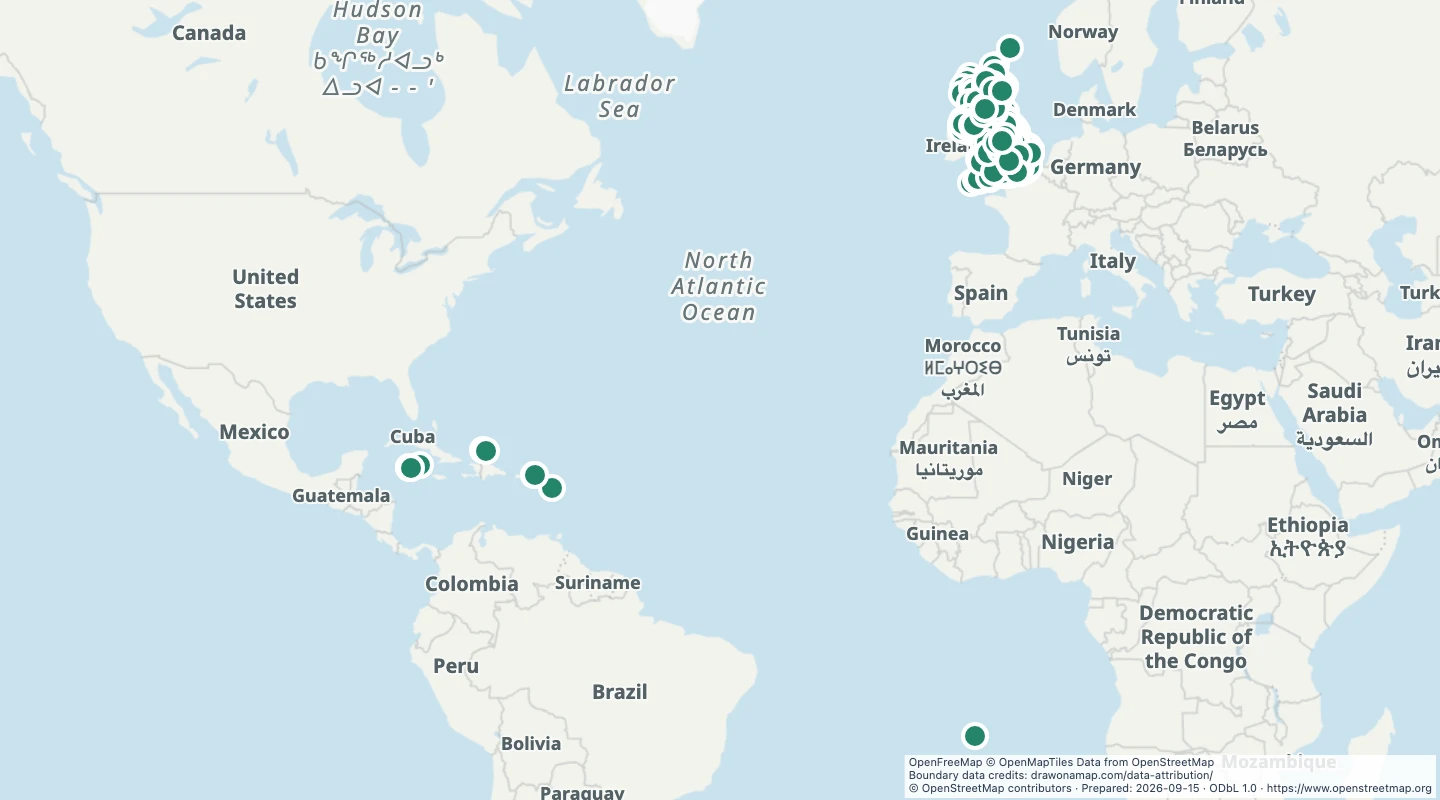 UK public librariesLocate library sites across the United Kingdom after excluding known private, school, and academic libraries. Inspect access details before a visit.
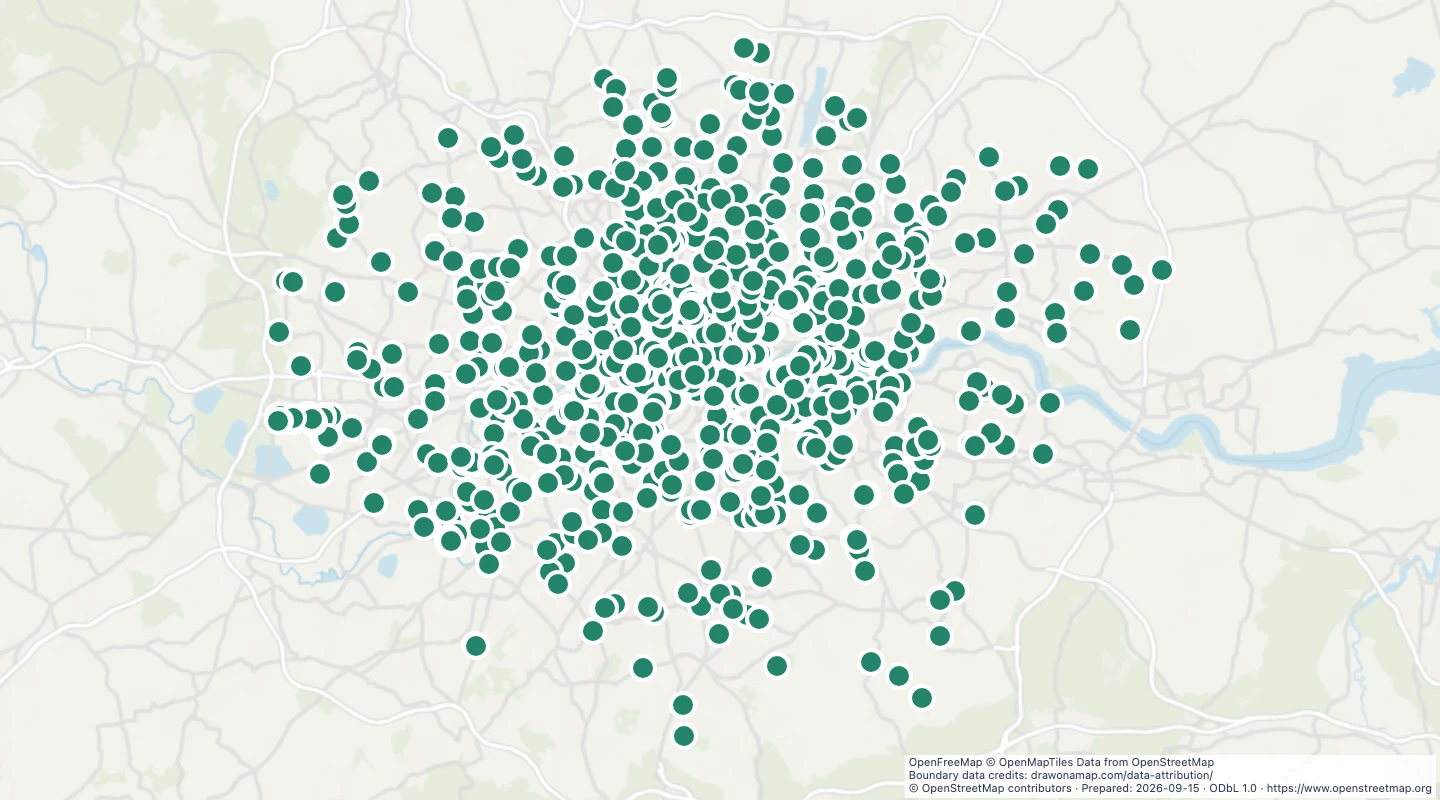 London public toiletsLocate mapped toilets across Greater London. Inspect recorded access rules, fees, and opening hours when the source supplies them.
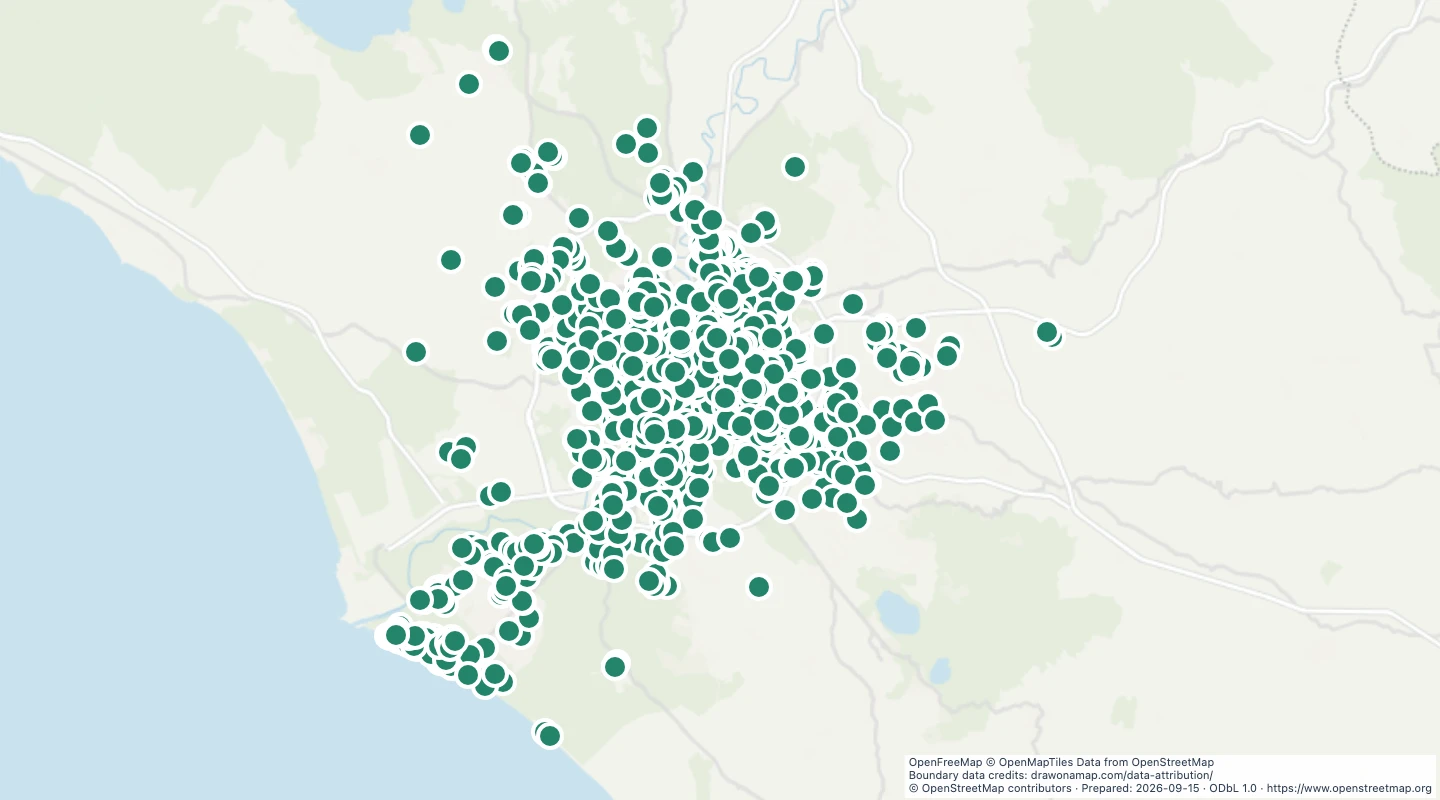 Rome drinking water fountainsLocate mapped drinking-water points in Rome. Compare fountain locations and inspect each source record before a visit.
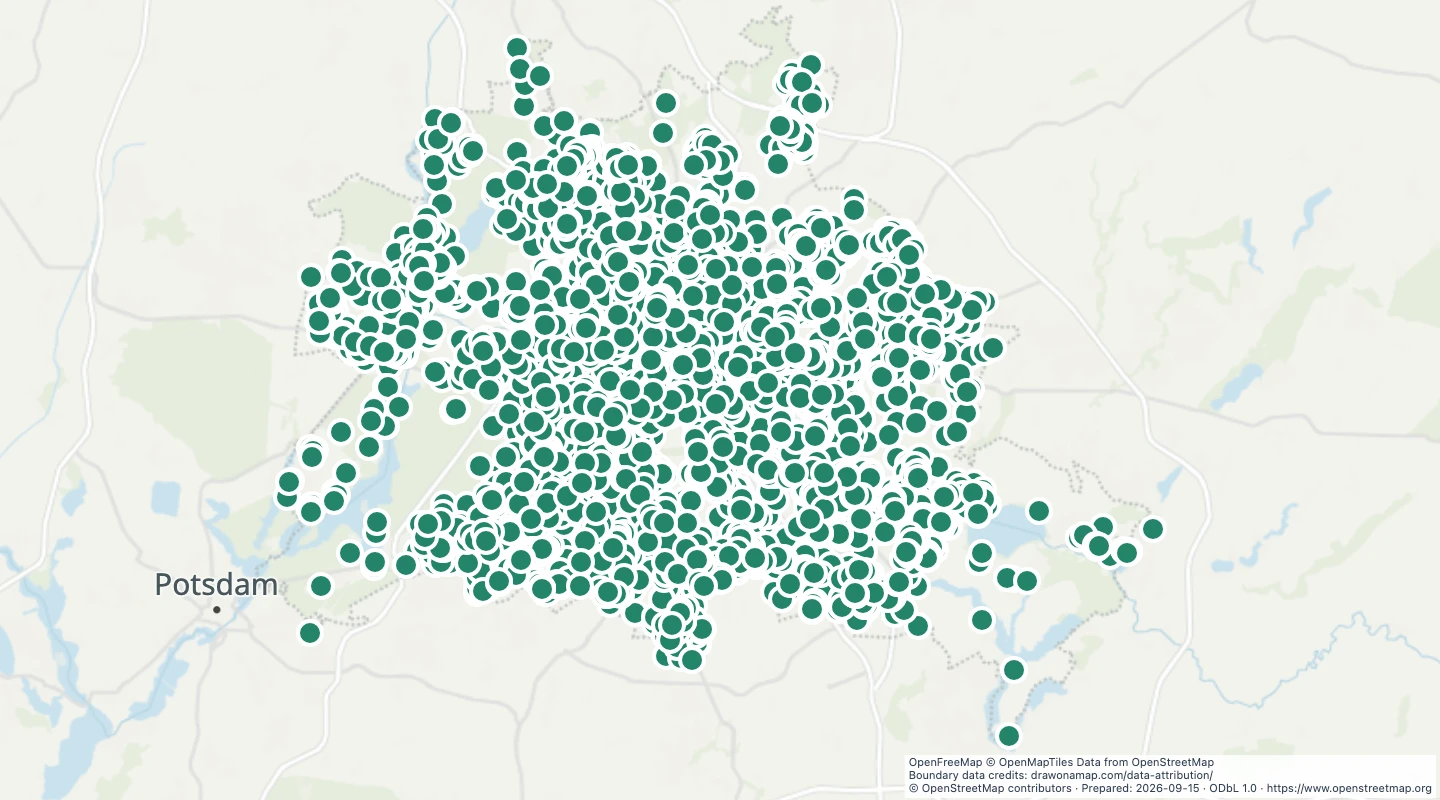 Berlin playgroundsLocate mapped playgrounds across Berlin. Compare playground locations and inspect access and surface details when recorded.
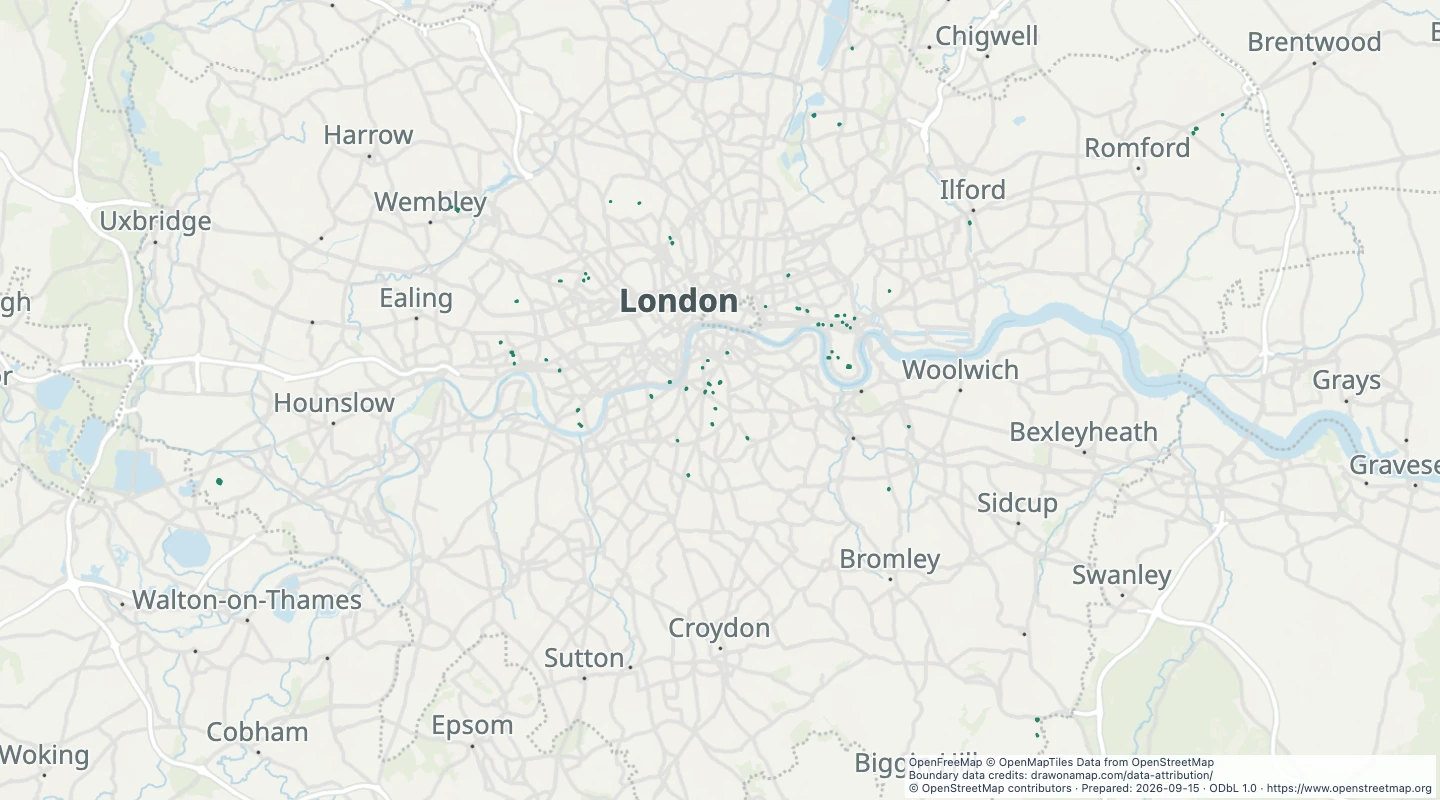 London dog parksCompare mapped dog park areas across Greater London. Select an area to inspect its boundary and original source record.
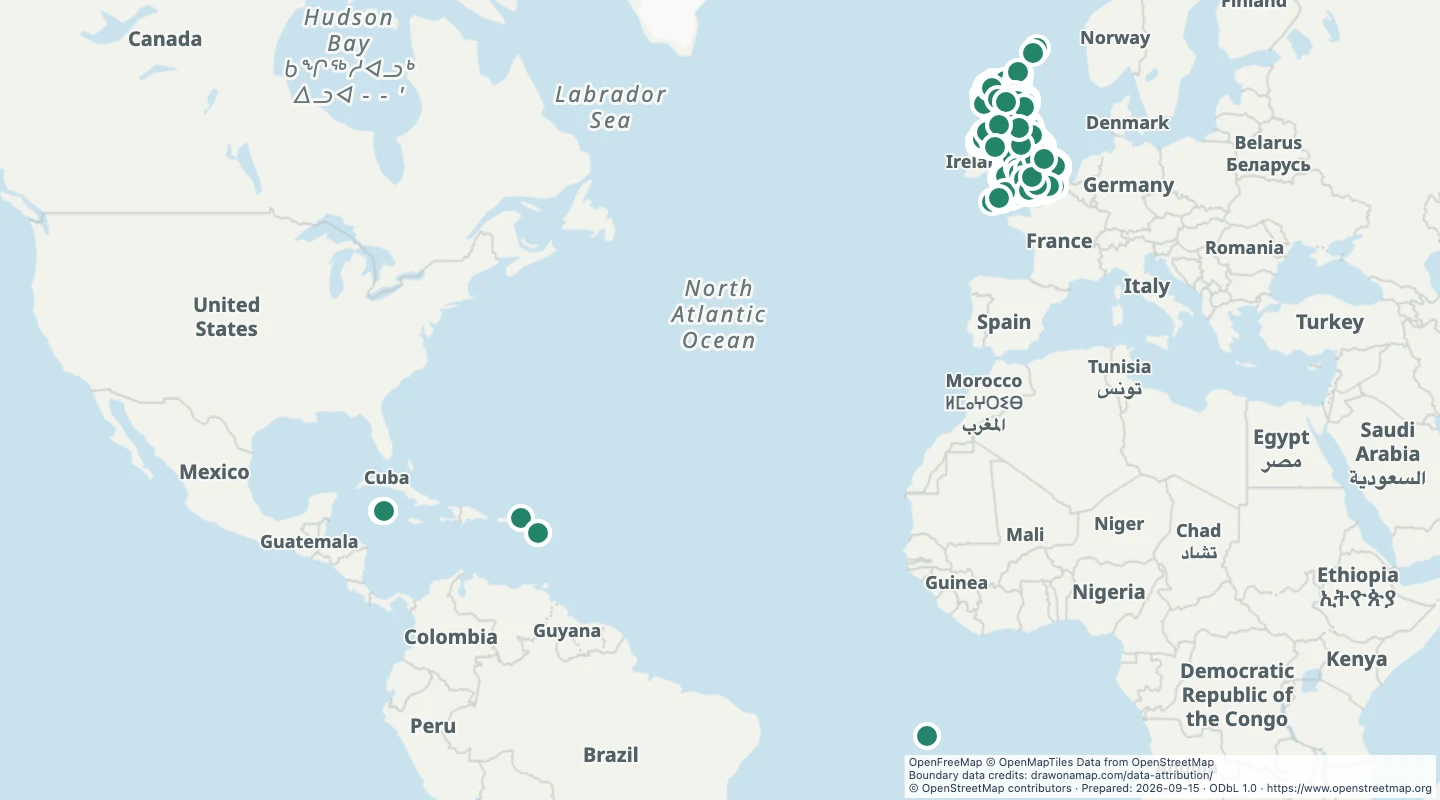 UK picnic sitesLocate mapped picnic sites across the United Kingdom. Compare locations and inspect the site details supplied by the source.
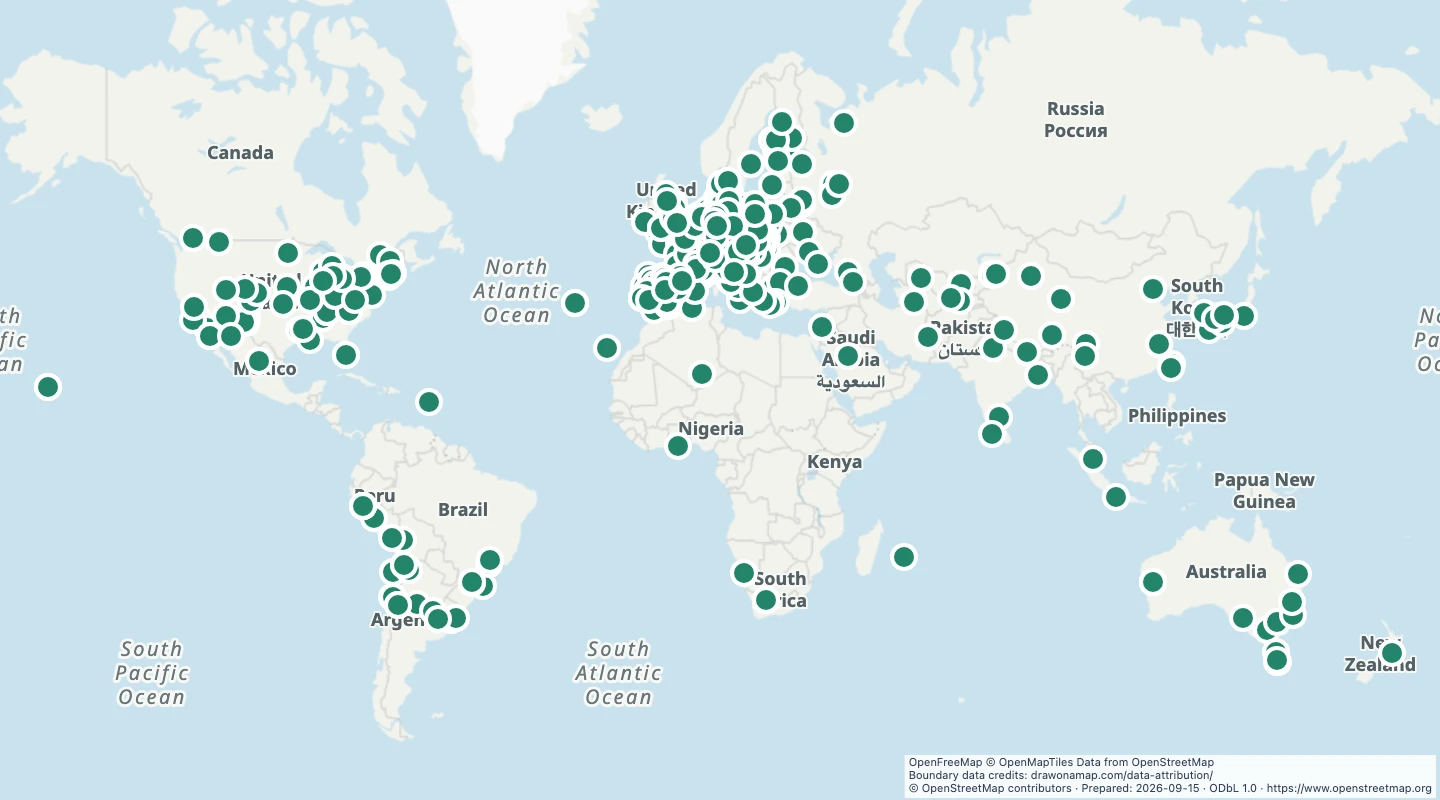 World astronomical observatoriesLocate astronomical observatories around the world. Compare site locations and inspect recorded names and operators.
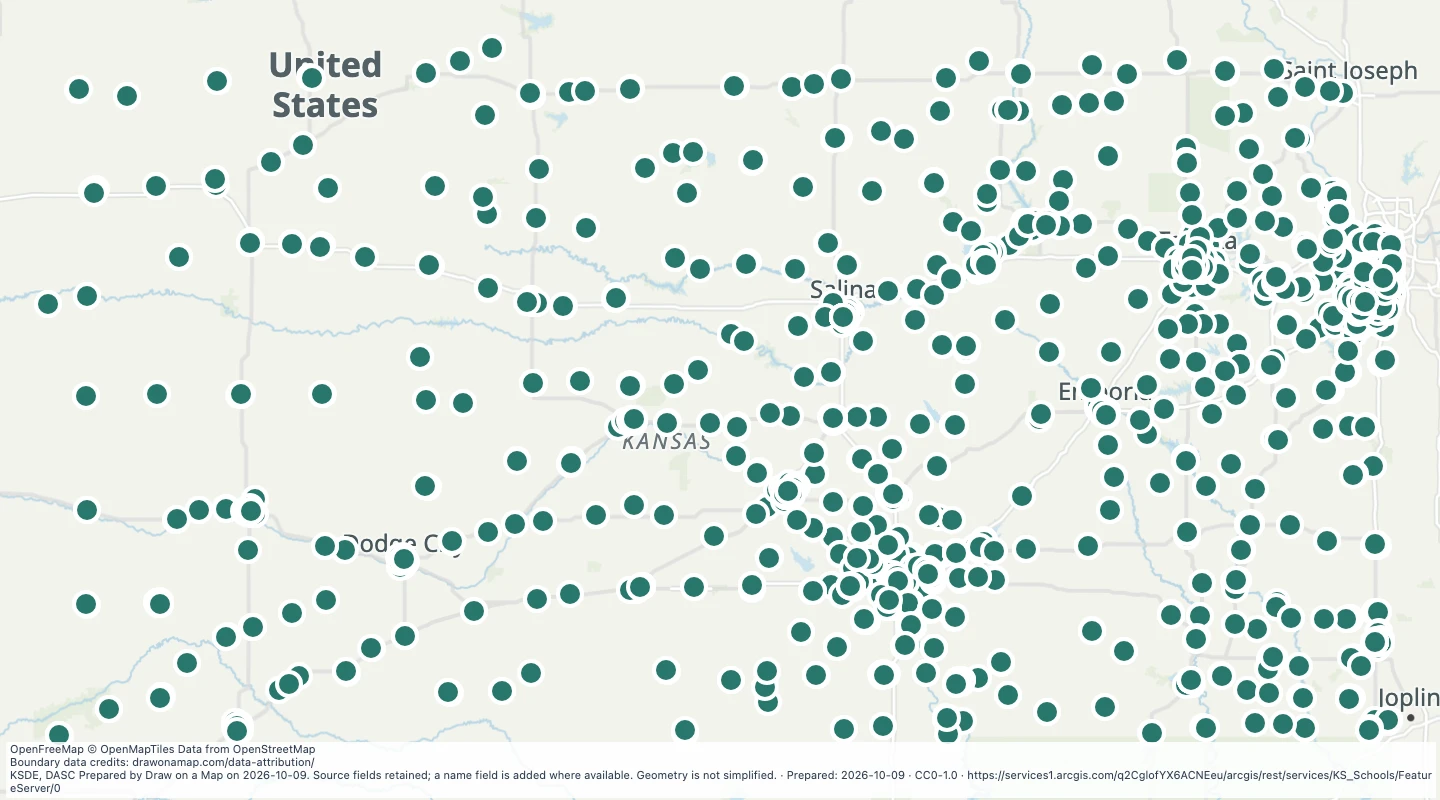 K-12 Schools: KS Schools — KansasExplore 1,851 source records for K-12 Schools: KS Schools — Kansas. View the map or download the GeoJSON snapshot.
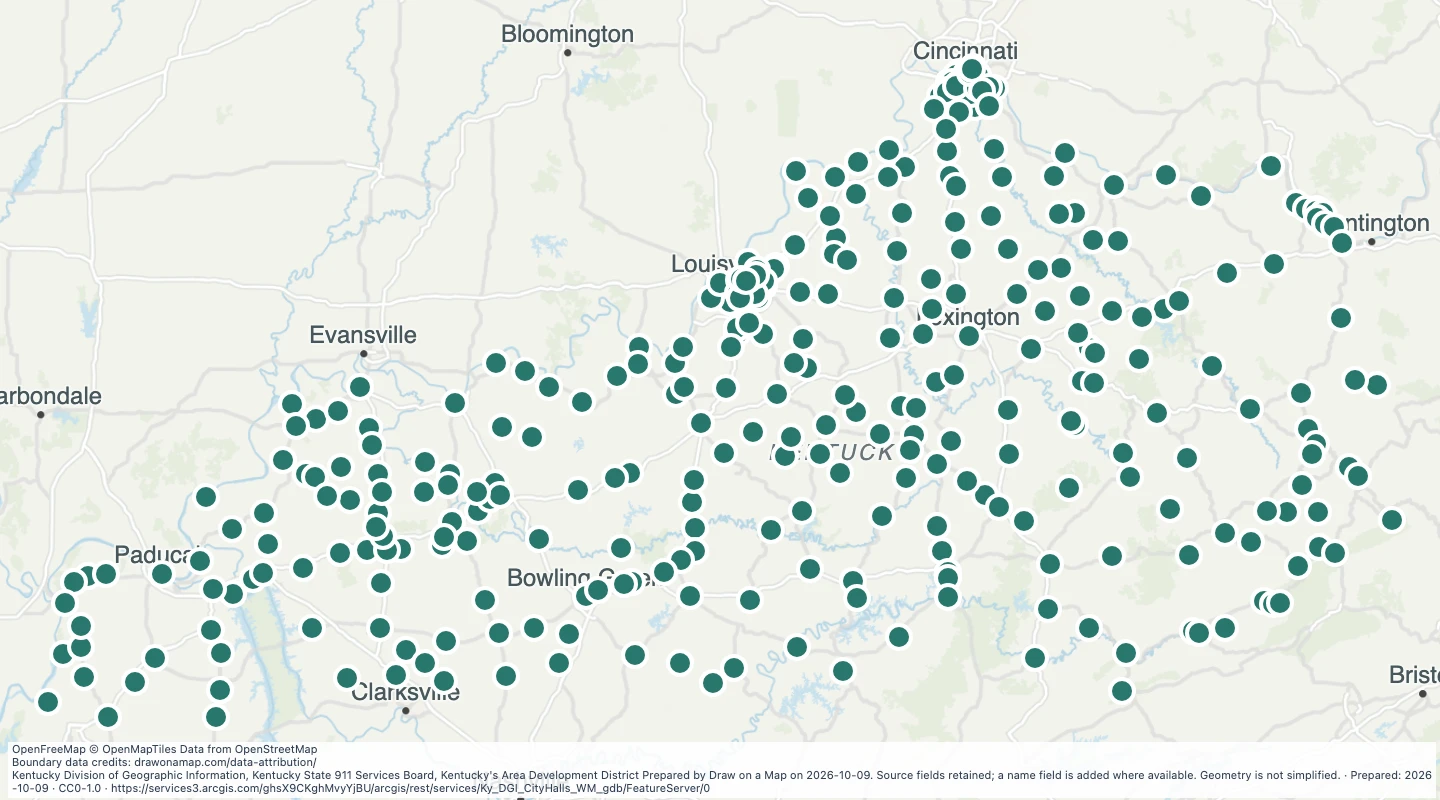 Kentucky City Hall LocationsExplore 336 source records for Kentucky City Hall Locations. View the map or download the GeoJSON snapshot.
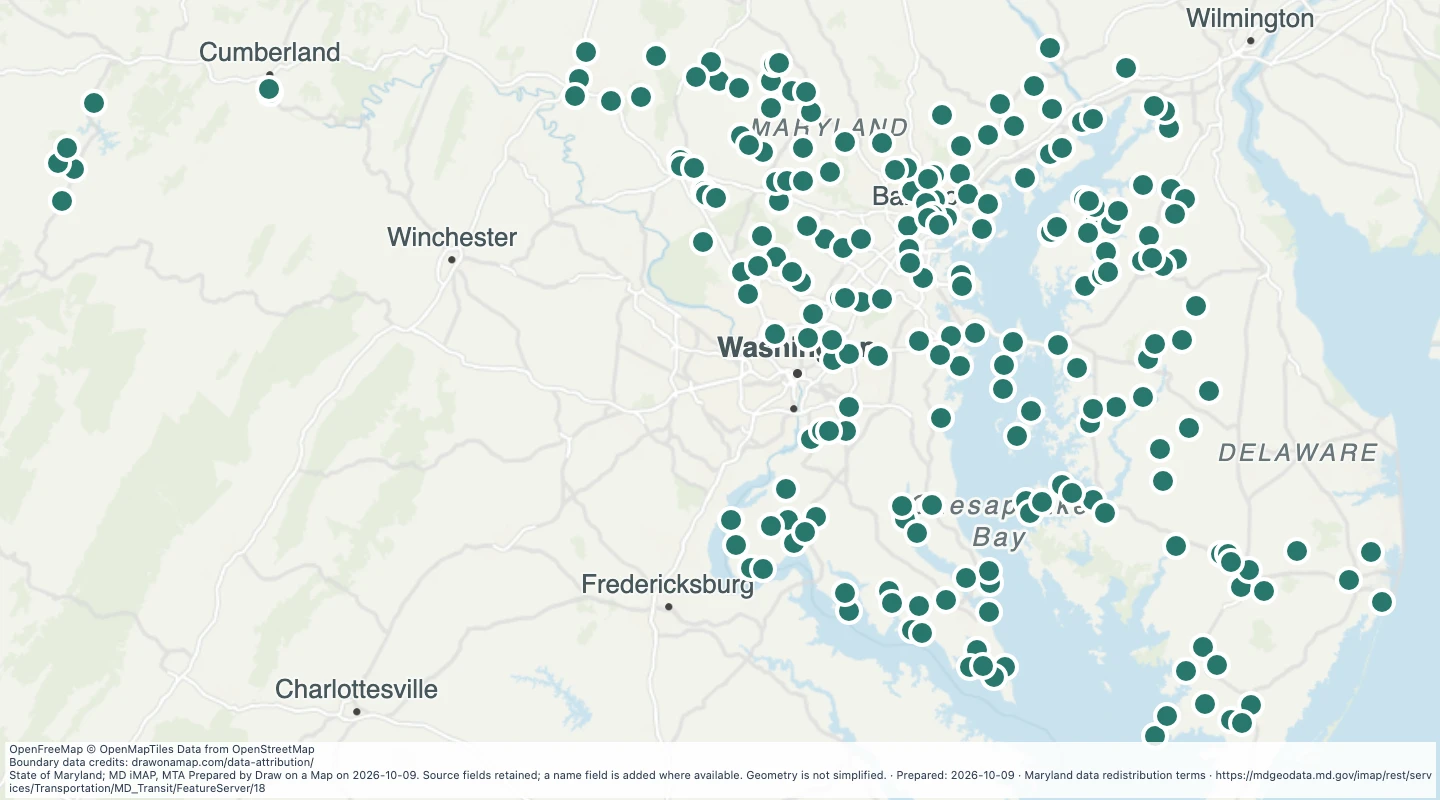 Airports in the Maryland transit source collectionExplore 217 source records for Airports in the Maryland transit source collection. View the map or download the GeoJSON snapshot.
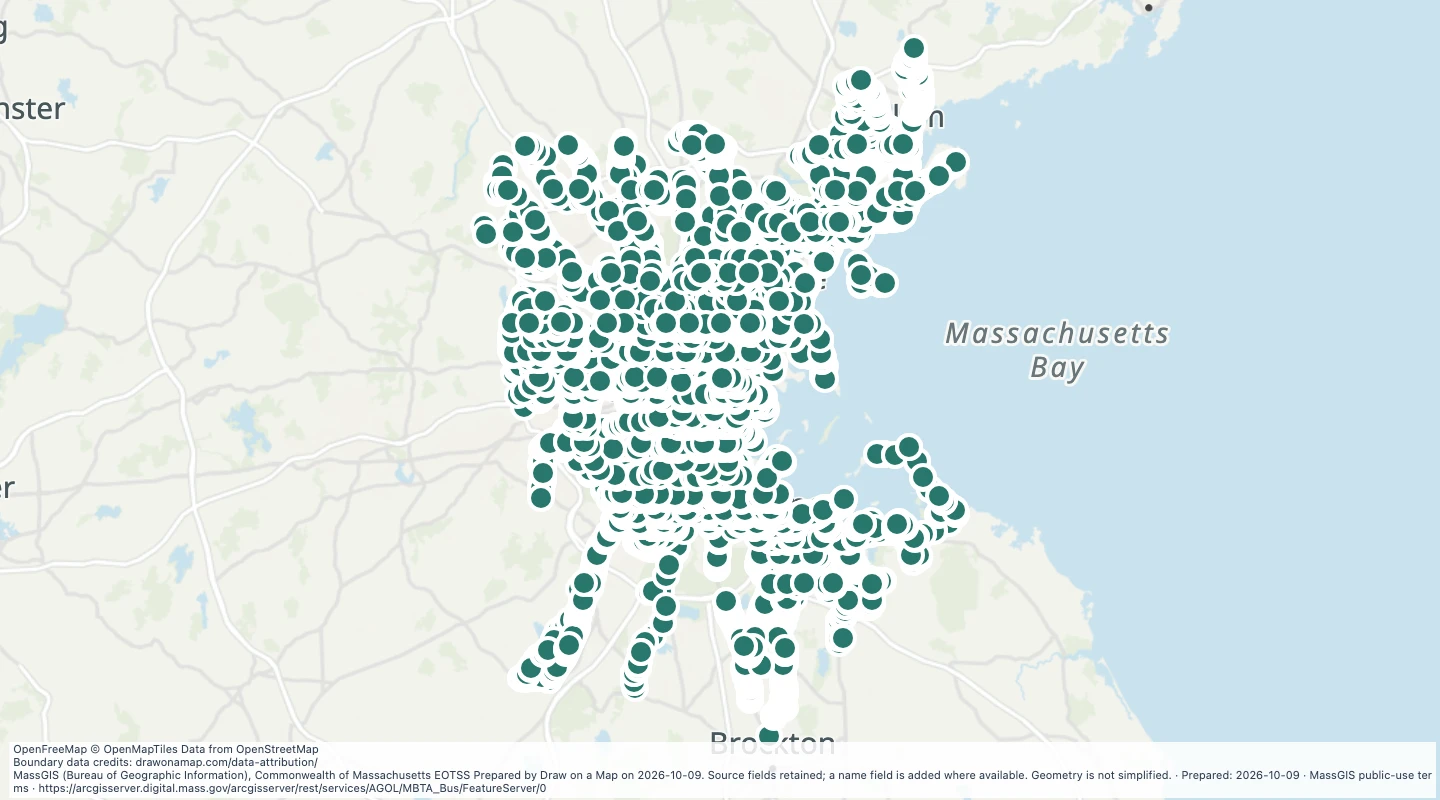 MBTA Bus Stops in the Boston-area transit network — MassachusettsExplore 7,810 source records for MBTA Bus Stops in the Boston-area transit network — Massachusetts. View the map or download the GeoJSON snapshot.
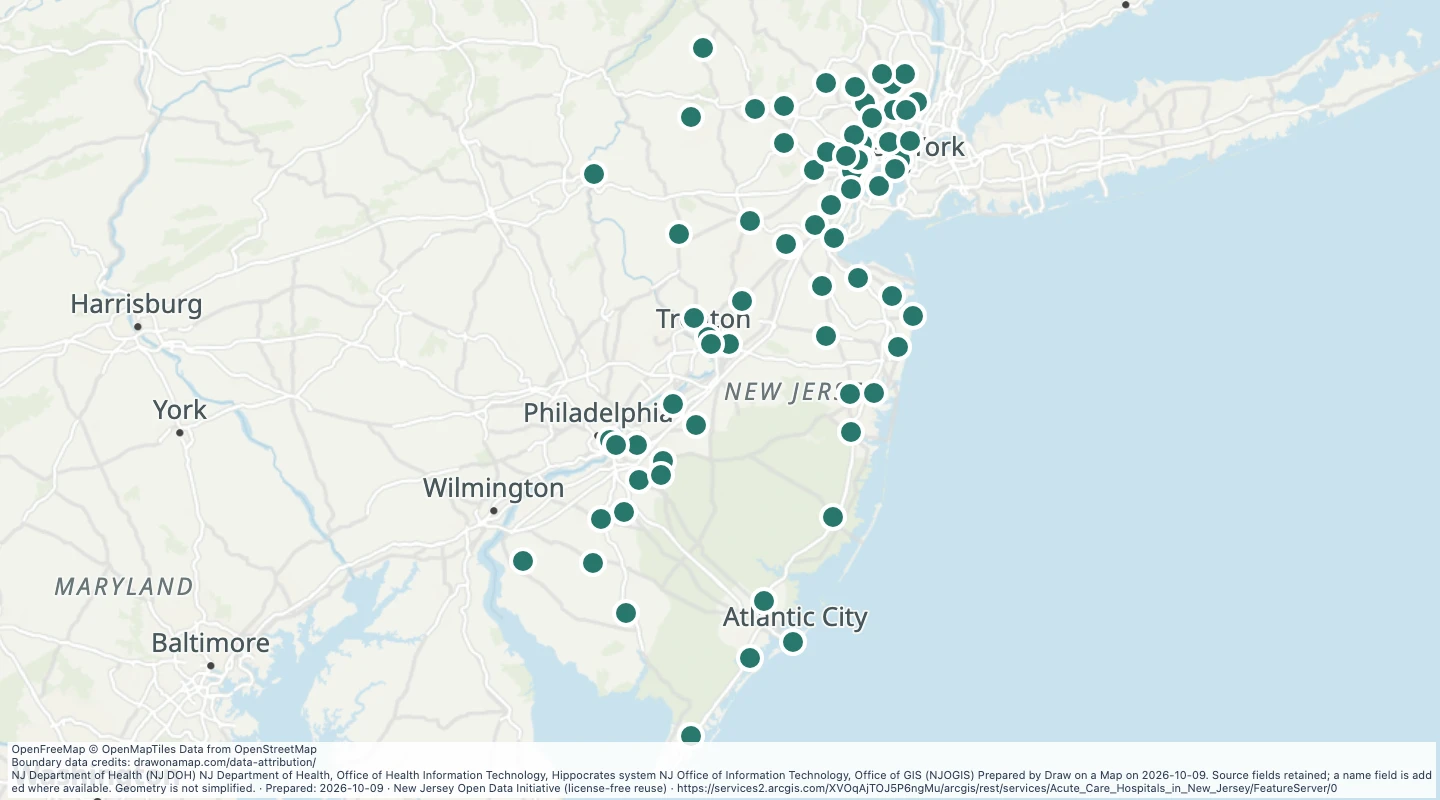 Acute Care Hospitals in NJ — New JerseyExplore 71 source records for Acute Care Hospitals in NJ — New Jersey. View the map or download the GeoJSON snapshot.
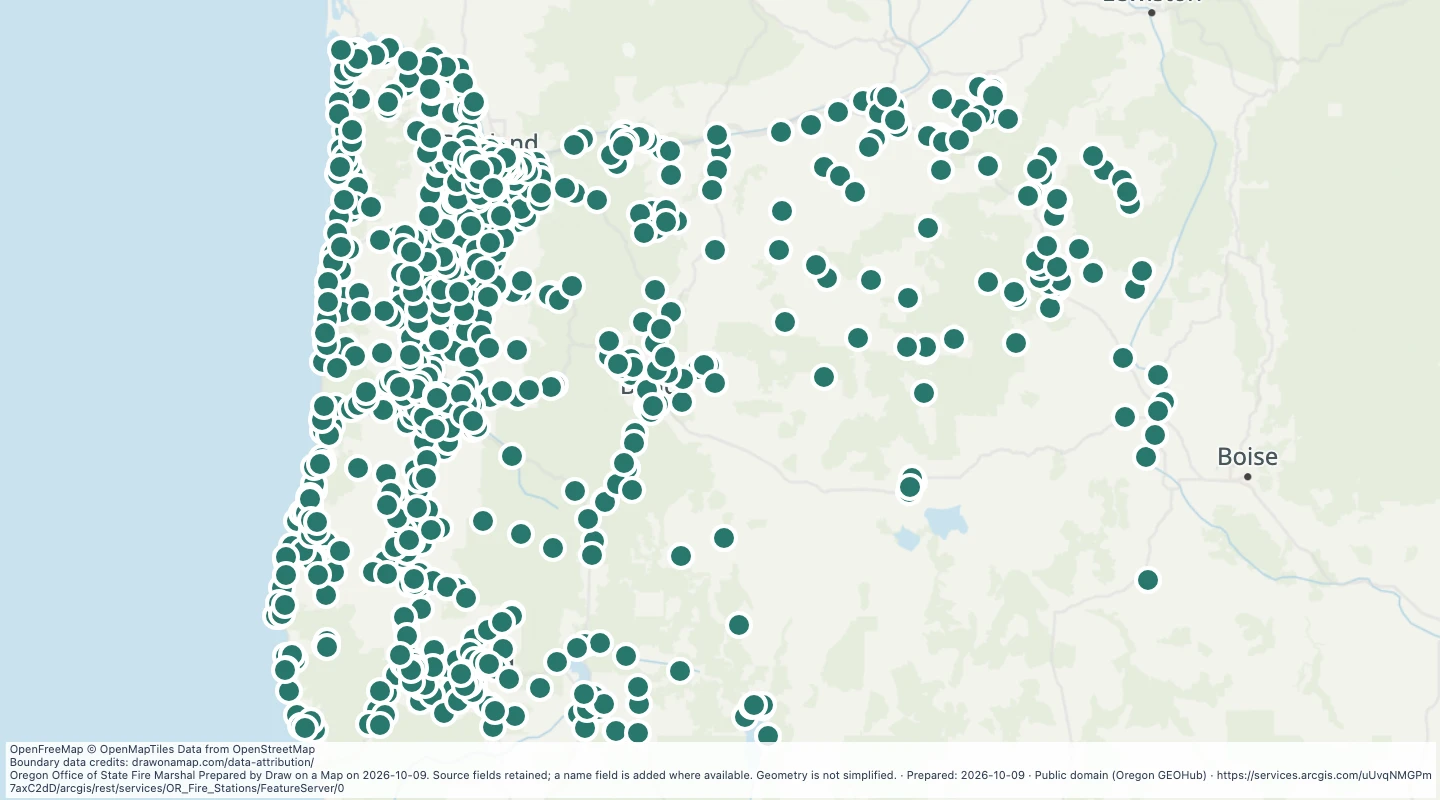 Fire Stations — OregonExplore 805 source records for Fire Stations — Oregon. View the map or download the GeoJSON snapshot.
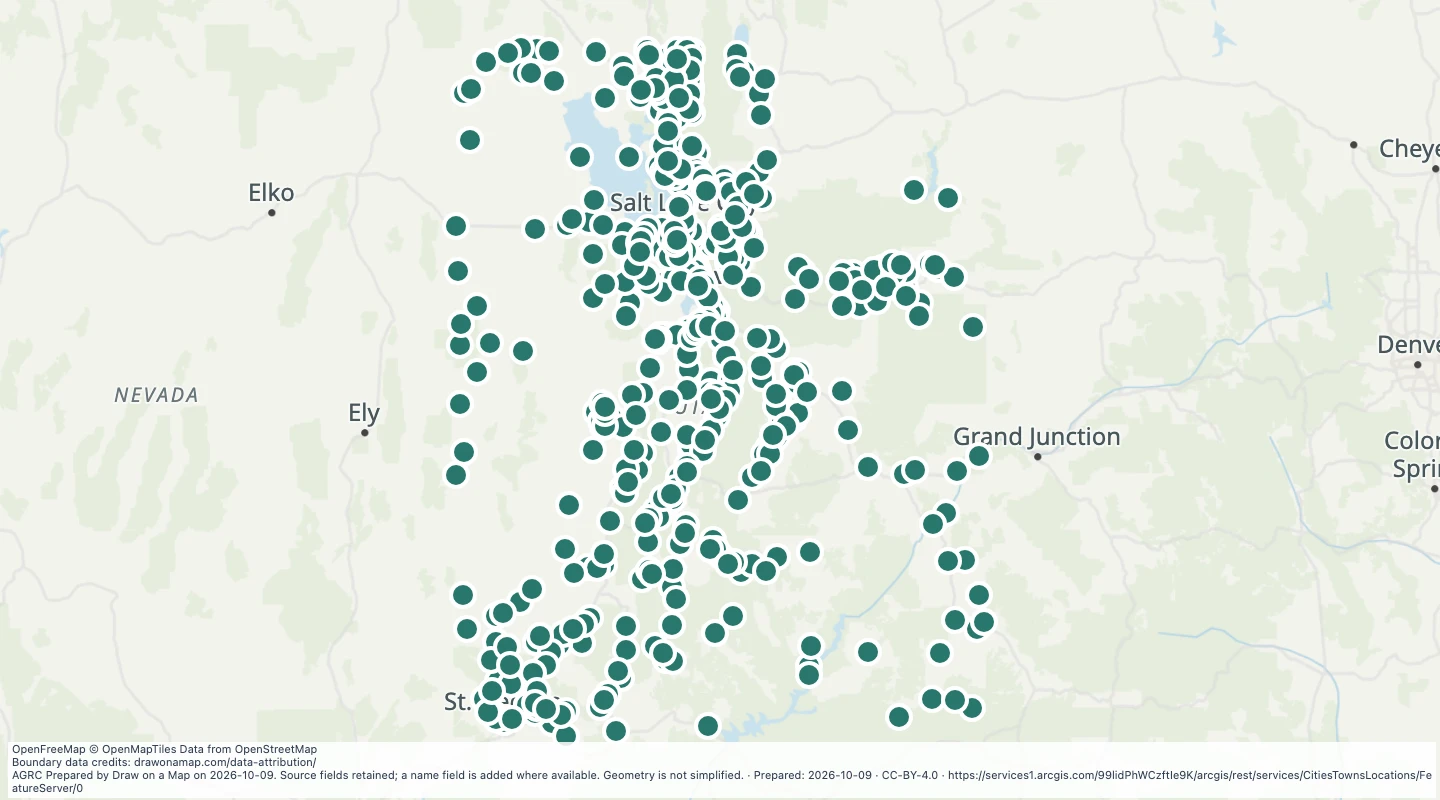 Utah City and Town Locations: Cities Towns LocationsExplore 462 source records for Utah City and Town Locations: Cities Towns Locations. View the map or download the GeoJSON snapshot.
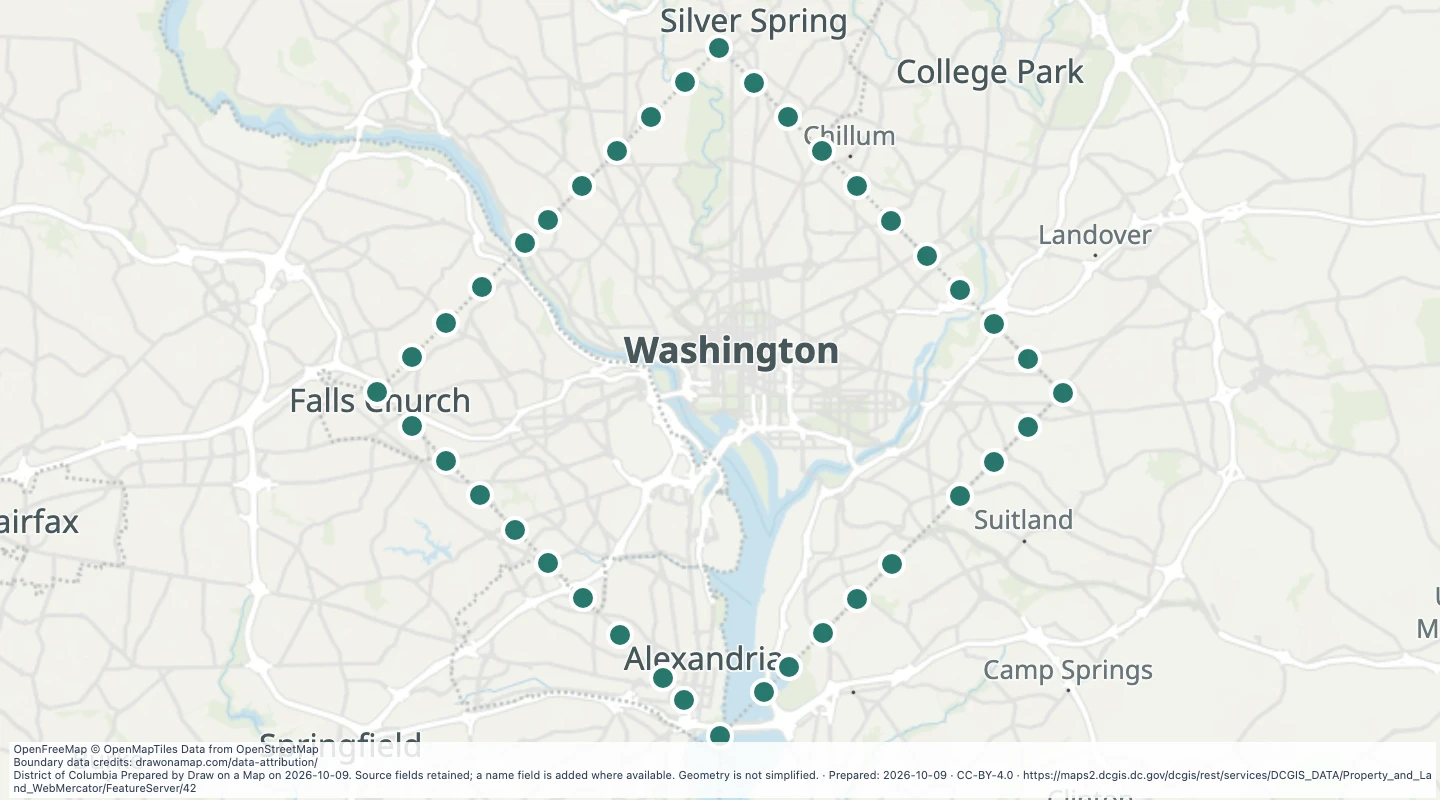 Historic Washington, DC boundary stones — Washington, DC and original district boundaryExplore 39 source records for Historic Washington, DC boundary stones — Washington, DC and original district boundary. View the map or download the GeoJSON snapshot.
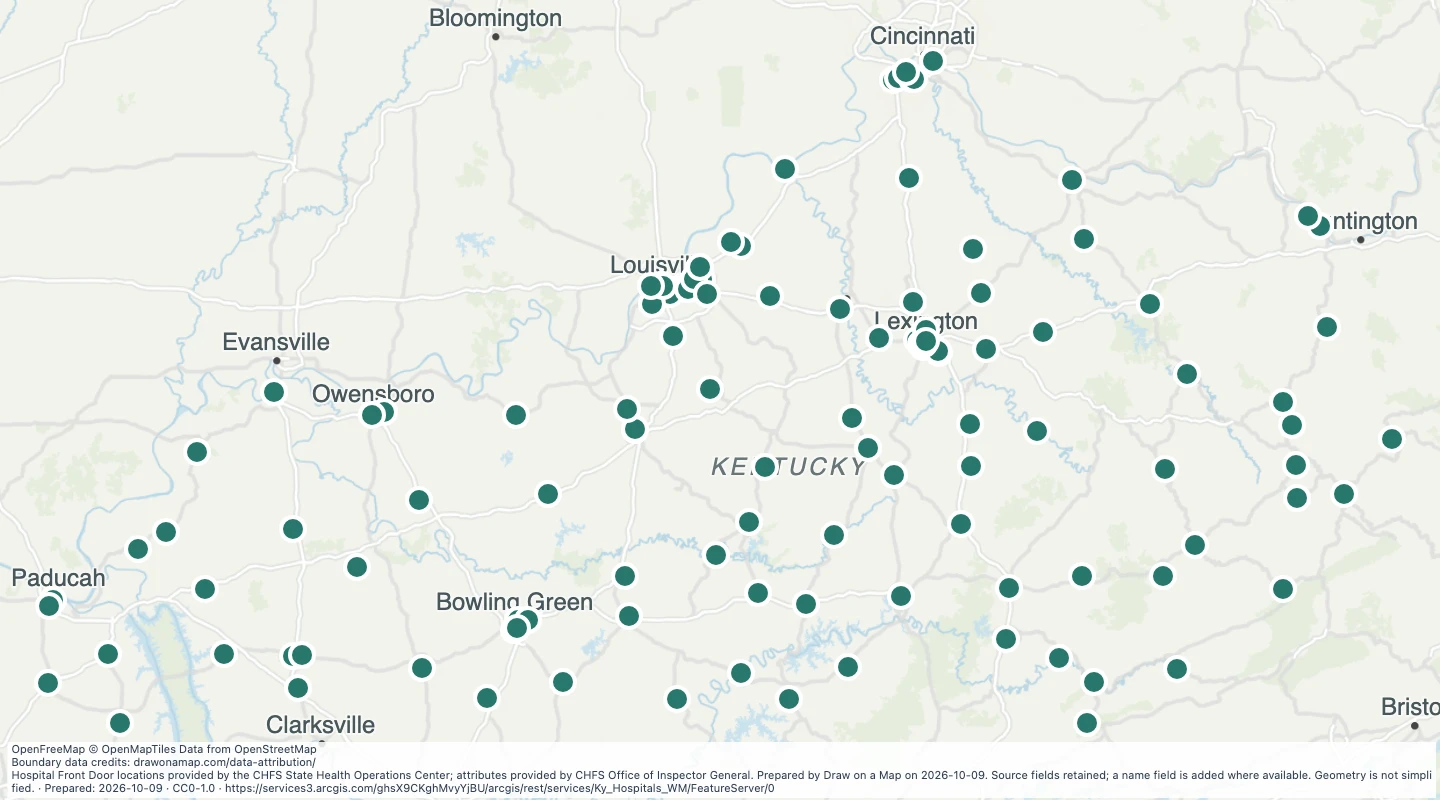 Kentucky HospitalsExplore 120 source records for Kentucky Hospitals. View the map or download the GeoJSON snapshot.
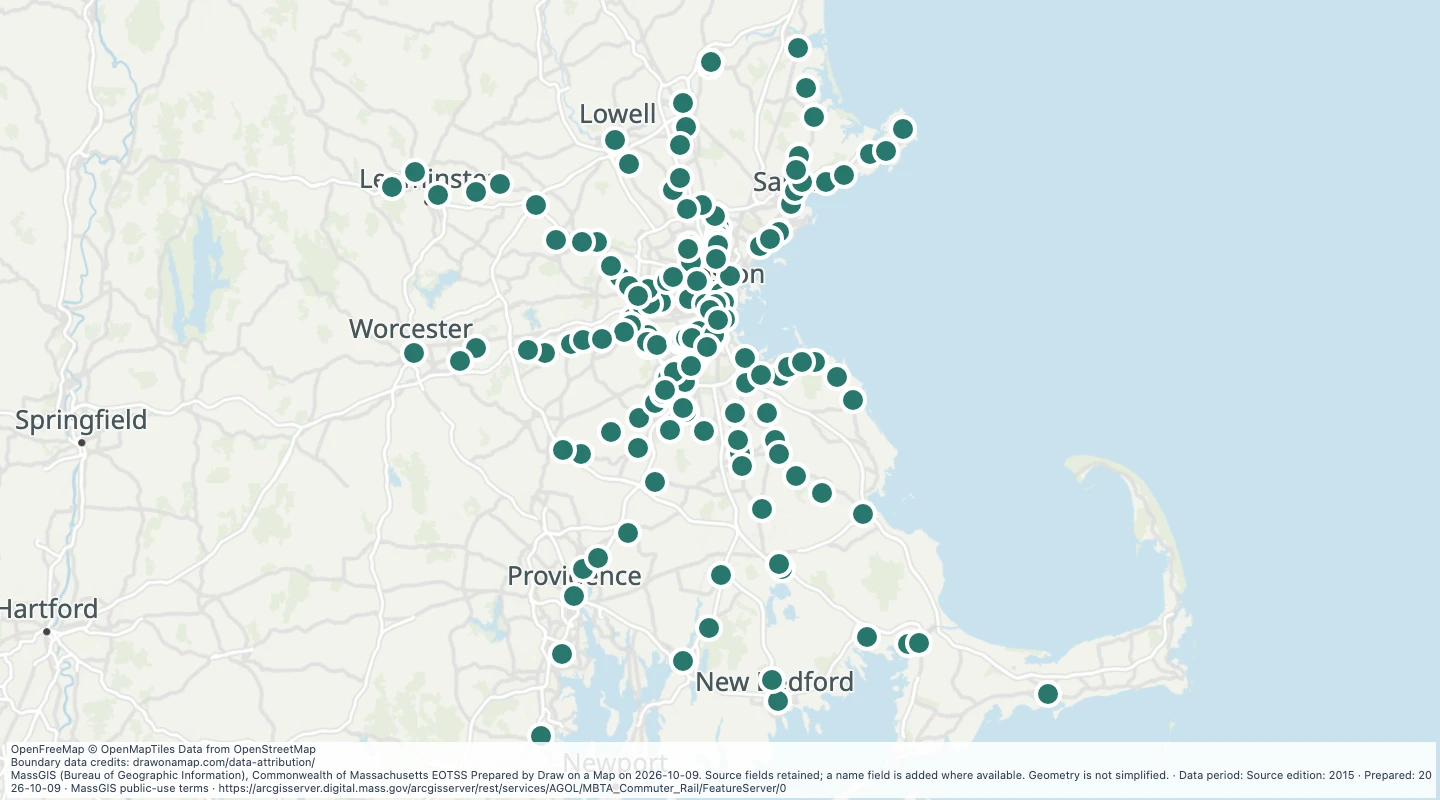 Commuter rail stations in the Boston-area source, April 2015 — Boston-area commuter rail networkExplore 150 source records for Commuter rail stations in the Boston-area source, April 2015 — Boston-area commuter rail network. View the map or download the GeoJSON snapshot.
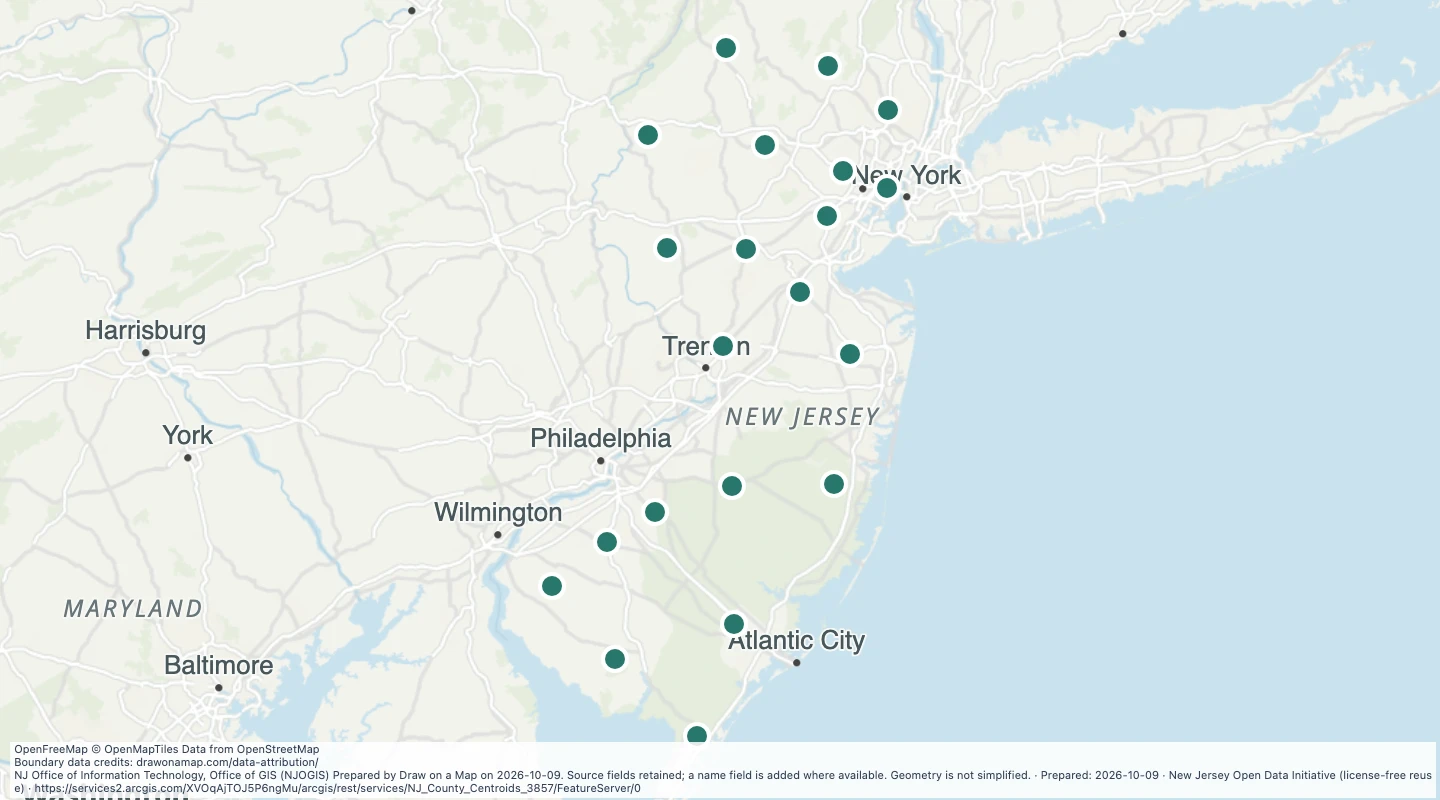 County centre points in New JerseyExplore 21 source records for County centre points in New Jersey. View the map or download the GeoJSON snapshot.
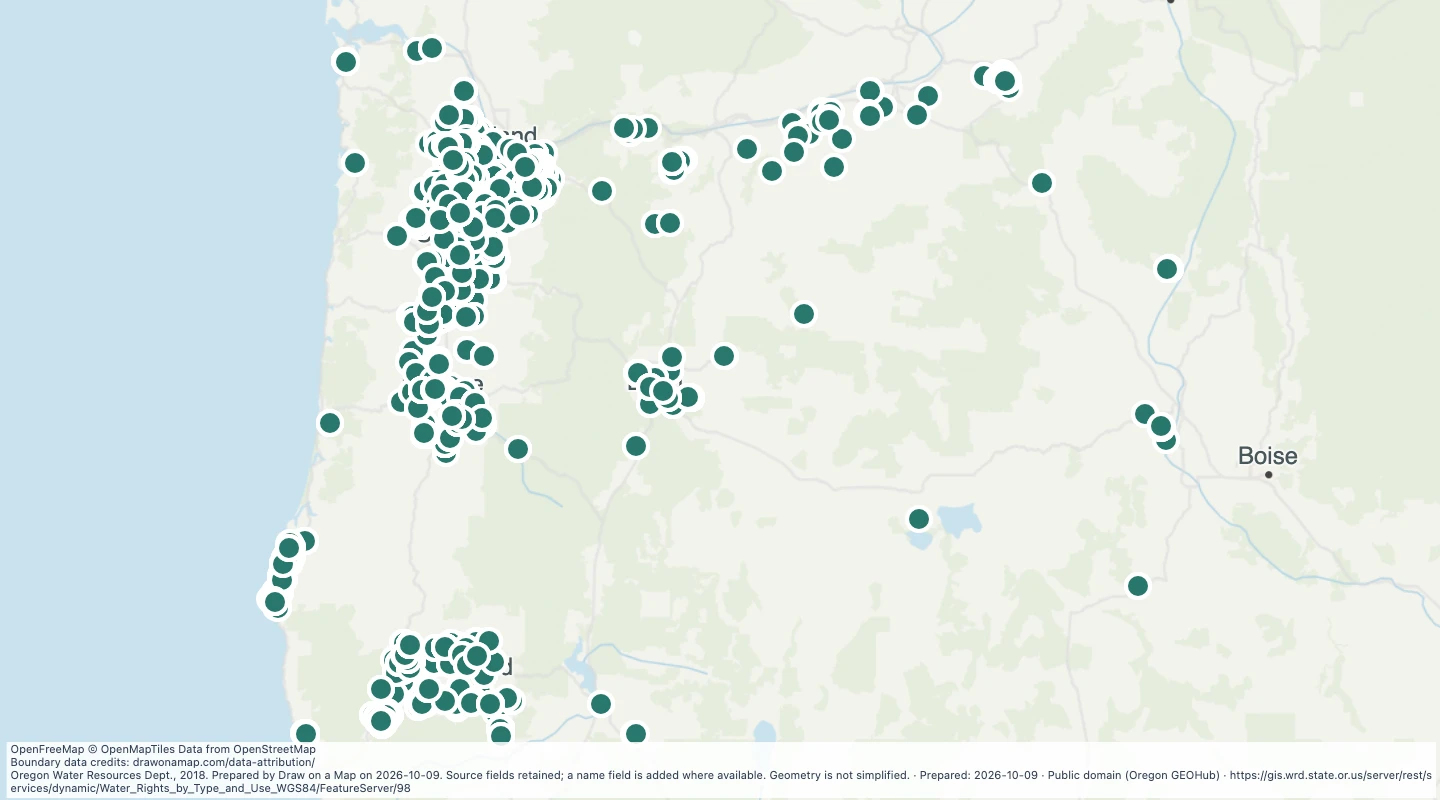 Oregon water rights: Points of Diversion - groundwater, AgricultureExplore 6,395 source records for Oregon water rights: Points of Diversion - groundwater, Agriculture. View the map or download the GeoJSON snapshot.
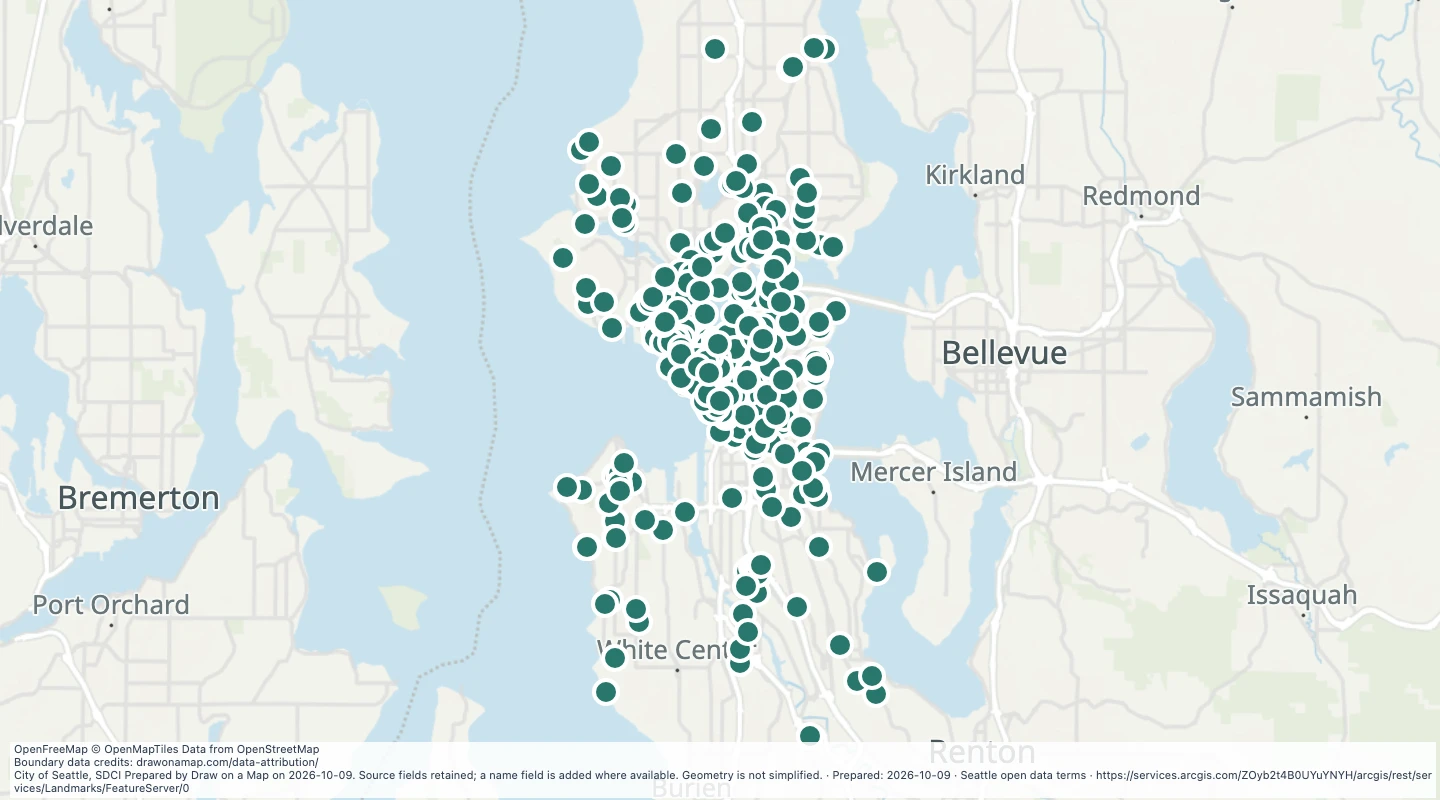 Protected landmarks in SeattleExplore 517 source records for Protected landmarks in Seattle. View the map or download the GeoJSON snapshot.
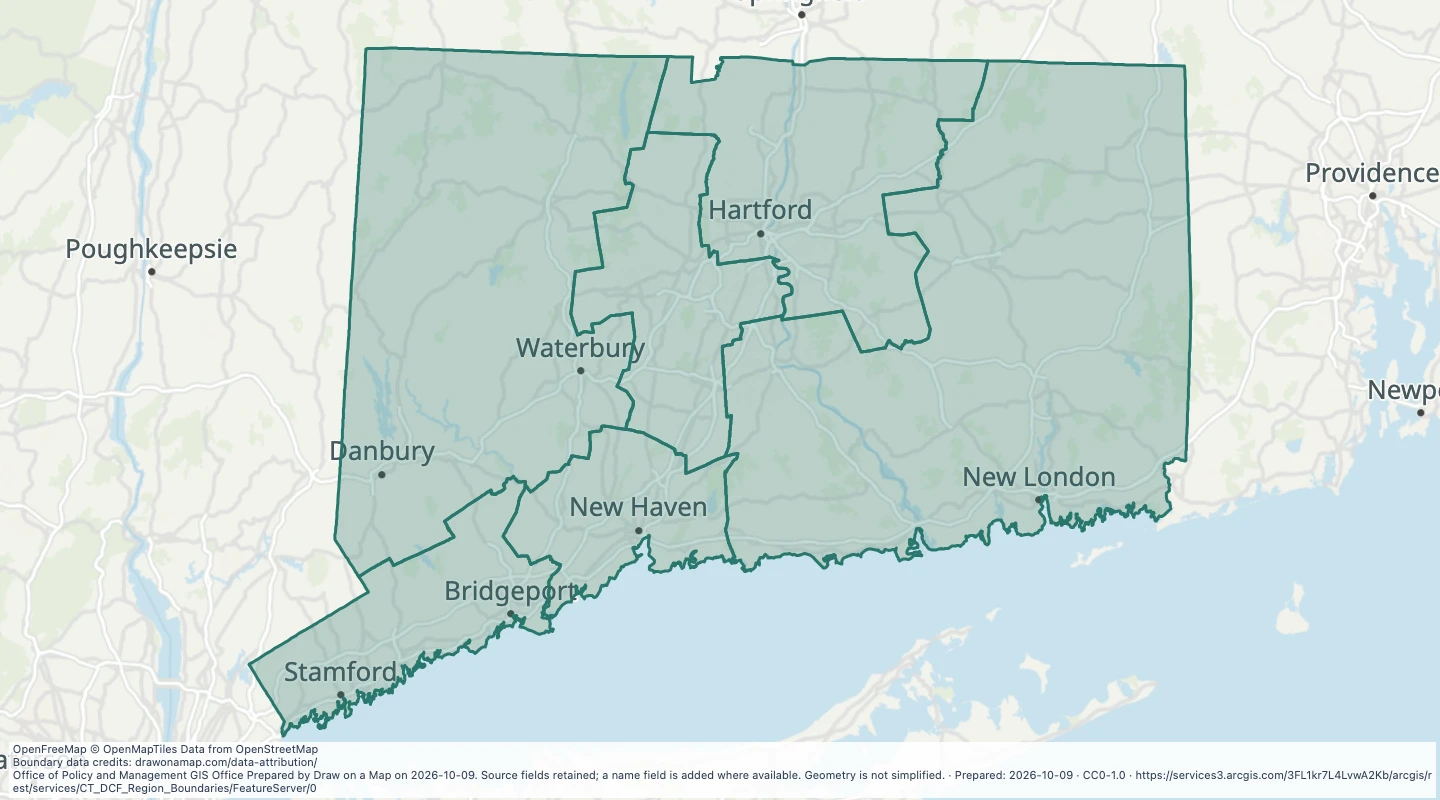 CT DCF Region Boundaries — ConnecticutExplore 6 source records for CT DCF Region Boundaries — Connecticut. View the map or download the GeoJSON snapshot.
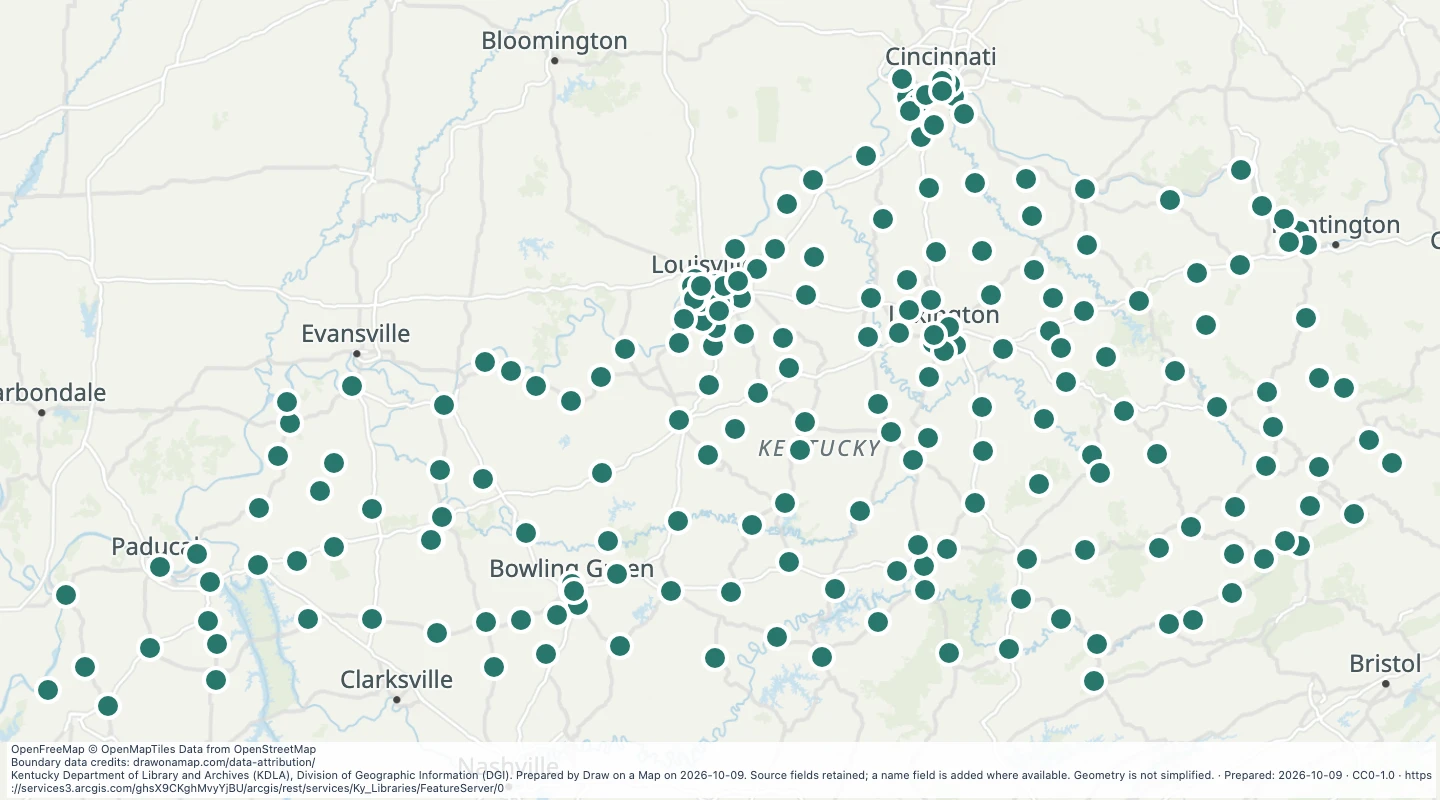 Kentucky LibrariesExplore 207 source records for Kentucky Libraries. View the map or download the GeoJSON snapshot.
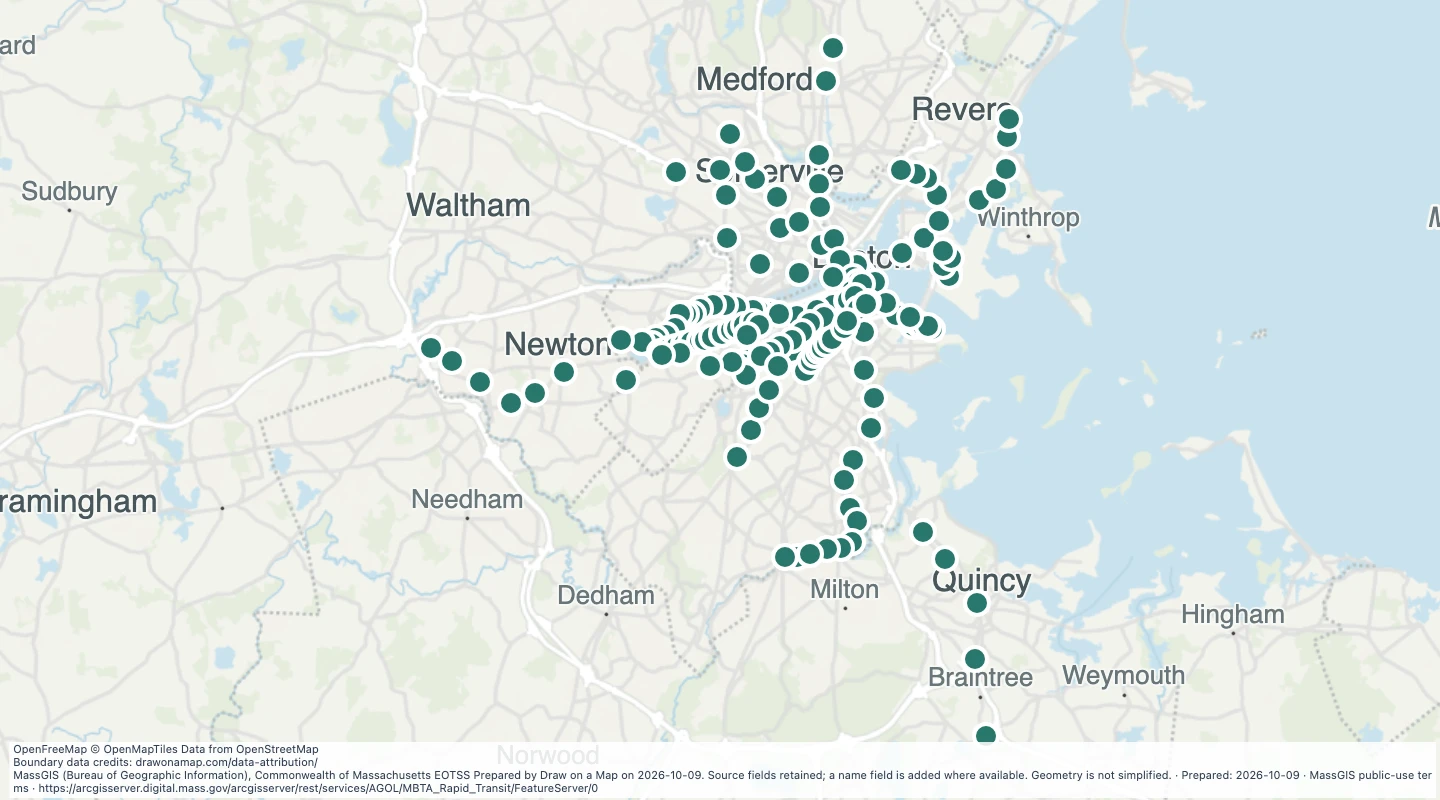 MBTA Rapid Transit Stops in the Boston-area transit network — MassachusettsExplore 170 source records for MBTA Rapid Transit Stops in the Boston-area transit network — Massachusetts. View the map or download the GeoJSON snapshot.
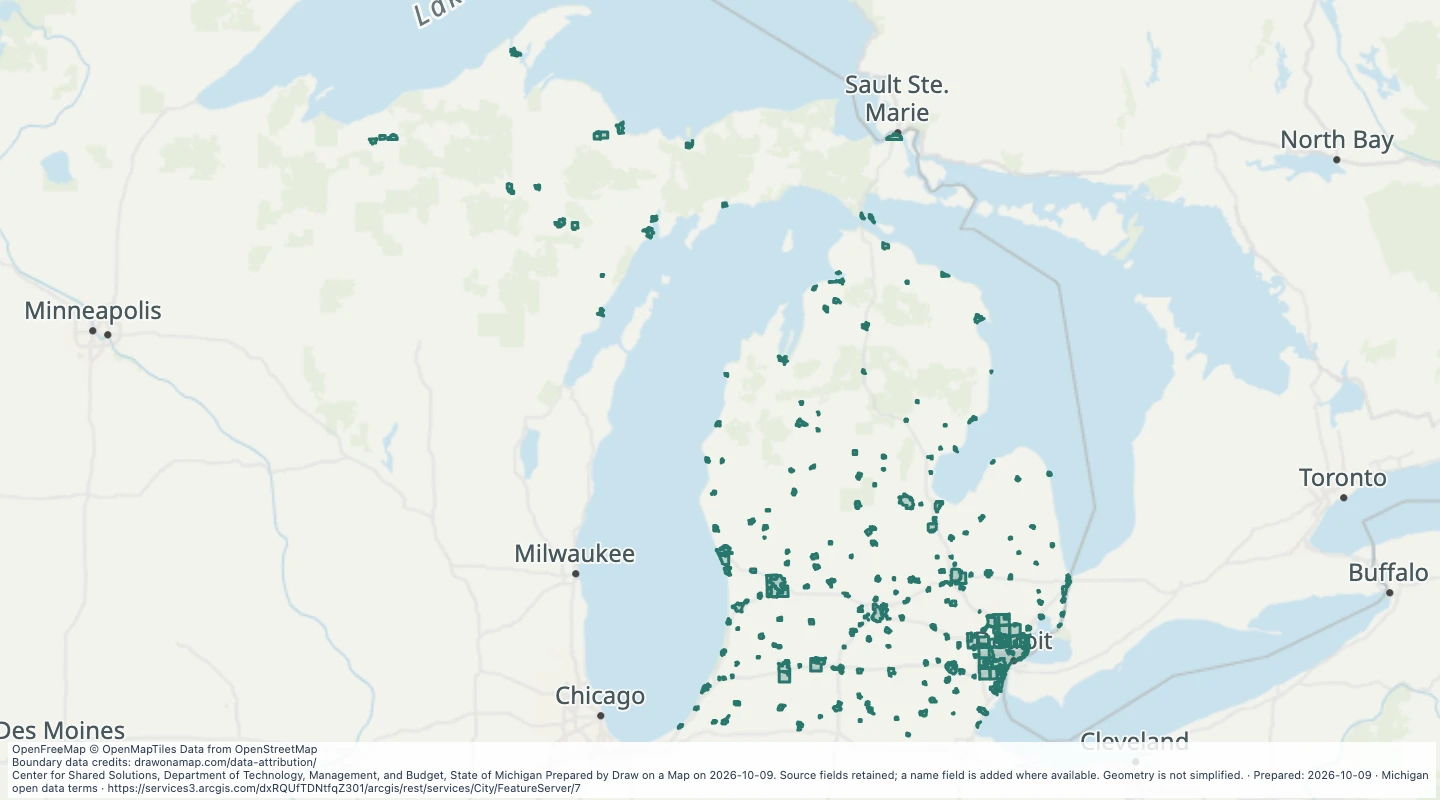 City boundaries in MichiganExplore 281 source records for City boundaries in Michigan. View the map or download the GeoJSON snapshot.
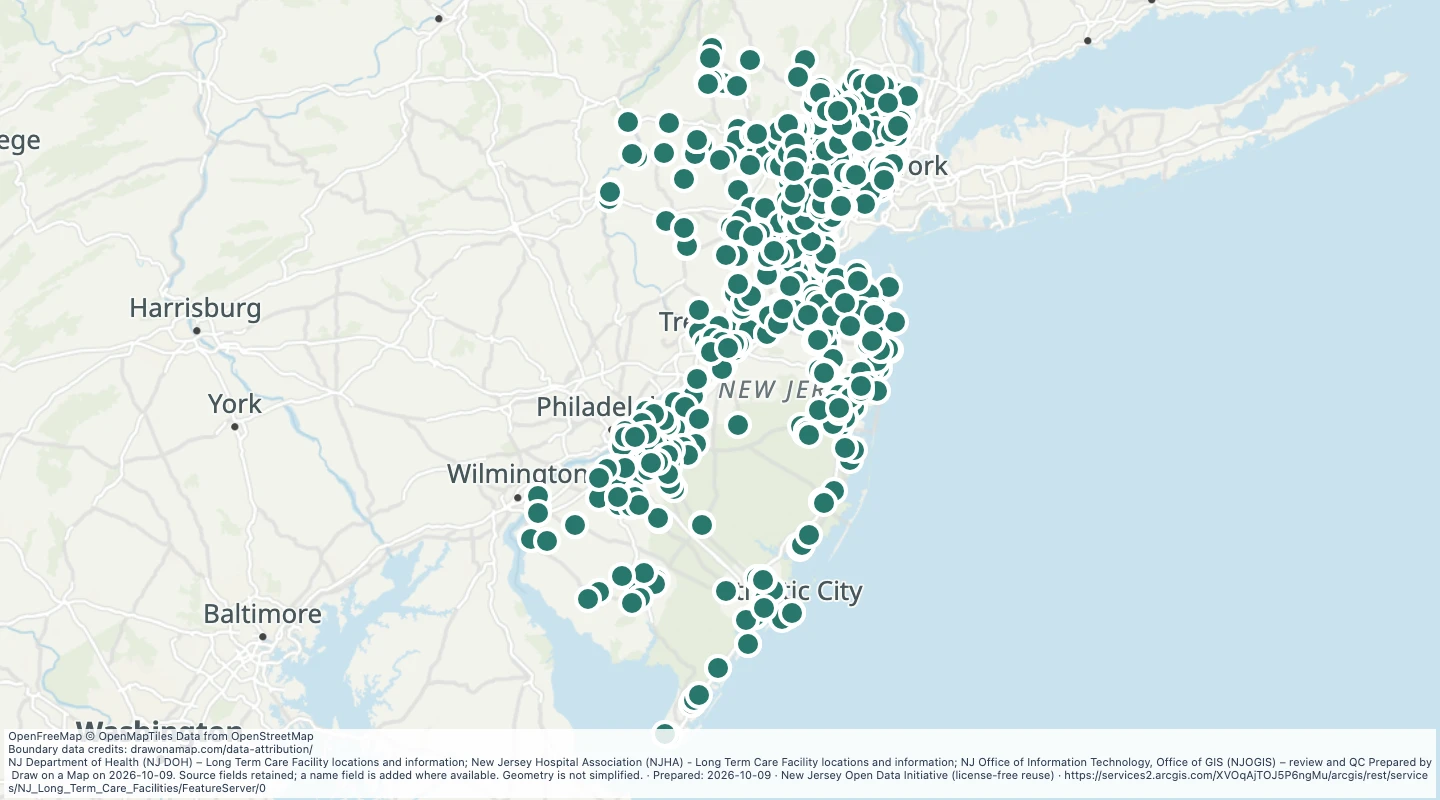 Long Term Care Facilities of New JerseyExplore 730 source records for Long Term Care Facilities of New Jersey. View the map or download the GeoJSON snapshot.
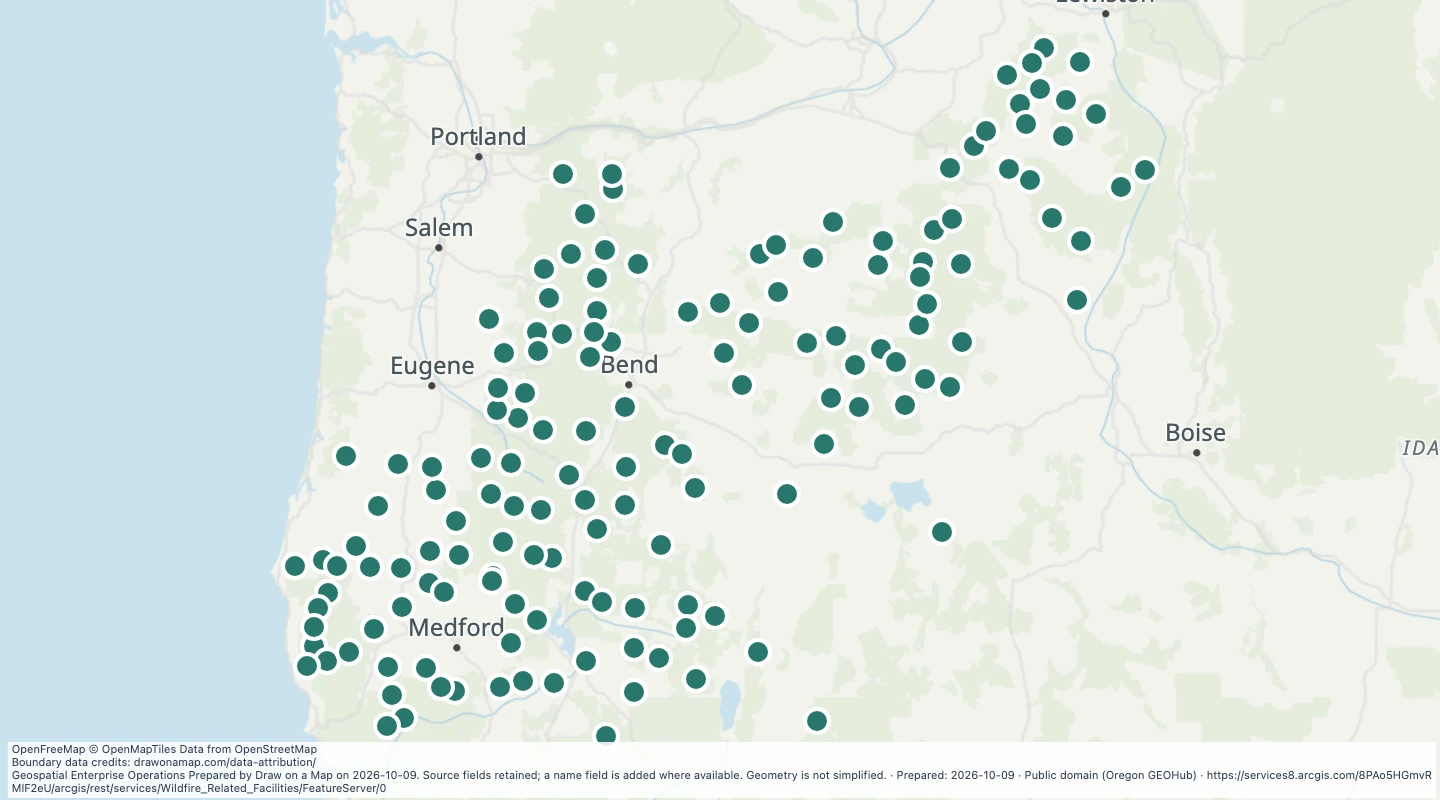 Wildfire Related Facilities: Fire Lookouts Current — OregonExplore 150 source records for Wildfire Related Facilities: Fire Lookouts Current — Oregon. View the map or download the GeoJSON snapshot.
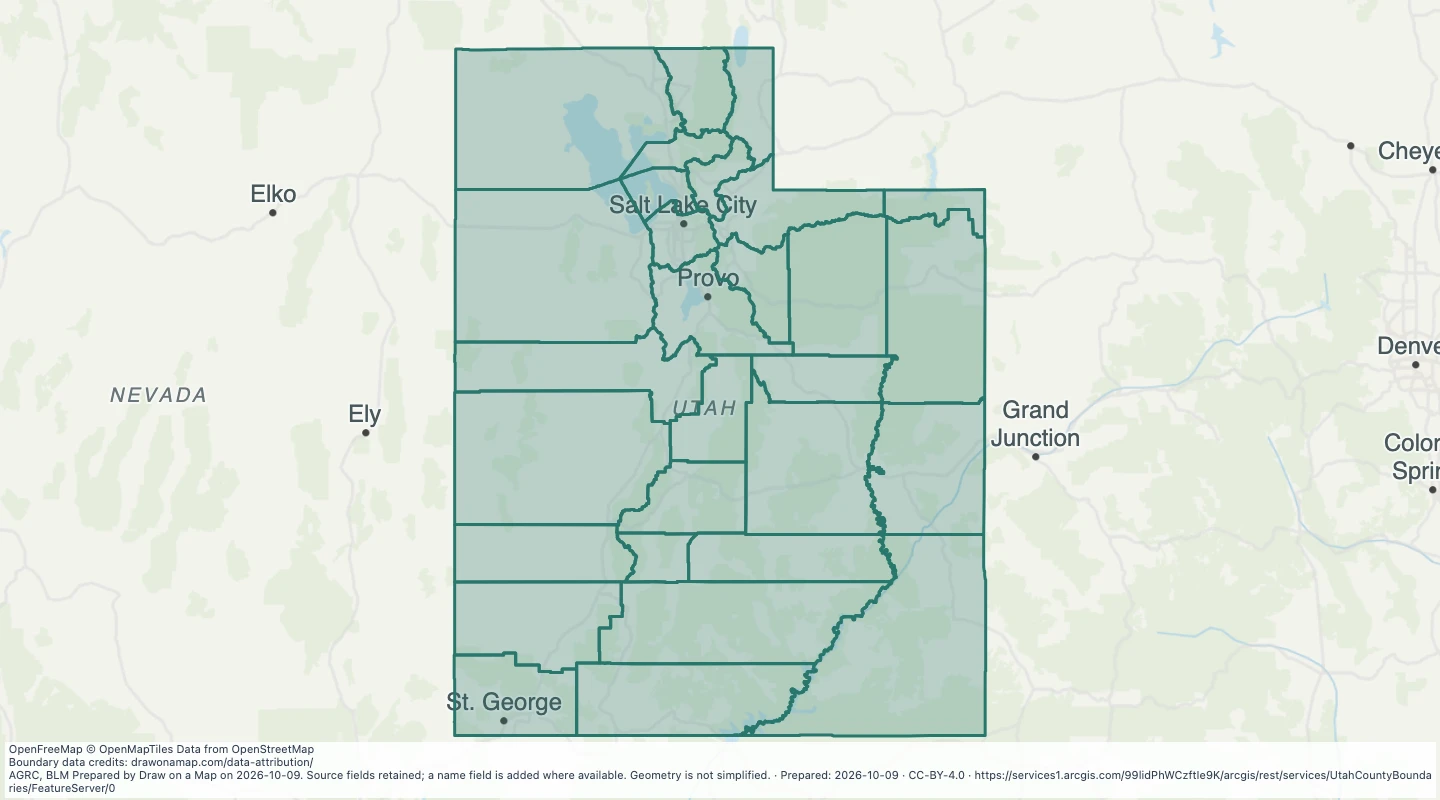 Utah County Boundaries: CountiesExplore 29 source records for Utah County Boundaries: Counties. View the map or download the GeoJSON snapshot.
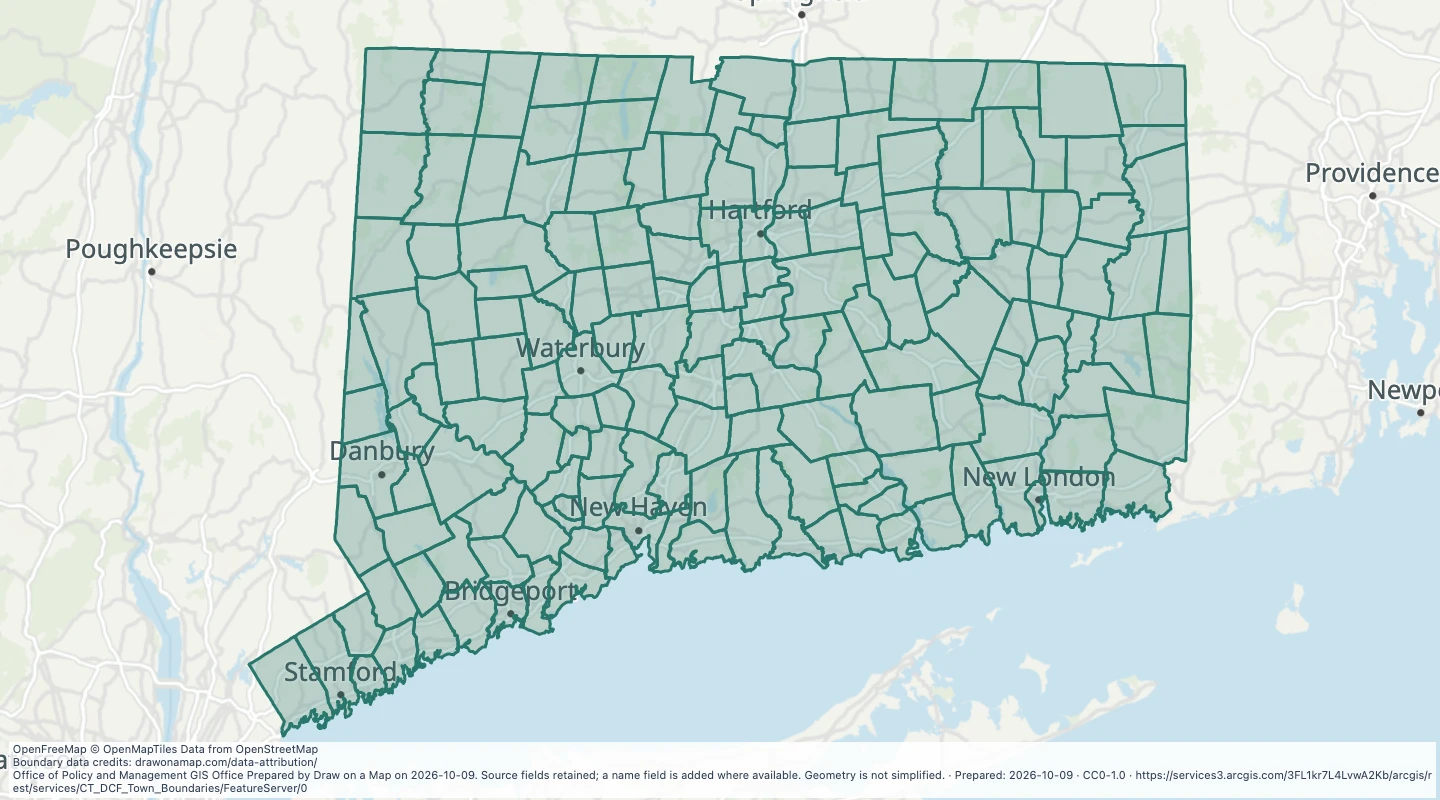 CT DCF Town Boundaries — ConnecticutExplore 169 source records for CT DCF Town Boundaries — Connecticut. View the map or download the GeoJSON snapshot.
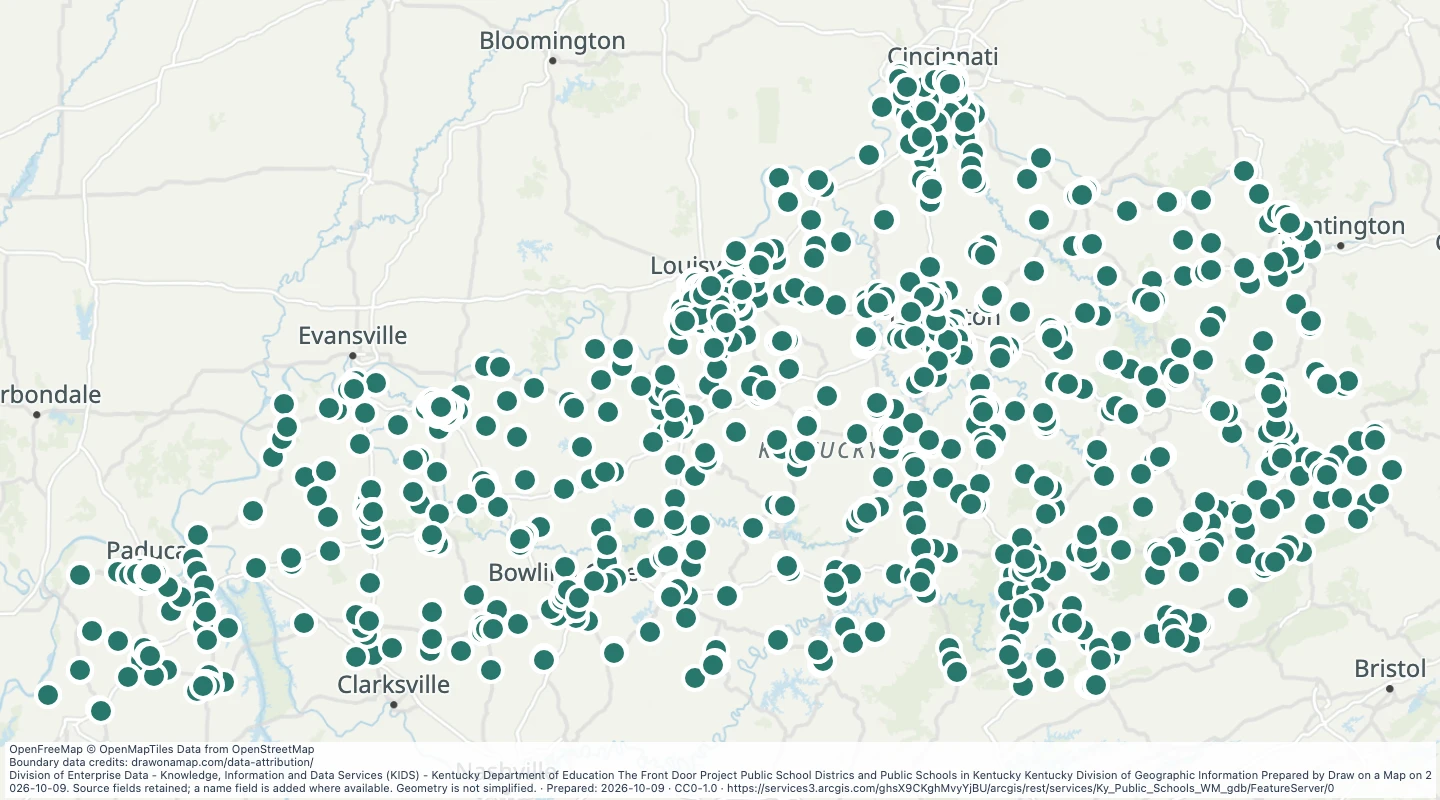 Kentucky Public SchoolsExplore 1,652 source records for Kentucky Public Schools. View the map or download the GeoJSON snapshot.
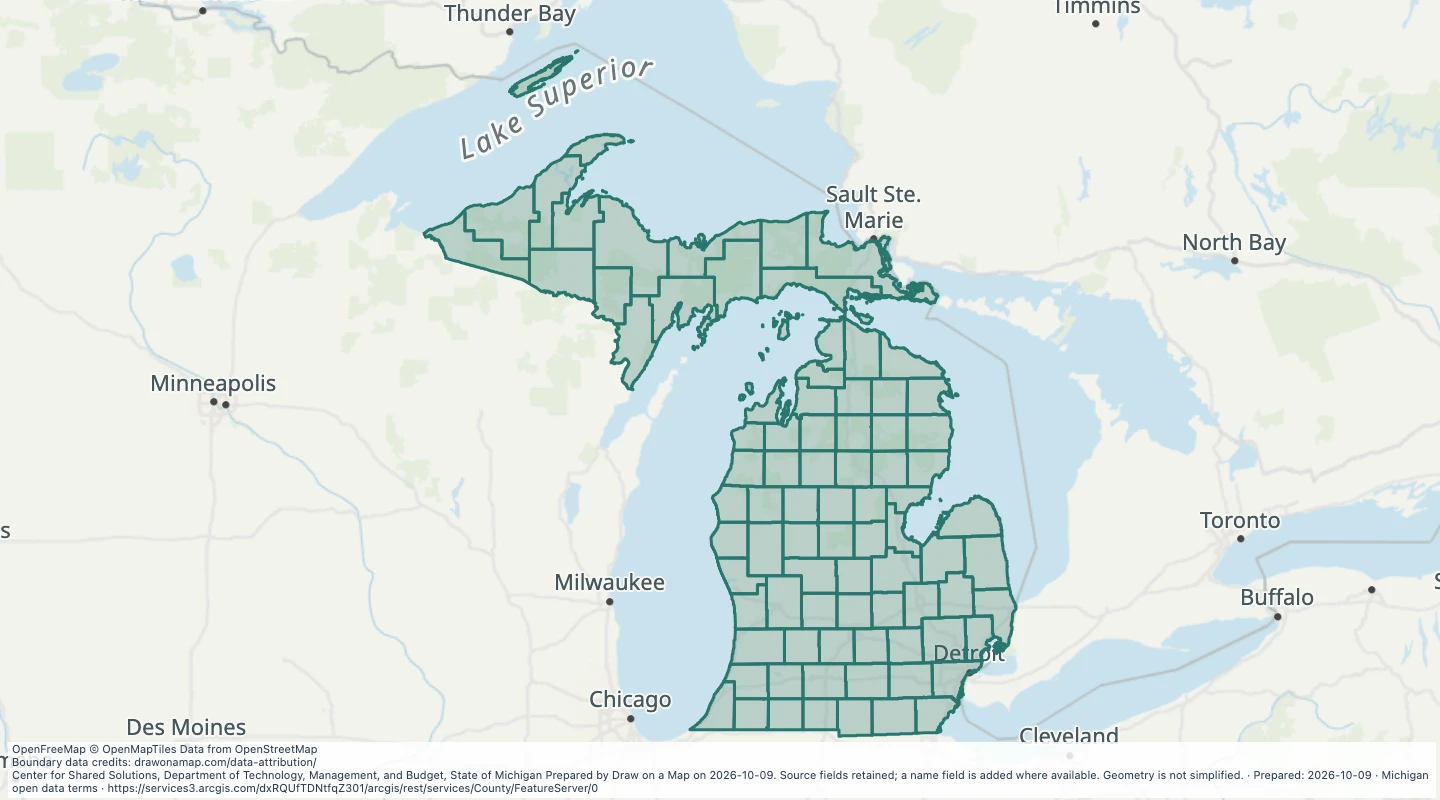 County — MichiganExplore 83 source records for County — Michigan. View the map or download the GeoJSON snapshot.
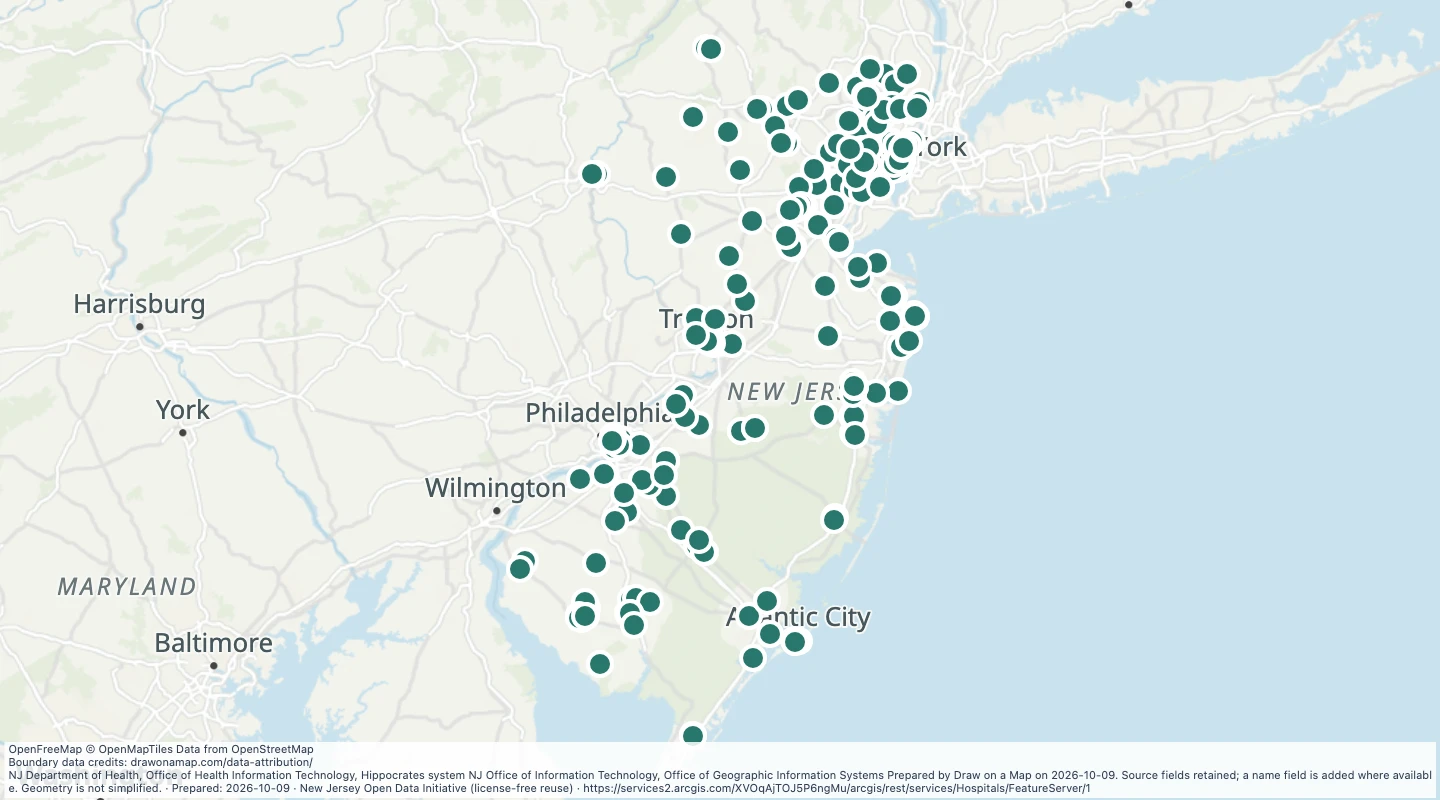 MATURE SUPPORT - Hospitals of NJ, — New JerseyExplore 244 source records for MATURE SUPPORT - Hospitals of NJ, — New Jersey. View the map or download the GeoJSON snapshot.
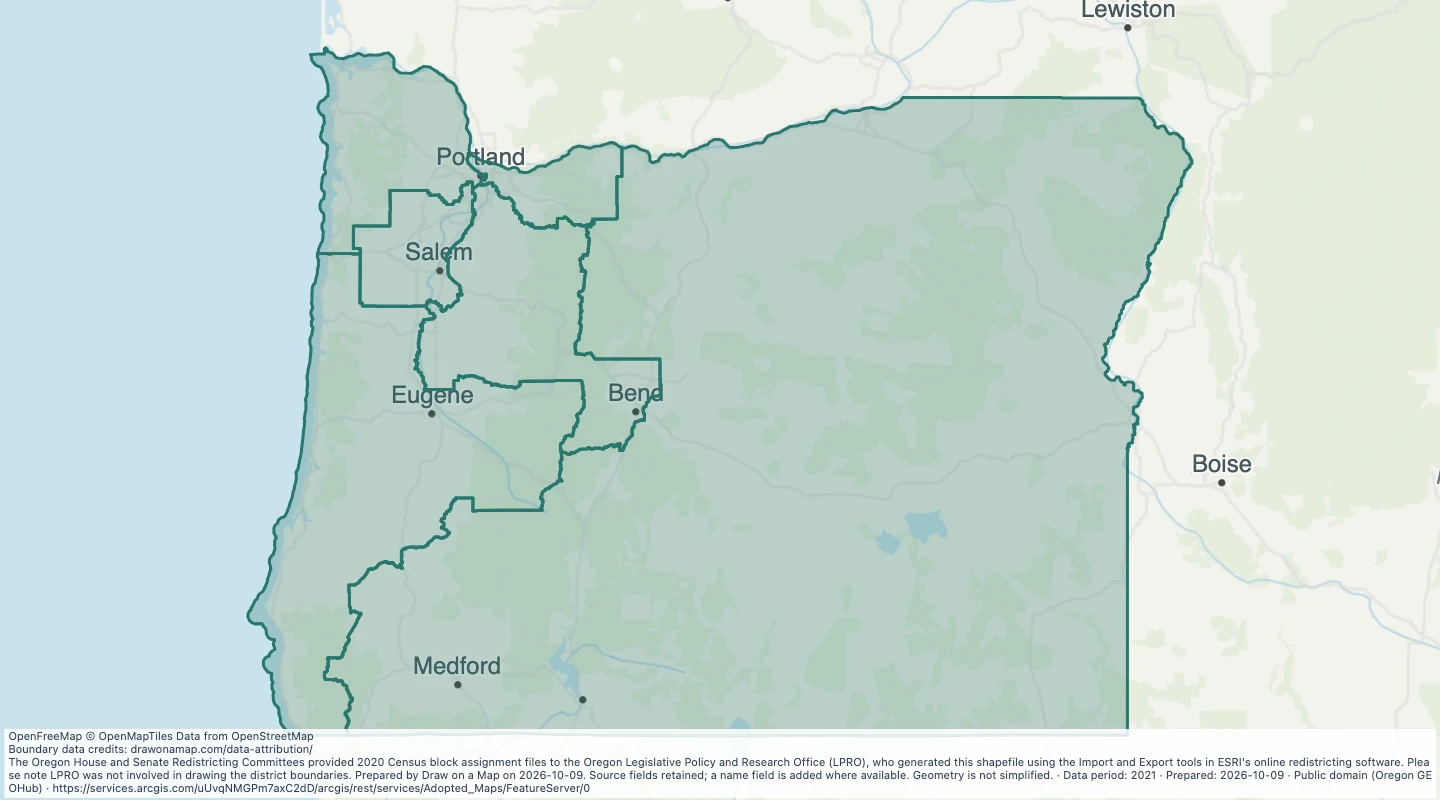 Oregon congressional districts adopted in 2021Explore 6 source records for Oregon congressional districts adopted in 2021. View the map or download the GeoJSON snapshot.
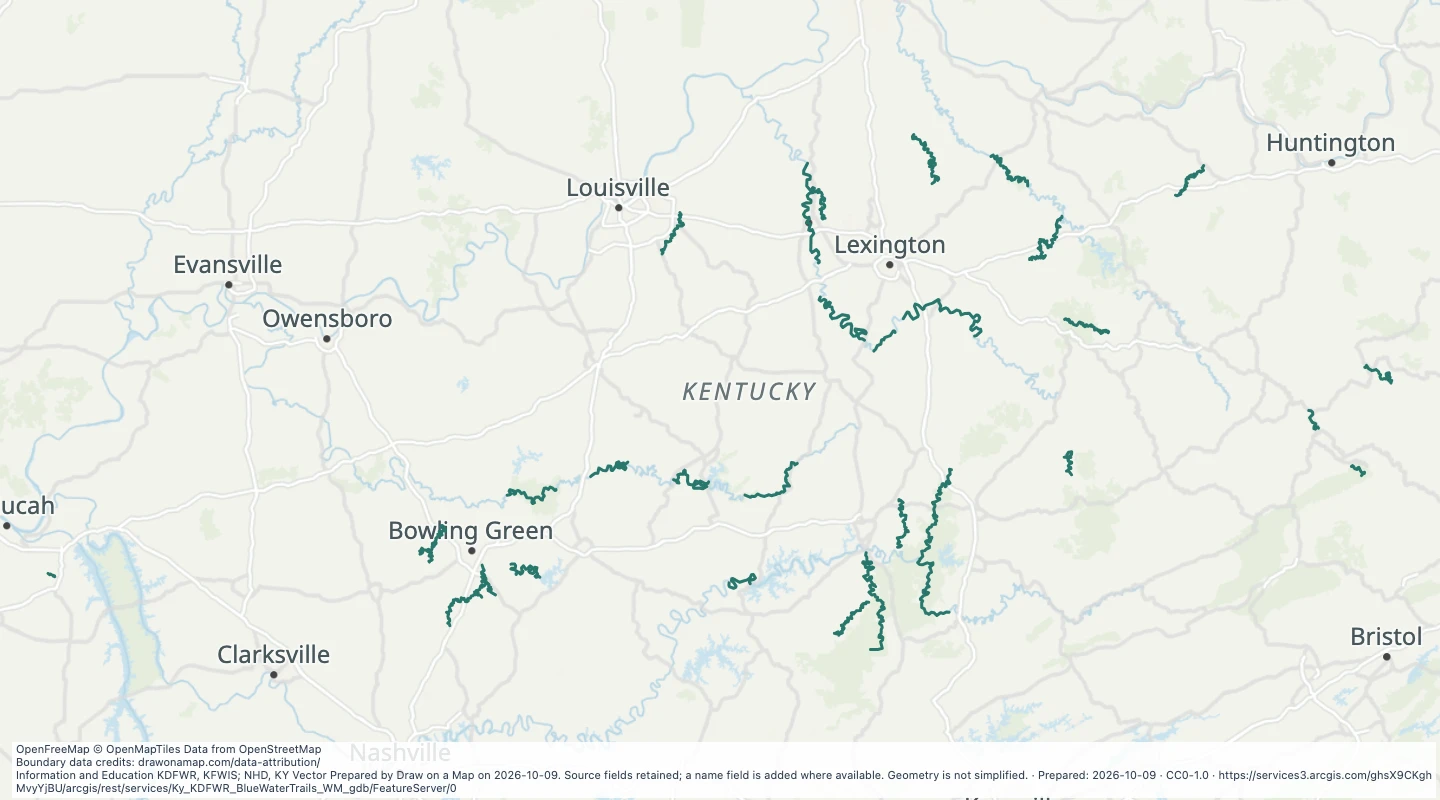 Blue Water Trails — KentuckyExplore 37 source records for Blue Water Trails — Kentucky. View the map or download the GeoJSON snapshot.
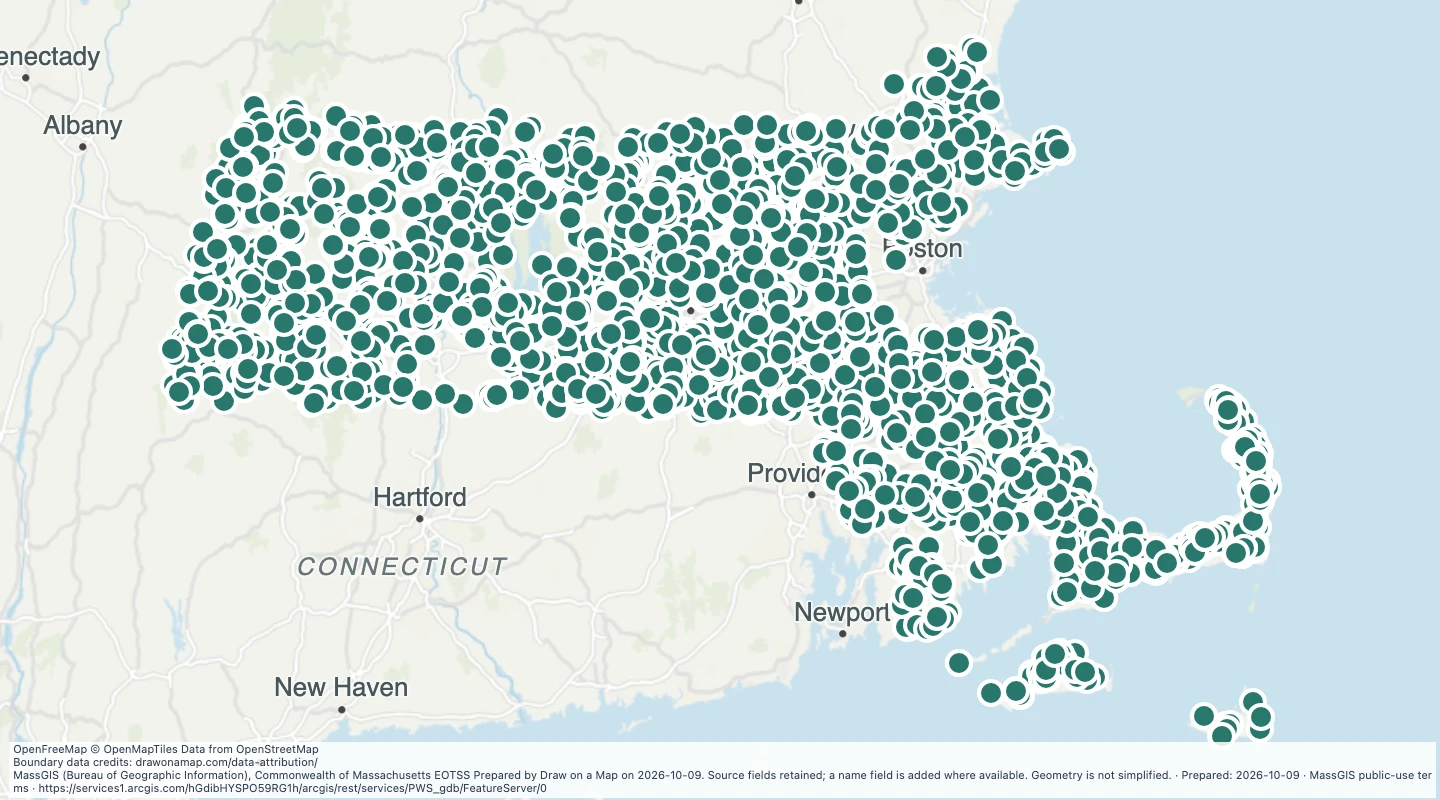 Public water supply source locations in MassachusettsExplore 3,990 source records for Public water supply source locations in Massachusetts. View the map or download the GeoJSON snapshot.
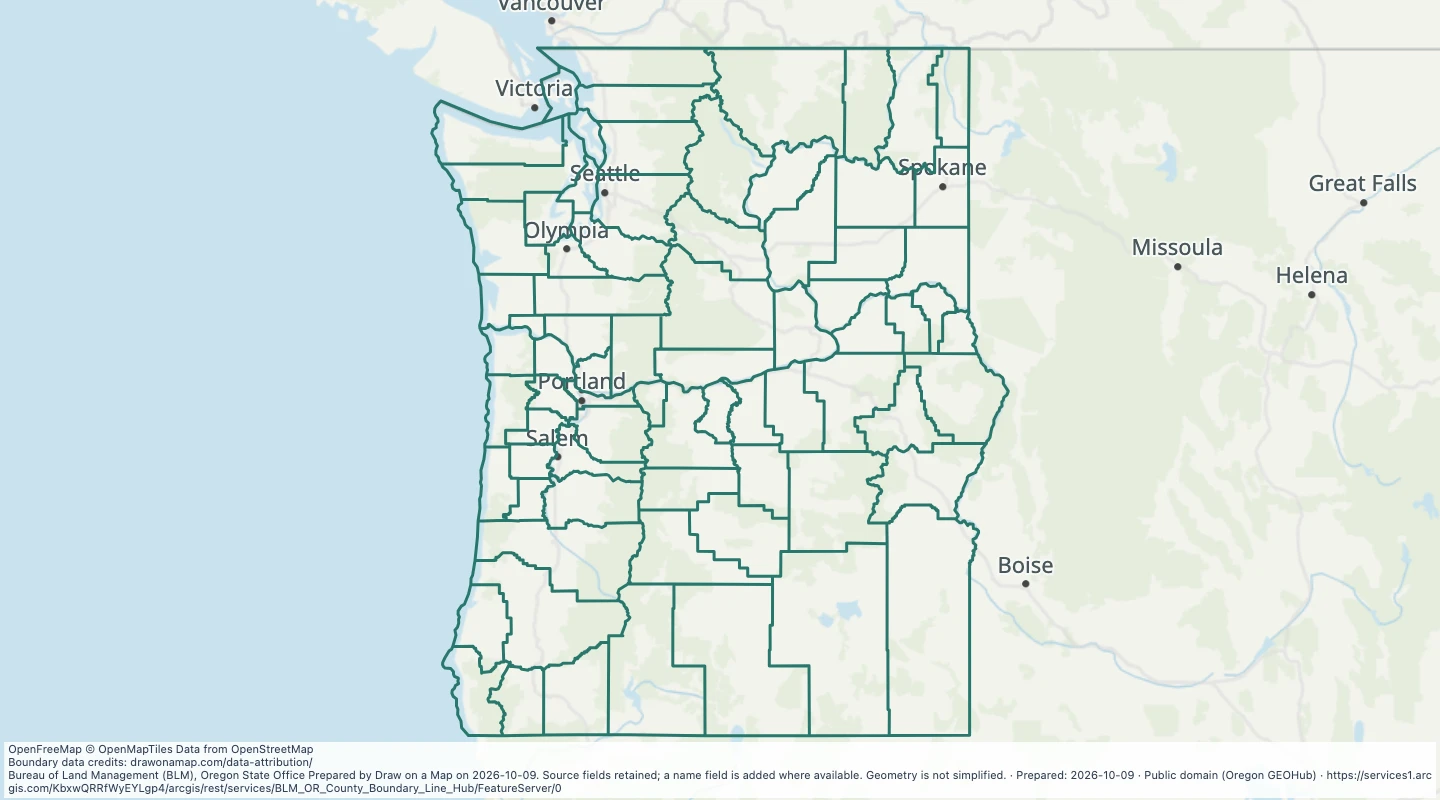 County boundary lines in Oregon and WashingtonExplore 371 source records for County boundary lines in Oregon and Washington. View the map or download the GeoJSON snapshot.
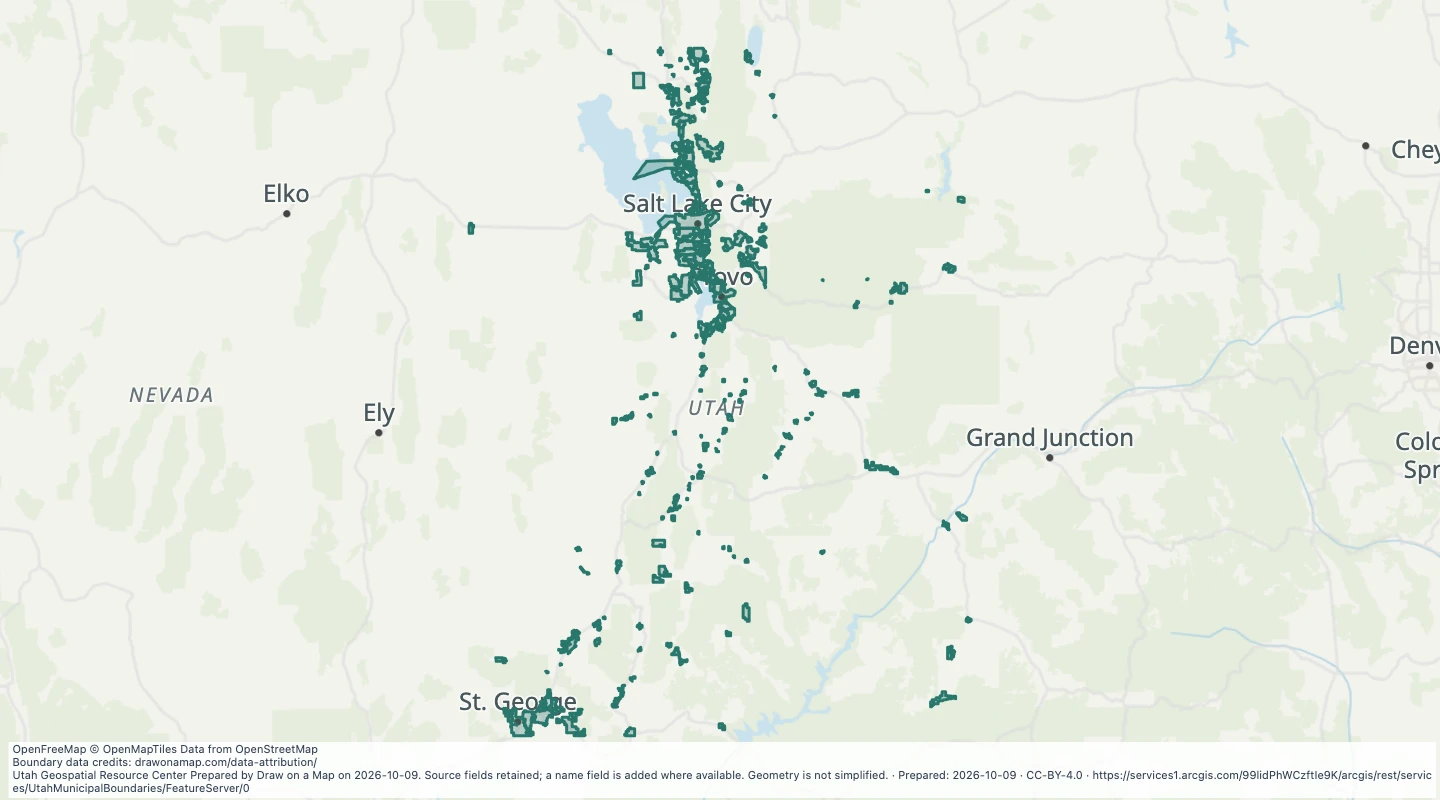 Utah Municipal Boundaries: MunicipalitiesExplore 261 source records for Utah Municipal Boundaries: Municipalities. View the map or download the GeoJSON snapshot.
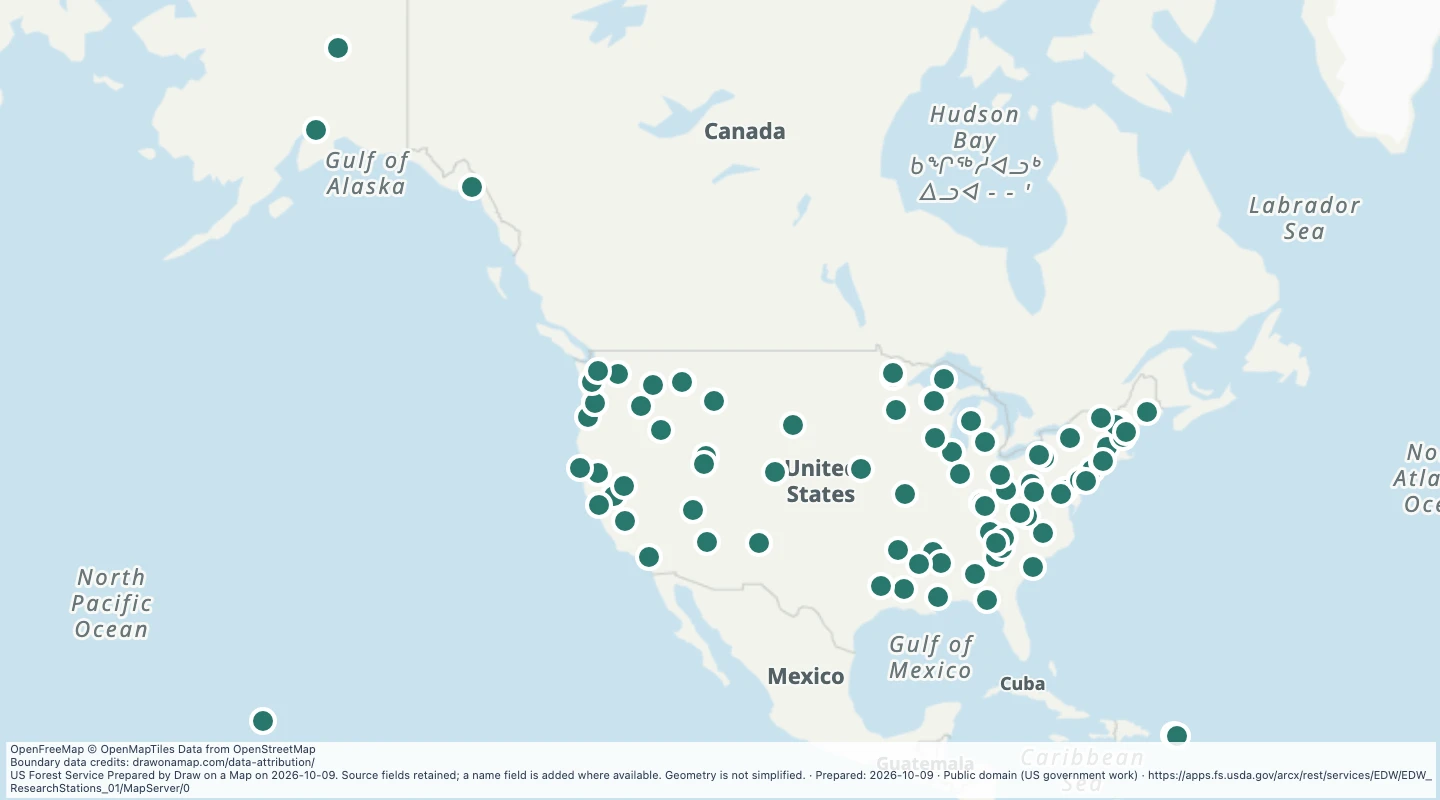 Research Station Facilities — United StatesExplore 89 source records for Research Station Facilities — United States. View the map or download the GeoJSON snapshot.
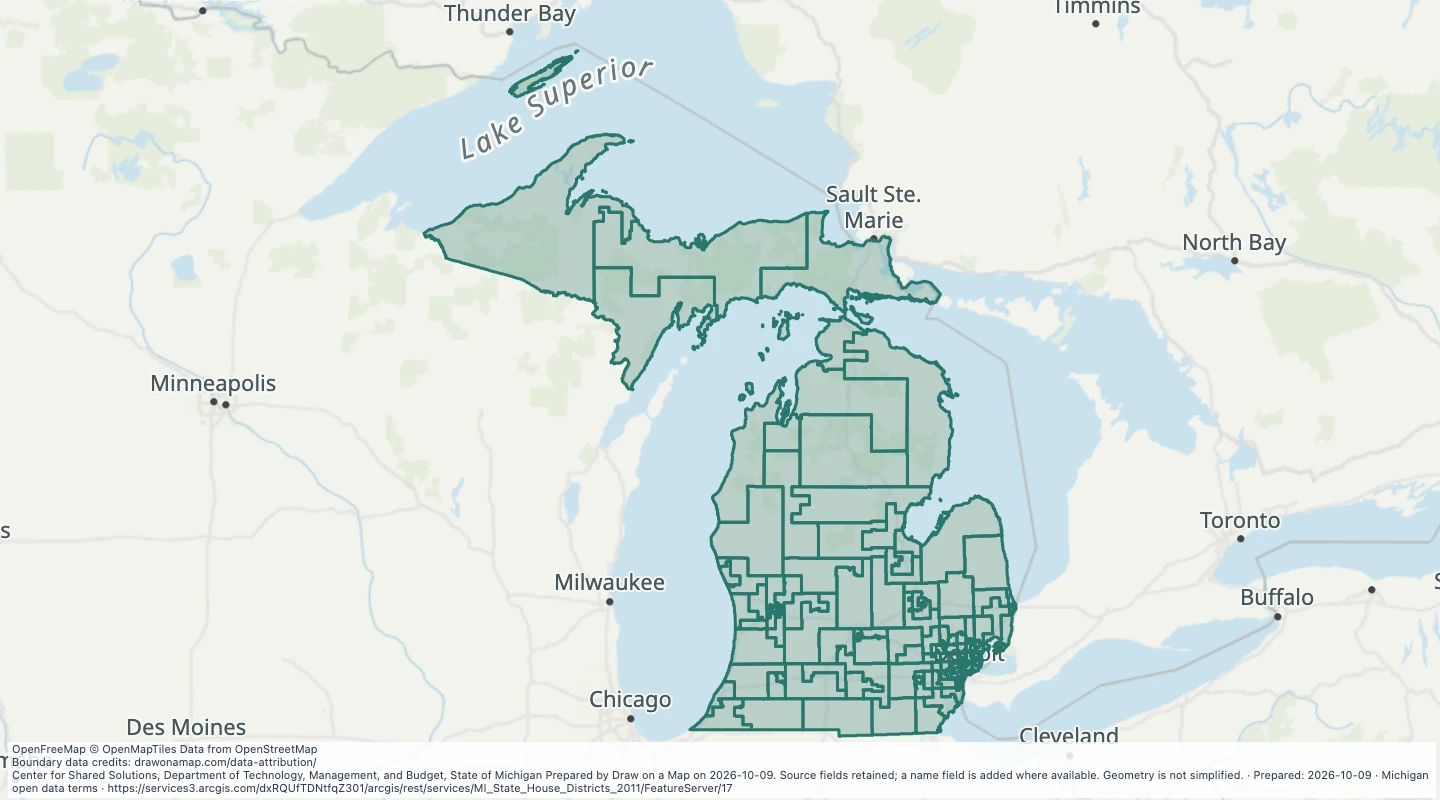 Michigan State House Districts (v17a)Explore 110 source records for Michigan State House Districts (v17a). View the map or download the GeoJSON snapshot.
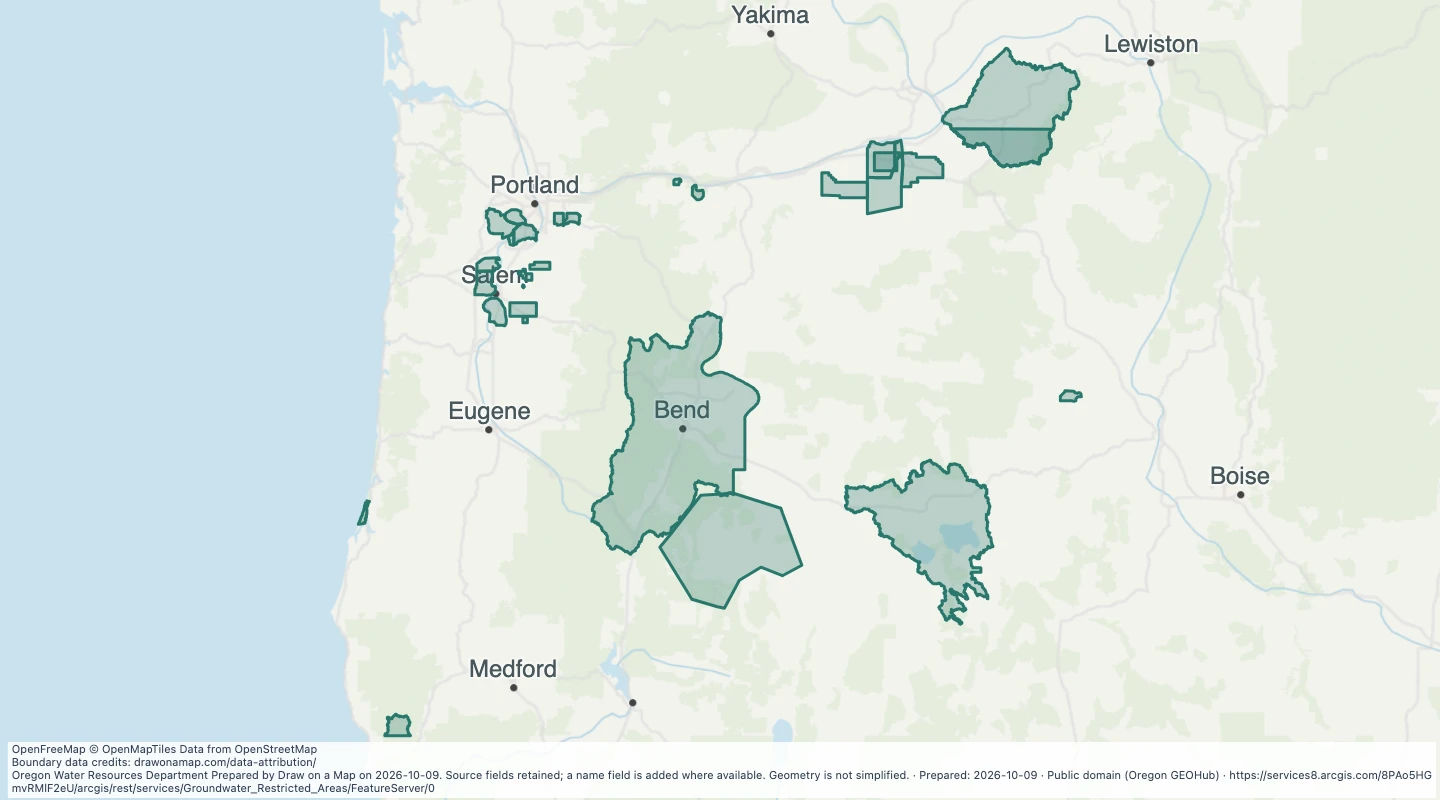 Groundwater Restricted Areas: GW Restricted Areas — OregonExplore 29 source records for Groundwater Restricted Areas: GW Restricted Areas — Oregon. View the map or download the GeoJSON snapshot.
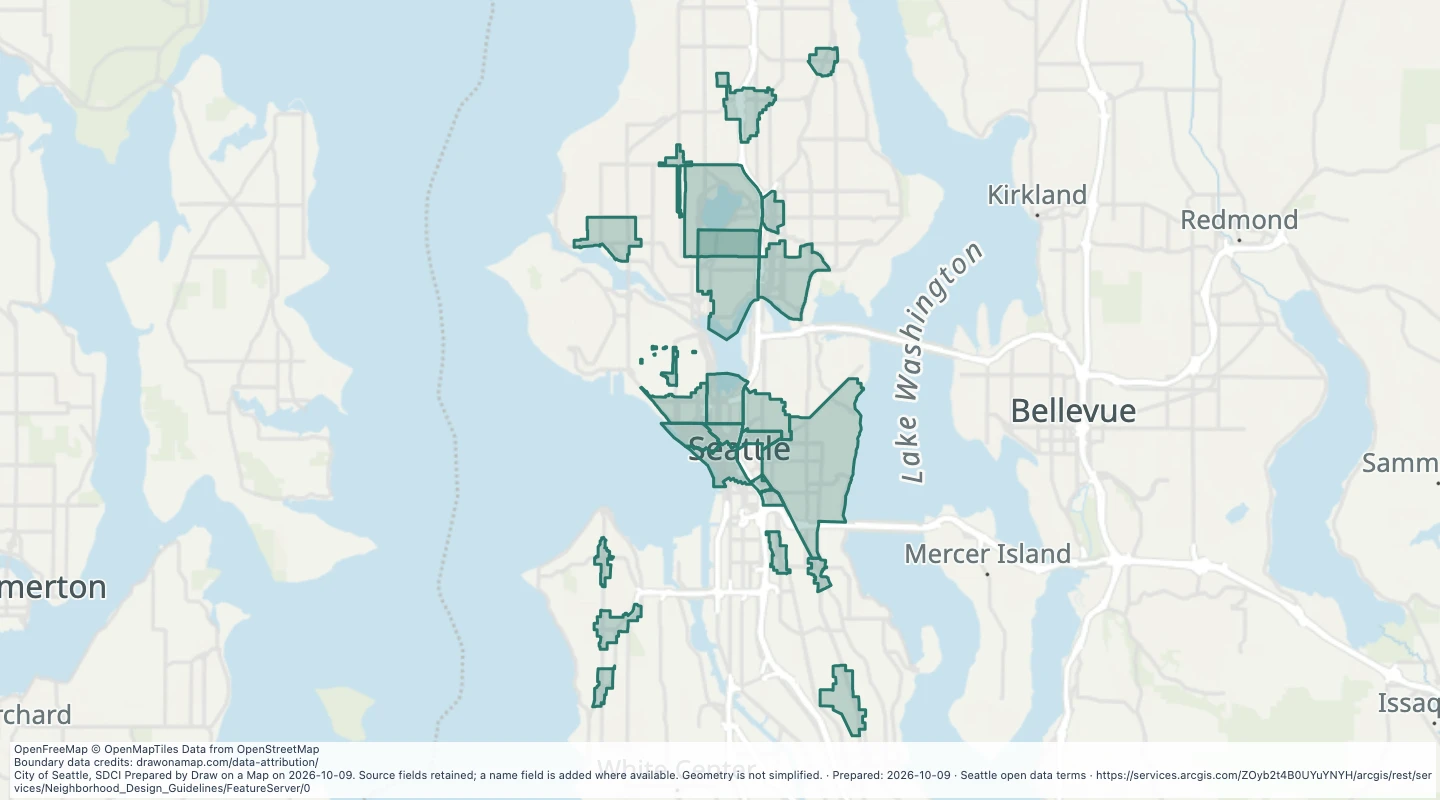 Neighbourhood design guideline areas in SeattleExplore 25 source records for Neighbourhood design guideline areas in Seattle. View the map or download the GeoJSON snapshot.
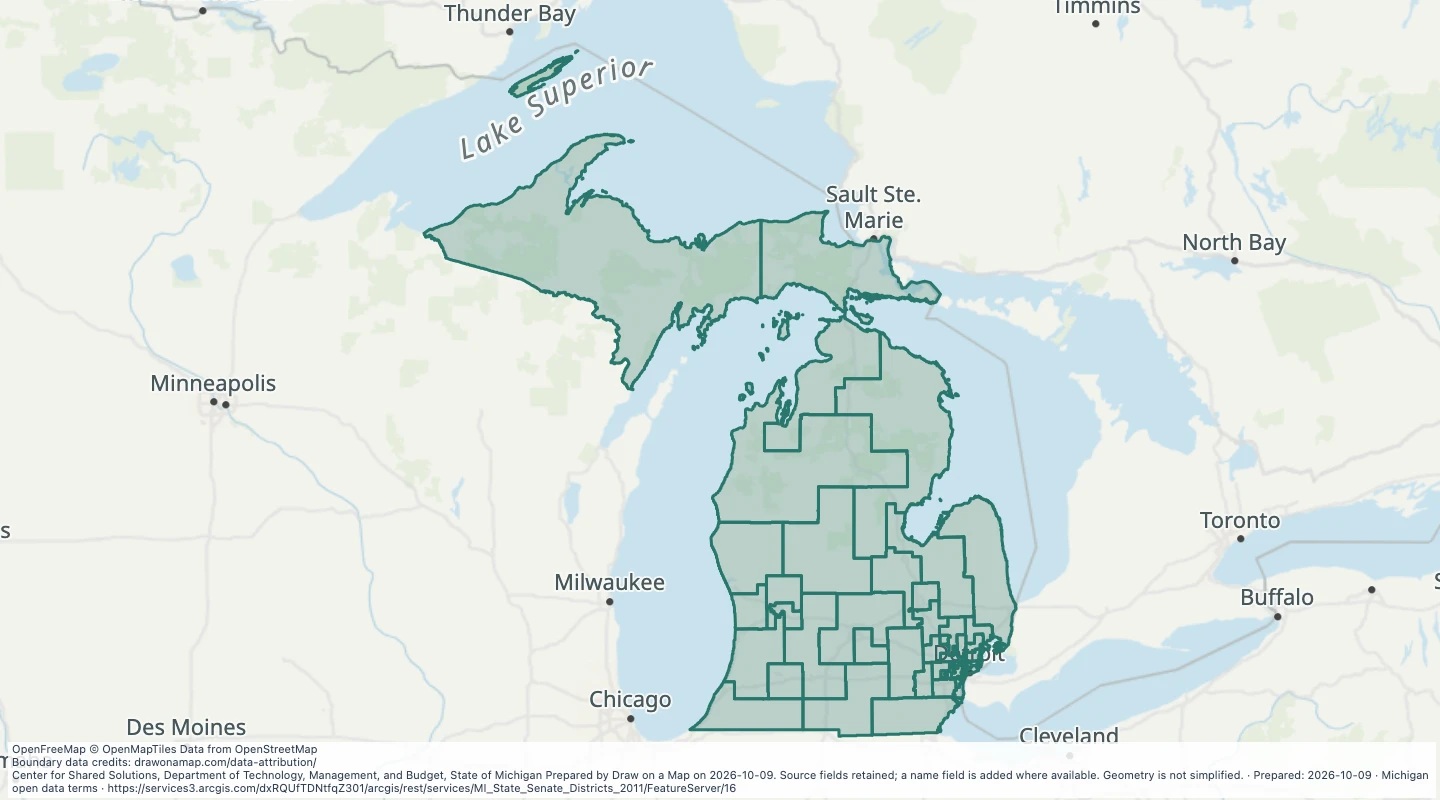 Michigan State Senate Districts (v17a)Explore 38 source records for Michigan State Senate Districts (v17a). View the map or download the GeoJSON snapshot.
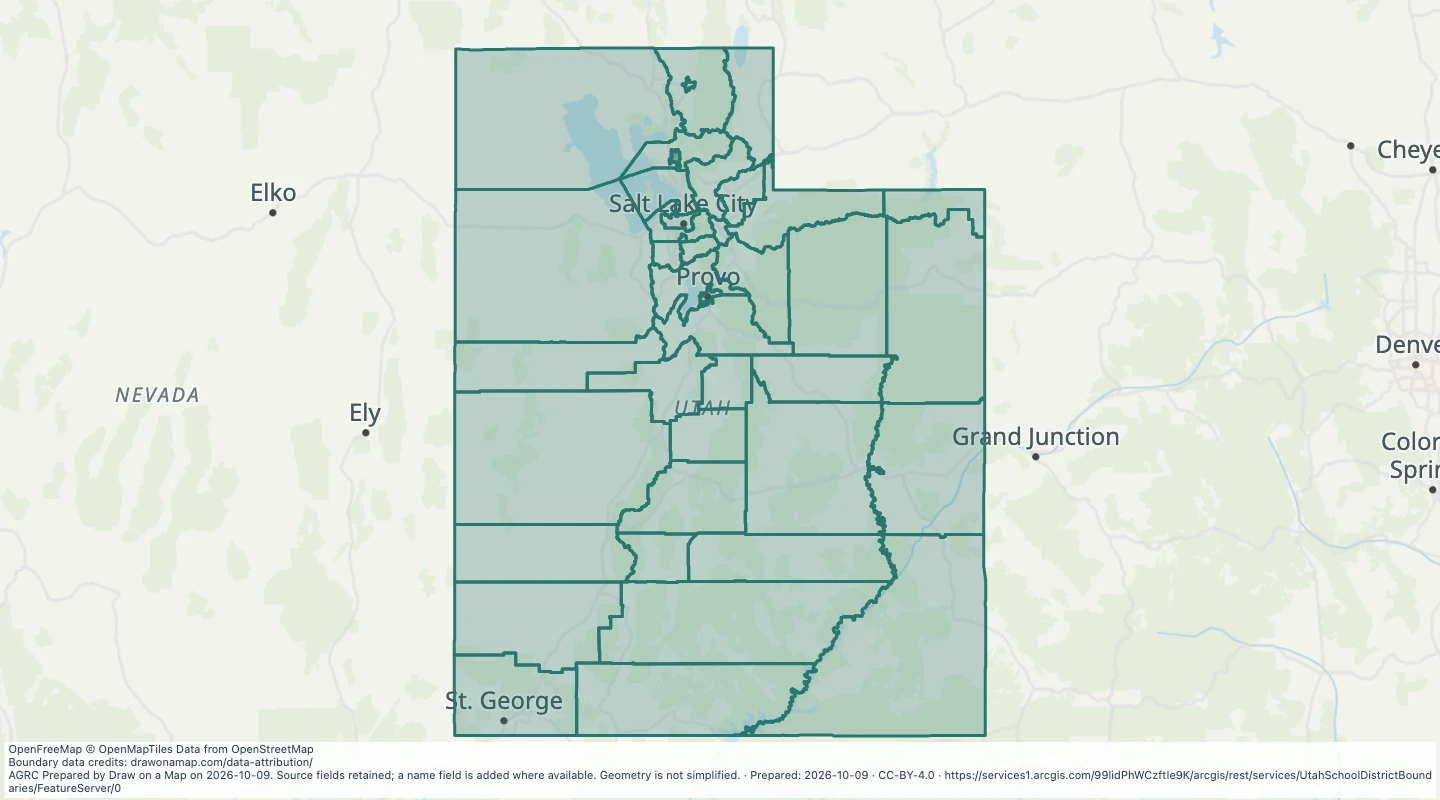 Utah School District Boundaries: School DistrictsExplore 41 source records for Utah School District Boundaries: School Districts. View the map or download the GeoJSON snapshot.
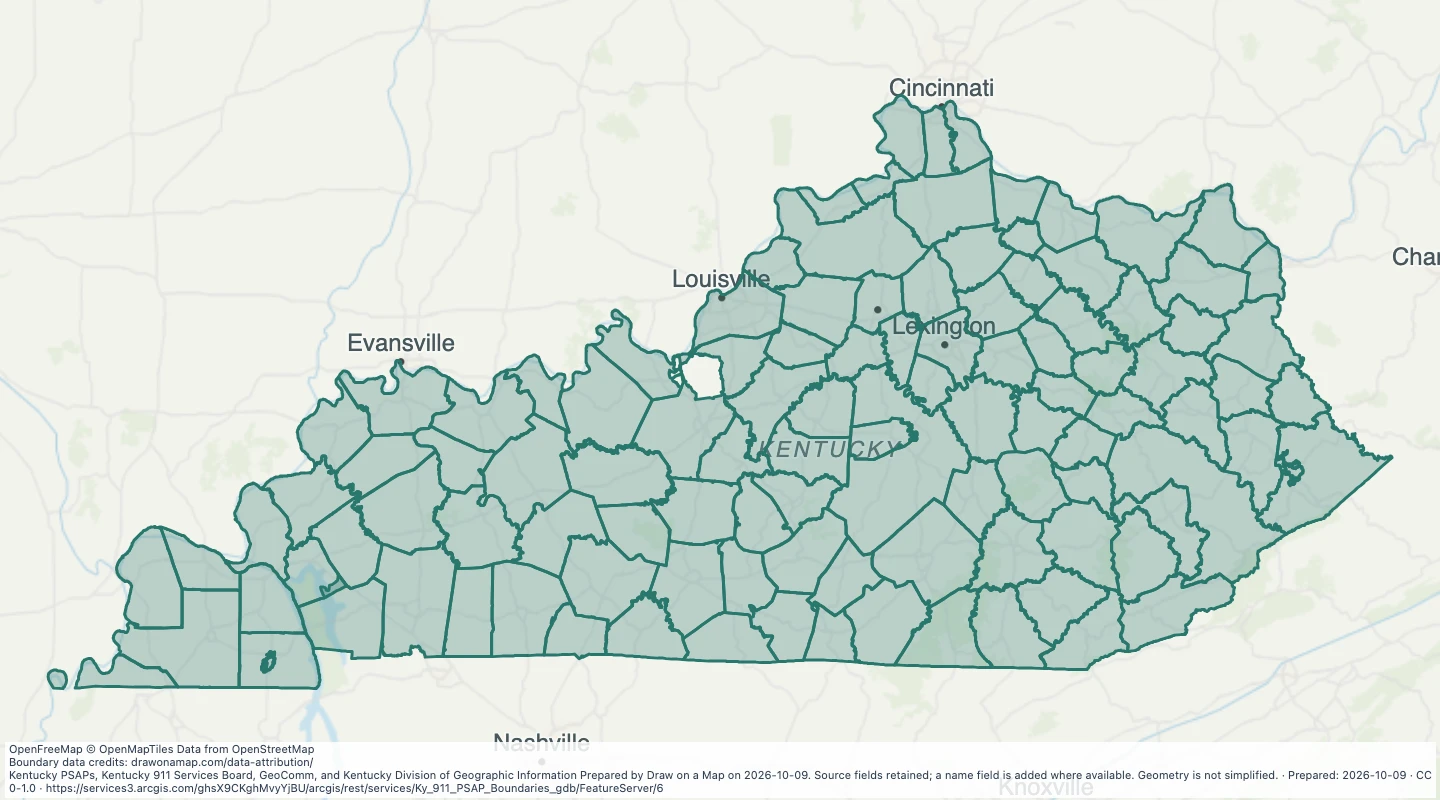 Kentucky 911 PSAP BoundariesExplore 126 source records for Kentucky 911 PSAP Boundaries. View the map or download the GeoJSON snapshot.
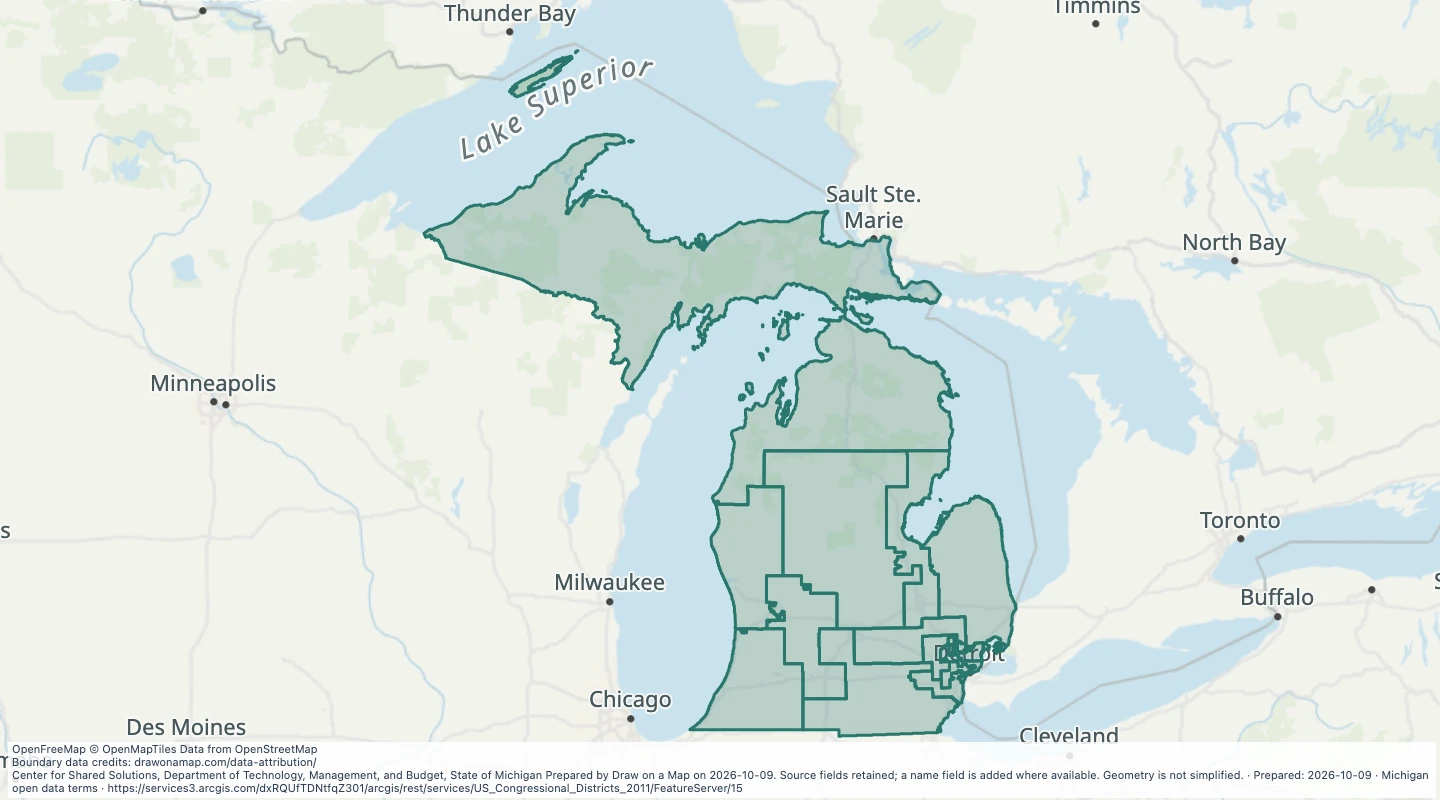 Michigan U.S. Congressional Districts (v17a)Explore 14 source records for Michigan U.S. Congressional Districts (v17a). View the map or download the GeoJSON snapshot.
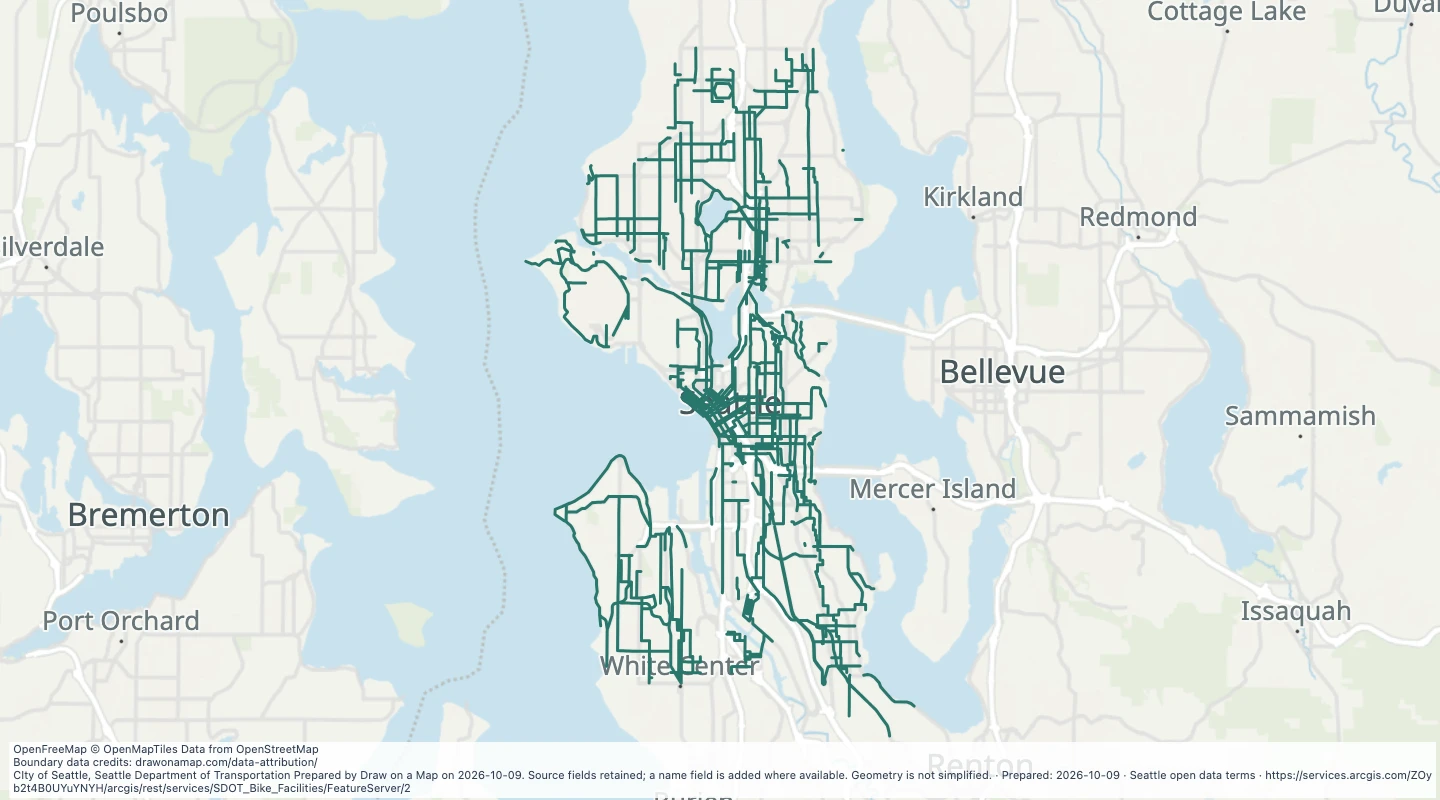 Existing Bike Facilities in SeattleExplore 3,656 source records for Existing Bike Facilities in Seattle. View the map or download the GeoJSON snapshot.
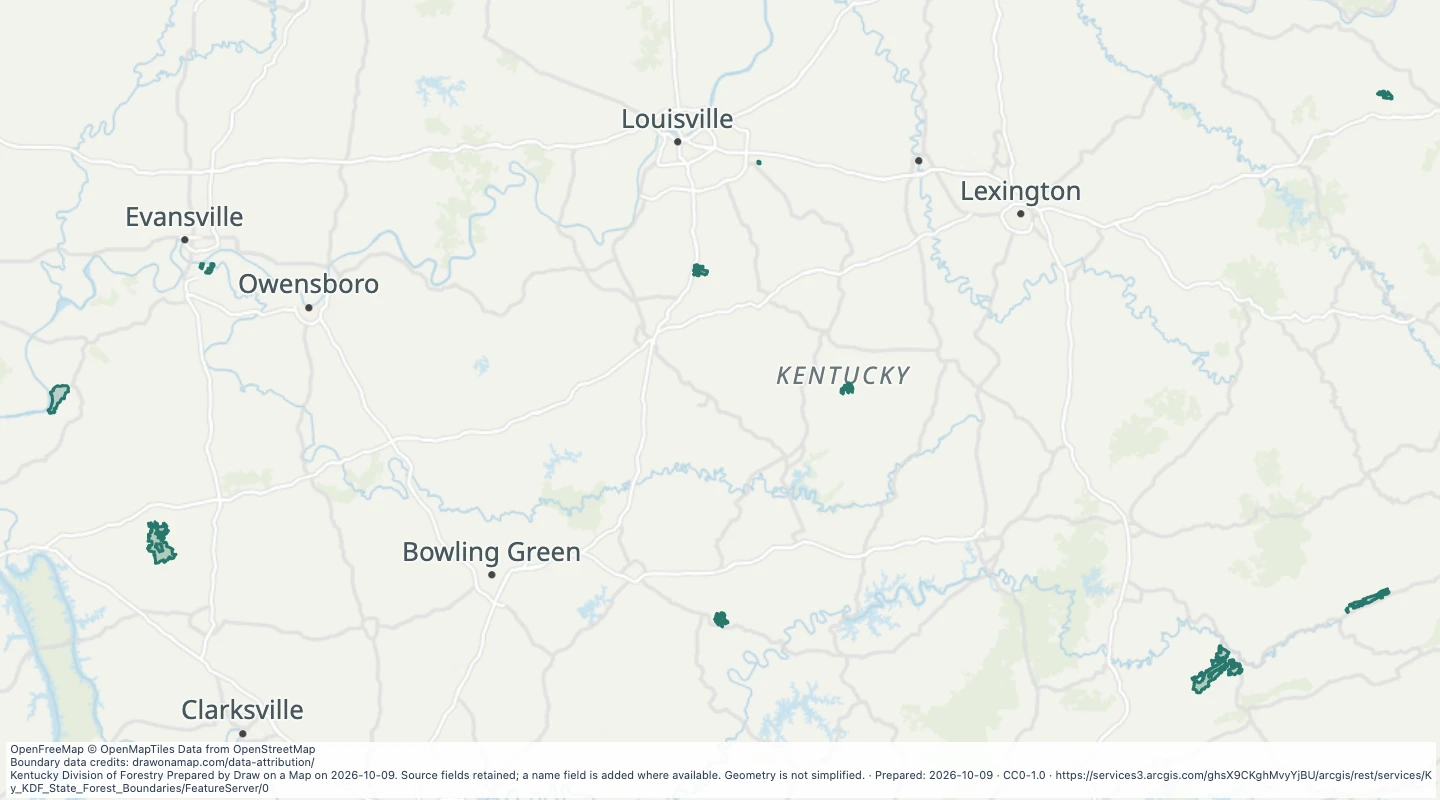 Kentucky State Forest BoundariesExplore 56 source records for Kentucky State Forest Boundaries. View the map or download the GeoJSON snapshot.
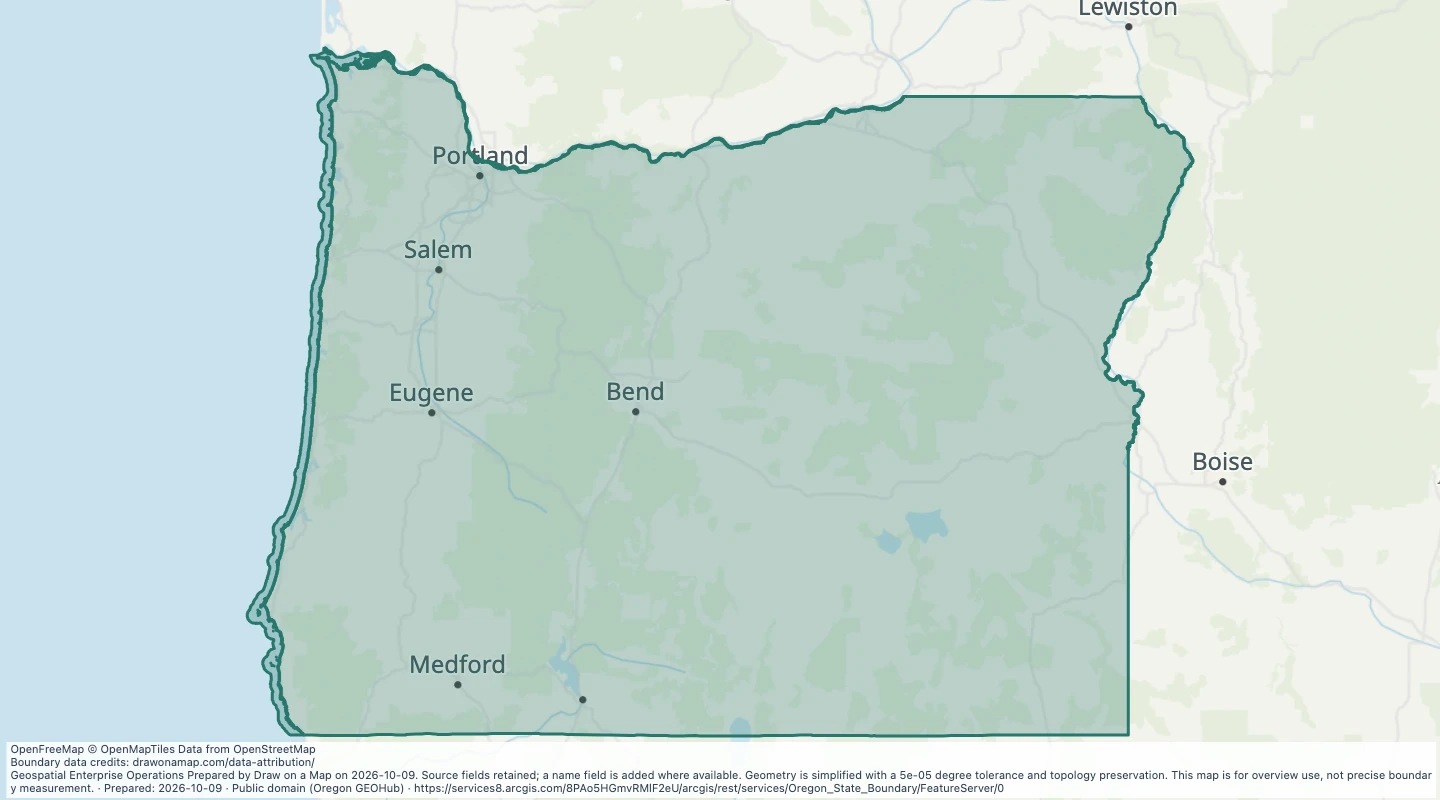 Oregon State BoundaryExplore 1,703 source records for Oregon State Boundary. View the map or download the GeoJSON snapshot.
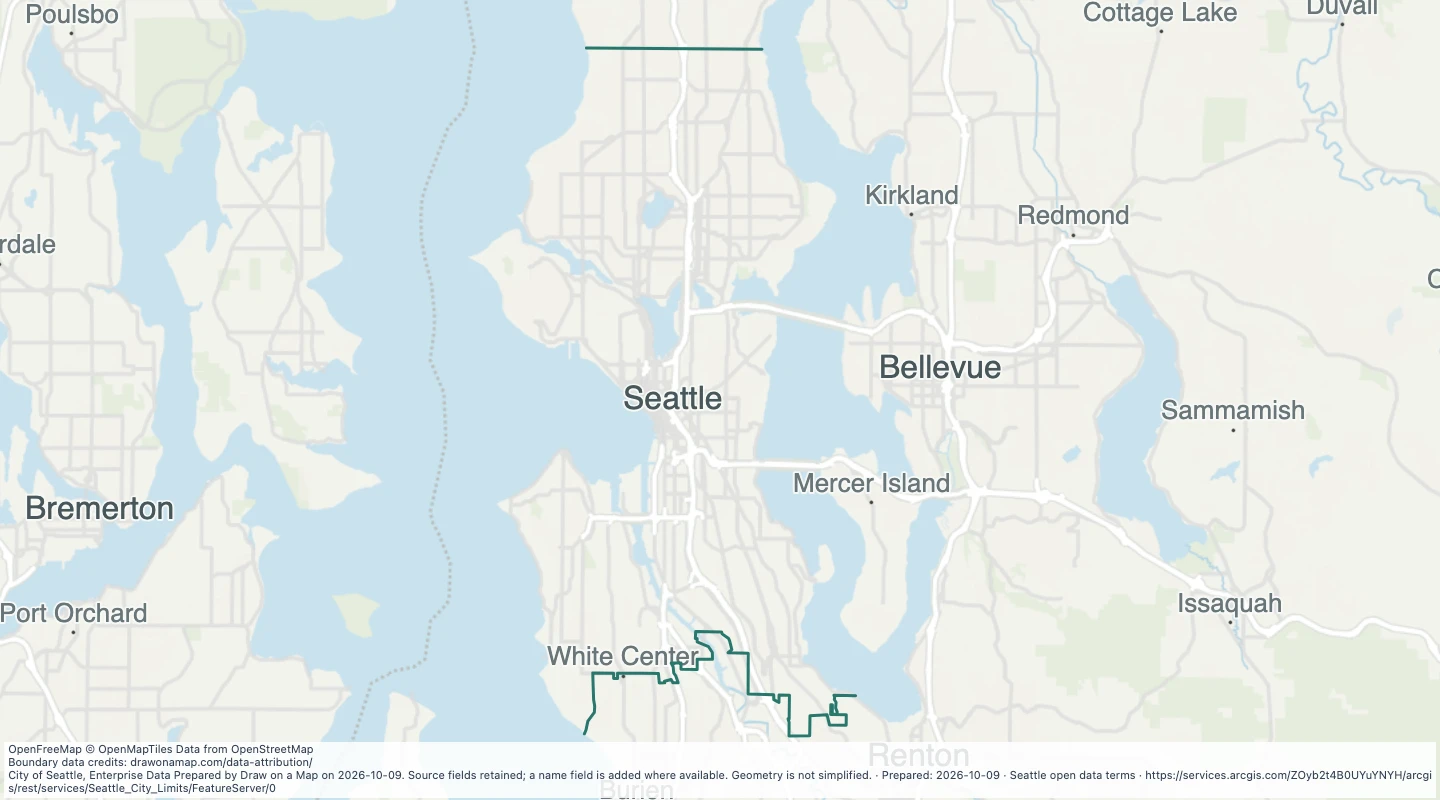 Seattle City LimitsExplore 5 source records for Seattle City Limits. View the map or download the GeoJSON snapshot.
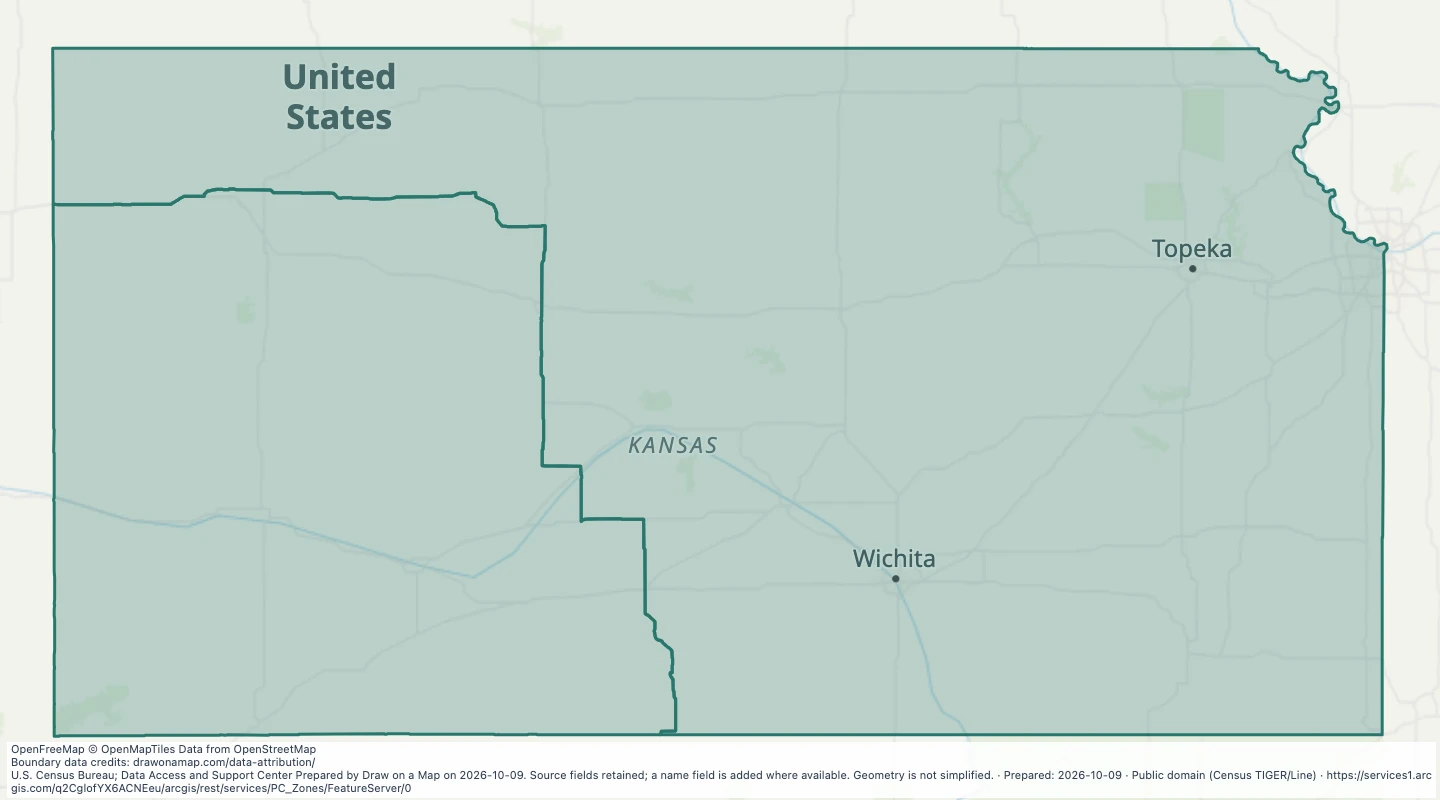 Prairie chicken hunting zones in KansasExplore 2 source records for Prairie chicken hunting zones in Kansas. View the map or download the GeoJSON snapshot.
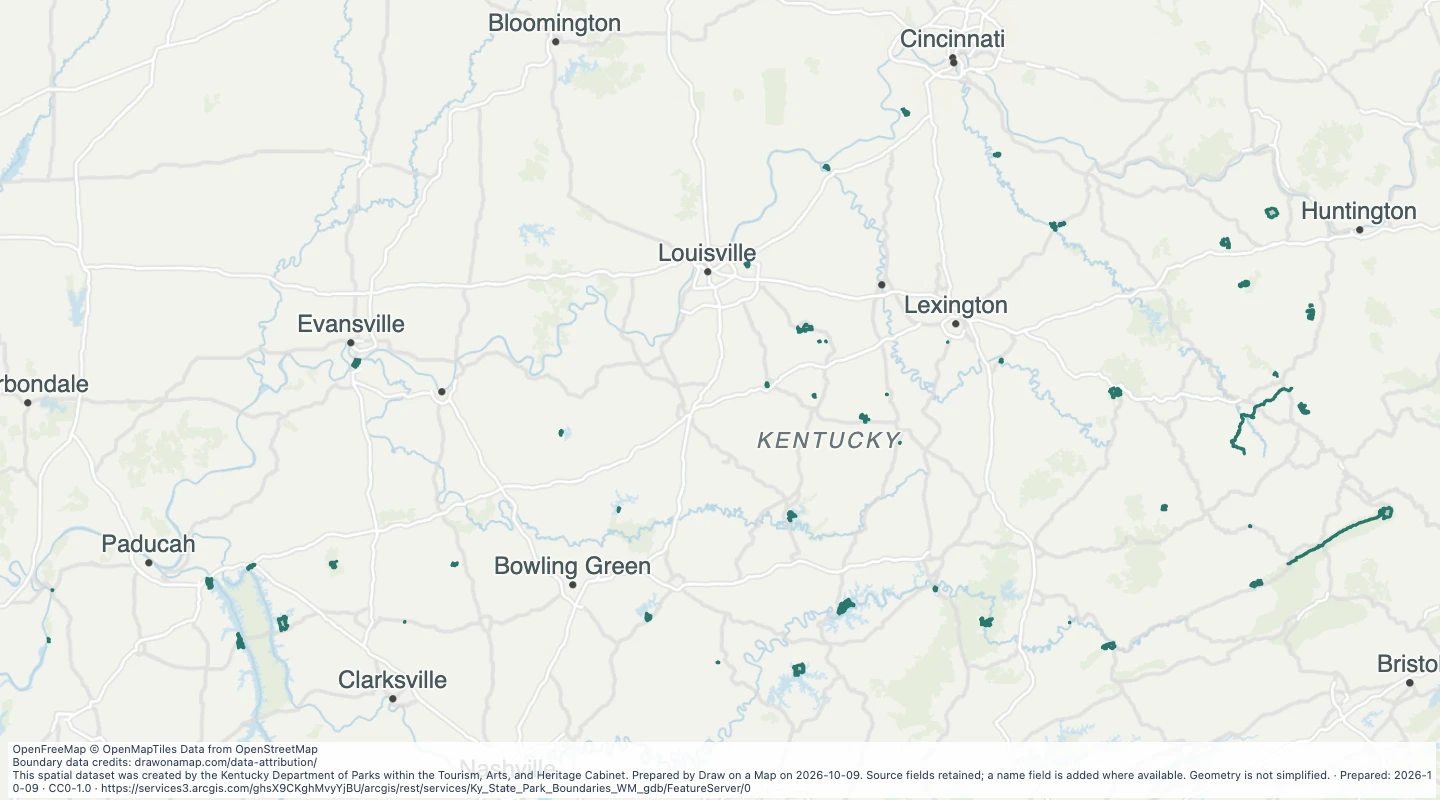 Kentucky State Park BoundariesExplore 49 source records for Kentucky State Park Boundaries. View the map or download the GeoJSON snapshot.
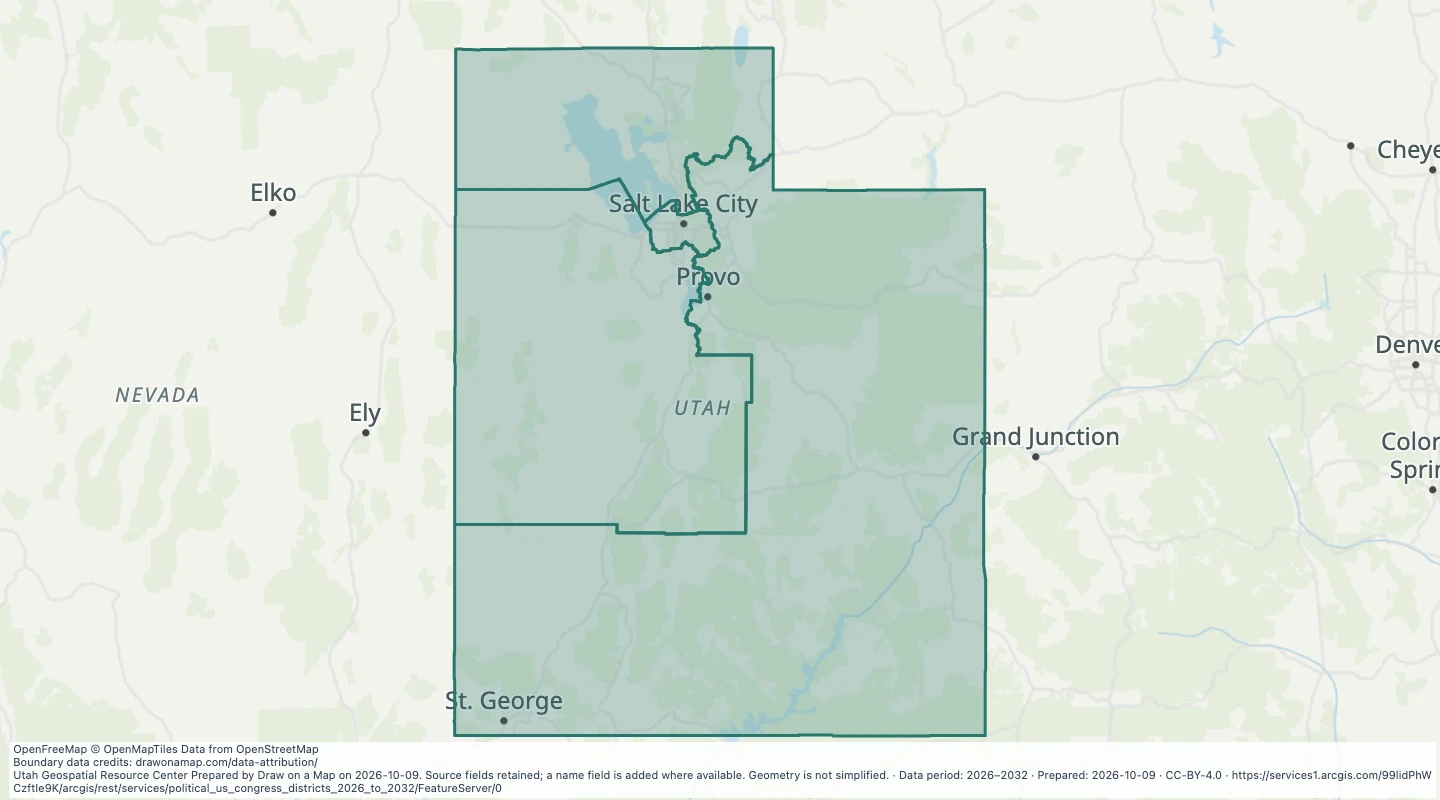 Utah US Congress Districts 2026 to 2032Explore 4 source records for Utah US Congress Districts 2026 to 2032. View the map or download the GeoJSON snapshot.
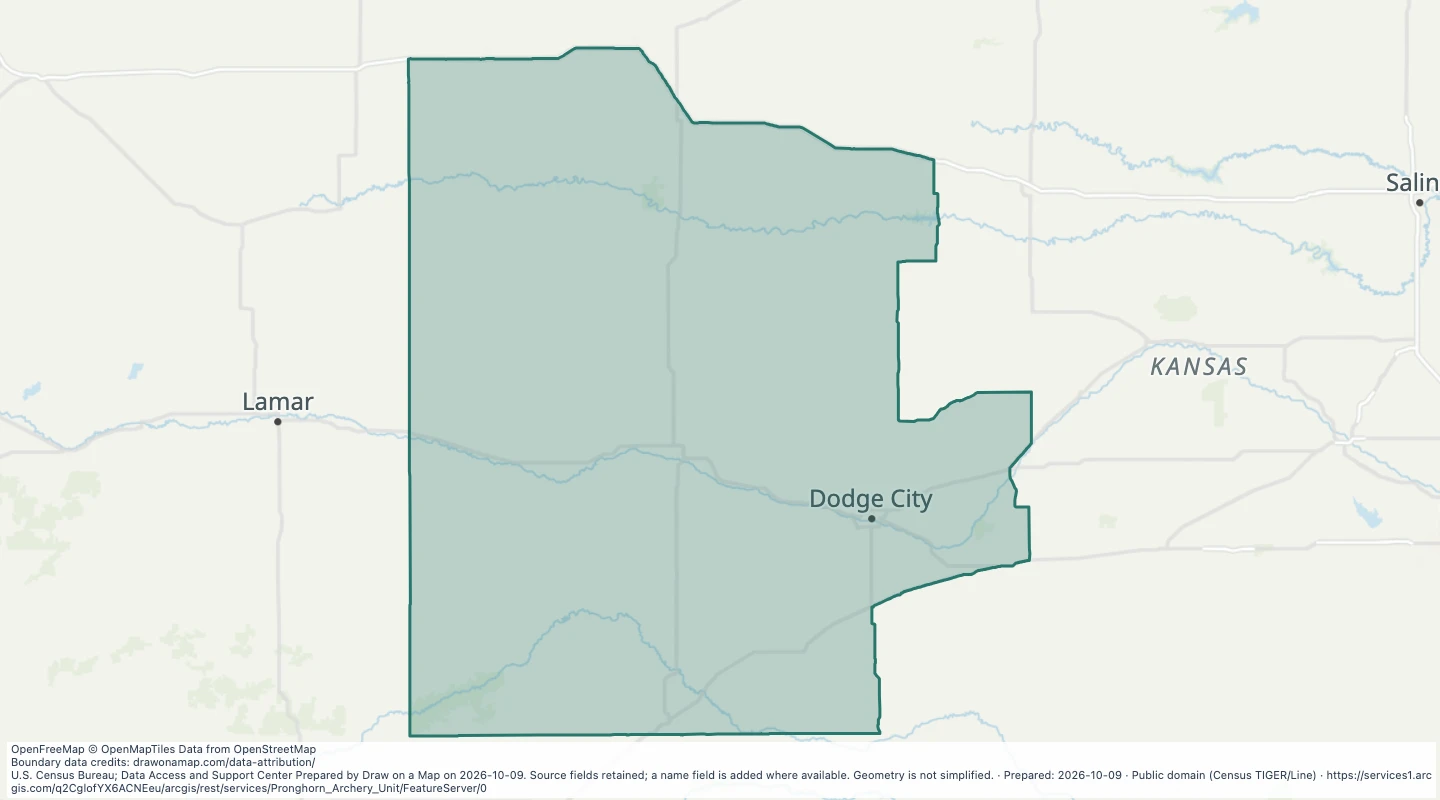 Pronghorn archery hunting units in KansasExplore 1 source records for Pronghorn archery hunting units in Kansas. View the map or download the GeoJSON snapshot.
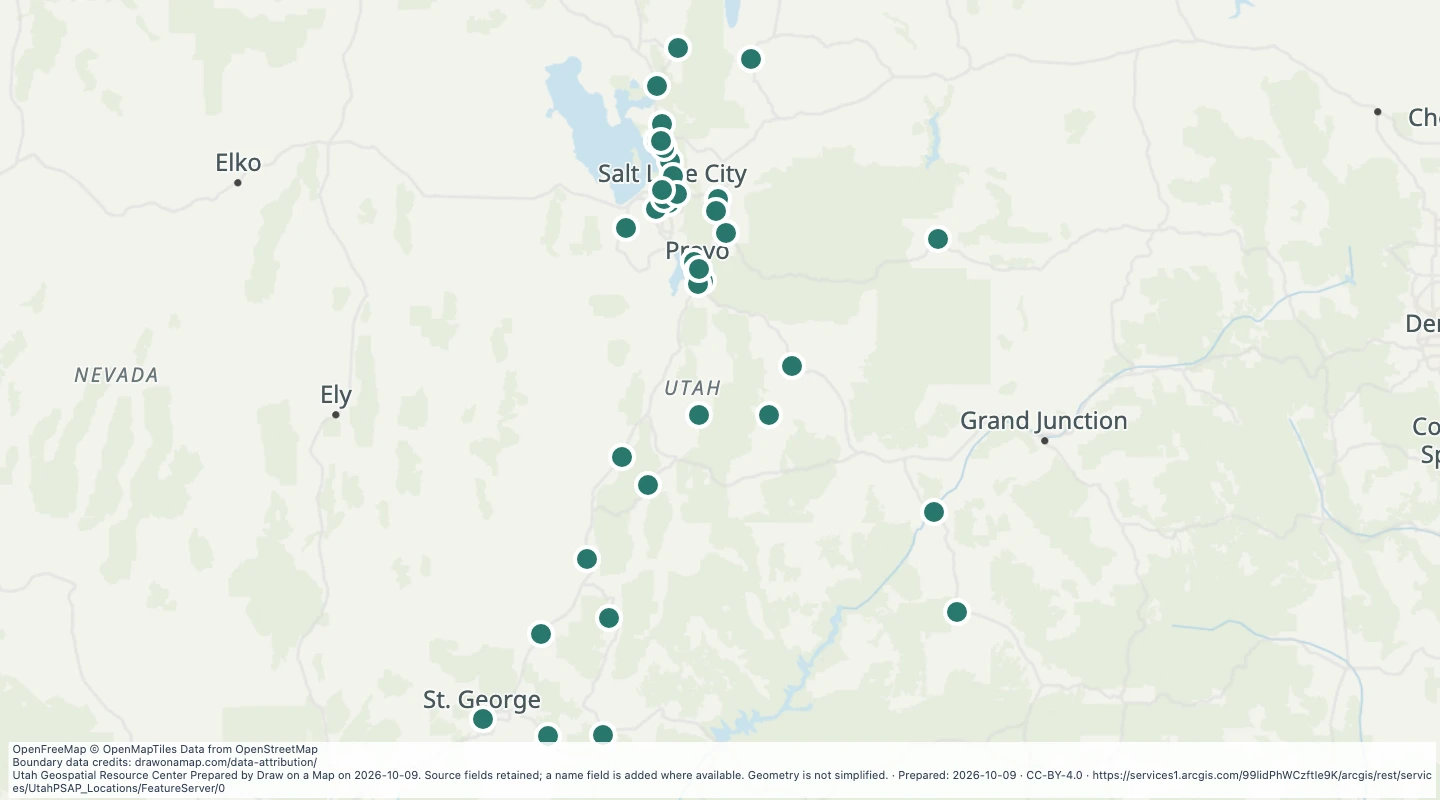 Utah Public Safety Answering Point Locations: PSAPLocationsExplore 38 source records for Utah Public Safety Answering Point Locations: PSAPLocations. View the map or download the GeoJSON snapshot.
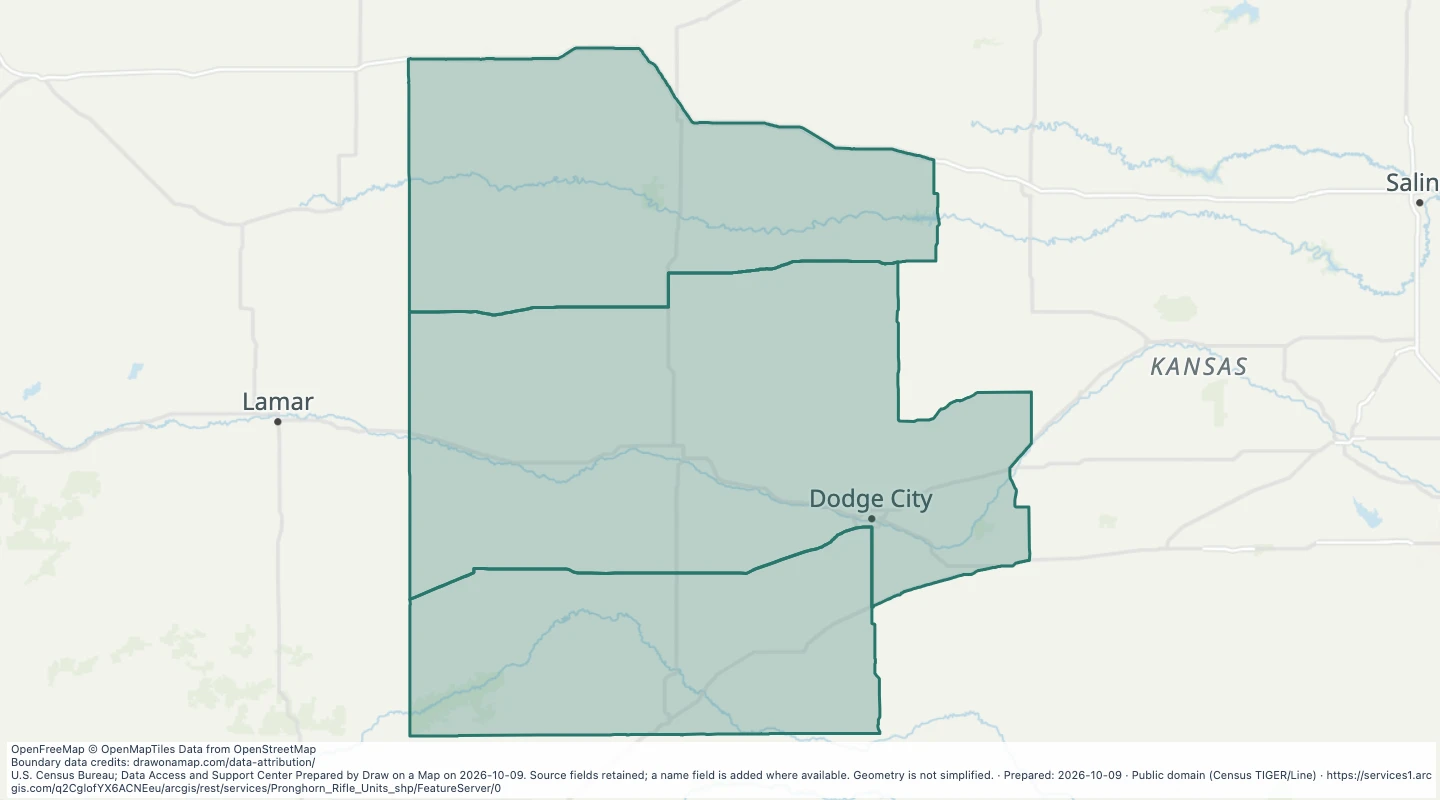 Pronghorn rifle hunting units in KansasExplore 3 source records for Pronghorn rifle hunting units in Kansas. View the map or download the GeoJSON snapshot.
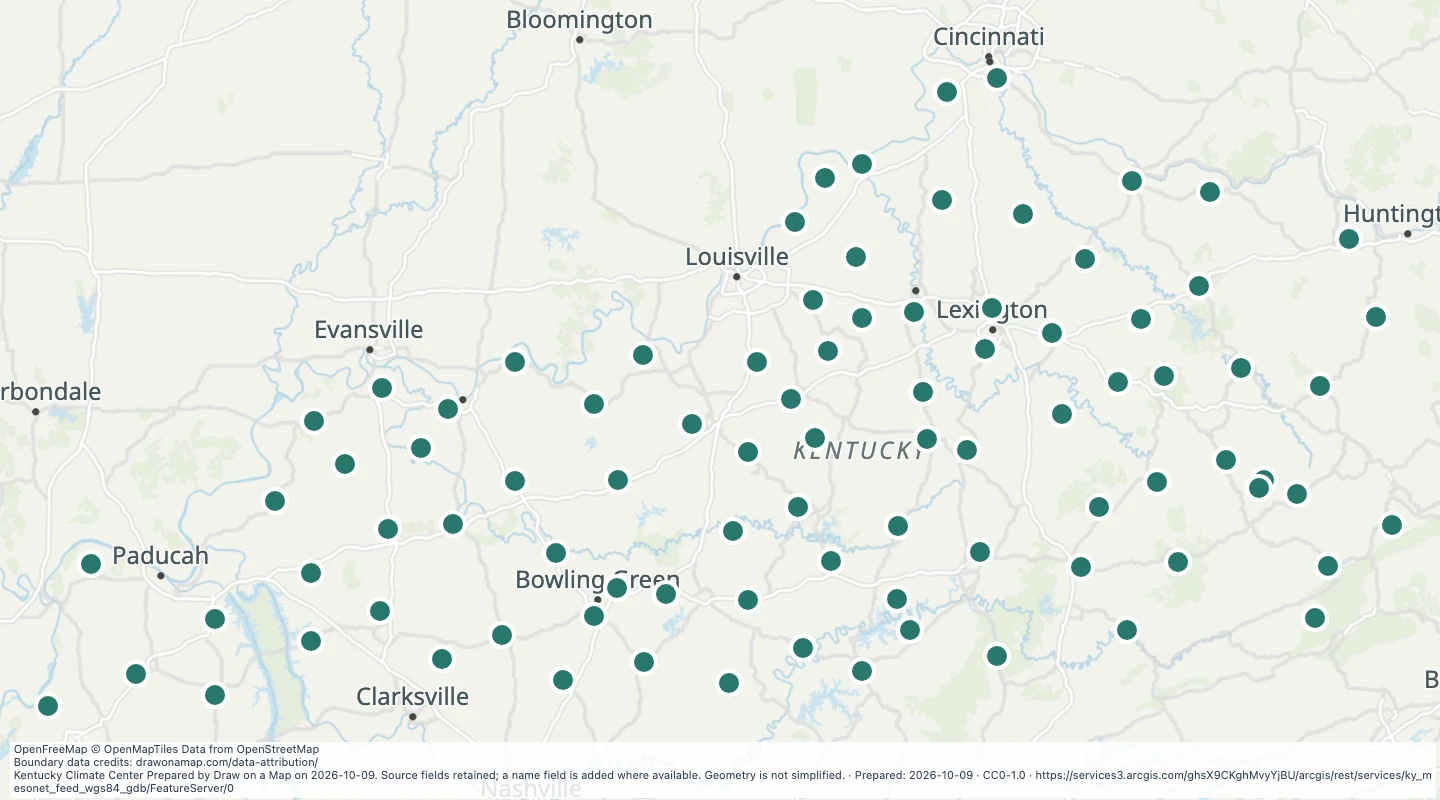 Kentucky Weather Observation Points: kymesonet pointsExplore 88 source records for Kentucky Weather Observation Points: kymesonet points. View the map or download the GeoJSON snapshot.
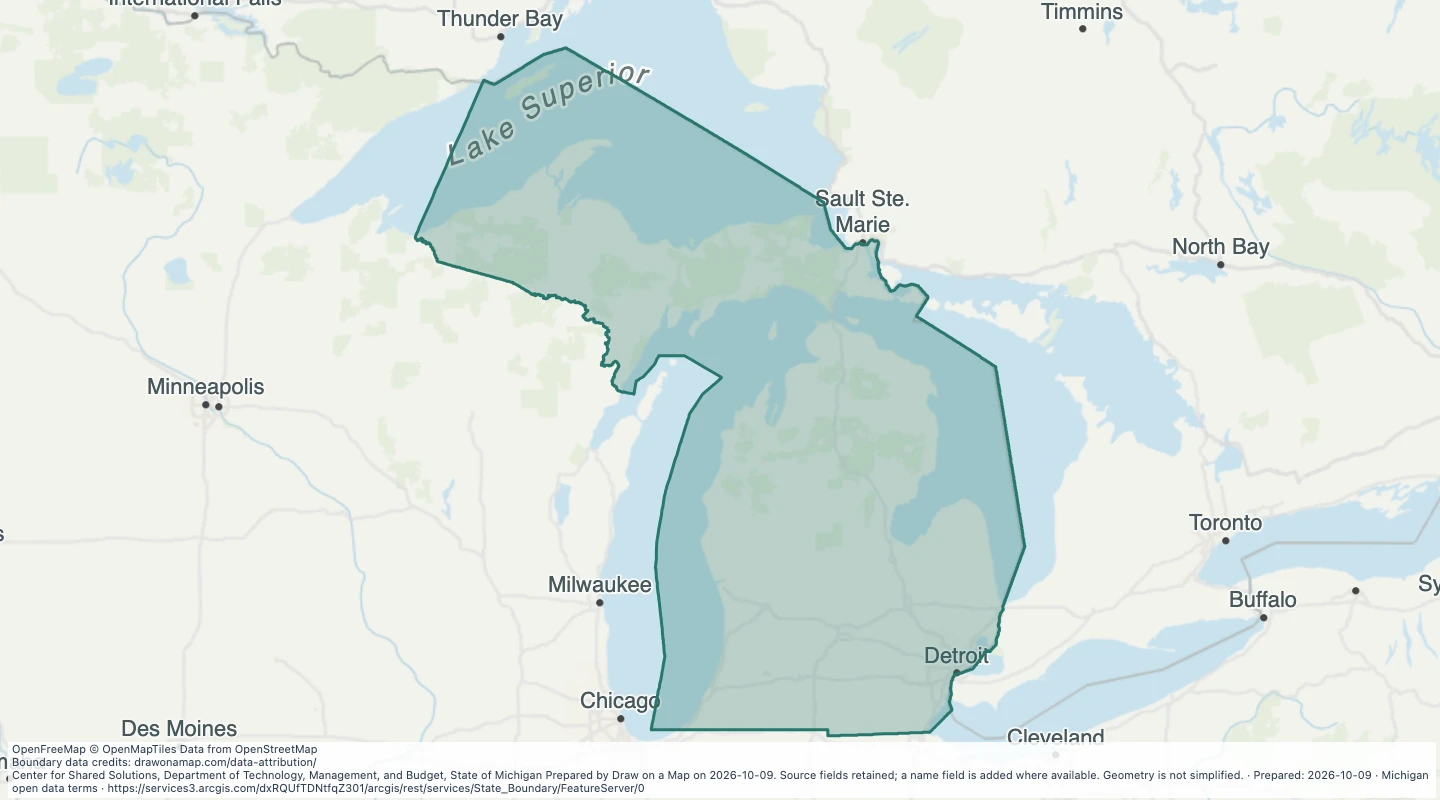 State of Michigan Boundary: State BoundaryExplore 1 source records for State of Michigan Boundary: State Boundary. View the map or download the GeoJSON snapshot.
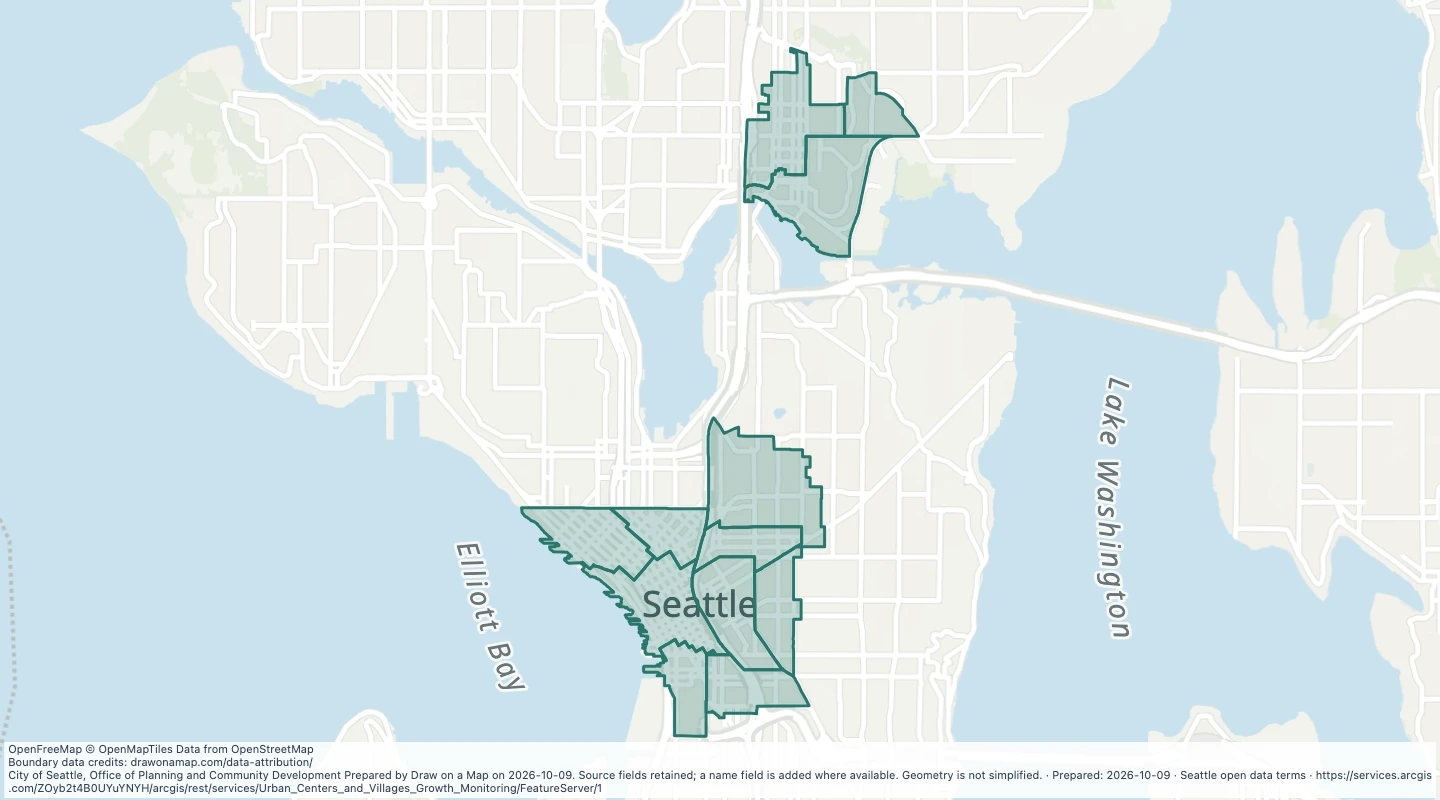 Historical urban centre neighbourhood monitoring areas in SeattleExplore 12 source records for Historical urban centre neighbourhood monitoring areas in Seattle. View the map or download the GeoJSON snapshot.
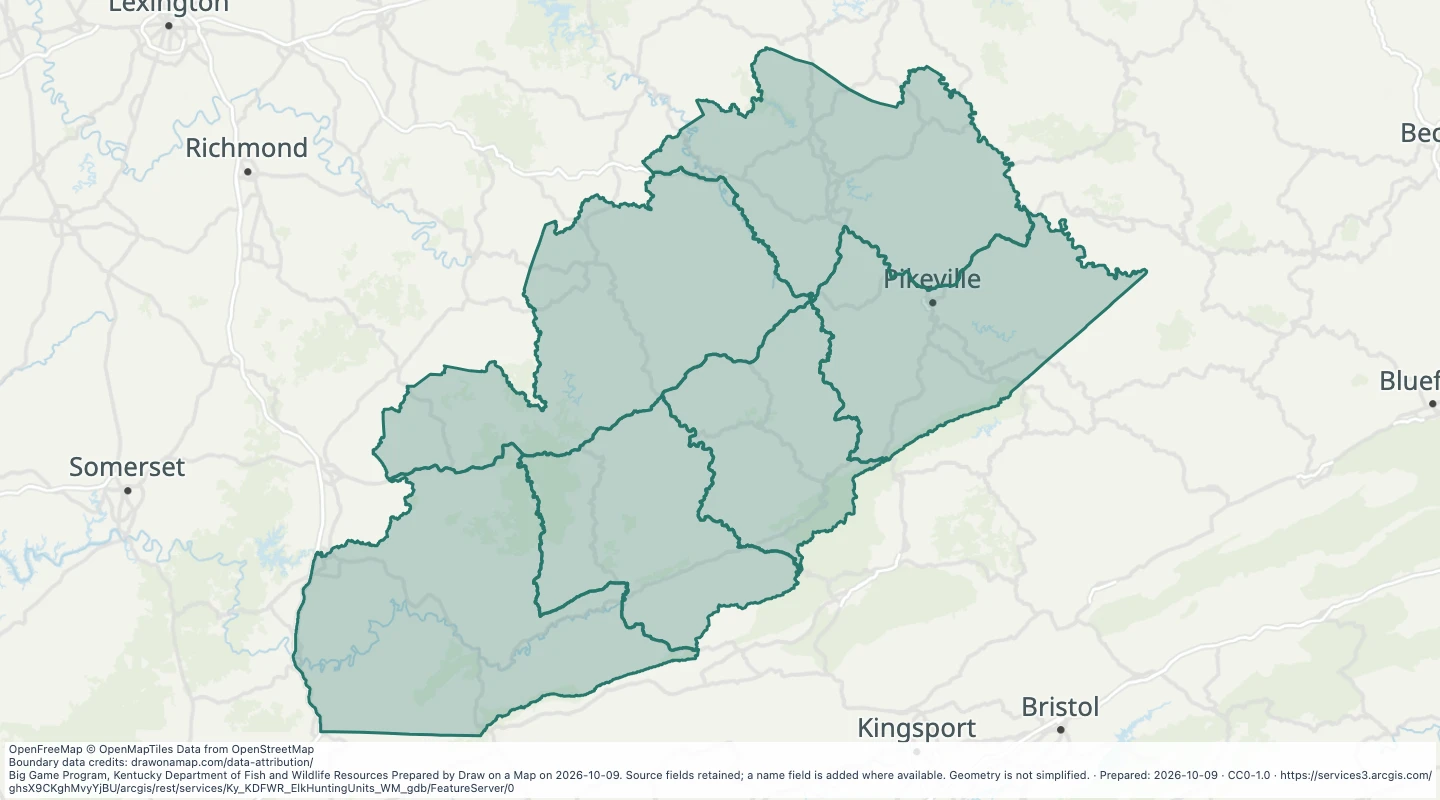 Elk Hunting Units in KentuckyExplore 6 source records for Elk Hunting Units in Kentucky. View the map or download the GeoJSON snapshot.
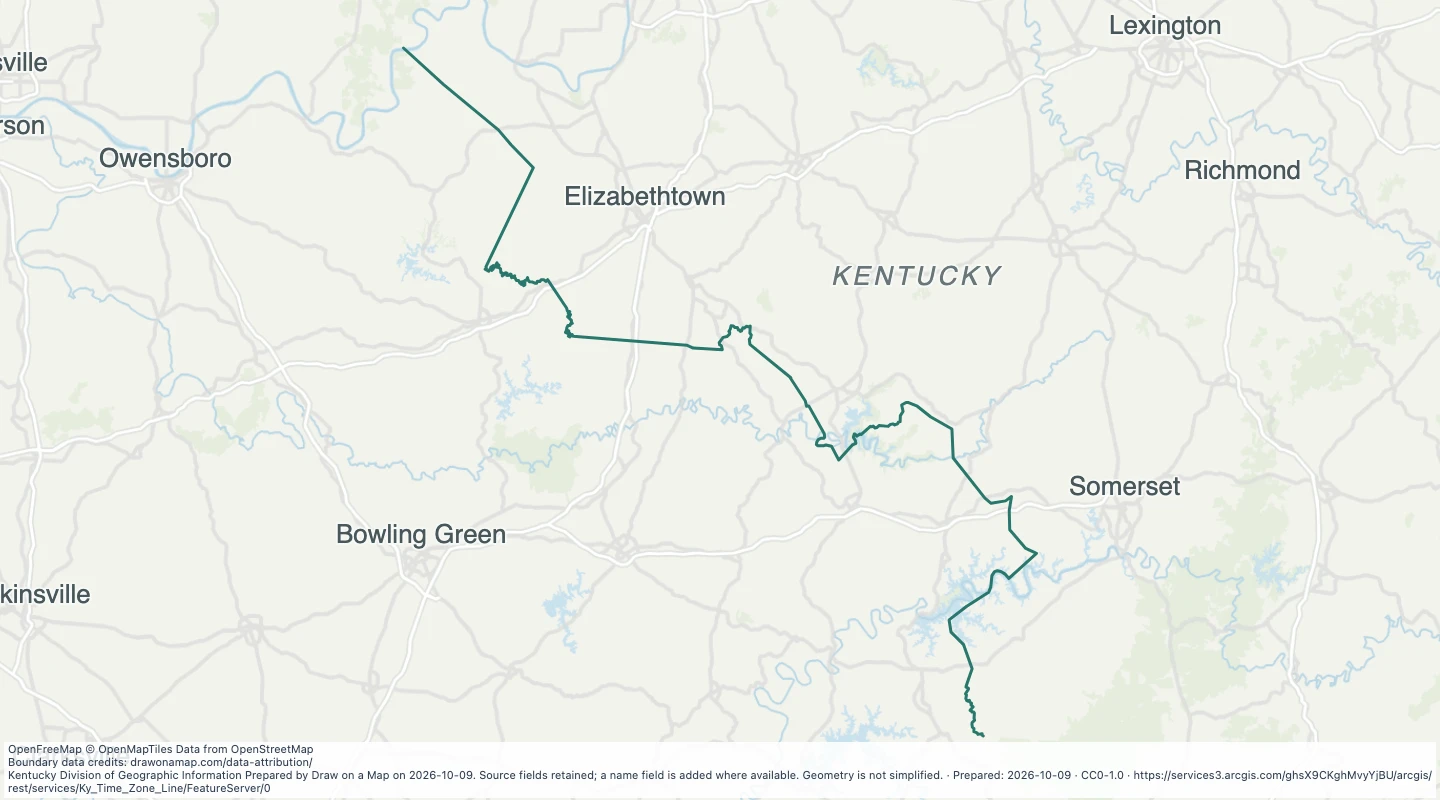 Kentucky Time Zone LineExplore 1 source records for Kentucky Time Zone Line. View the map or download the GeoJSON snapshot.
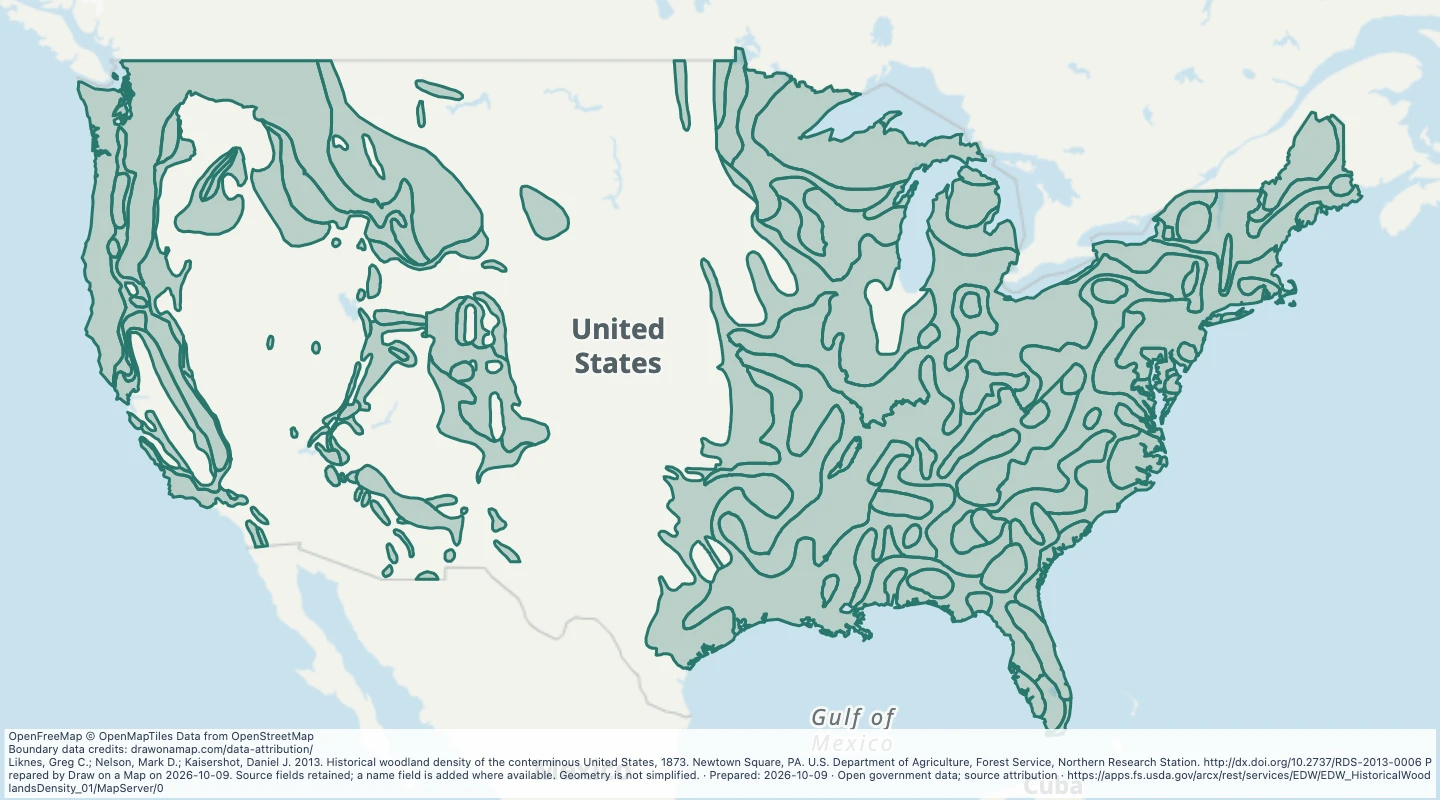 Historical Woodland Density of the Conterminous United States, 1873Explore 152 source records for Historical Woodland Density of the Conterminous United States, 1873. View the map or download the GeoJSON snapshot.
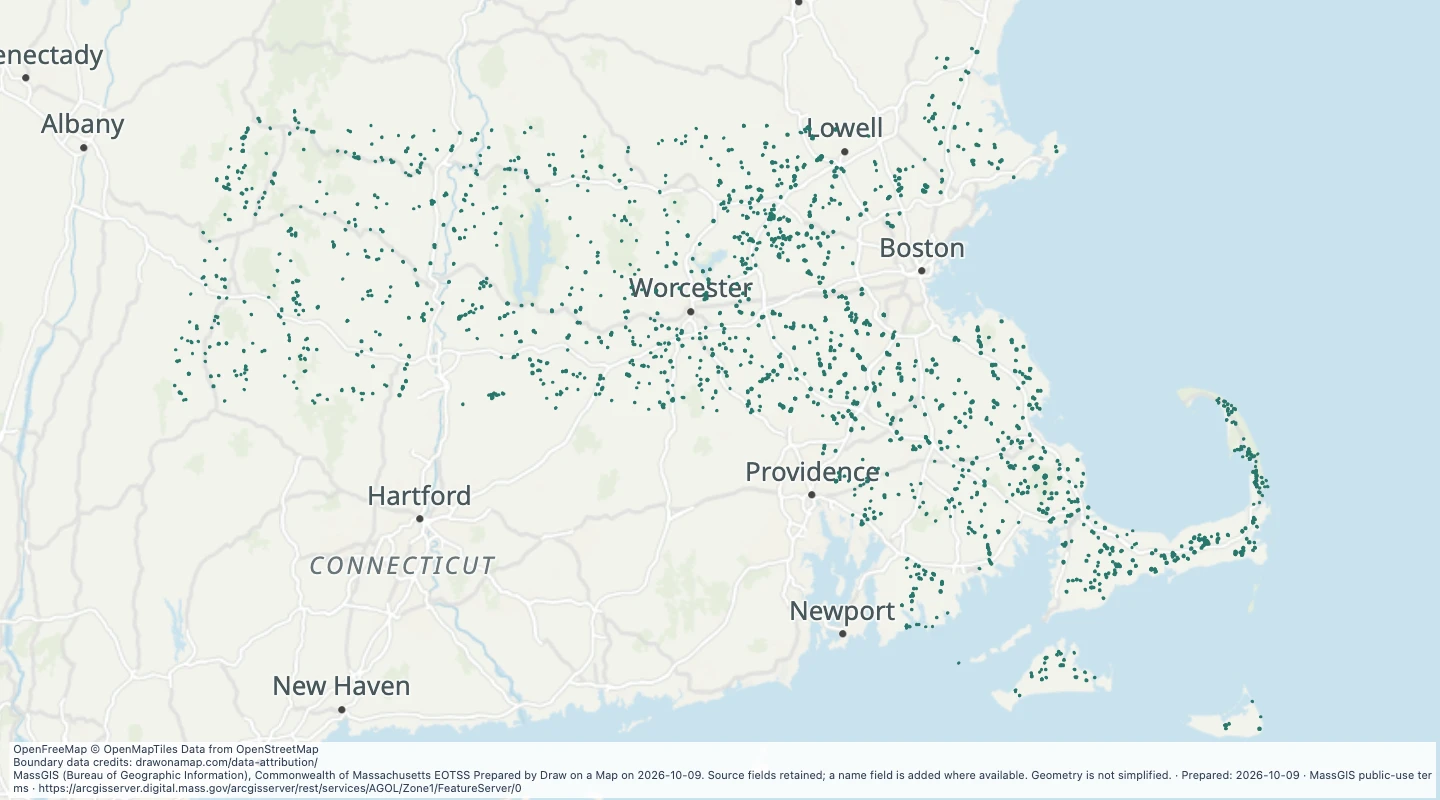 Zone I public well protection areas in MassachusettsExplore 3,734 source records for Zone I public well protection areas in Massachusetts. View the map or download the GeoJSON snapshot.
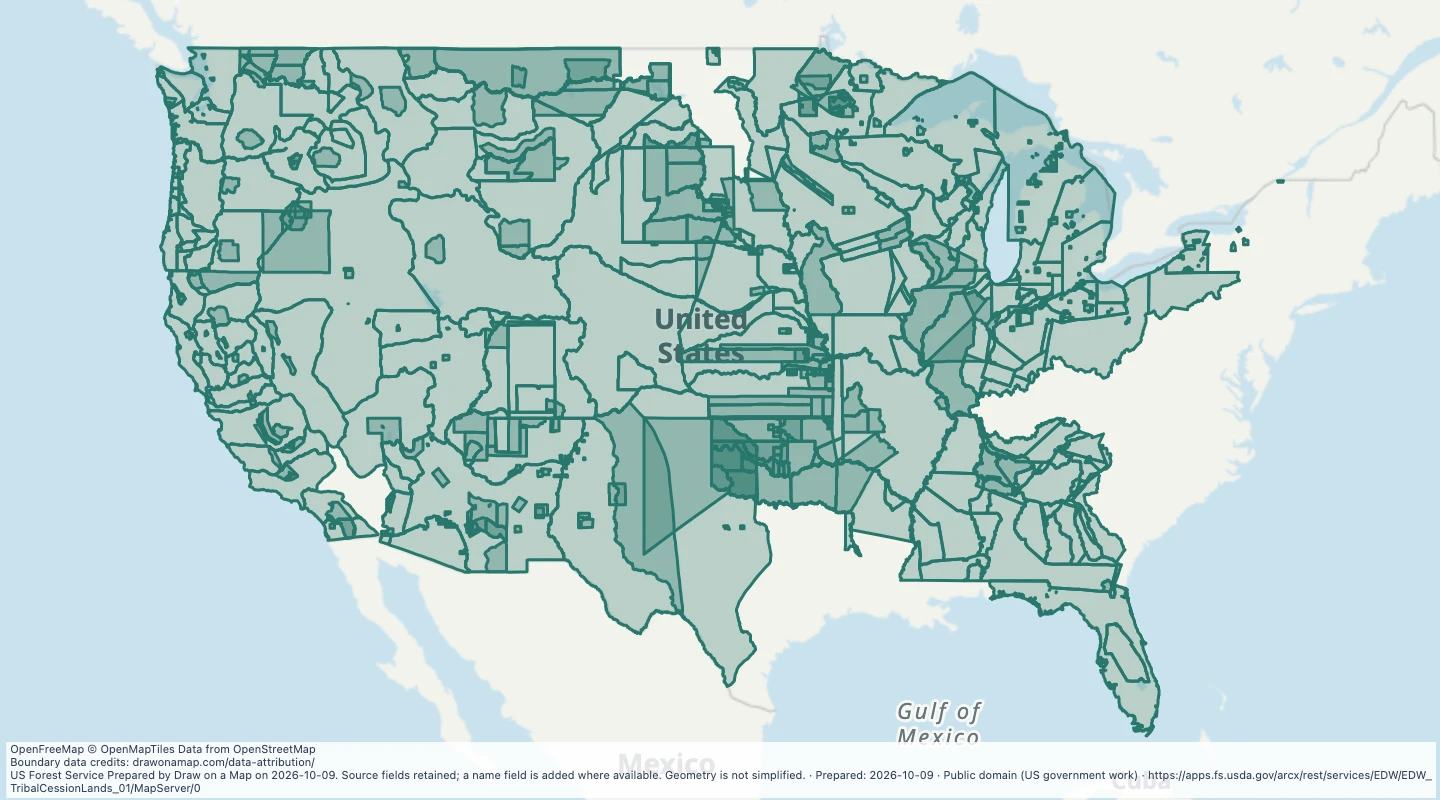 Indian Land Cessions in the United StatesExplore 718 source records for Indian Land Cessions in the United States. View the map or download the GeoJSON snapshot.
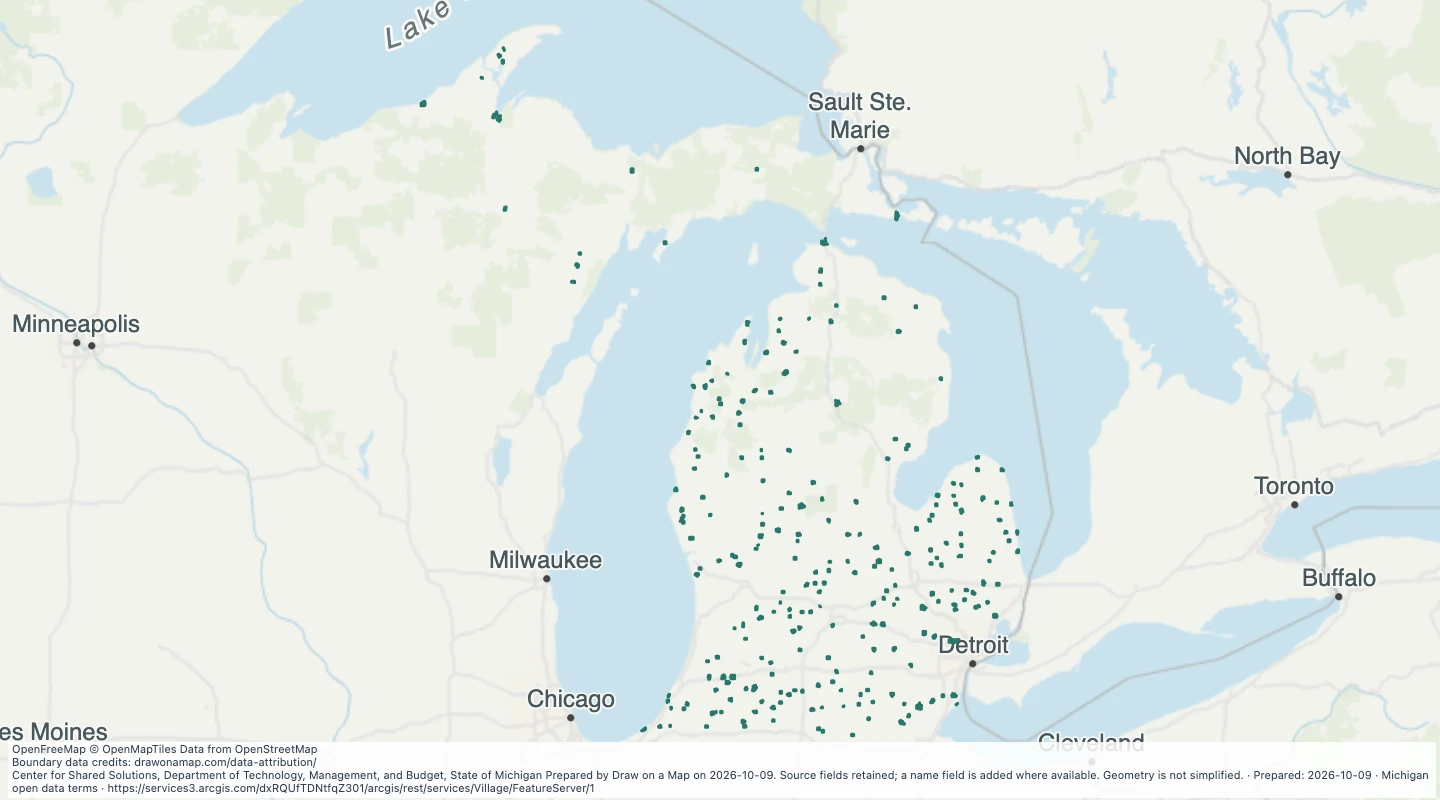 Village — MichiganExplore 252 source records for Village — Michigan. View the map or download the GeoJSON snapshot.
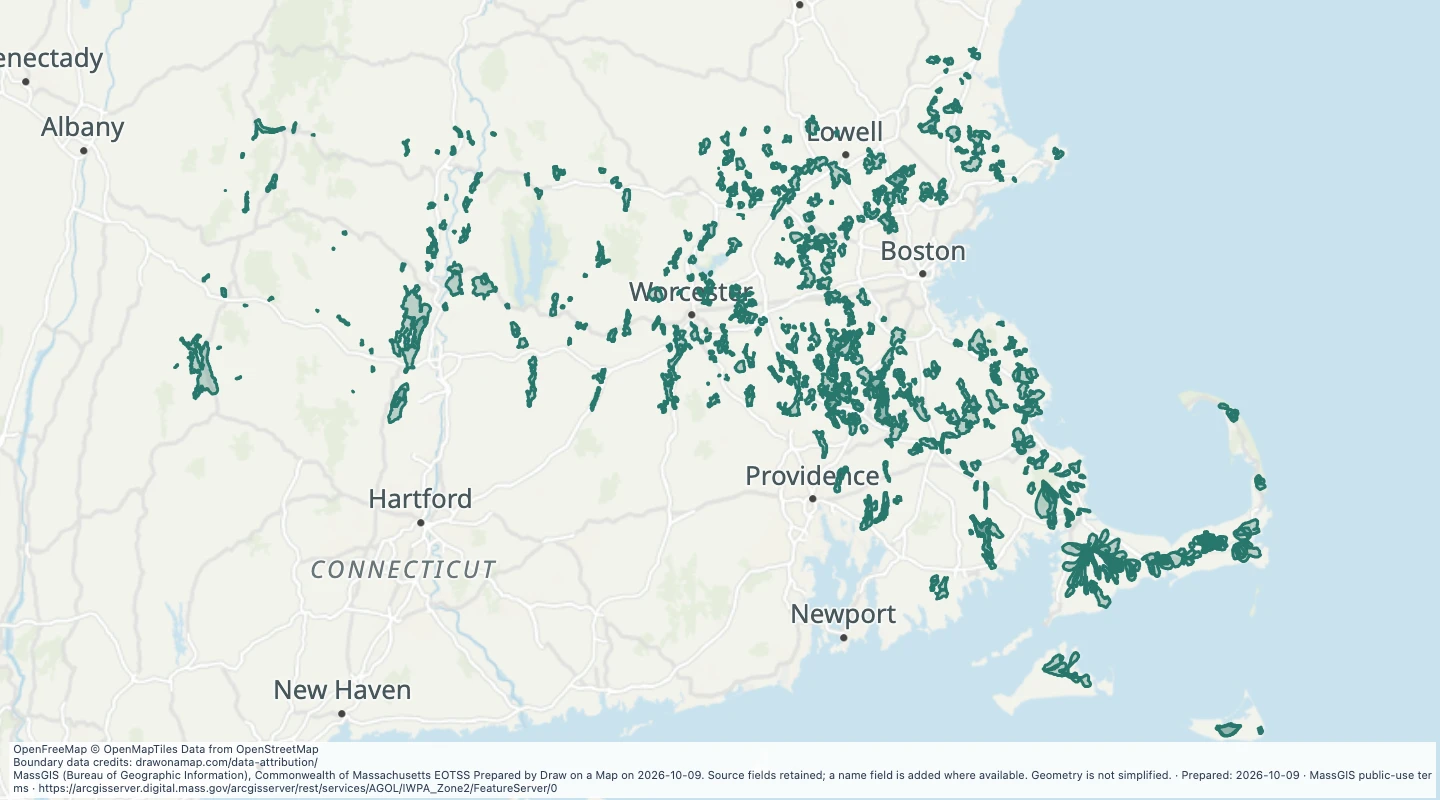 Approved Zone II wellhead protection areas in MassachusettsExplore 565 source records for Approved Zone II wellhead protection areas in Massachusetts. View the map or download the GeoJSON snapshot.
 Pacific island territories and freely associated state boundaries — US Pacific territories and freely associated statesExplore 6 source records for Pacific island territories and freely associated state boundaries — US Pacific territories and freely associated states. View the map or download the GeoJSON snapshot.
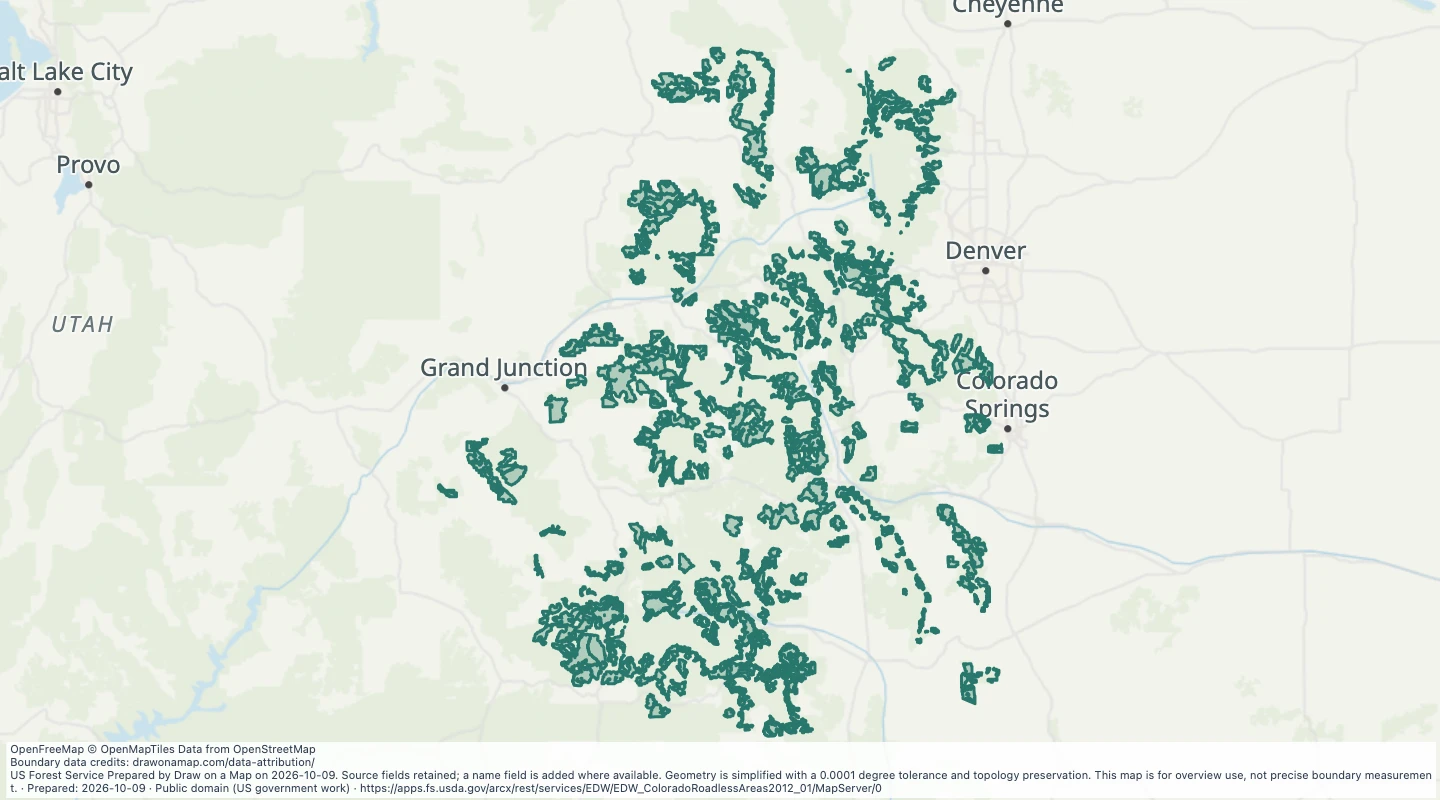 Roadless Areas: Colorado Roadless RuleExplore 532 source records for Roadless Areas: Colorado Roadless Rule. View the map or download the GeoJSON snapshot.
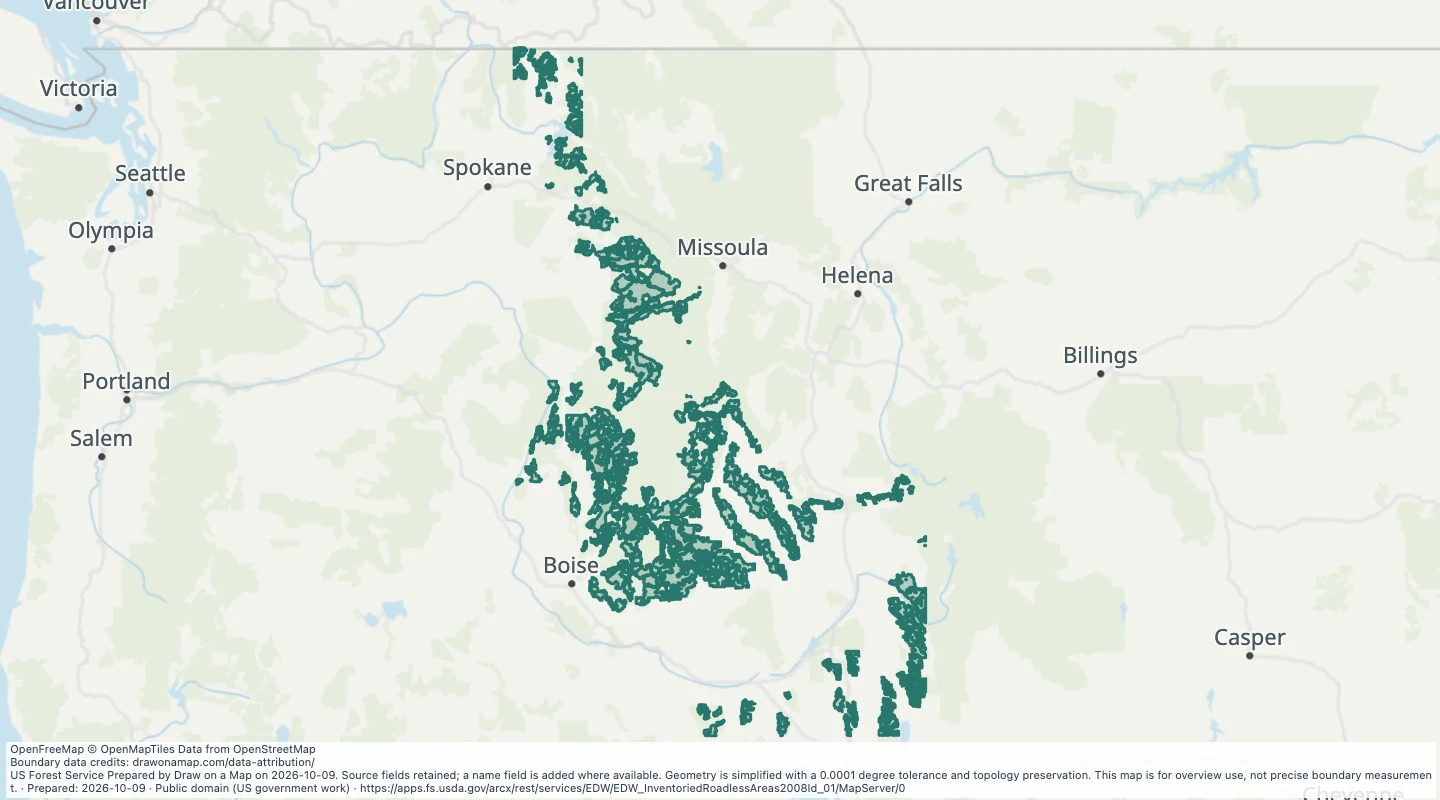 Roadless Areas: Idaho Roadless RuleExplore 550 source records for Roadless Areas: Idaho Roadless Rule. View the map or download the GeoJSON snapshot.
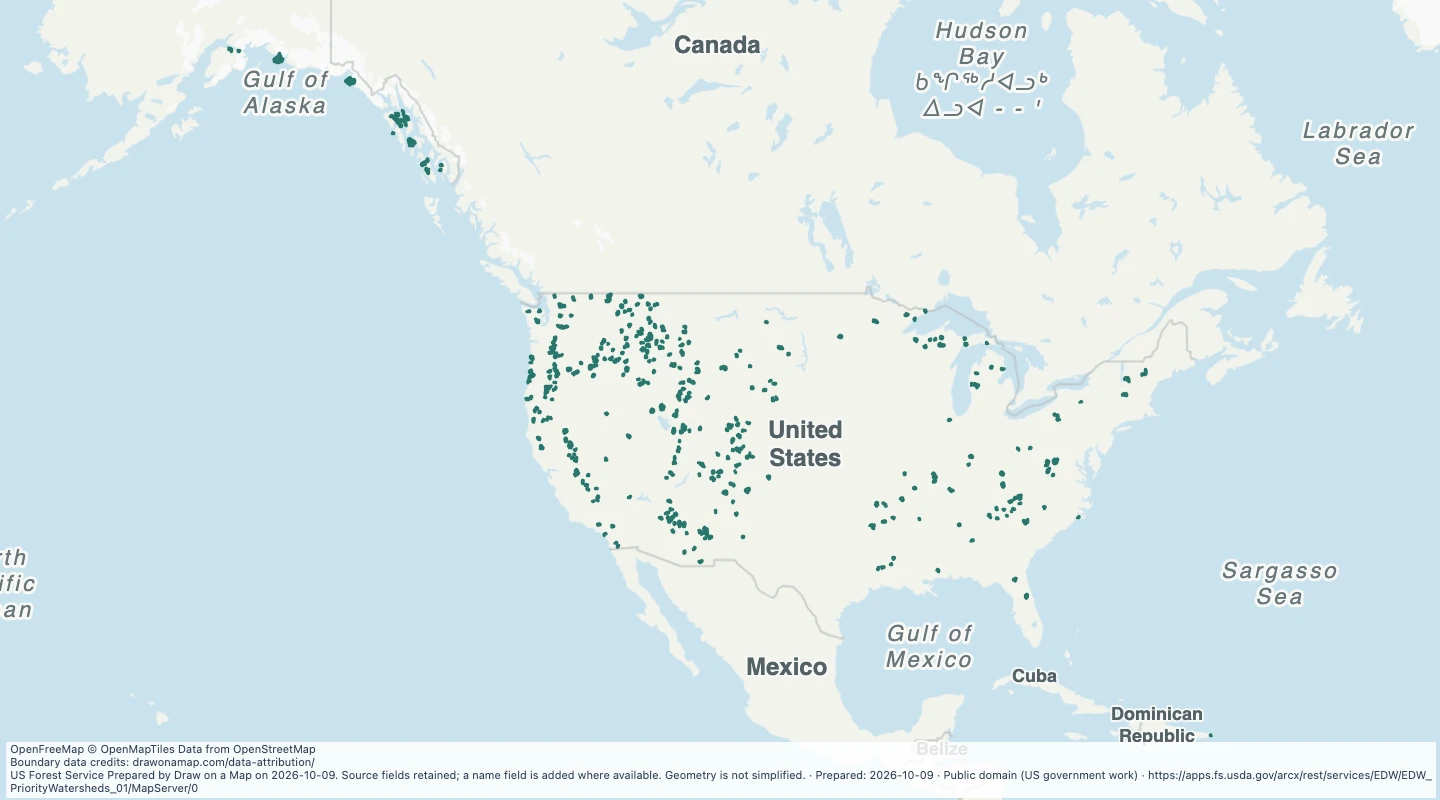 Watershed Condition Classification: Priority Watersheds — US Forest Service landsExplore 618 source records for Watershed Condition Classification: Priority Watersheds — US Forest Service lands. View the map or download the GeoJSON snapshot.
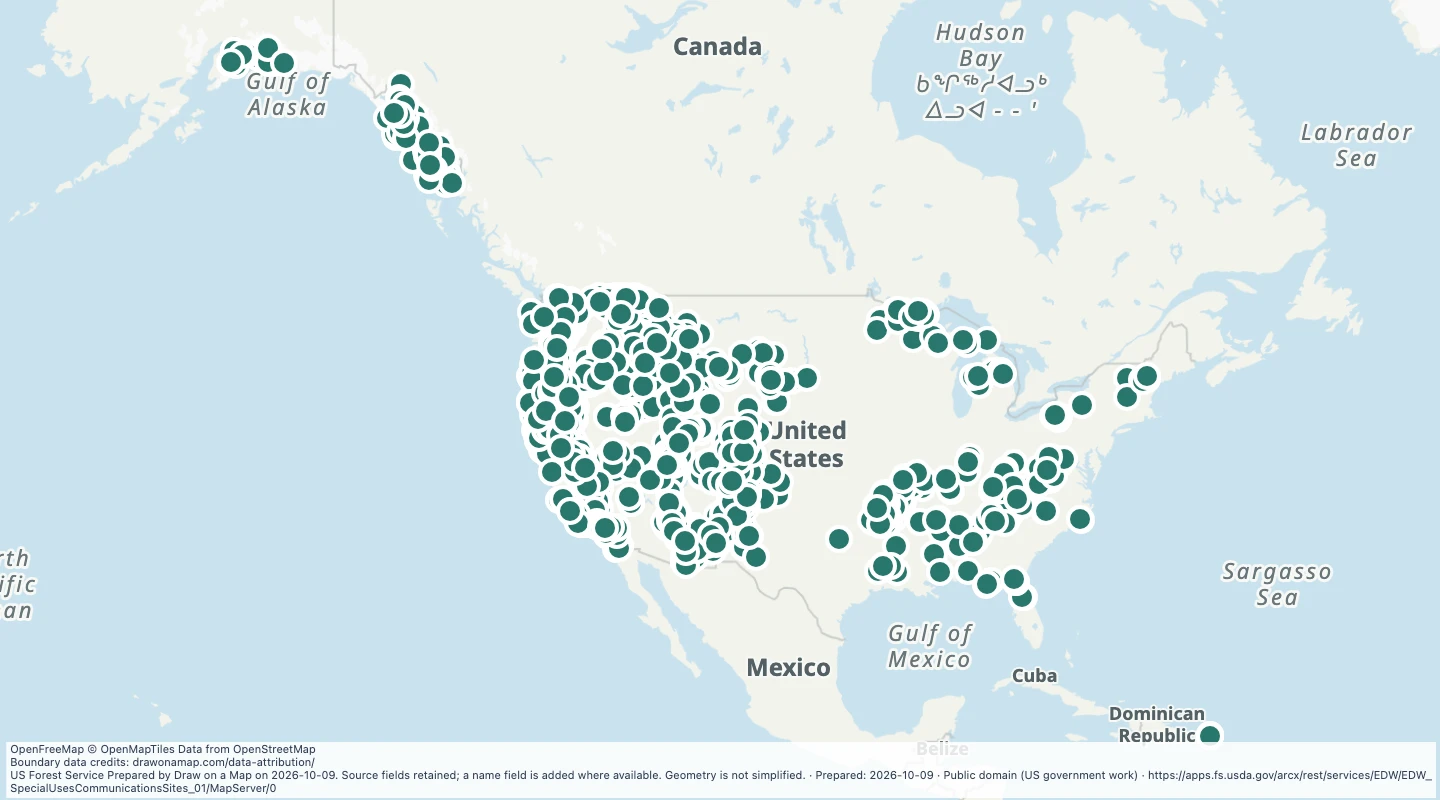 Special Uses Communications Sites — US Forest Service landsExplore 1,424 source records for Special Uses Communications Sites — US Forest Service lands. View the map or download the GeoJSON snapshot.
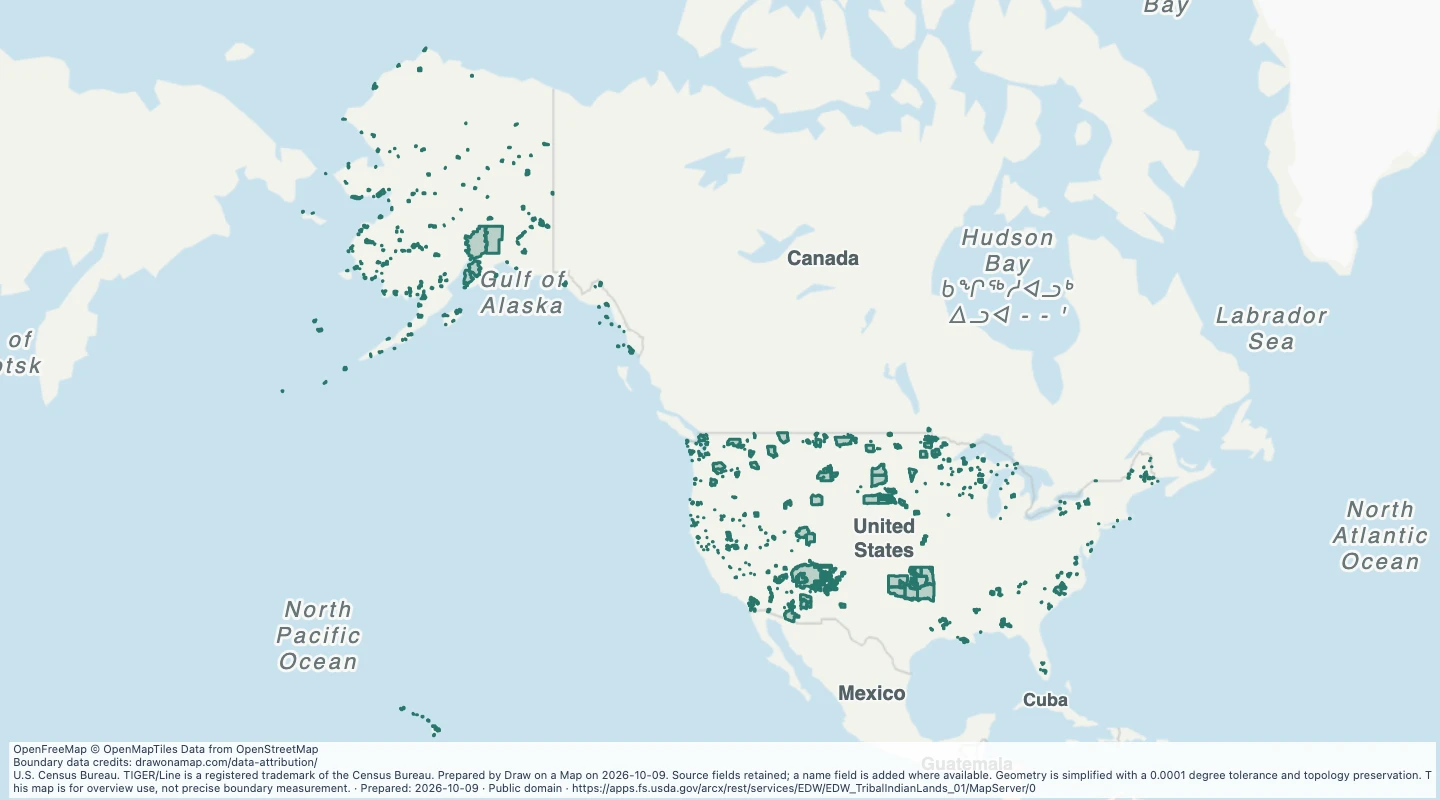 American Indian, Alaska Native and Native Hawaiian areasExplore 861 source records for American Indian, Alaska Native and Native Hawaiian areas. View the map or download the GeoJSON snapshot.
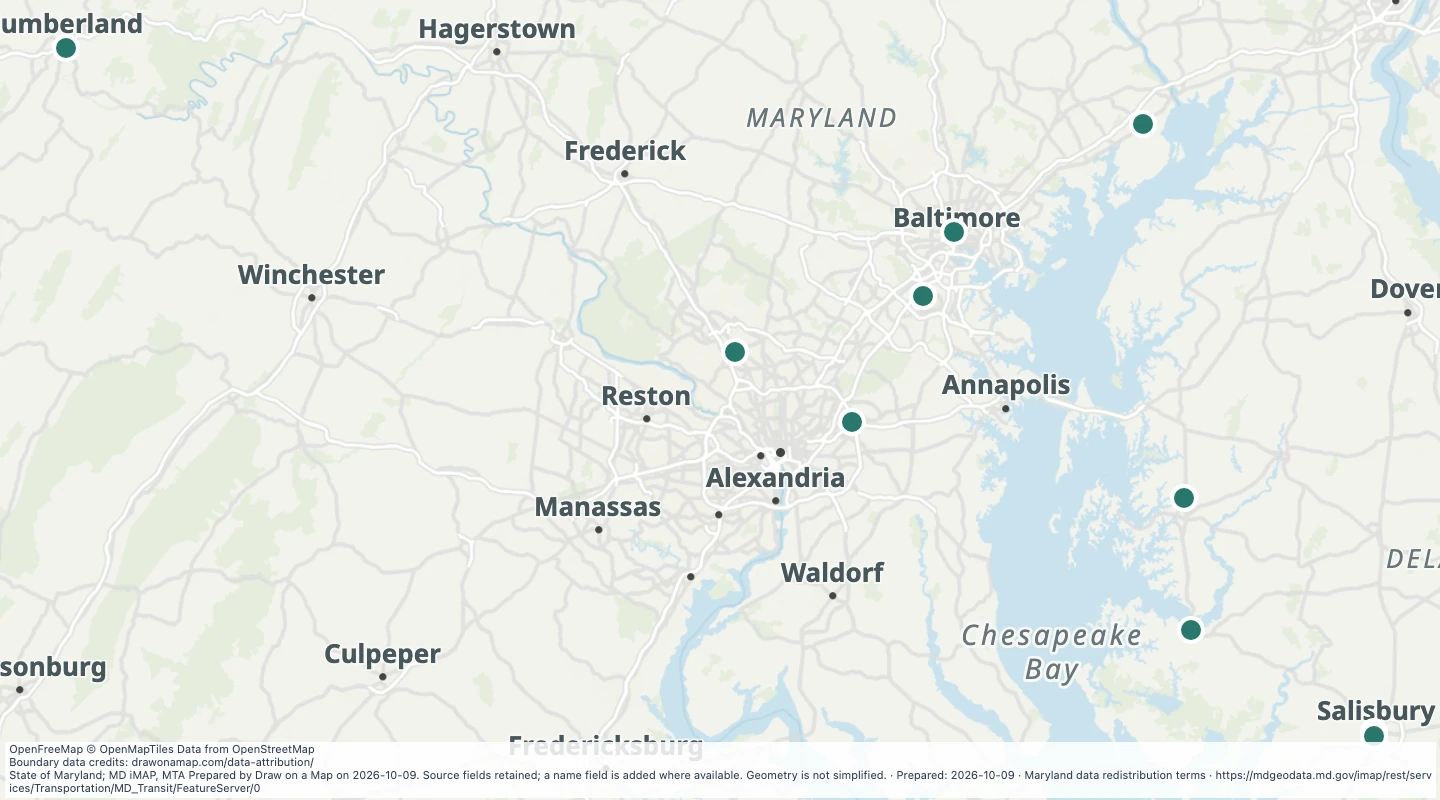 Amtrak Rail Stops in the Maryland transit source collectionExplore 10 source records for Amtrak Rail Stops in the Maryland transit source collection. View the map or download the GeoJSON snapshot.
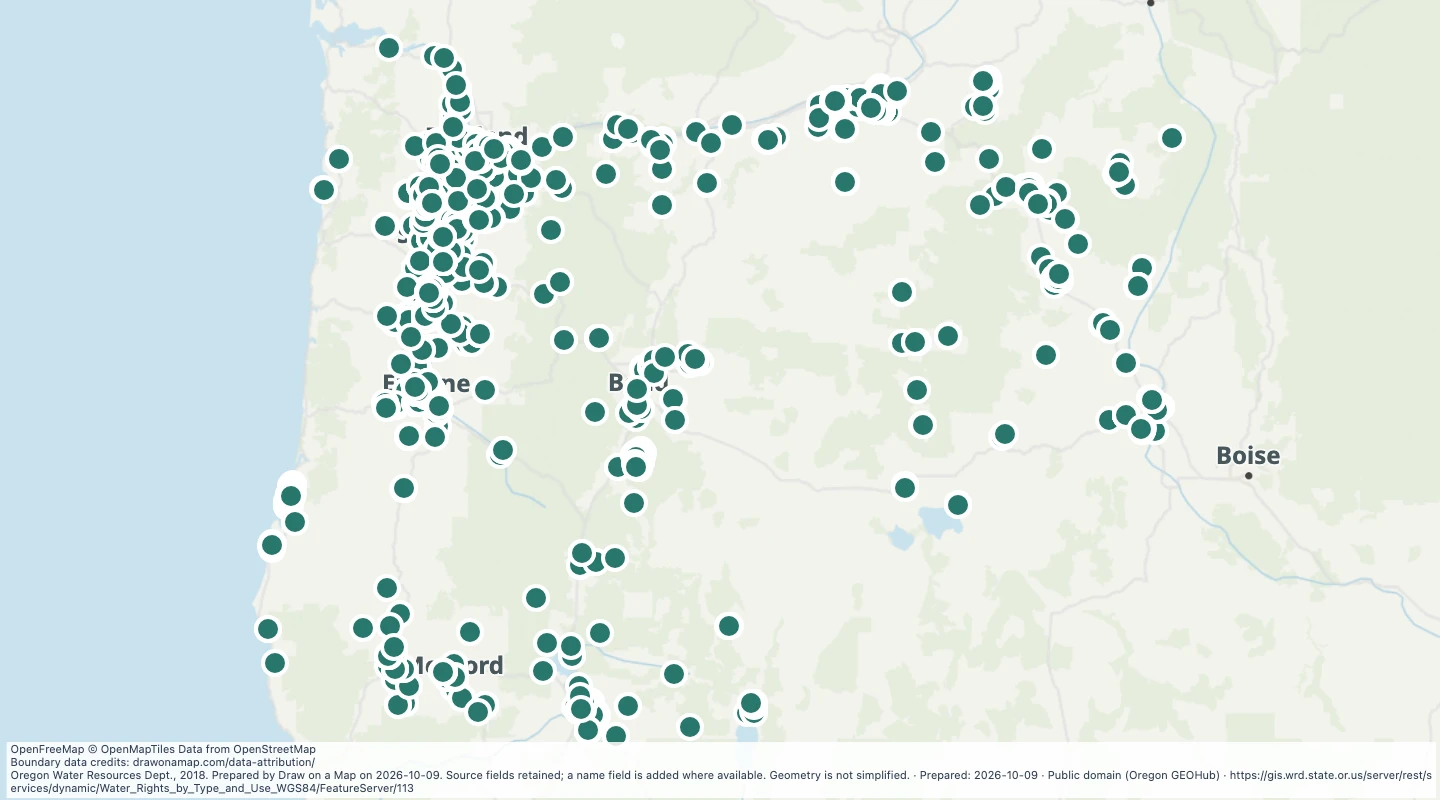 Oregon water rights: Points of Diversion - groundwater, CommercialExplore 1,576 source records for Oregon water rights: Points of Diversion - groundwater, Commercial. View the map or download the GeoJSON snapshot.
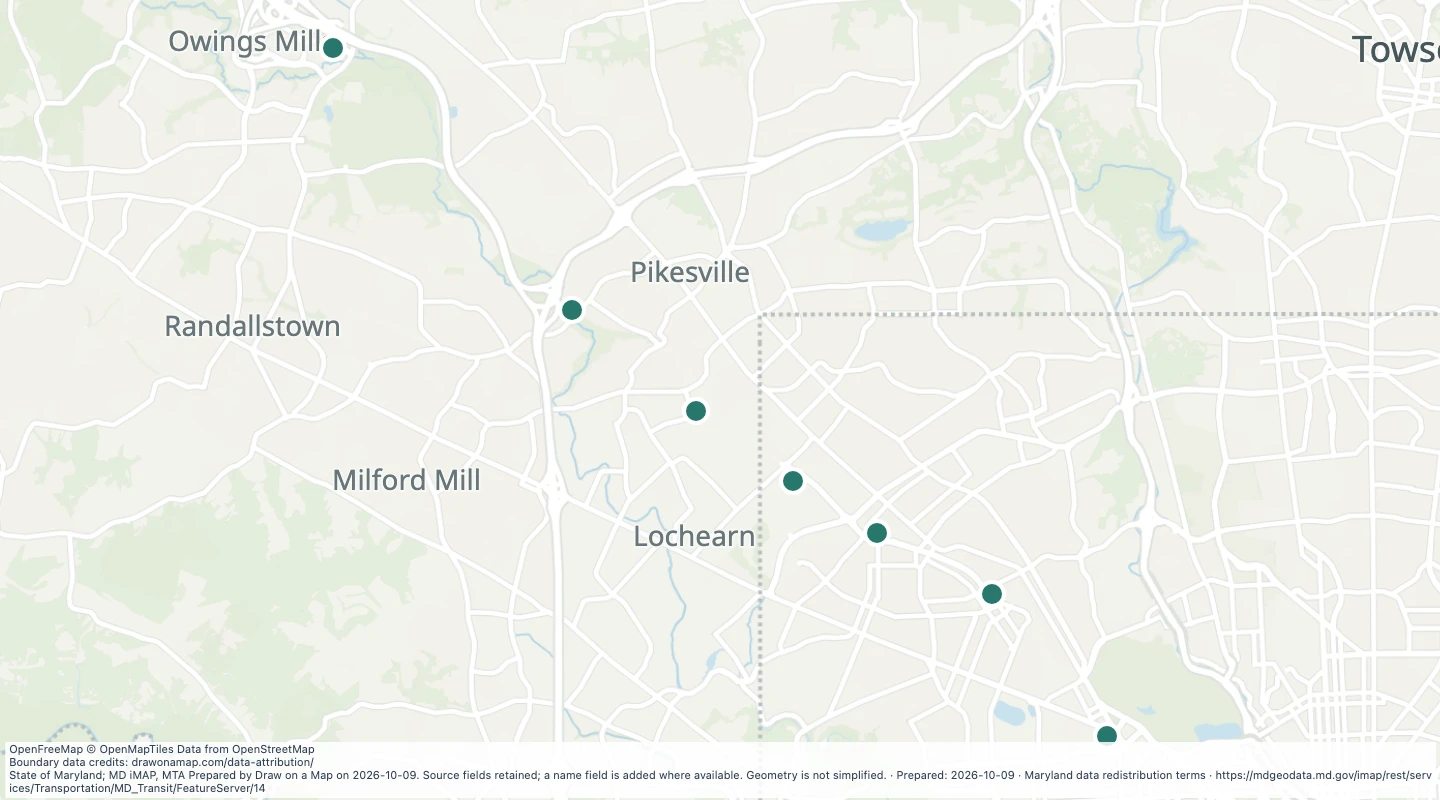 Baltimore Metro Subway Parking in the Maryland transit source collectionExplore 7 source records for Baltimore Metro Subway Parking in the Maryland transit source collection. View the map or download the GeoJSON snapshot.
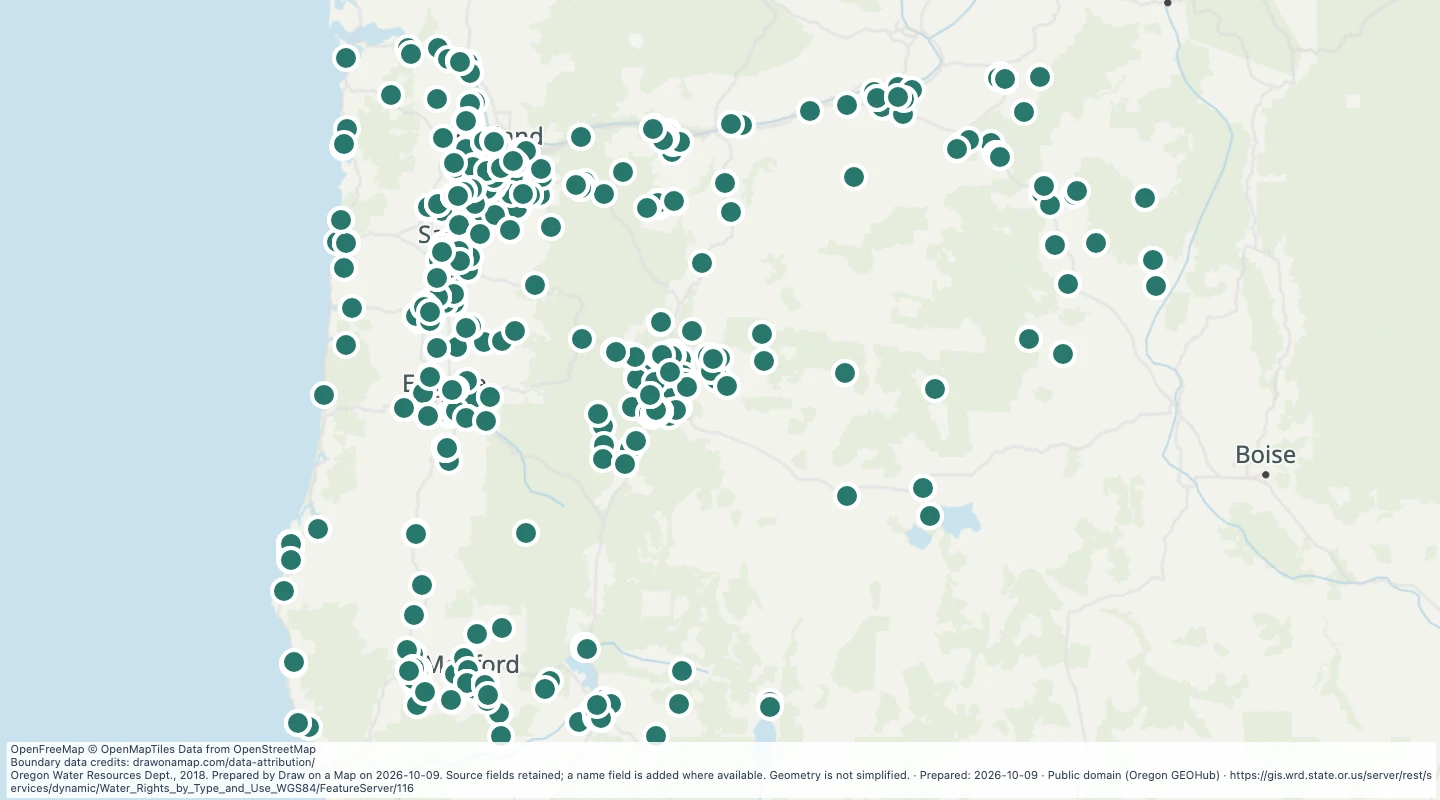 Oregon water rights: Points of Diversion - groundwater, DomesticExplore 786 source records for Oregon water rights: Points of Diversion - groundwater, Domestic. View the map or download the GeoJSON snapshot.
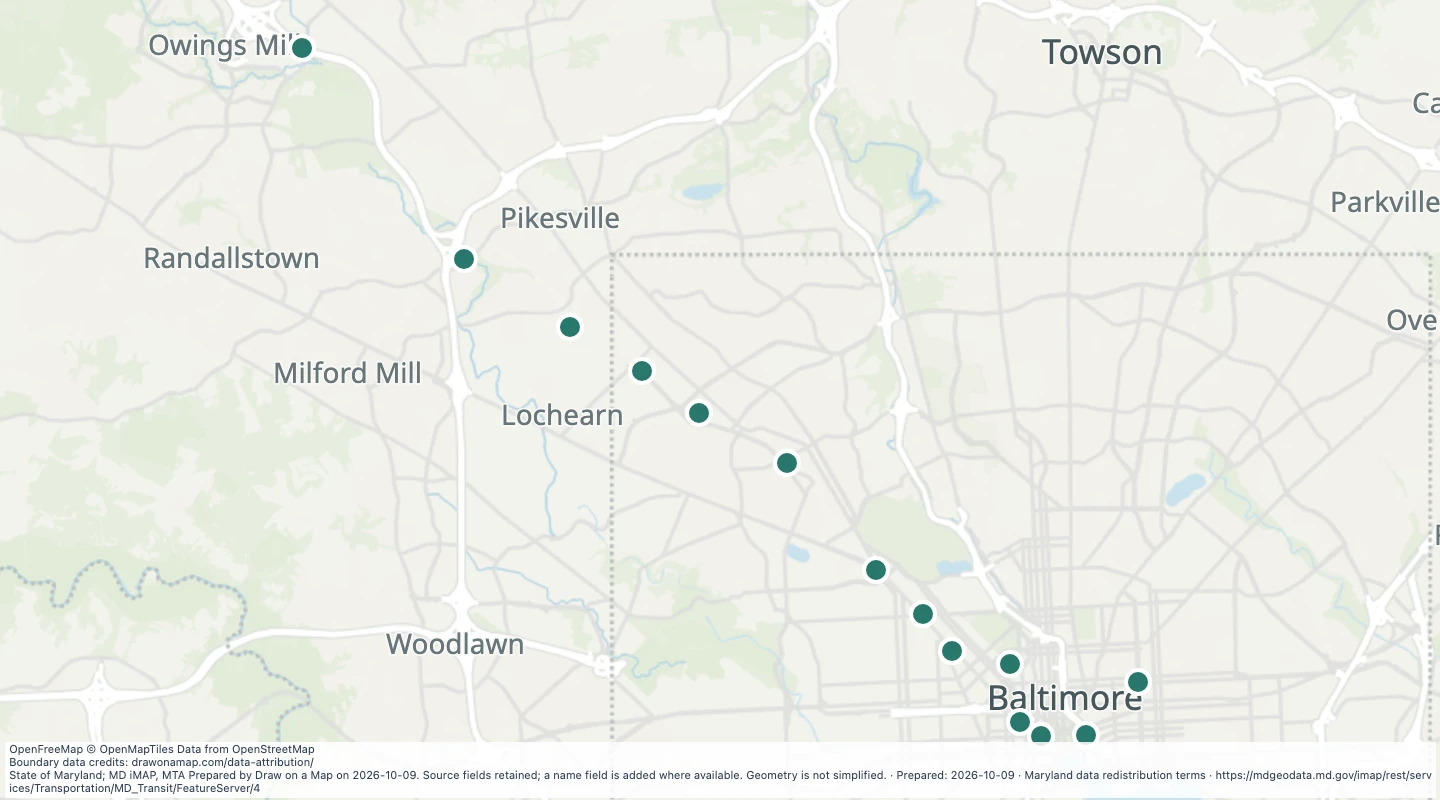 Baltimore Metro SubwayLink Stations in the Maryland transit source collectionExplore 14 source records for Baltimore Metro SubwayLink Stations in the Maryland transit source collection. View the map or download the GeoJSON snapshot.
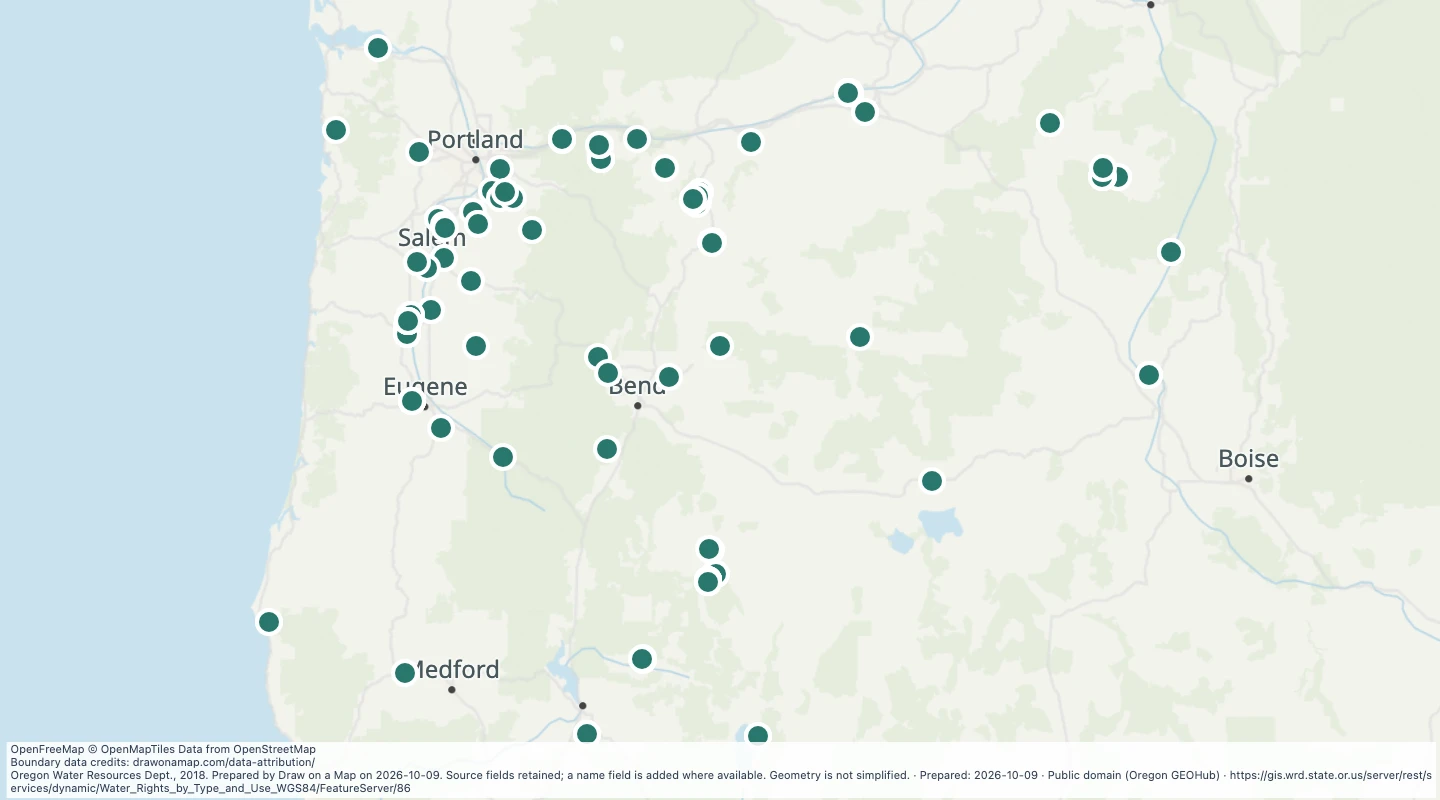 Oregon water rights: Points of Diversion - groundwater, FishExplore 153 source records for Oregon water rights: Points of Diversion - groundwater, Fish. View the map or download the GeoJSON snapshot.
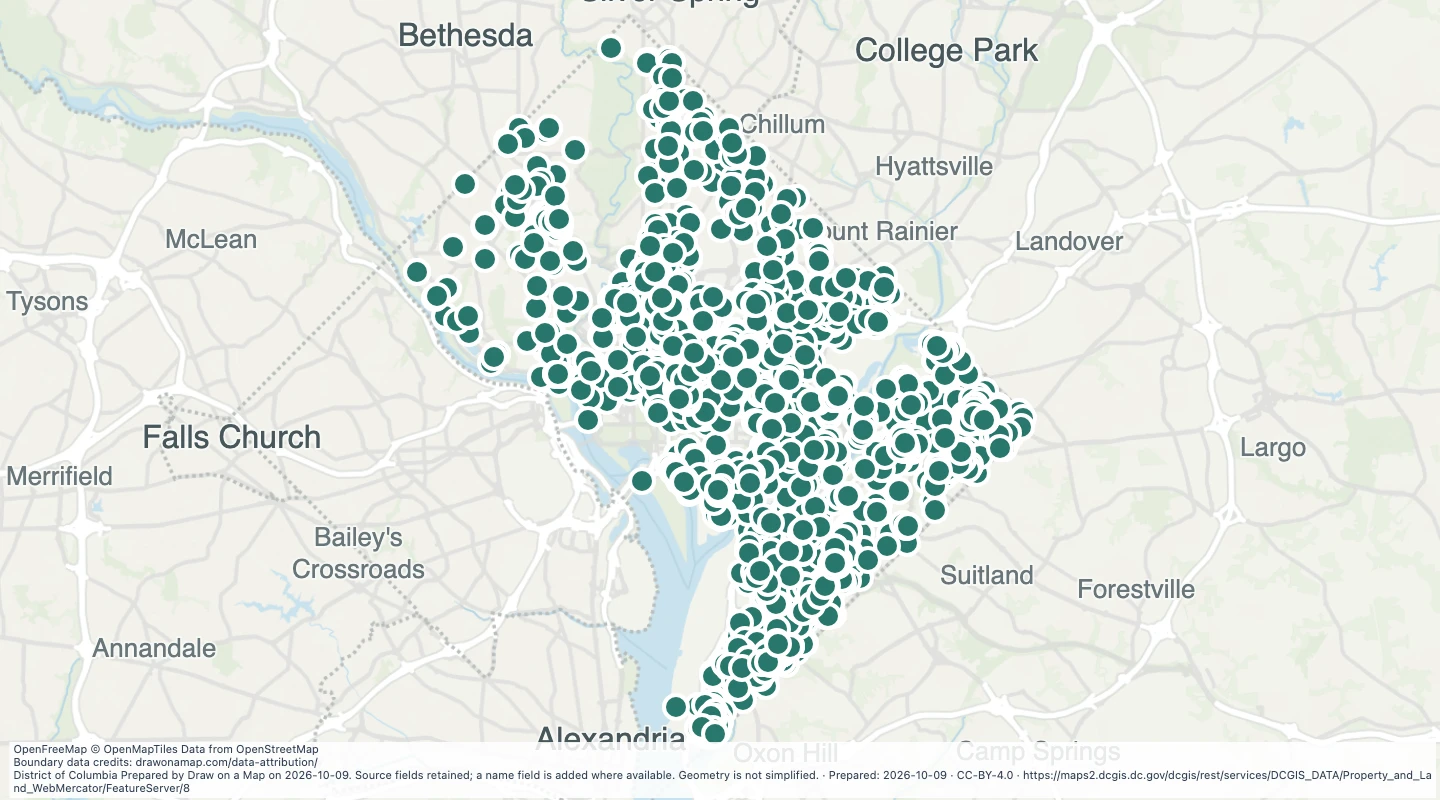 District-owned land address points in Washington, DCExplore 5,051 source records for District-owned land address points in Washington, DC. View the map or download the GeoJSON snapshot.
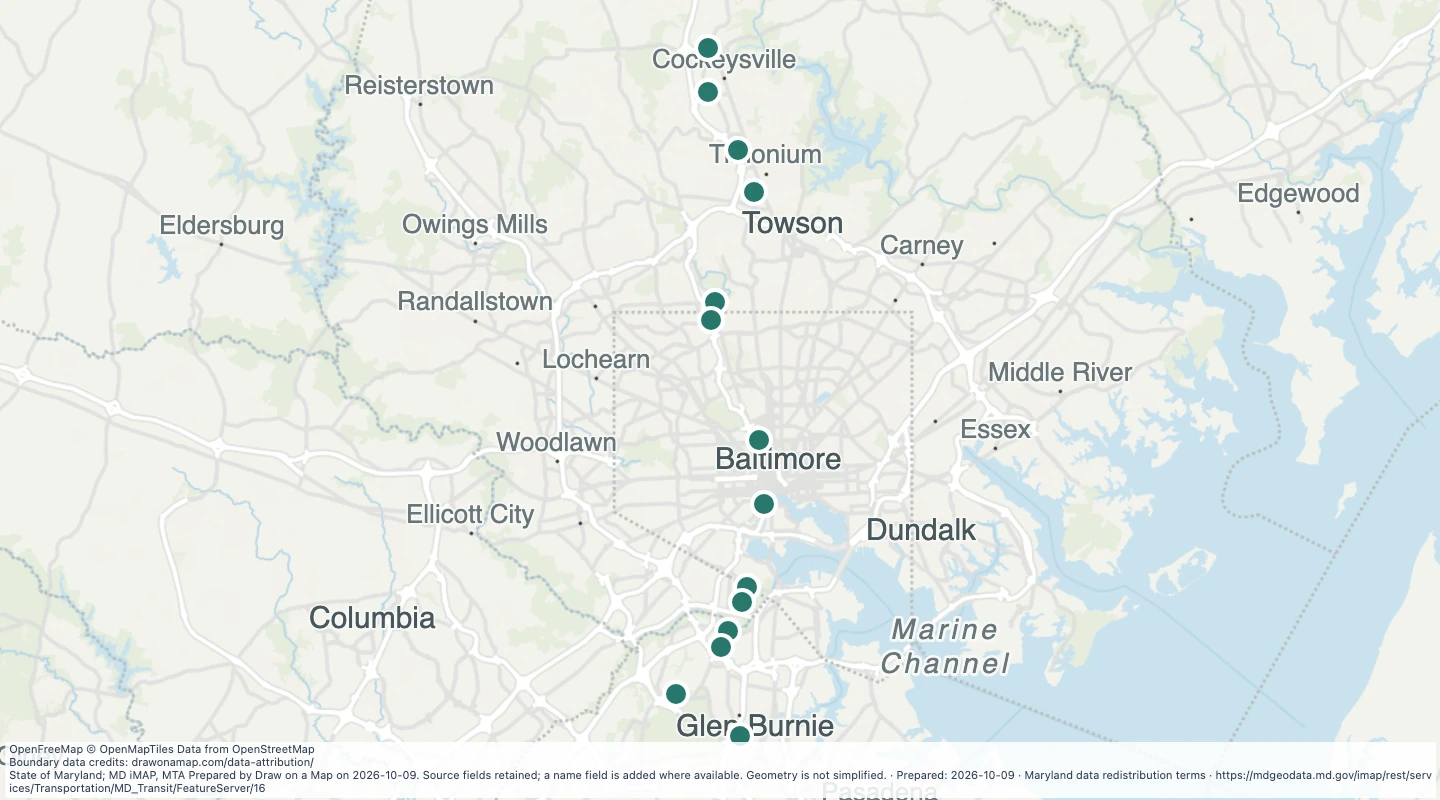 Light Rail Parking in the Maryland transit source collectionExplore 14 source records for Light Rail Parking in the Maryland transit source collection. View the map or download the GeoJSON snapshot.
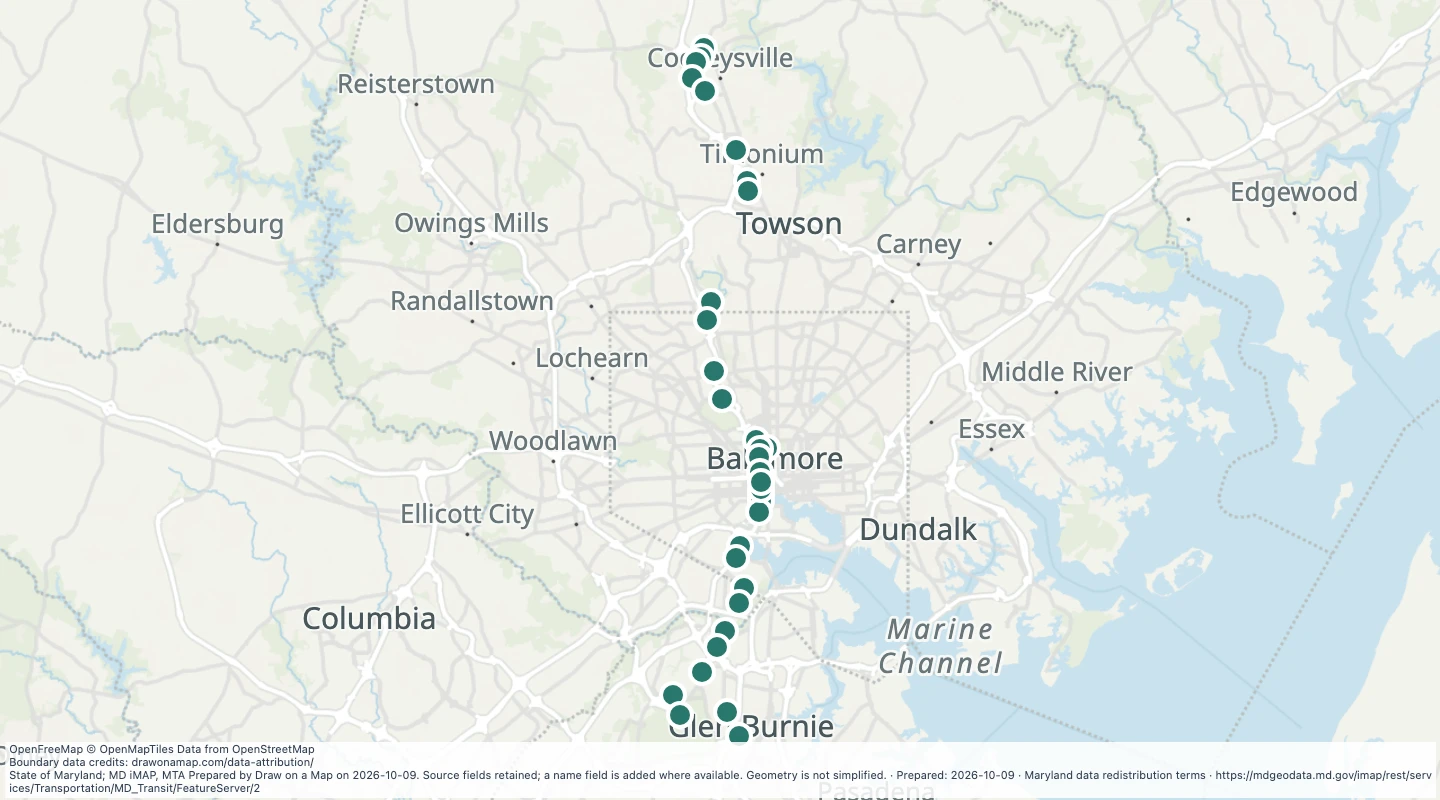 Light RailLink Stations in the Maryland transit source collectionExplore 33 source records for Light RailLink Stations in the Maryland transit source collection. View the map or download the GeoJSON snapshot.
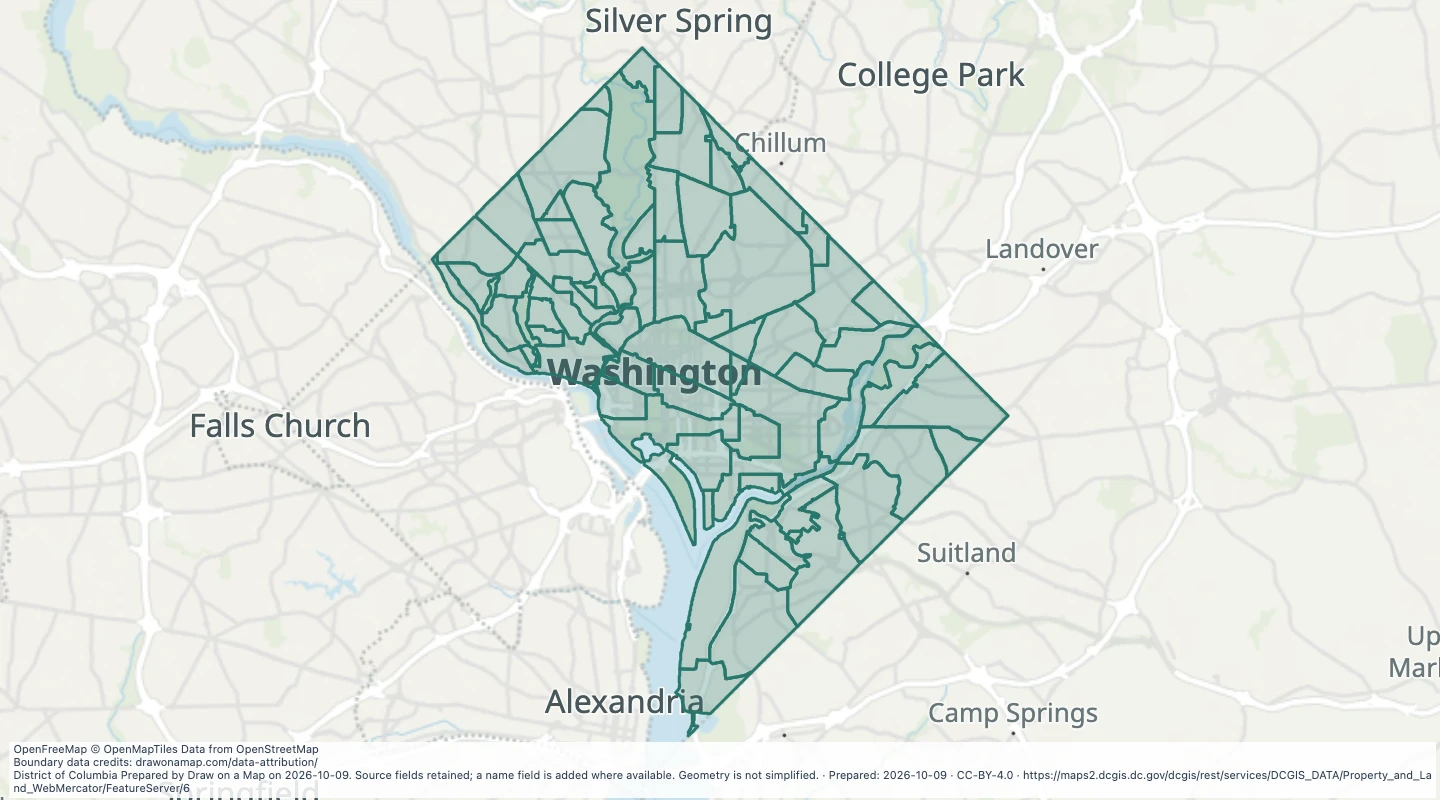 Property assessment neighbourhoods in Washington, DCExplore 71 source records for Property assessment neighbourhoods in Washington, DC. View the map or download the GeoJSON snapshot.
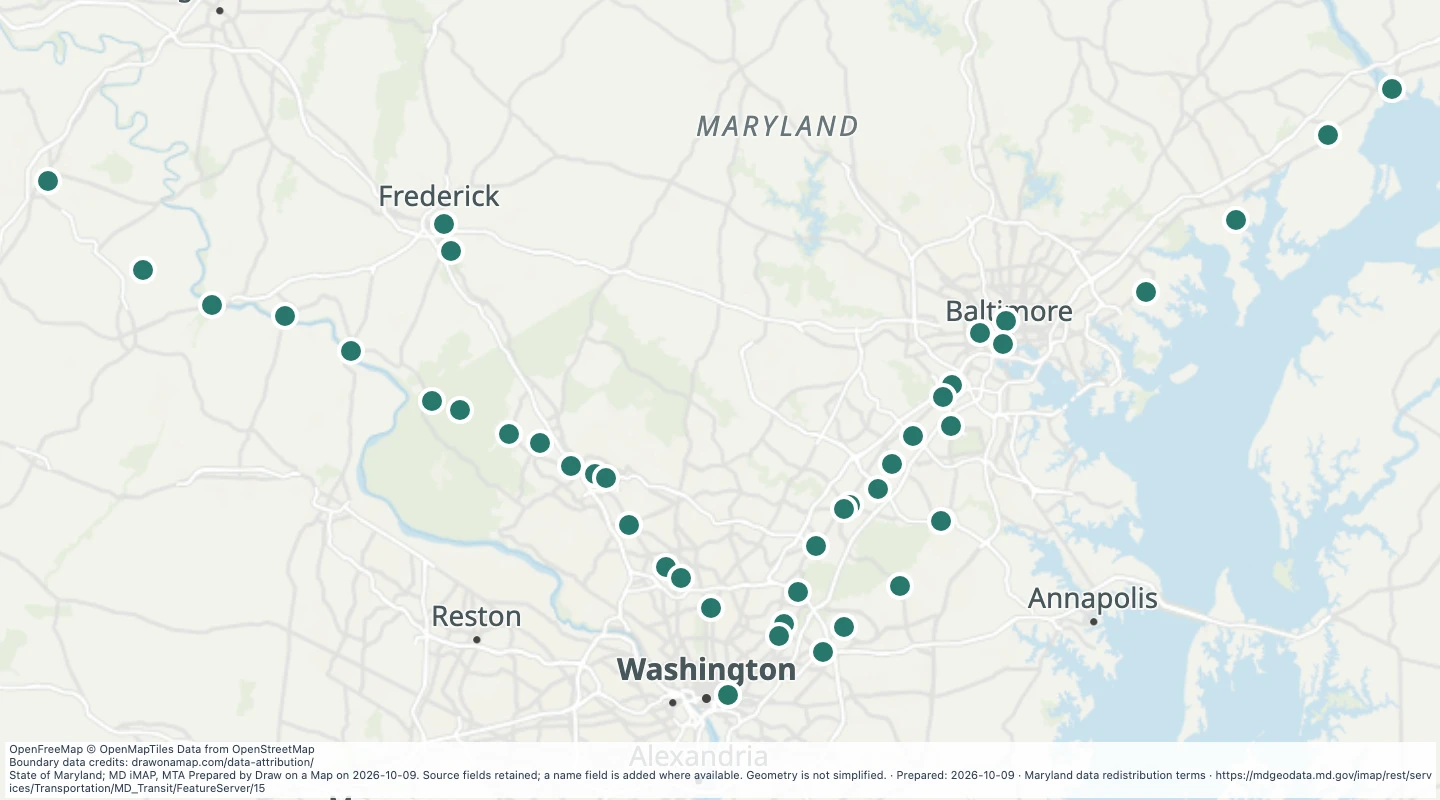 MARC Train Parking in the Maryland transit source collectionExplore 44 source records for MARC Train Parking in the Maryland transit source collection. View the map or download the GeoJSON snapshot.
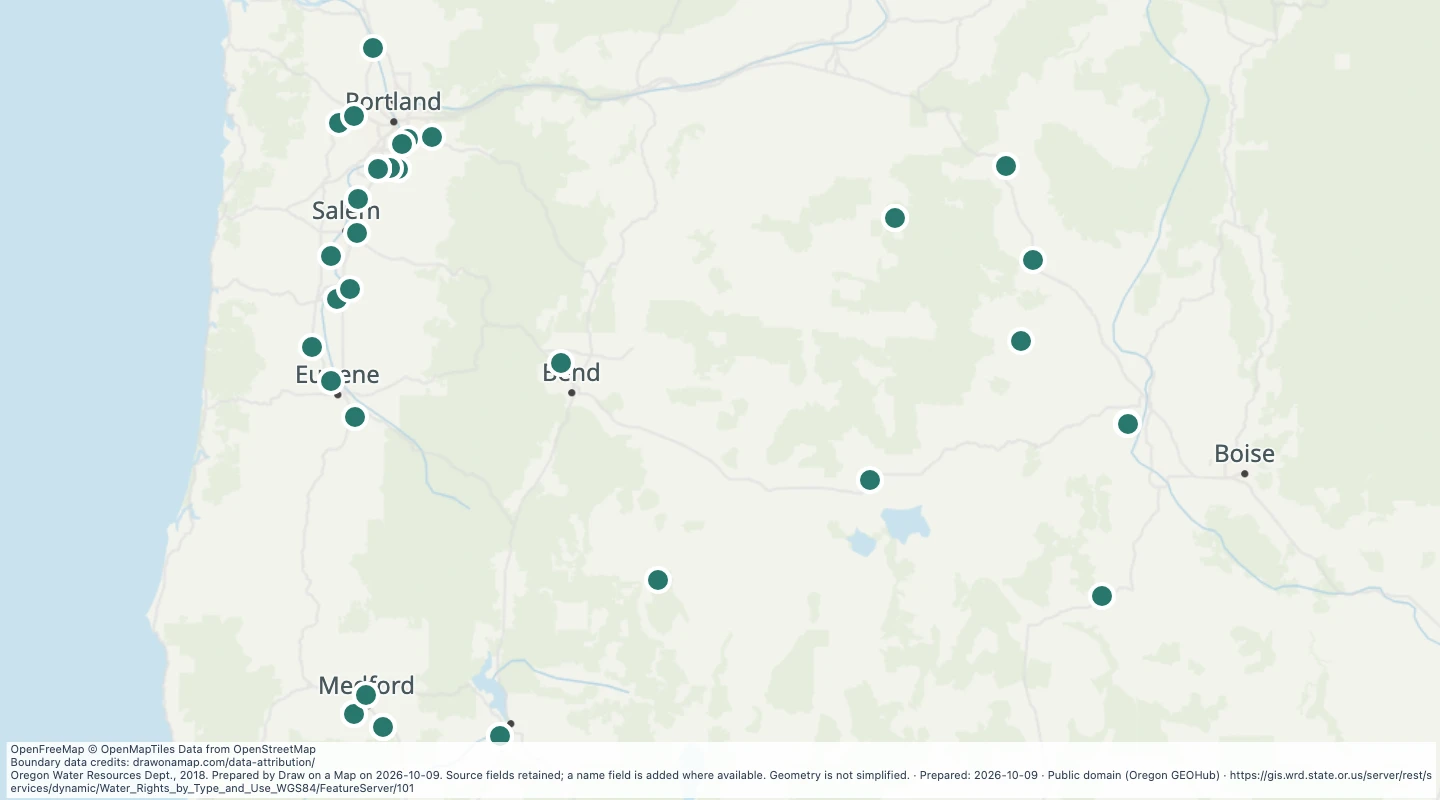 Oregon water rights: Points of Diversion - groundwater, LivestockExplore 46 source records for Oregon water rights: Points of Diversion - groundwater, Livestock. View the map or download the GeoJSON snapshot.
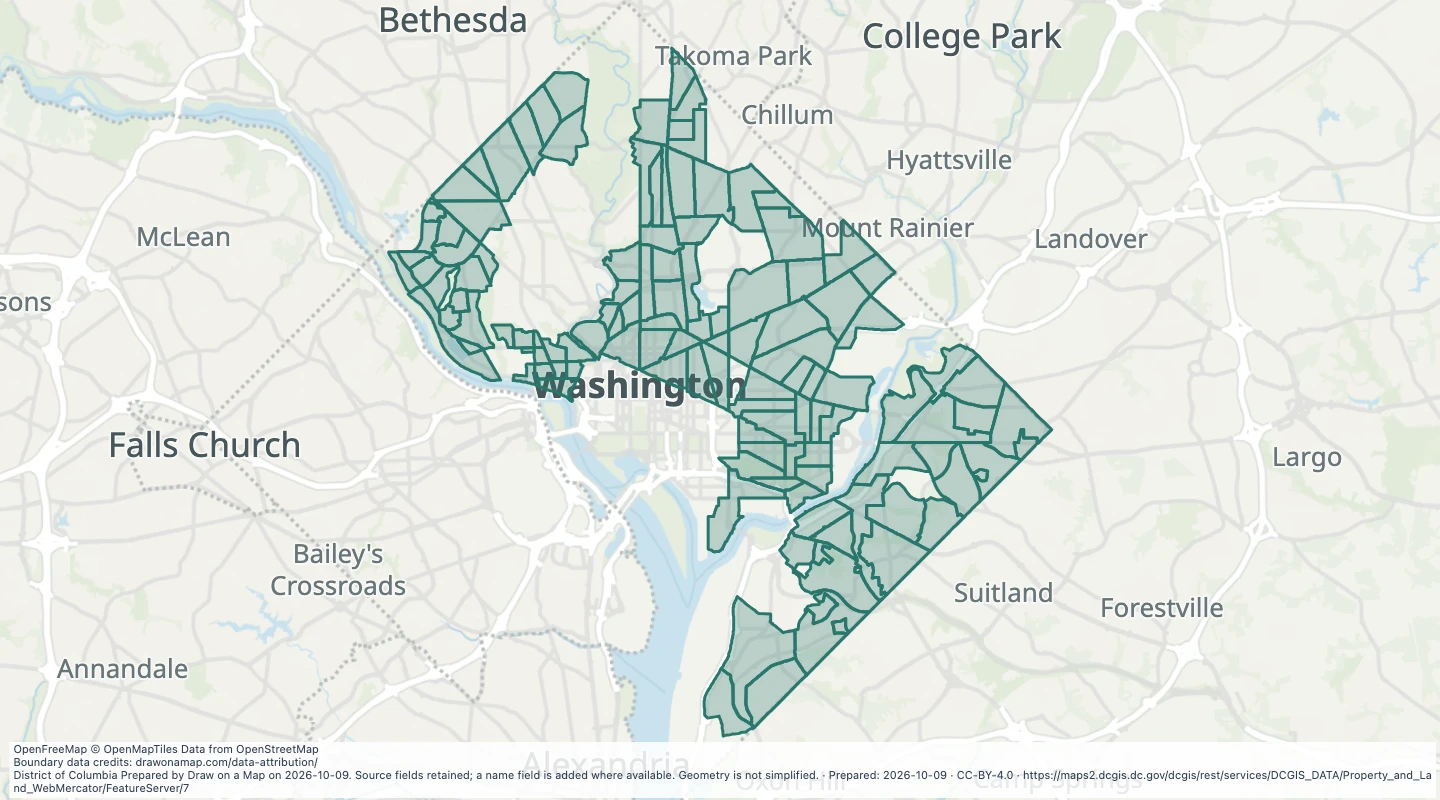 Property assessment sub-neighbourhoods in Washington, DCExplore 121 source records for Property assessment sub-neighbourhoods in Washington, DC. View the map or download the GeoJSON snapshot.
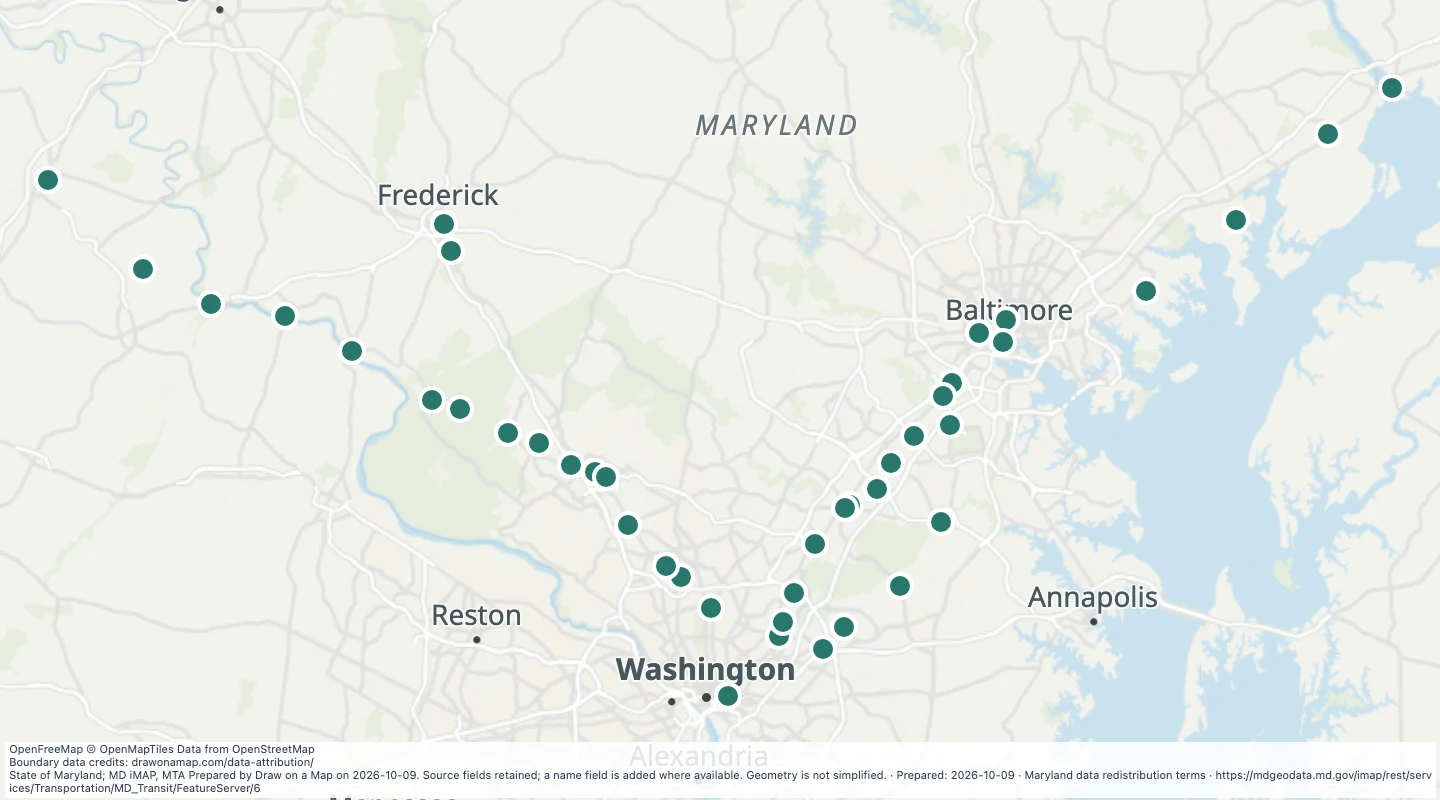 MARC Trains Stations in the Maryland transit source collectionExplore 44 source records for MARC Trains Stations in the Maryland transit source collection. View the map or download the GeoJSON snapshot.
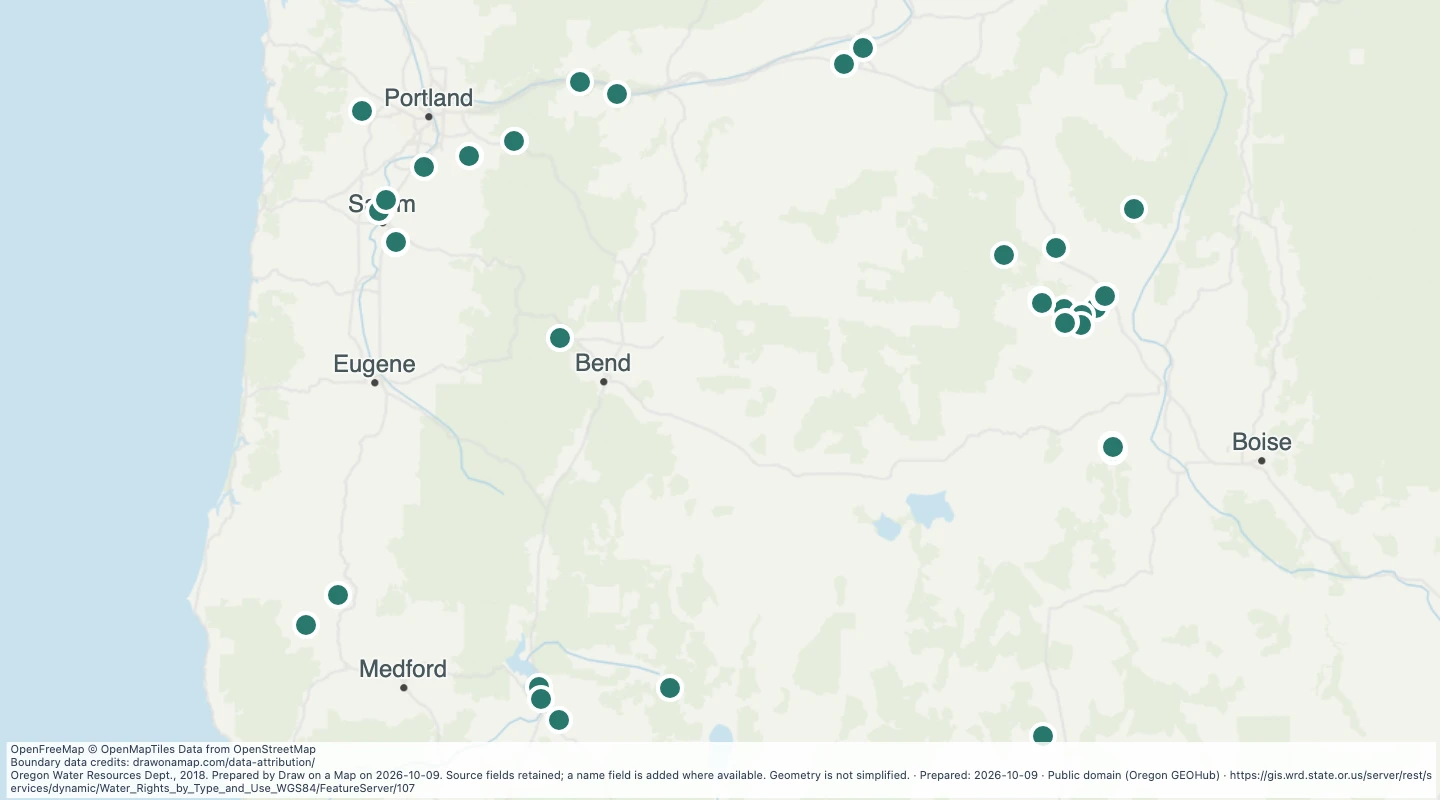 Oregon water rights: Points of Diversion - groundwater, MiningExplore 68 source records for Oregon water rights: Points of Diversion - groundwater, Mining. View the map or download the GeoJSON snapshot.
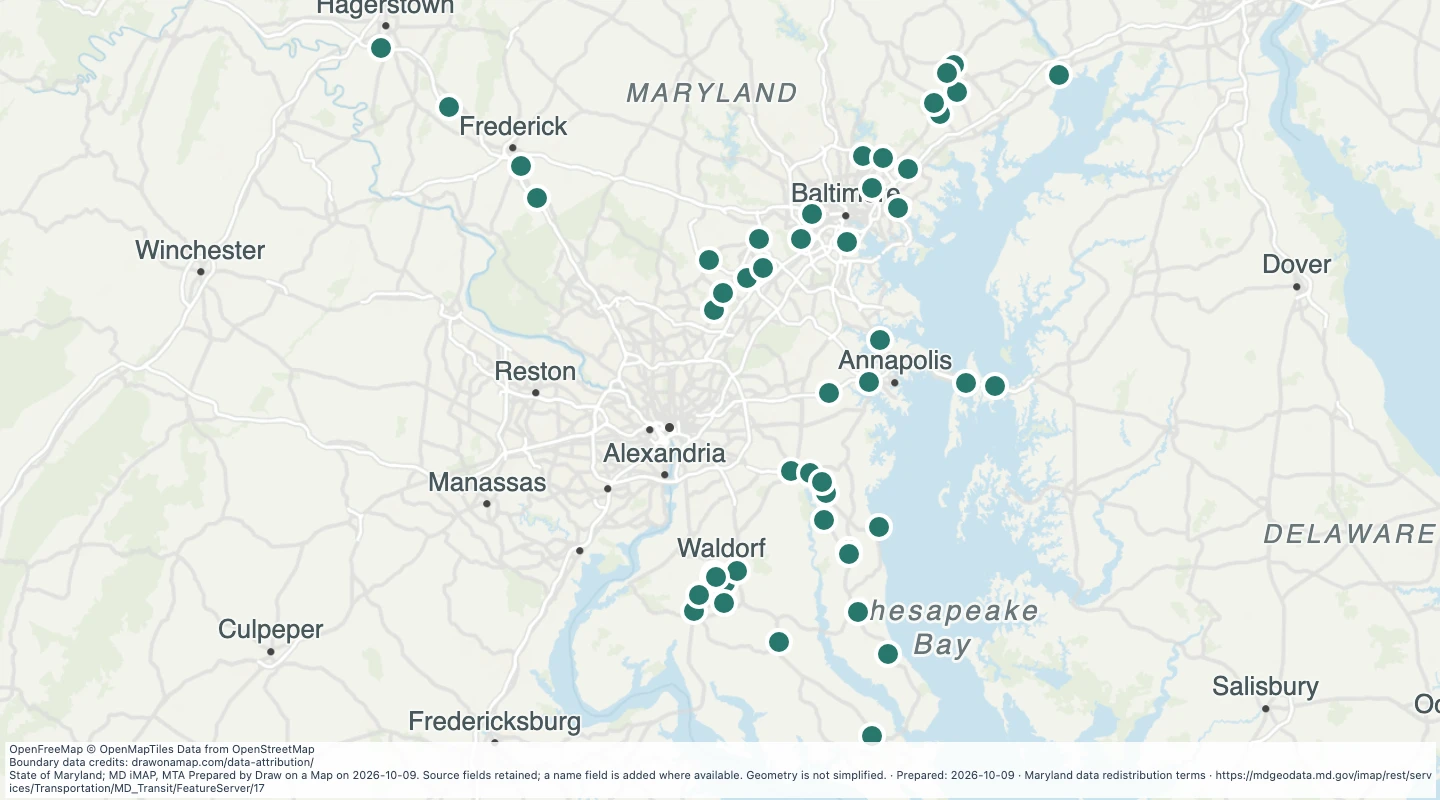 MTA Bus Parking in the Maryland transit source collectionExplore 50 source records for MTA Bus Parking in the Maryland transit source collection. View the map or download the GeoJSON snapshot.
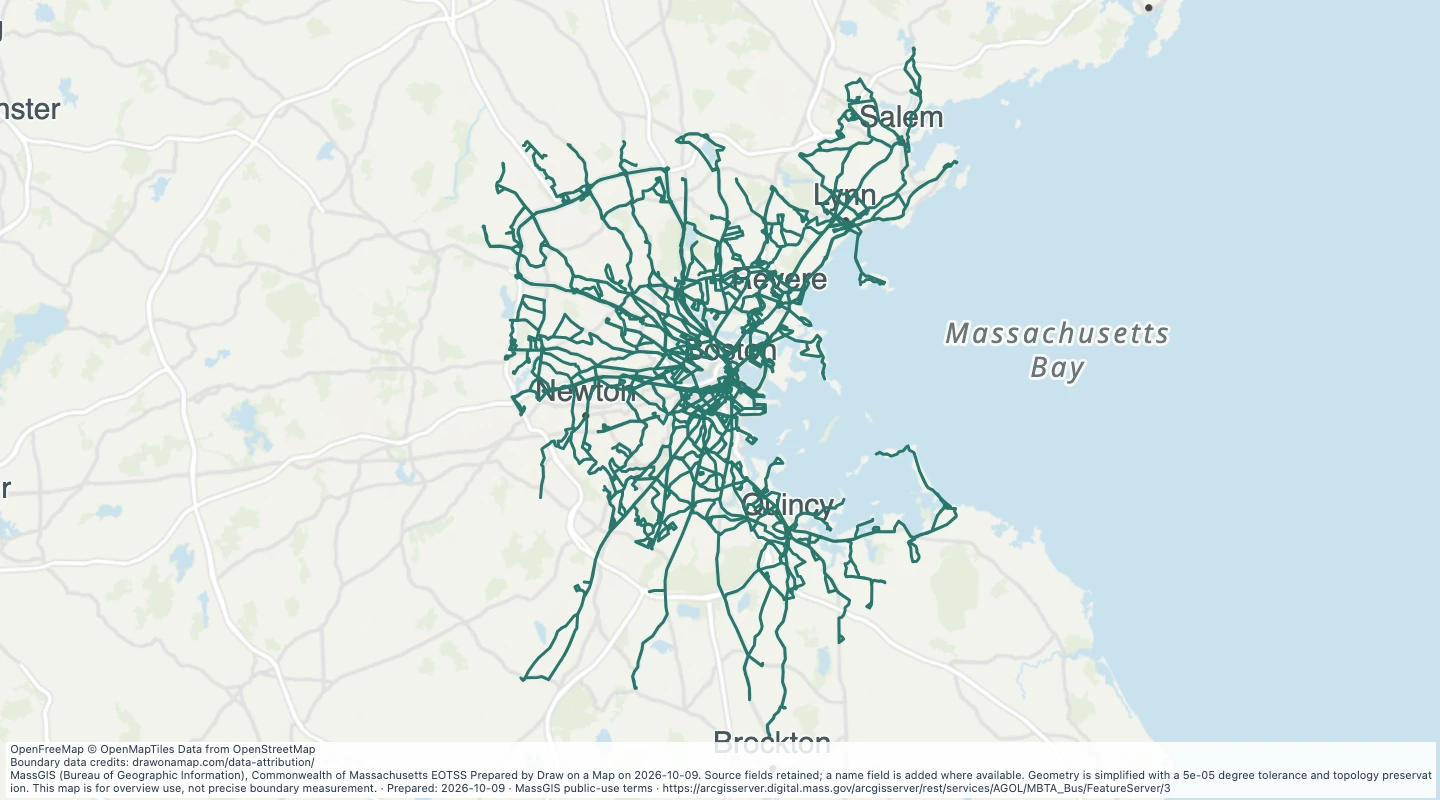 MBTA Bus Routes in the Boston-area transit network — MassachusettsExplore 923 source records for MBTA Bus Routes in the Boston-area transit network — Massachusetts. View the map or download the GeoJSON snapshot.
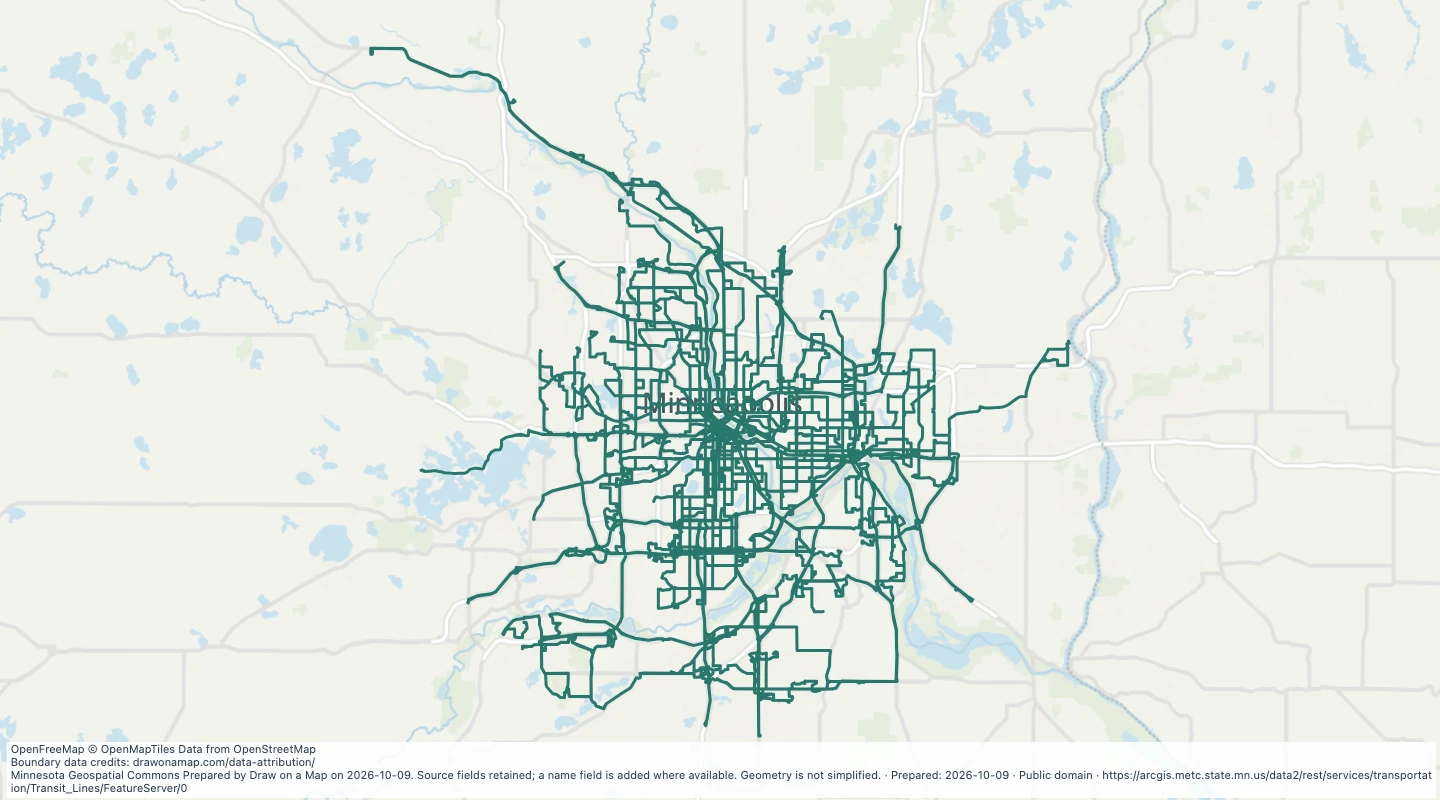 Fixed transit routes in the Twin Cities metropolitan areaExplore 162 source records for Fixed transit routes in the Twin Cities metropolitan area. View the map or download the GeoJSON snapshot.
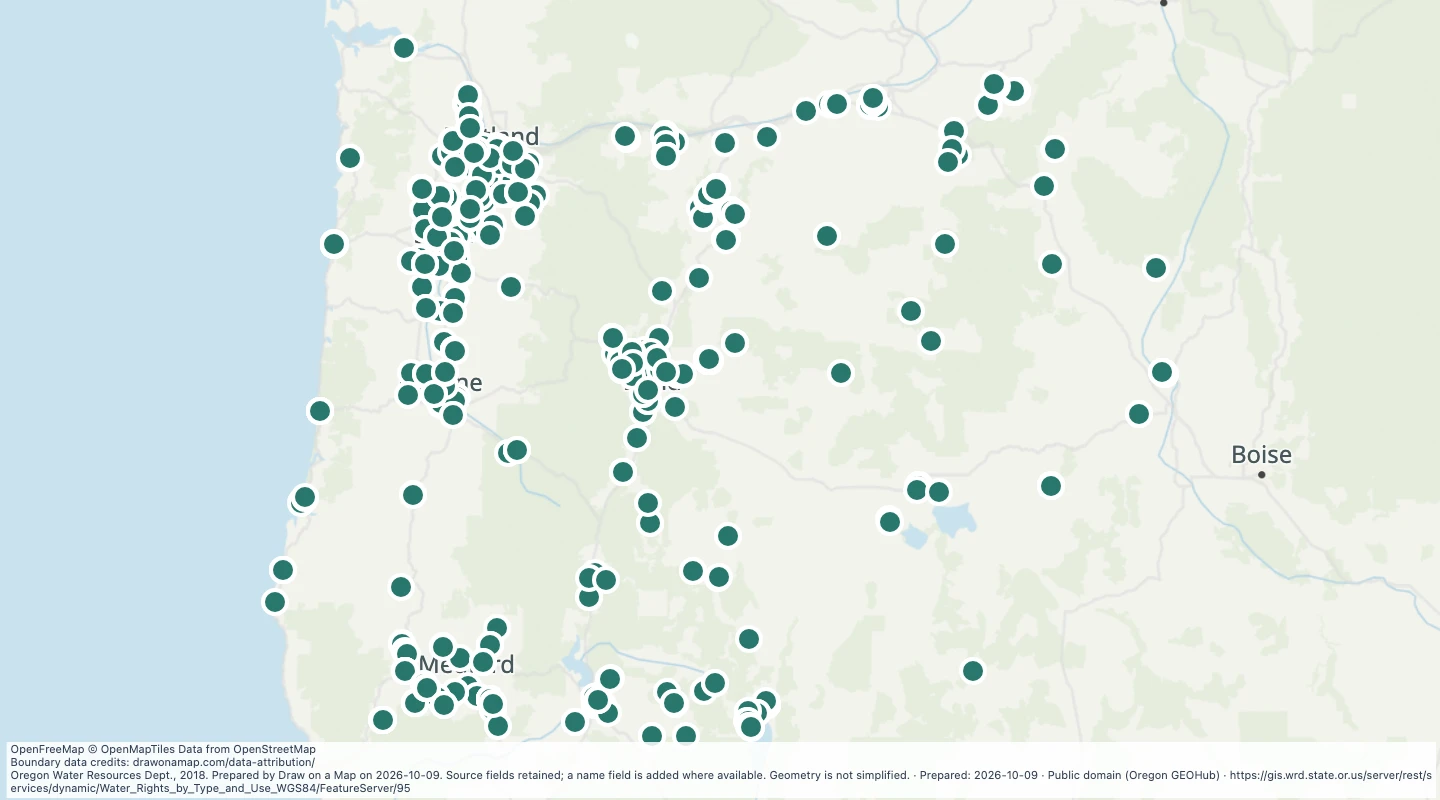 Oregon water rights: Points of Diversion - groundwater, miscellaneous usesExplore 807 source records for Oregon water rights: Points of Diversion - groundwater, miscellaneous uses. View the map or download the GeoJSON snapshot.
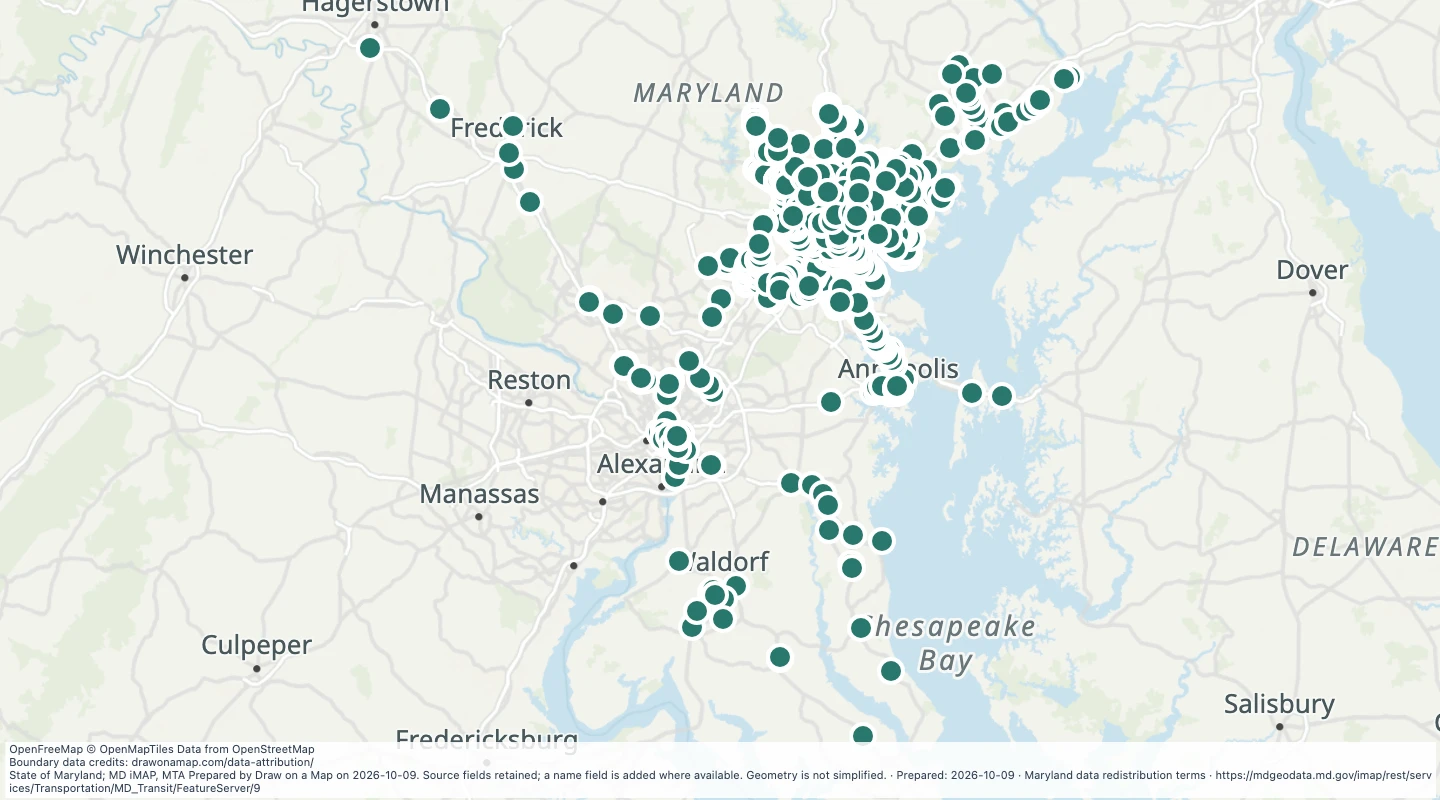 MTA Bus Stops in the Maryland transit source collectionExplore 4,449 source records for MTA Bus Stops in the Maryland transit source collection. View the map or download the GeoJSON snapshot.
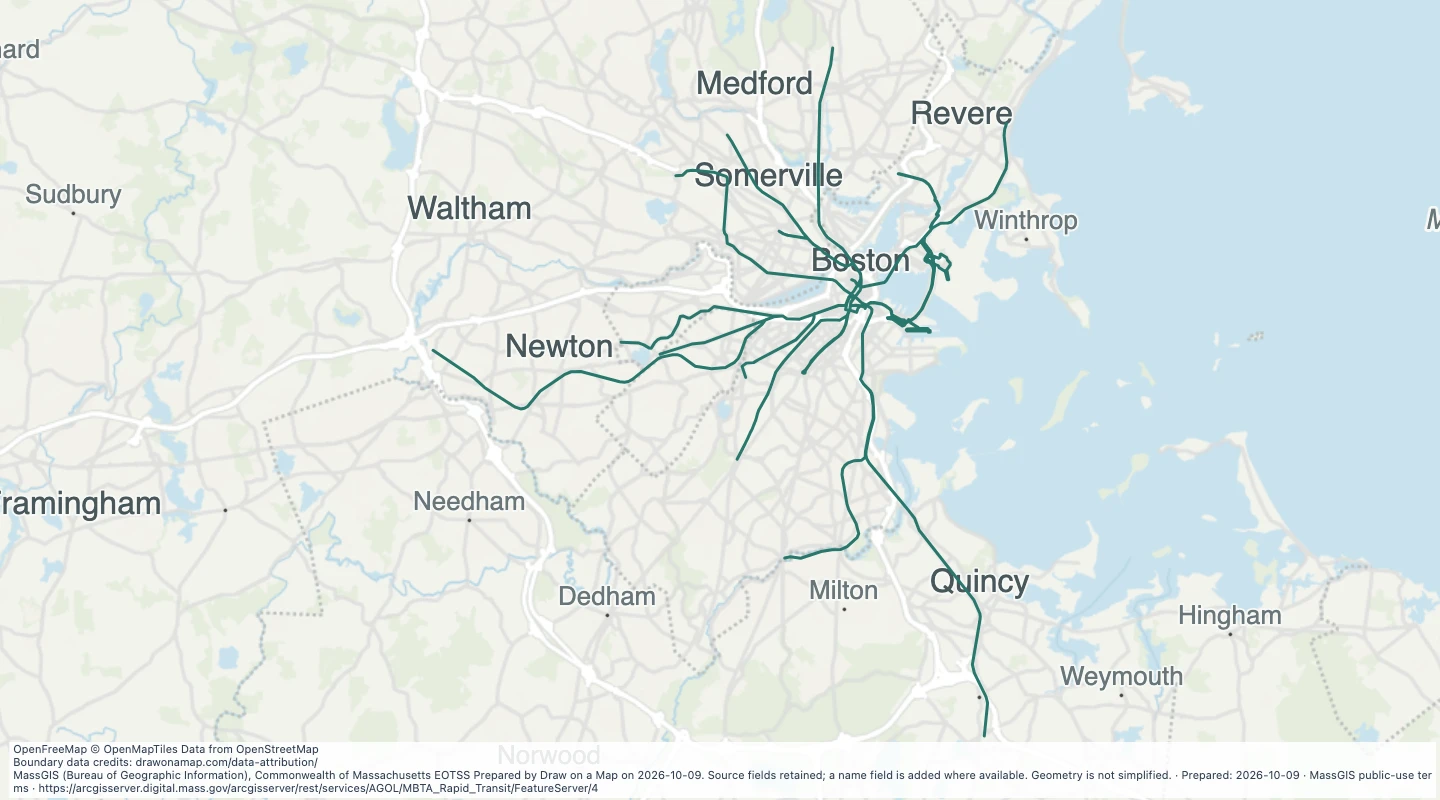 MBTA Rapid Transit Lines in the Boston-area transit network — MassachusettsExplore 141 source records for MBTA Rapid Transit Lines in the Boston-area transit network — Massachusetts. View the map or download the GeoJSON snapshot.
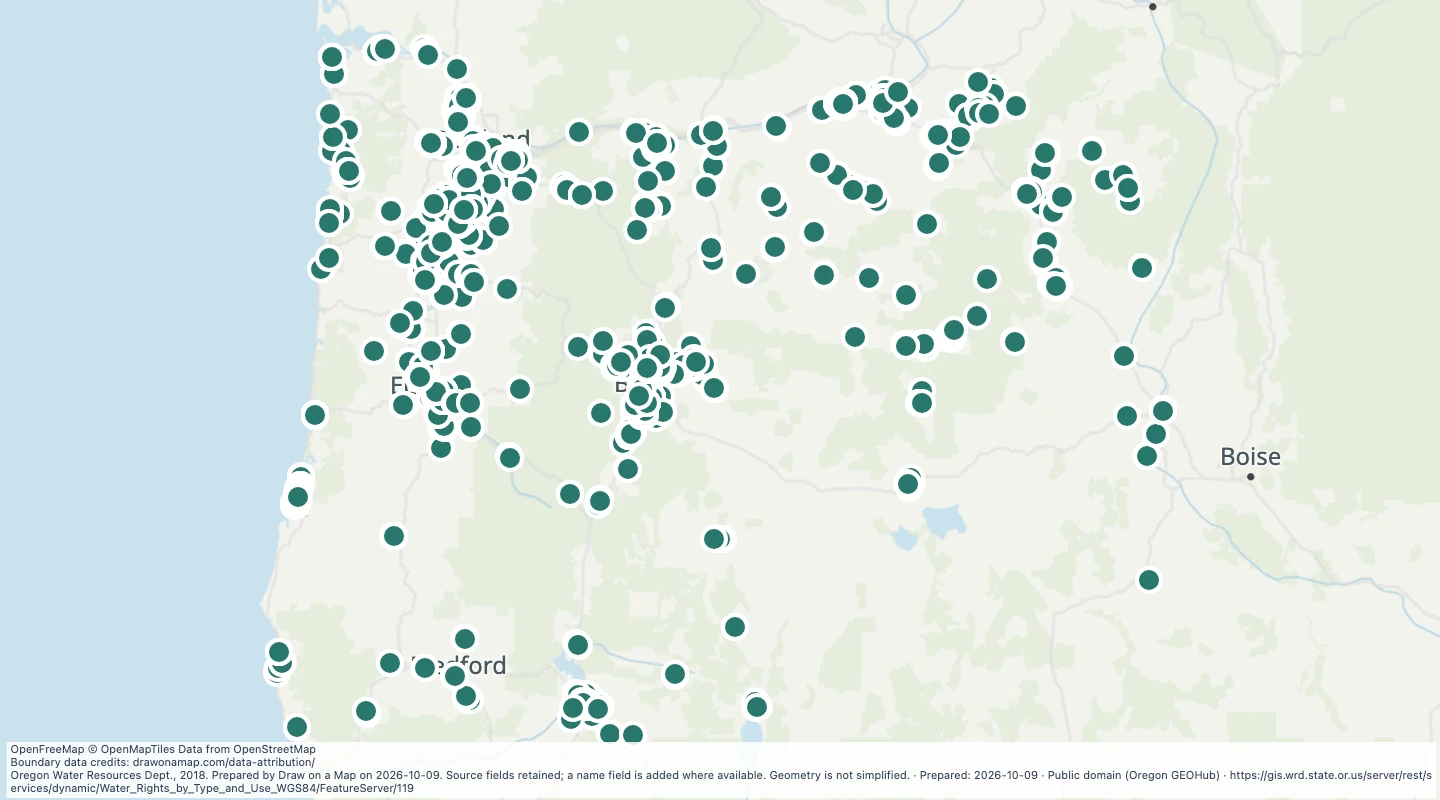 Oregon water rights: Points of Diversion - groundwater, MunicipalExplore 2,623 source records for Oregon water rights: Points of Diversion - groundwater, Municipal. View the map or download the GeoJSON snapshot.
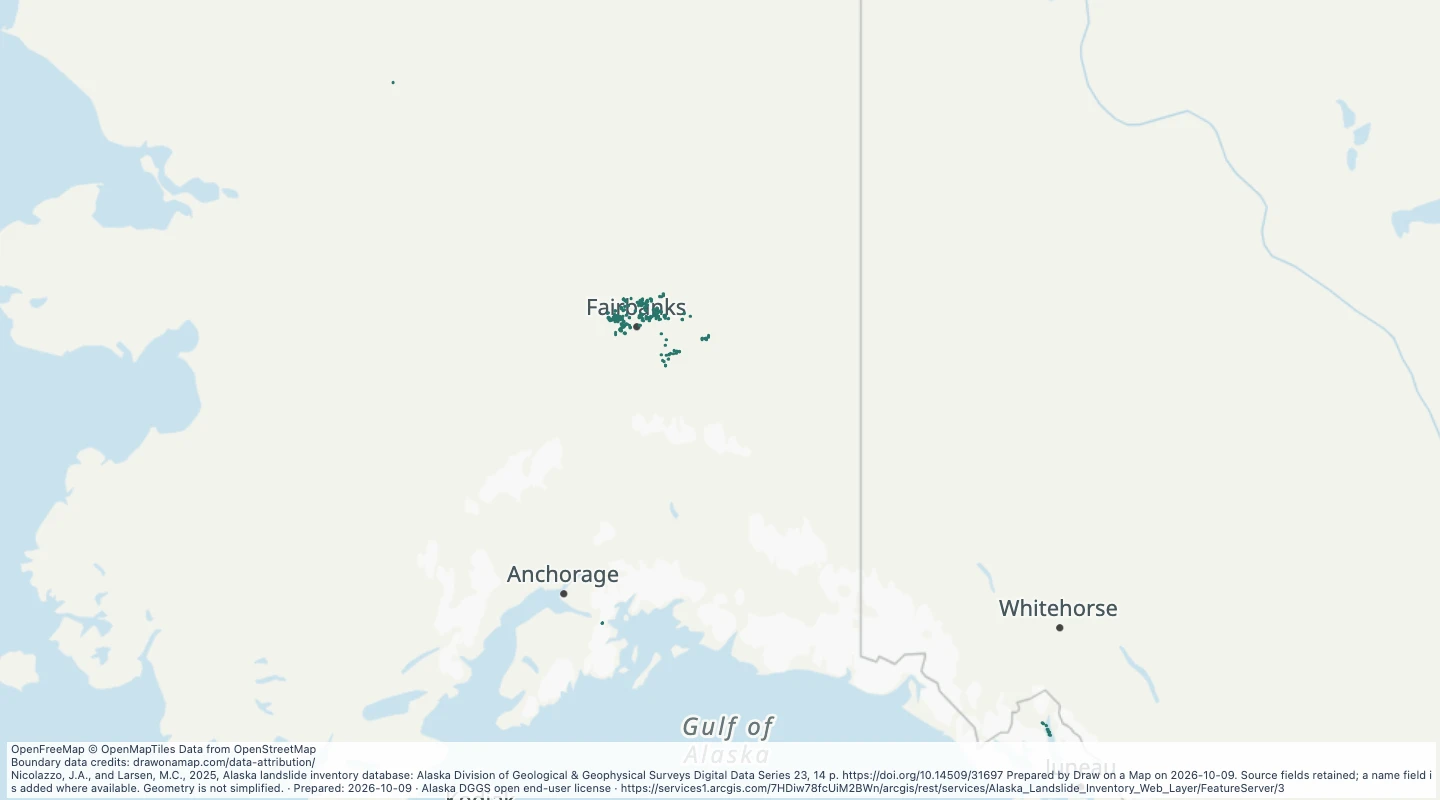 Alaska Landslide Inventory Web Layer: Landslide FlanksExplore 933 source records for Alaska Landslide Inventory Web Layer: Landslide Flanks. View the map or download the GeoJSON snapshot.
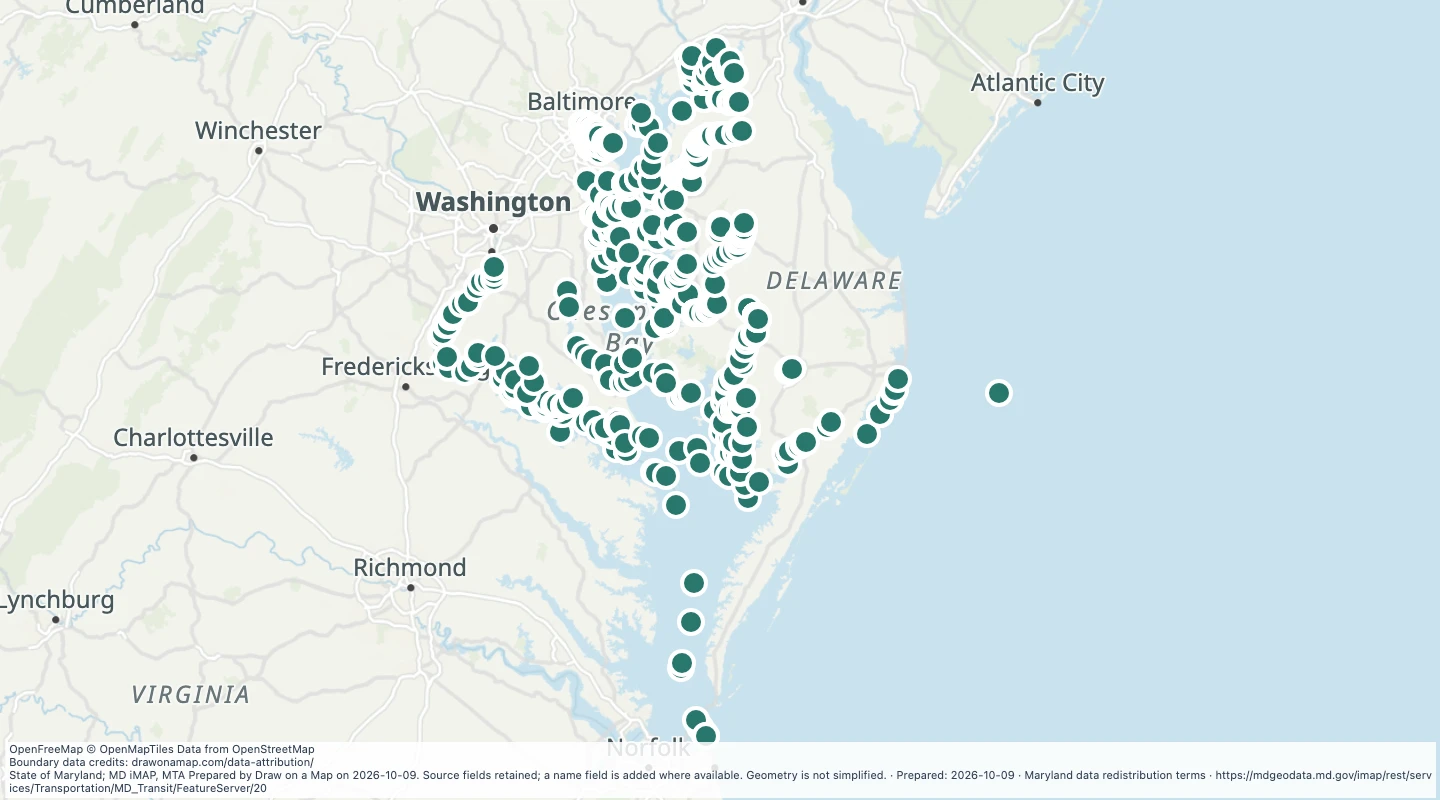 Sea Ports in the Maryland transit source collectionExplore 810 source records for Sea Ports in the Maryland transit source collection. View the map or download the GeoJSON snapshot.
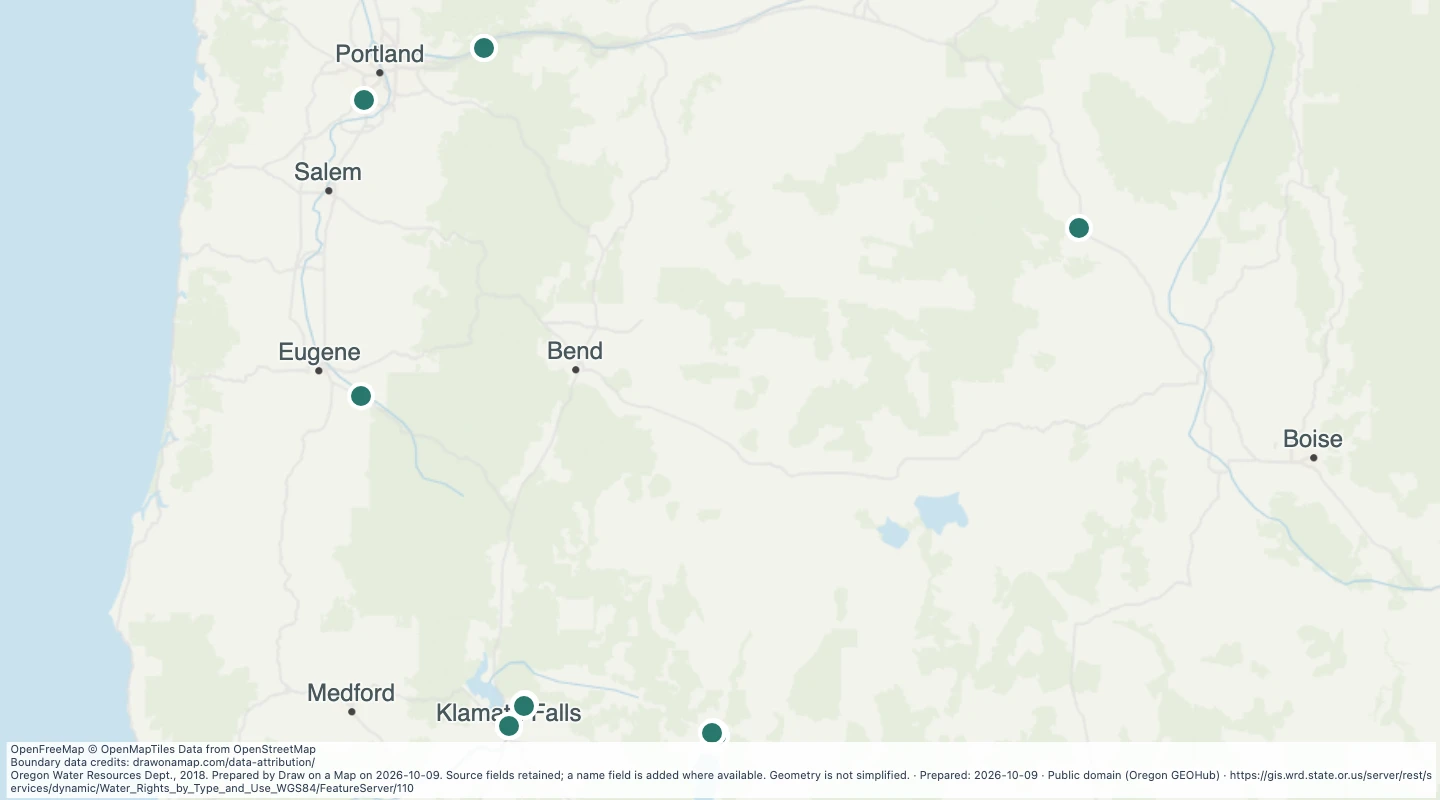 Oregon water rights: Points of Diversion - groundwater, PowerExplore 23 source records for Oregon water rights: Points of Diversion - groundwater, Power. View the map or download the GeoJSON snapshot.
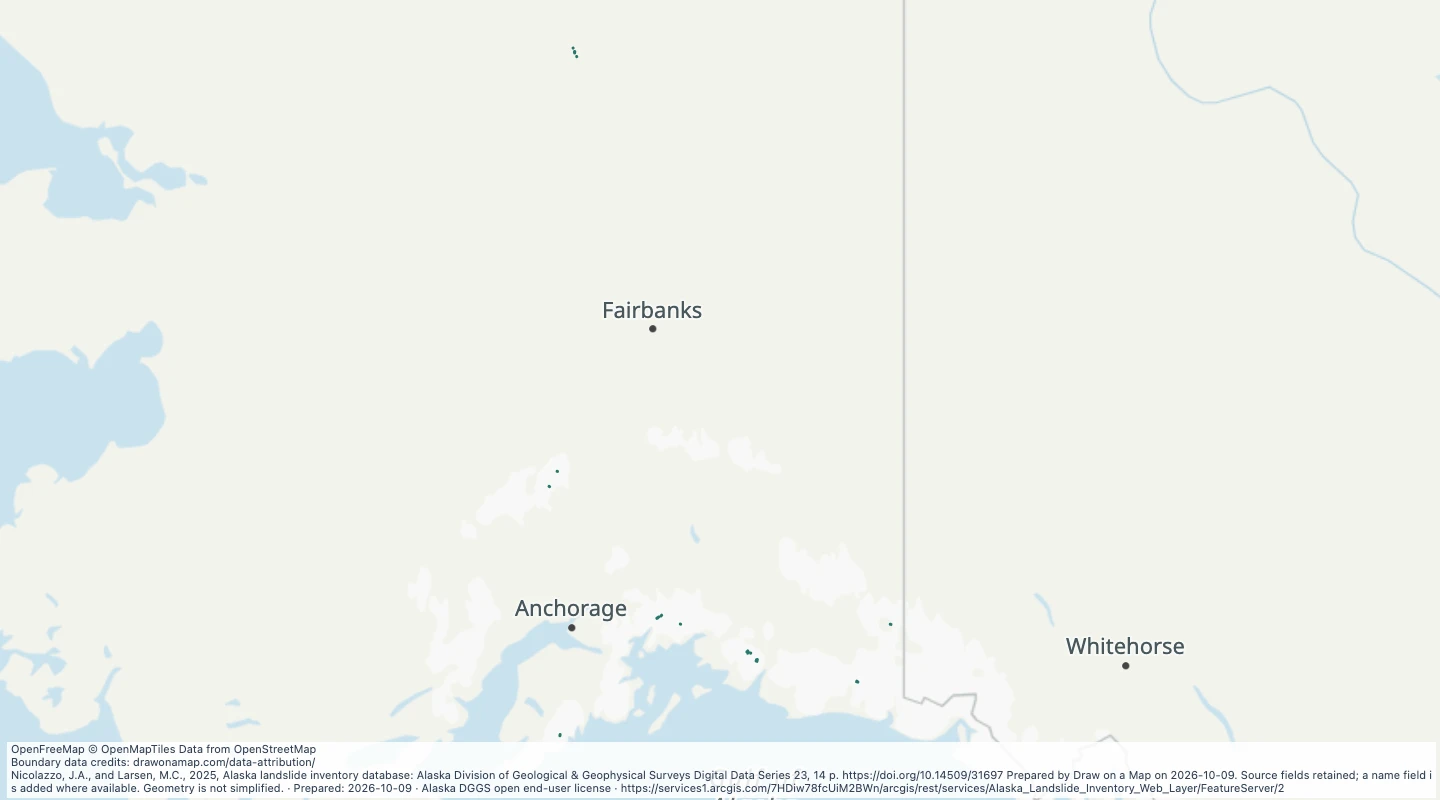 Alaska Landslide Inventory Web Layer: Landslide ToeExplore 23 source records for Alaska Landslide Inventory Web Layer: Landslide Toe. View the map or download the GeoJSON snapshot.
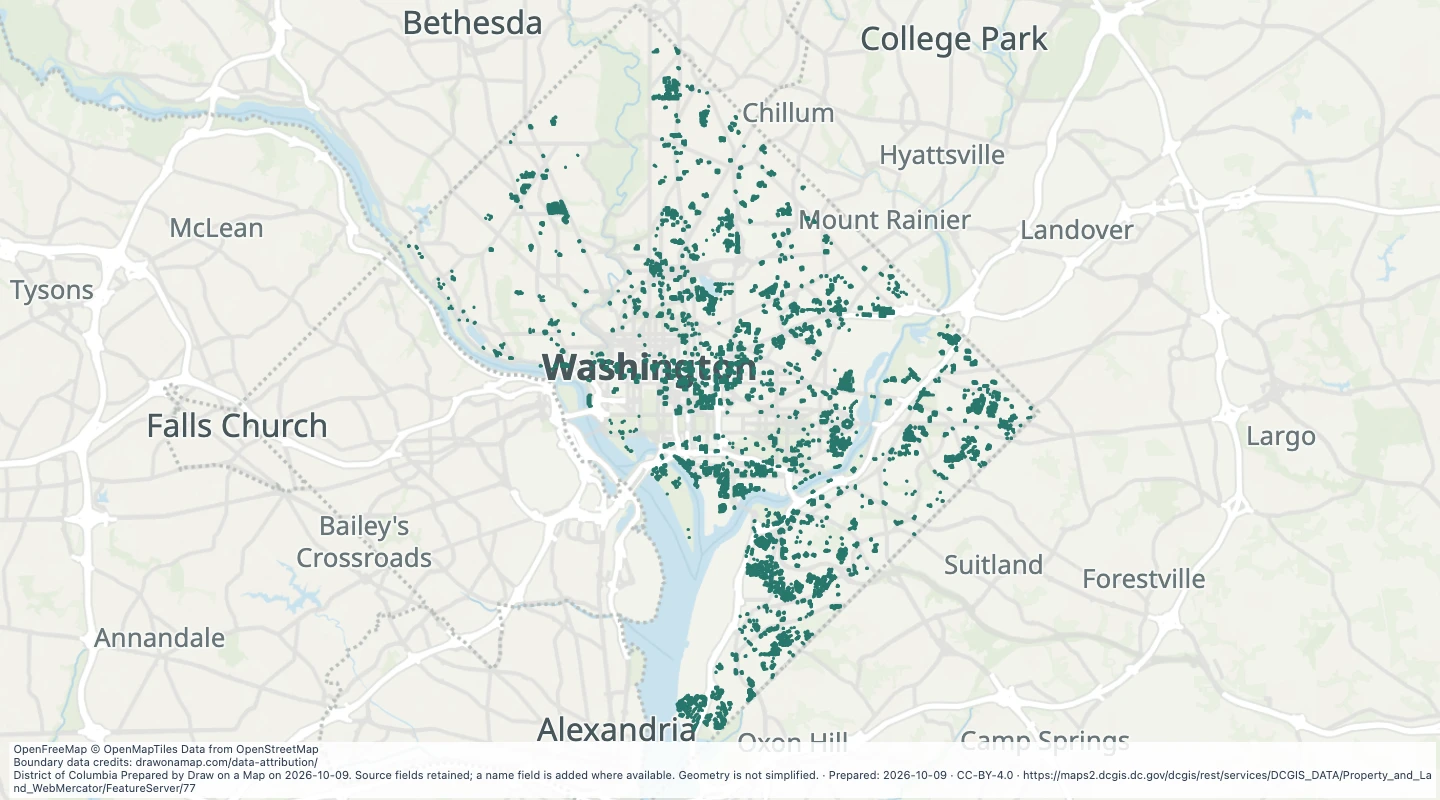 District structure outlines in Washington, DCExplore 6,324 source records for District structure outlines in Washington, DC. View the map or download the GeoJSON snapshot.
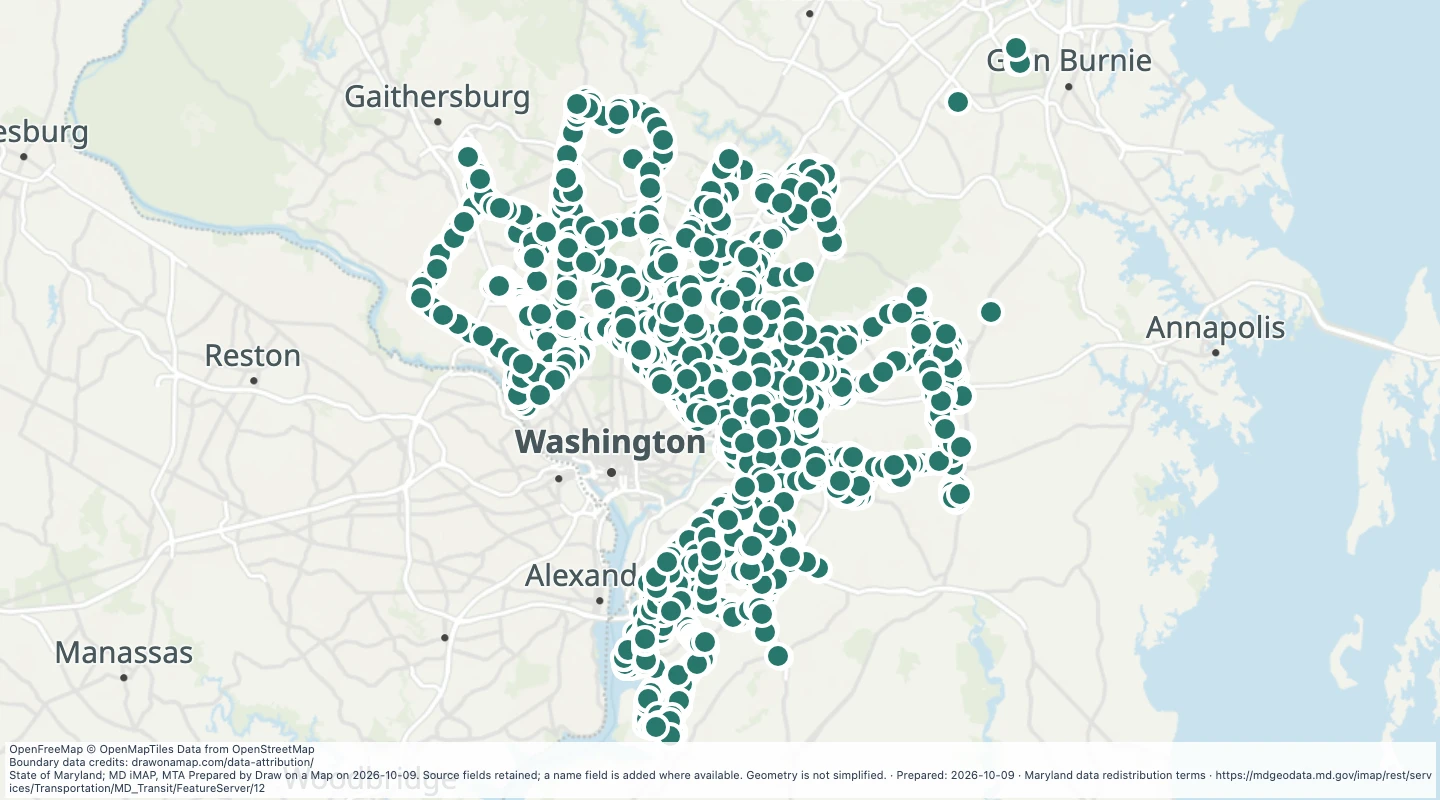 WMATA Metro Bus Stops in the Maryland transit source collectionExplore 4,530 source records for WMATA Metro Bus Stops in the Maryland transit source collection. View the map or download the GeoJSON snapshot.
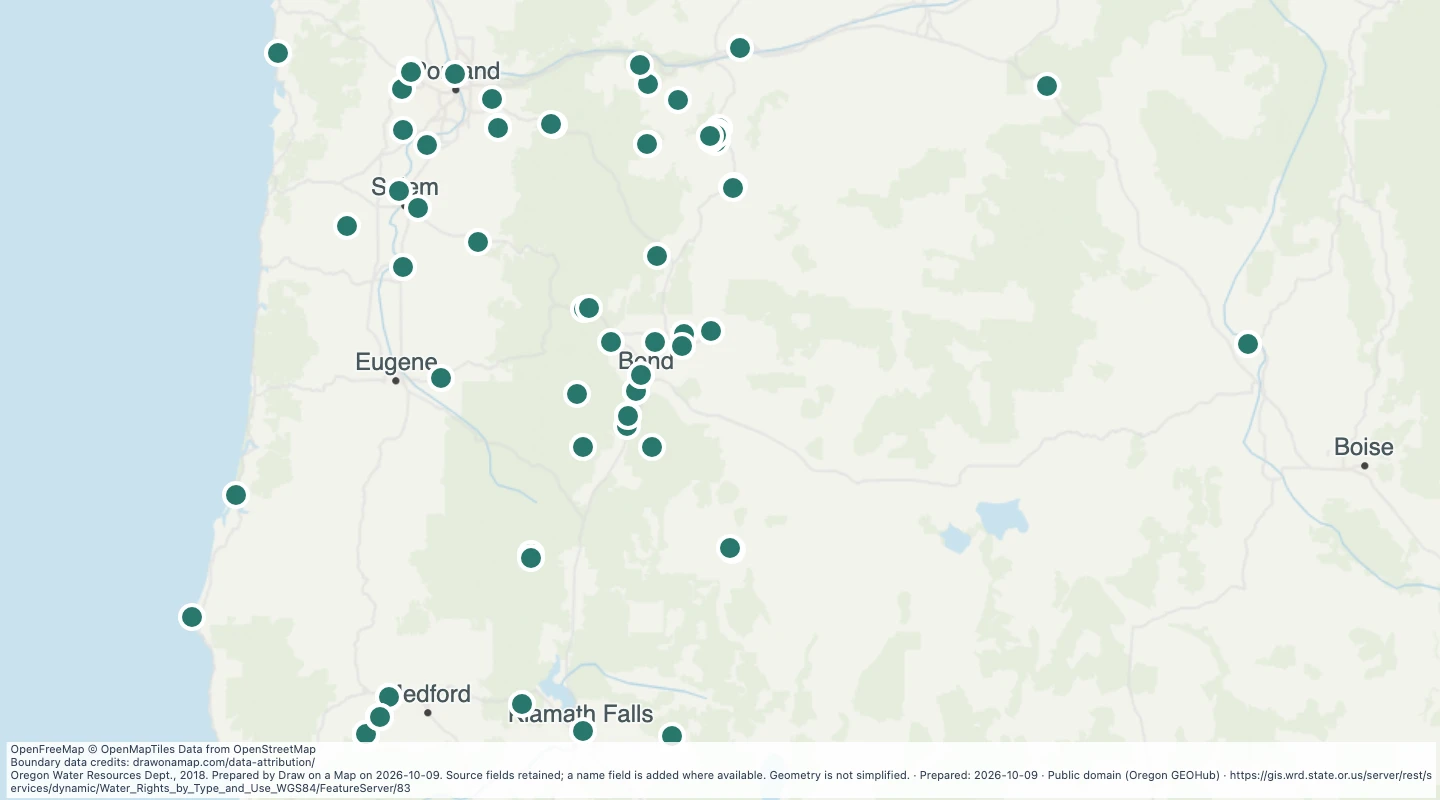 Oregon water rights: Points of Diversion - groundwater, RecreationExplore 97 source records for Oregon water rights: Points of Diversion - groundwater, Recreation. View the map or download the GeoJSON snapshot.
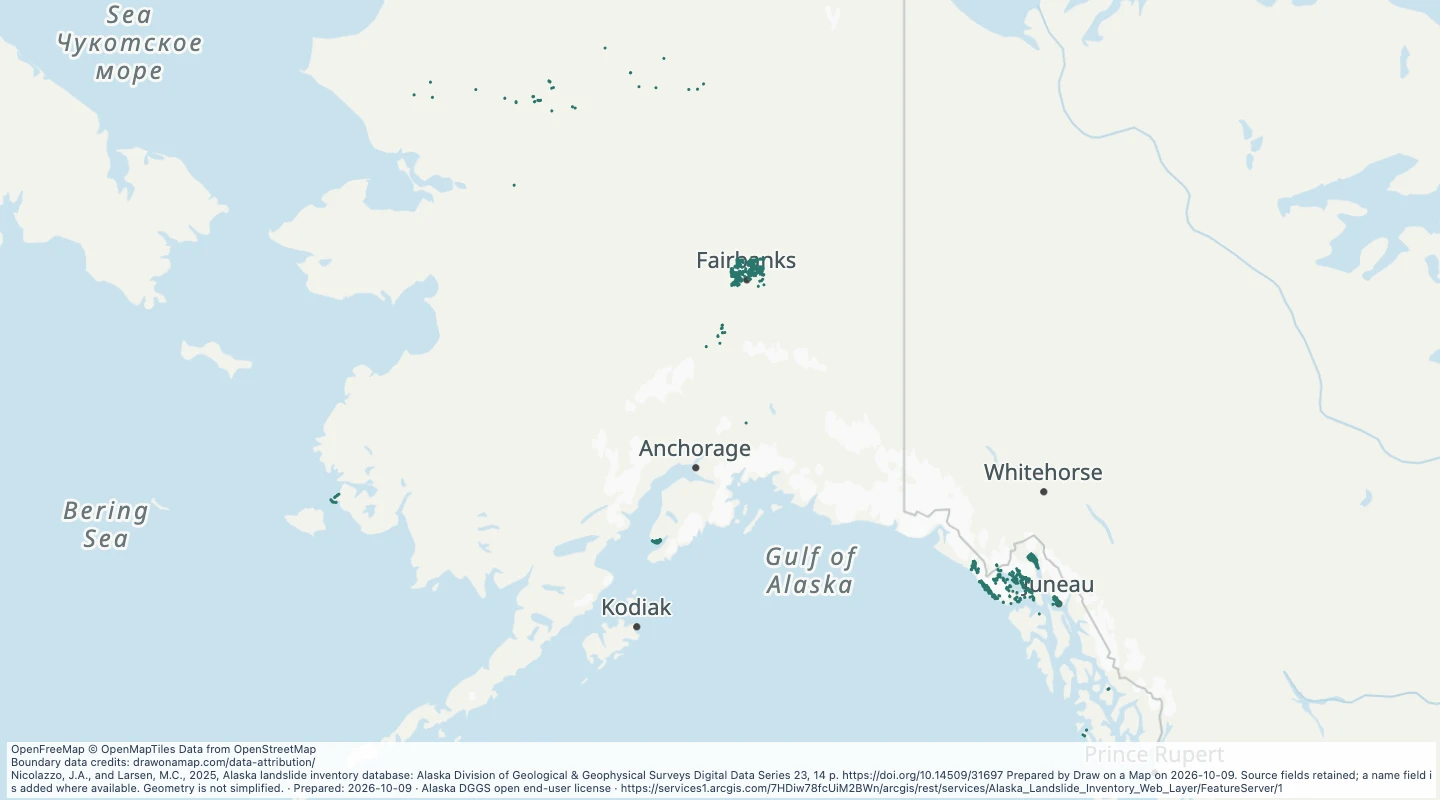 Alaska Landslide Inventory Web Layer: ScarpsExplore 6,925 source records for Alaska Landslide Inventory Web Layer: Scarps. View the map or download the GeoJSON snapshot.
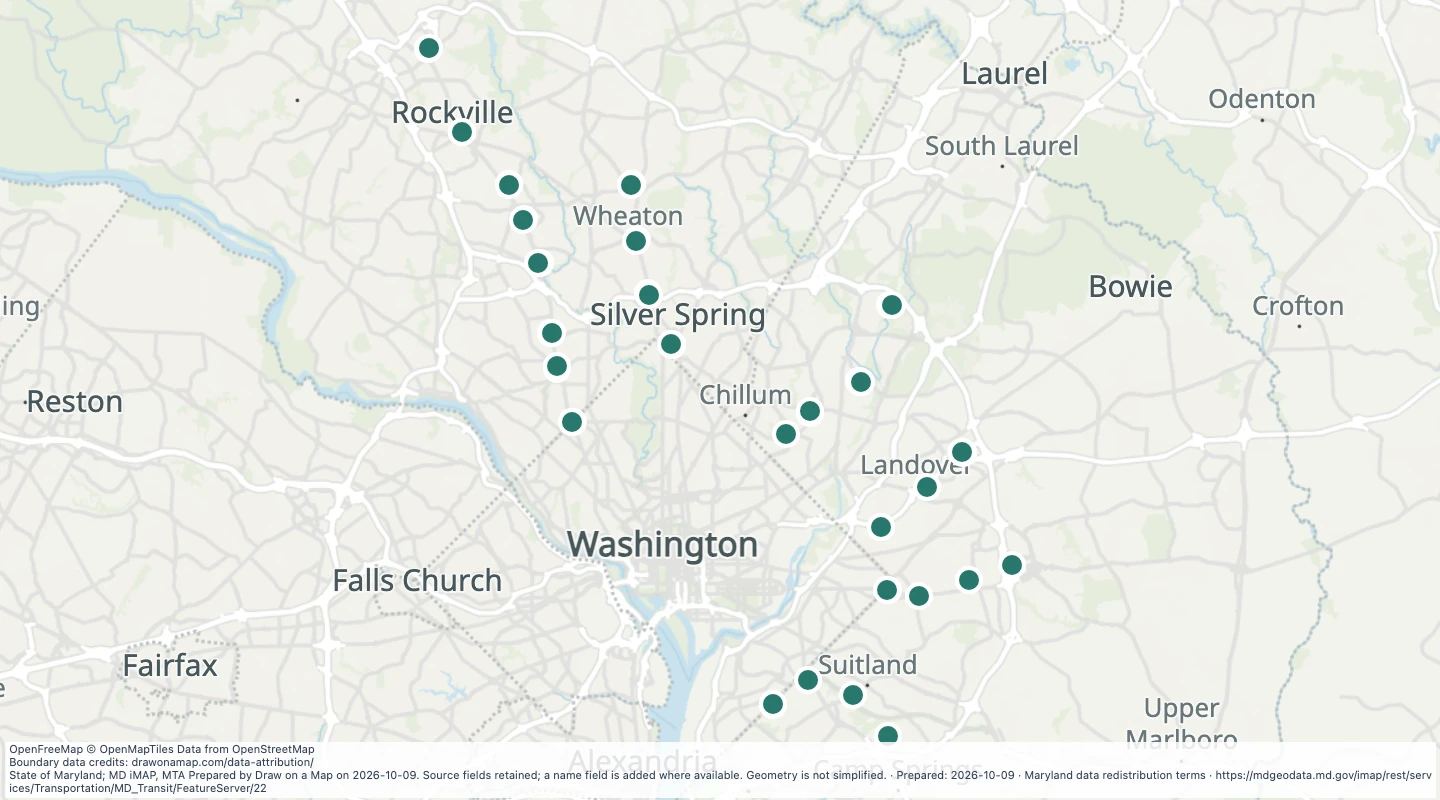 WMATA Metro Station Entrances in the Maryland transit source collectionExplore 55 source records for WMATA Metro Station Entrances in the Maryland transit source collection. View the map or download the GeoJSON snapshot.
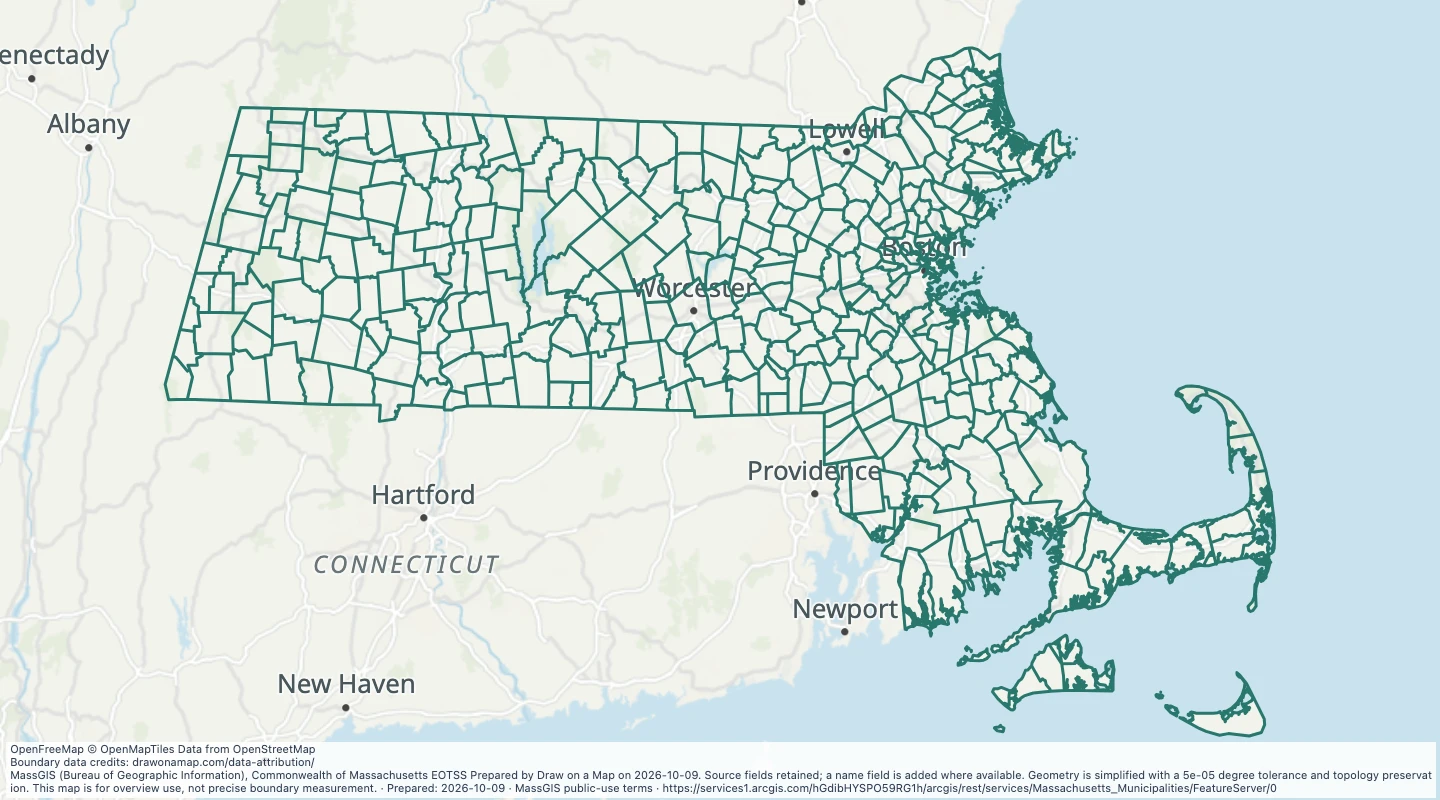 Massachusetts Municipalities: Massachusetts Municipalities LinesExplore 1,945 source records for Massachusetts Municipalities: Massachusetts Municipalities Lines. View the map or download the GeoJSON snapshot.
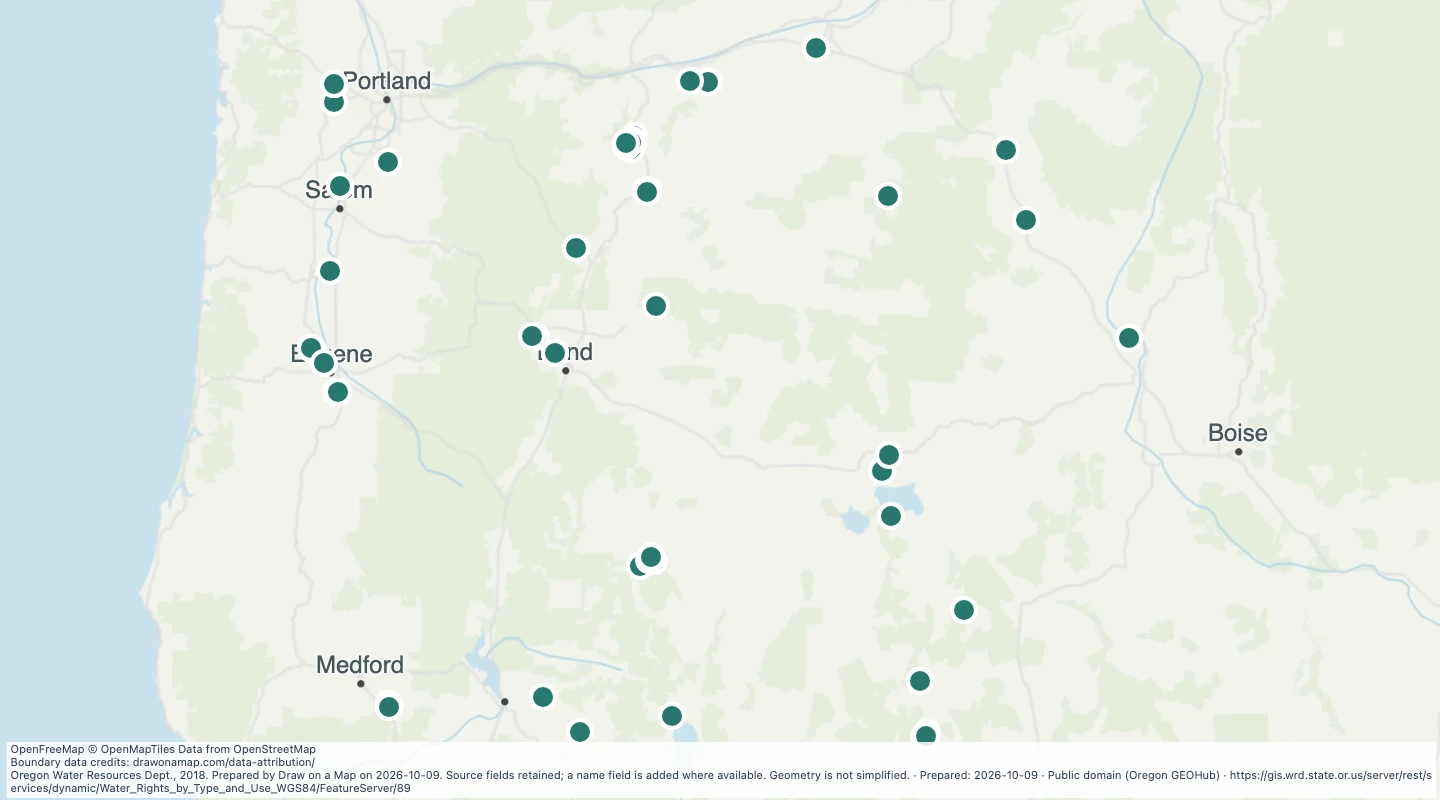 Oregon water rights: Points of Diversion - groundwater, WildlifeExplore 83 source records for Oregon water rights: Points of Diversion - groundwater, Wildlife. View the map or download the GeoJSON snapshot.
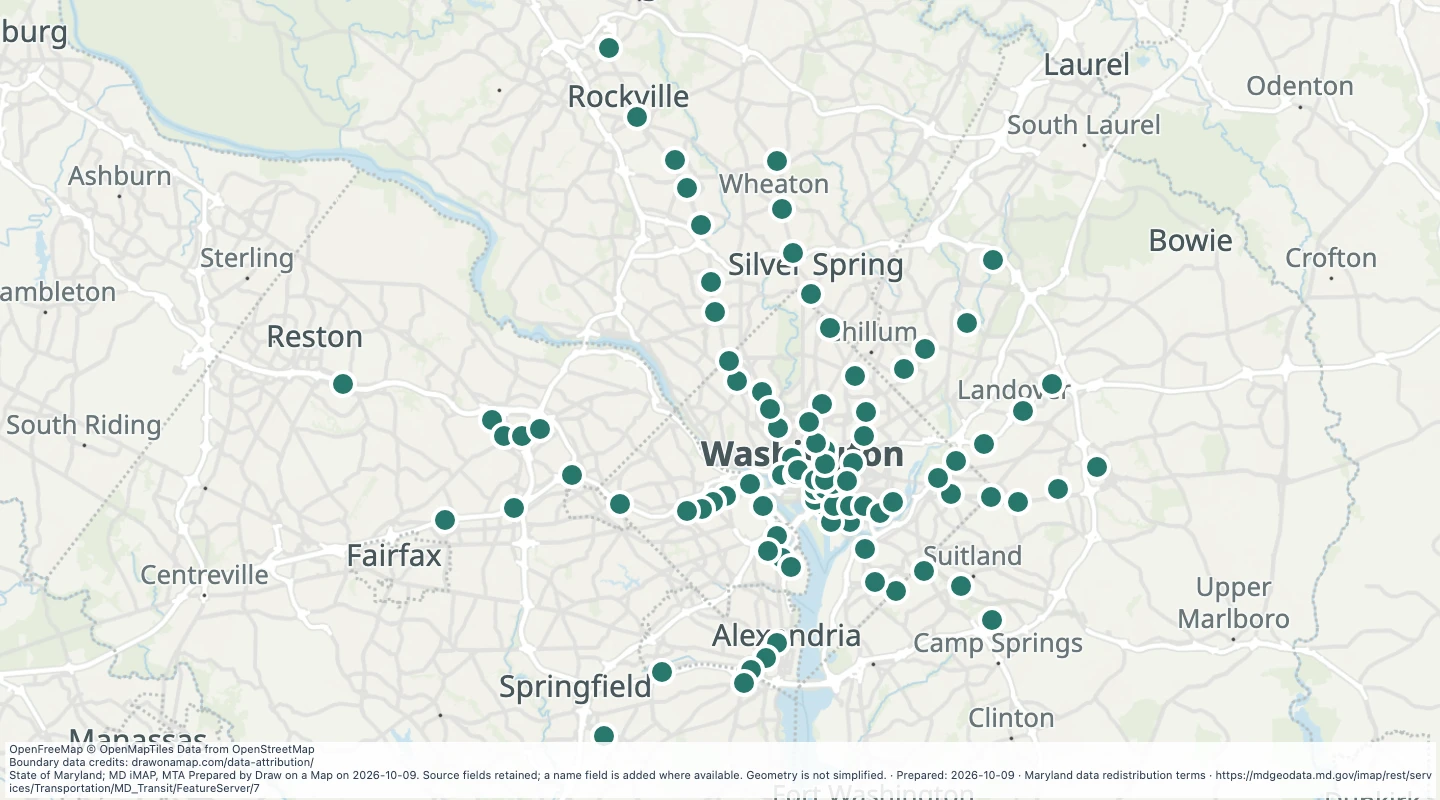 WMATA Metro Stops in the Maryland transit source collectionExplore 91 source records for WMATA Metro Stops in the Maryland transit source collection. View the map or download the GeoJSON snapshot.
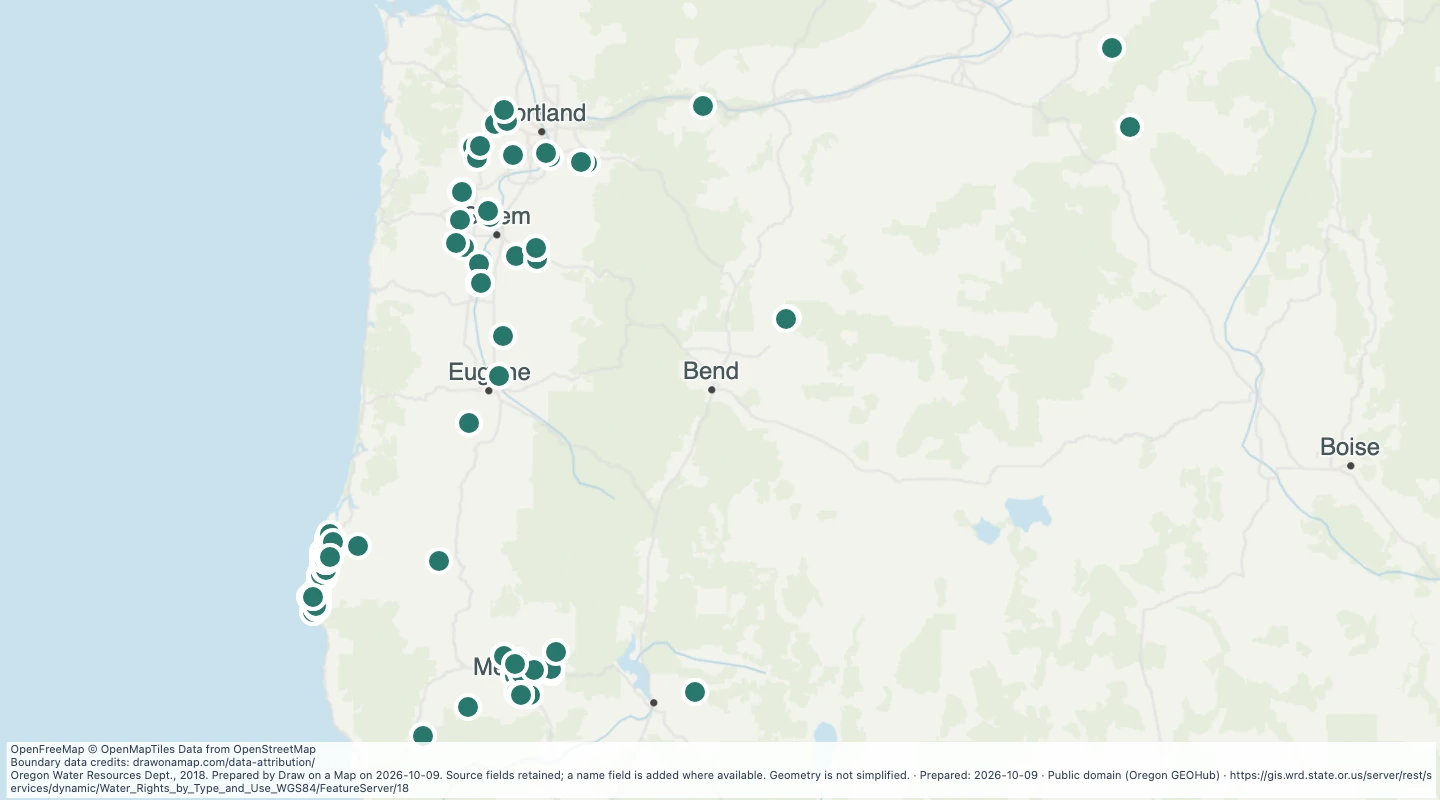 Oregon water rights: Points of Diversion - storage, AgricultureExplore 414 source records for Oregon water rights: Points of Diversion - storage, Agriculture. View the map or download the GeoJSON snapshot.
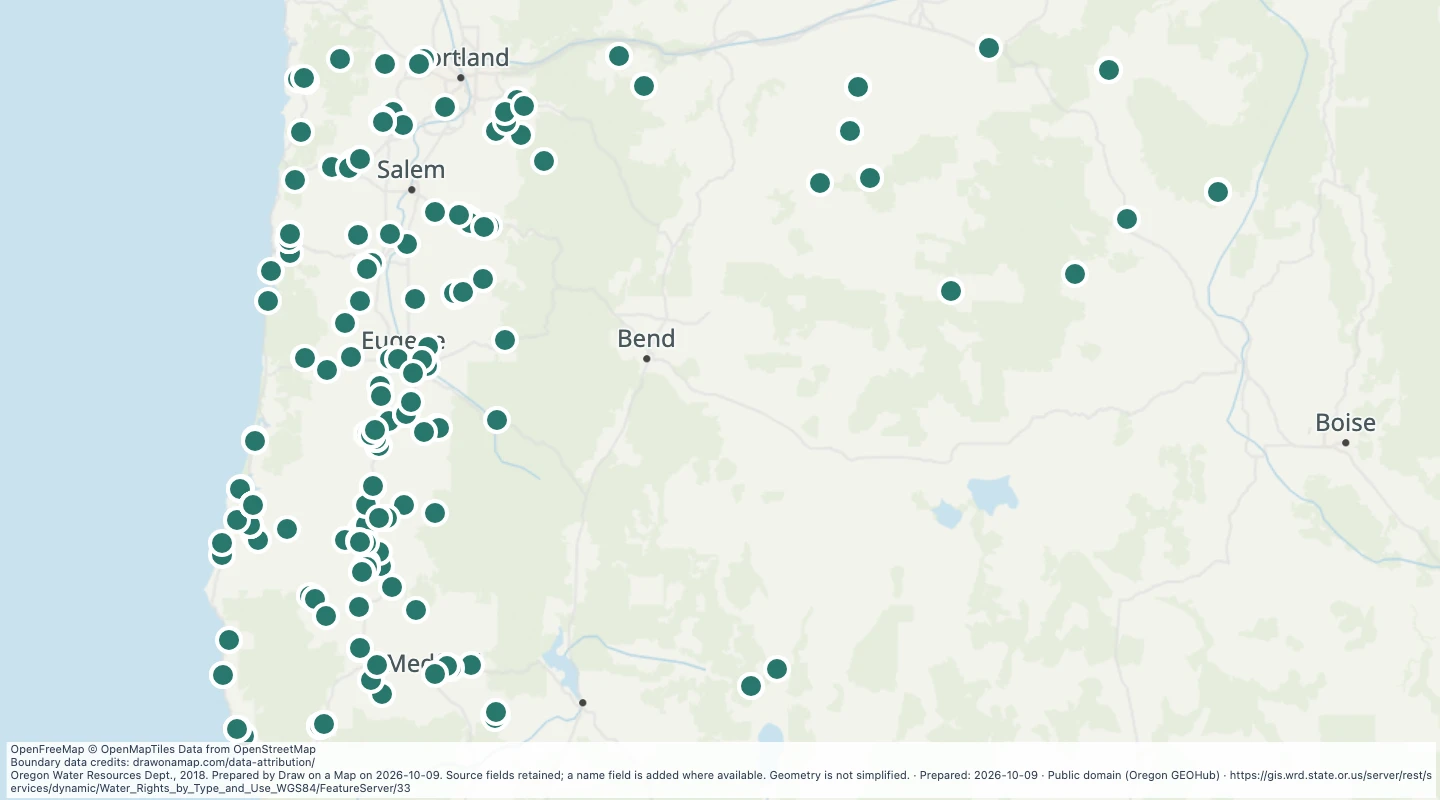 Oregon water rights: Points of Diversion - storage, CommercialExplore 225 source records for Oregon water rights: Points of Diversion - storage, Commercial. View the map or download the GeoJSON snapshot.
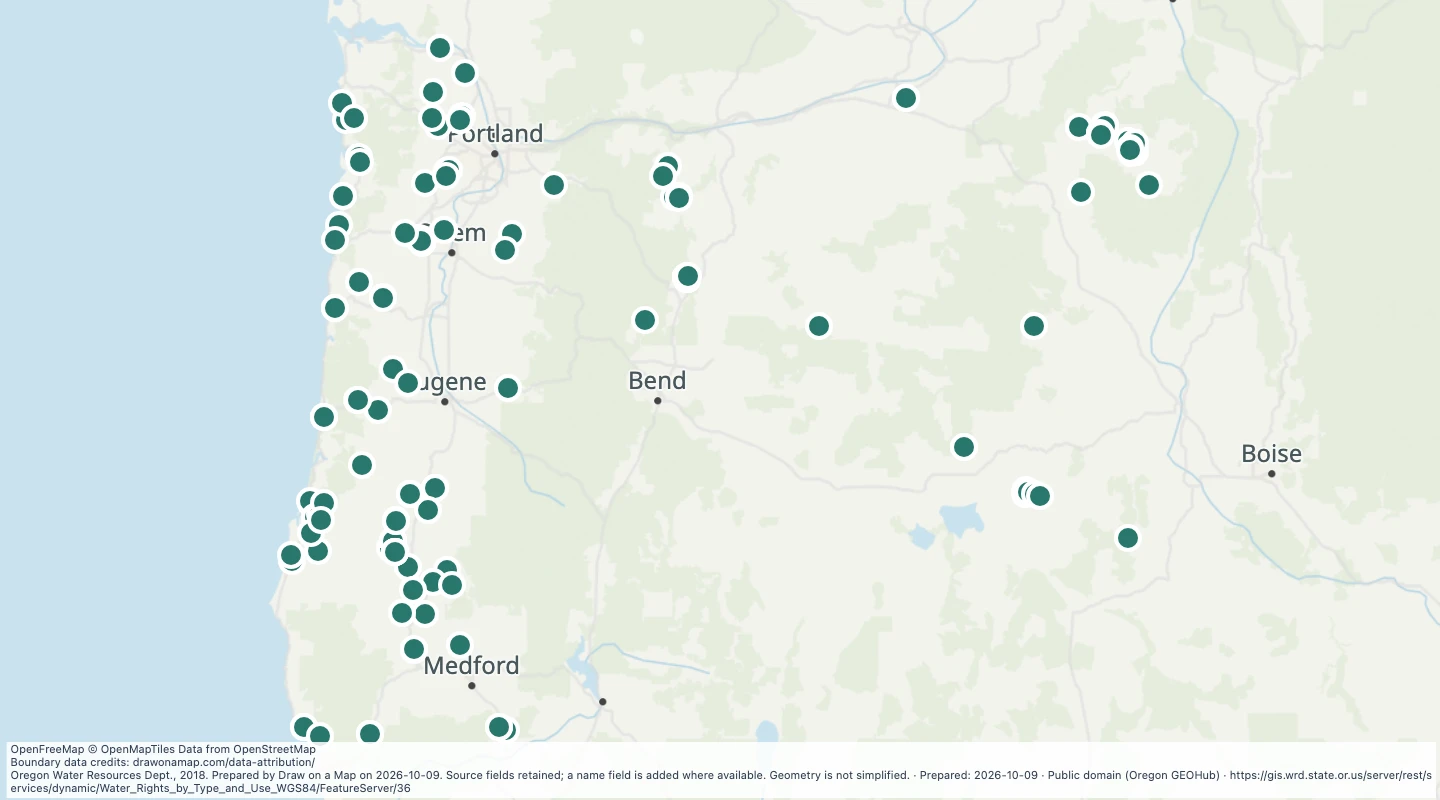 Oregon water rights: Points of Diversion - storage, DomesticExplore 164 source records for Oregon water rights: Points of Diversion - storage, Domestic. View the map or download the GeoJSON snapshot.
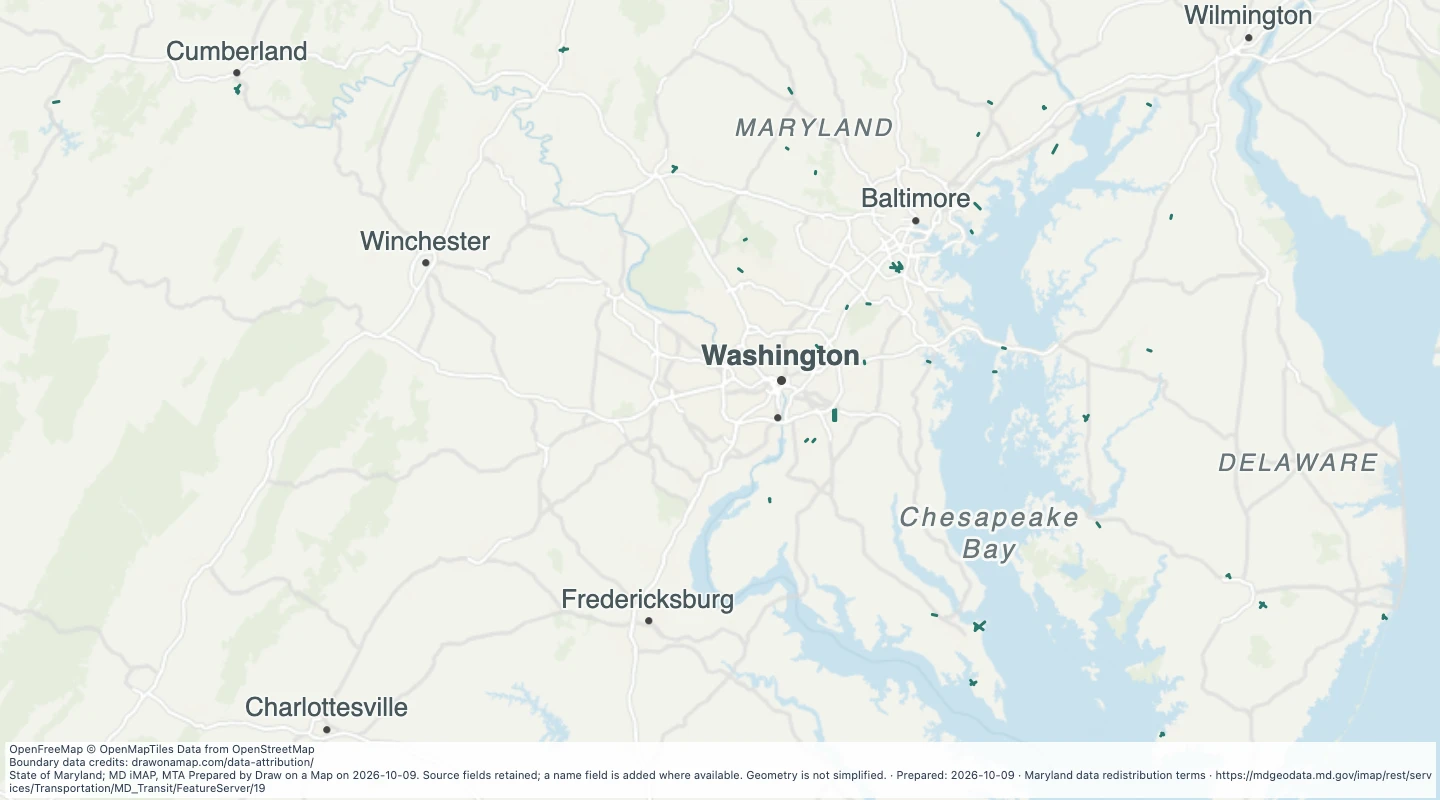 Airport Runways in the Maryland transit source collectionExplore 59 source records for Airport Runways in the Maryland transit source collection. View the map or download the GeoJSON snapshot.
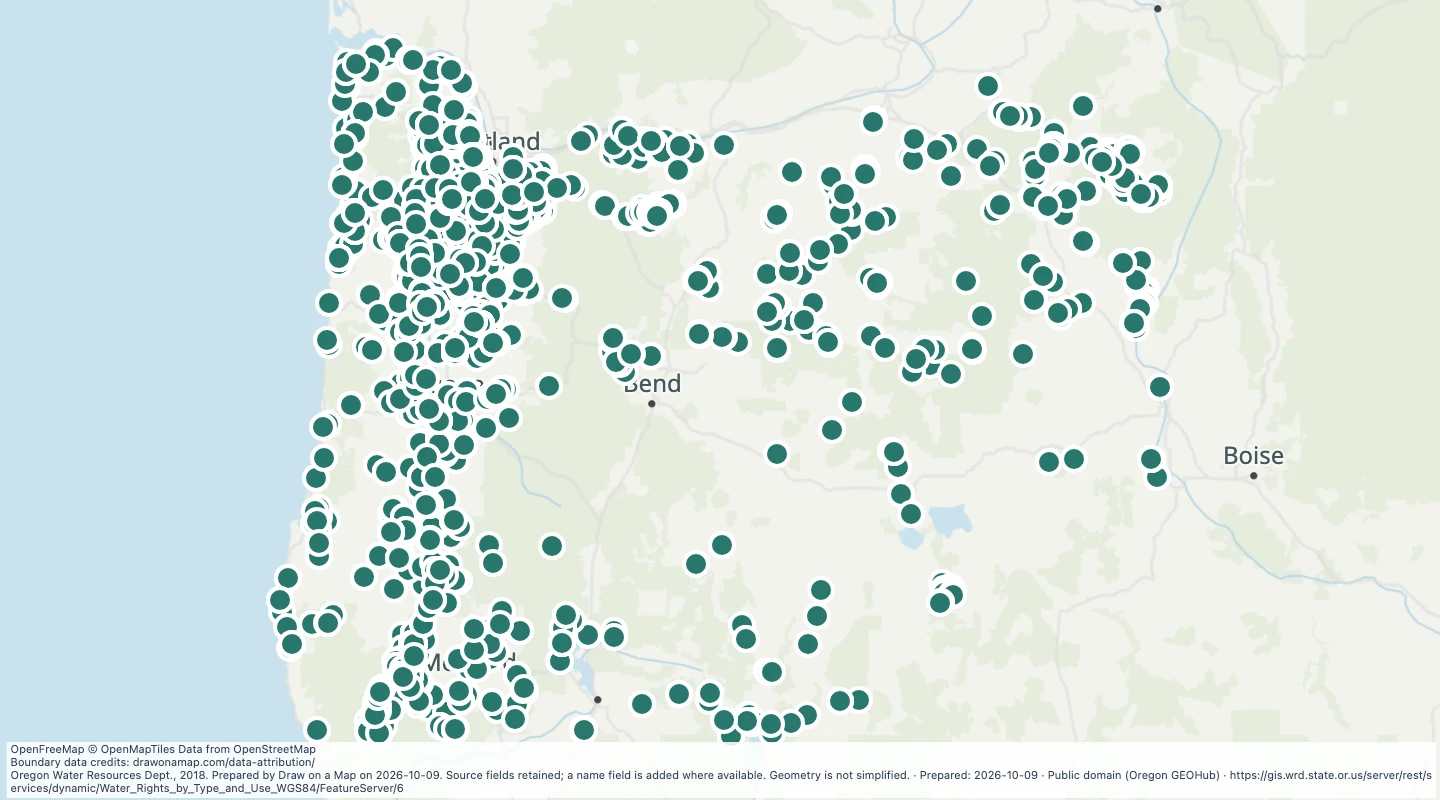 Oregon water rights: Points of Diversion - storage, FishExplore 2,107 source records for Oregon water rights: Points of Diversion - storage, Fish. View the map or download the GeoJSON snapshot.
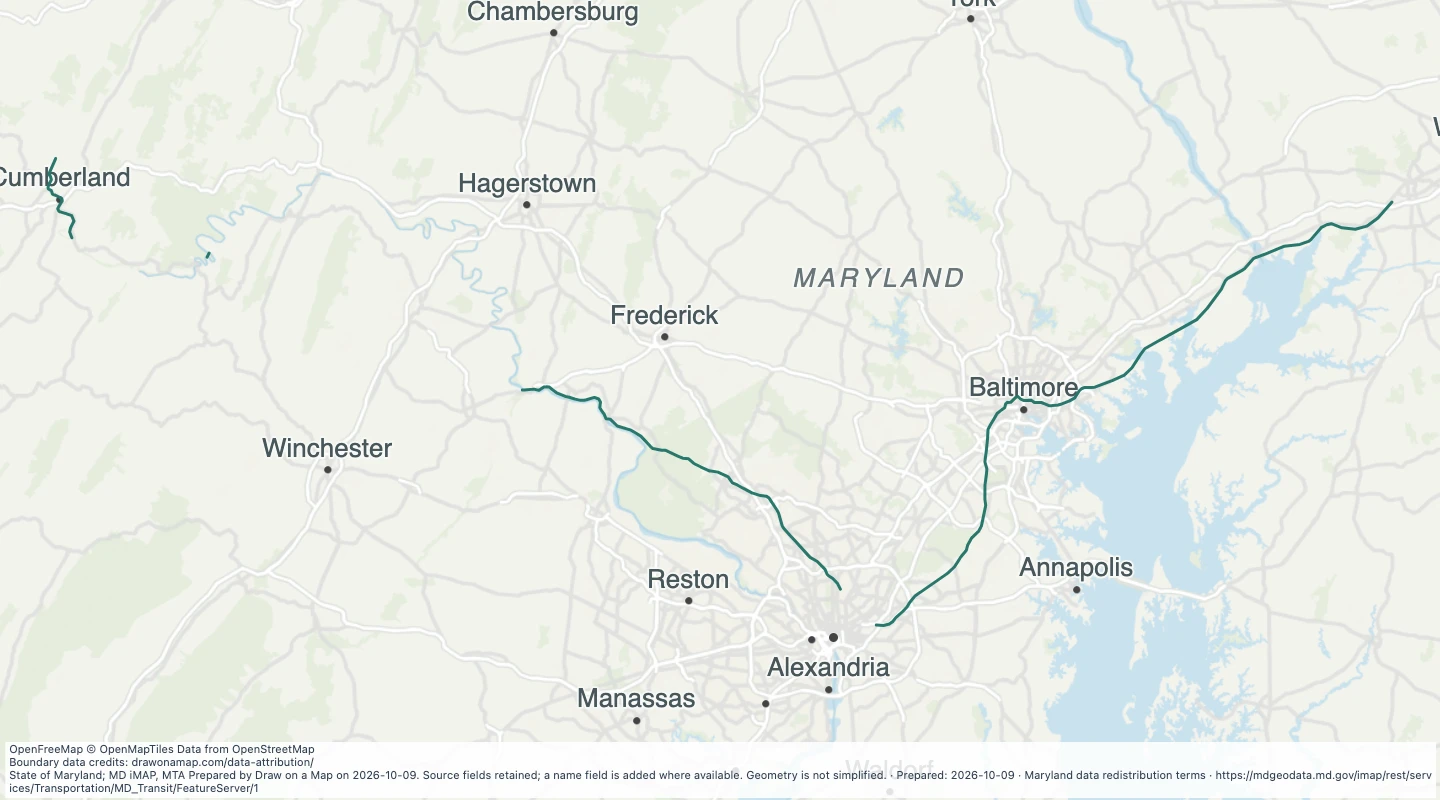 Amtrak Rail Lines in the Maryland transit source collectionExplore 116 source records for Amtrak Rail Lines in the Maryland transit source collection. View the map or download the GeoJSON snapshot.
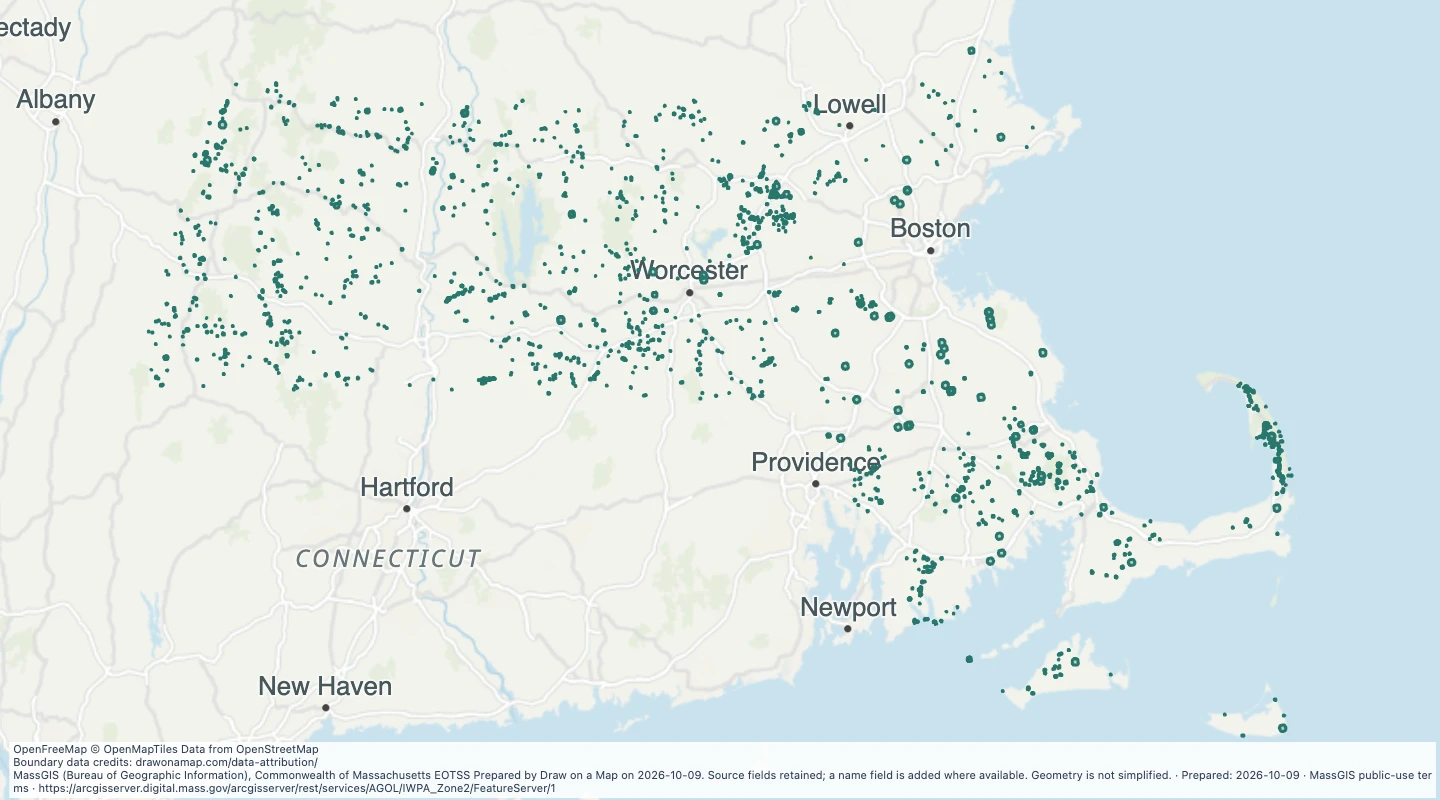 Interim wellhead protection areas in MassachusettsExplore 2,400 source records for Interim wellhead protection areas in Massachusetts. View the map or download the GeoJSON snapshot.
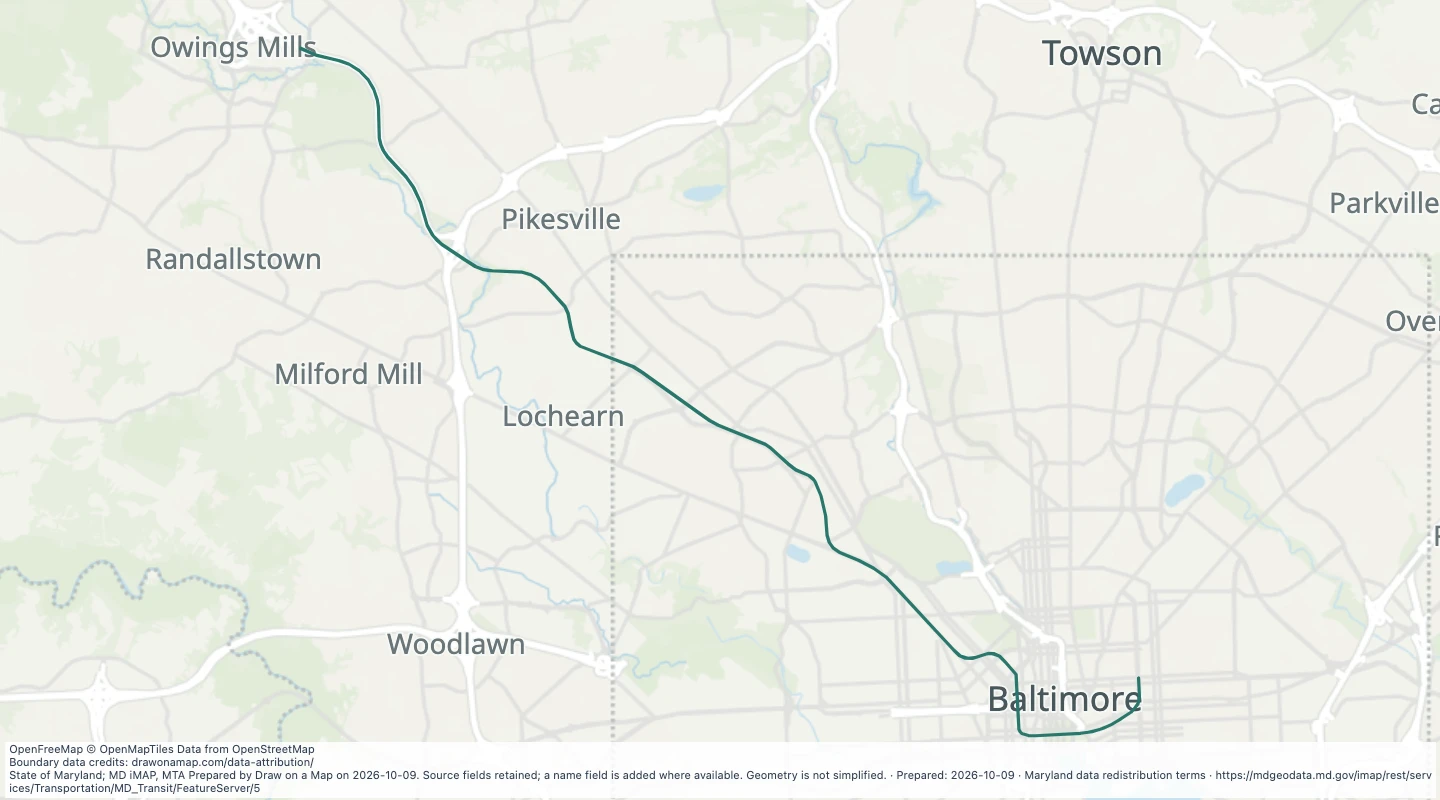 Baltimore Metro Subway Line in the Maryland transit source collectionExplore 34 source records for Baltimore Metro Subway Line in the Maryland transit source collection. View the map or download the GeoJSON snapshot.
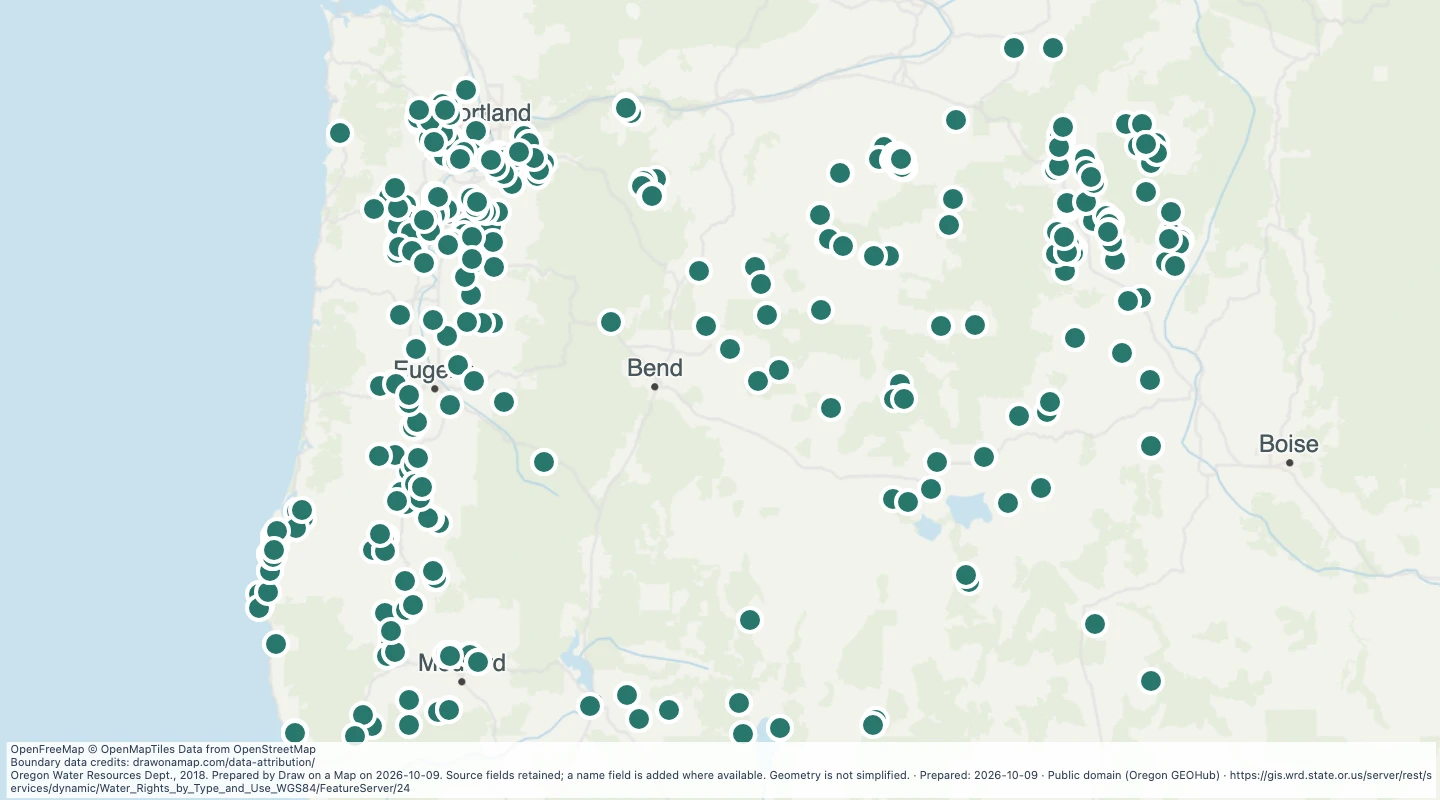 Oregon water rights: Points of Diversion - storage, IrrigationExplore 485 source records for Oregon water rights: Points of Diversion - storage, Irrigation. View the map or download the GeoJSON snapshot.
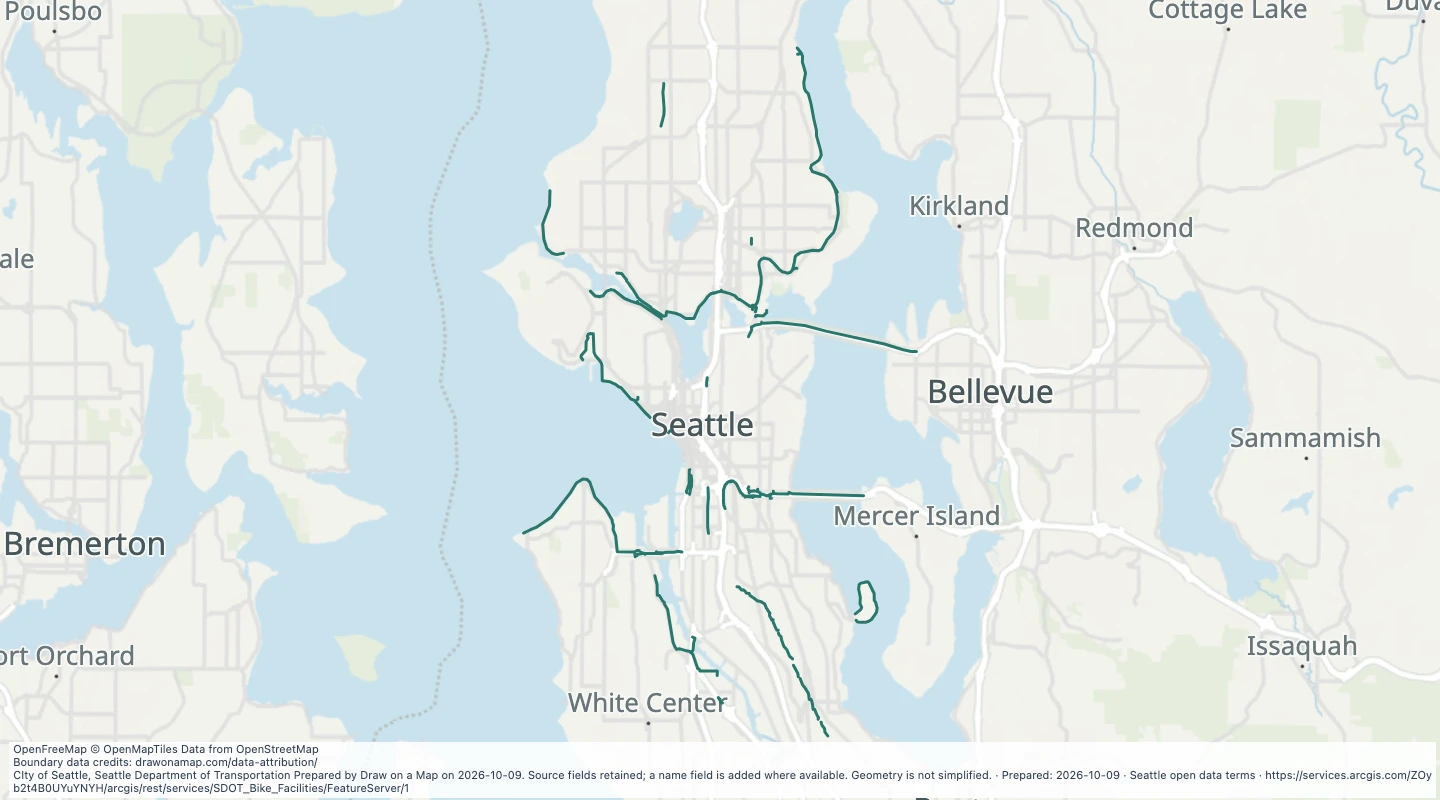 Multi-use Trails (Seattle Only) in SeattleExplore 205 source records for Multi-use Trails (Seattle Only) in Seattle. View the map or download the GeoJSON snapshot.
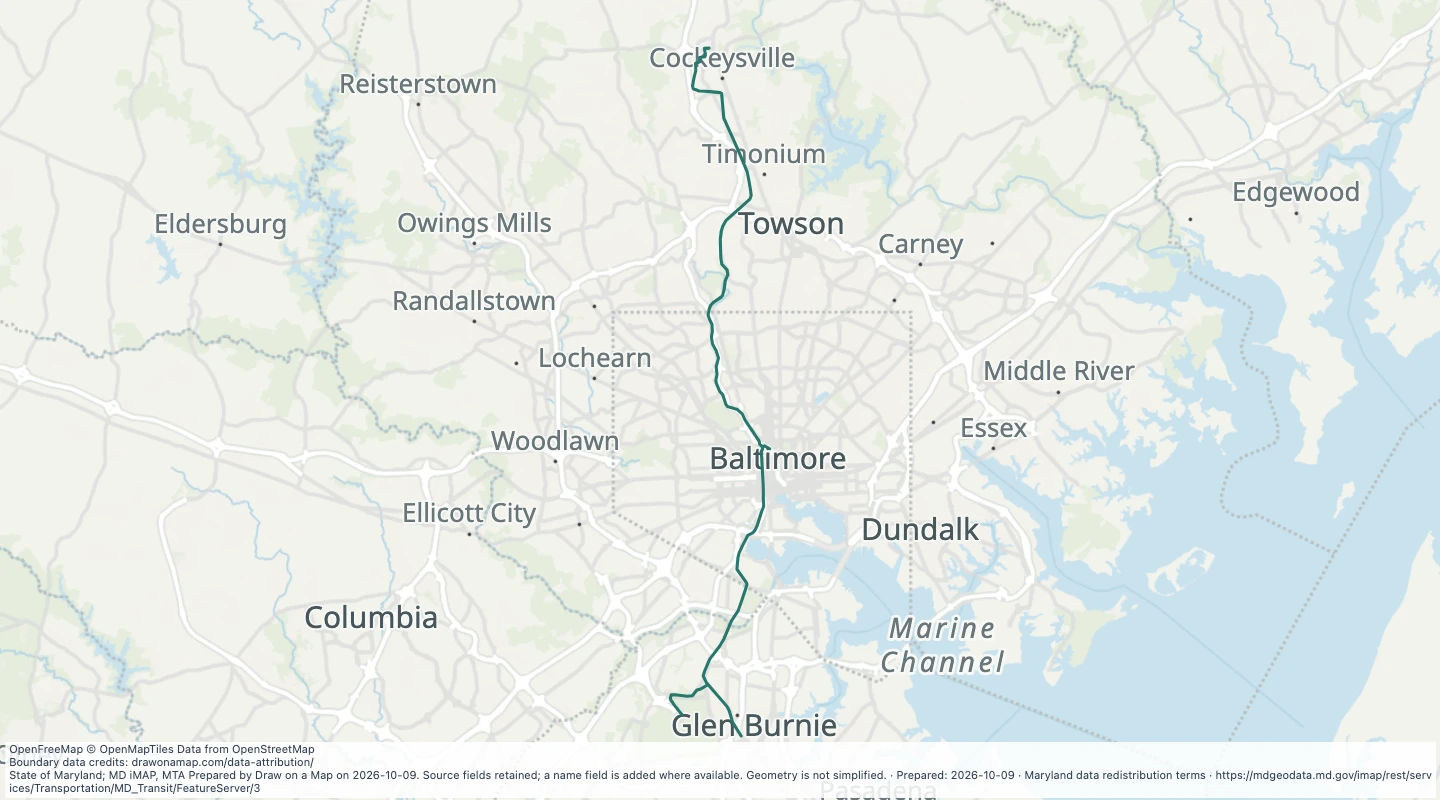 Light Rail Line in the Maryland transit source collectionExplore 84 source records for Light Rail Line in the Maryland transit source collection. View the map or download the GeoJSON snapshot.
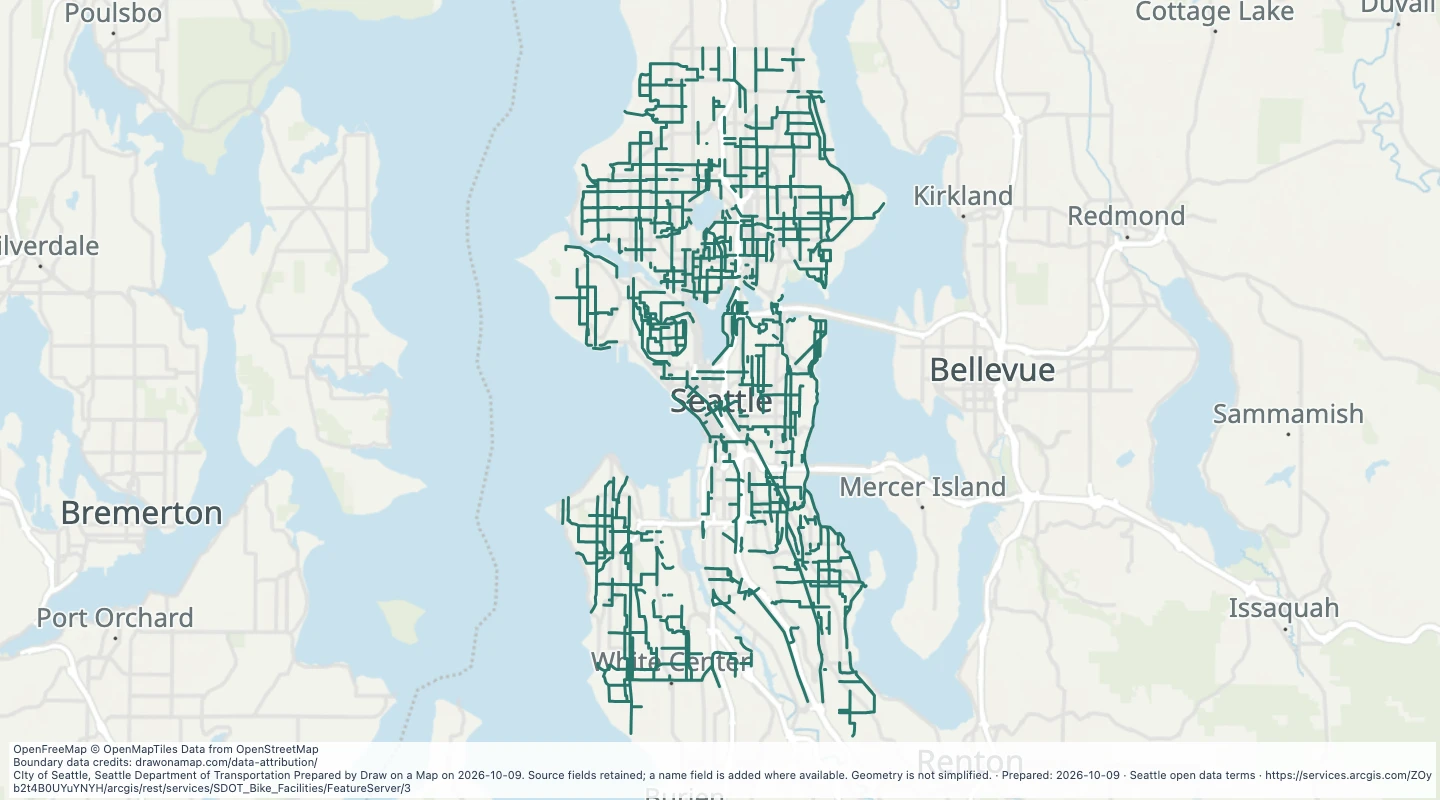 Planned Bike Facilities in SeattleExplore 4,103 source records for Planned Bike Facilities in Seattle. View the map or download the GeoJSON snapshot.
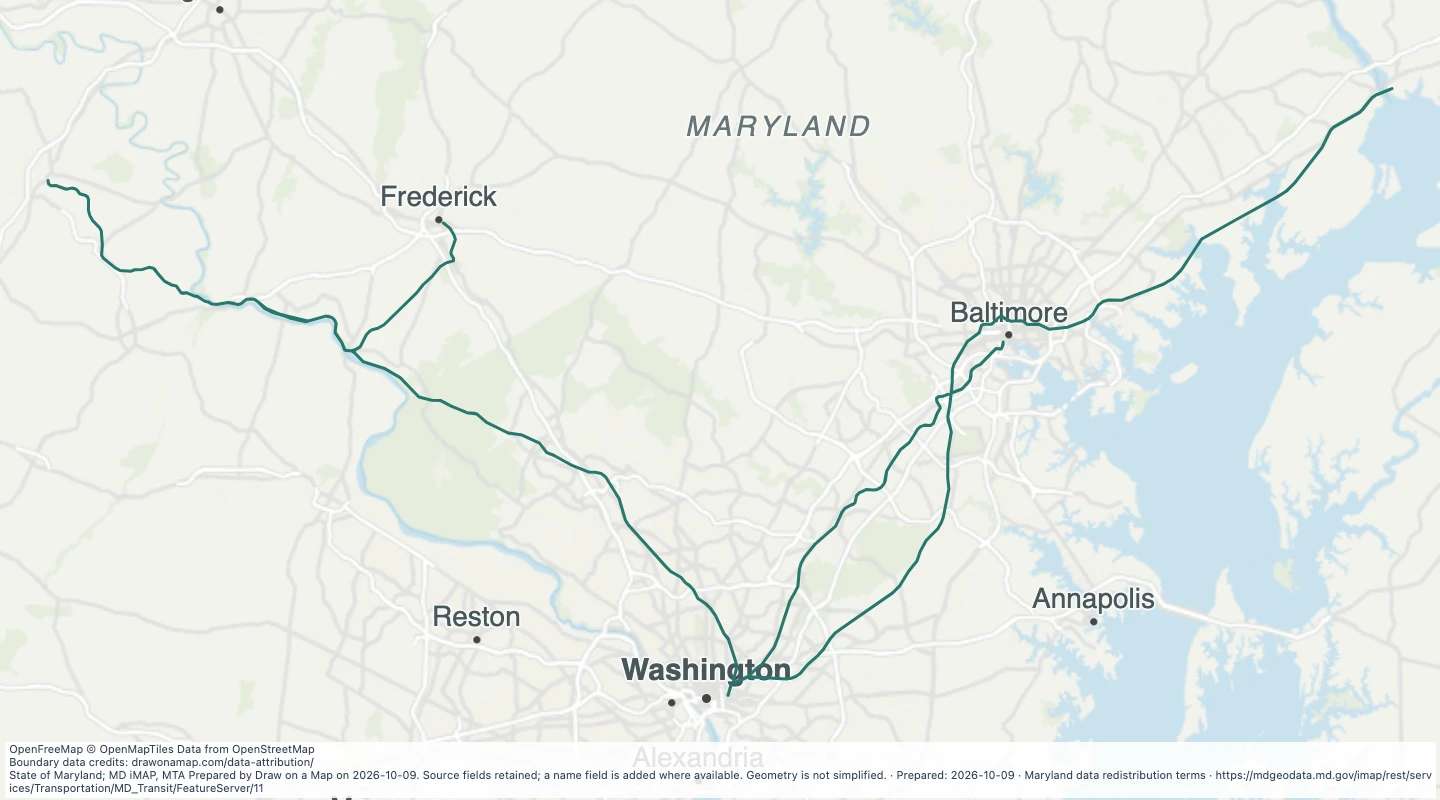 MARC Train Lines in the Maryland transit source collectionExplore 162 source records for MARC Train Lines in the Maryland transit source collection. View the map or download the GeoJSON snapshot.
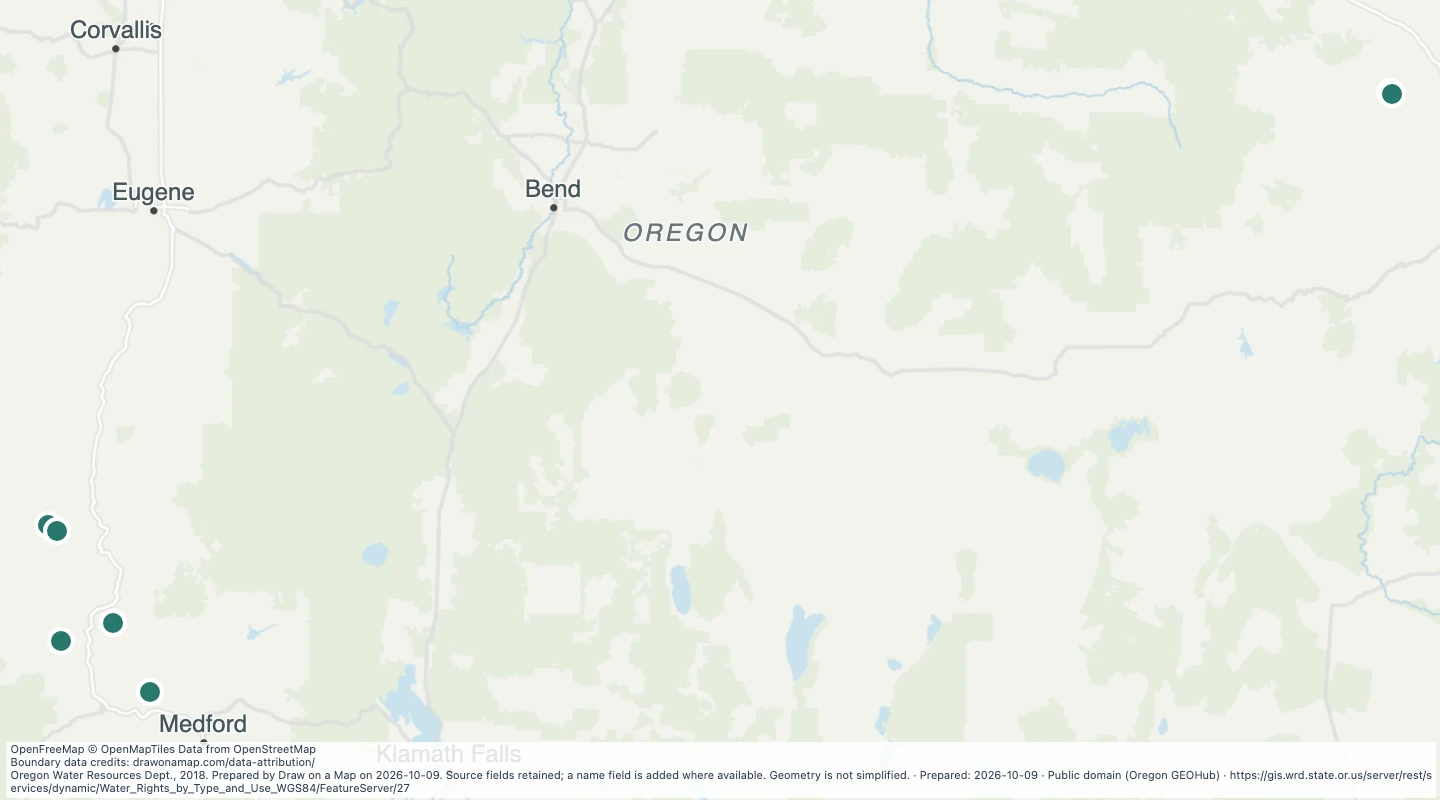 Oregon water rights: Points of Diversion - storage, MiningExplore 9 source records for Oregon water rights: Points of Diversion - storage, Mining. View the map or download the GeoJSON snapshot.
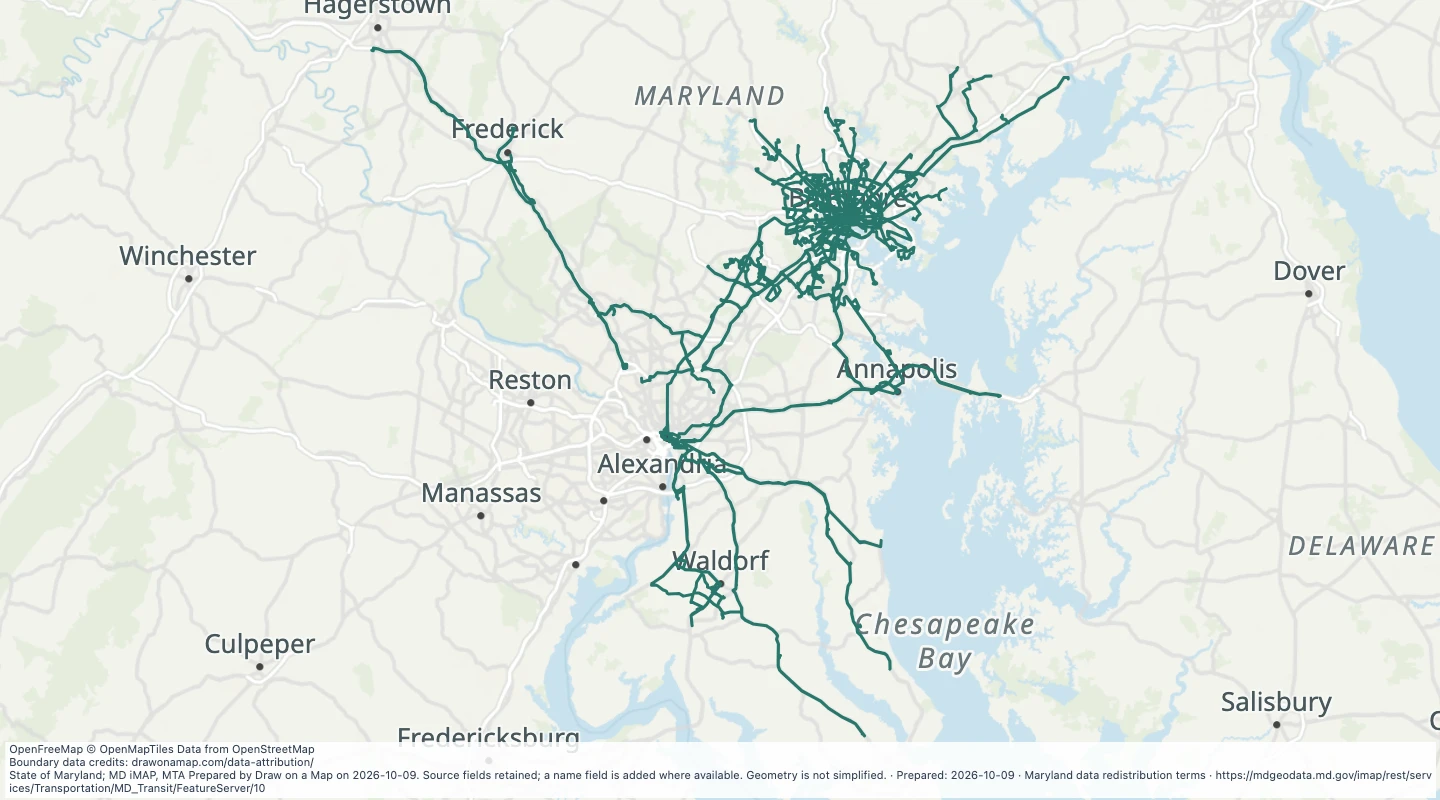 MTA Bus Lines in the Maryland transit source collectionExplore 128 source records for MTA Bus Lines in the Maryland transit source collection. View the map or download the GeoJSON snapshot.
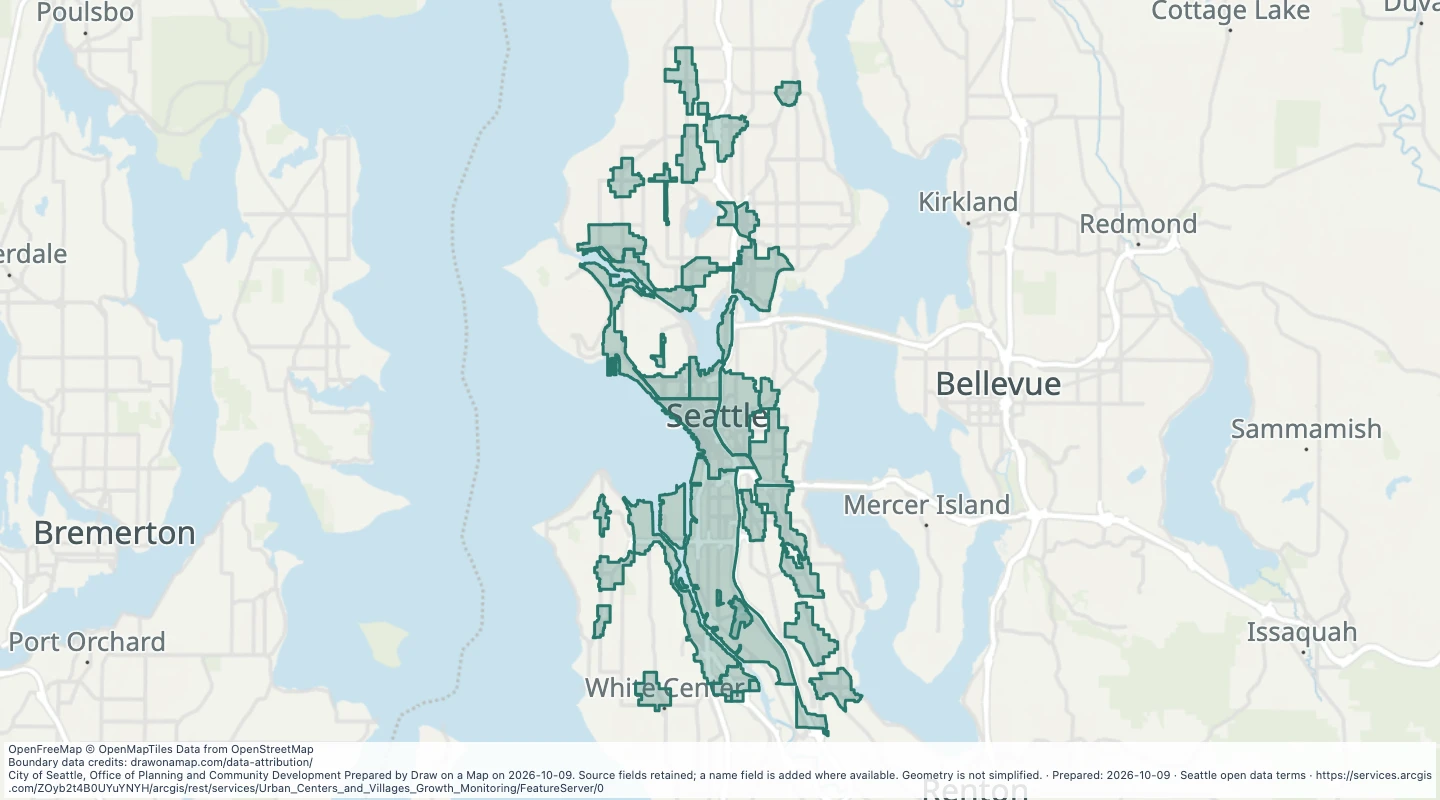 Historical urban centre and village growth monitoring areas in SeattleExplore 32 source records for Historical urban centre and village growth monitoring areas in Seattle. View the map or download the GeoJSON snapshot.
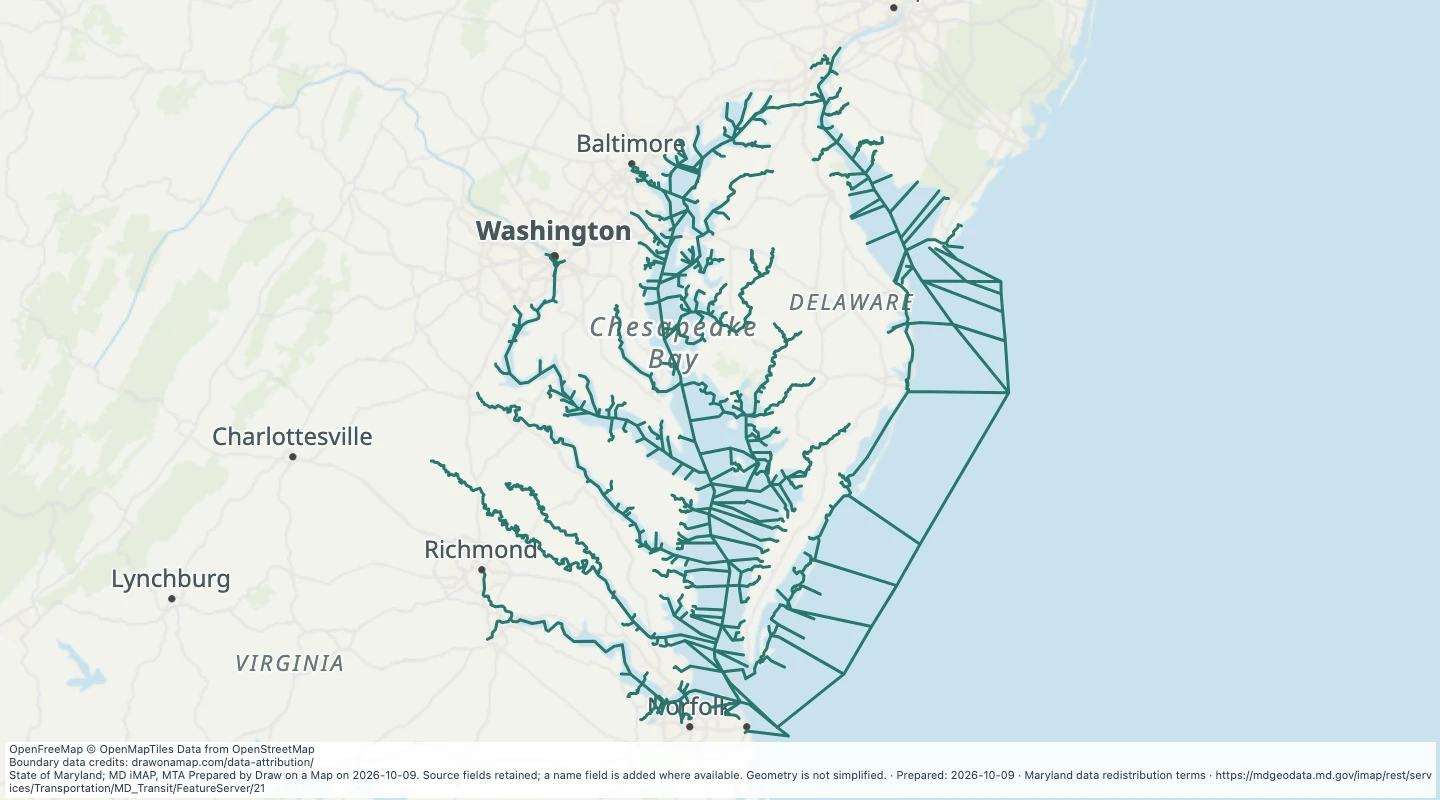 Navigable Waterways in the Maryland transit source collectionExplore 666 source records for Navigable Waterways in the Maryland transit source collection. View the map or download the GeoJSON snapshot.
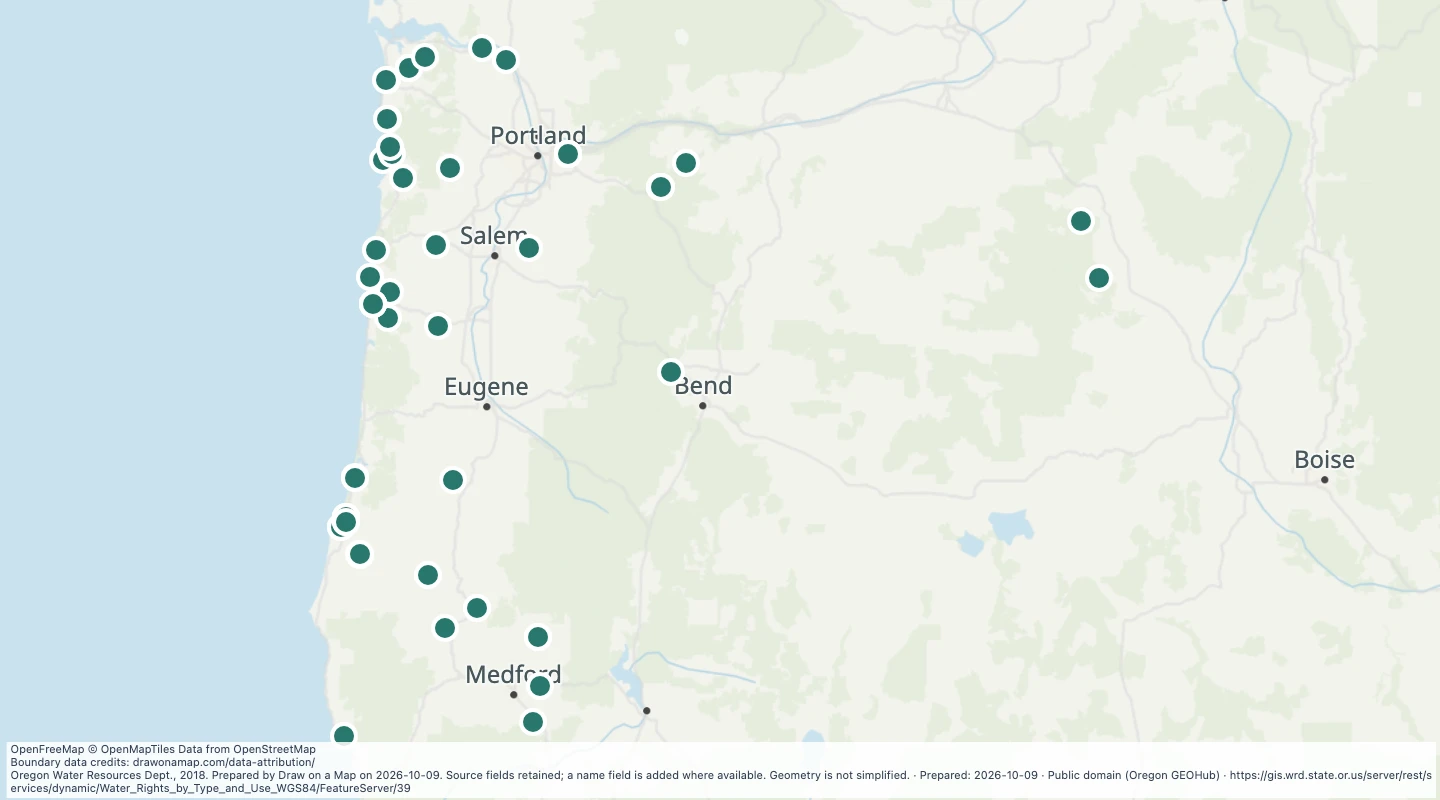 Oregon water rights: Points of Diversion - storage, MunicipalExplore 68 source records for Oregon water rights: Points of Diversion - storage, Municipal. View the map or download the GeoJSON snapshot.
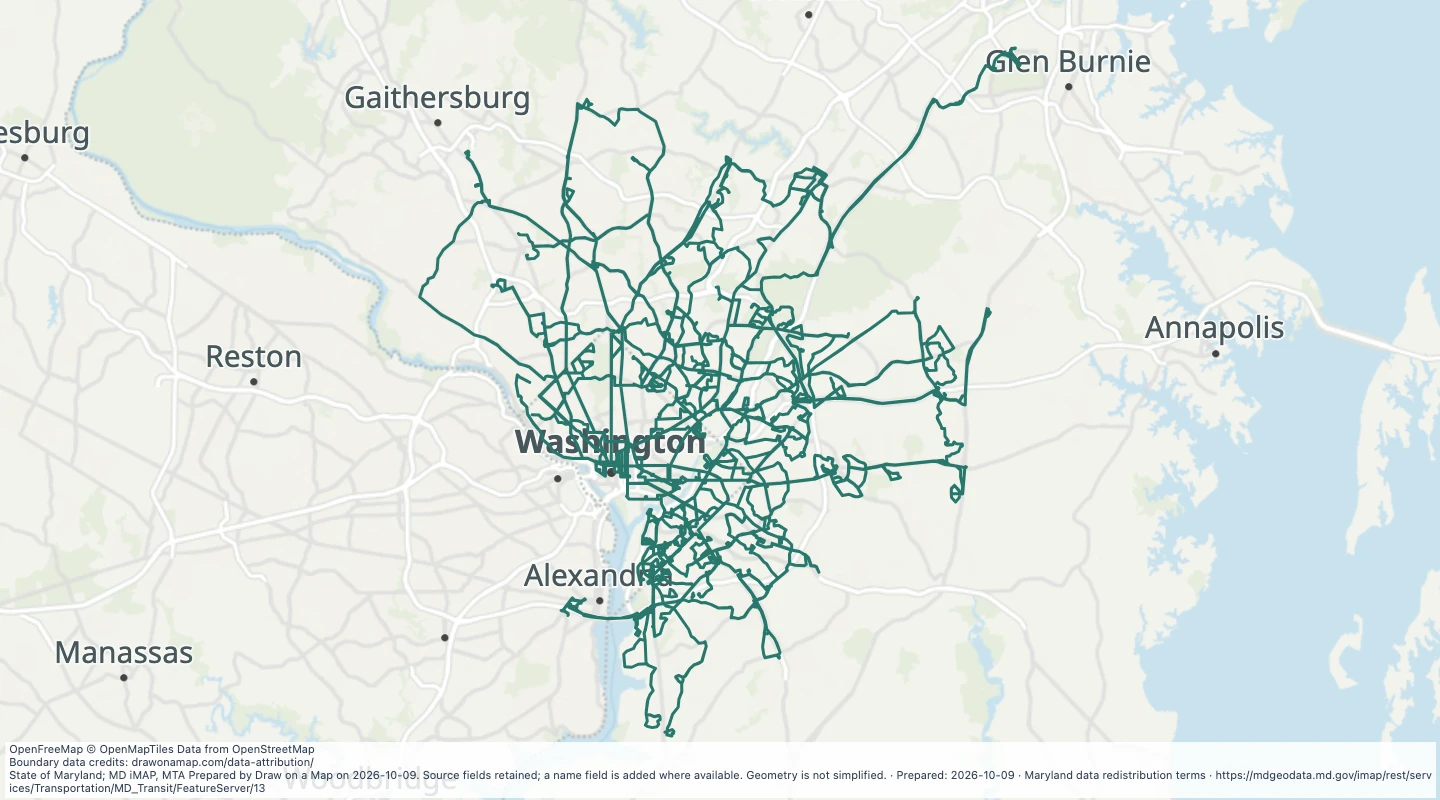 WMATA Metro Bus Lines in the Maryland transit source collectionExplore 419 source records for WMATA Metro Bus Lines in the Maryland transit source collection. View the map or download the GeoJSON snapshot.
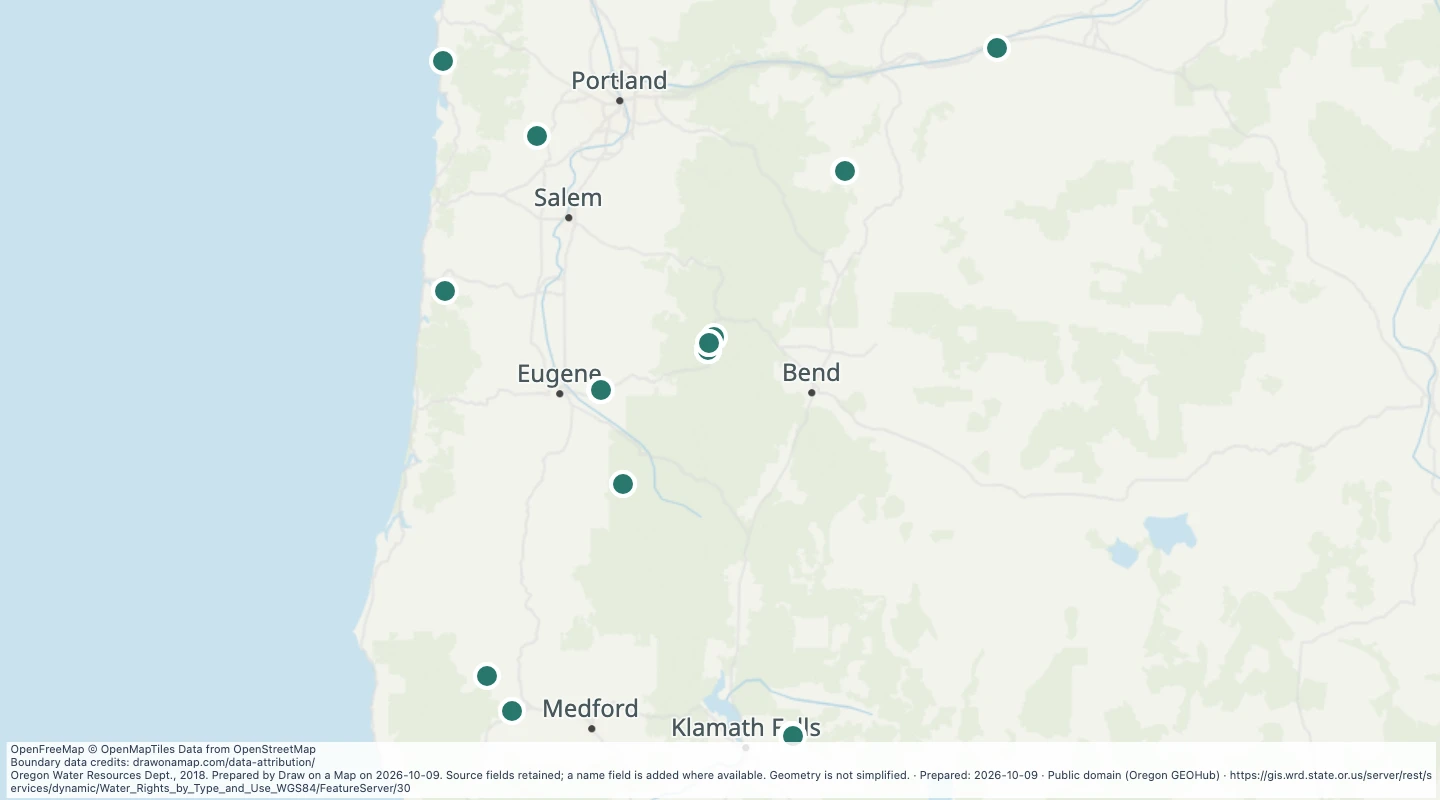 Oregon water rights: Points of Diversion - storage, PowerExplore 21 source records for Oregon water rights: Points of Diversion - storage, Power. View the map or download the GeoJSON snapshot.
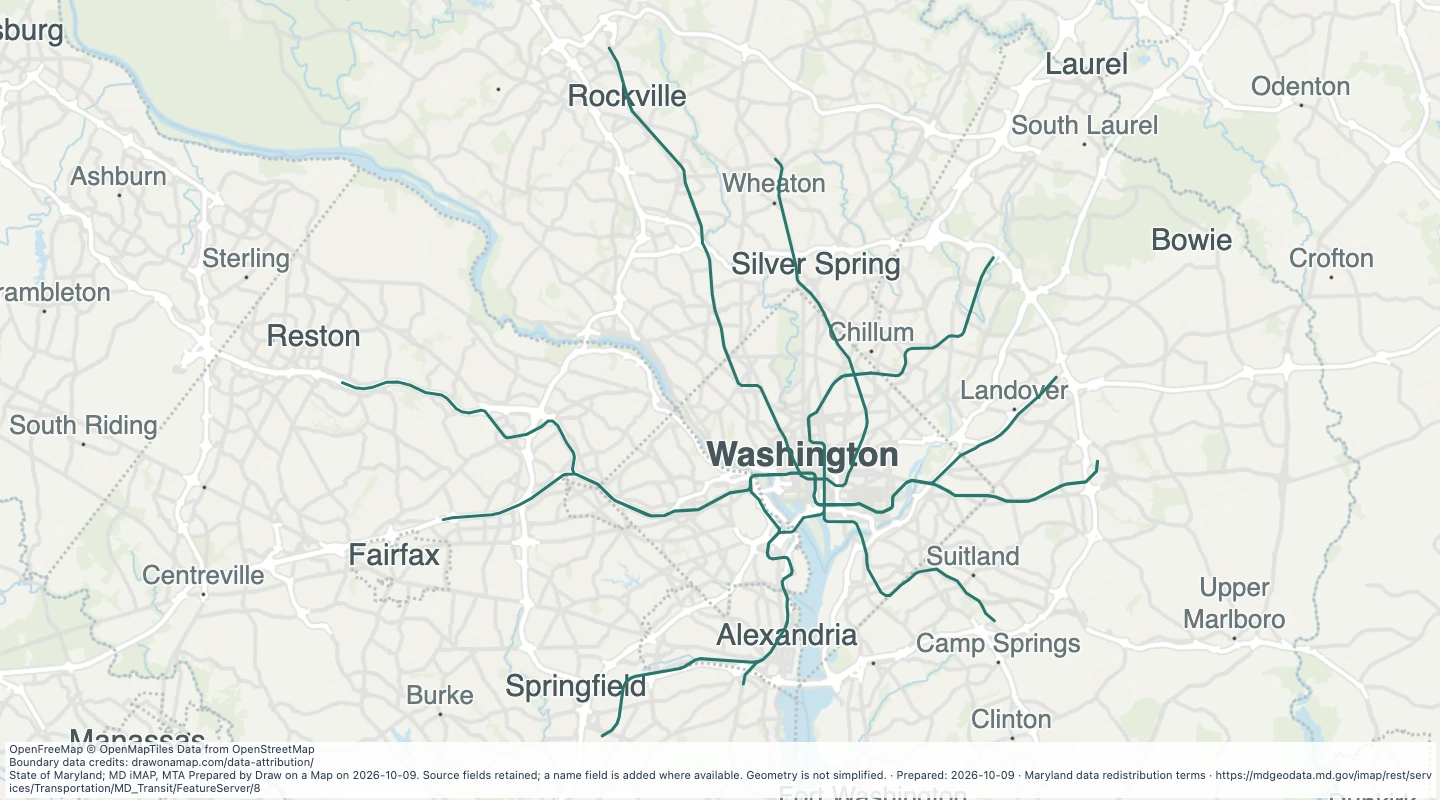 WMATA Metro Lines in the Maryland transit source collectionExplore 8 source records for WMATA Metro Lines in the Maryland transit source collection. View the map or download the GeoJSON snapshot.
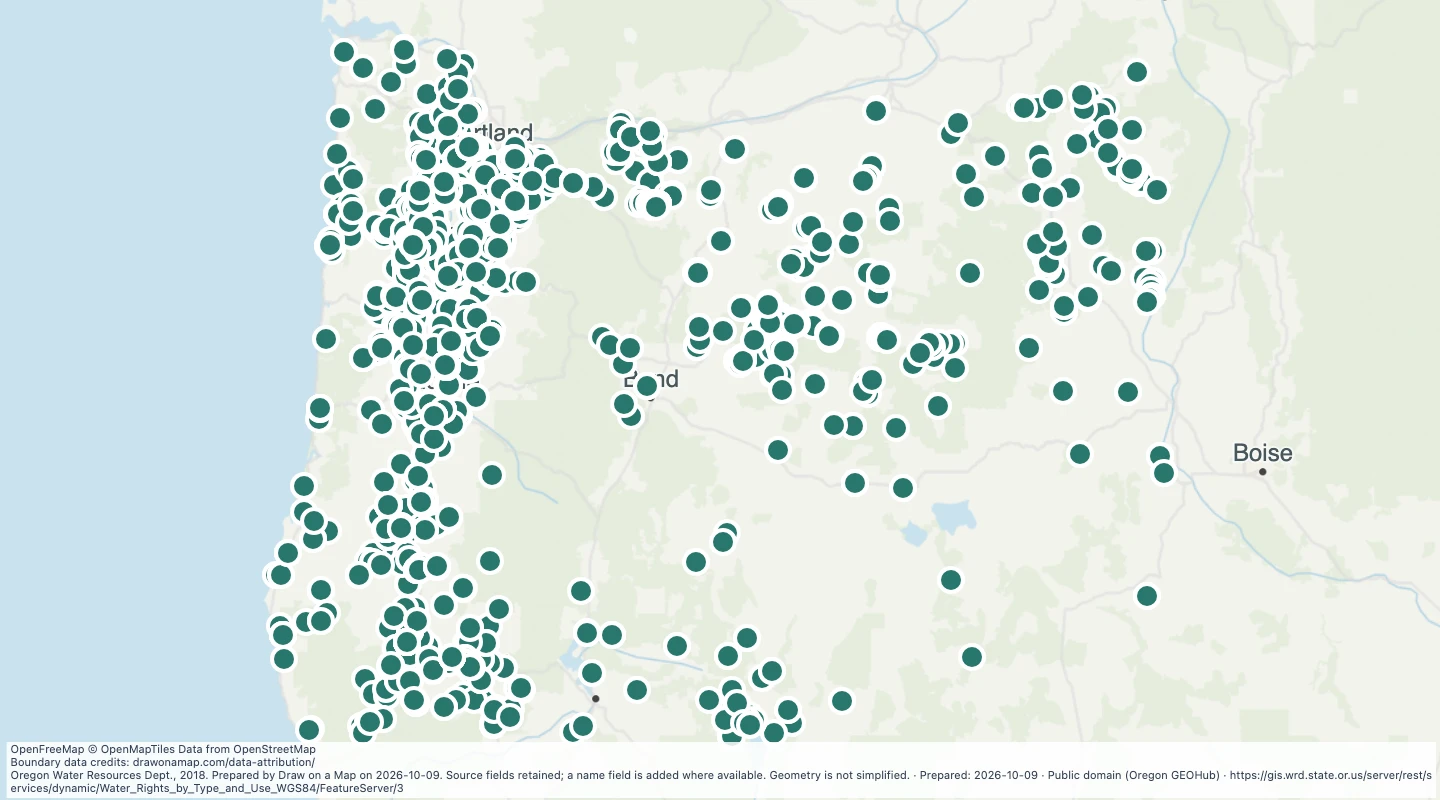 Oregon water rights: Points of Diversion - storage, RecreationExplore 1,840 source records for Oregon water rights: Points of Diversion - storage, Recreation. View the map or download the GeoJSON snapshot.
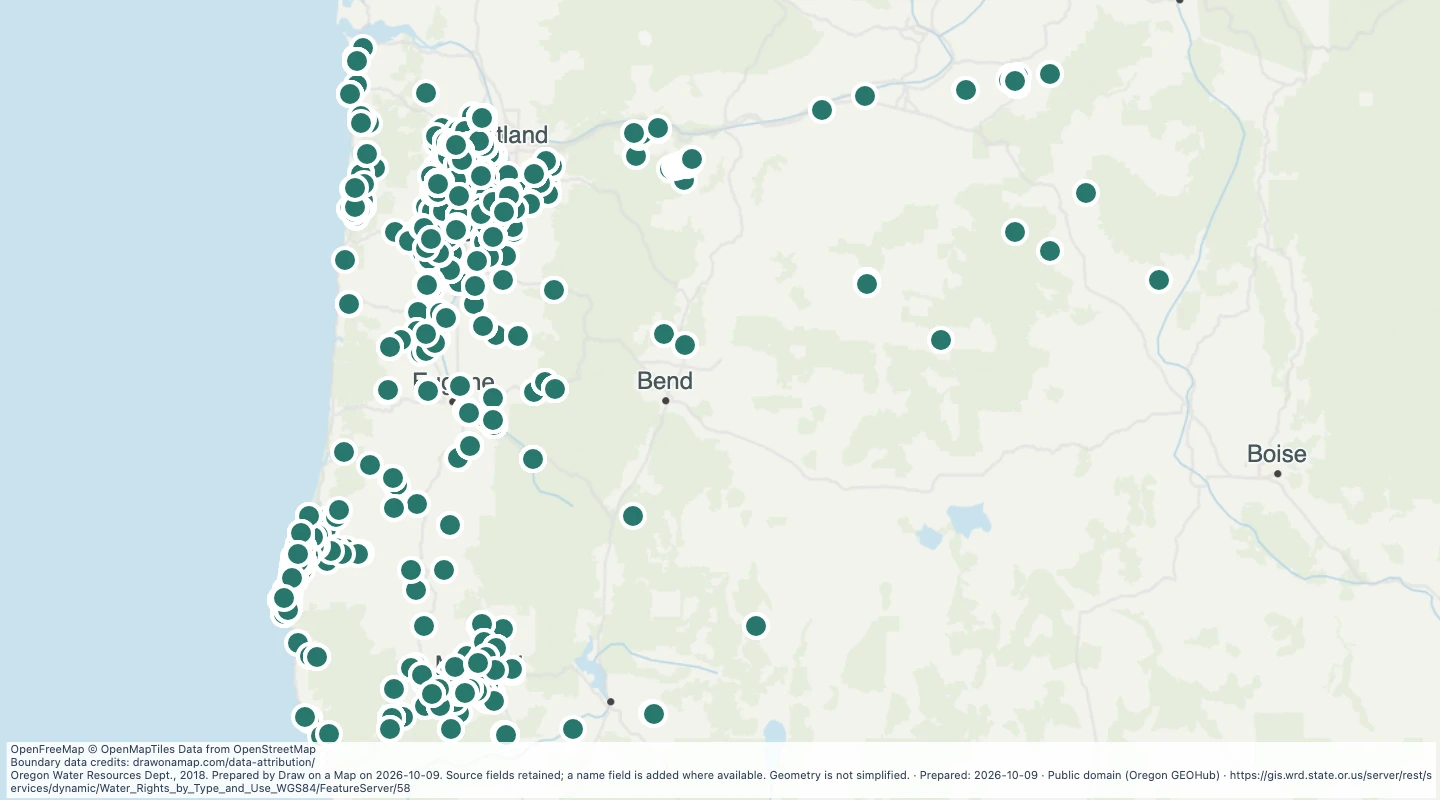 Oregon water rights: Points of Diversion - surface water, AgricultureExplore 2,963 source records for Oregon water rights: Points of Diversion - surface water, Agriculture. View the map or download the GeoJSON snapshot.
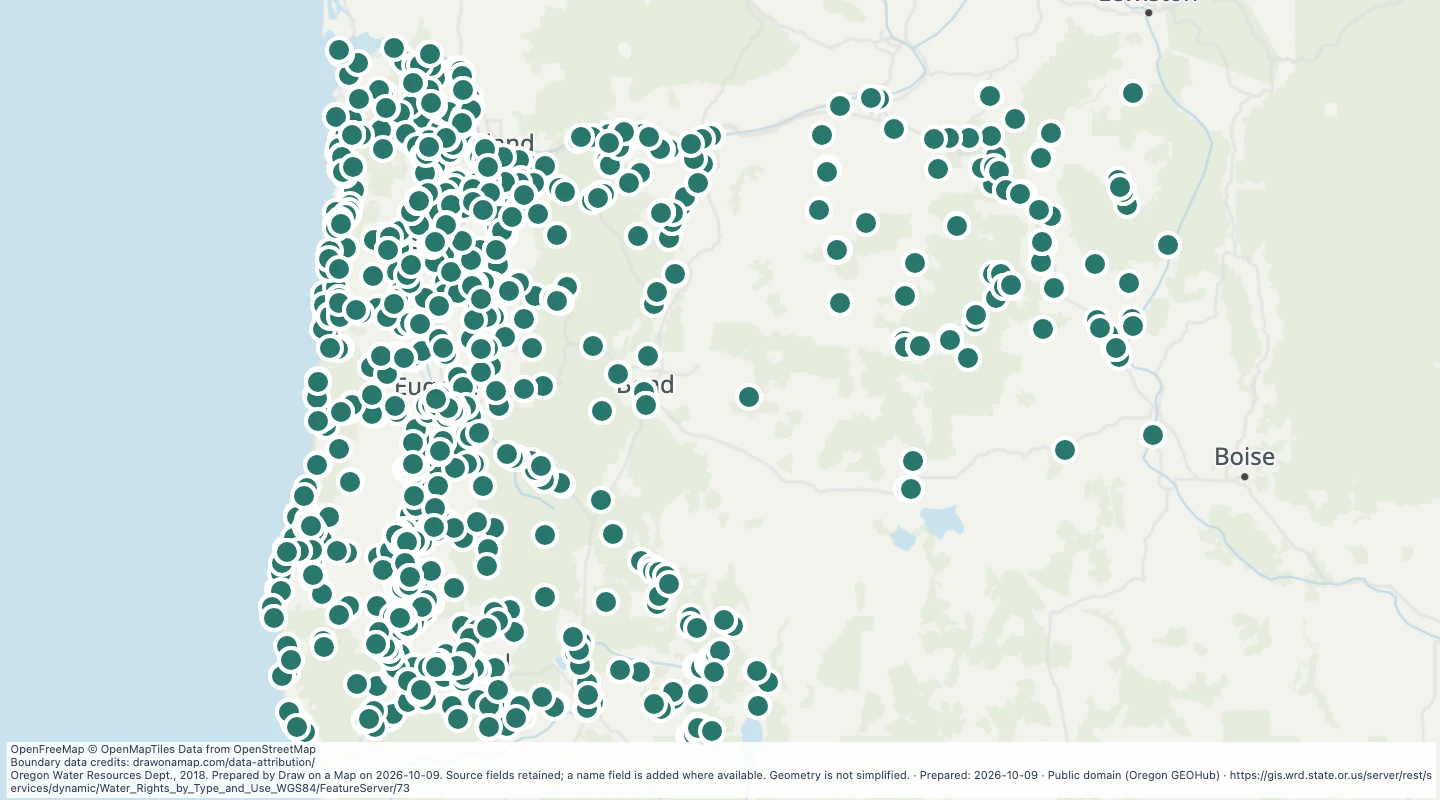 Oregon water rights: Points of Diversion - surface water, CommercialExplore 1,387 source records for Oregon water rights: Points of Diversion - surface water, Commercial. View the map or download the GeoJSON snapshot.
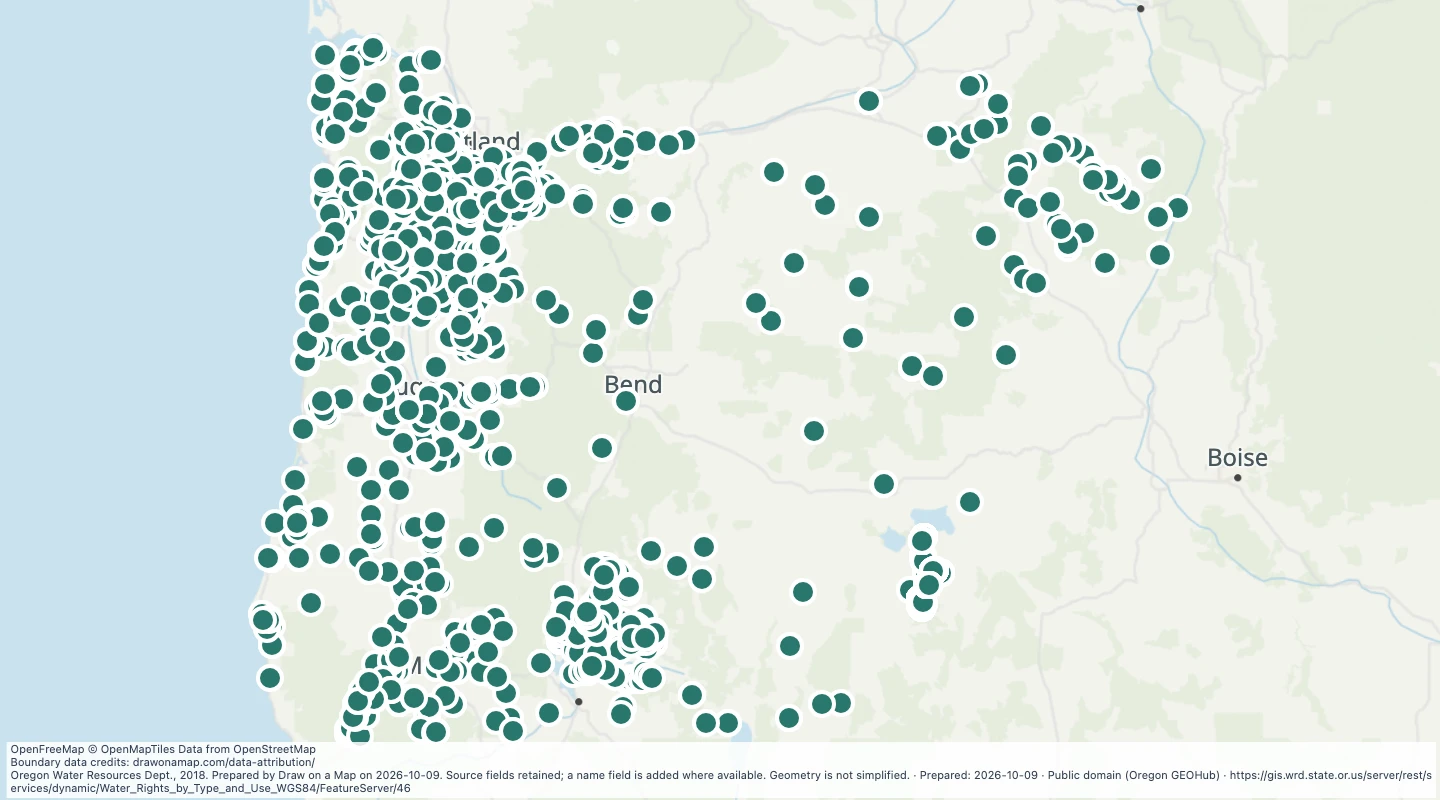 Oregon water rights: Points of Diversion - surface water, FishExplore 2,538 source records for Oregon water rights: Points of Diversion - surface water, Fish. View the map or download the GeoJSON snapshot.
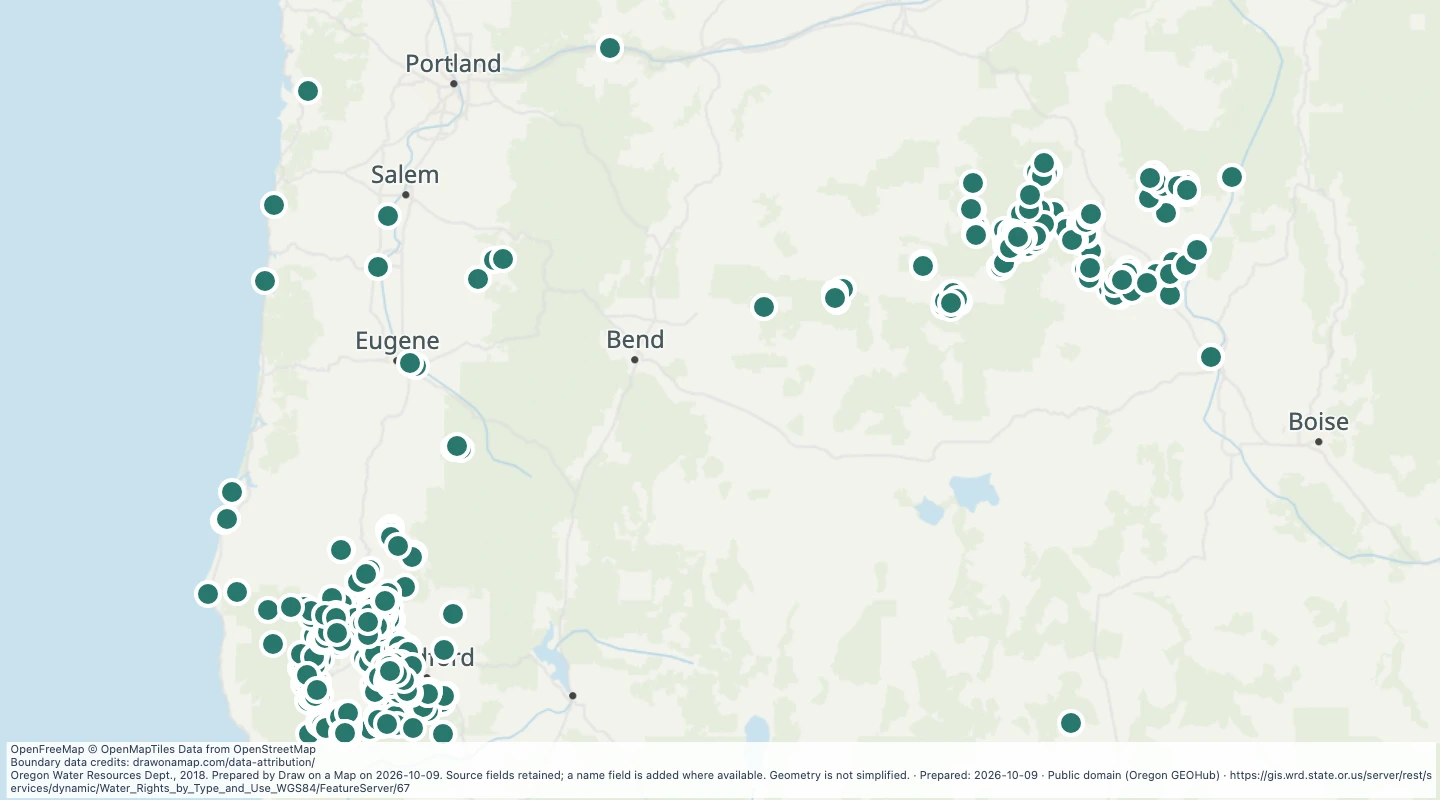 Oregon water rights: Points of Diversion - surface water, MiningExplore 785 source records for Oregon water rights: Points of Diversion - surface water, Mining. View the map or download the GeoJSON snapshot.
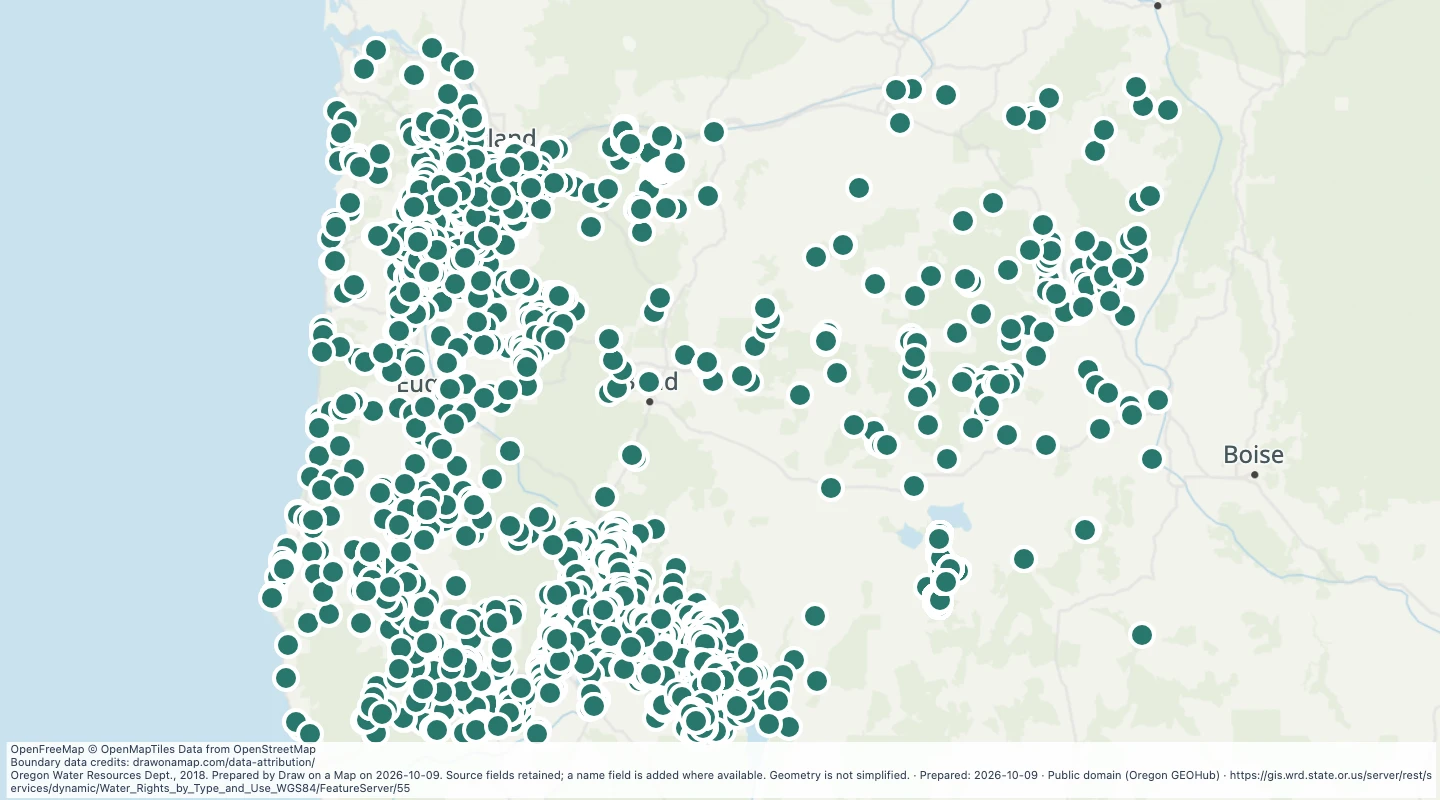 Oregon water rights: Points of Diversion - surface water, miscellaneous usesExplore 3,882 source records for Oregon water rights: Points of Diversion - surface water, miscellaneous uses. View the map or download the GeoJSON snapshot.
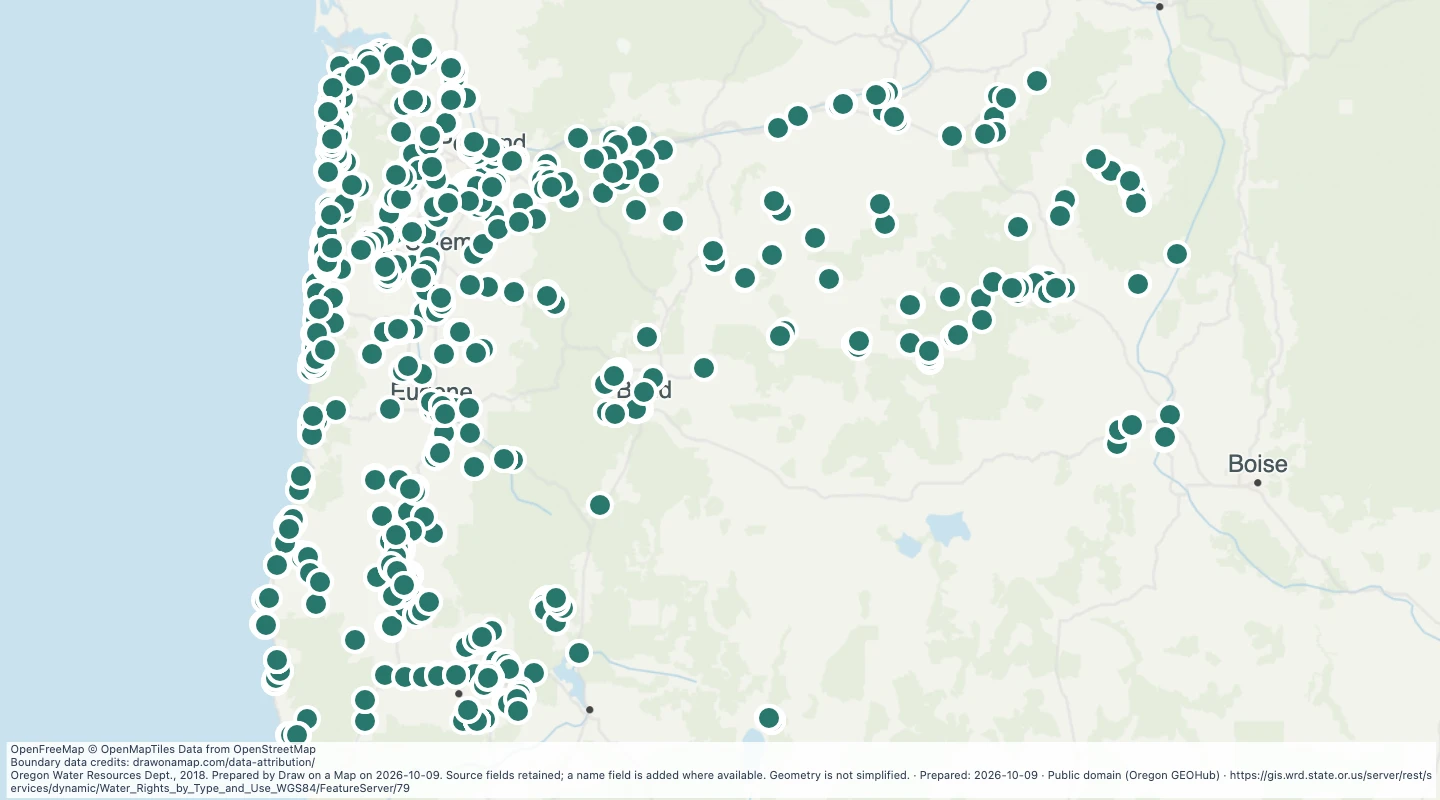 Oregon water rights: Points of Diversion - surface water, MunicipalExplore 1,412 source records for Oregon water rights: Points of Diversion - surface water, Municipal. View the map or download the GeoJSON snapshot.
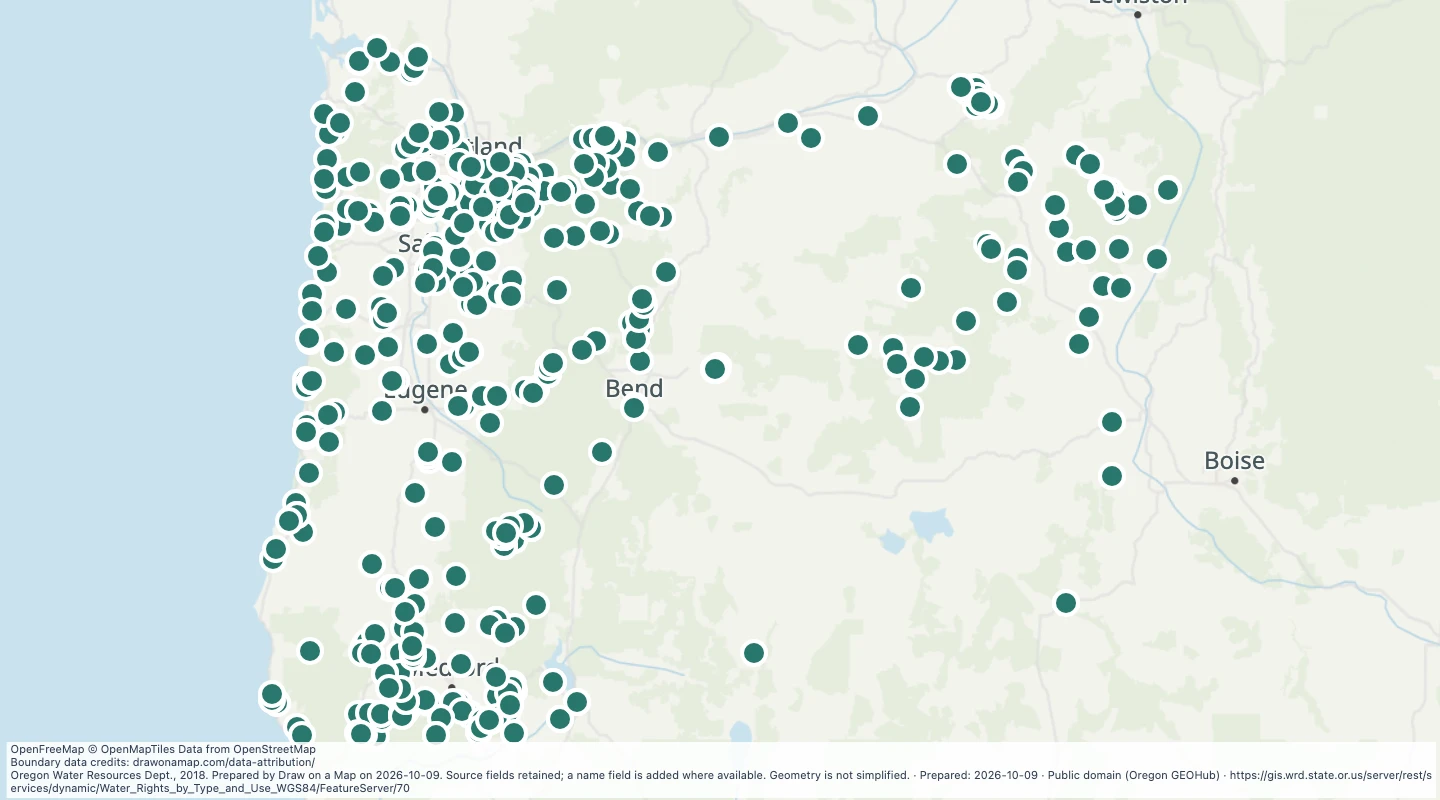 Oregon water rights: Points of Diversion - surface water, PowerExplore 620 source records for Oregon water rights: Points of Diversion - surface water, Power. View the map or download the GeoJSON snapshot.
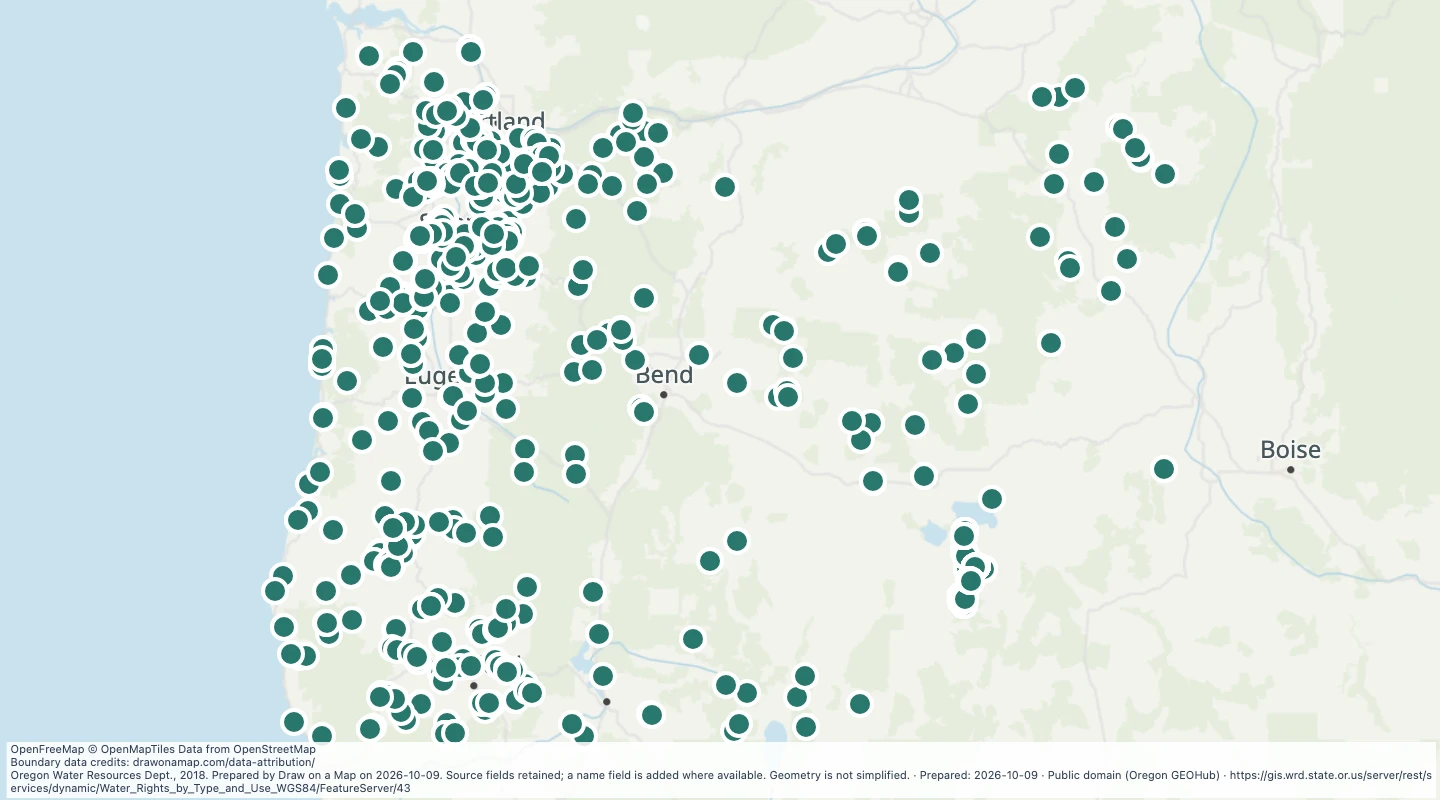 Oregon water rights: Points of Diversion - surface water, RecreationExplore 1,505 source records for Oregon water rights: Points of Diversion - surface water, Recreation. View the map or download the GeoJSON snapshot.
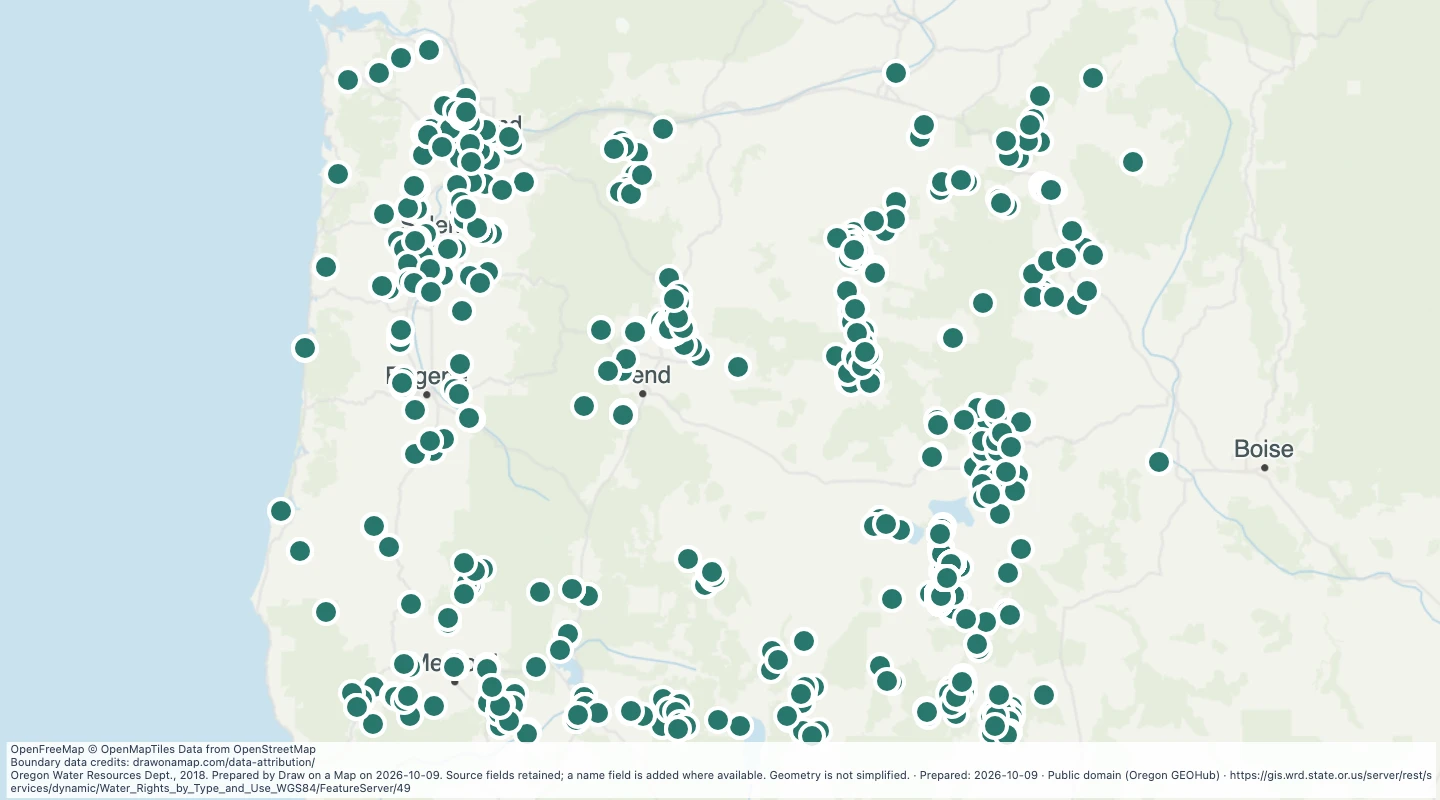 Oregon water rights: Points of Diversion - surface water, WildlifeExplore 2,140 source records for Oregon water rights: Points of Diversion - surface water, Wildlife. View the map or download the GeoJSON snapshot.
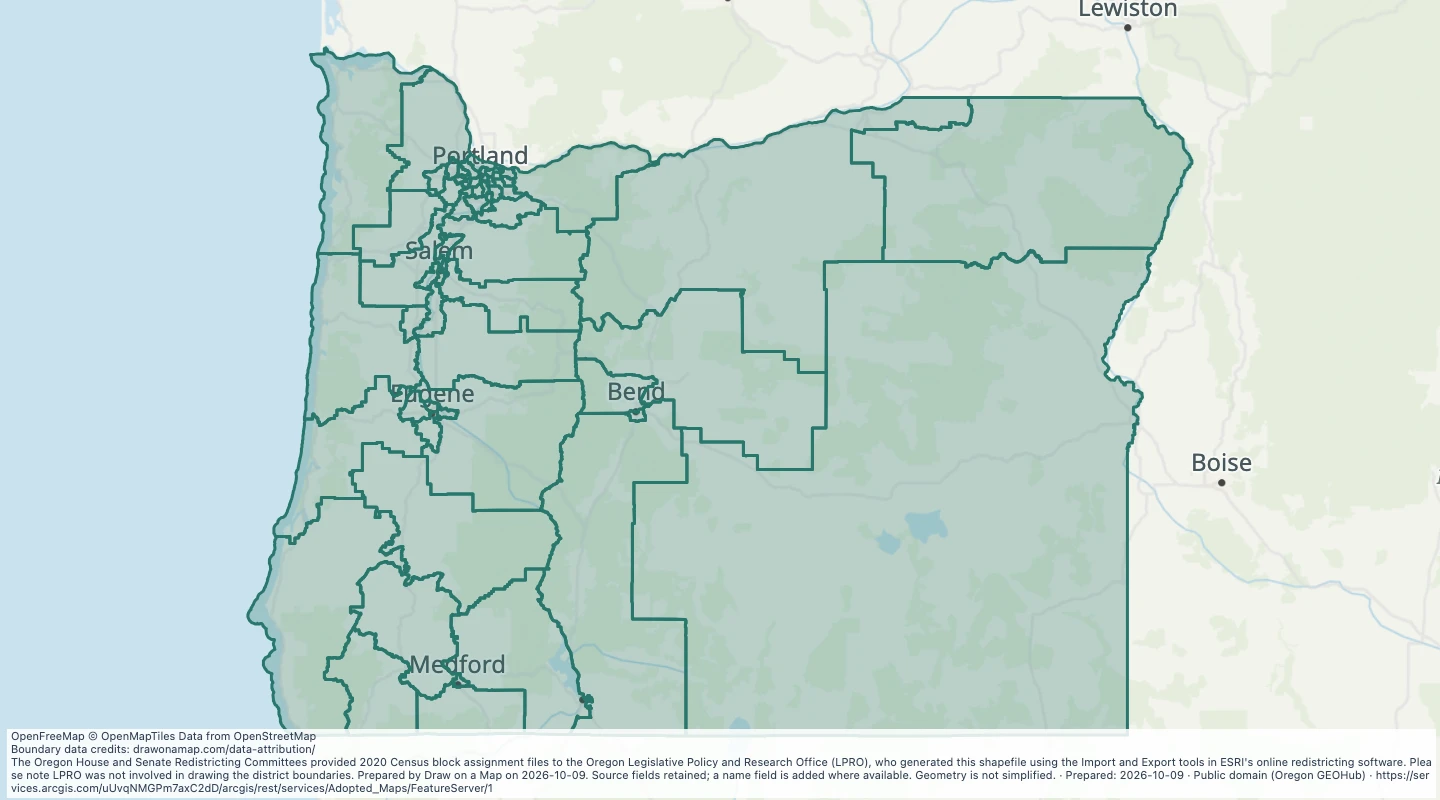 Congressional Districts: Oregon House (SB 882)Explore 60 source records for Congressional Districts: Oregon House (SB 882). View the map or download the GeoJSON snapshot.
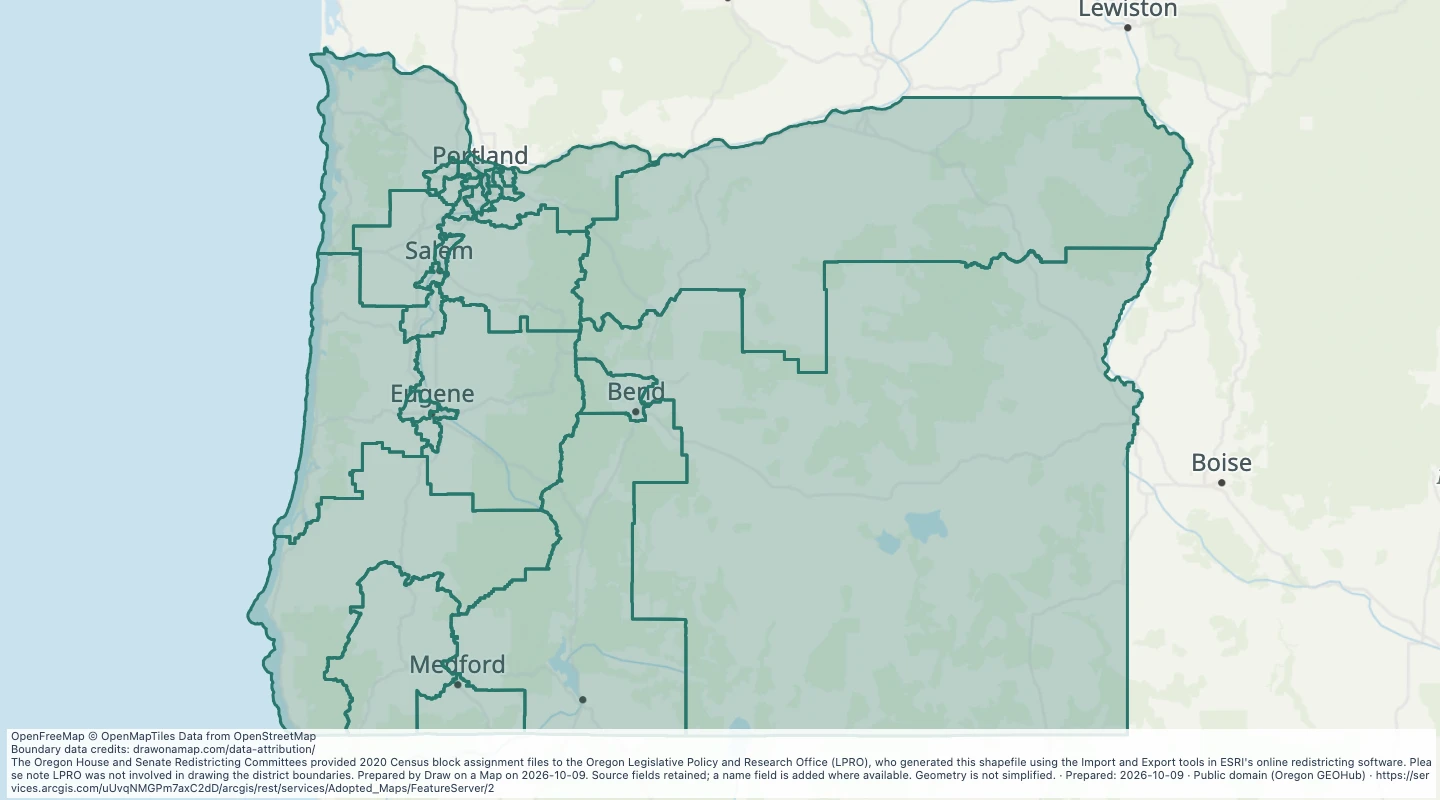 Congressional Districts: Oregon Senate (SB 882)Explore 30 source records for Congressional Districts: Oregon Senate (SB 882). View the map or download the GeoJSON snapshot.
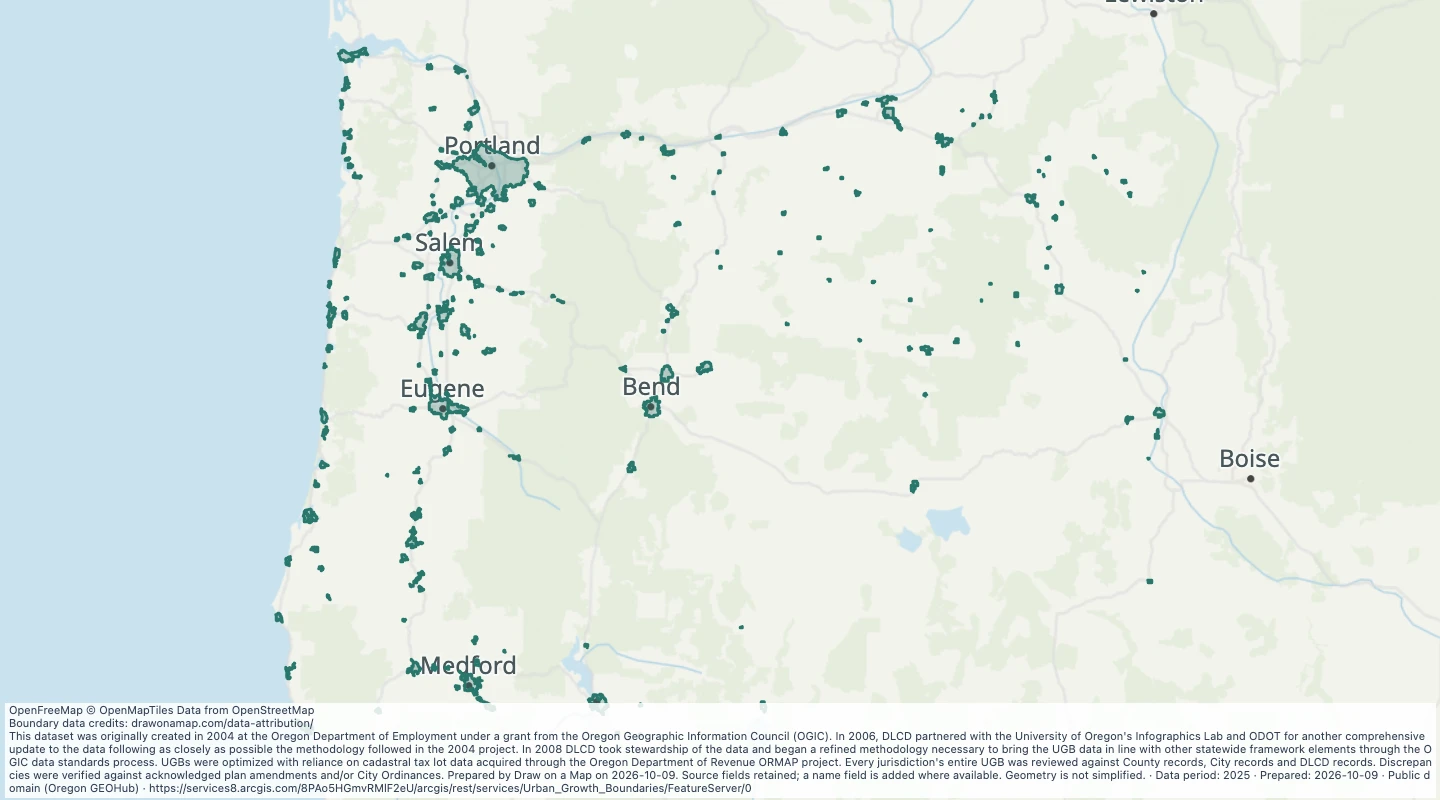 Urban Growth Boundaries: UGB 2025 — OregonExplore 217 source records for Urban Growth Boundaries: UGB 2025 — Oregon. View the map or download the GeoJSON snapshot.
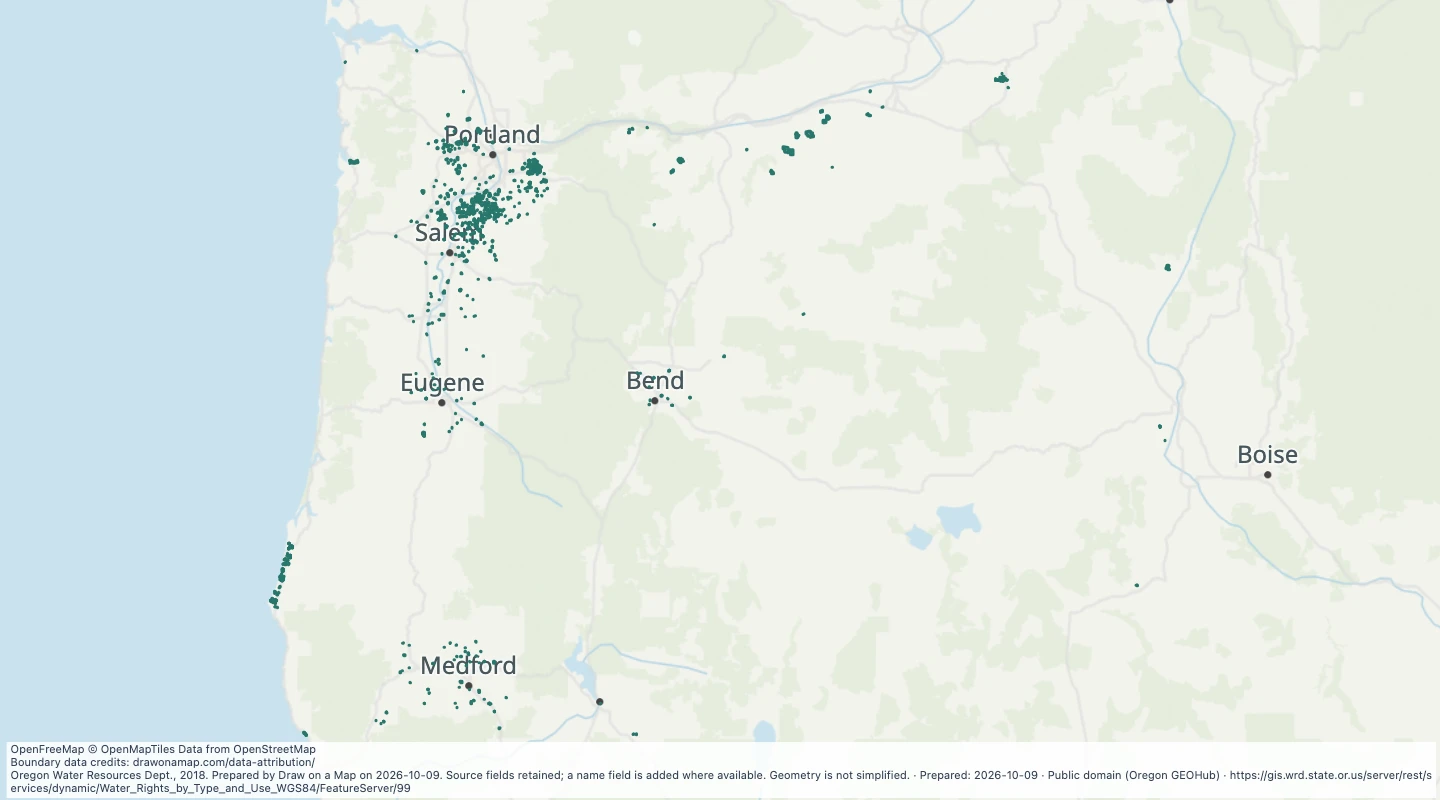 Oregon water rights: Places of Use - groundwater, AgricultureExplore 1,278 source records for Oregon water rights: Places of Use - groundwater, Agriculture. View the map or download the GeoJSON snapshot.
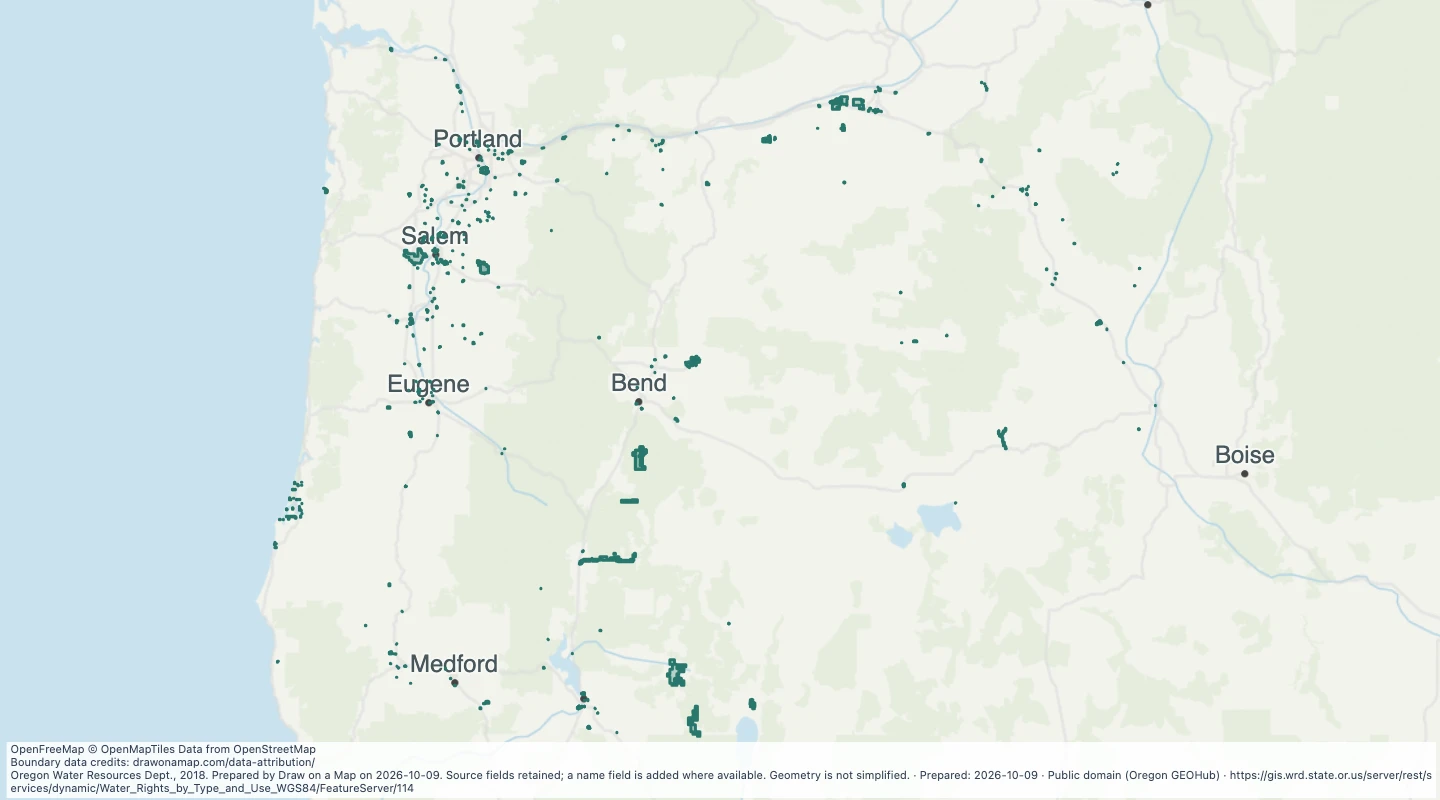 Oregon water rights: Places of Use - groundwater, CommercialExplore 711 source records for Oregon water rights: Places of Use - groundwater, Commercial. View the map or download the GeoJSON snapshot.
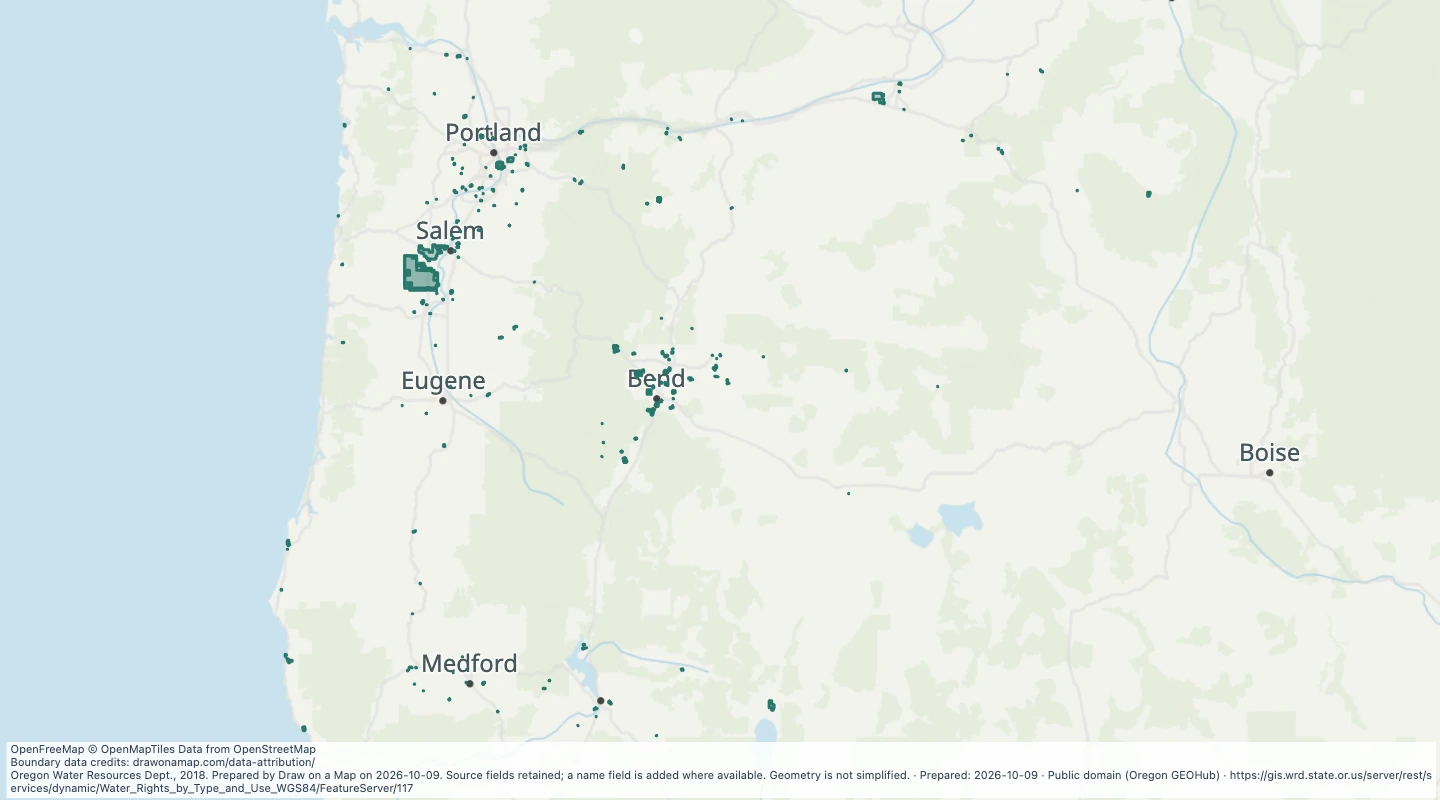 Oregon water rights: Places of Use - groundwater, DomesticExplore 429 source records for Oregon water rights: Places of Use - groundwater, Domestic. View the map or download the GeoJSON snapshot.
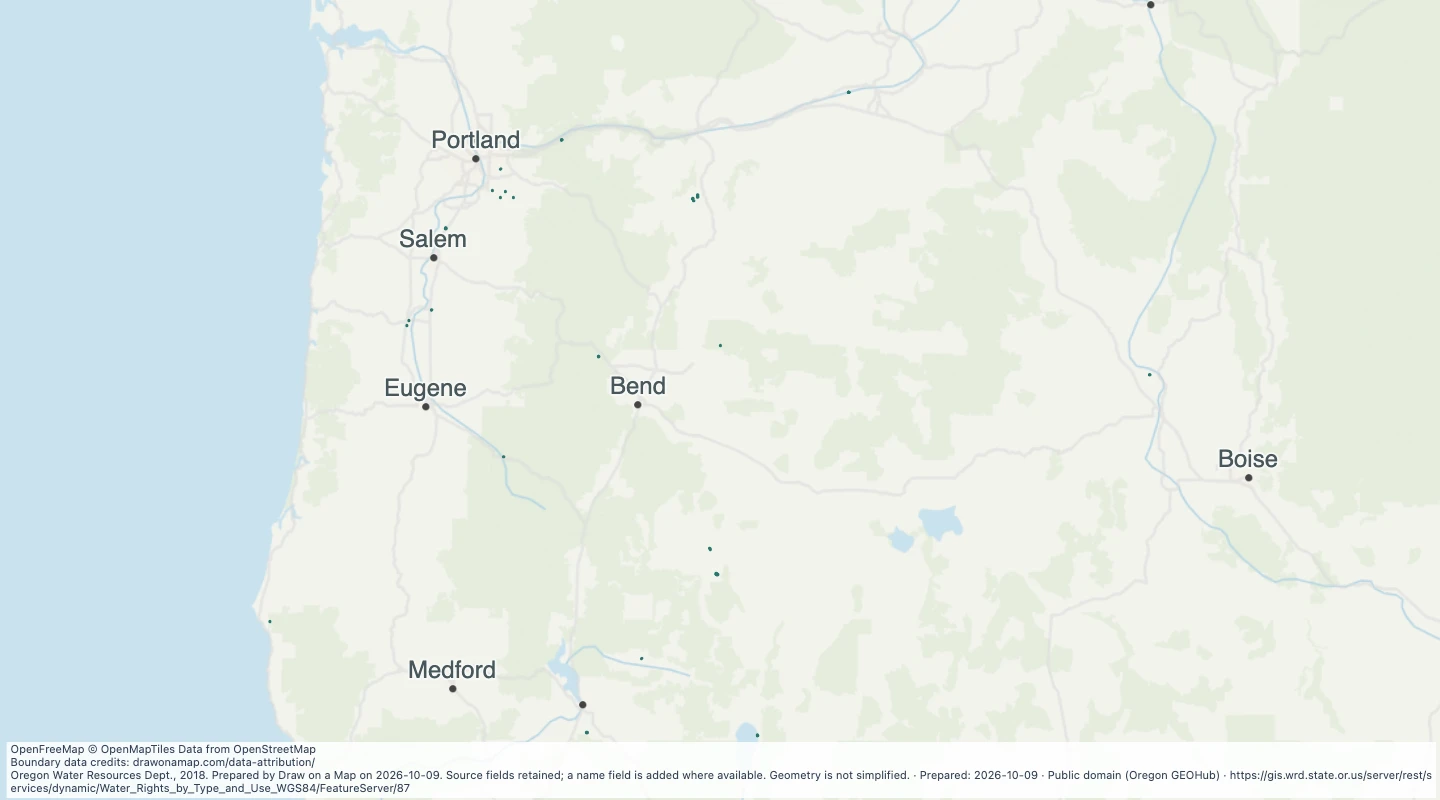 Oregon water rights: Places of Use - groundwater, FishExplore 74 source records for Oregon water rights: Places of Use - groundwater, Fish. View the map or download the GeoJSON snapshot.
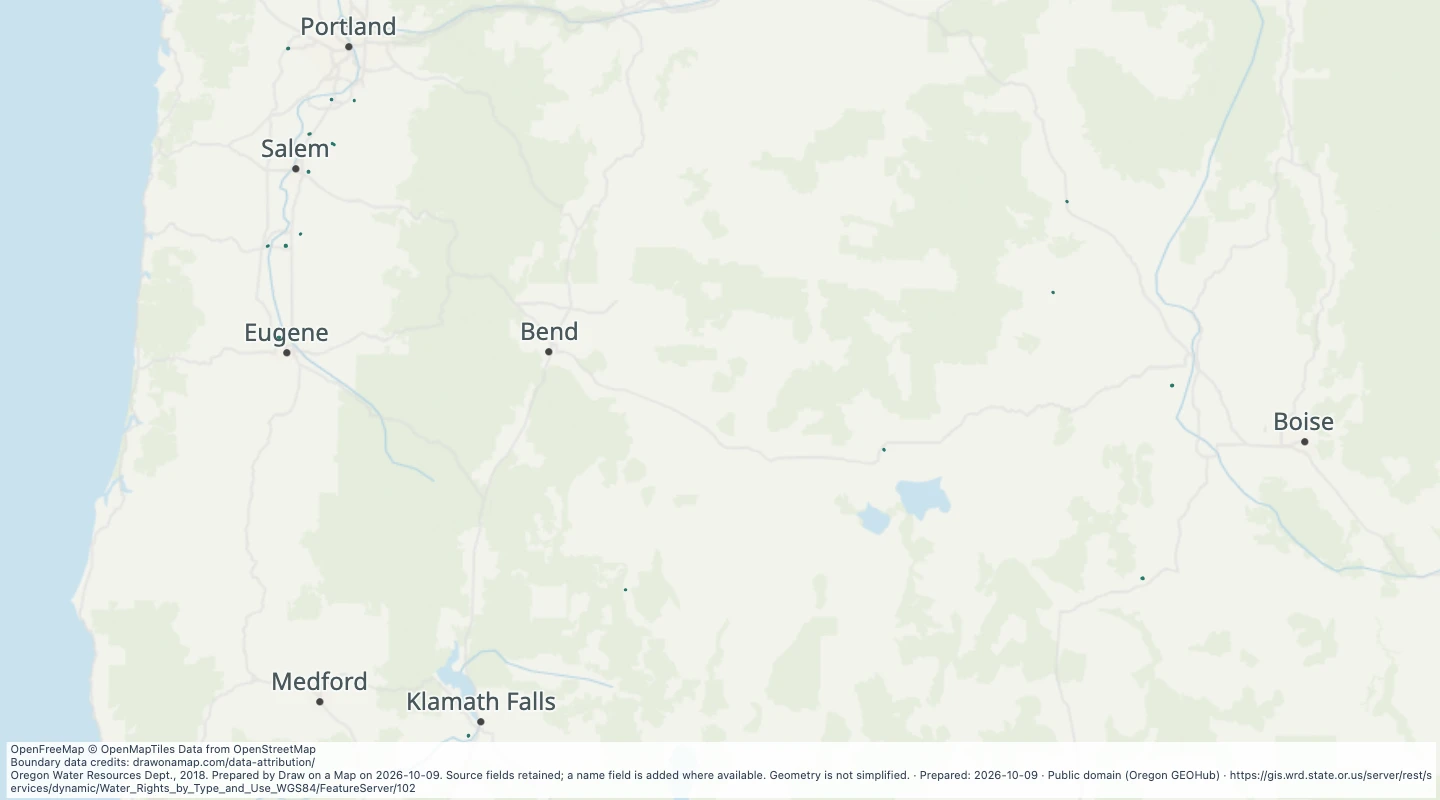 Oregon water rights: Places of Use - groundwater, LivestockExplore 29 source records for Oregon water rights: Places of Use - groundwater, Livestock. View the map or download the GeoJSON snapshot.
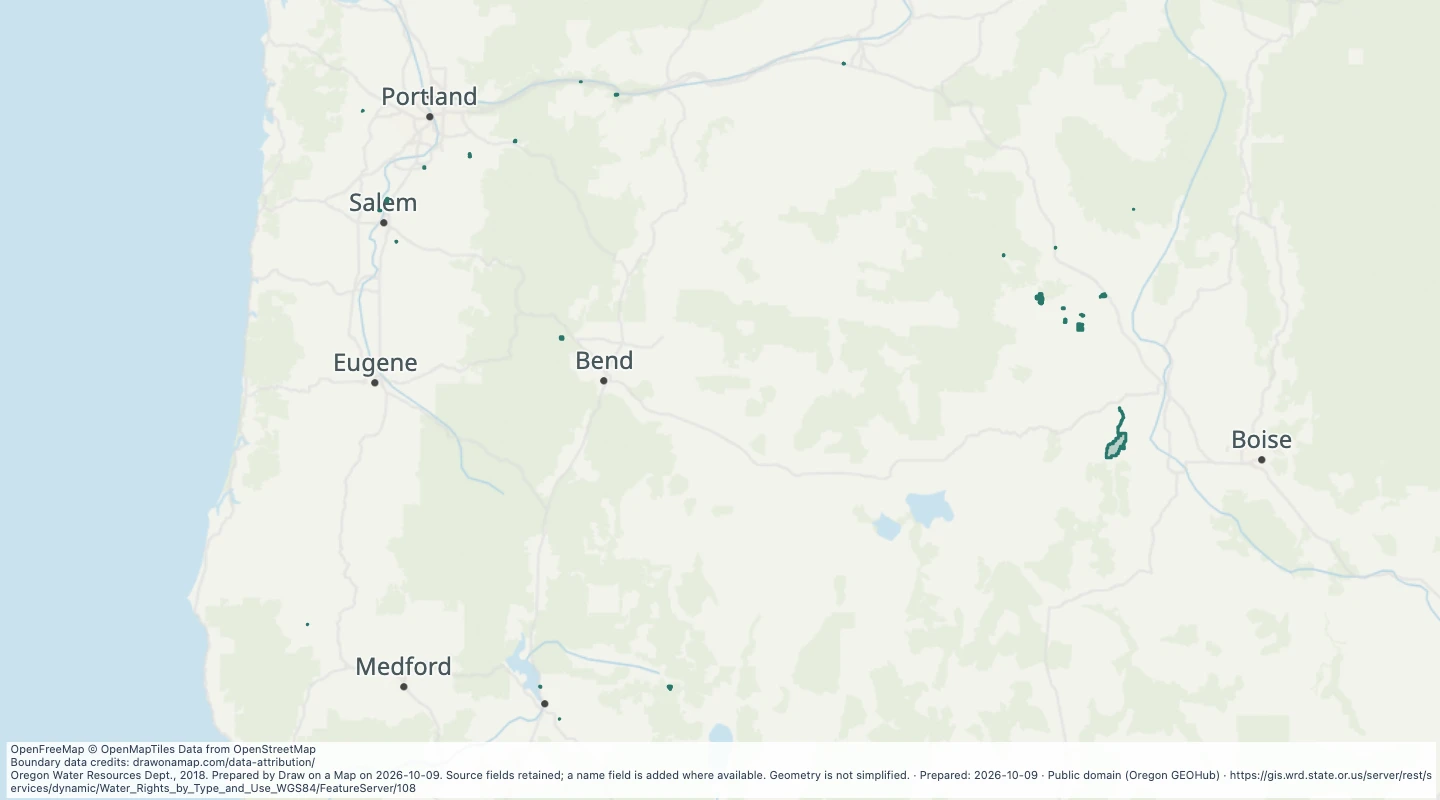 Oregon water rights: Places of Use - groundwater, MiningExplore 37 source records for Oregon water rights: Places of Use - groundwater, Mining. View the map or download the GeoJSON snapshot.
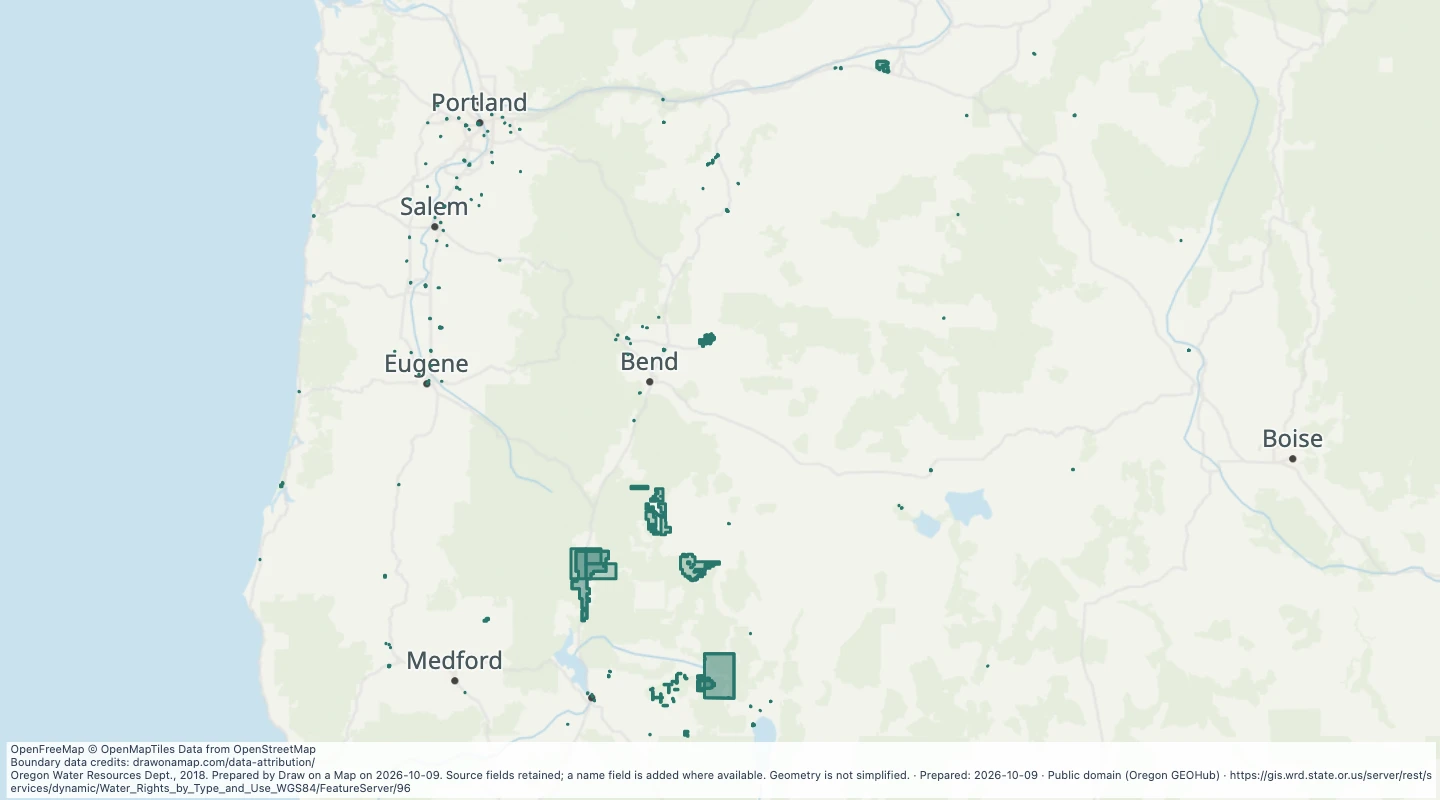 Oregon water rights: Places of Use - groundwater, miscellaneous usesExplore 384 source records for Oregon water rights: Places of Use - groundwater, miscellaneous uses. View the map or download the GeoJSON snapshot.
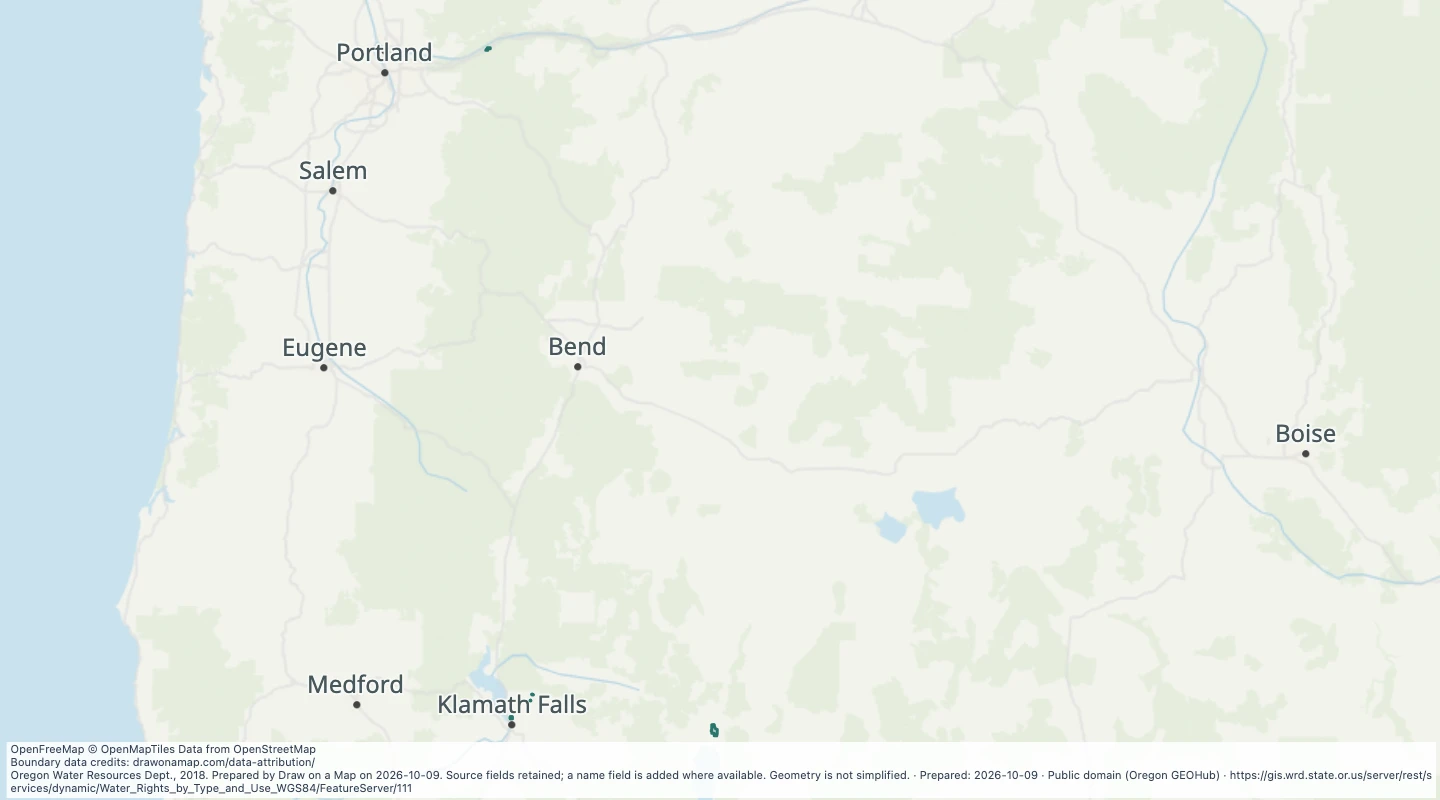 Oregon water rights: Places of Use - groundwater, PowerExplore 10 source records for Oregon water rights: Places of Use - groundwater, Power. View the map or download the GeoJSON snapshot.
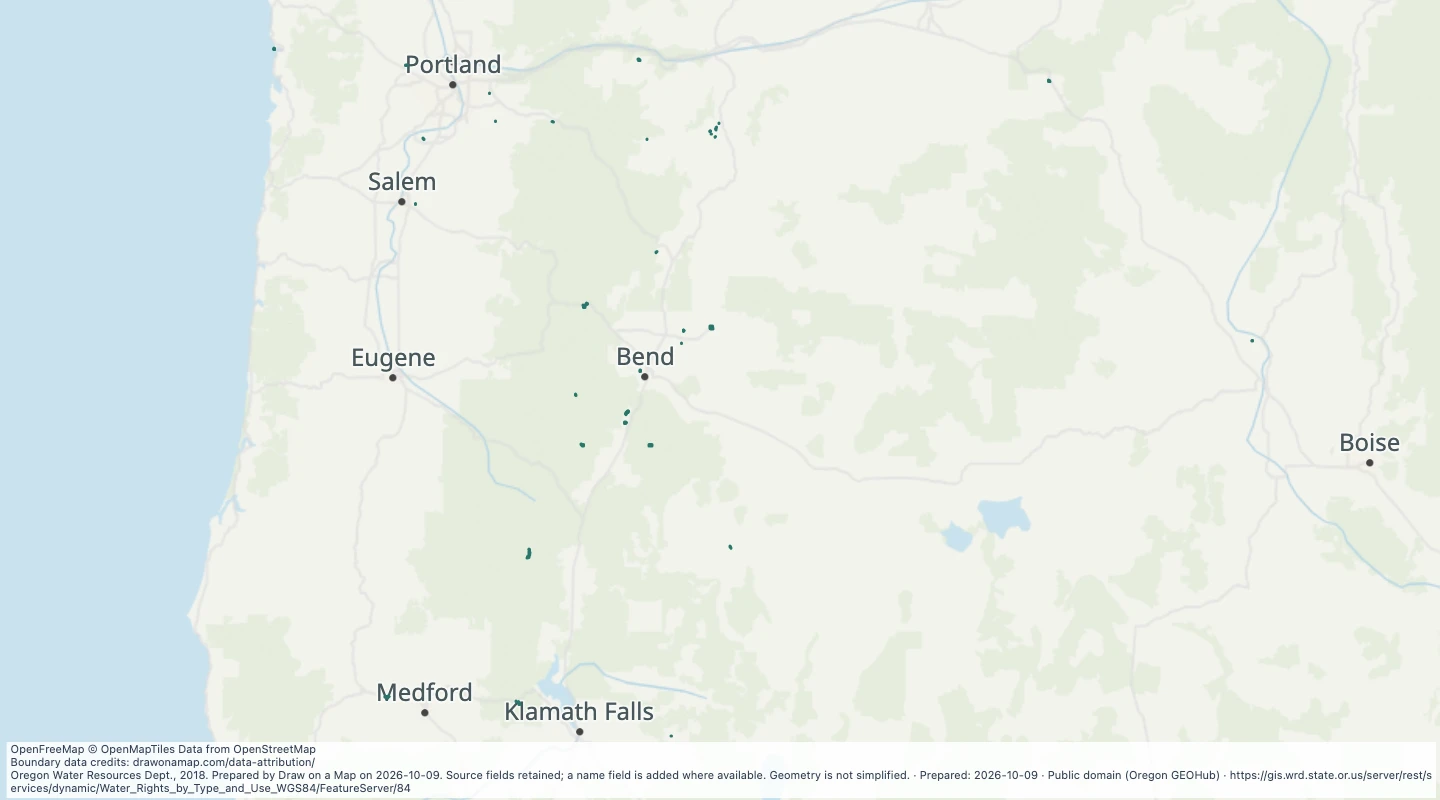 Oregon water rights: Places of Use - groundwater, RecreationExplore 53 source records for Oregon water rights: Places of Use - groundwater, Recreation. View the map or download the GeoJSON snapshot.
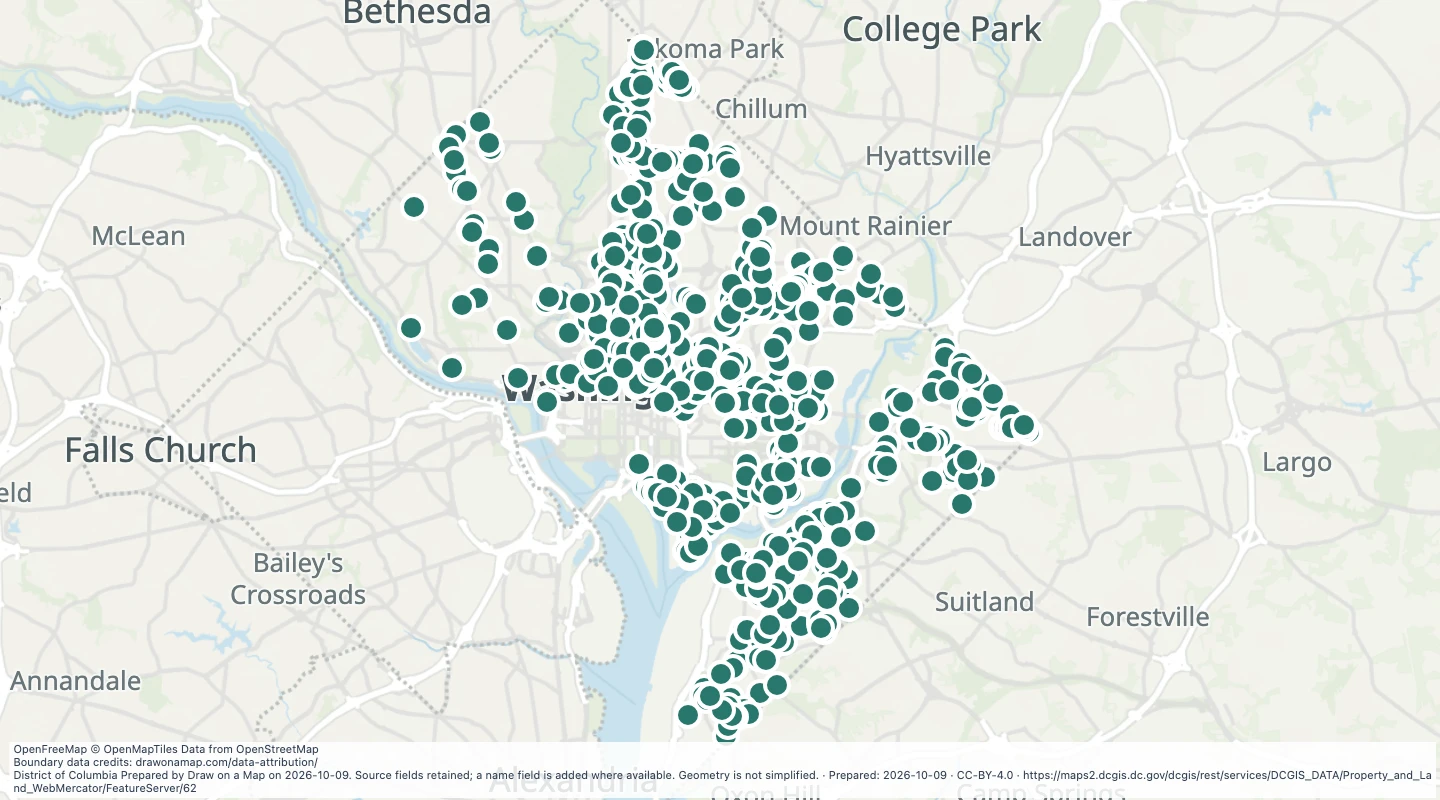 Affordable housing locations in Washington, DCExplore 923 source records for Affordable housing locations in Washington, DC. View the map or download the GeoJSON snapshot.
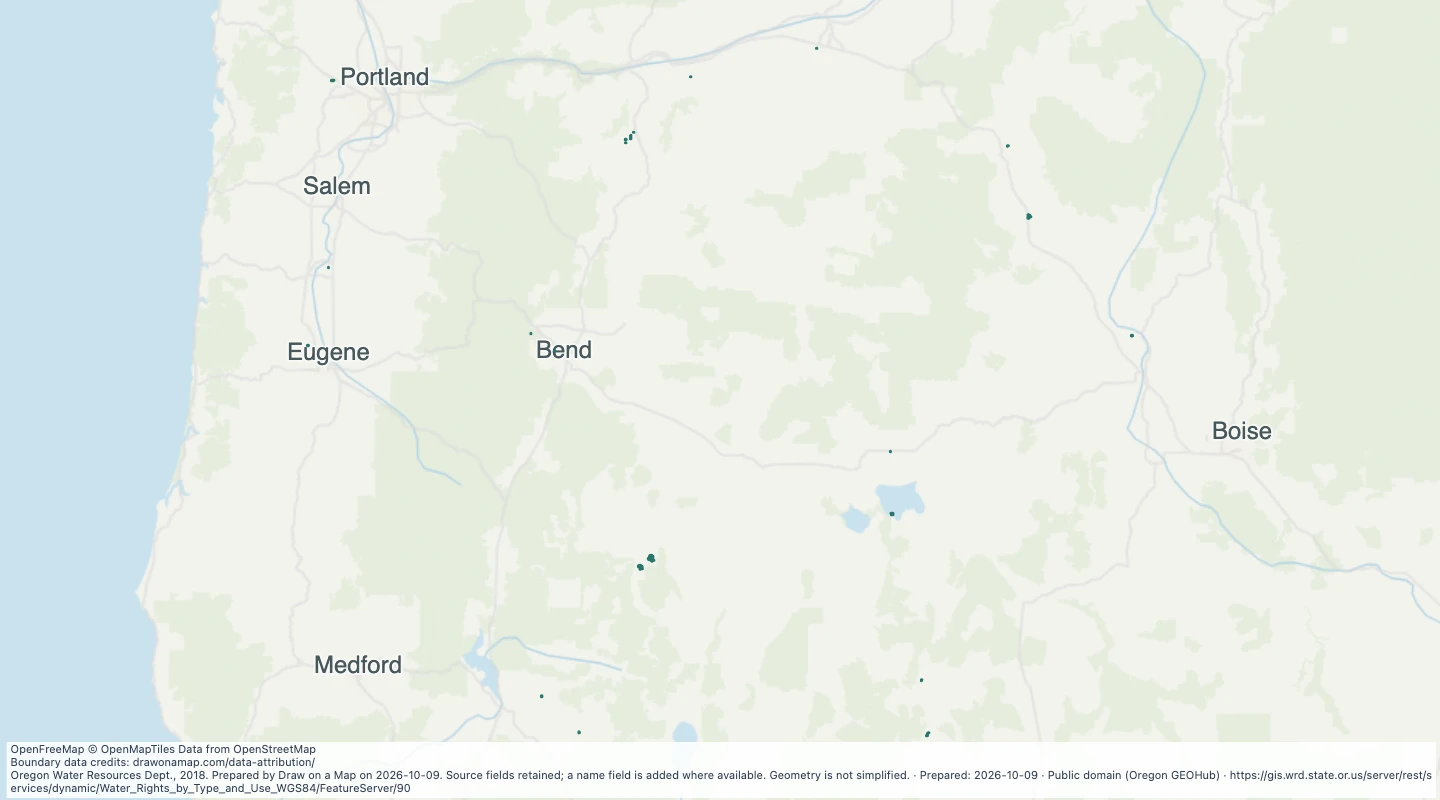 Oregon water rights: Places of Use - groundwater, WildlifeExplore 45 source records for Oregon water rights: Places of Use - groundwater, Wildlife. View the map or download the GeoJSON snapshot.
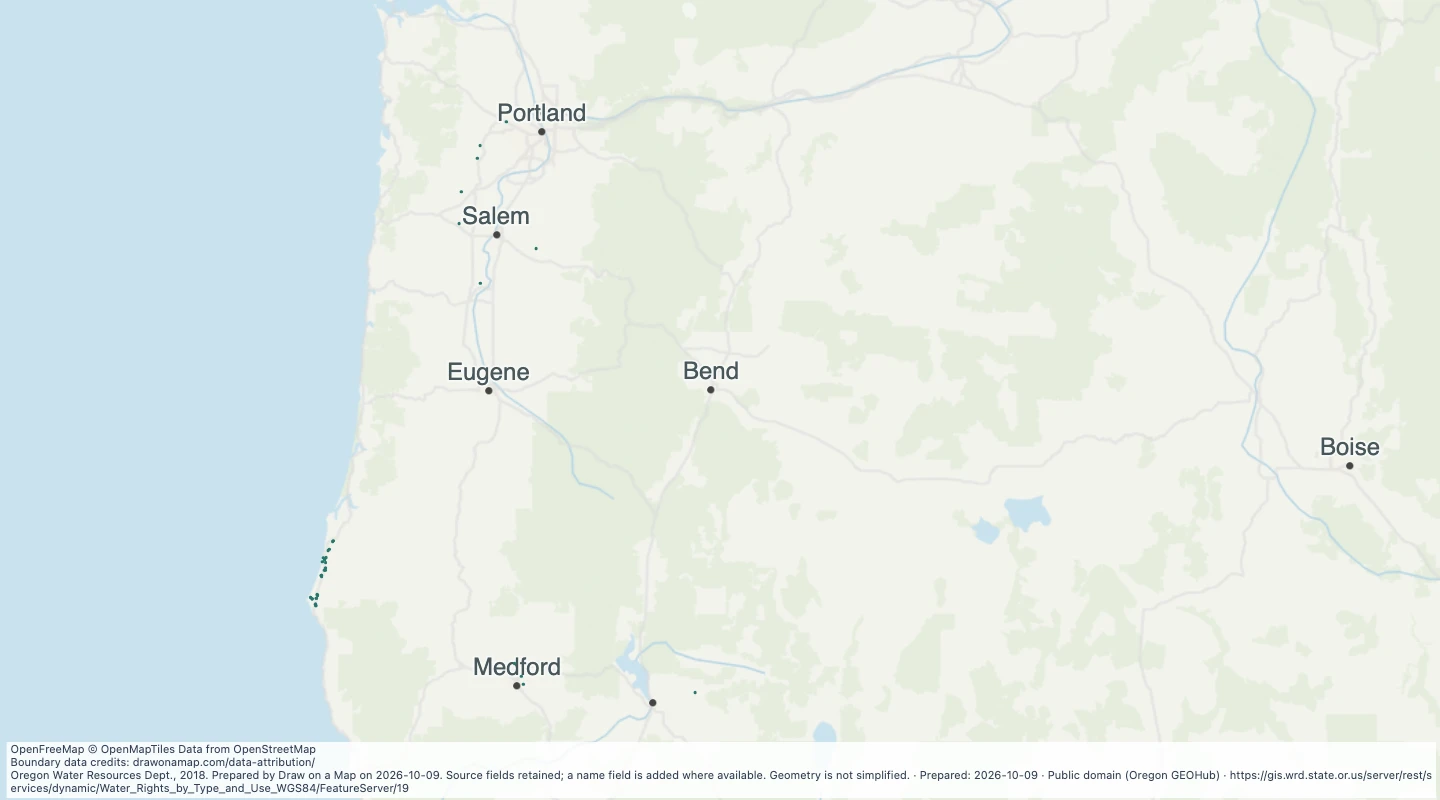 Oregon water rights: Places of Use - storage, AgricultureExplore 158 source records for Oregon water rights: Places of Use - storage, Agriculture. View the map or download the GeoJSON snapshot.
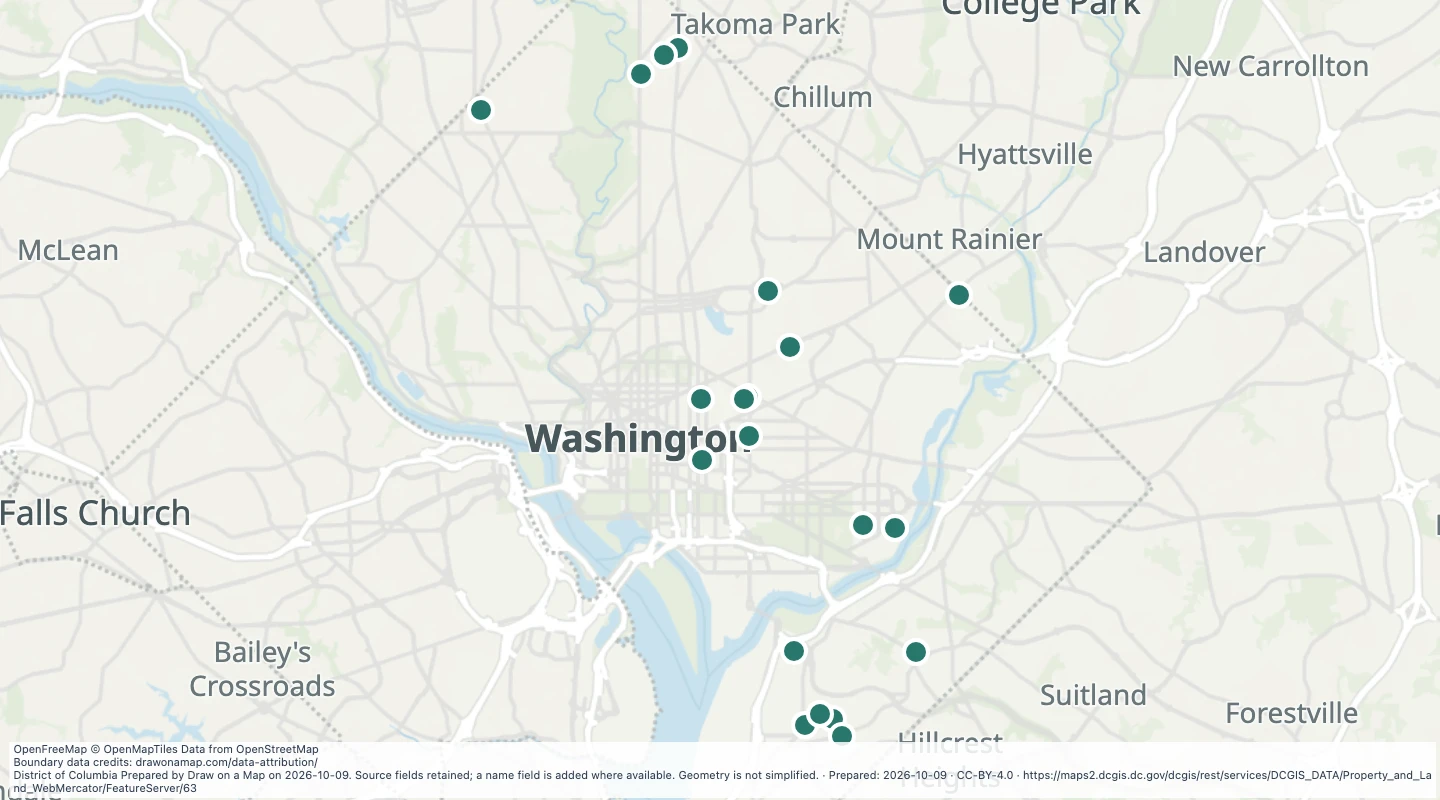 District real estate portfolio locations in Washington, DCExplore 21 source records for District real estate portfolio locations in Washington, DC. View the map or download the GeoJSON snapshot.
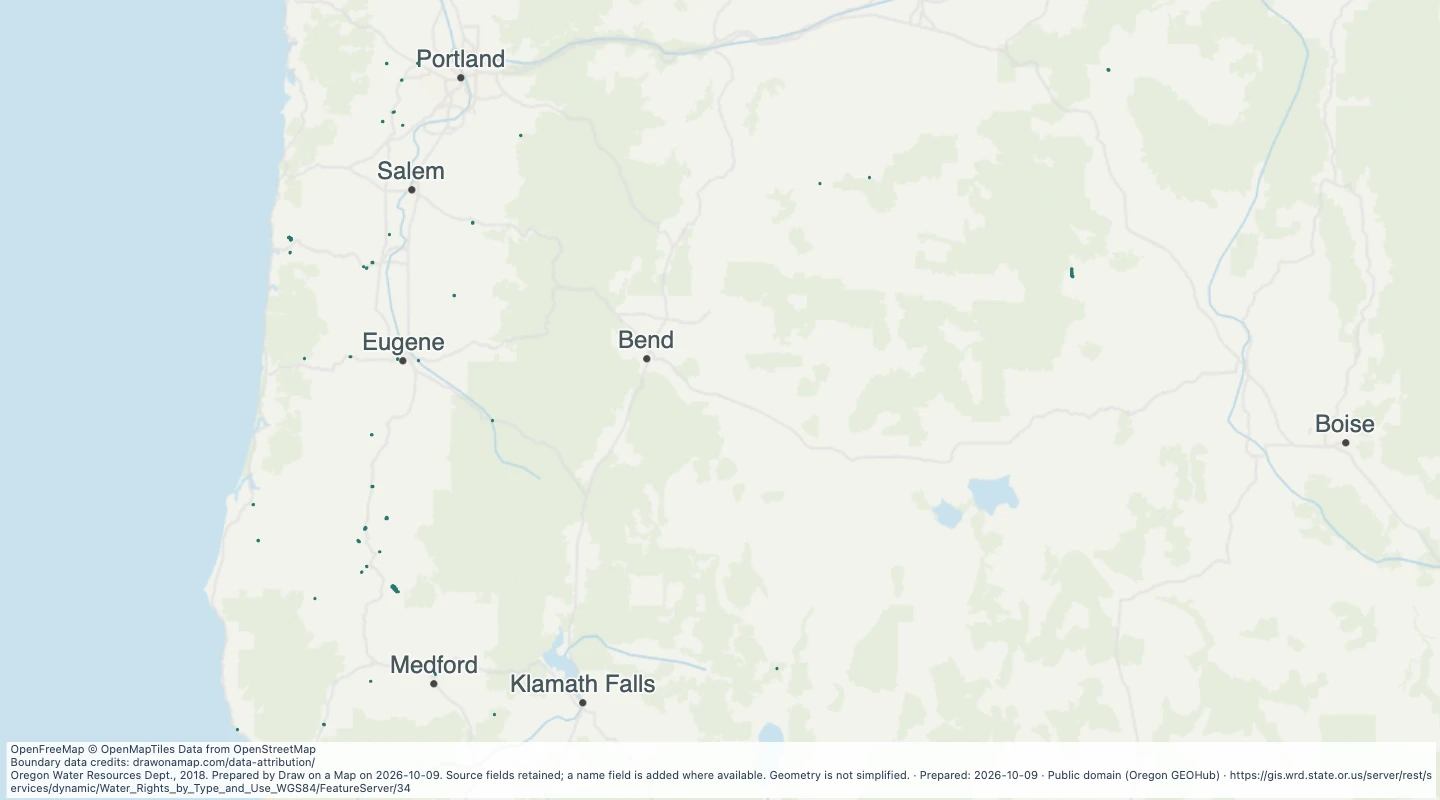 Oregon water rights: Places of Use - storage, CommercialExplore 169 source records for Oregon water rights: Places of Use - storage, Commercial. View the map or download the GeoJSON snapshot.
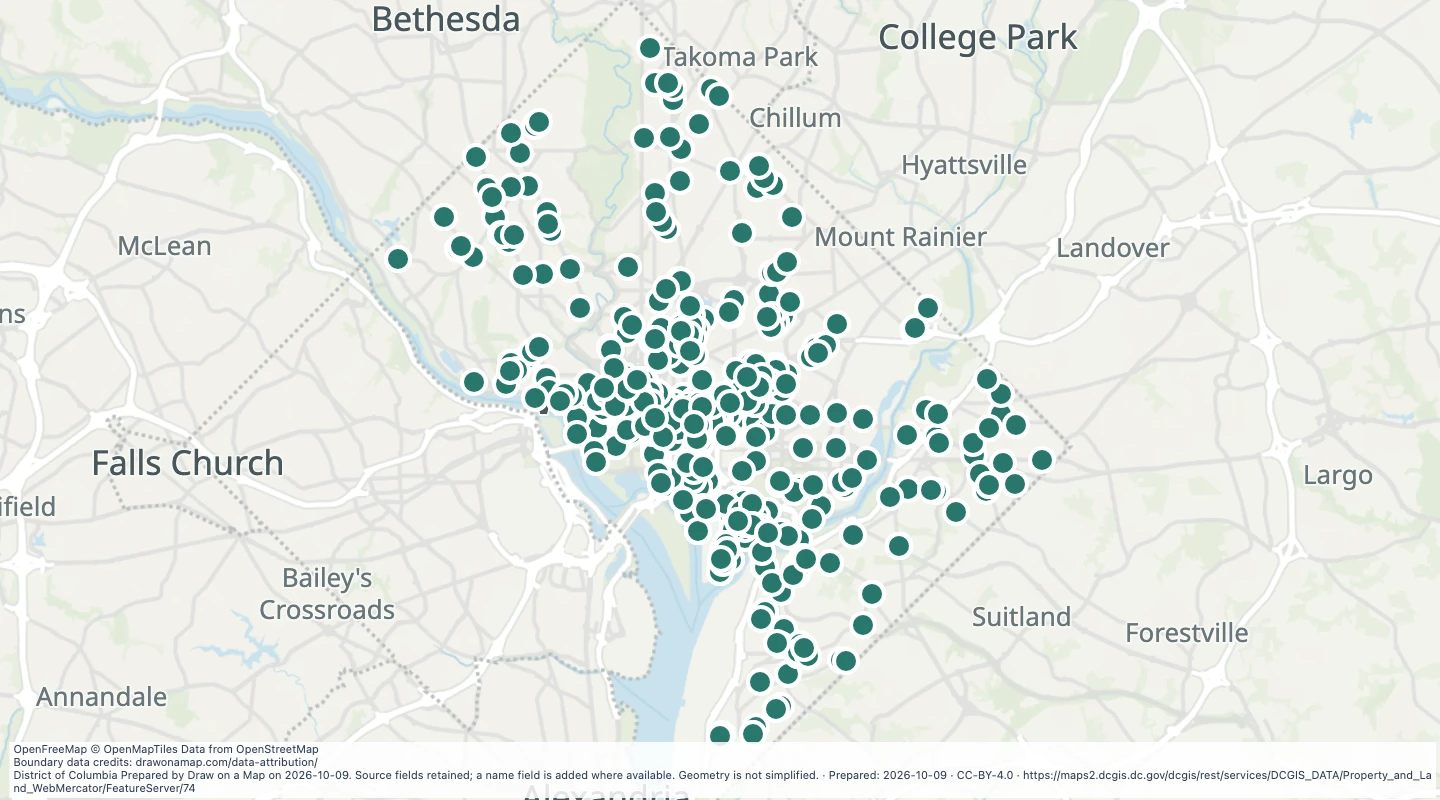 Development project locations in Washington, DCExplore 783 source records for Development project locations in Washington, DC. View the map or download the GeoJSON snapshot.
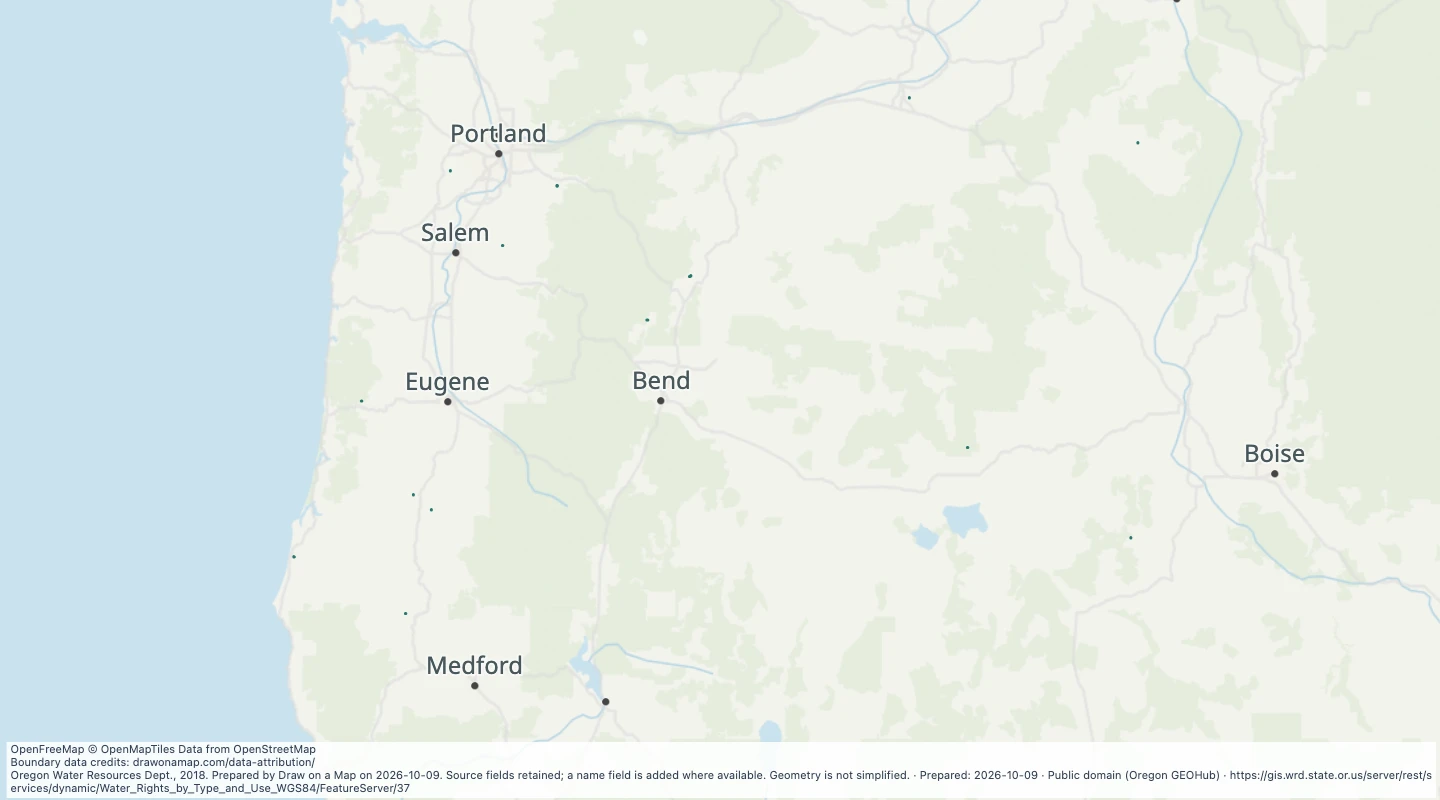 Oregon water rights: Places of Use - storage, DomesticExplore 100 source records for Oregon water rights: Places of Use - storage, Domestic. View the map or download the GeoJSON snapshot.
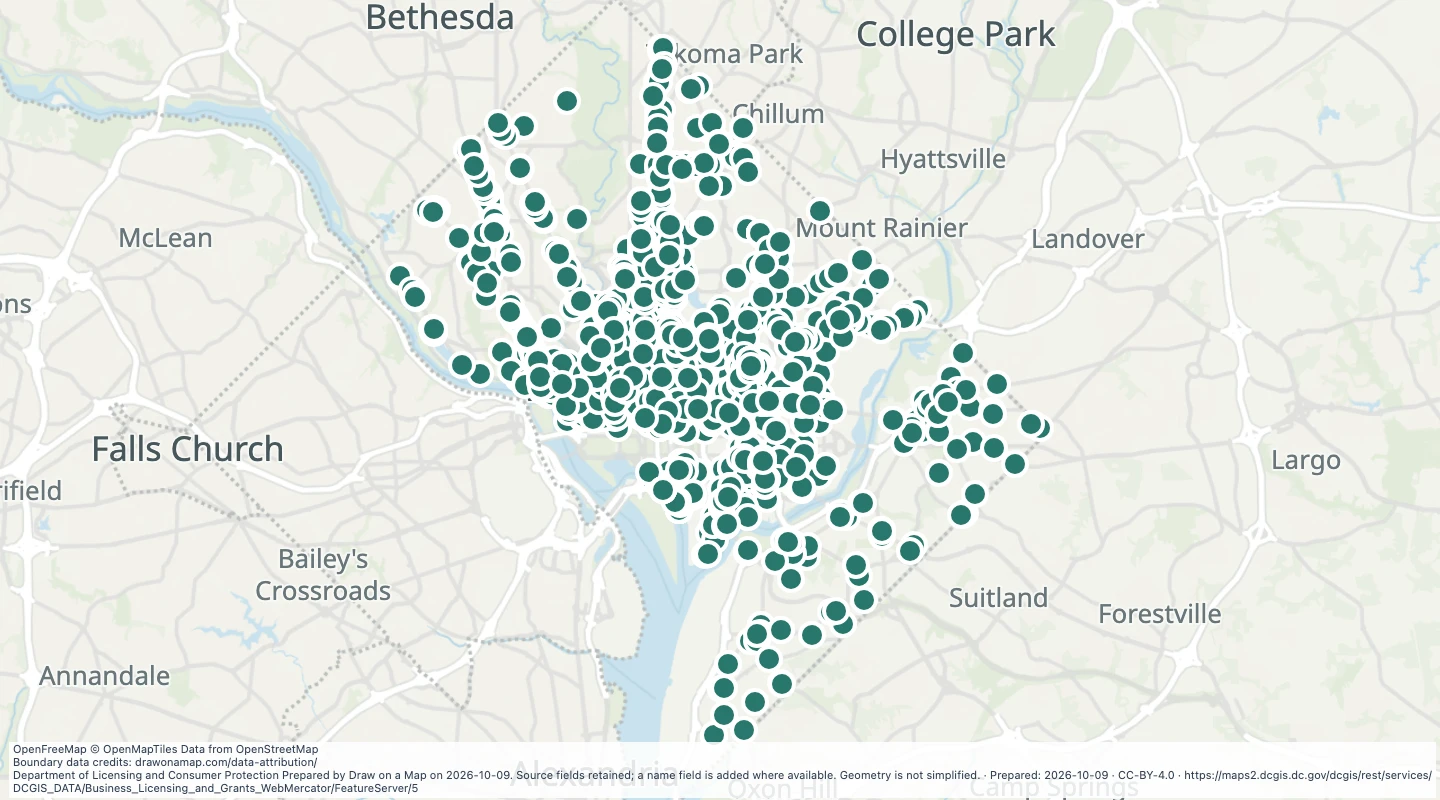 Liquor licence locations in Washington, DCExplore 2,329 source records for Liquor licence locations in Washington, DC. View the map or download the GeoJSON snapshot.
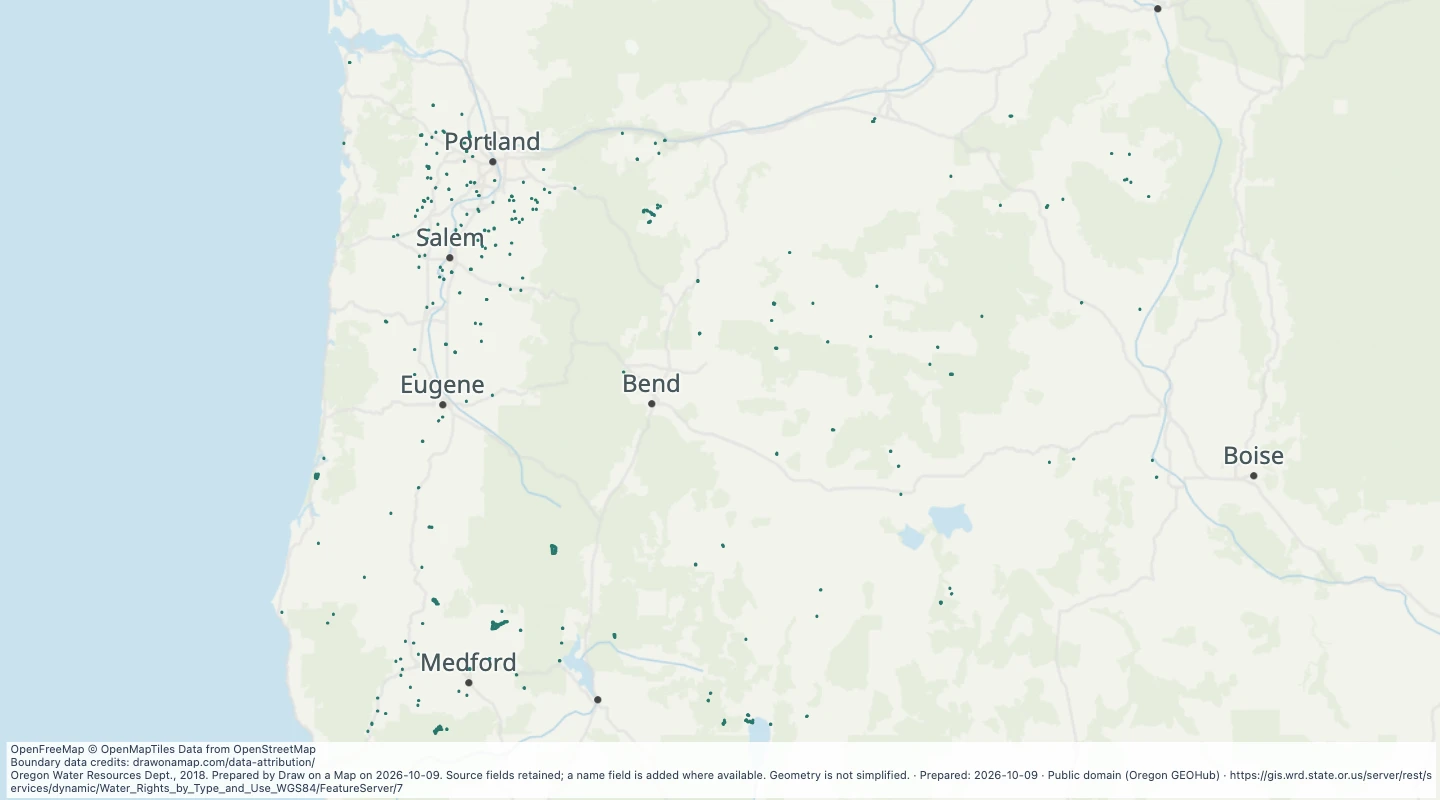 Oregon water rights: Places of Use - storage, FishExplore 1,132 source records for Oregon water rights: Places of Use - storage, Fish. View the map or download the GeoJSON snapshot.
 Oregon water rights: Places of Use - storage, InstreamExplore 1 source records for Oregon water rights: Places of Use - storage, Instream. View the map or download the GeoJSON snapshot.
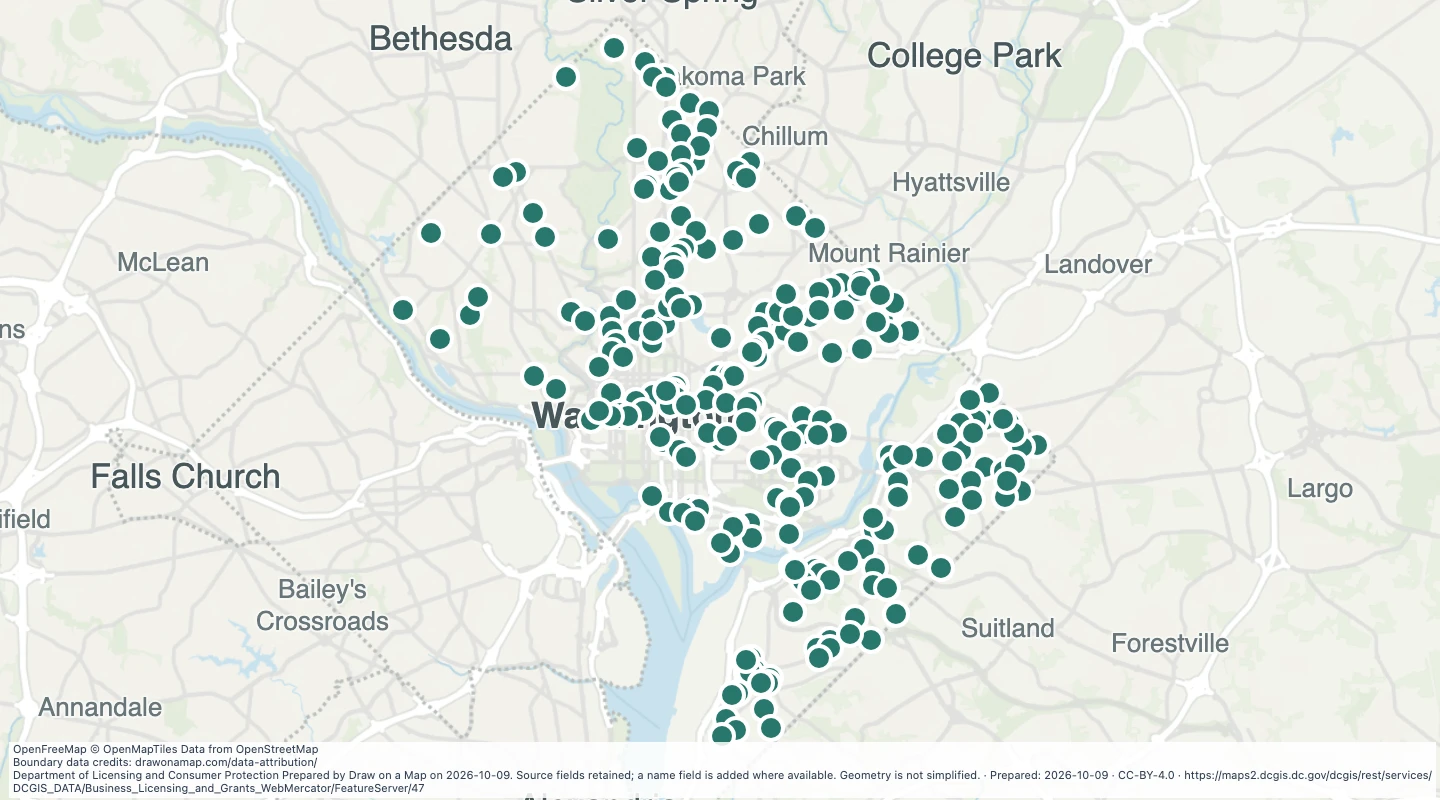 Equity Impact Enterprise grant locations in Washington, DCExplore 259 source records for Equity Impact Enterprise grant locations in Washington, DC. View the map or download the GeoJSON snapshot.
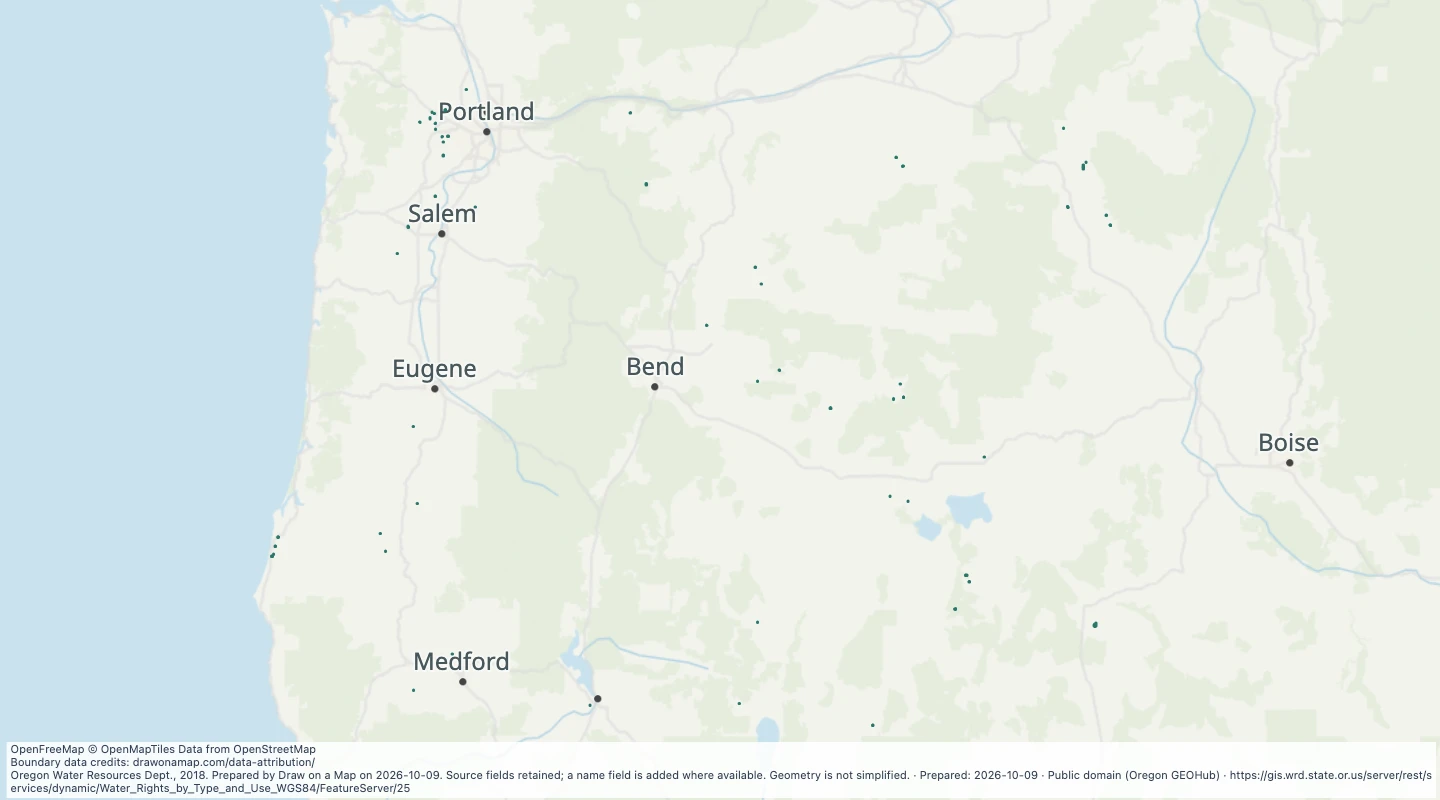 Oregon water rights: Places of Use - storage, IrrigationExplore 300 source records for Oregon water rights: Places of Use - storage, Irrigation. View the map or download the GeoJSON snapshot.
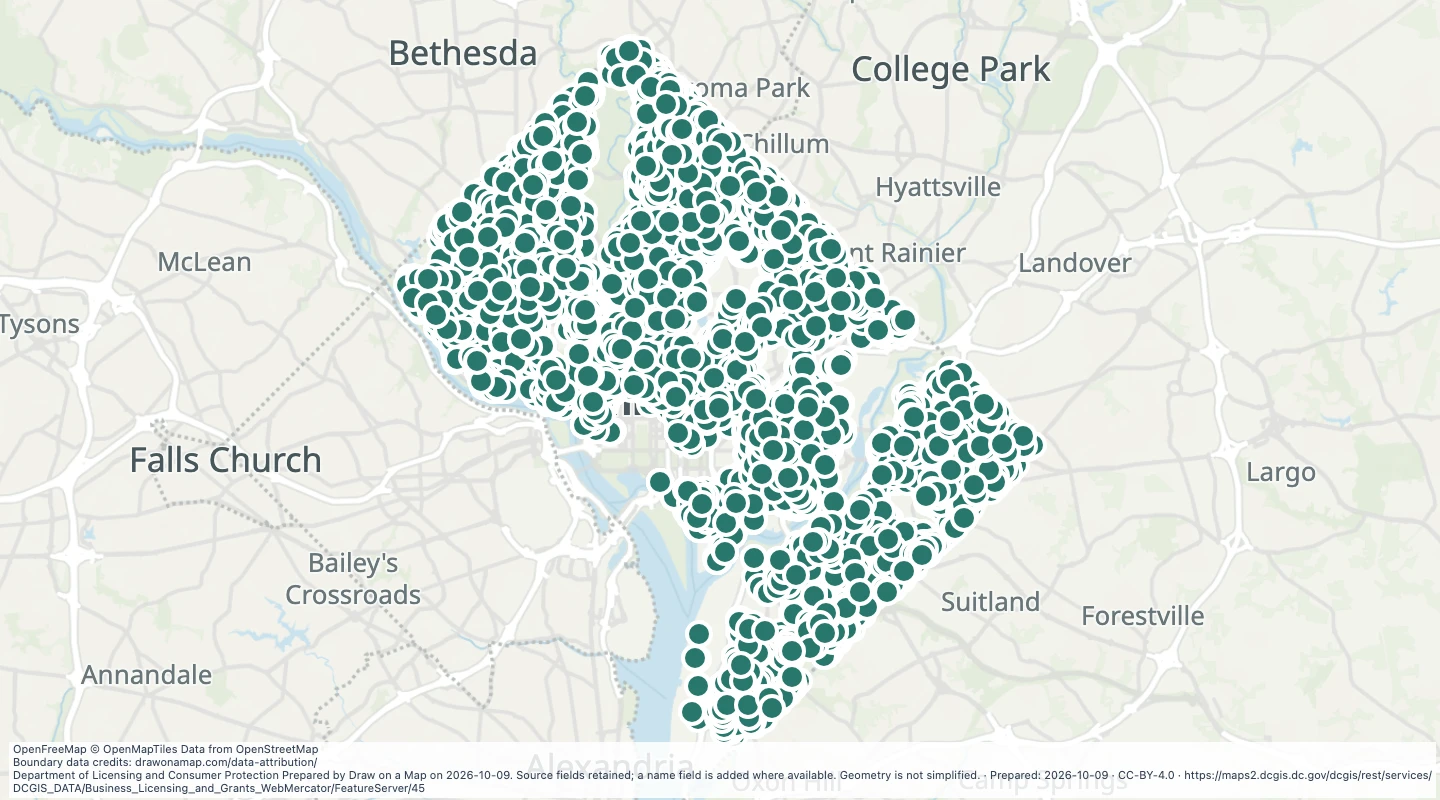 Home occupancy permit locations in Washington, DCExplore 8,401 source records for Home occupancy permit locations in Washington, DC. View the map or download the GeoJSON snapshot.
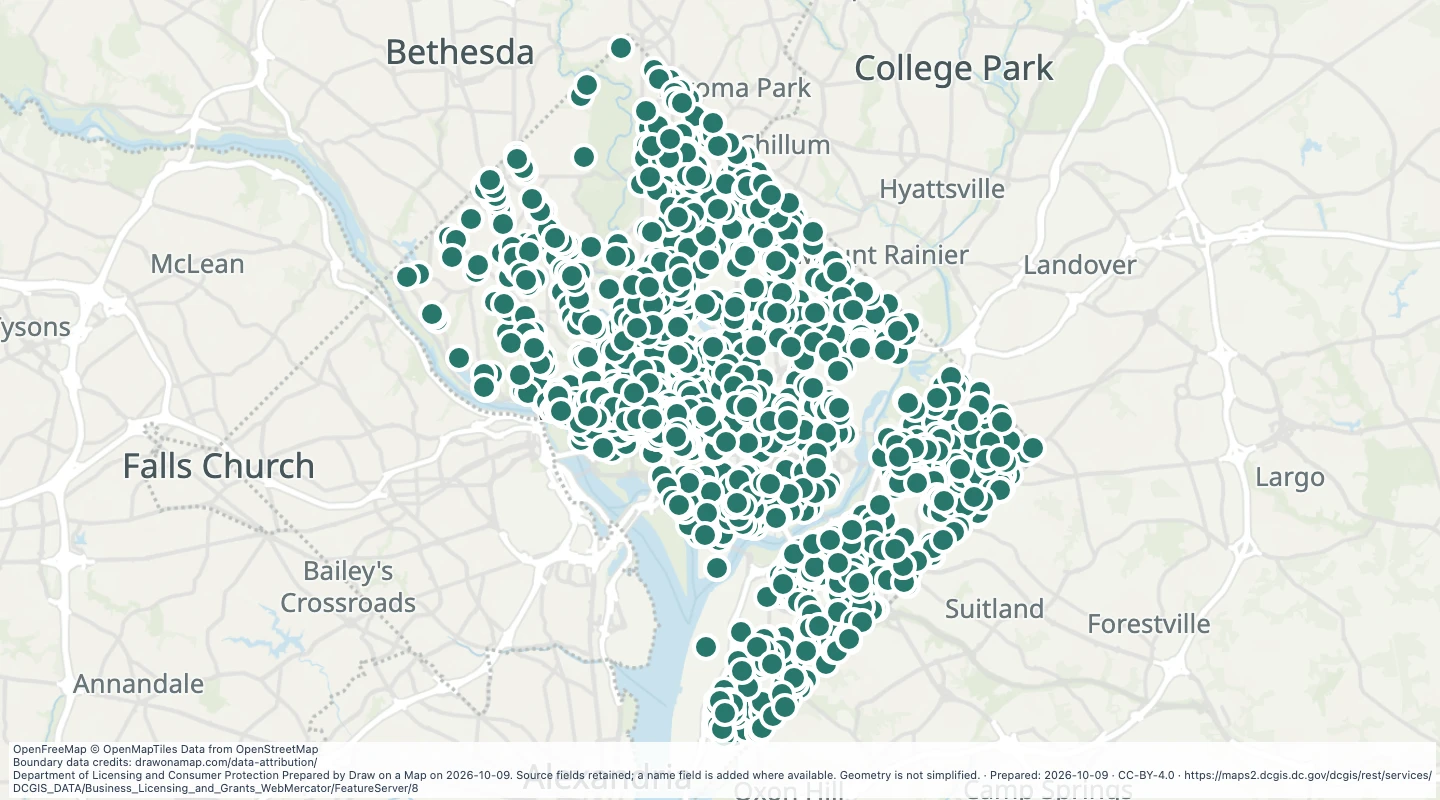 Notary public locations in Washington, DCExplore 2,764 source records for Notary public locations in Washington, DC. View the map or download the GeoJSON snapshot.
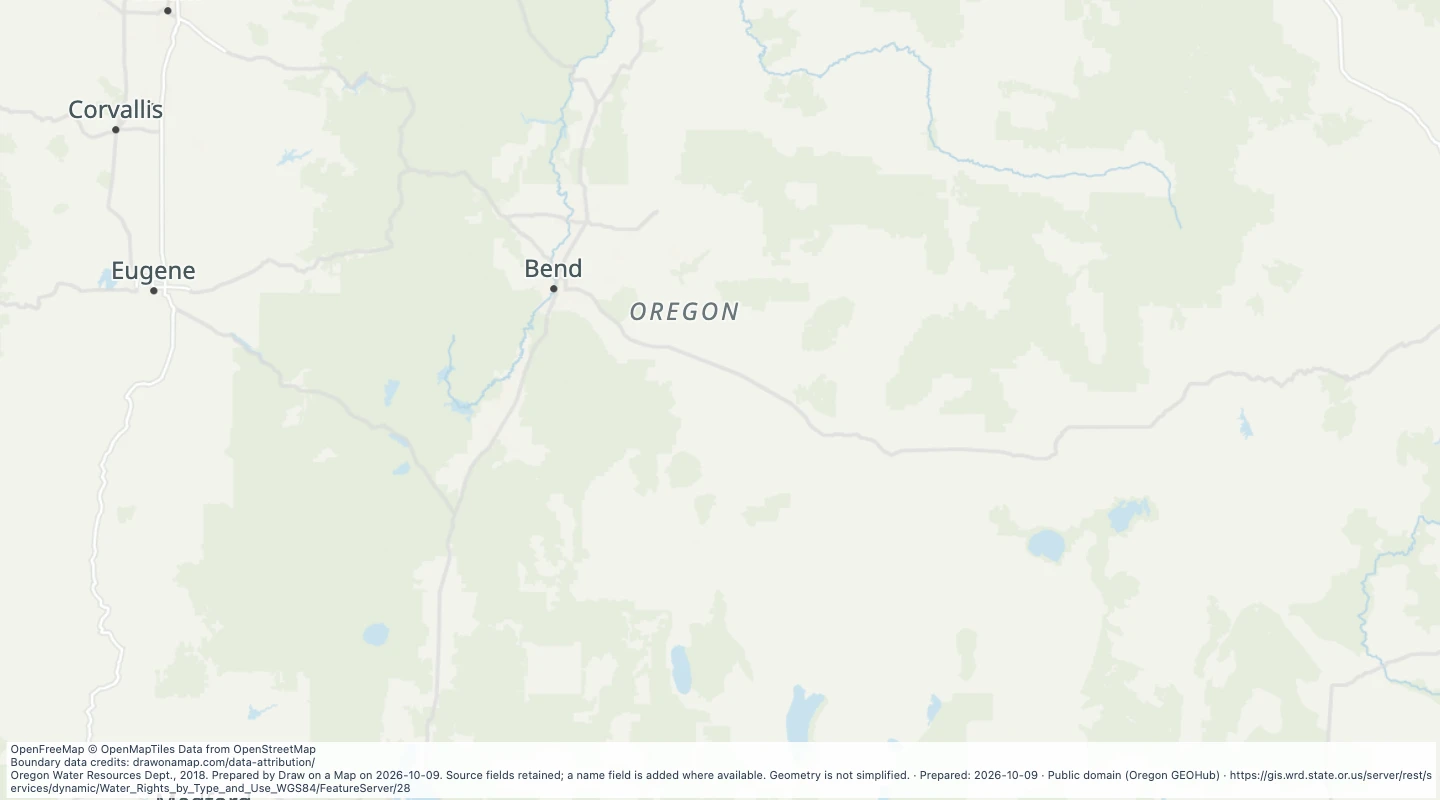 Oregon water rights: Places of Use - storage, MiningExplore 3 source records for Oregon water rights: Places of Use - storage, Mining. View the map or download the GeoJSON snapshot.
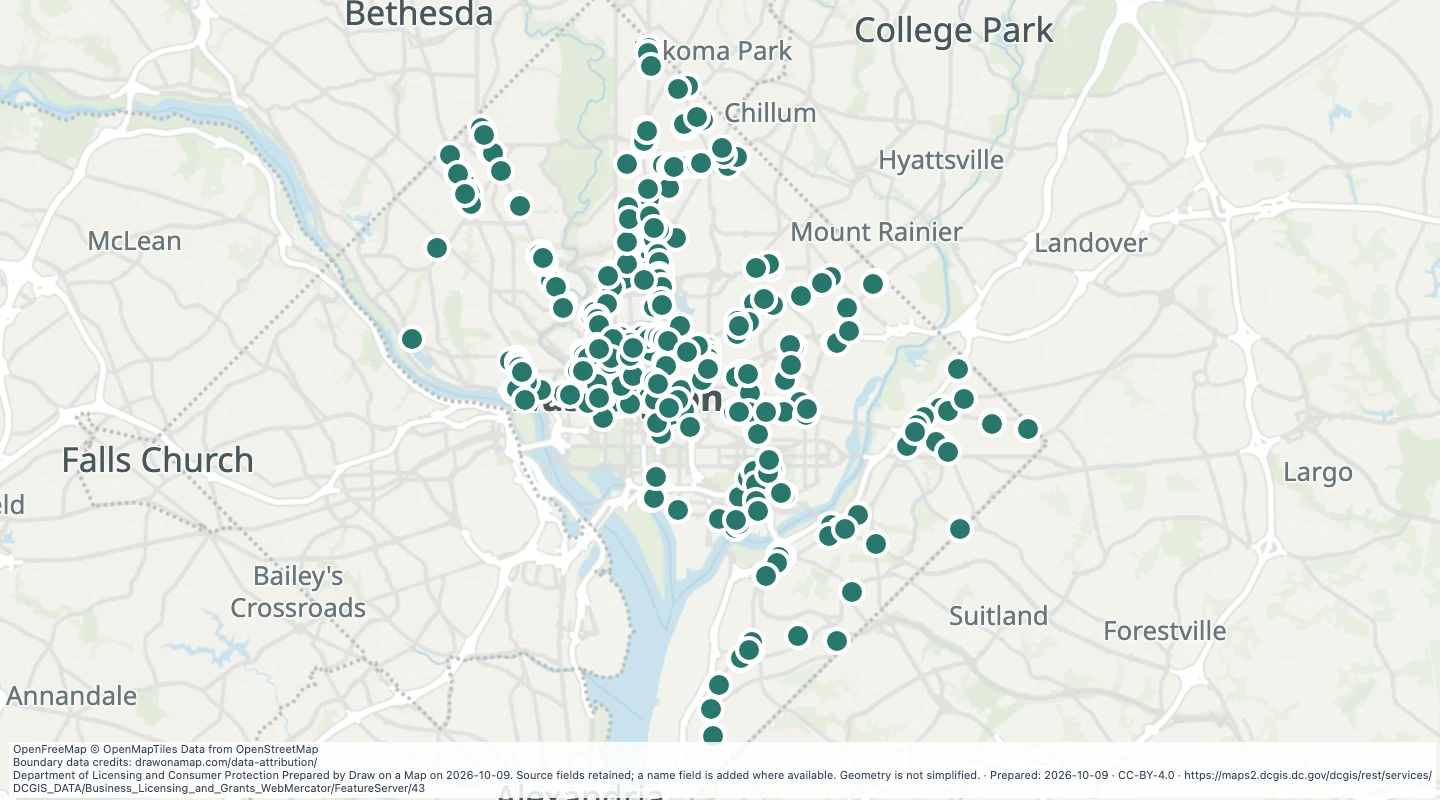 Robust Retail small business grant locations in Washington, DCExplore 413 source records for Robust Retail small business grant locations in Washington, DC. View the map or download the GeoJSON snapshot.
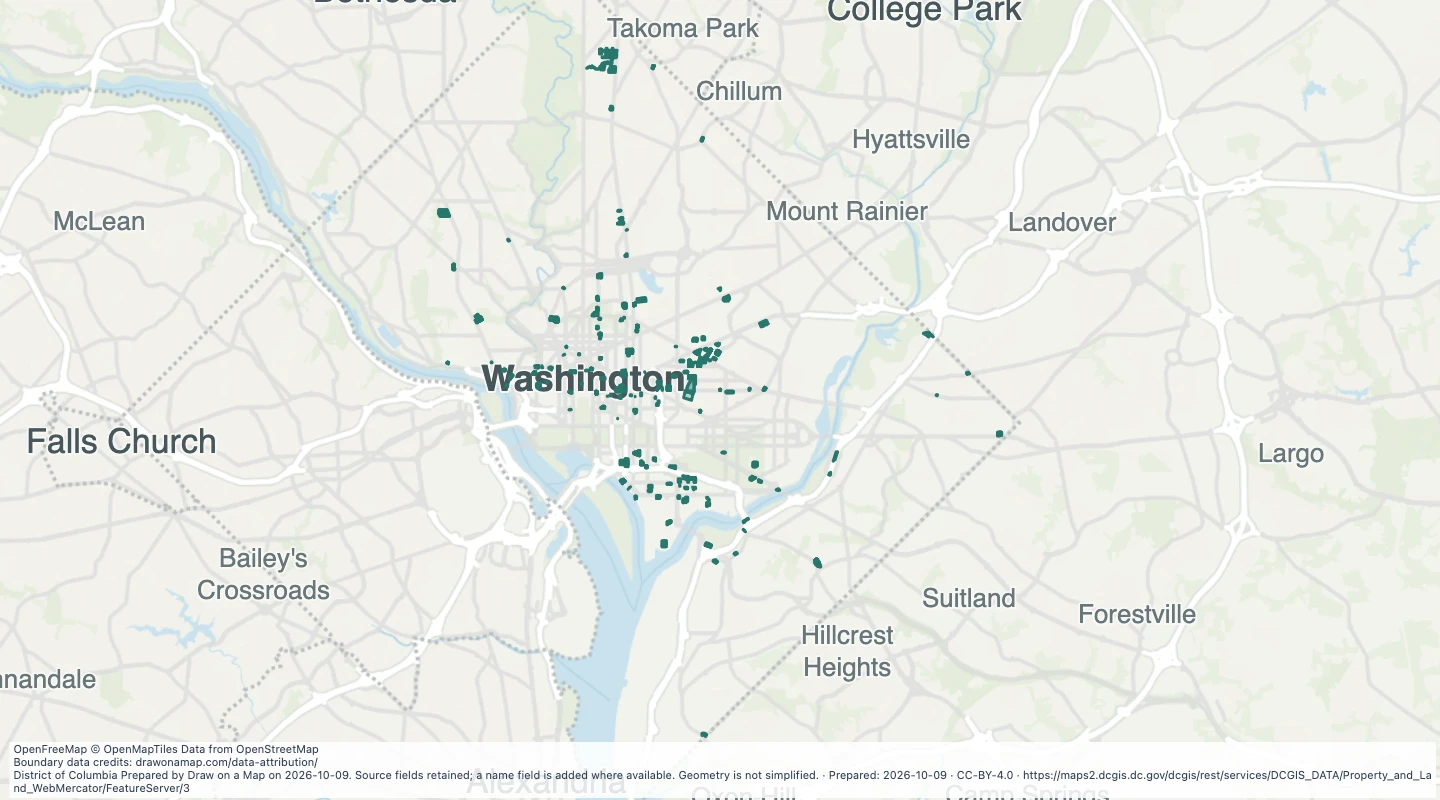 Air rights lots in Washington, DCExplore 1,020 source records for Air rights lots in Washington, DC. View the map or download the GeoJSON snapshot.
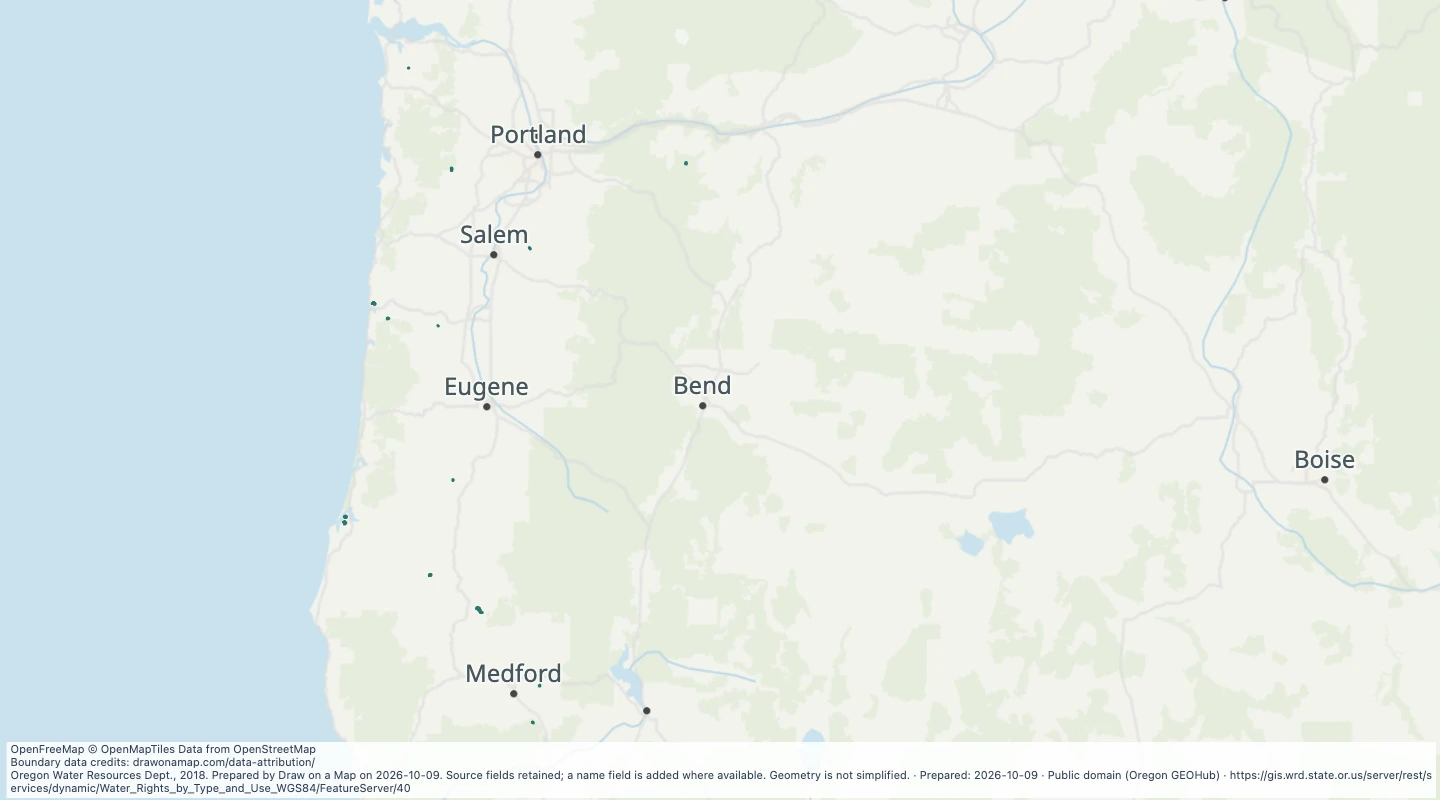 Oregon water rights: Places of Use - storage, MunicipalExplore 44 source records for Oregon water rights: Places of Use - storage, Municipal. View the map or download the GeoJSON snapshot.
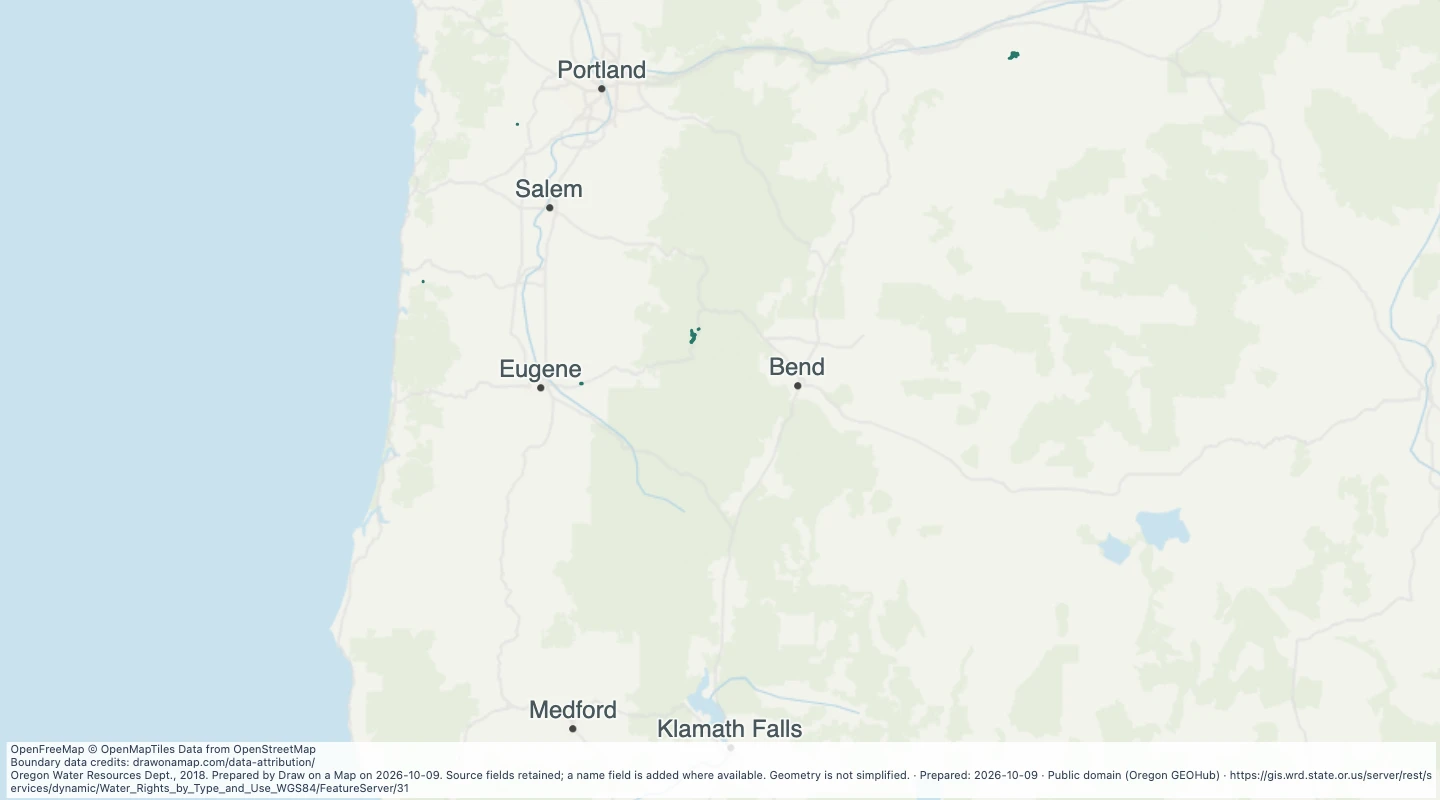 Oregon water rights: Places of Use - storage, PowerExplore 14 source records for Oregon water rights: Places of Use - storage, Power. View the map or download the GeoJSON snapshot.
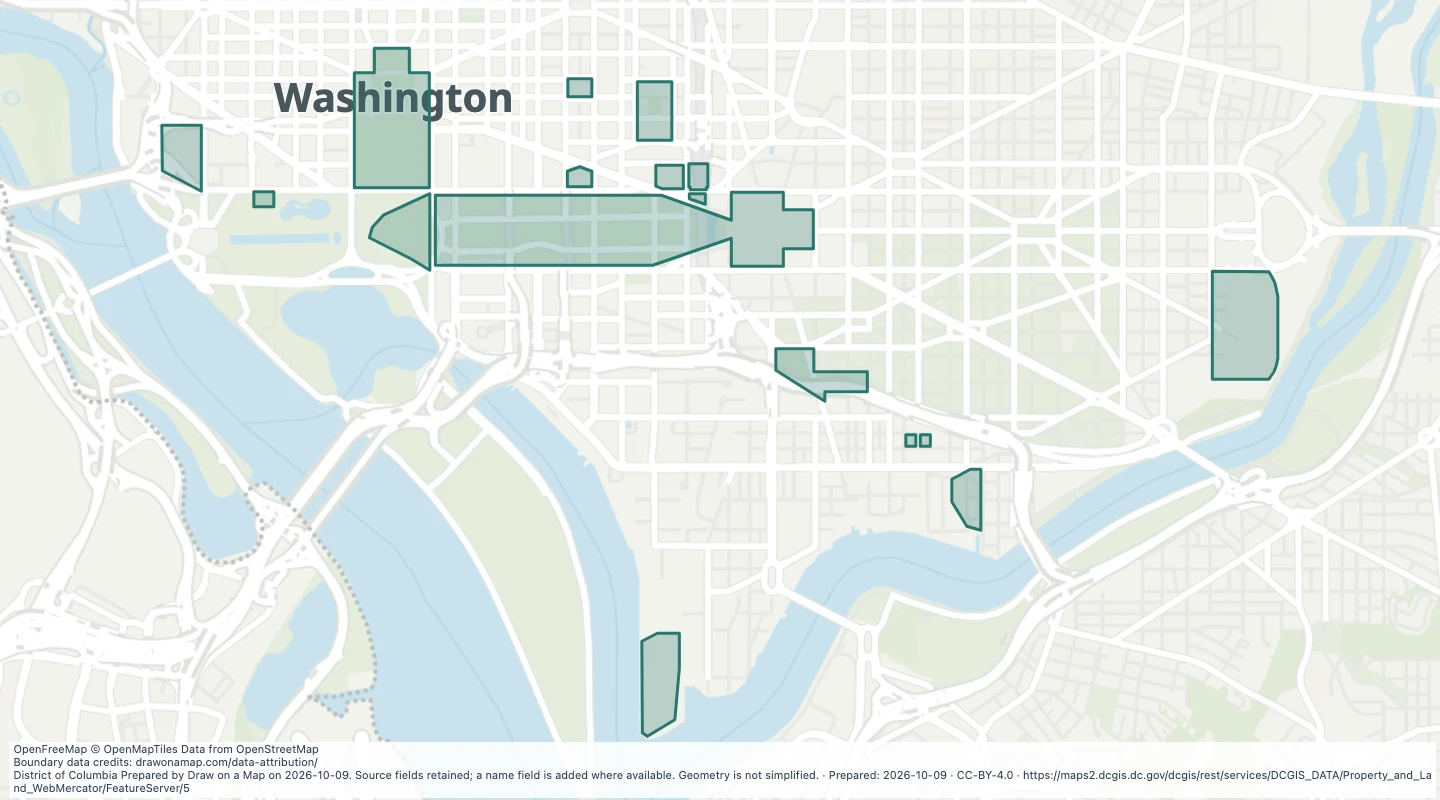 Federal appropriation areas in Washington, DCExplore 17 source records for Federal appropriation areas in Washington, DC. View the map or download the GeoJSON snapshot.
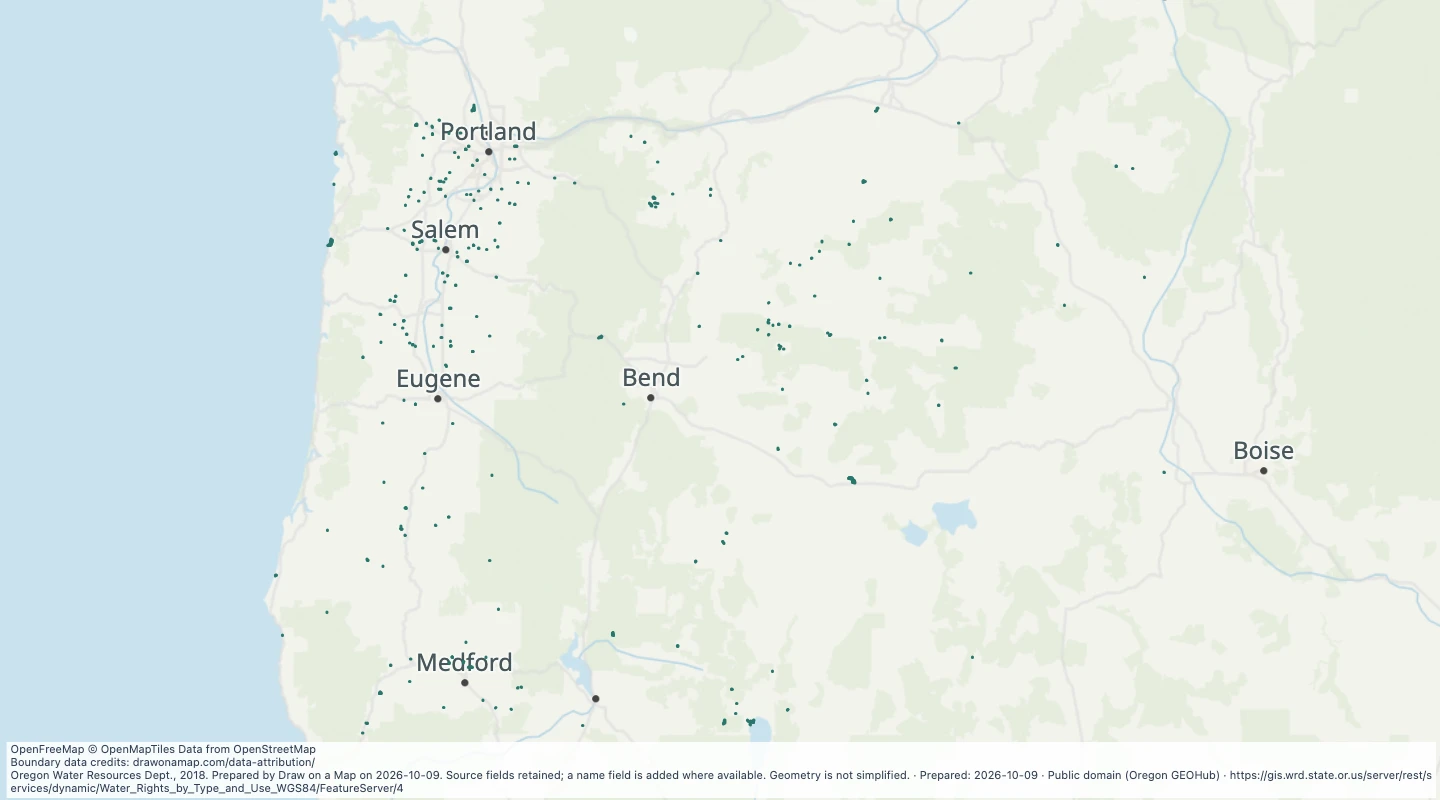 Oregon water rights: Places of Use - storage, RecreationExplore 859 source records for Oregon water rights: Places of Use - storage, Recreation. View the map or download the GeoJSON snapshot.
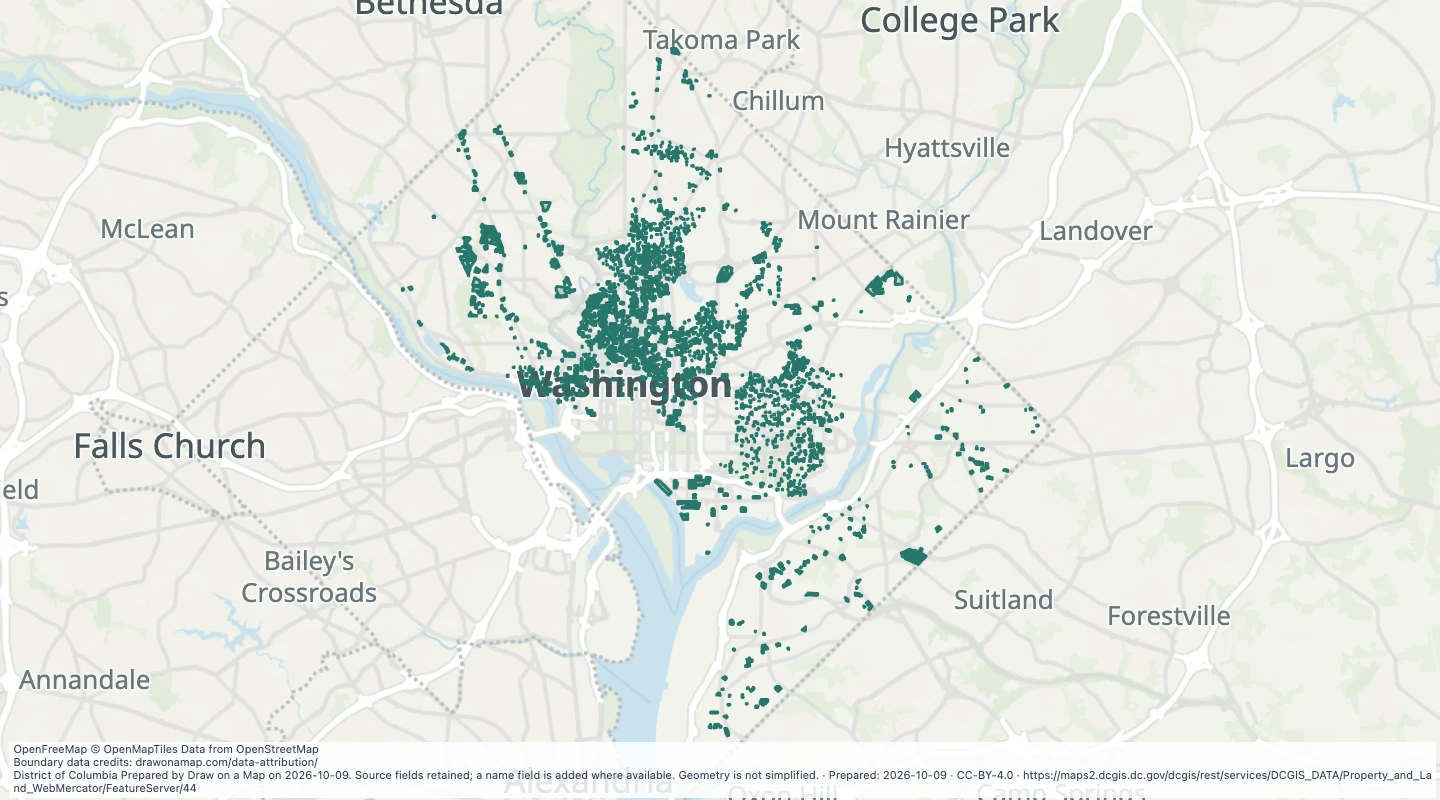 Condominium approval lots in Washington, DCExplore 4,865 source records for Condominium approval lots in Washington, DC. View the map or download the GeoJSON snapshot.
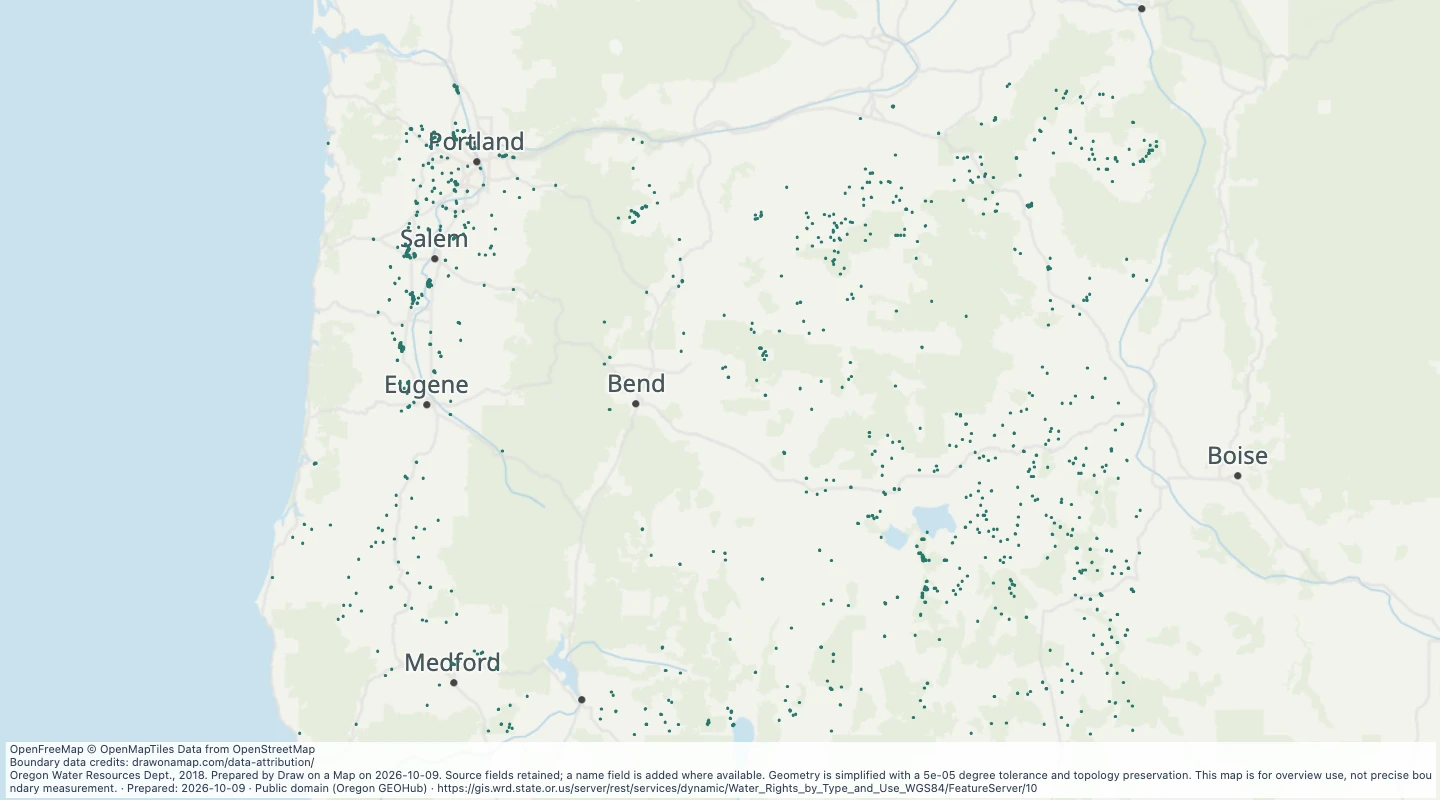 Oregon water rights: Places of Use - storage, WildlifeExplore 4,678 source records for Oregon water rights: Places of Use - storage, Wildlife. View the map or download the GeoJSON snapshot.
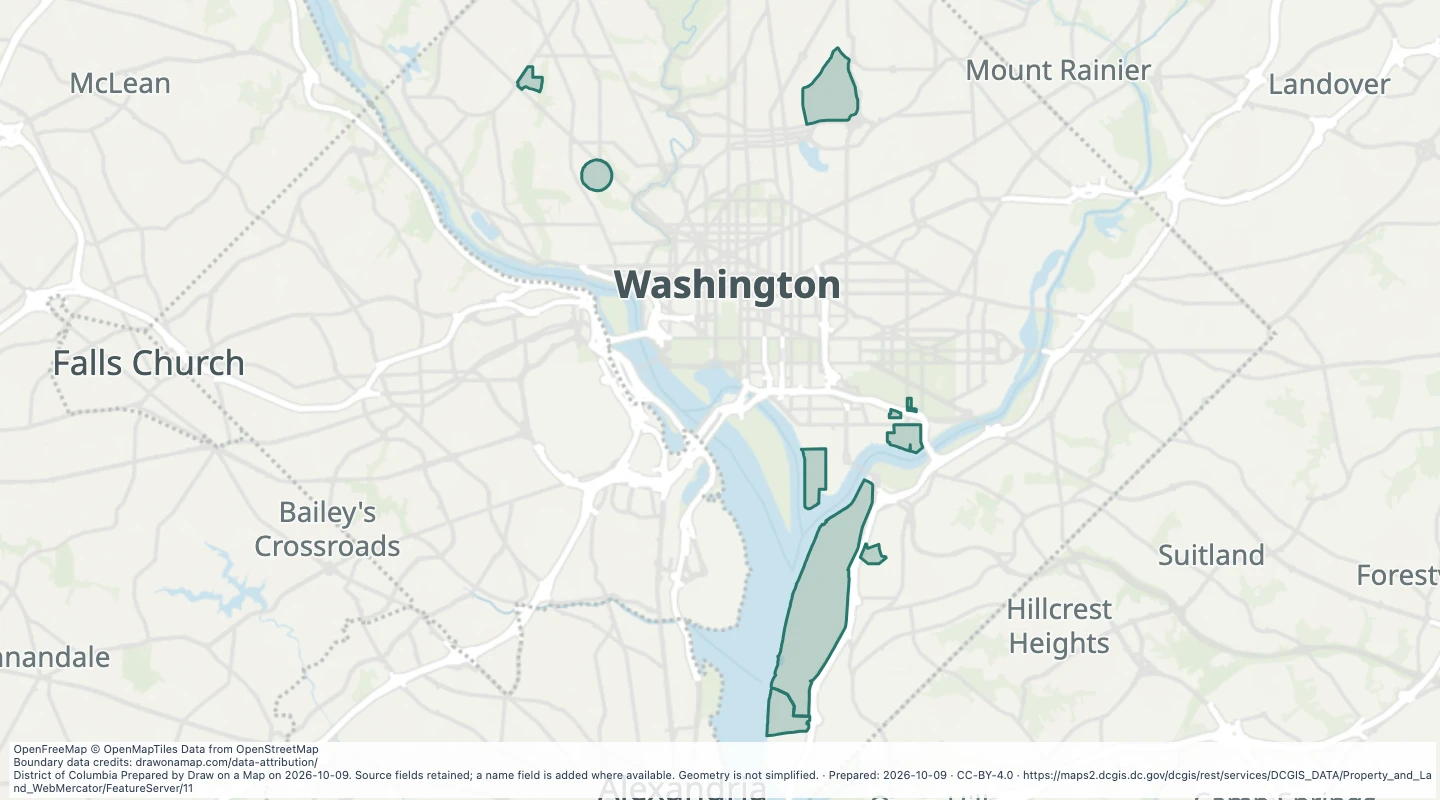 Military base boundaries in Washington, DCExplore 9 source records for Military base boundaries in Washington, DC. View the map or download the GeoJSON snapshot.
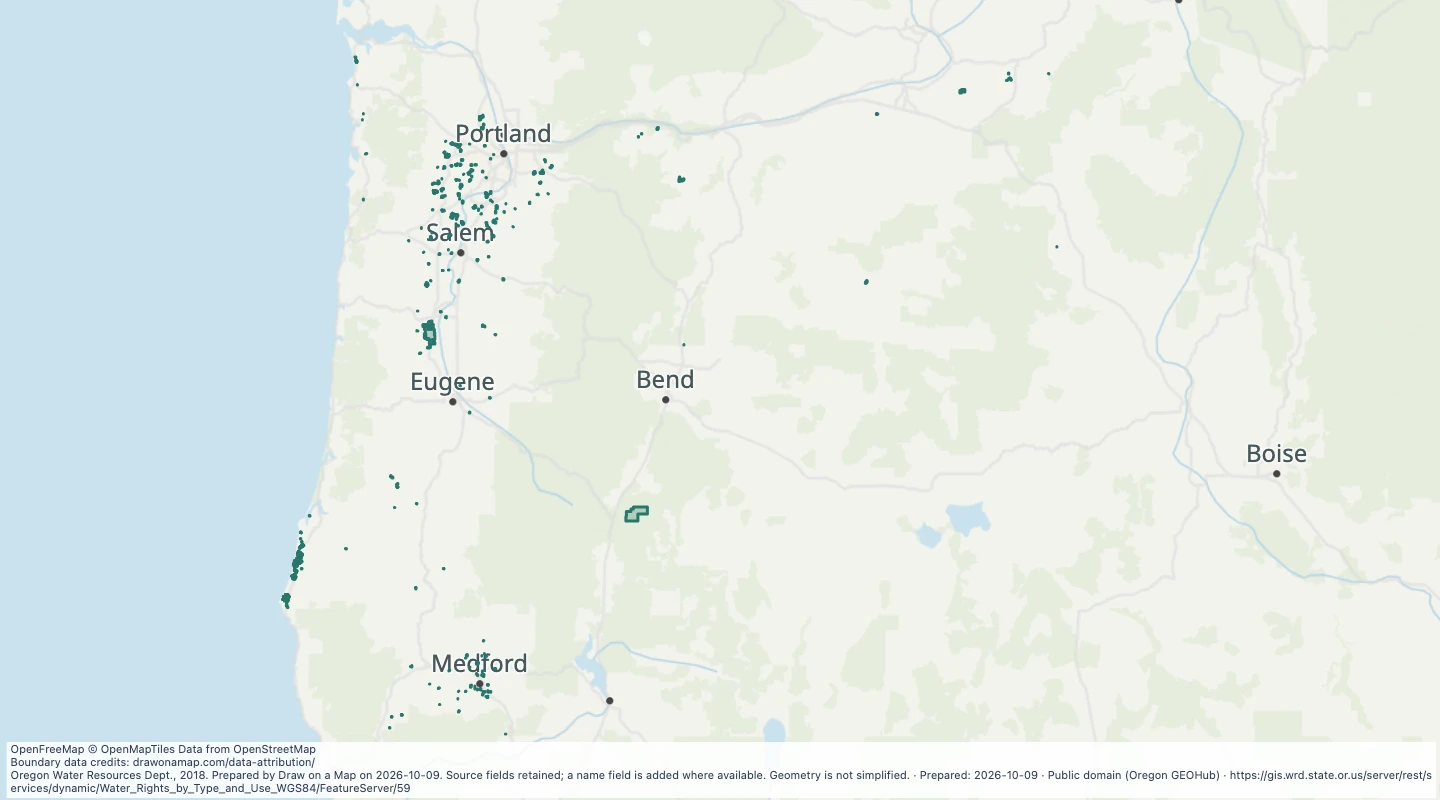 Oregon water rights: Places of Use - surface water, AgricultureExplore 762 source records for Oregon water rights: Places of Use - surface water, Agriculture. View the map or download the GeoJSON snapshot.
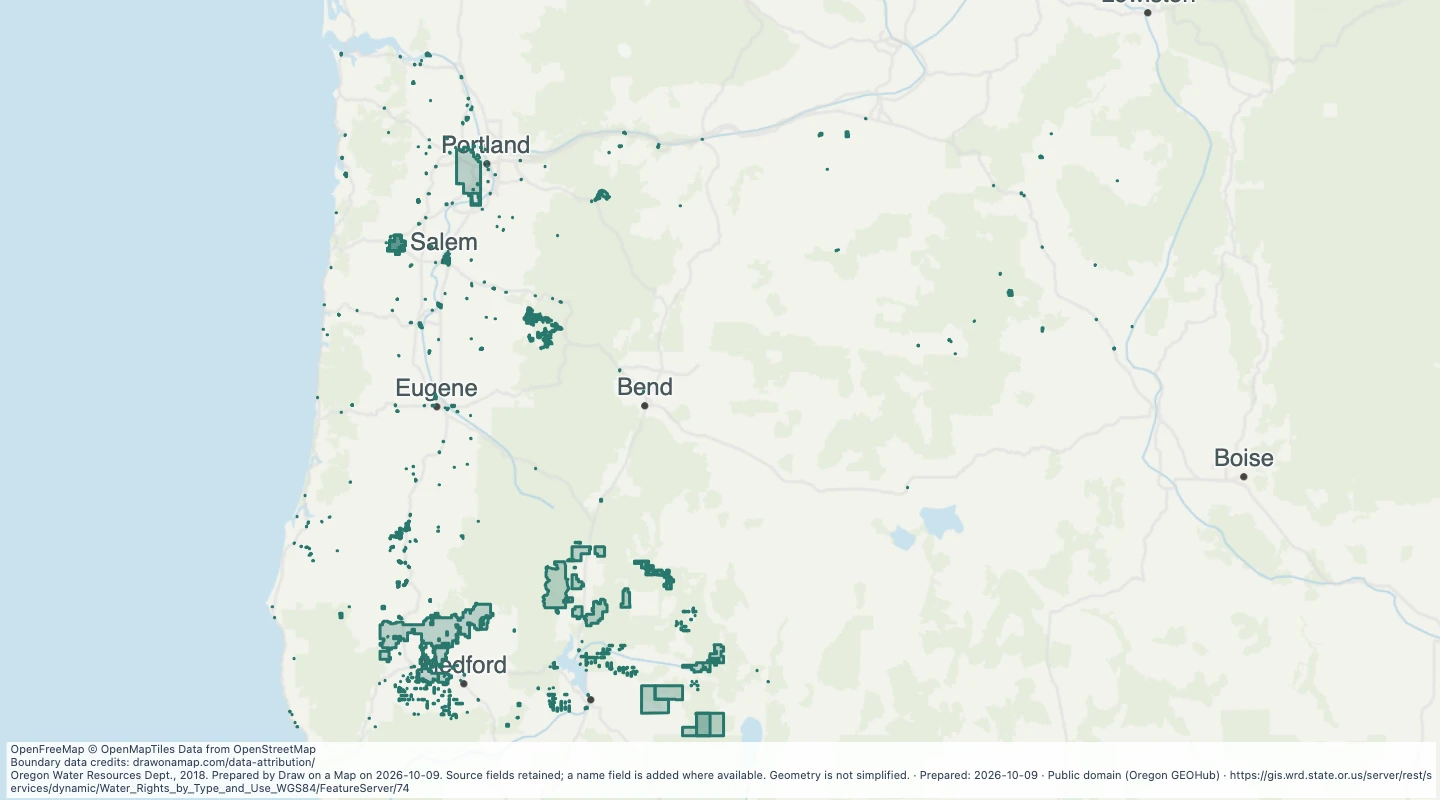 Oregon water rights: Places of Use - surface water, CommercialExplore 951 source records for Oregon water rights: Places of Use - surface water, Commercial. View the map or download the GeoJSON snapshot.
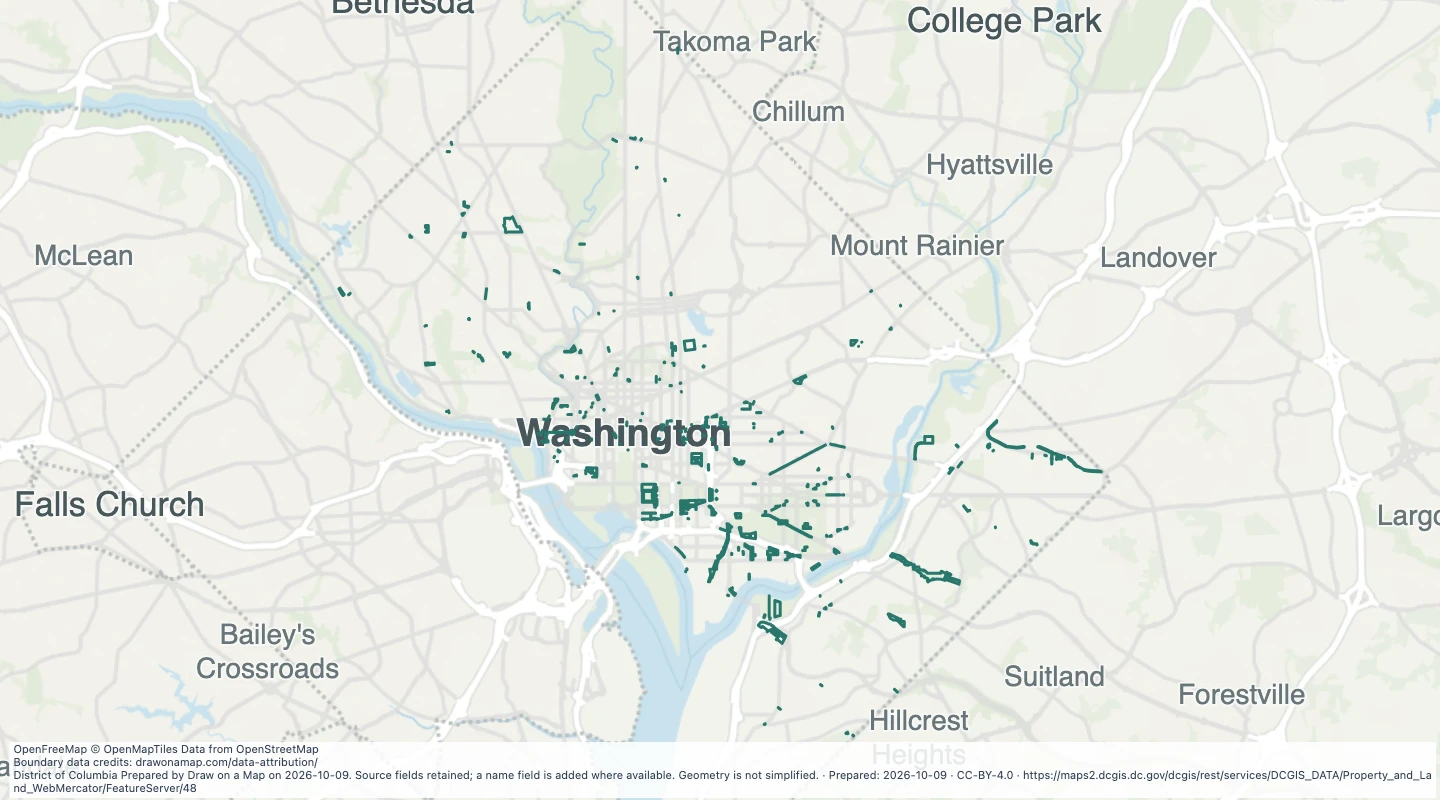 Public easement lines in Washington, DCExplore 6,568 source records for Public easement lines in Washington, DC. View the map or download the GeoJSON snapshot.
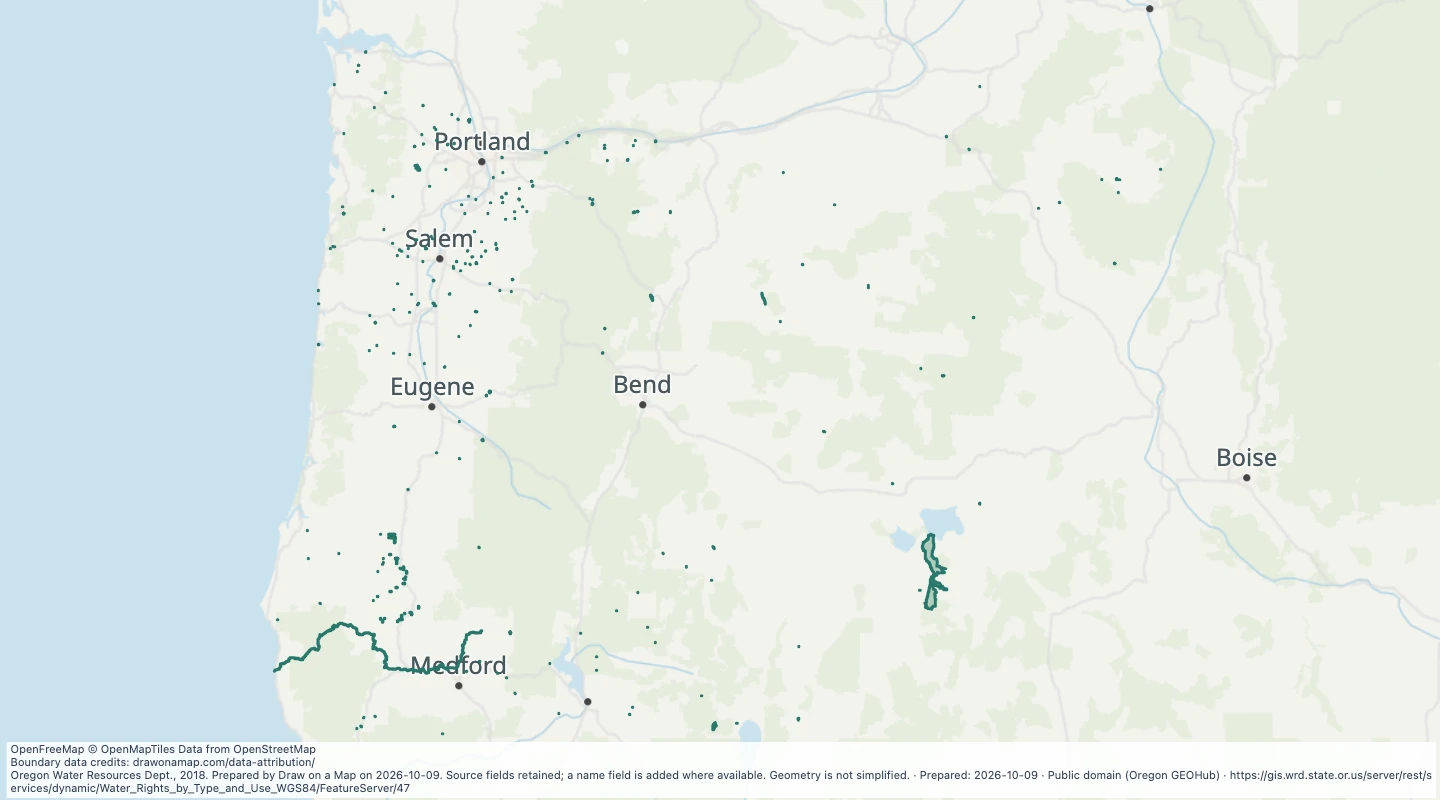 Oregon water rights: Places of Use - surface water, FishExplore 902 source records for Oregon water rights: Places of Use - surface water, Fish. View the map or download the GeoJSON snapshot.
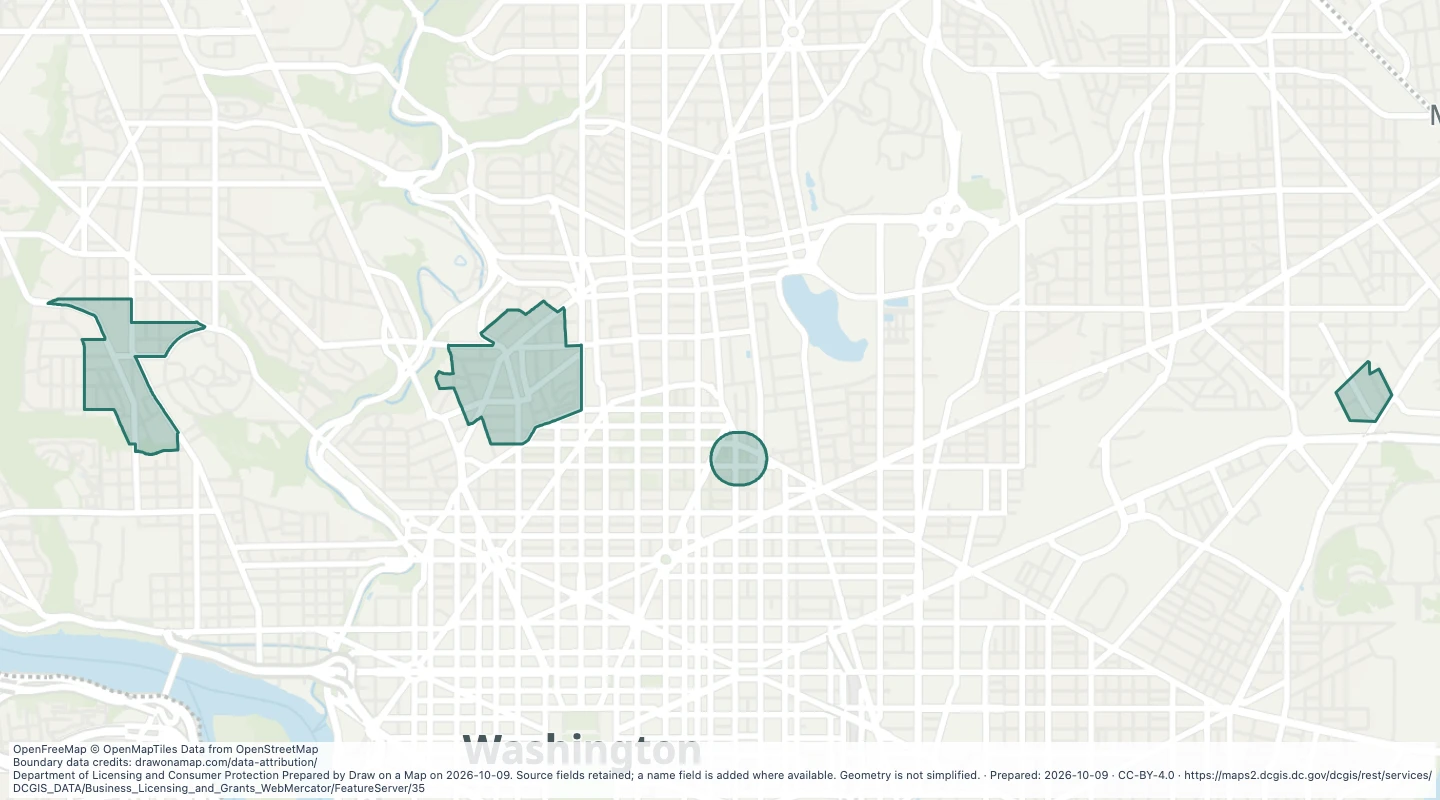 Alcohol licence moratorium zones in Washington, DCExplore 4 source records for Alcohol licence moratorium zones in Washington, DC. View the map or download the GeoJSON snapshot.
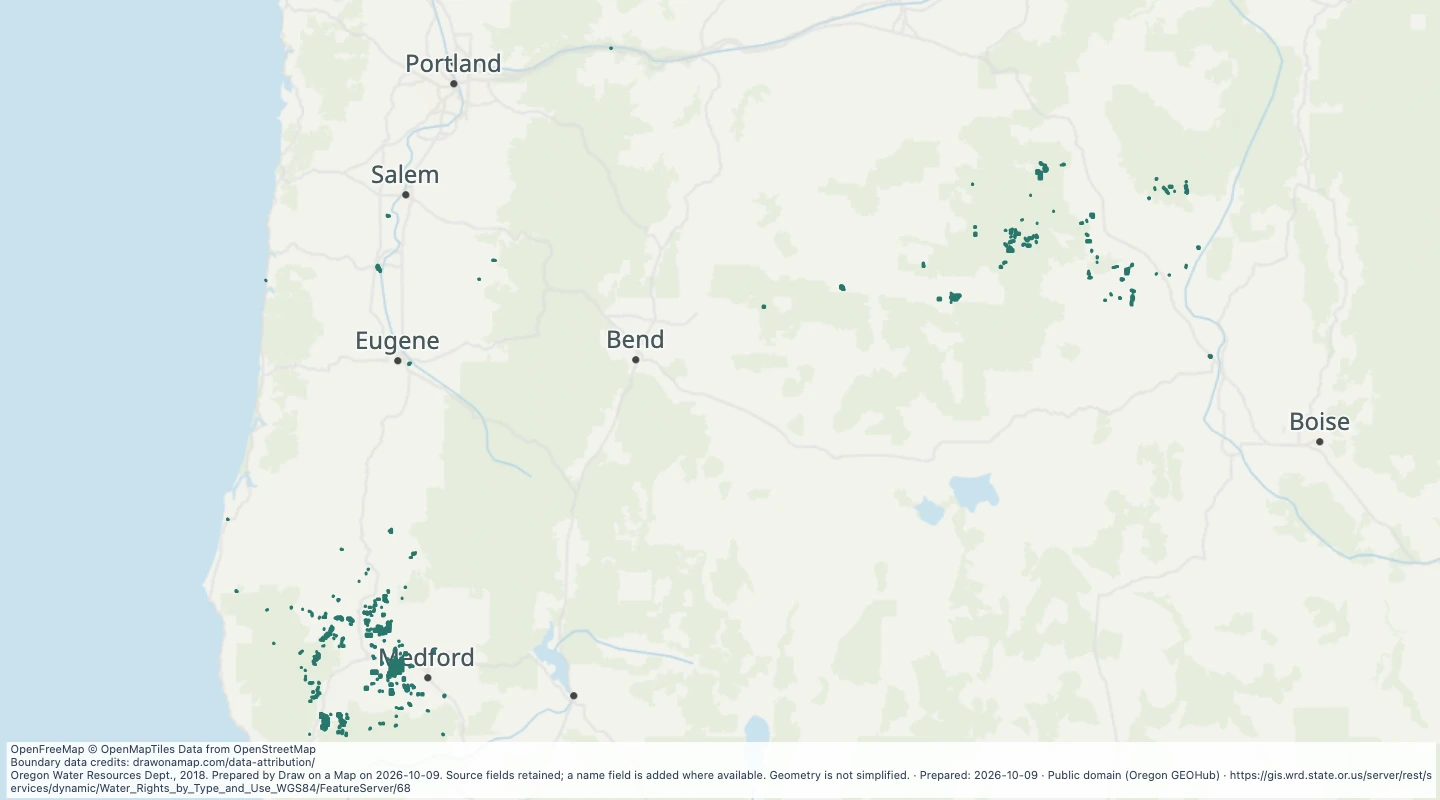 Oregon water rights: Places of Use - surface water, MiningExplore 596 source records for Oregon water rights: Places of Use - surface water, Mining. View the map or download the GeoJSON snapshot.
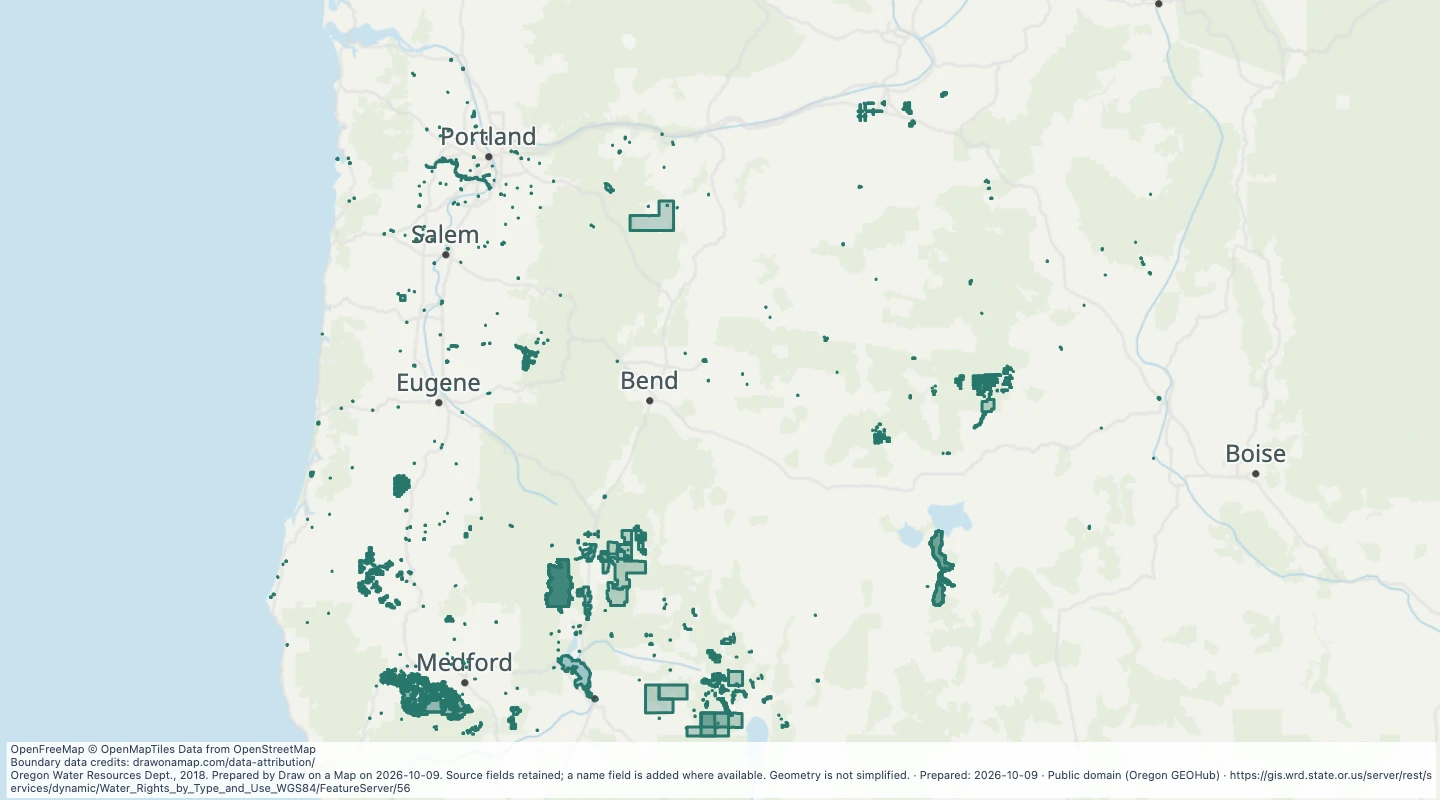 Oregon water rights: Places of Use - surface water, miscellaneous usesExplore 988 source records for Oregon water rights: Places of Use - surface water, miscellaneous uses. View the map or download the GeoJSON snapshot.
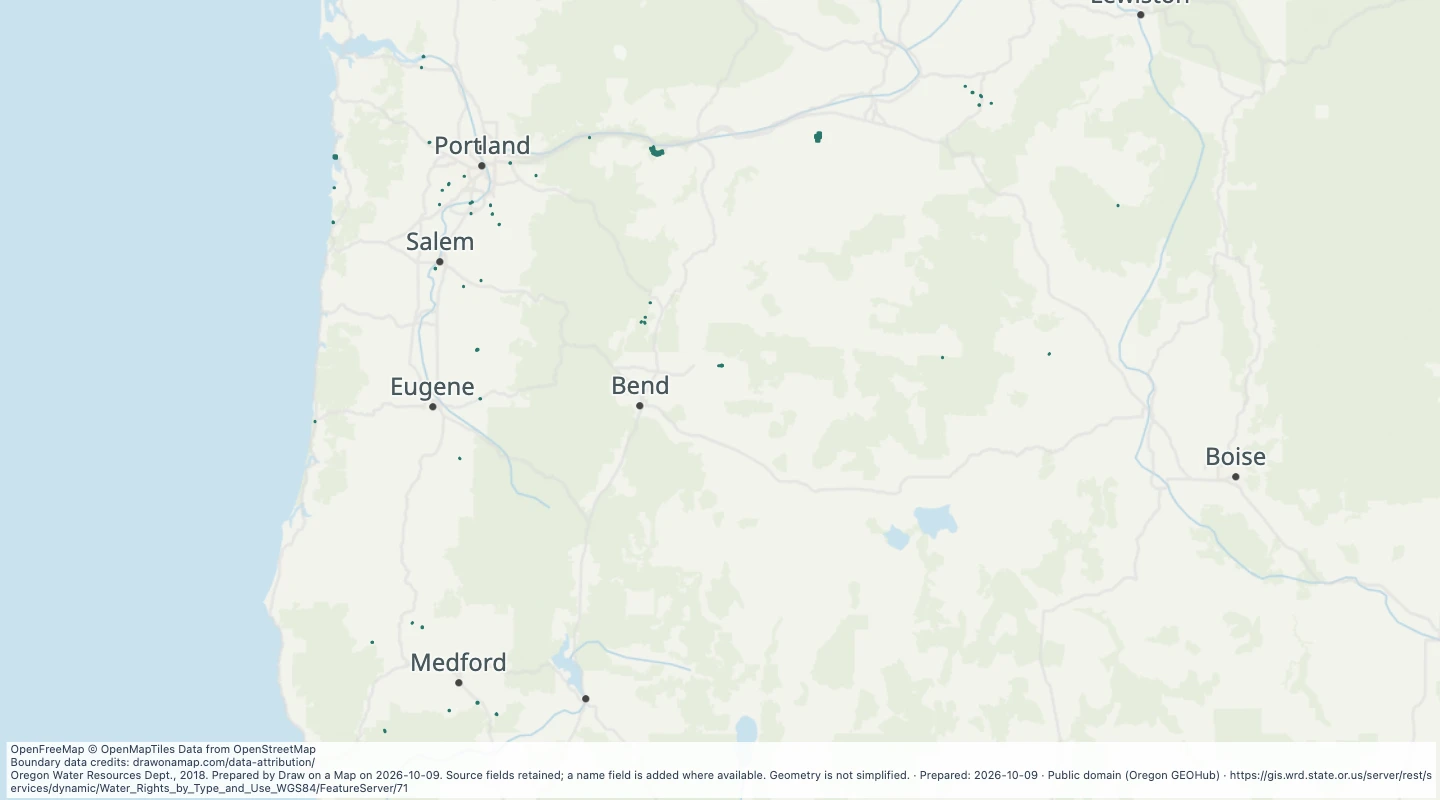 Oregon water rights: Places of Use - surface water, PowerExplore 452 source records for Oregon water rights: Places of Use - surface water, Power. View the map or download the GeoJSON snapshot.
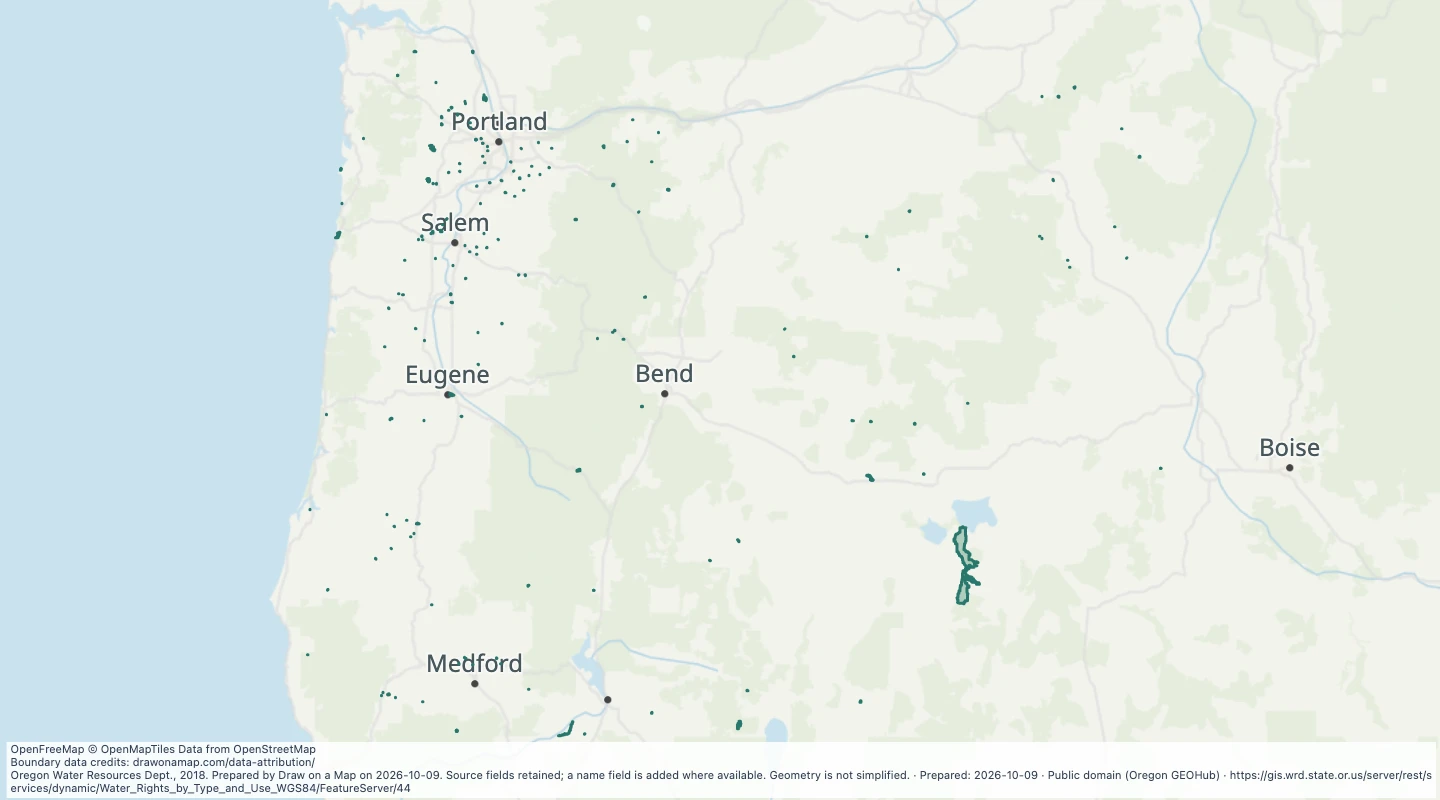 Oregon water rights: Places of Use - surface water, RecreationExplore 456 source records for Oregon water rights: Places of Use - surface water, Recreation. View the map or download the GeoJSON snapshot.
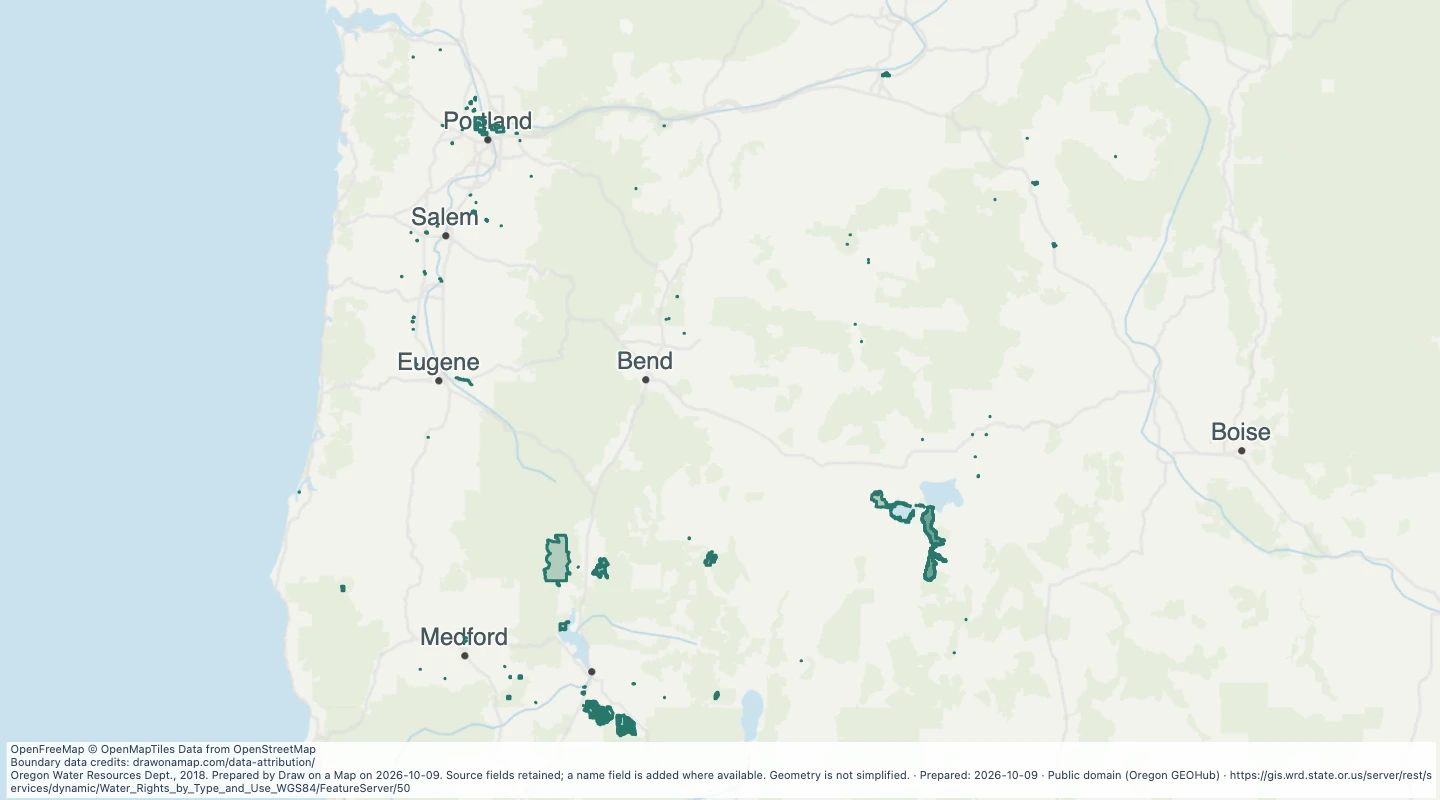 Oregon water rights: Places of Use - surface water, WildlifeExplore 485 source records for Oregon water rights: Places of Use - surface water, Wildlife. View the map or download the GeoJSON snapshot.
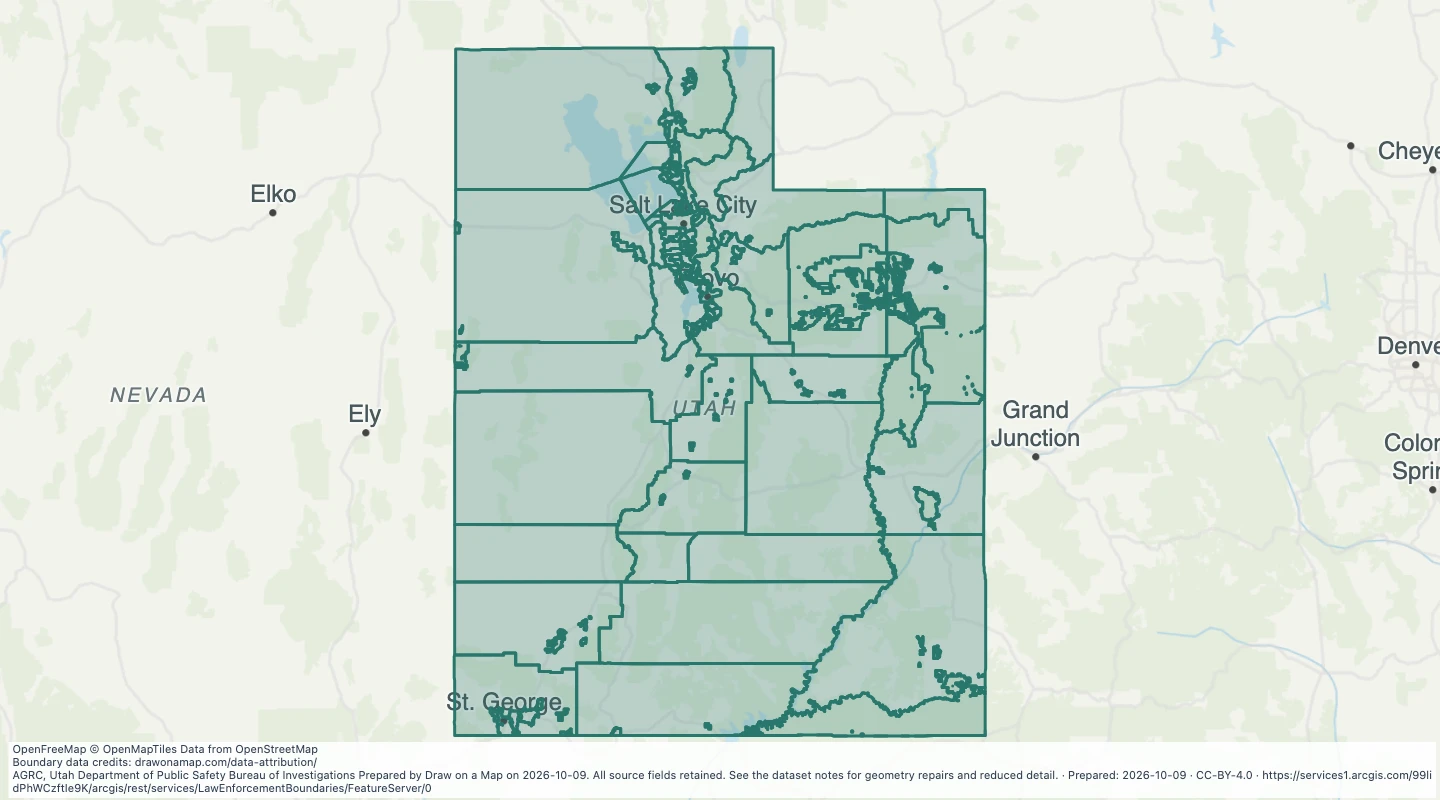 Utah Law Enforcement BoundariesExplore 125 source records for Utah Law Enforcement Boundaries. View the map or download the GeoJSON snapshot.
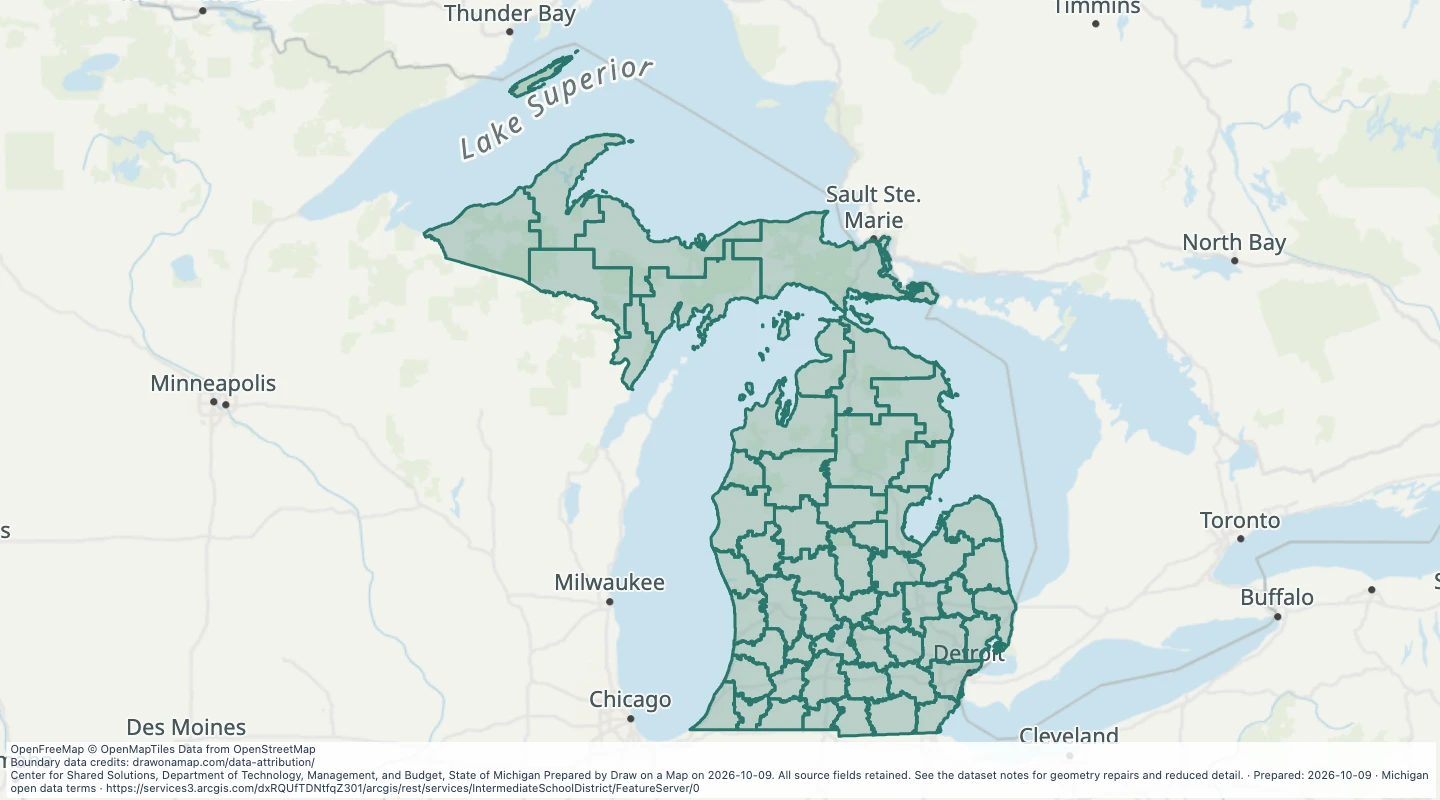 Intermediate School District — MichiganExplore 56 source records for Intermediate School District — Michigan. View the map or download the GeoJSON snapshot.
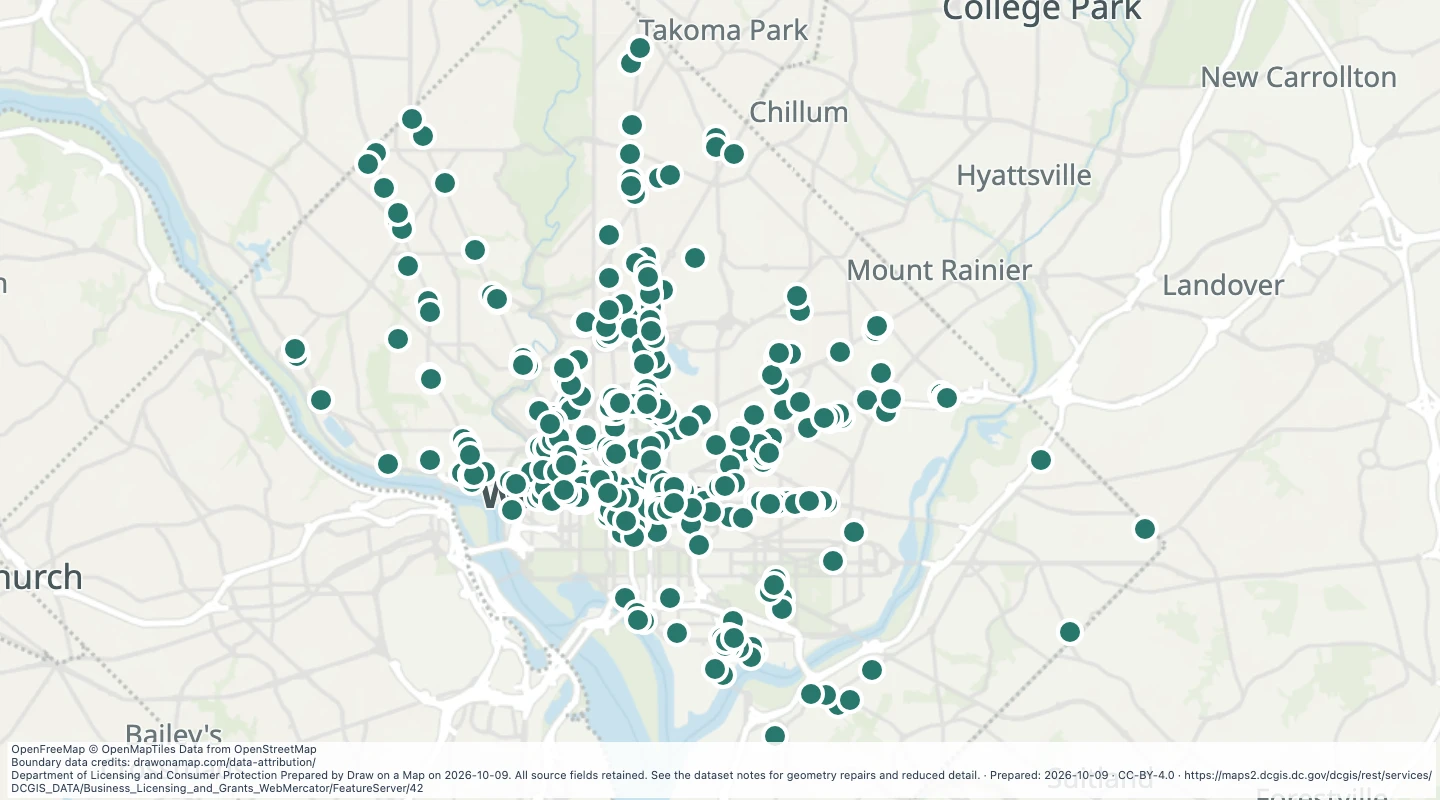 Cancelled liquor licence locations in Washington, DCExplore 485 source records for Cancelled liquor licence locations in Washington, DC. View the map or download the GeoJSON snapshot.
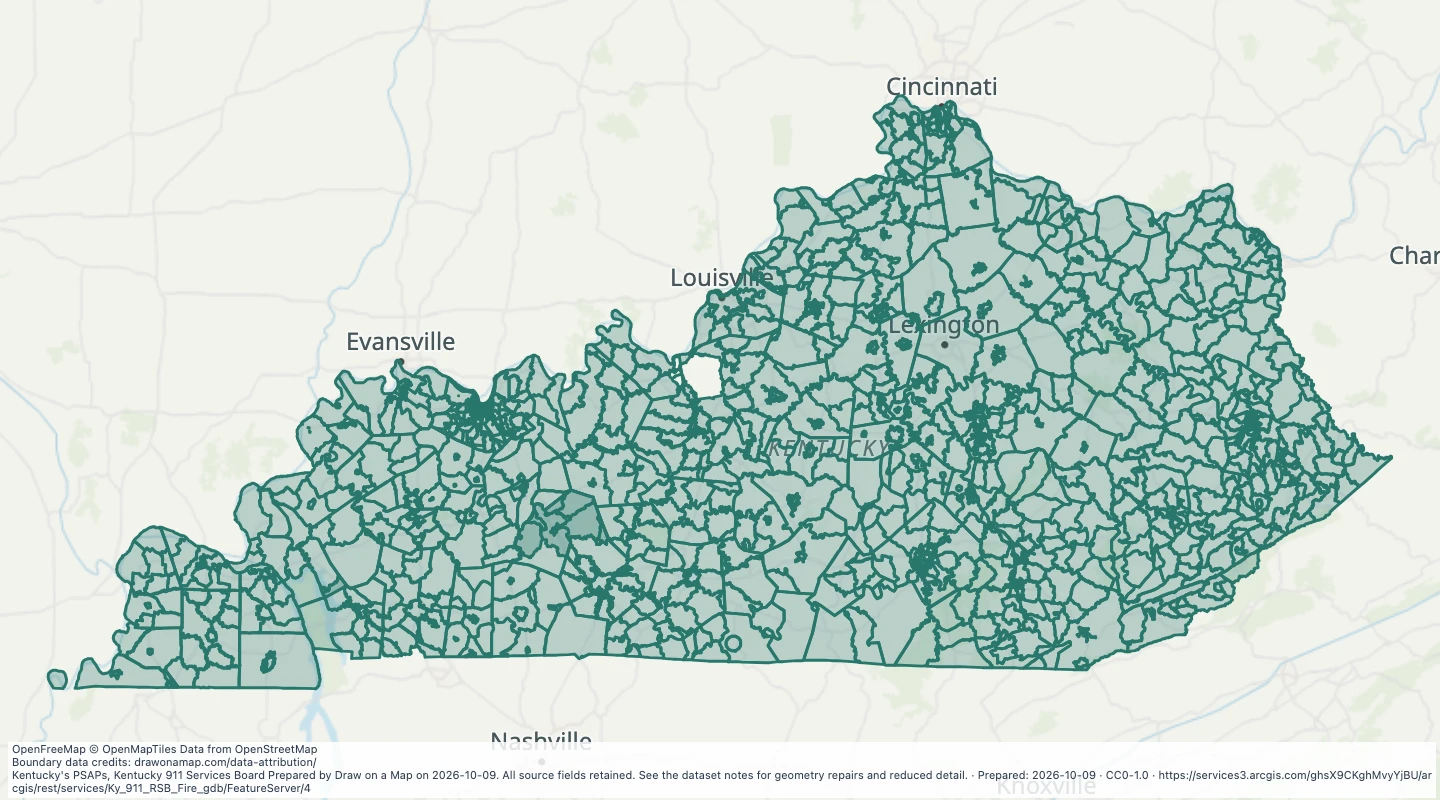 Kentucky 911 Fire Response Service BoundariesExplore 1,610 source records for Kentucky 911 Fire Response Service Boundaries. View the map or download the GeoJSON snapshot.
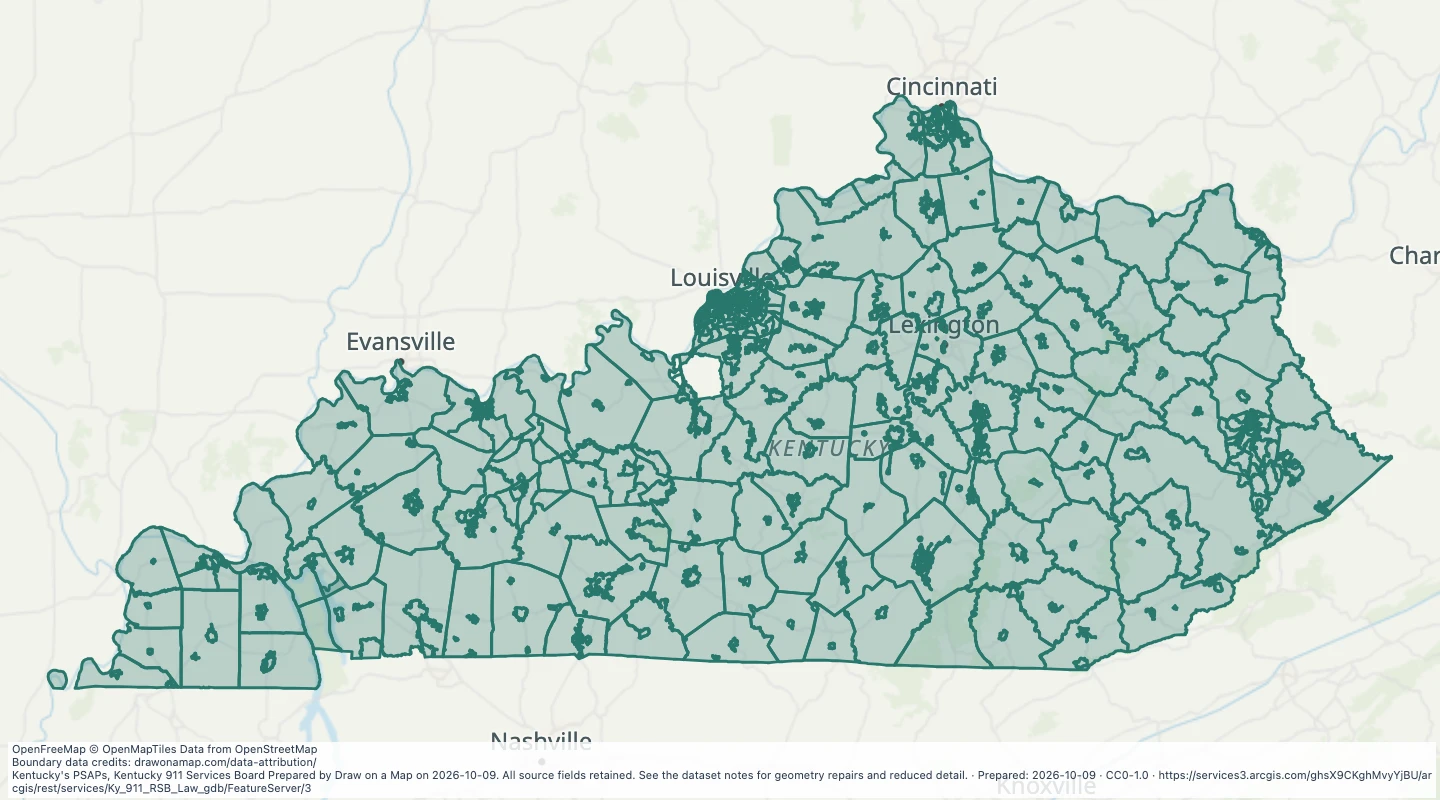 Kentucky 911 Law Enforcement Response Service BoundariesExplore 1,358 source records for Kentucky 911 Law Enforcement Response Service Boundaries. View the map or download the GeoJSON snapshot.
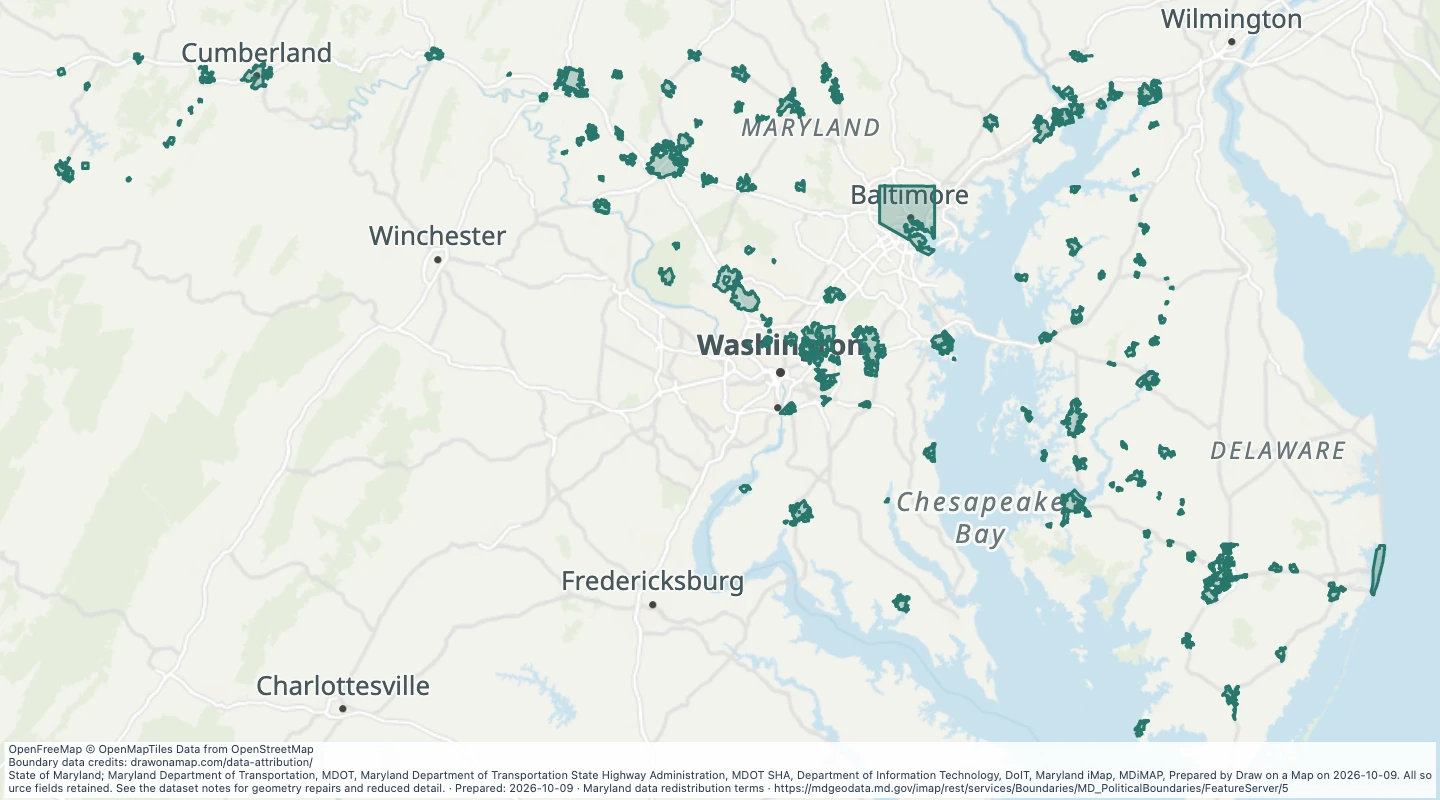 Maryland Political Boundaries - County Boundaries: Municipal Boundaries - DetailedExplore 1,380 source records for Maryland Political Boundaries - County Boundaries: Municipal Boundaries - Detailed. View the map or download the GeoJSON snapshot.
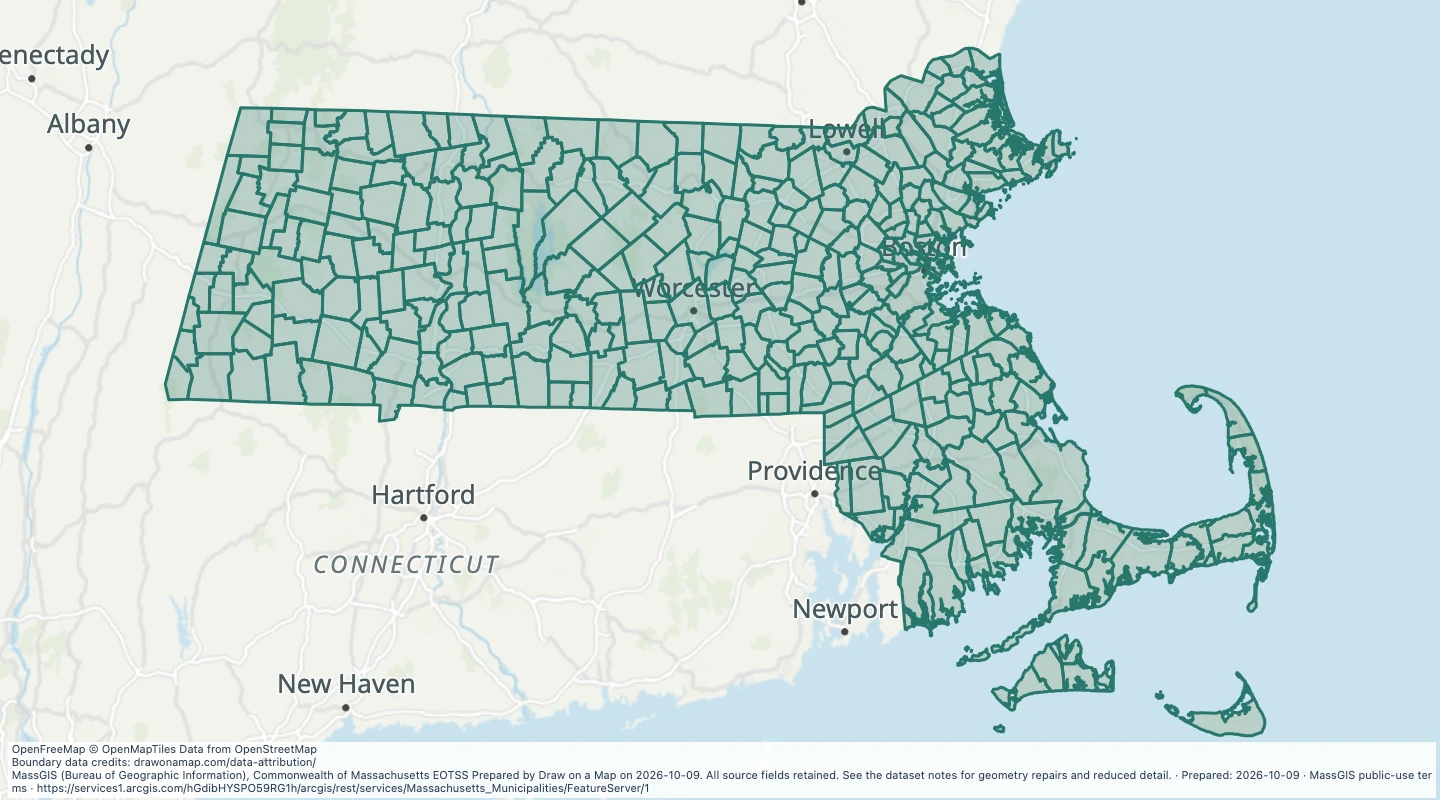 Massachusetts Municipalities: Massachusetts Municipalities AreasExplore 351 source records for Massachusetts Municipalities: Massachusetts Municipalities Areas. View the map or download the GeoJSON snapshot.
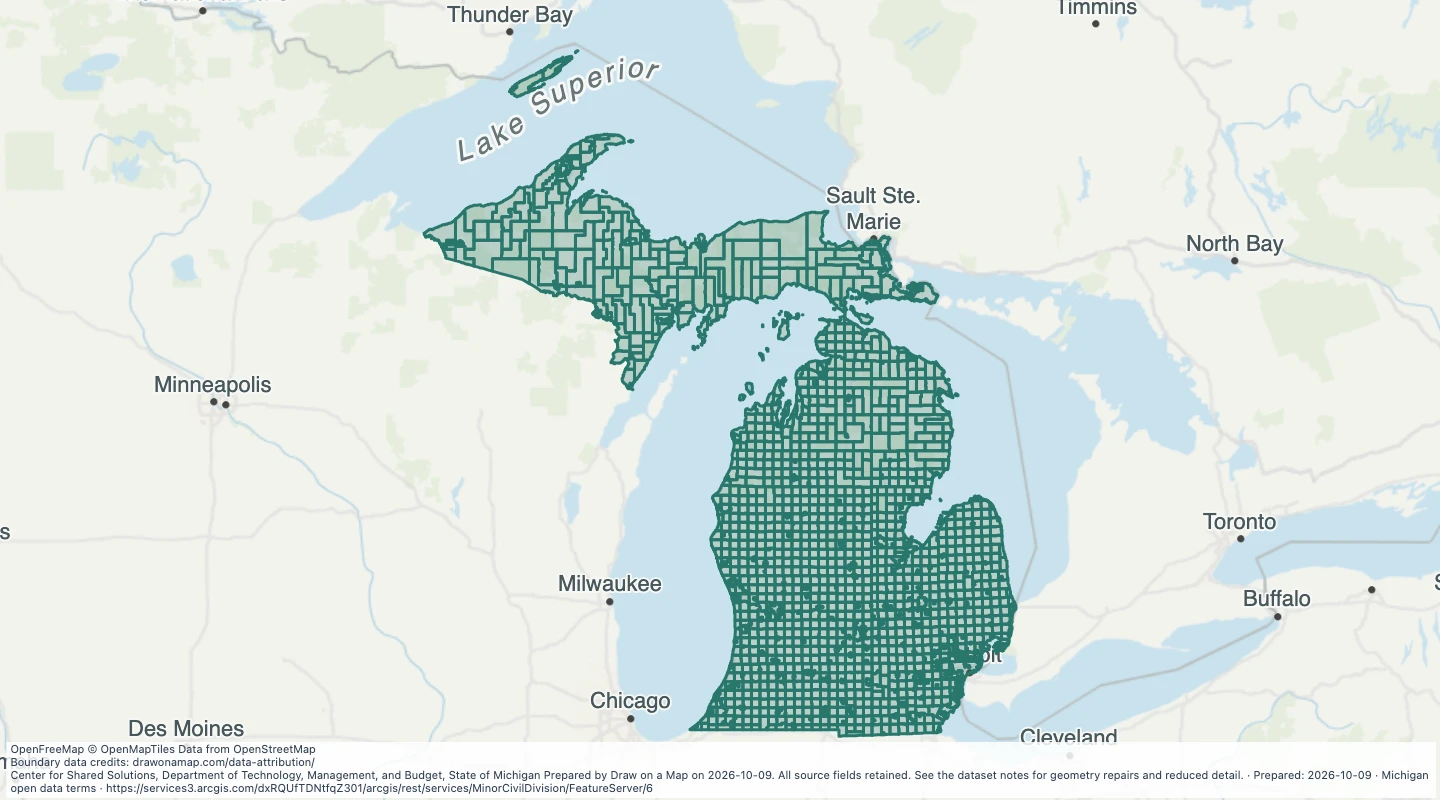 Minor Civil Division (Cities & Townships) — MichiganExplore 1,521 source records for Minor Civil Division (Cities & Townships) — Michigan. View the map or download the GeoJSON snapshot.
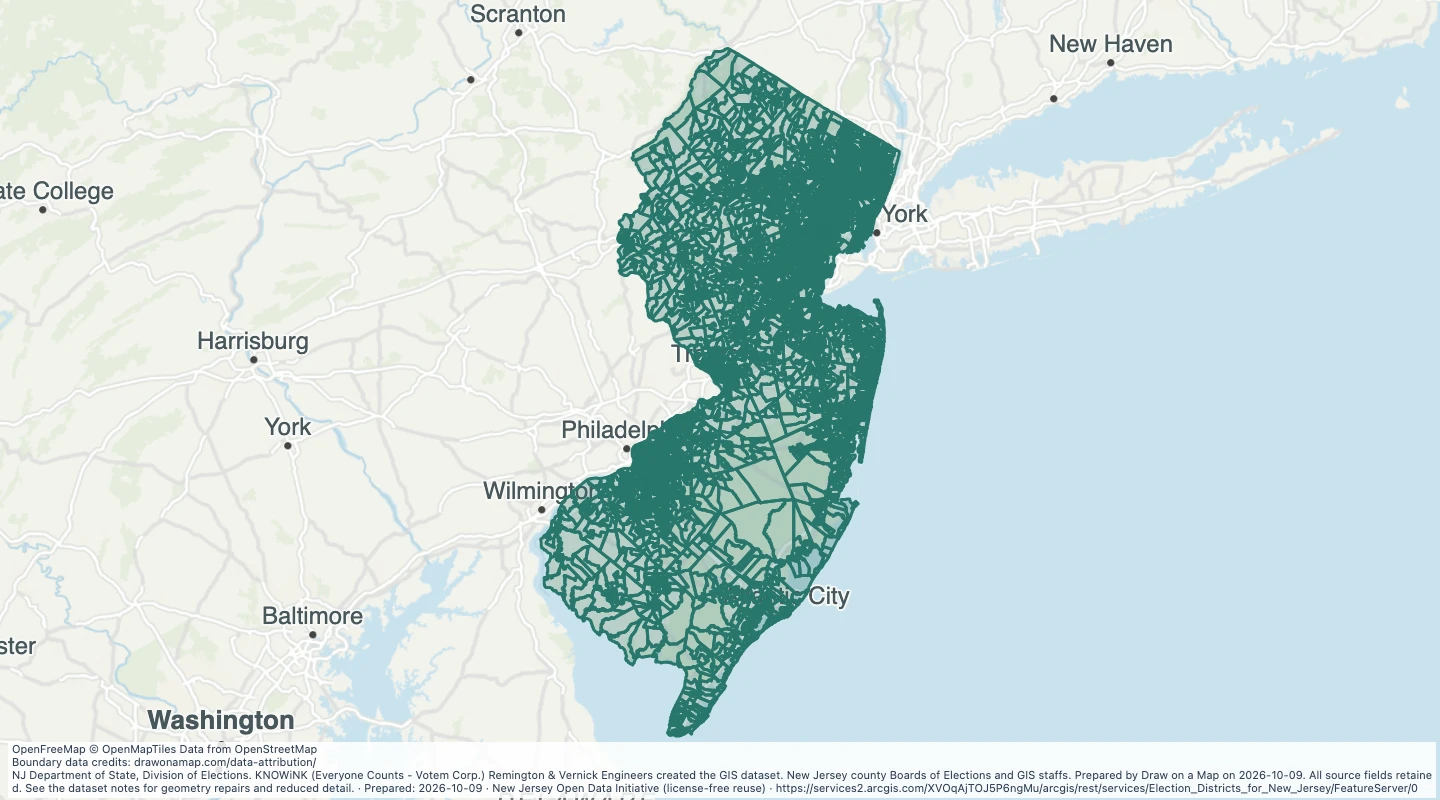 MATURE SUPPORT - Election Districts for New Jersey: Govt admin election districtExplore 6,348 source records for MATURE SUPPORT - Election Districts for New Jersey: Govt admin election district. View the map or download the GeoJSON snapshot.
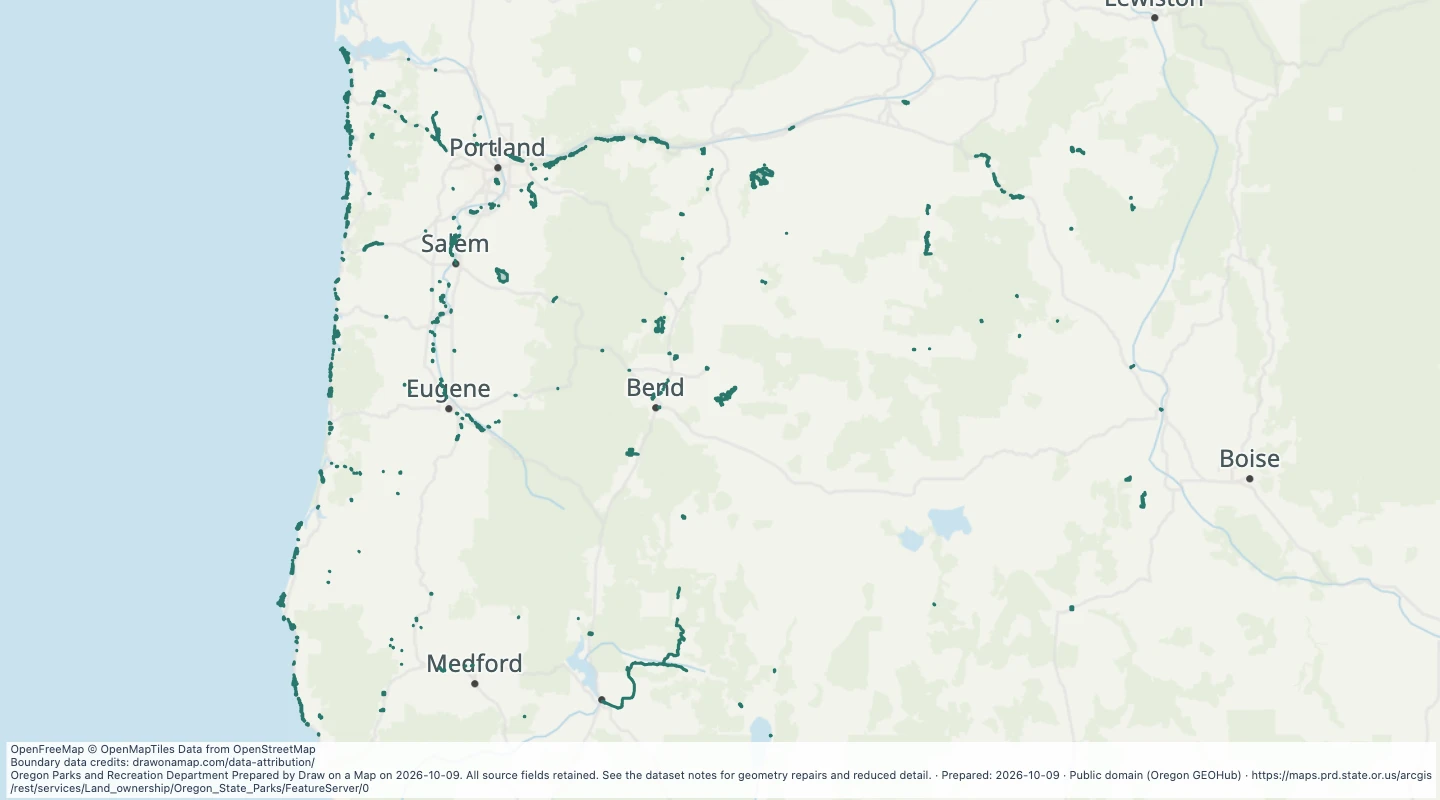 Oregon State ParksExplore 422 source records for Oregon State Parks. View the map or download the GeoJSON snapshot.
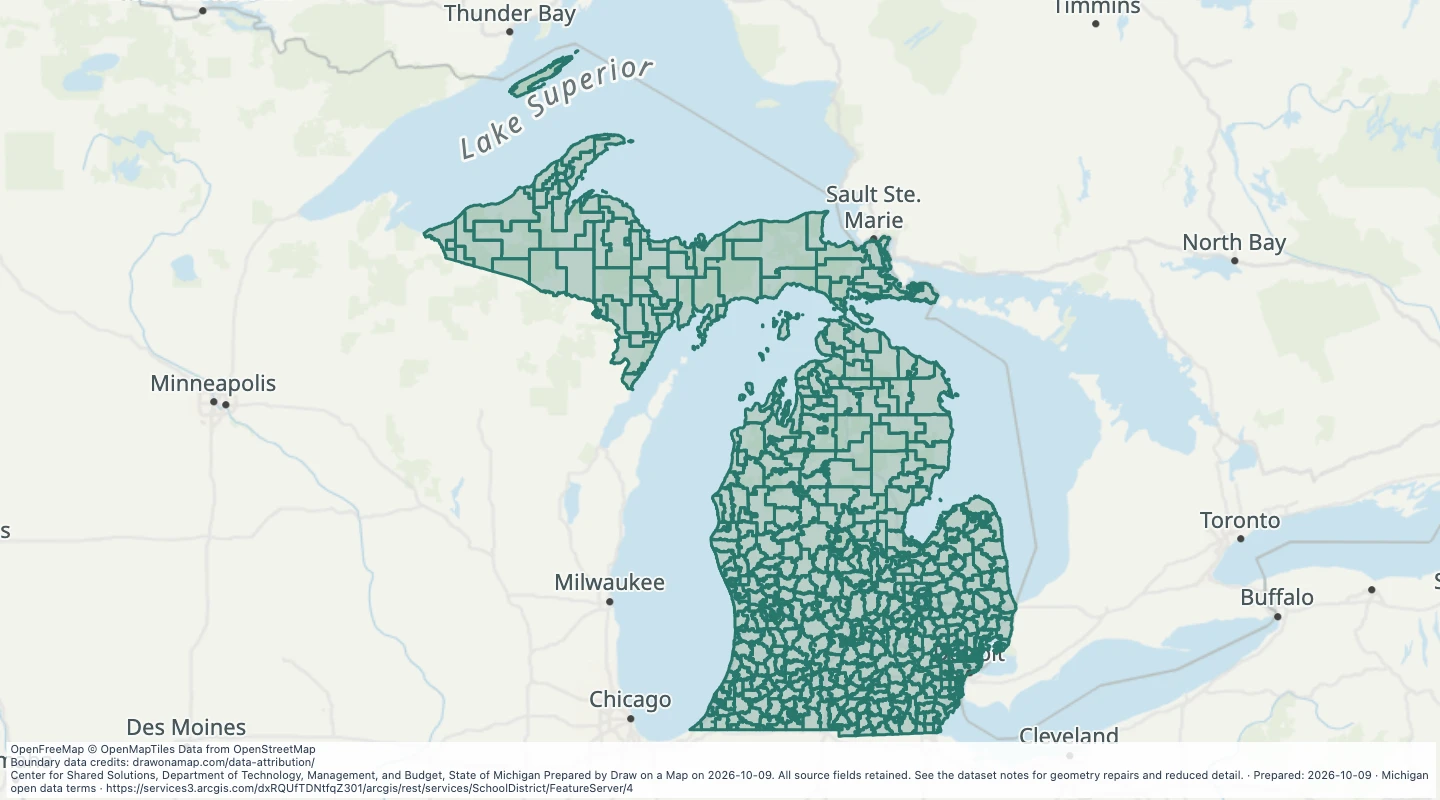 School District — MichiganExplore 540 source records for School District — Michigan. View the map or download the GeoJSON snapshot.
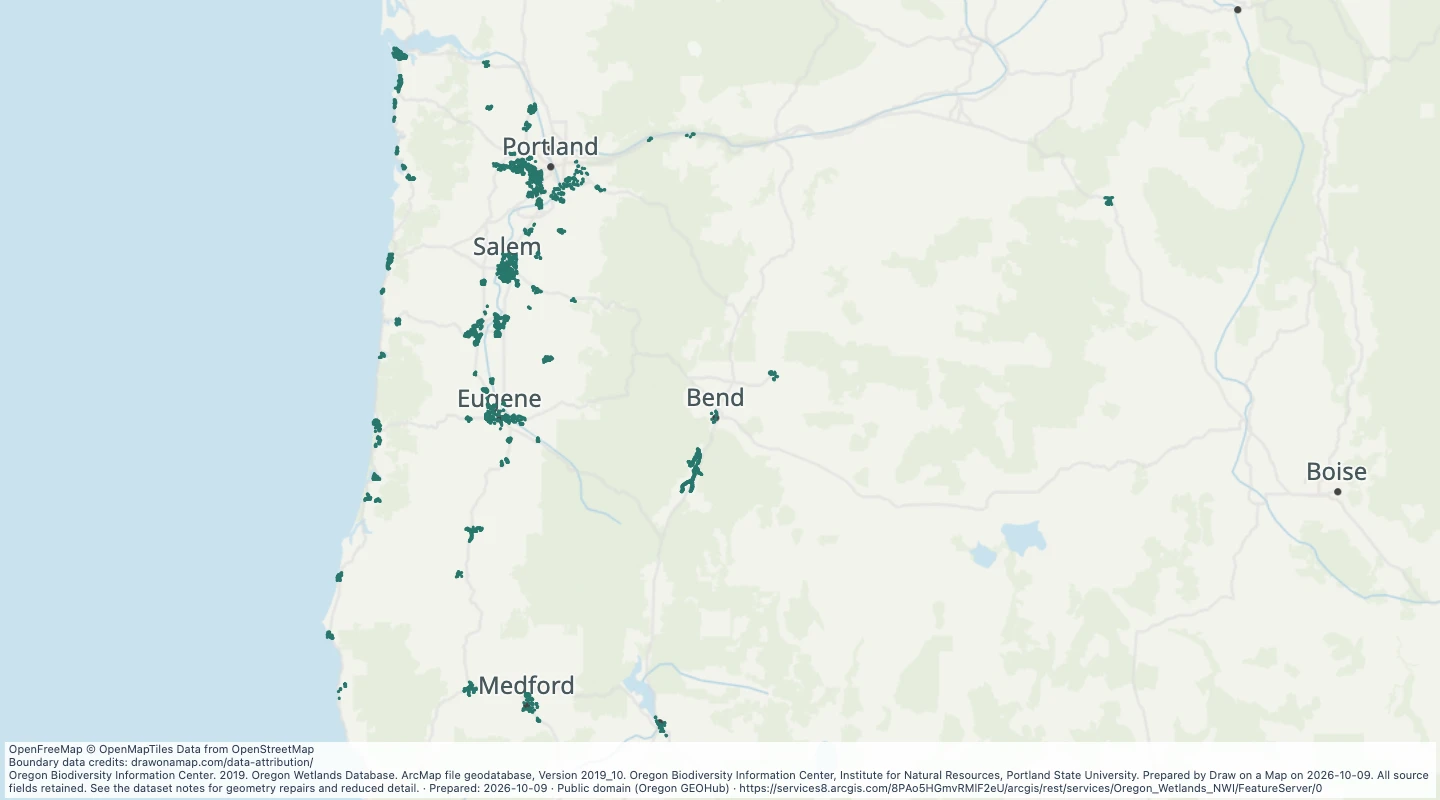 Oregon Wetland Database: I LWI WetlandsExplore 9,788 source records for Oregon Wetland Database: I LWI Wetlands. View the map or download the GeoJSON snapshot.
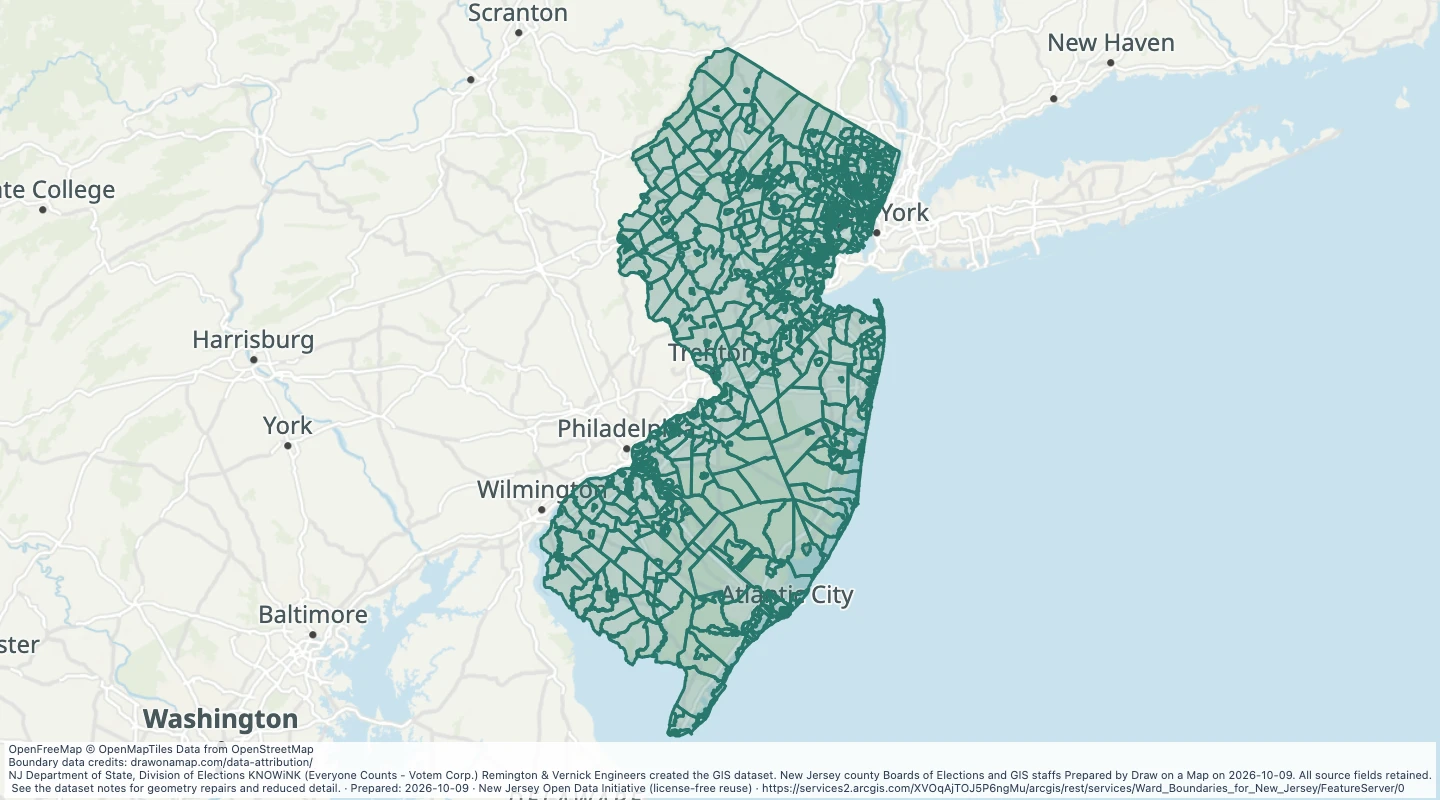 MATURE SUPPORT - Ward Boundaries for New Jersey: Govt admin wardExplore 829 source records for MATURE SUPPORT - Ward Boundaries for New Jersey: Govt admin ward. View the map or download the GeoJSON snapshot.
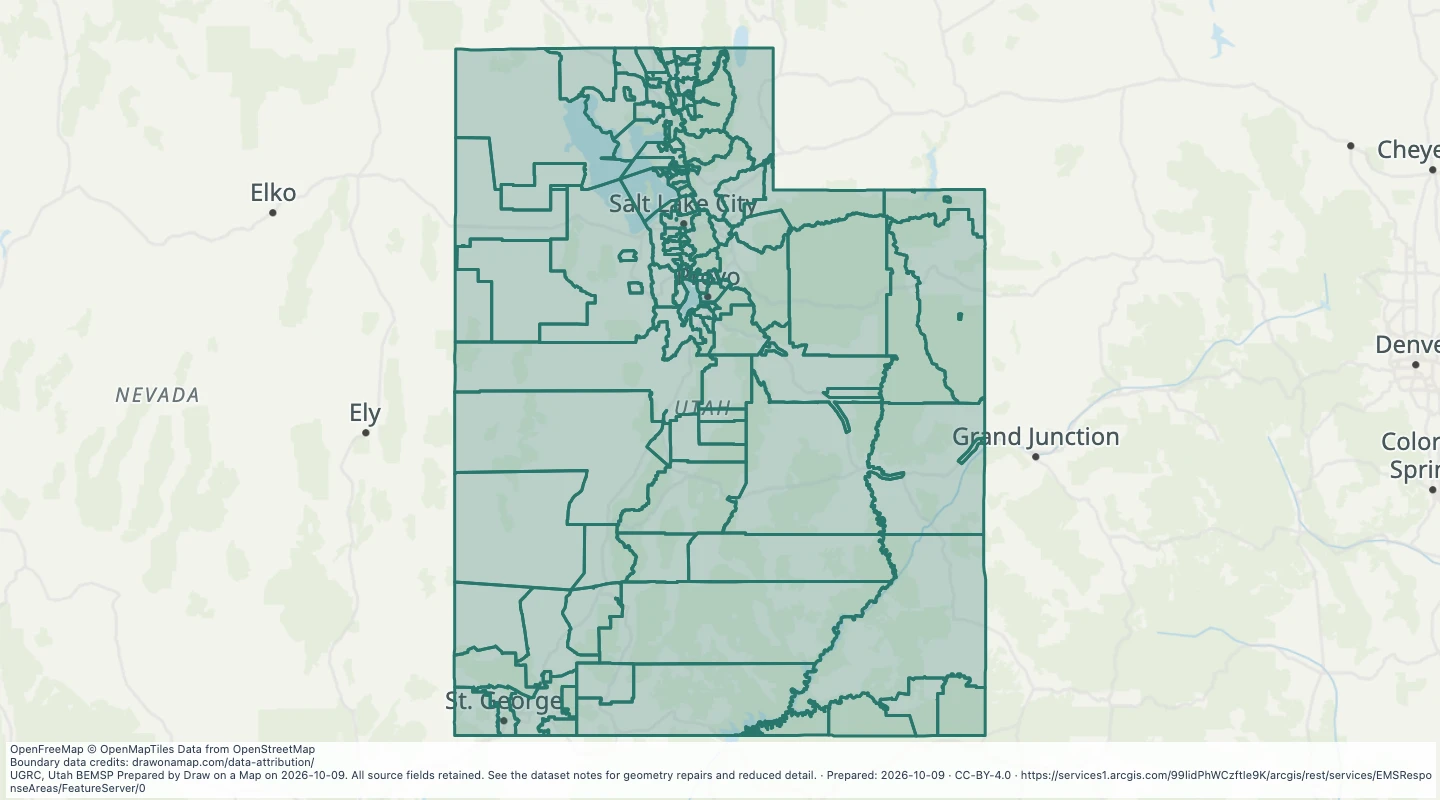 Utah EMS Response Areas: EMSResponse AreasExplore 123 source records for Utah EMS Response Areas: EMSResponse Areas. View the map or download the GeoJSON snapshot.
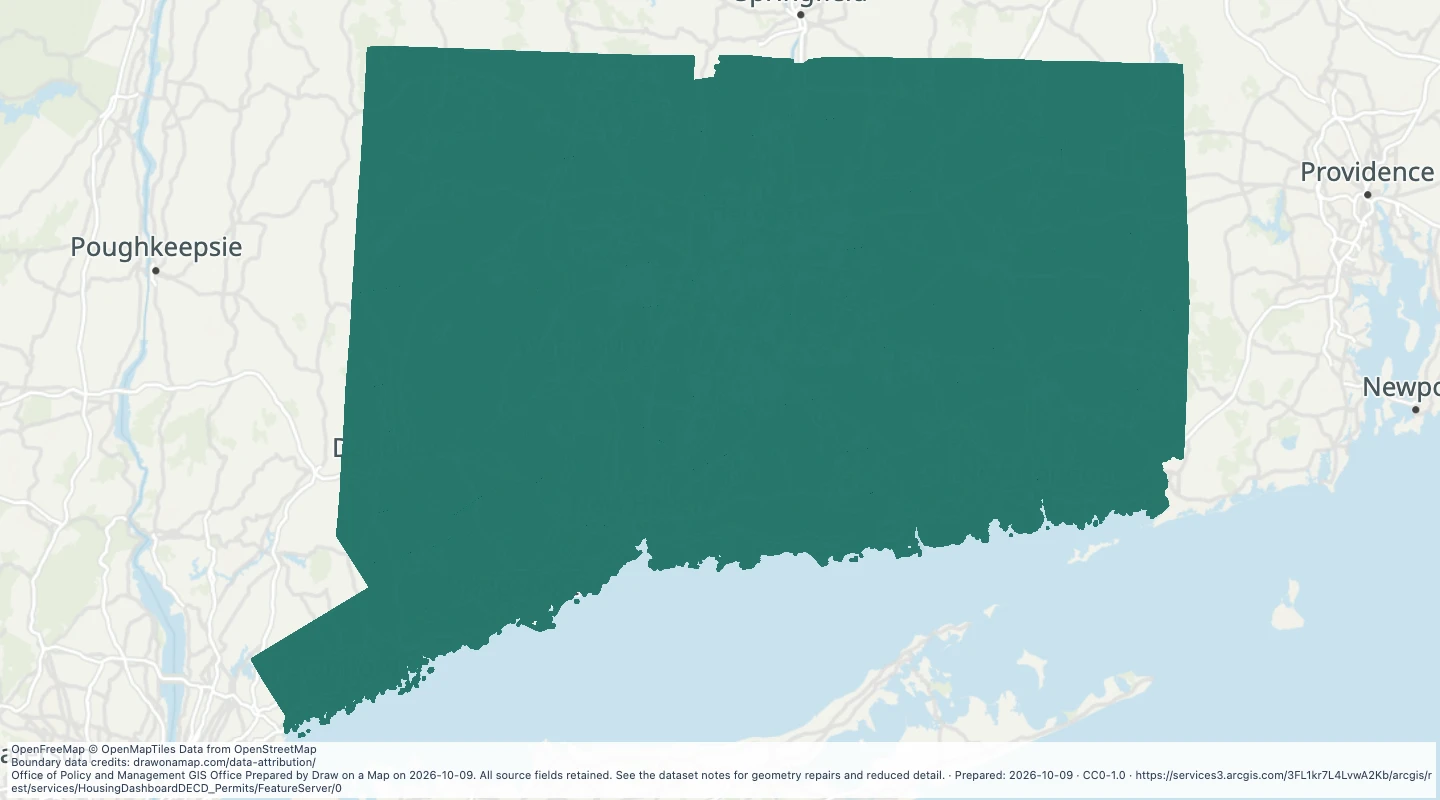 CT Housing Data Hub - Permitting DECD — ConnecticutExplore 4,732 source records for CT Housing Data Hub - Permitting DECD — Connecticut. View the map or download the GeoJSON snapshot.
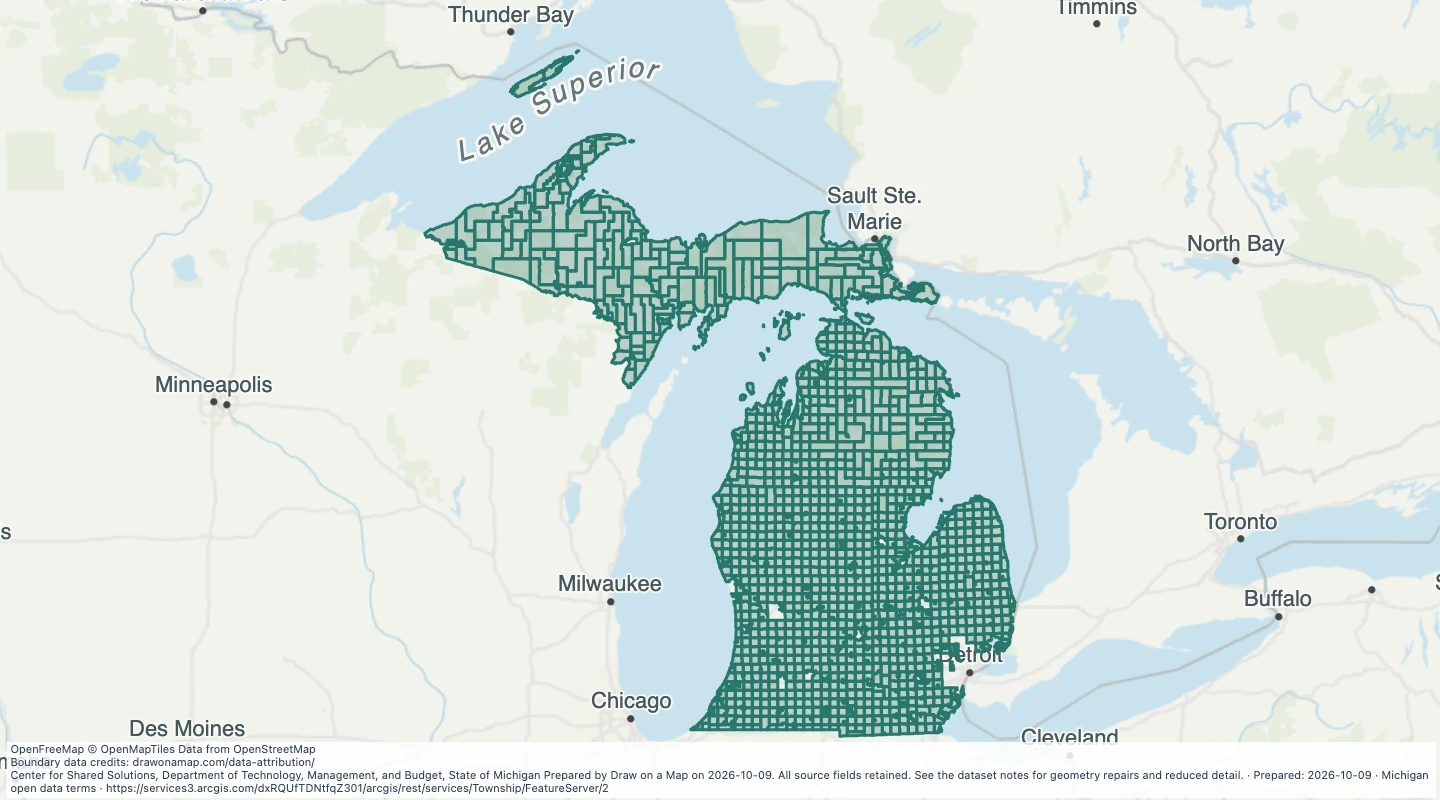 Township — MichiganExplore 1,240 source records for Township — Michigan. View the map or download the GeoJSON snapshot.
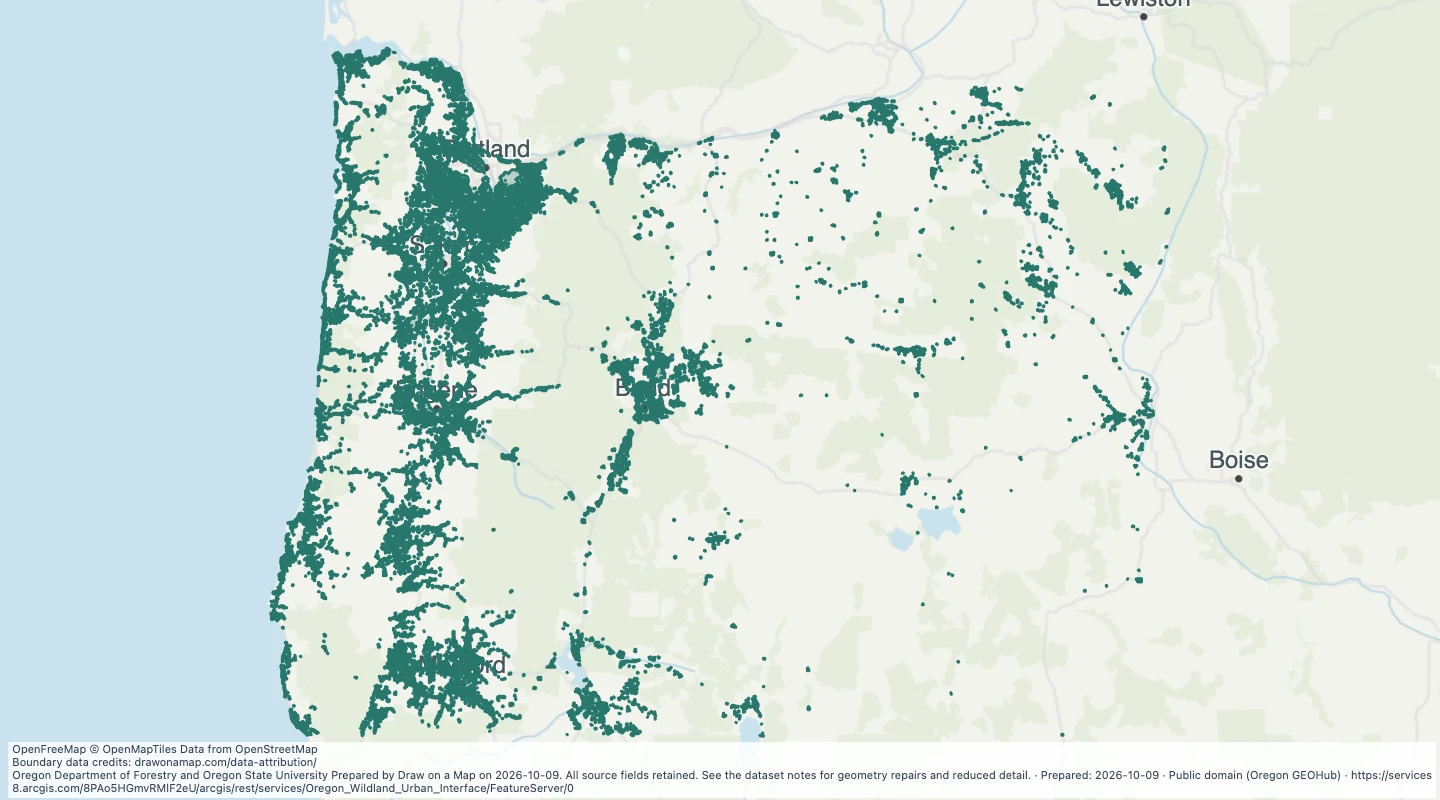 Oregon Wildland Urban InterfaceExplore 7,163 source records for Oregon Wildland Urban Interface. View the map or download the GeoJSON snapshot.
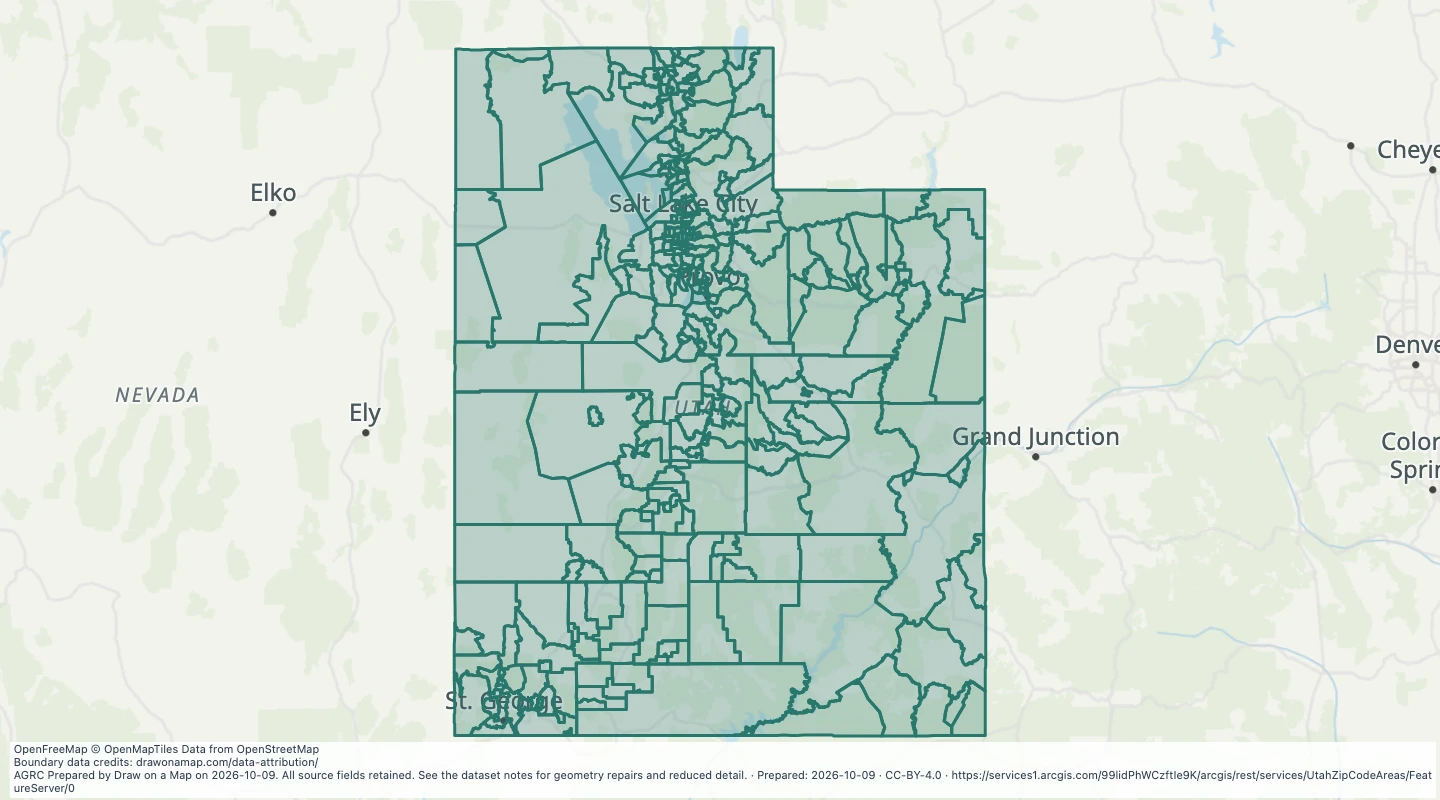 Utah ZIP Code Areas: Zip CodesExplore 302 source records for Utah ZIP Code Areas: Zip Codes. View the map or download the GeoJSON snapshot.
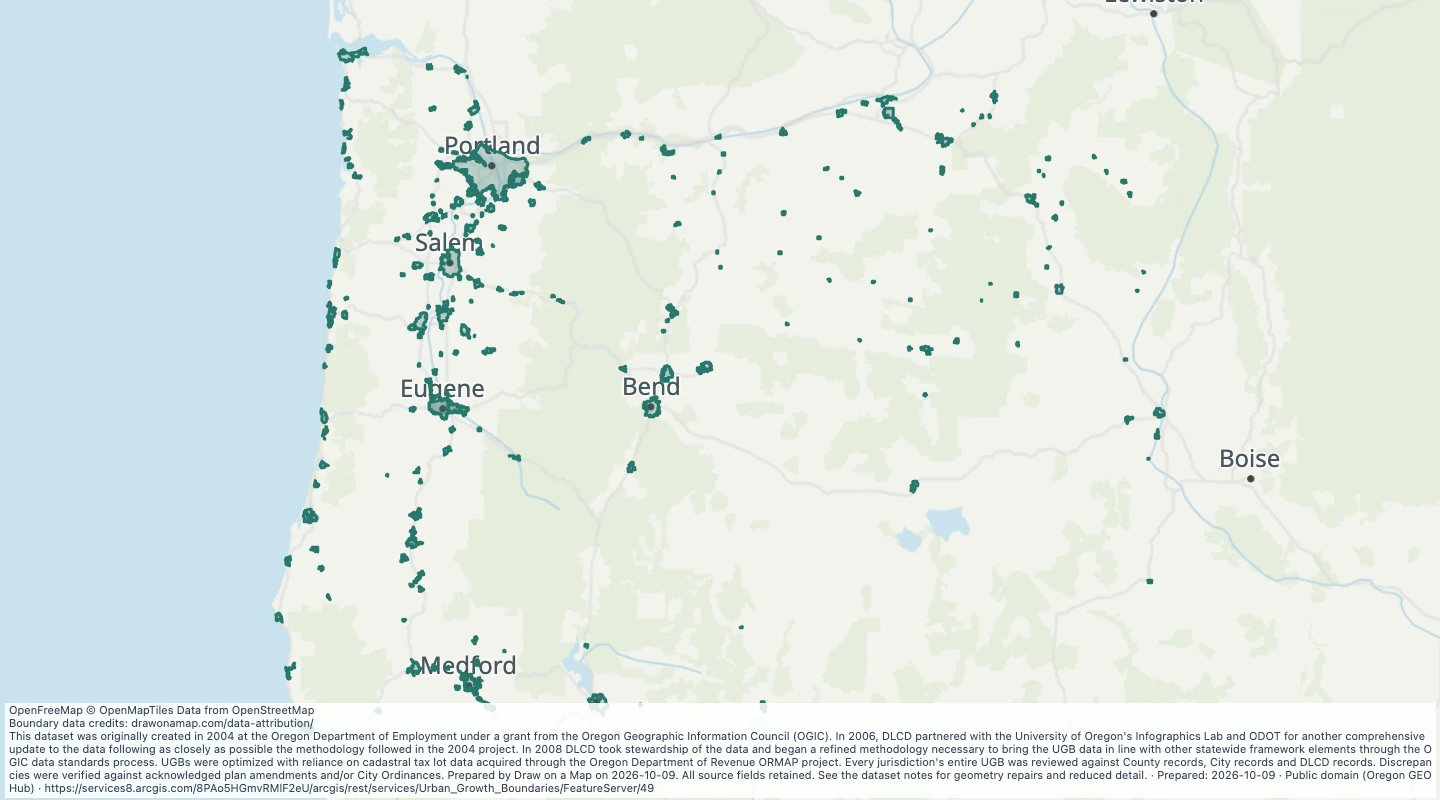 Urban Growth Boundaries: OR UGB History — OregonExplore 1,190 source records for Urban Growth Boundaries: OR UGB History — Oregon. View the map or download the GeoJSON snapshot.
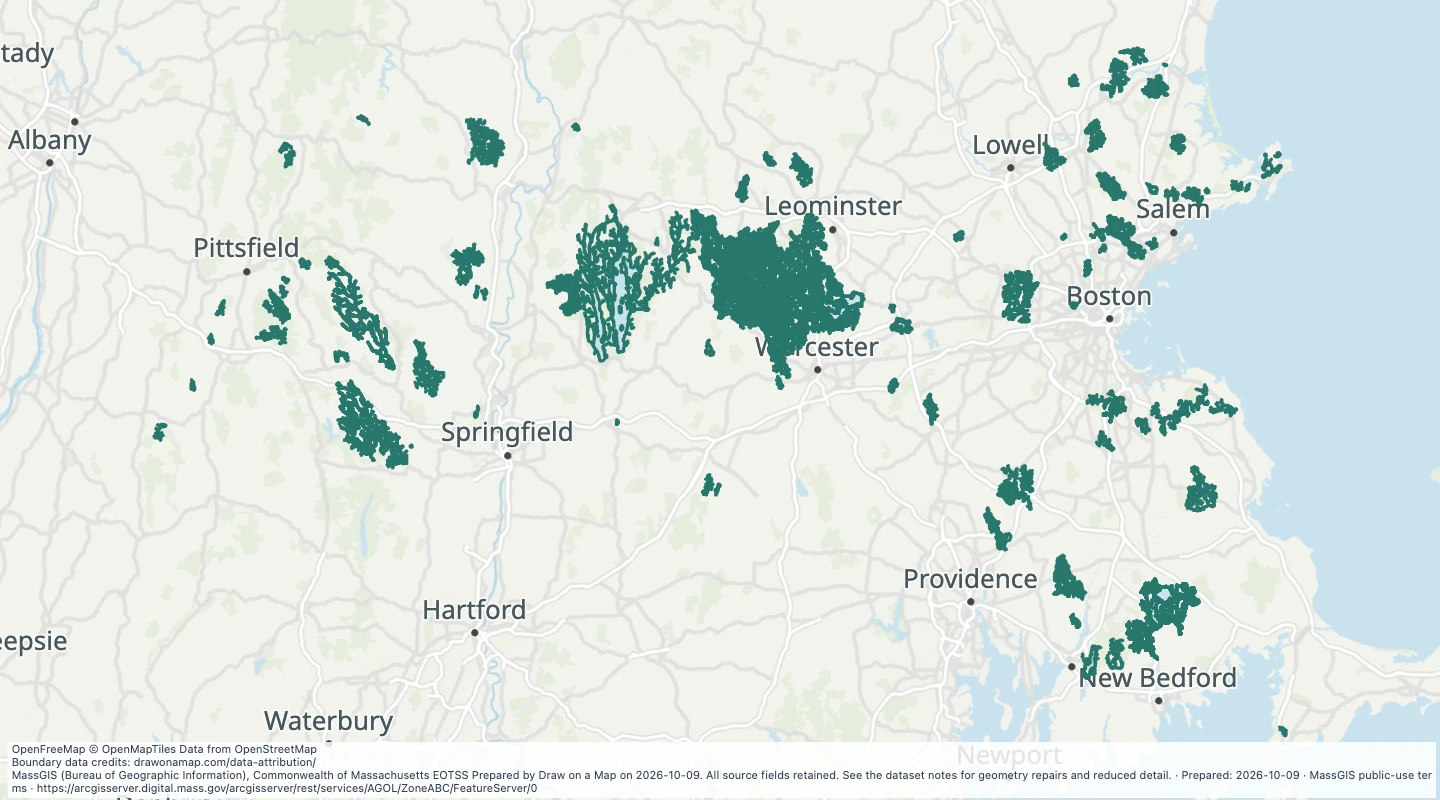 Surface Water Supply Protection Areas (ZONE A, B, C): Surface Water Protection Areas - Zone A — MassachusettsExplore 177 source records for Surface Water Supply Protection Areas (ZONE A, B, C): Surface Water Protection Areas - Zone A — Massachusetts. View the map or download the GeoJSON snapshot.
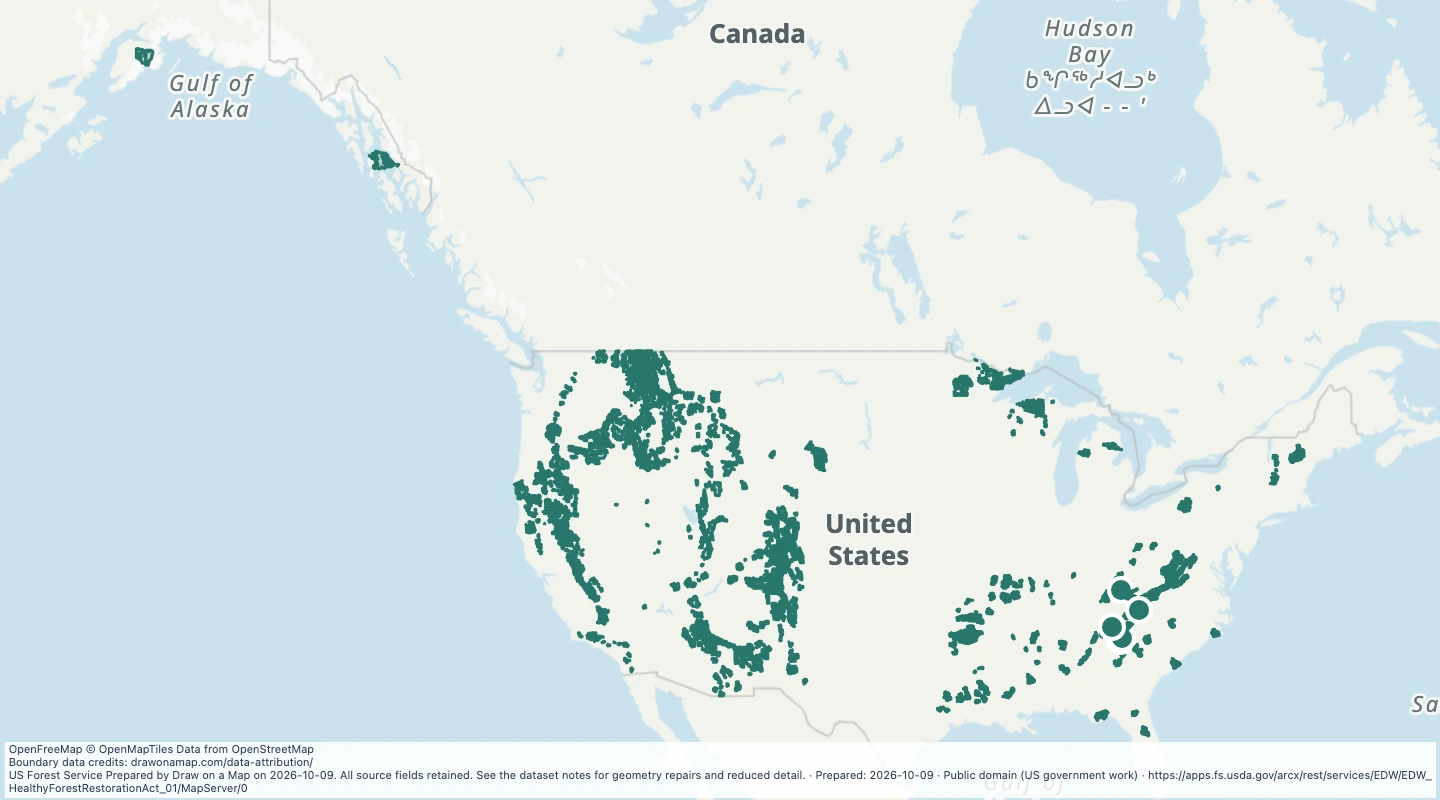 Healthy Forest Restoration Act — US Forest Service landsExplore 38 source records for Healthy Forest Restoration Act — US Forest Service lands. View the map or download the GeoJSON snapshot.
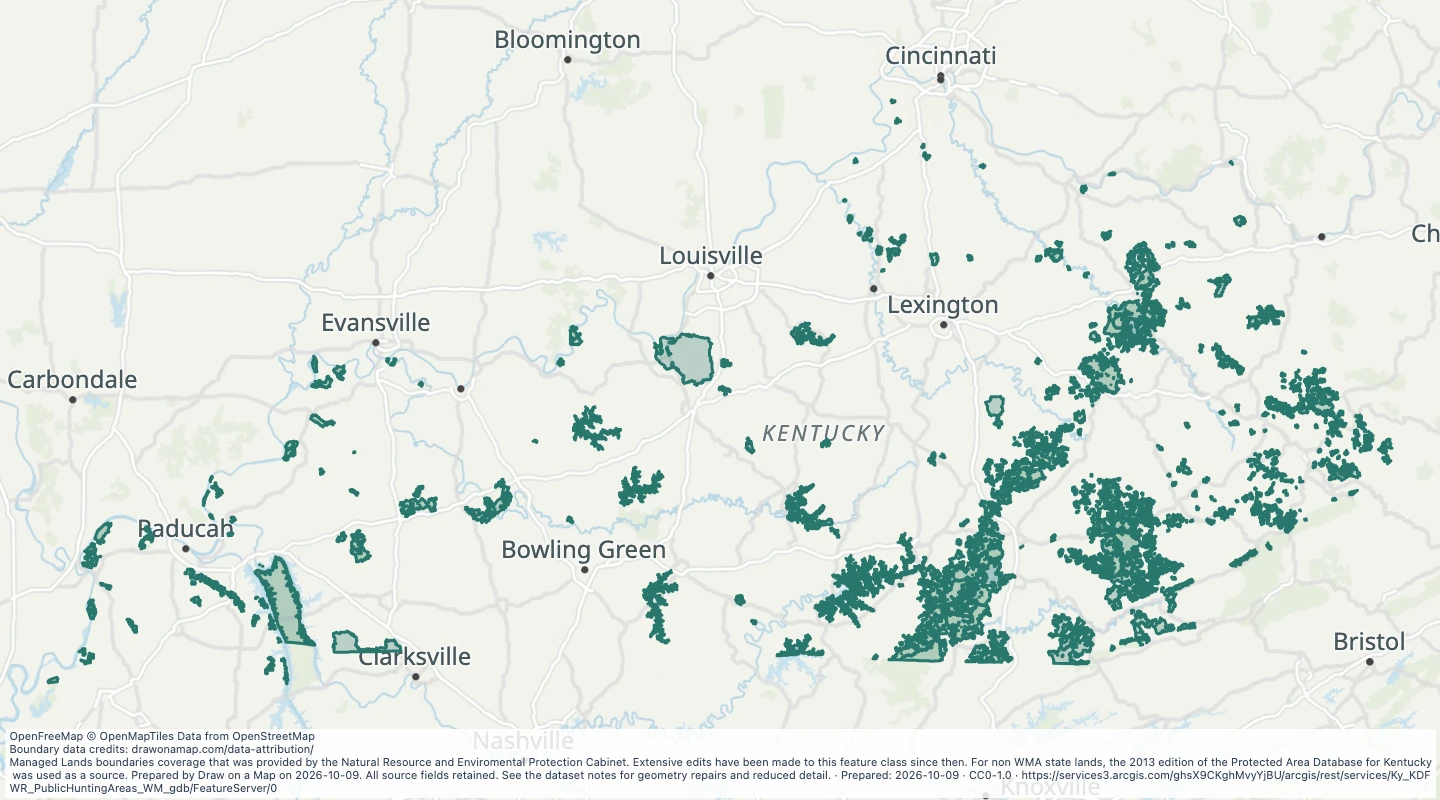 Public Hunting Areas in KentuckyExplore 134 source records for Public Hunting Areas in Kentucky. View the map or download the GeoJSON snapshot.
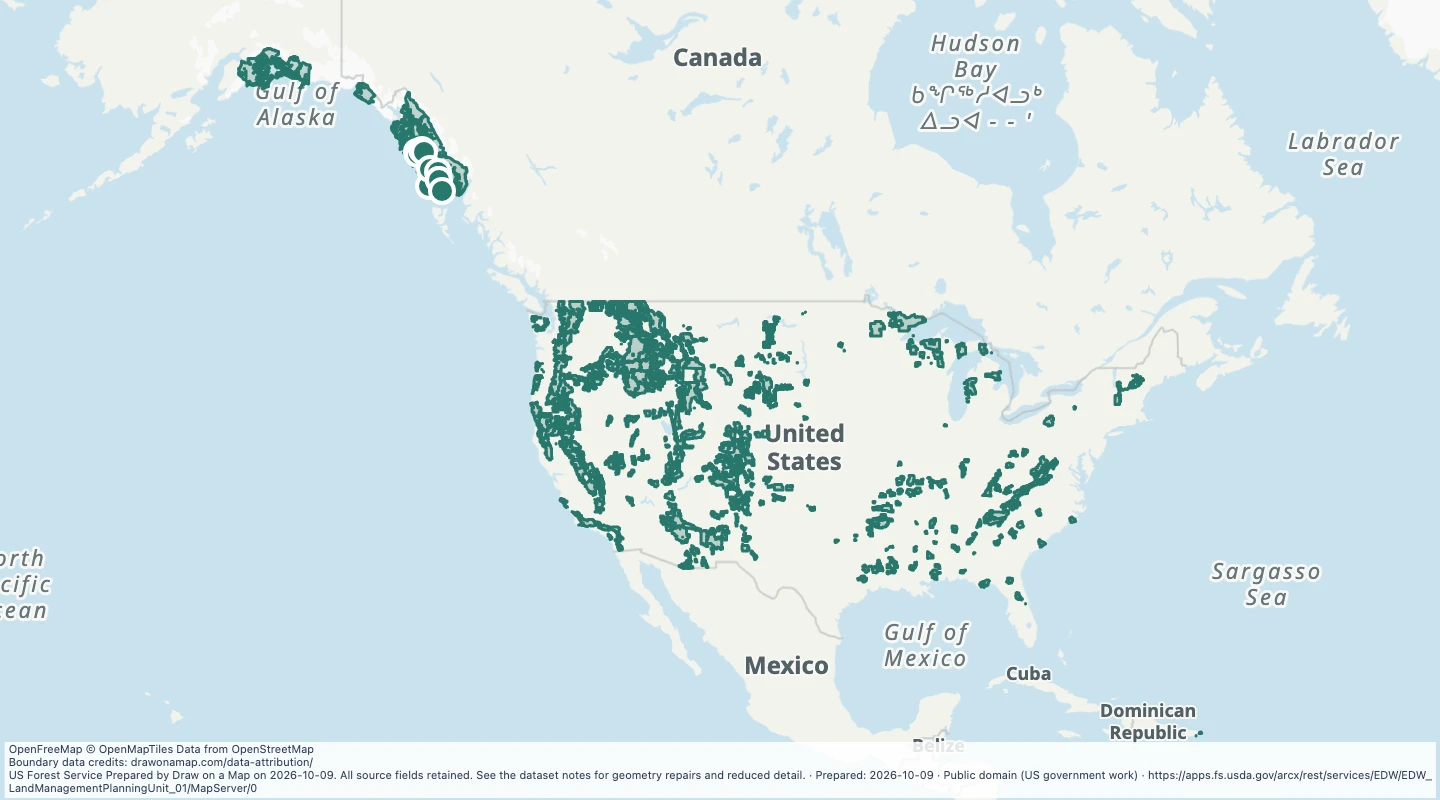 Land Management Planning Unit — US Forest Service landsExplore 127 source records for Land Management Planning Unit — US Forest Service lands. View the map or download the GeoJSON snapshot.
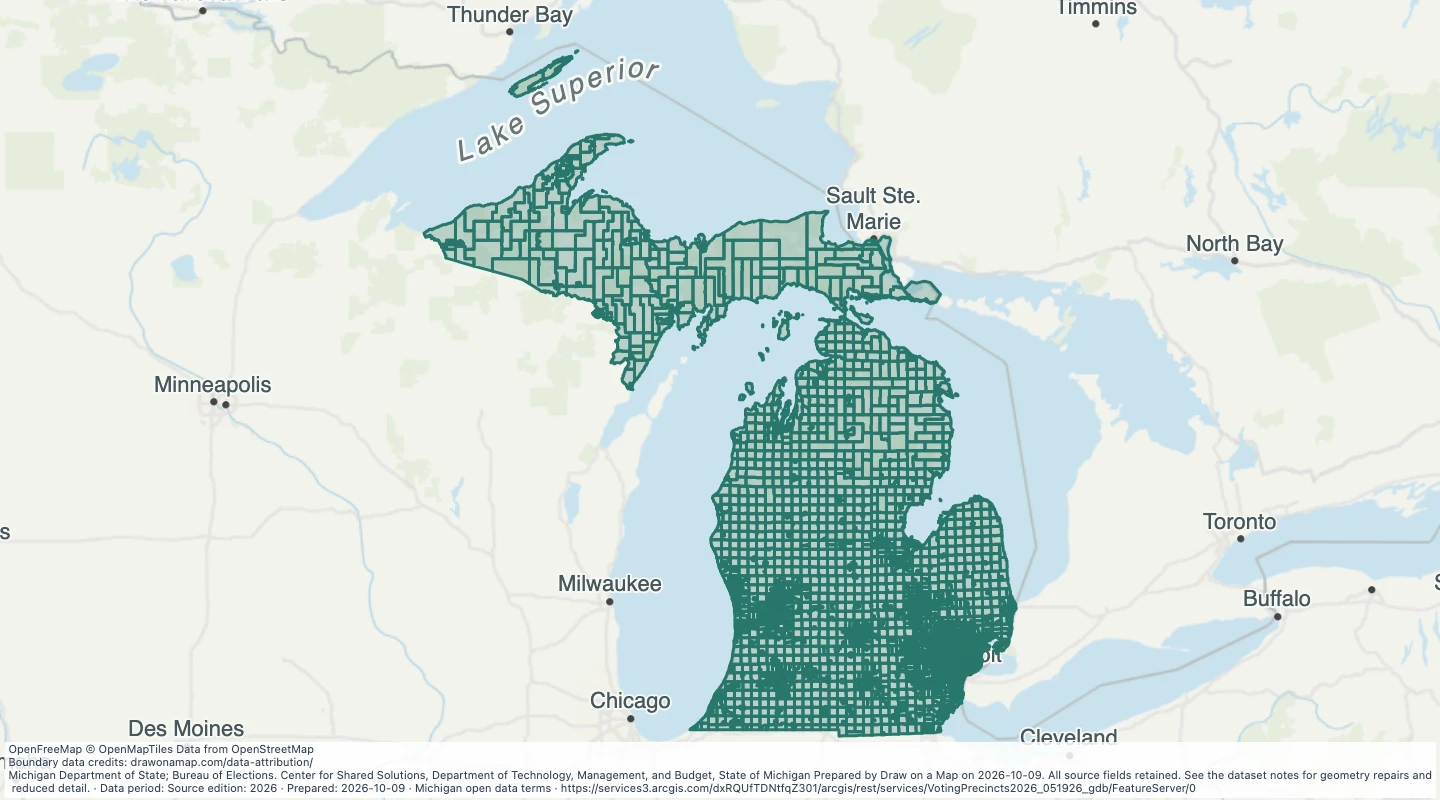 Voting precincts in Michigan, May 2026 sourceExplore 3,895 source records for Voting precincts in Michigan, May 2026 source. View the map or download the GeoJSON snapshot.
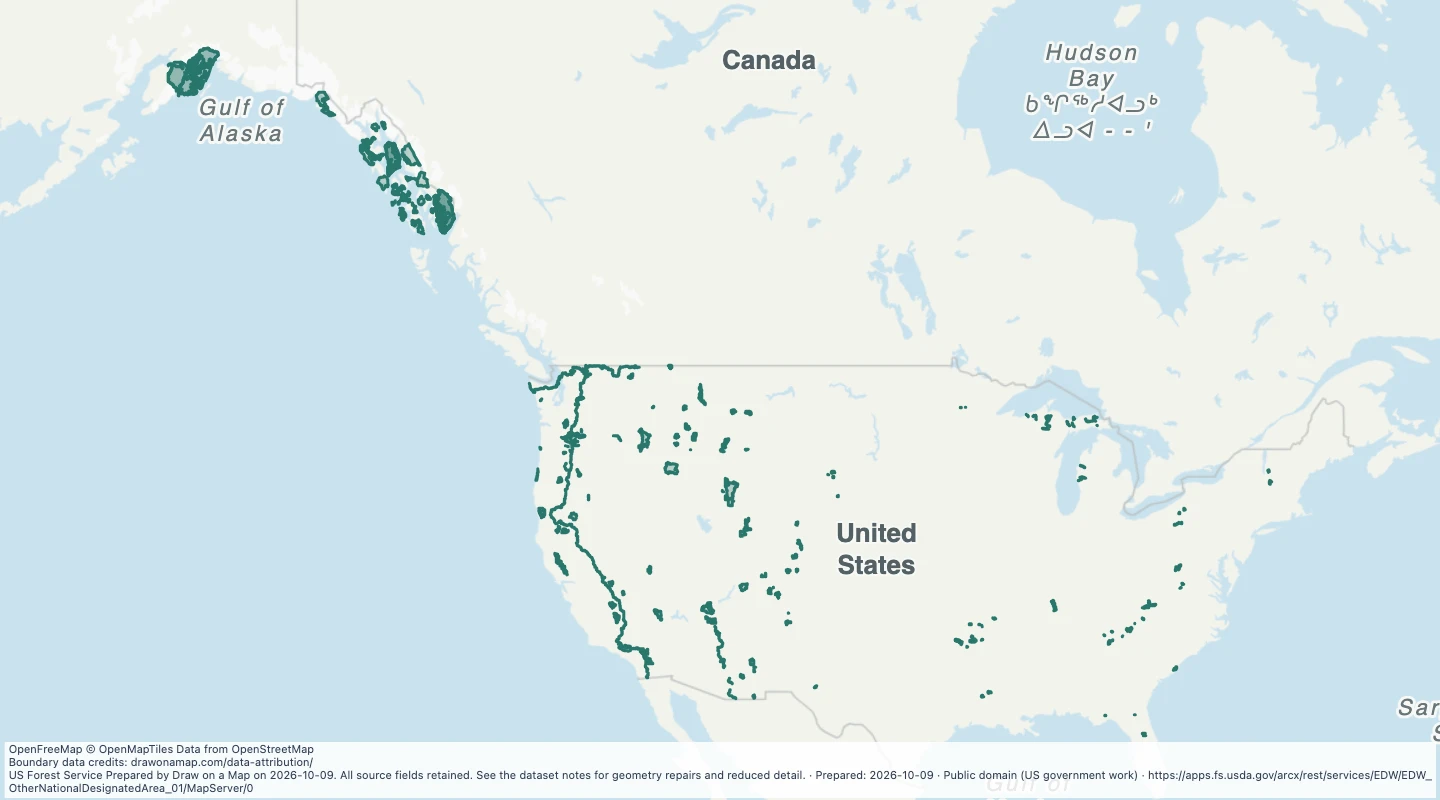 National Forest Lands with Nationally Designated Management or Use Limitations — US Forest Service landsExplore 227 source records for National Forest Lands with Nationally Designated Management or Use Limitations — US Forest Service lands. View the map or download the GeoJSON snapshot.
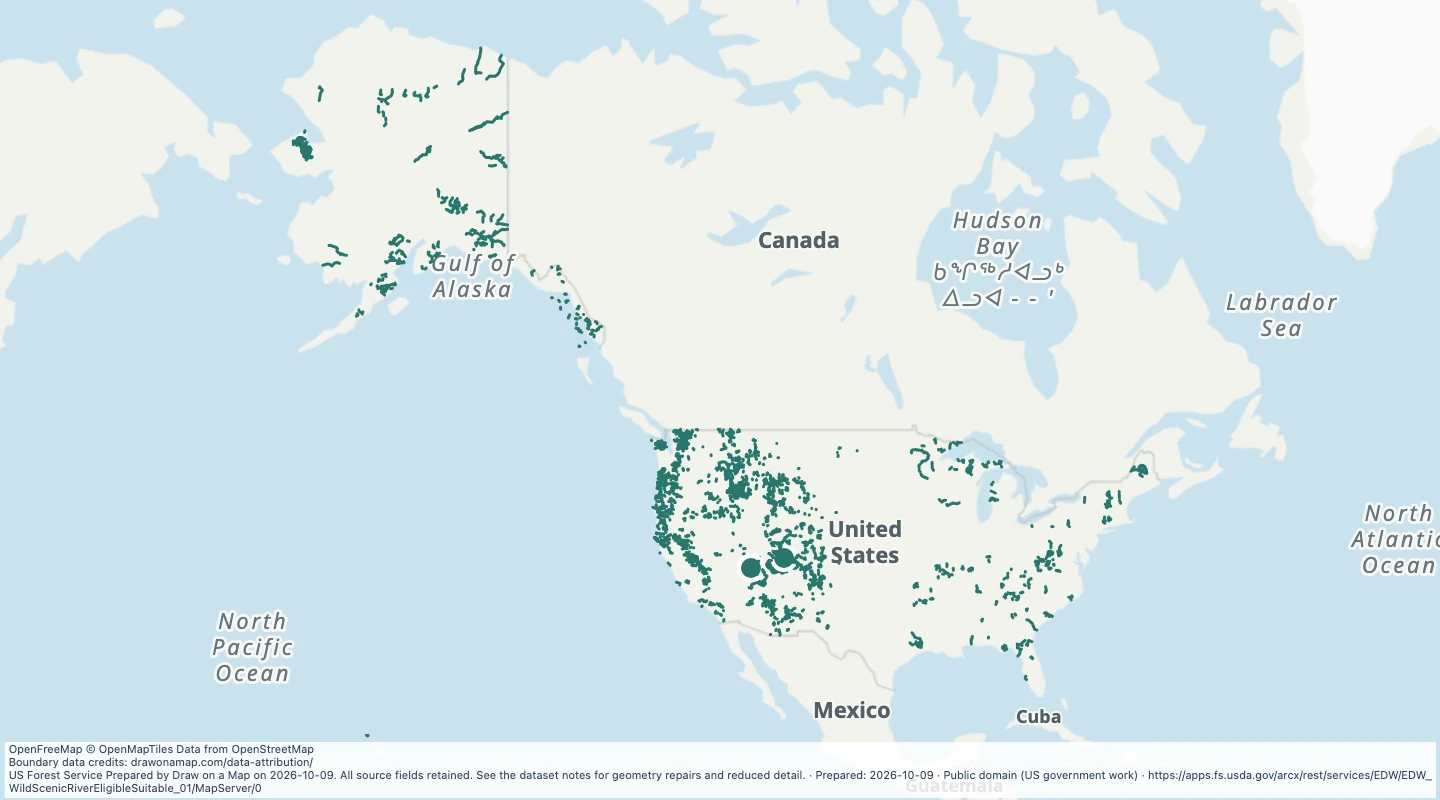 Rivers eligible or suitable for Wild and Scenic designation — Contiguous United States, Alaska, Hawaii and Puerto RicoExplore 4,165 source records for Rivers eligible or suitable for Wild and Scenic designation — Contiguous United States, Alaska, Hawaii and Puerto Rico. View the map or download the GeoJSON snapshot.
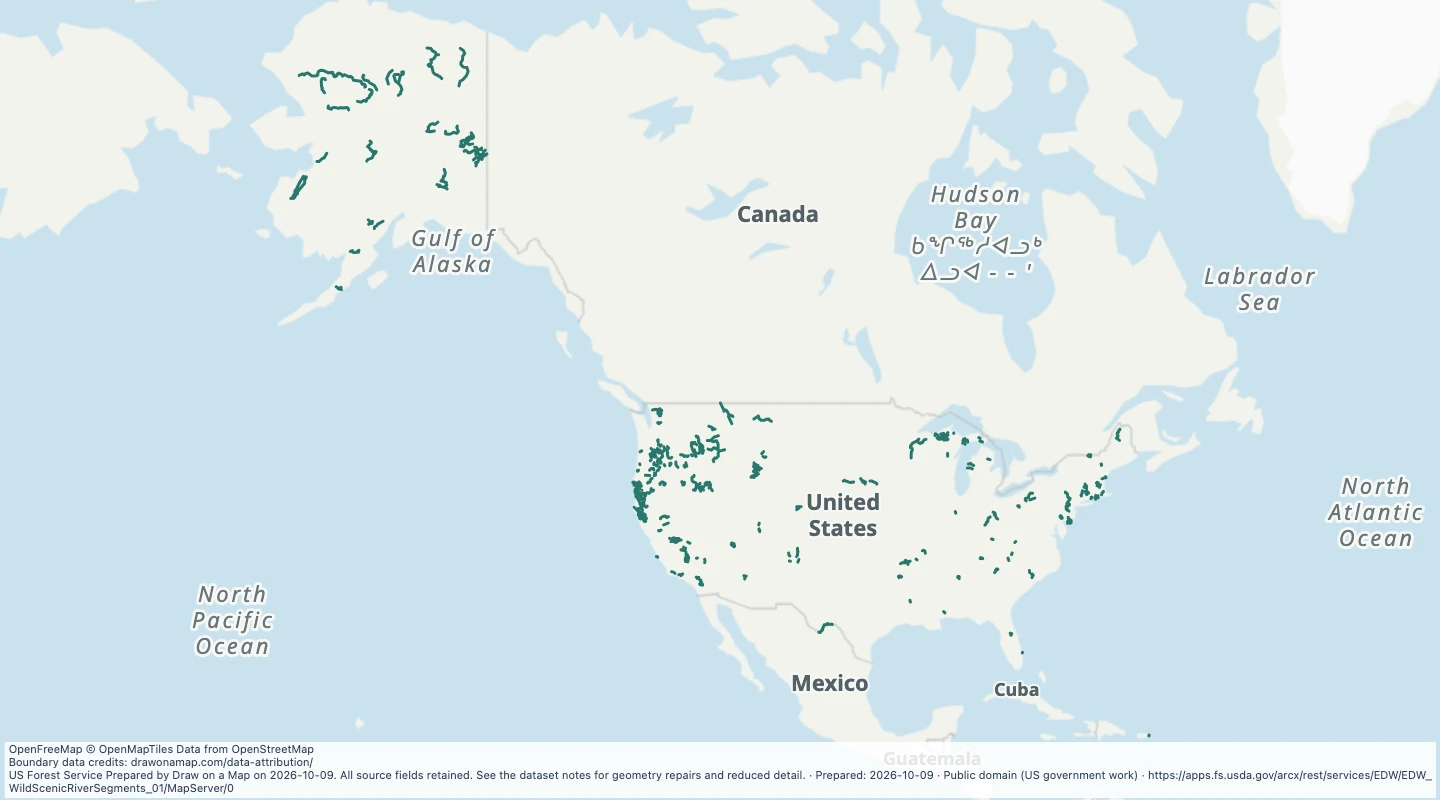 Designated Wild and Scenic River lines — United States and Puerto RicoExplore 249 source records for Designated Wild and Scenic River lines — United States and Puerto Rico. View the map or download the GeoJSON snapshot.
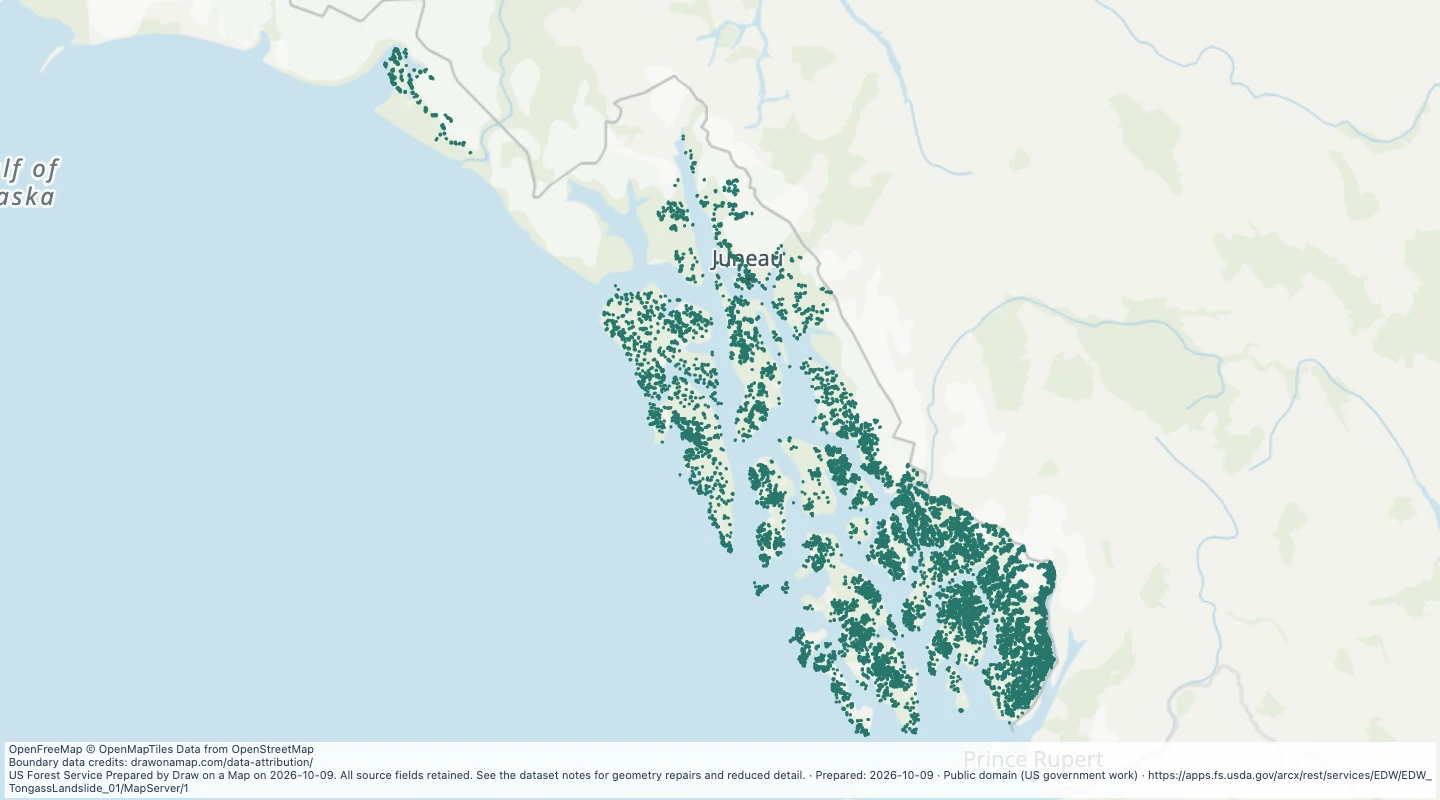 Tongass Landslide AreasExplore 20,272 source records for Tongass Landslide Areas. View the map or download the GeoJSON snapshot.
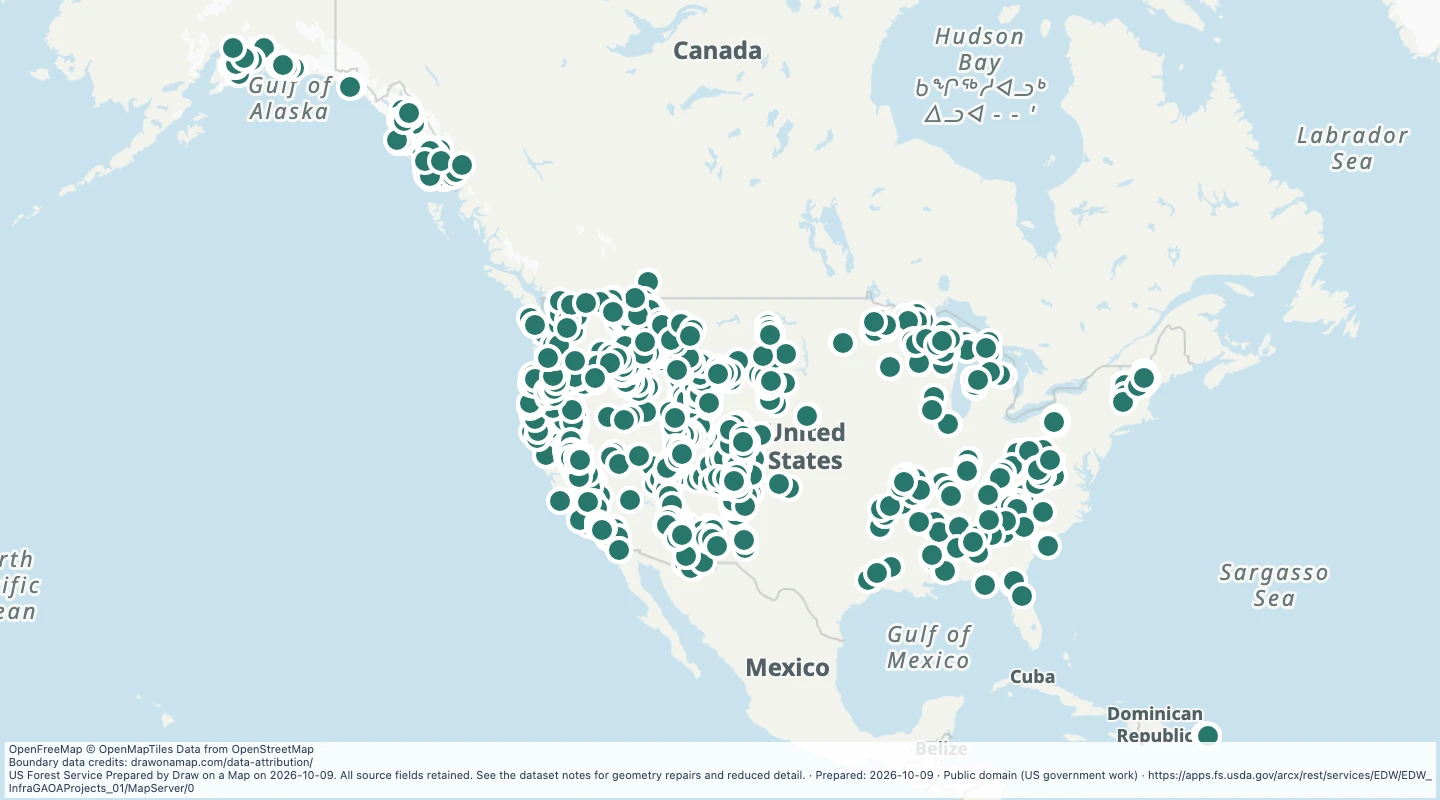 GAOA Project Summary — US Forest Service landsExplore 1,255 source records for GAOA Project Summary — US Forest Service lands. View the map or download the GeoJSON snapshot.
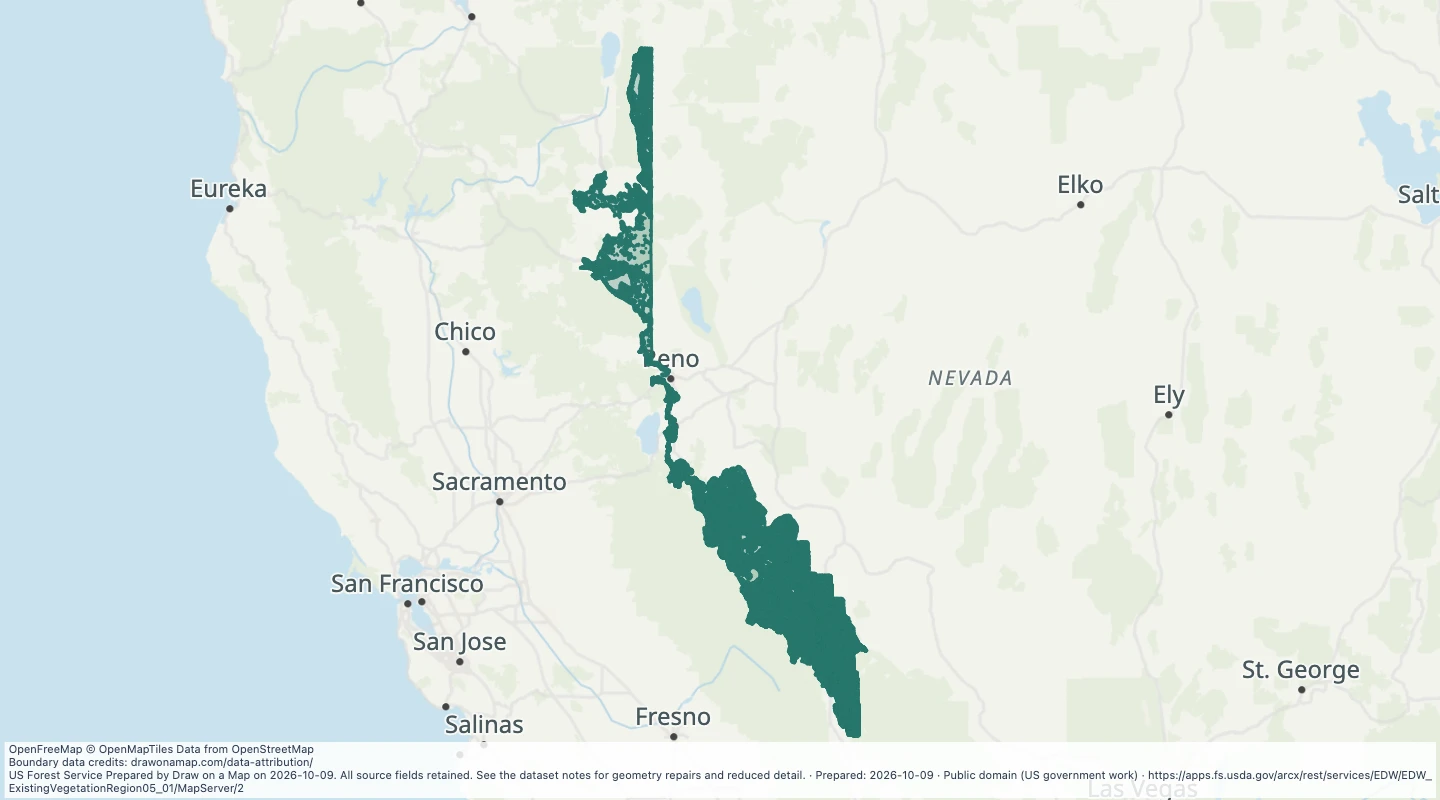 Existing Vegetation: Region 5 - Great BasinExplore 5,629 source records for Existing Vegetation: Region 5 - Great Basin. View the map or download the GeoJSON snapshot.
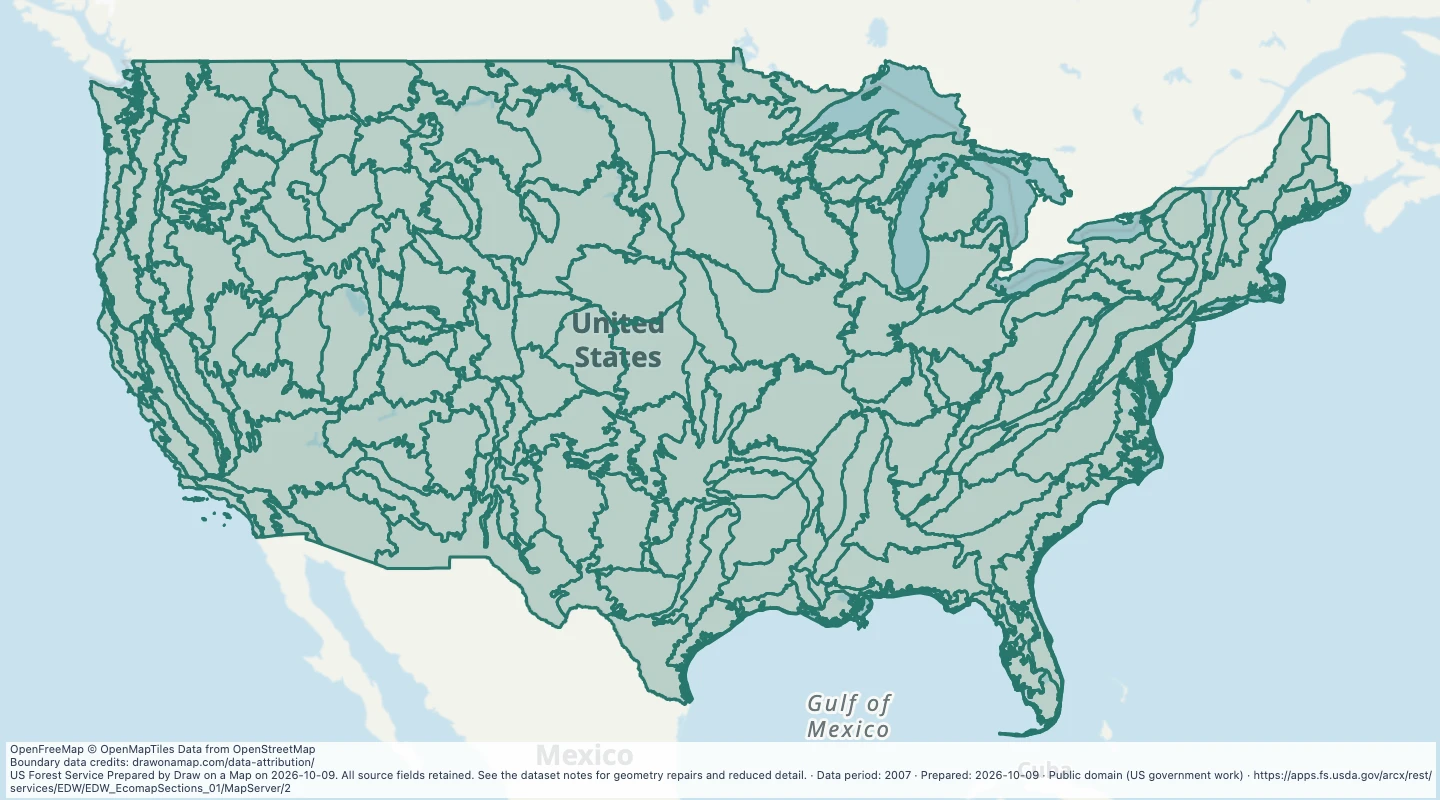 Ecological sections of the contiguous United States, 2007Explore 191 source records for Ecological sections of the contiguous United States, 2007. View the map or download the GeoJSON snapshot.
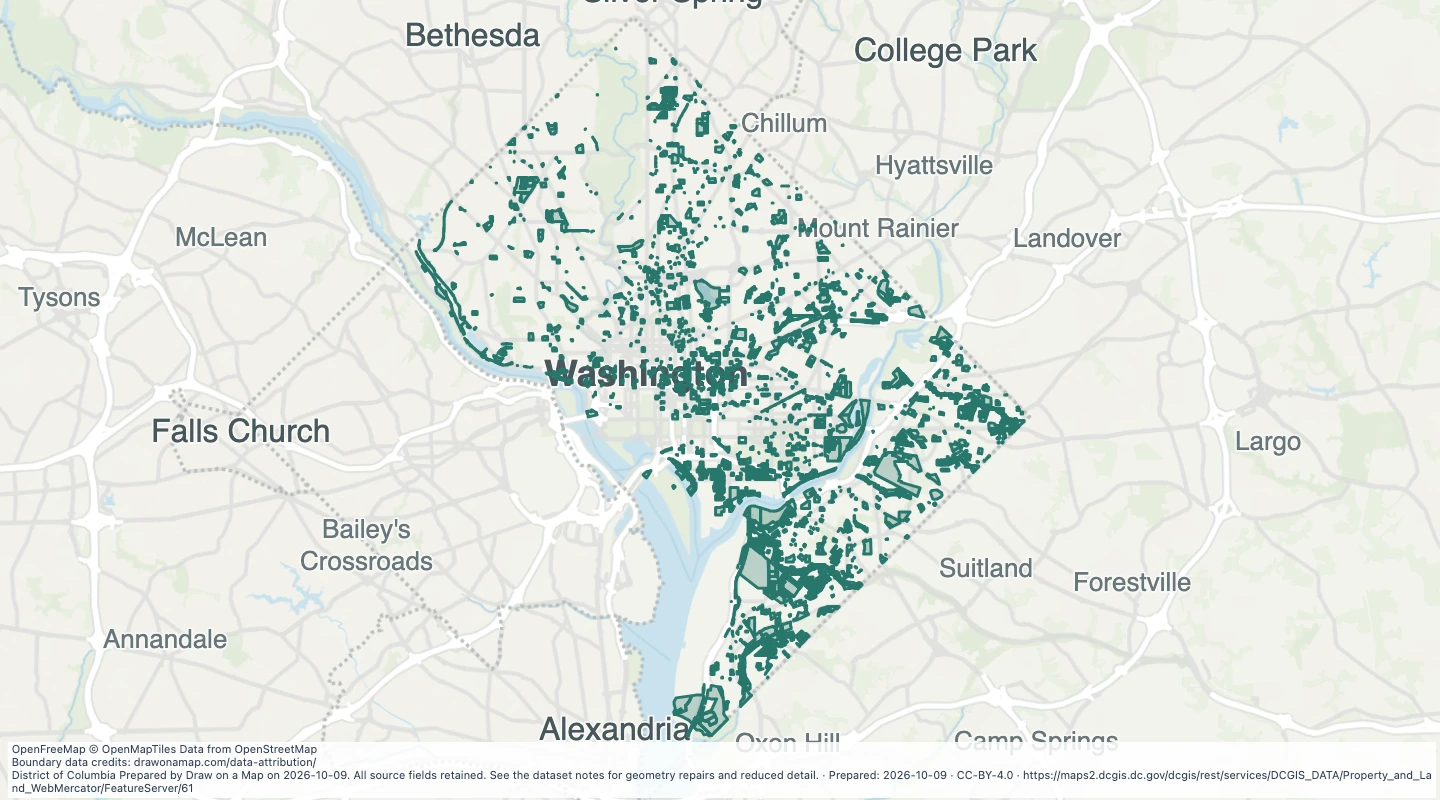 District land boundaries in Washington, DCExplore 4,476 source records for District land boundaries in Washington, DC. View the map or download the GeoJSON snapshot.
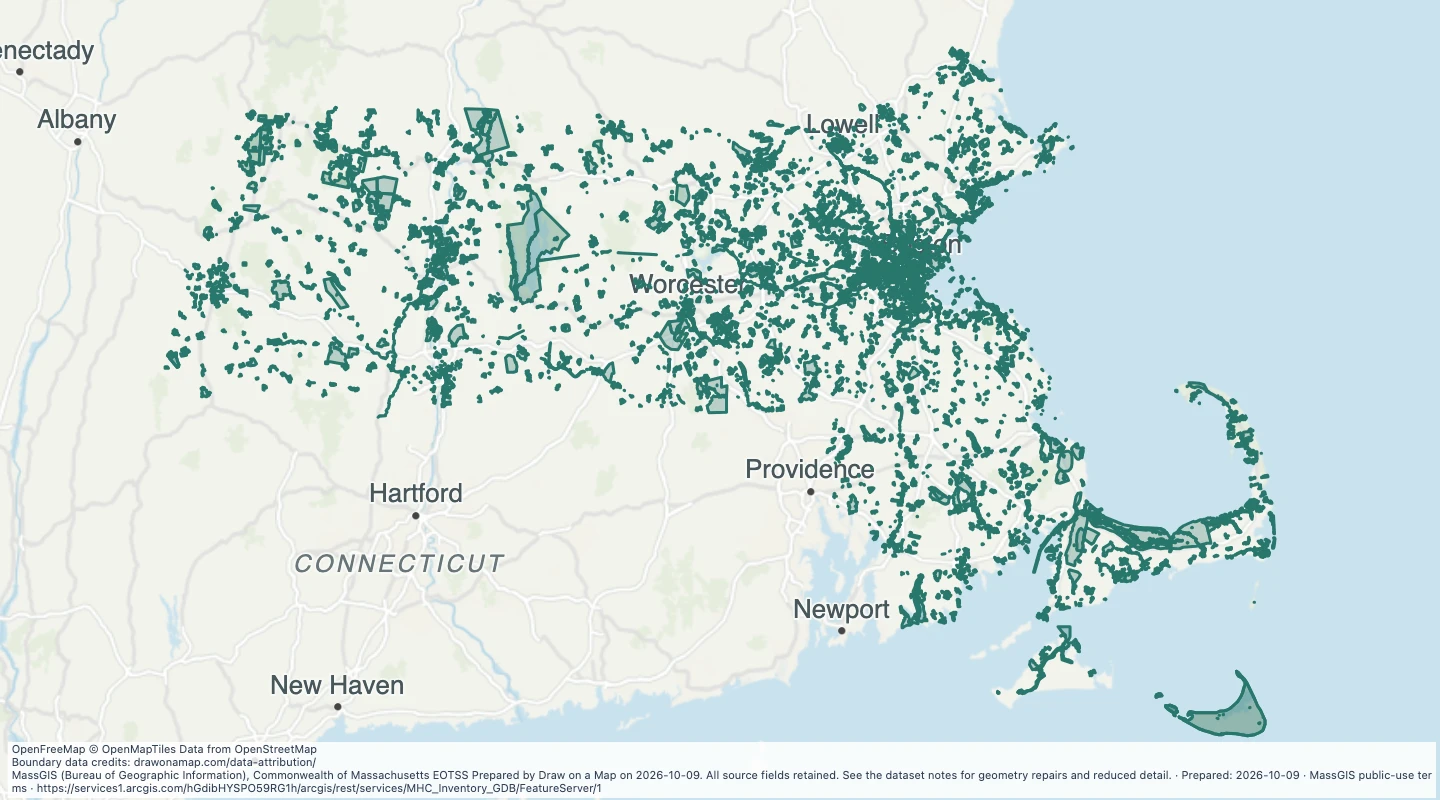 Historic asset inventory areas in MassachusettsExplore 7,168 source records for Historic asset inventory areas in Massachusetts. View the map or download the GeoJSON snapshot.
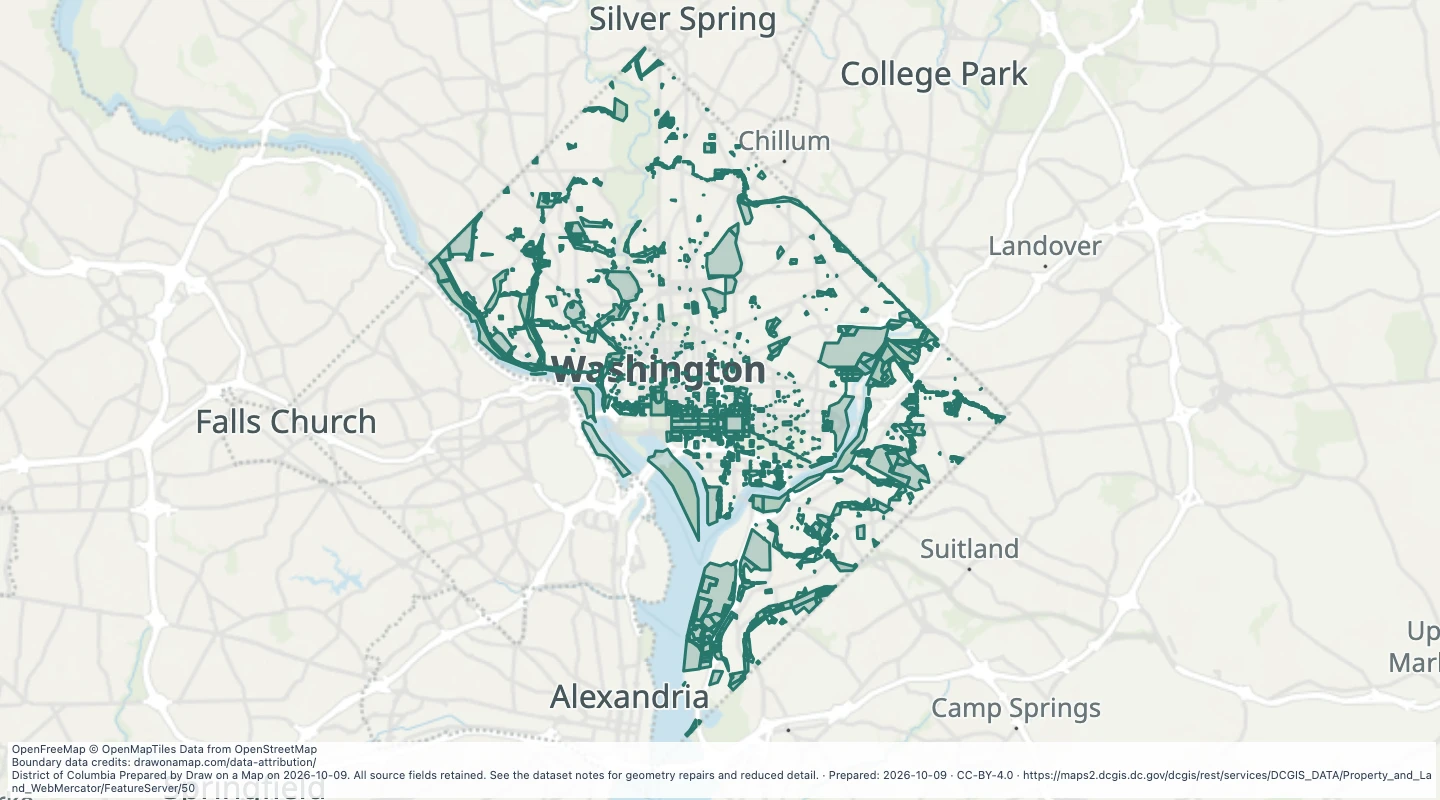 Federal land from property tax records in Washington, DCExplore 2,799 source records for Federal land from property tax records in Washington, DC. View the map or download the GeoJSON snapshot.
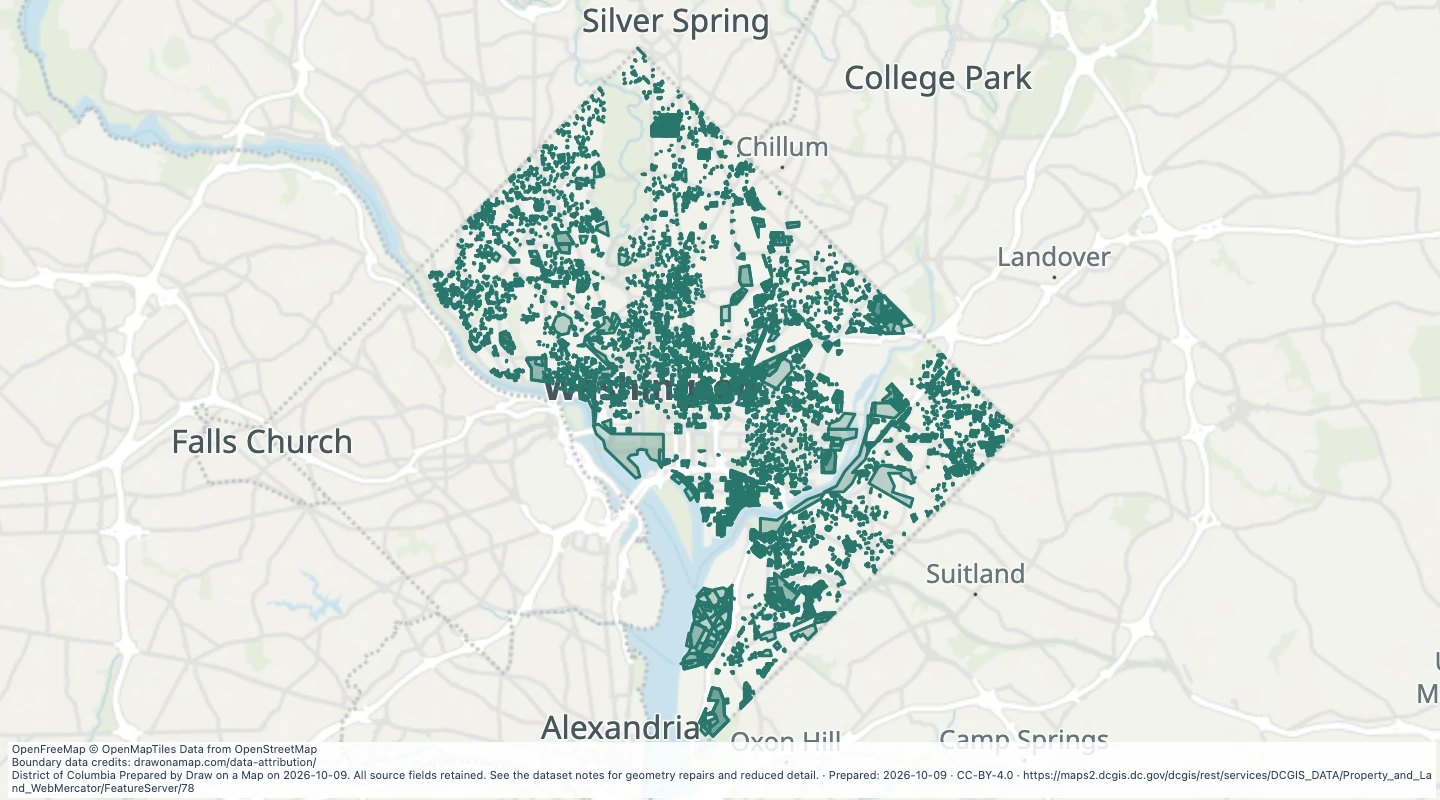 Recorded land boundary changes in Washington, DCExplore 23,886 source records for Recorded land boundary changes in Washington, DC. View the map or download the GeoJSON snapshot.
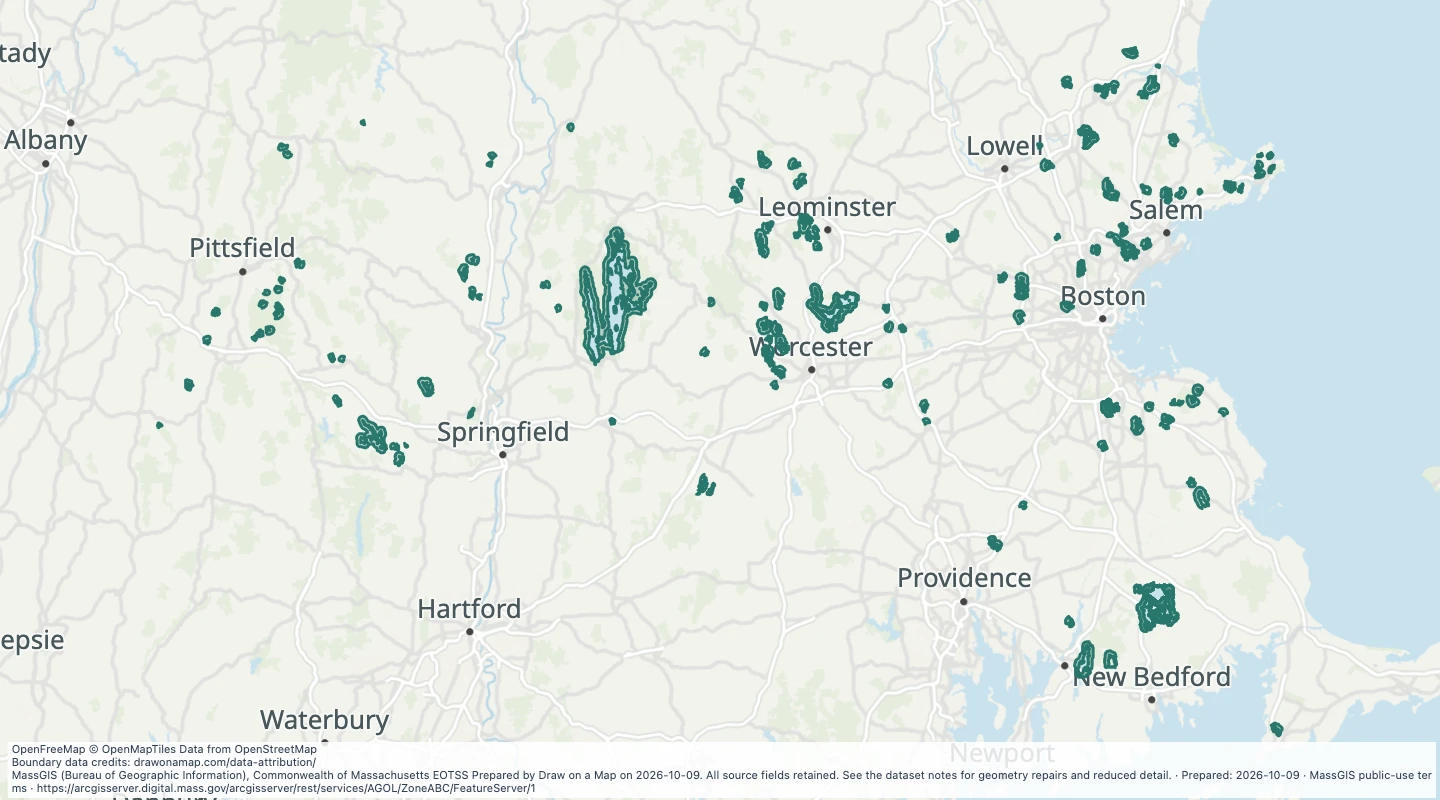 Surface Water Supply Protection Areas (ZONE A, B, C): Surface Water Protection Areas - Zone B — MassachusettsExplore 175 source records for Surface Water Supply Protection Areas (ZONE A, B, C): Surface Water Protection Areas - Zone B — Massachusetts. View the map or download the GeoJSON snapshot.
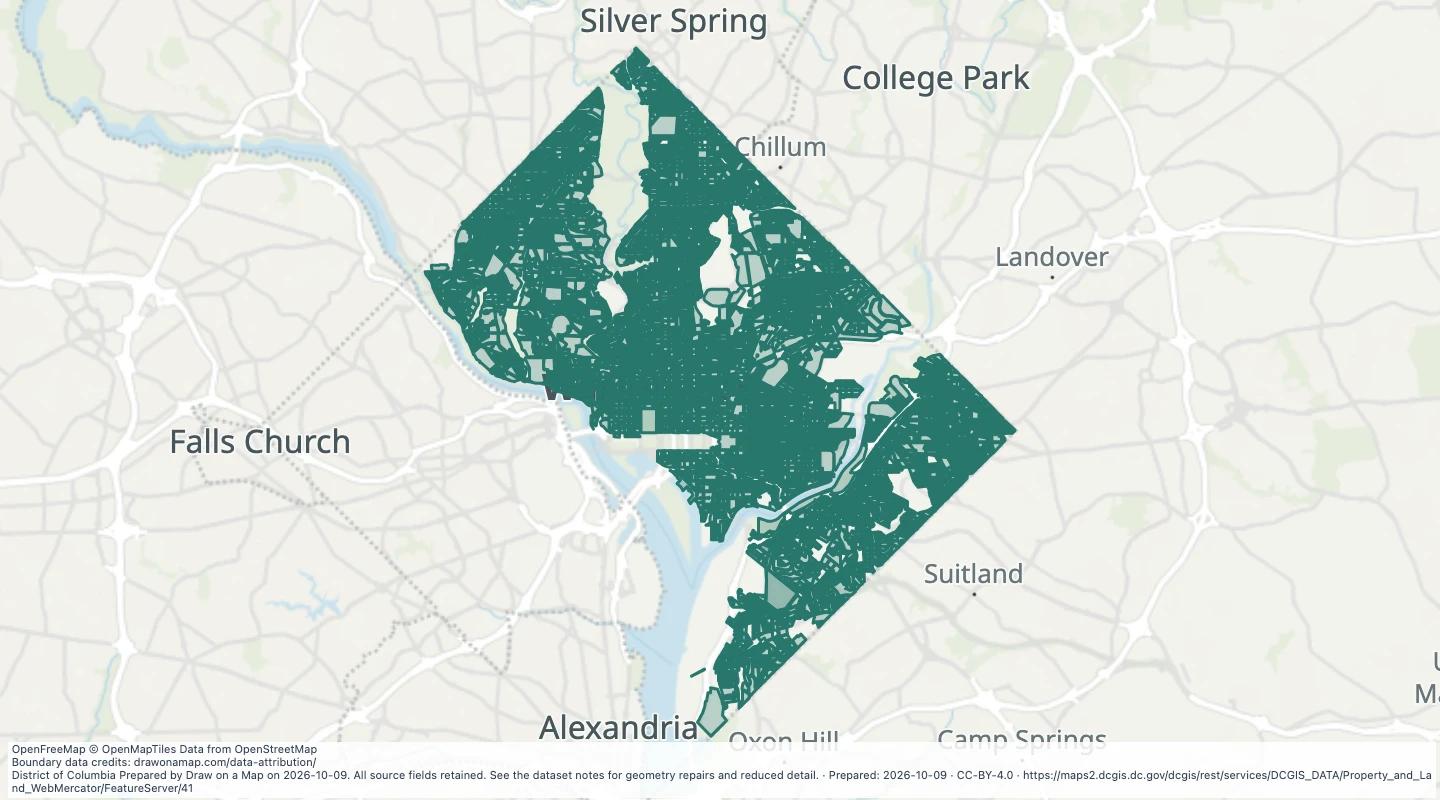 Property square boundaries in Washington, DCExplore 4,902 source records for Property square boundaries in Washington, DC. View the map or download the GeoJSON snapshot.
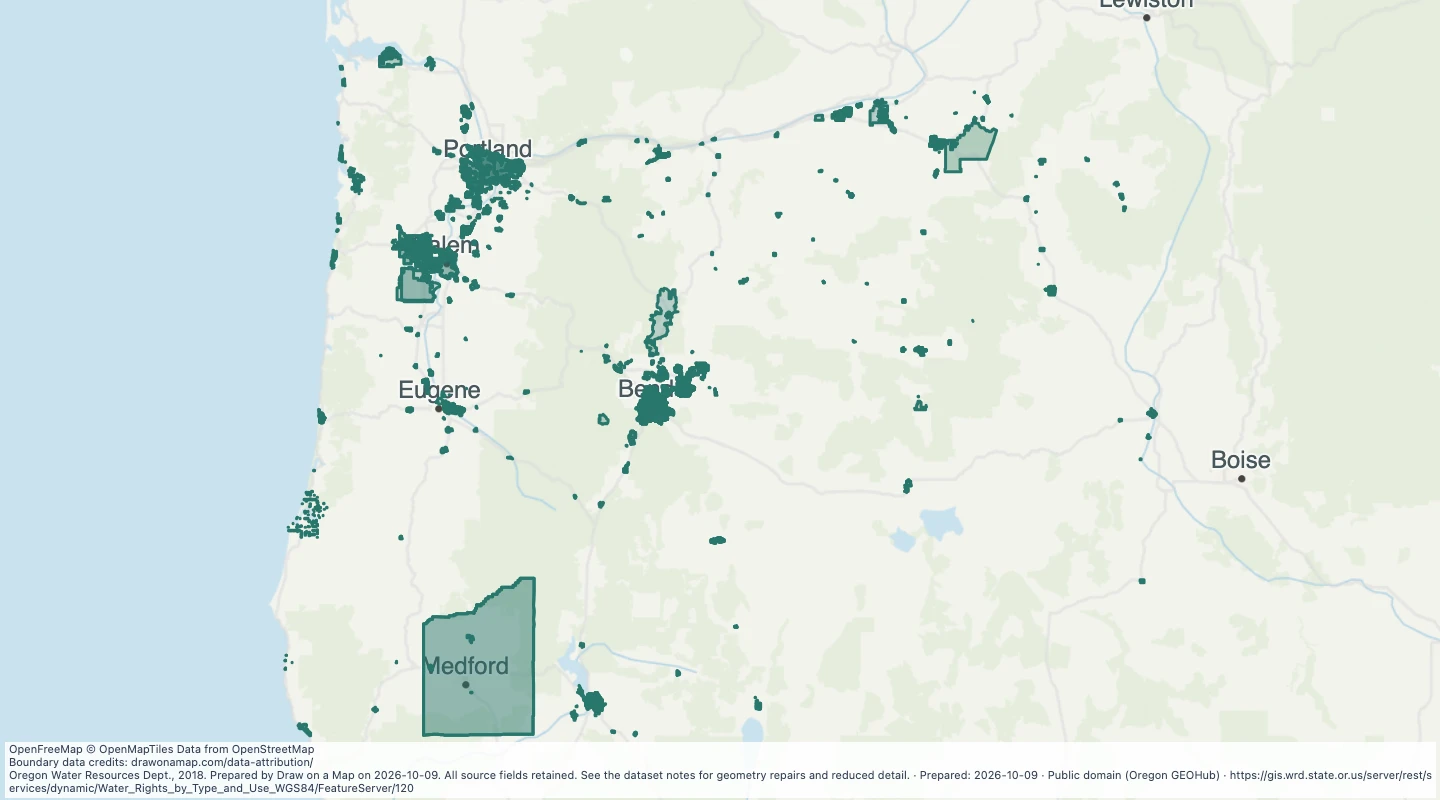 Oregon water rights: Places of Use - groundwater, MunicipalExplore 872 source records for Oregon water rights: Places of Use - groundwater, Municipal. View the map or download the GeoJSON snapshot.
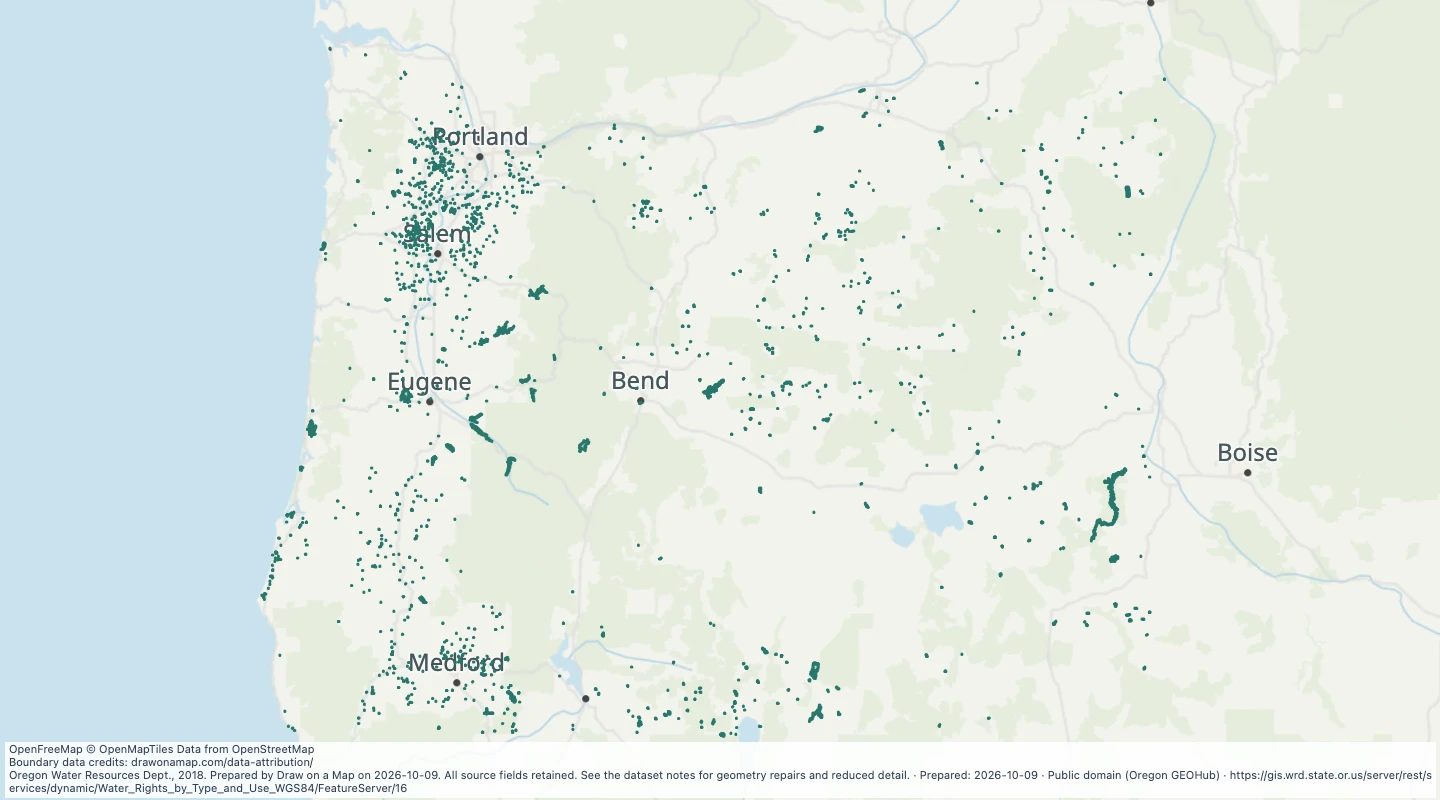 Oregon water rights: Places of Use - storage, miscellaneous usesExplore 5,819 source records for Oregon water rights: Places of Use - storage, miscellaneous uses. View the map or download the GeoJSON snapshot.
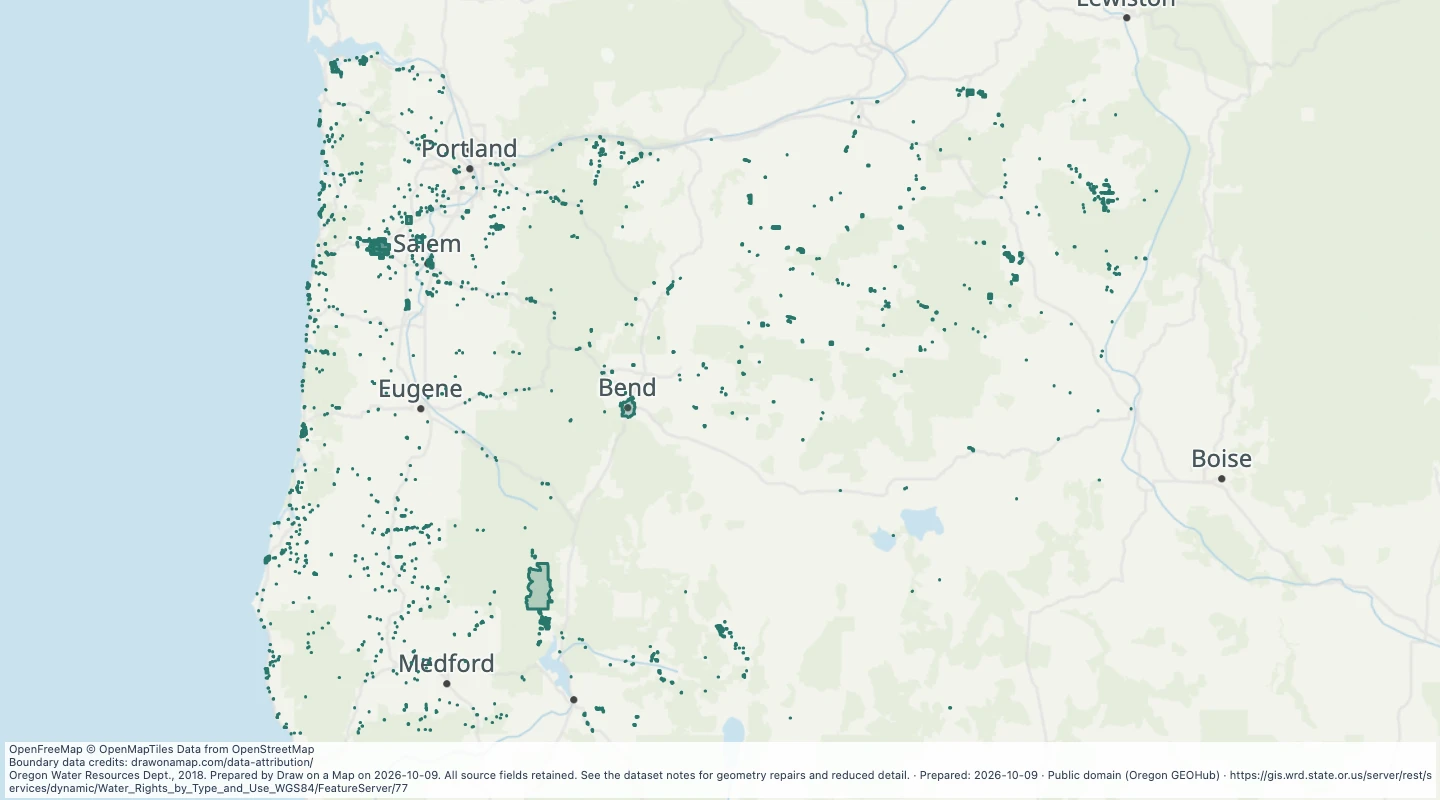 Oregon water rights: Places of Use - surface water, DomesticExplore 12,954 source records for Oregon water rights: Places of Use - surface water, Domestic. View the map or download the GeoJSON snapshot.
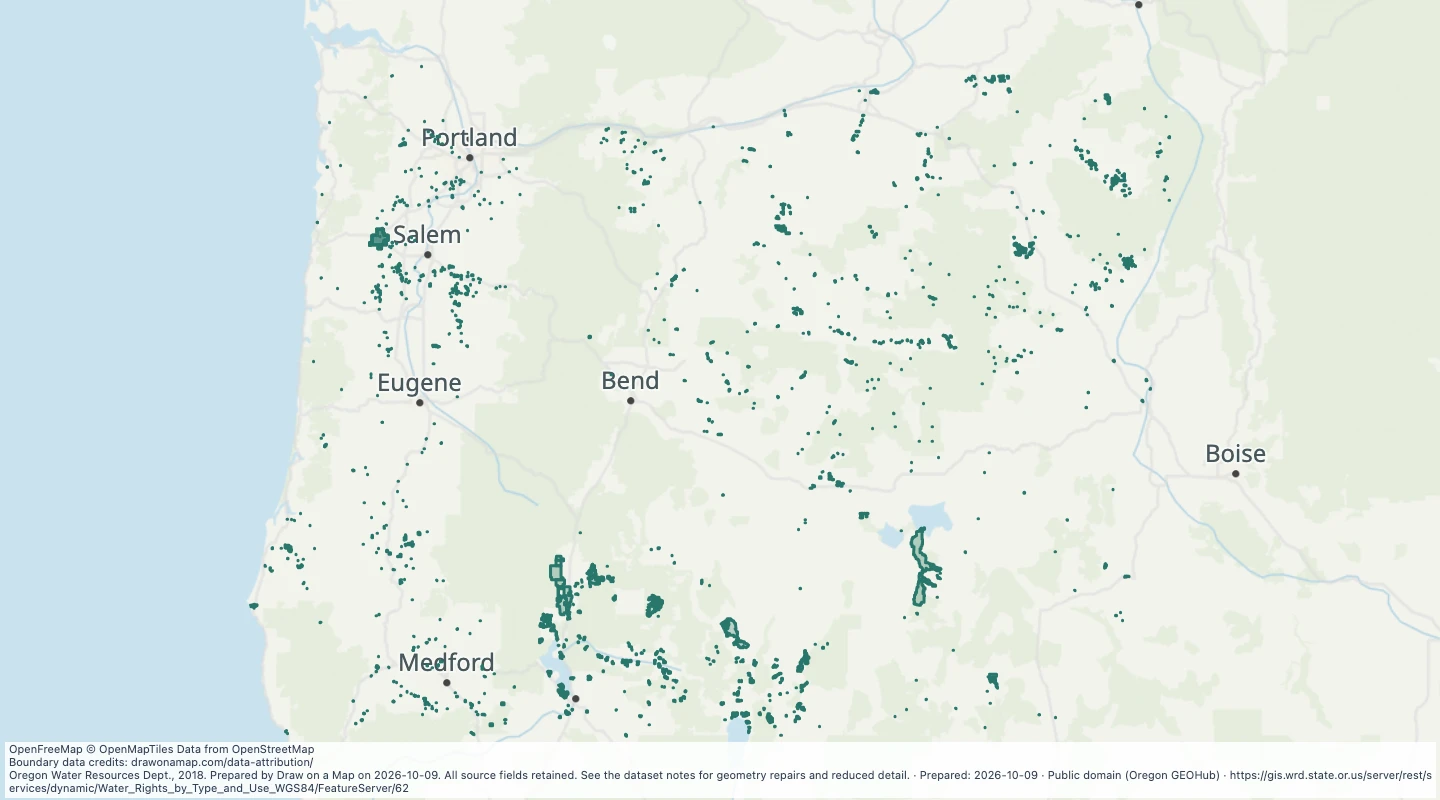 Oregon water rights: Places of Use - surface water, LivestockExplore 5,123 source records for Oregon water rights: Places of Use - surface water, Livestock. View the map or download the GeoJSON snapshot.
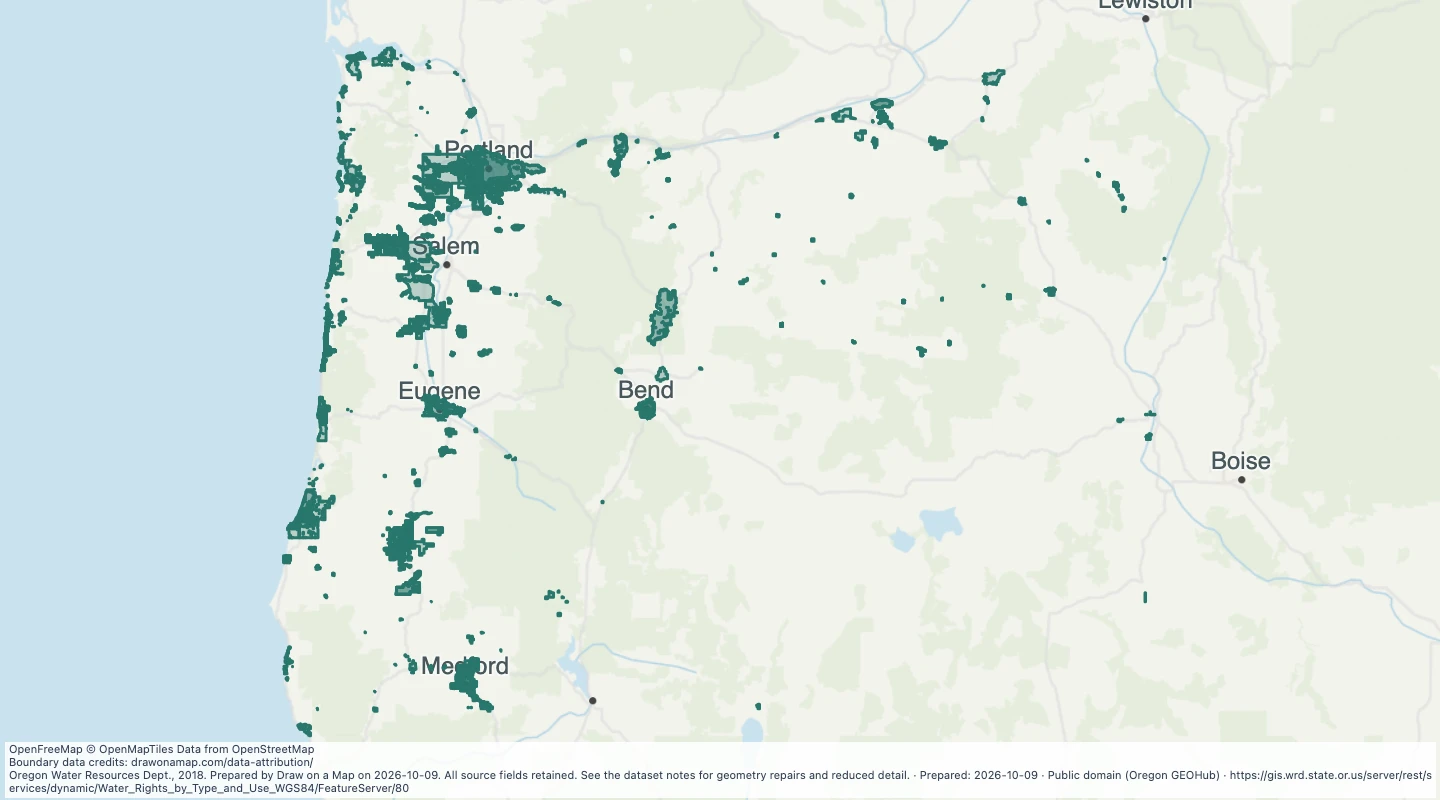 Oregon water rights: Places of Use - surface water, MunicipalExplore 778 source records for Oregon water rights: Places of Use - surface water, Municipal. View the map or download the GeoJSON snapshot.
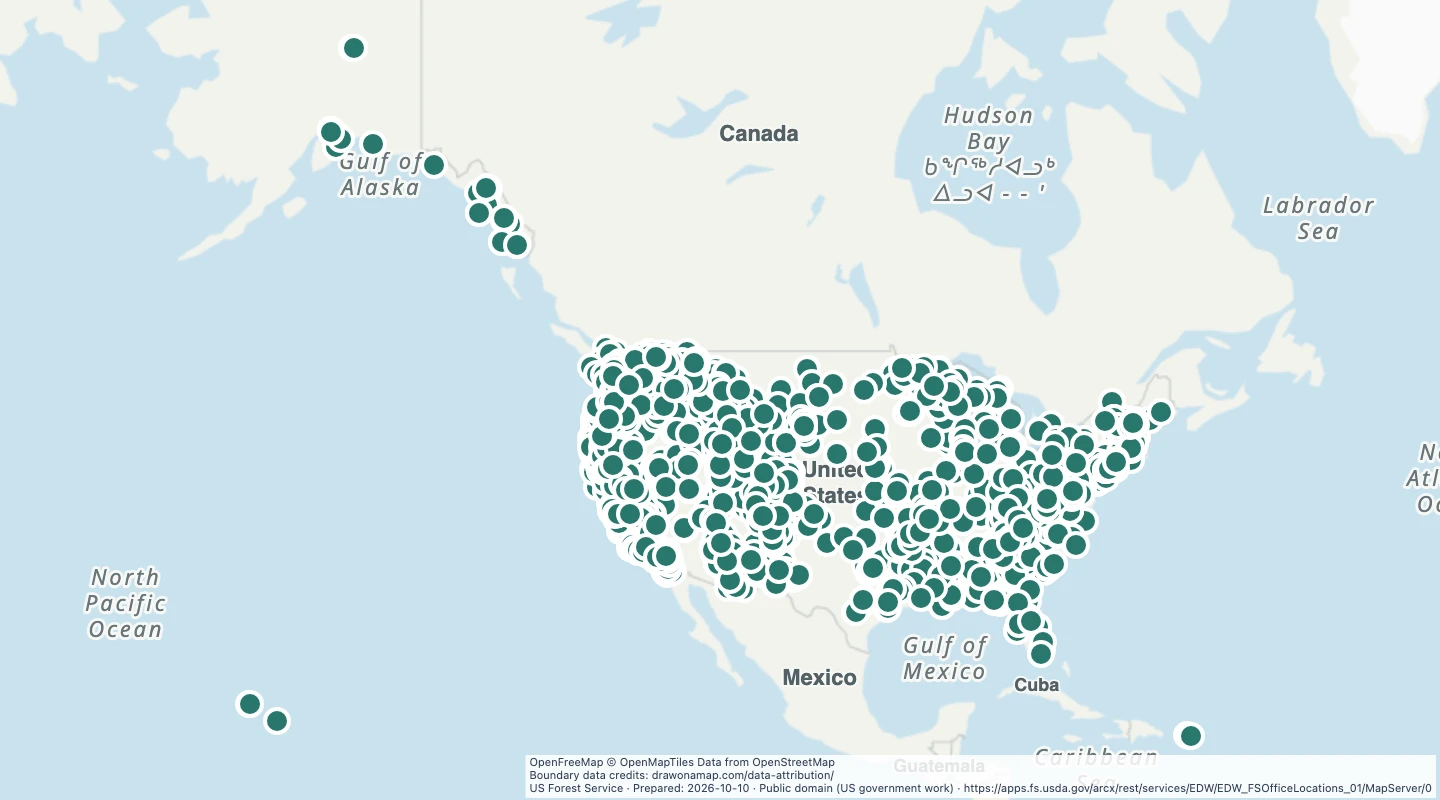 Forest Service office locationsIncludes staff offices, shared offices, and equipment sites. A mapped location is not necessarily a public visitor office.
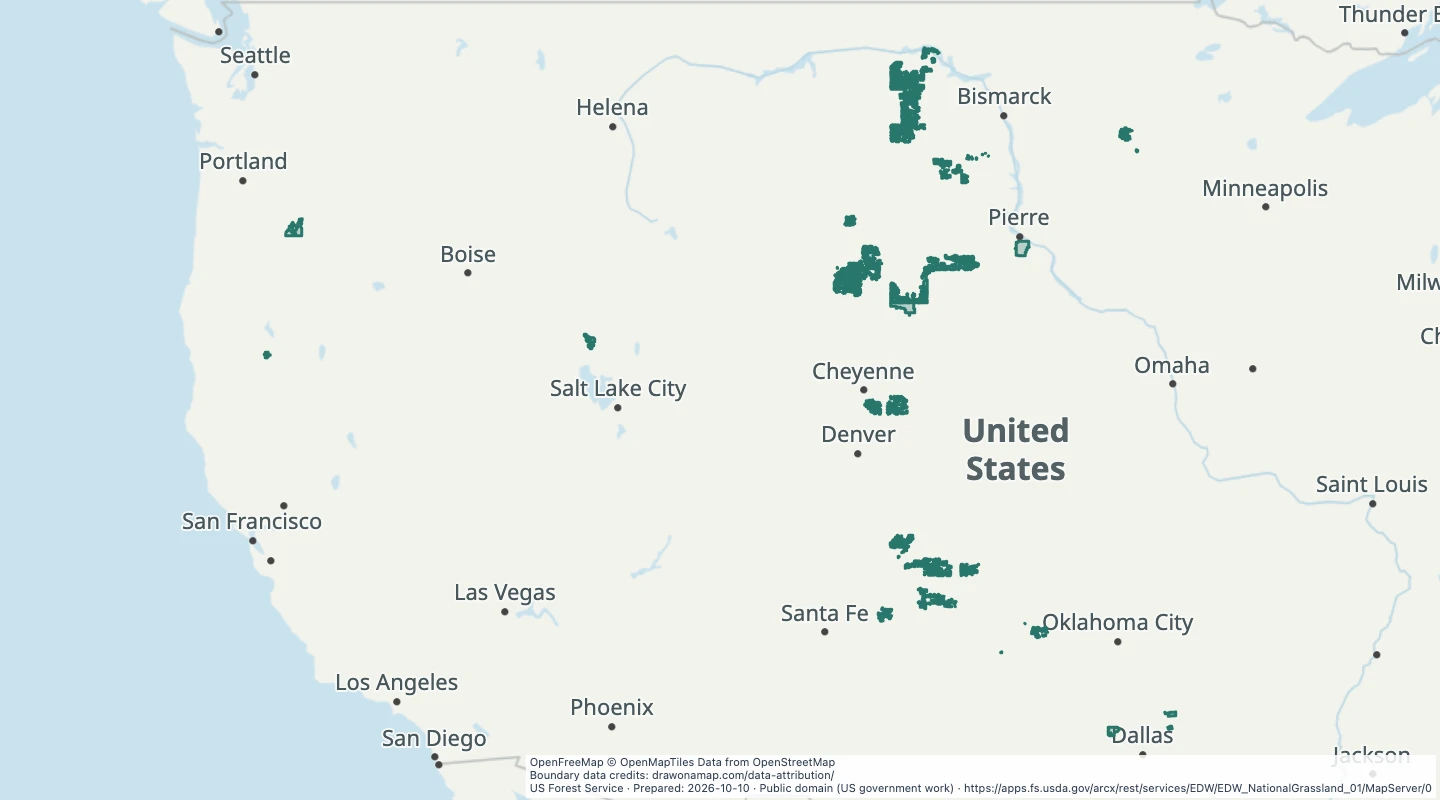 National grassland boundariesForest Service grassland unit boundaries for general reference. A boundary does not establish public access to every parcel within it.
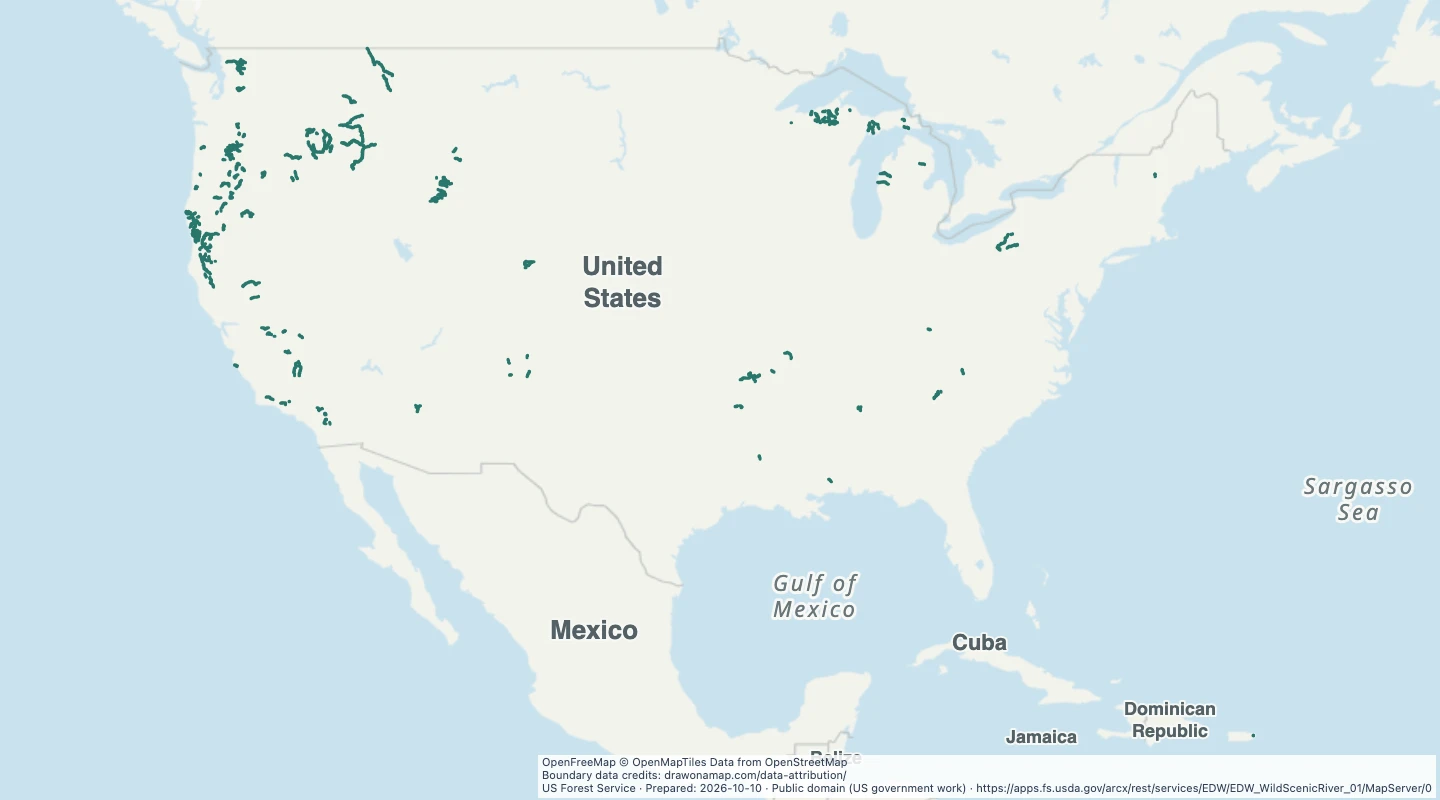 Wild and scenic river areasRiver area polygons grouped by name and designation. These areas differ from the river lines already in the library. They are intended for general mapping, not detailed legal boundary analysis.
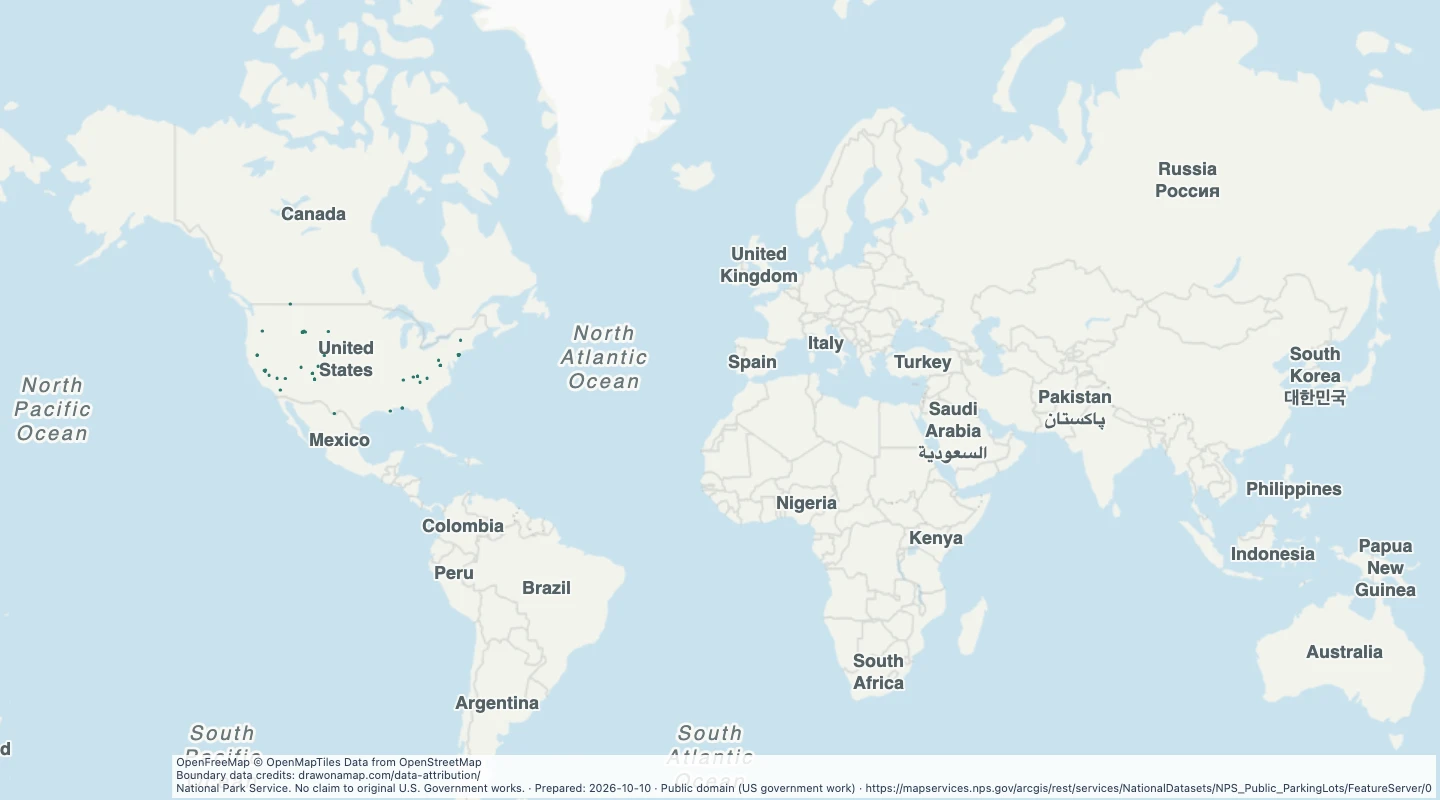 National Park Service public parking areasPublic visitor parking areas in the National Park Service source. The source excludes restricted and administrative parking. This snapshot does not show current closures or available spaces.
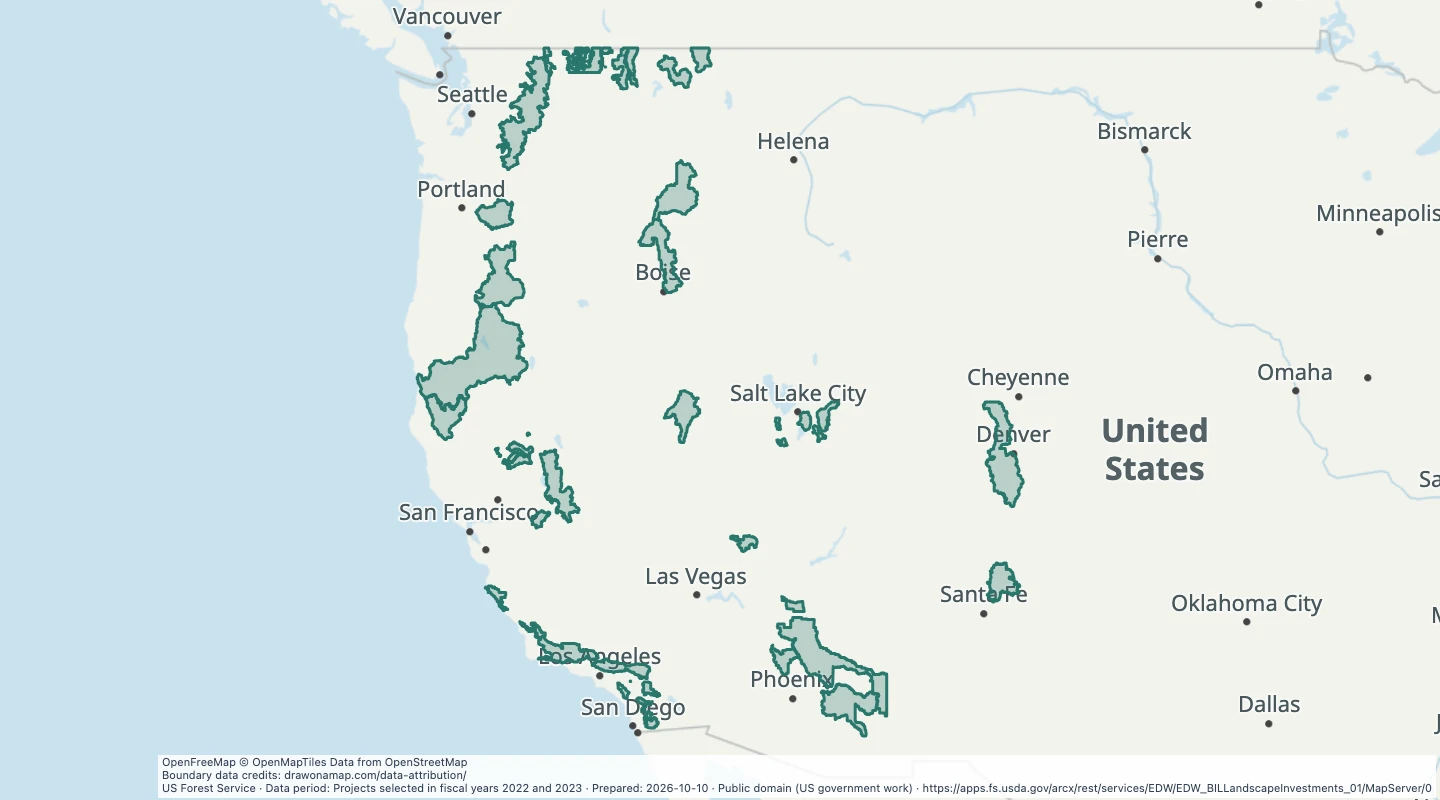 Wildfire Crisis Strategy project areasThese boundaries show areas selected for forest fuel treatment investment. They are not current fires, forecasts, evacuation areas, or a map of fire risk.
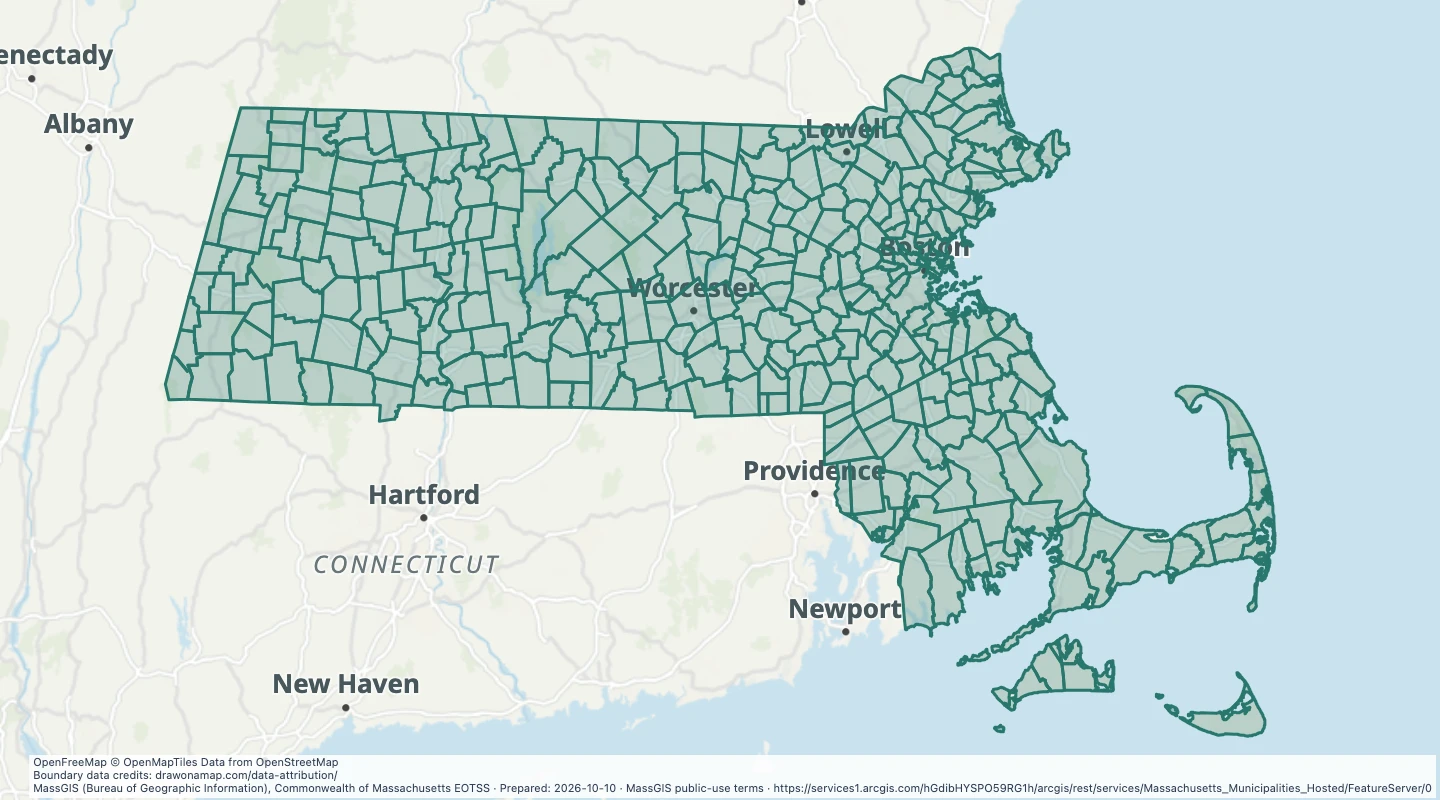 Massachusetts municipal boundaries, simplified coastOne feature per city or town, with a simplified coastline supplied by MassGIS for faster display. Islands are included in multipart features. Use the detailed source for local boundary work.
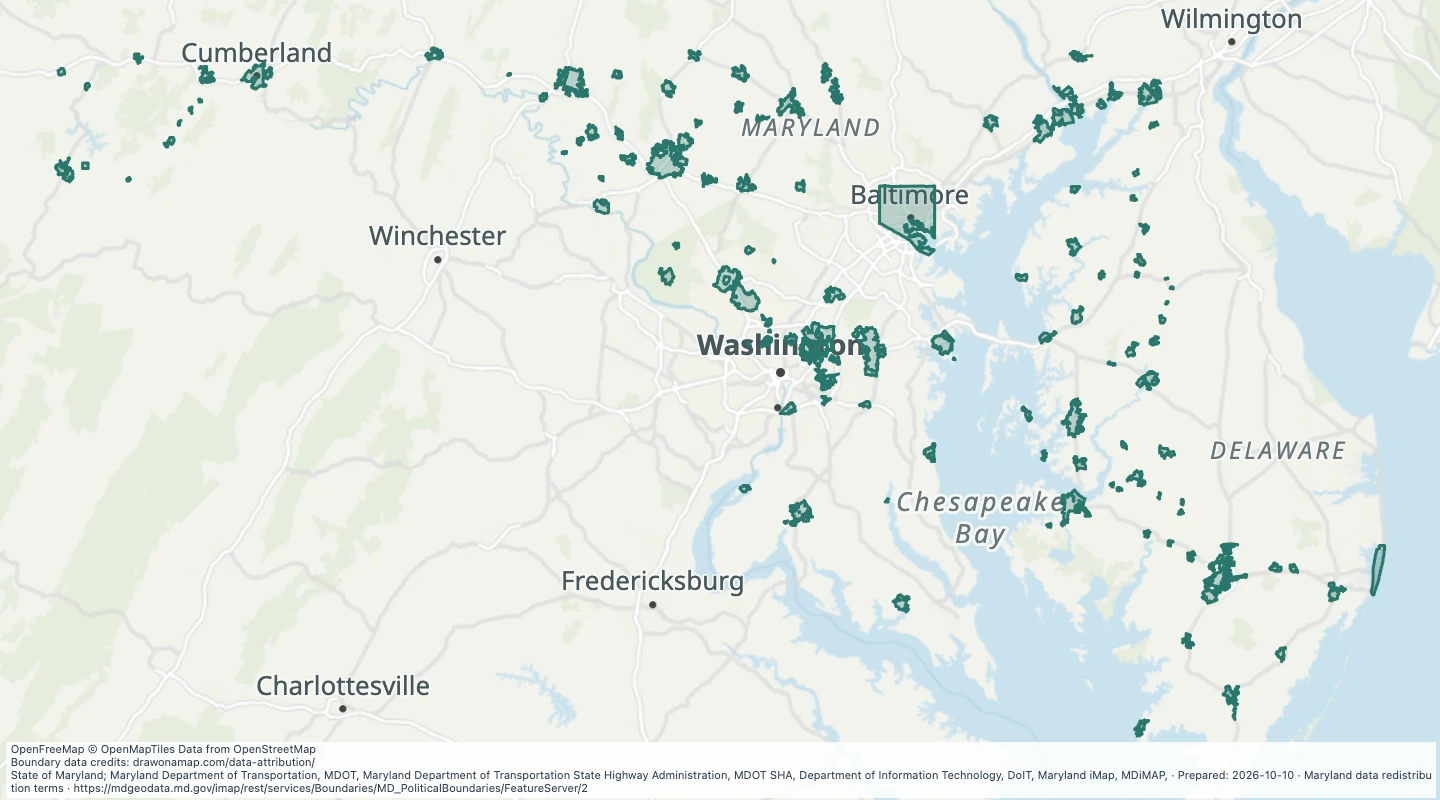 Maryland municipal boundaries, simplifiedSimplified municipal boundaries supplied by Maryland. Suitable for overview maps. Use the detailed source for local boundary work.
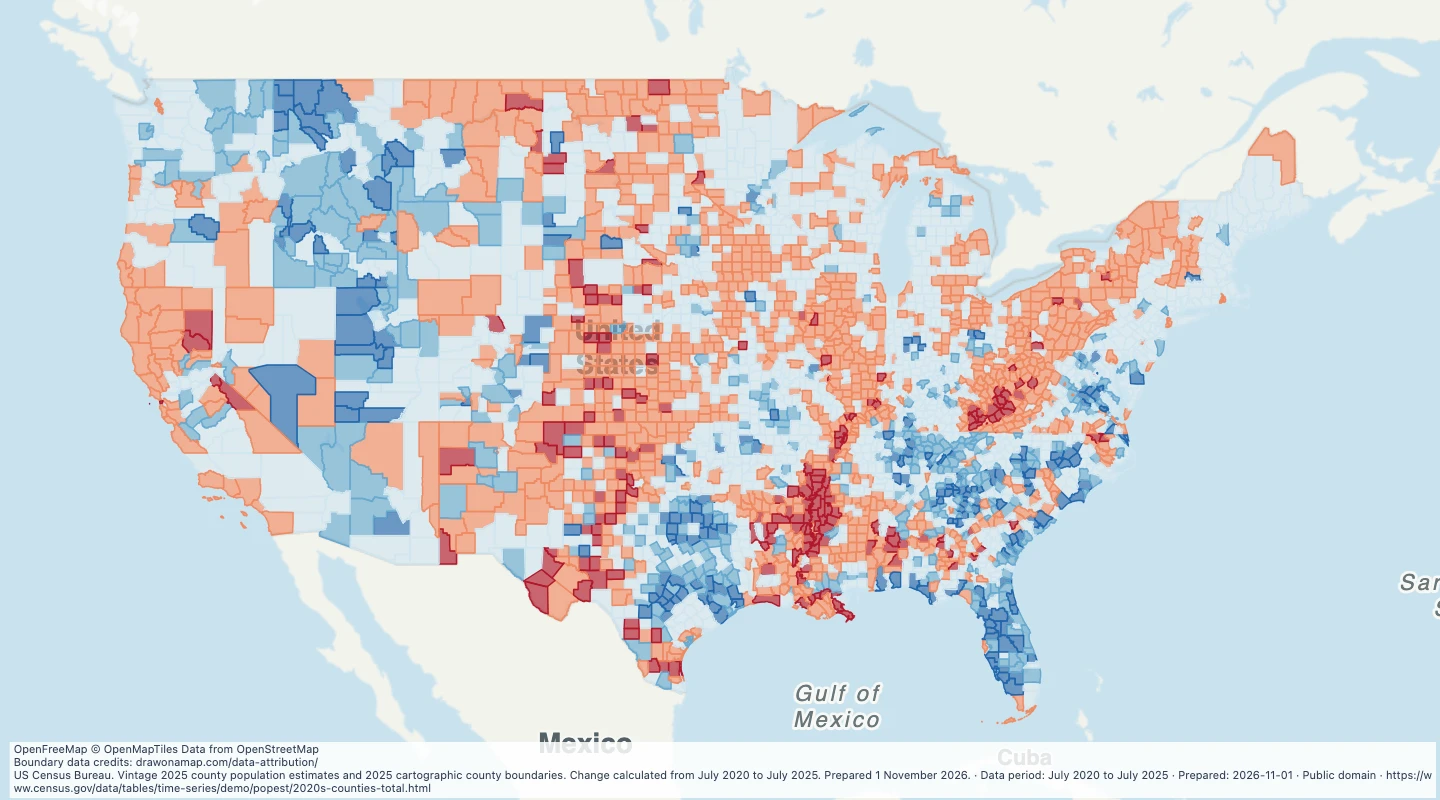 US county population growth, 2020–2025Compare population growth and decline across US counties from July 2020 to July 2025, then add your own service areas and notes.
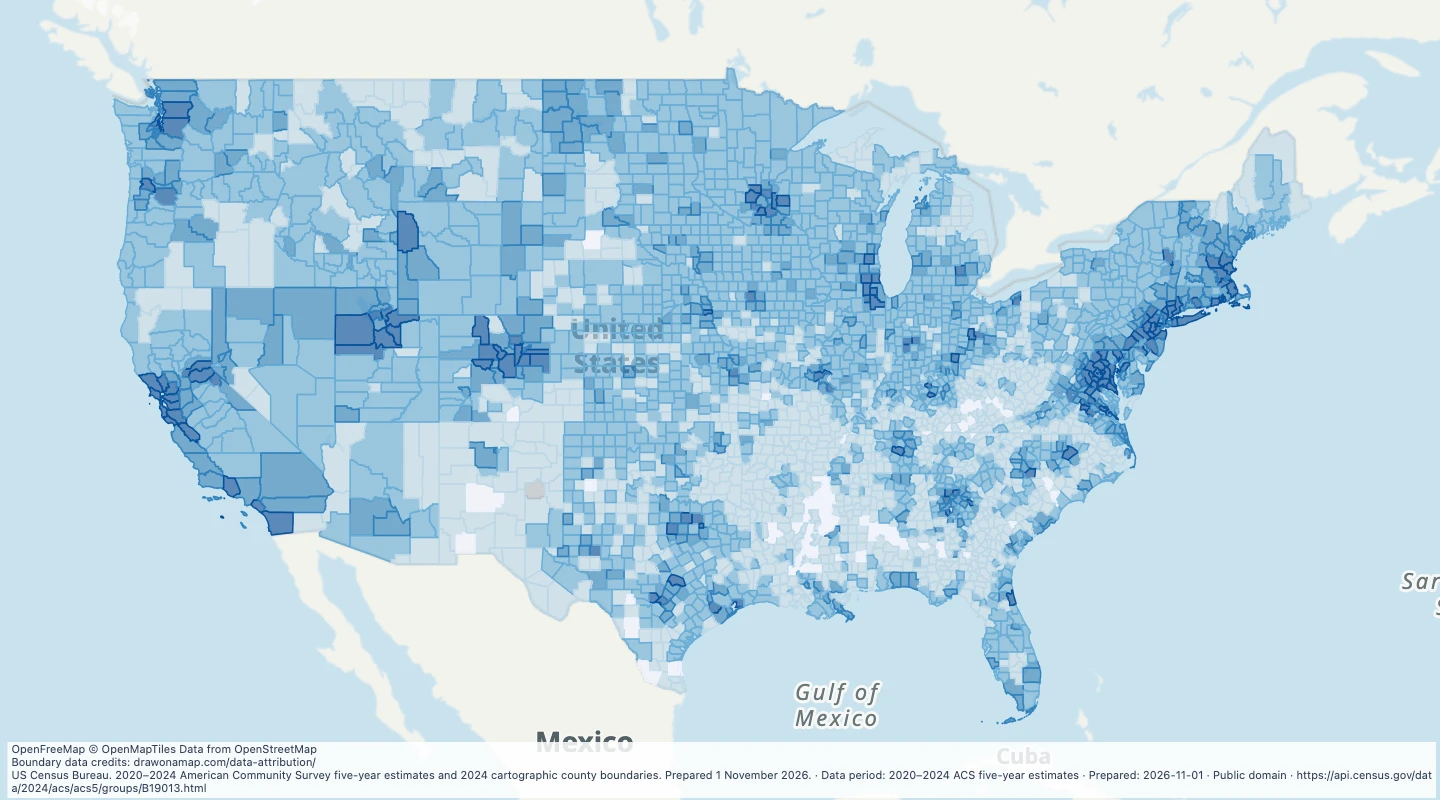 US county median household income, 2020–2024Compare estimated median household income across US counties, with source margins of error and notes for broad market research.
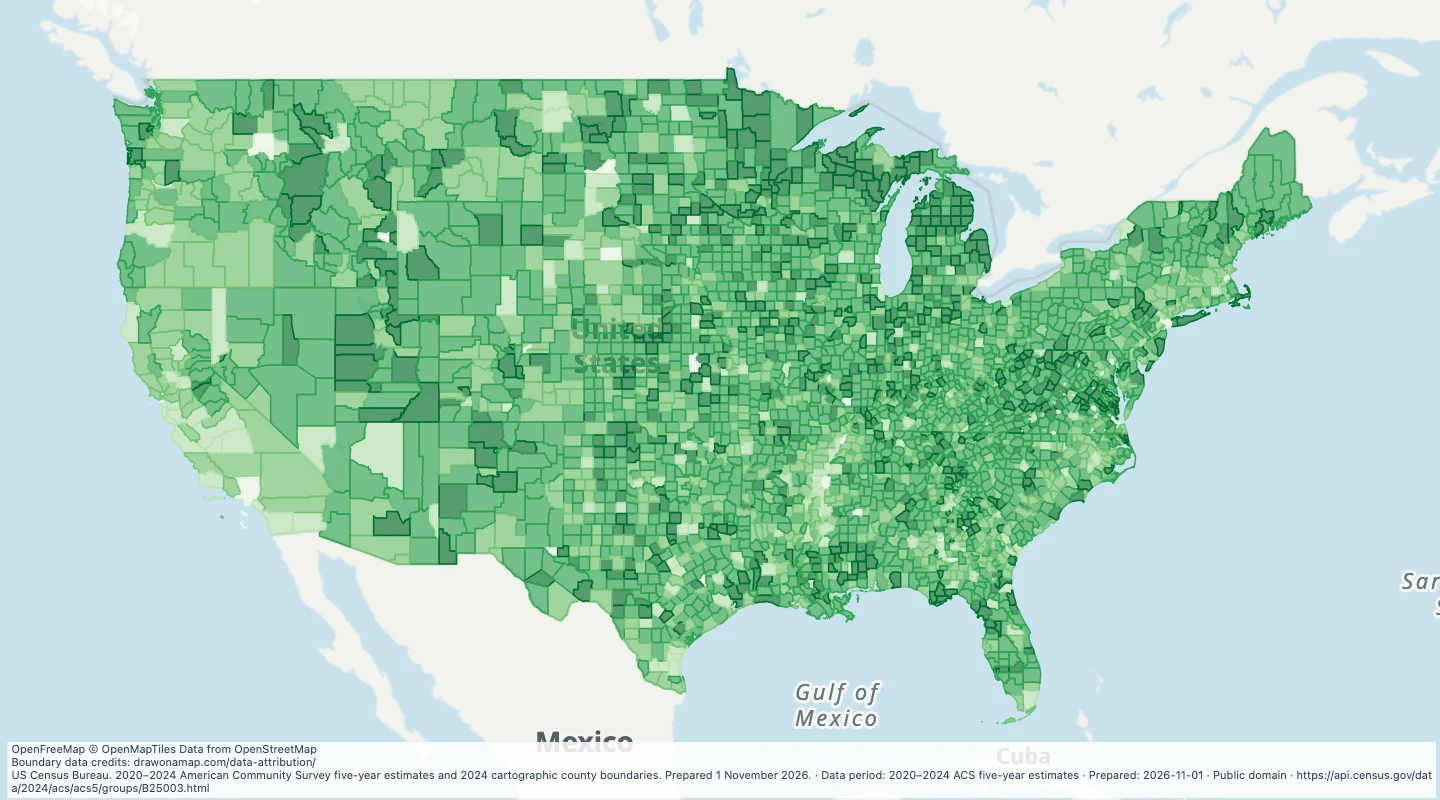 US county home ownership, 2020–2024Compare the share of occupied homes owned by their residents across US counties, then add service areas and research notes.
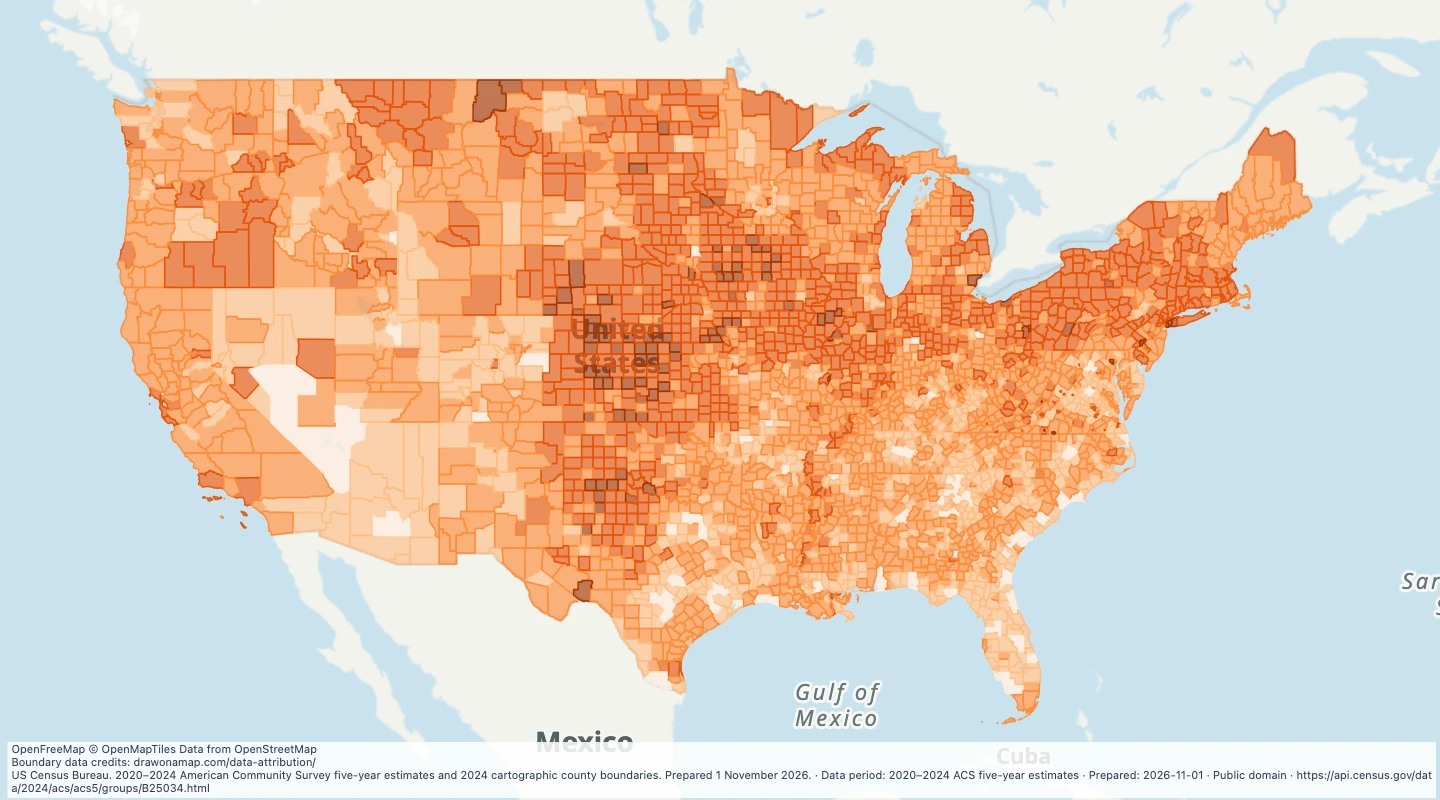 US county housing built before 1980, 2020–2024Compare the share of housing built before 1980 across US counties and inspect the source construction-period estimates.
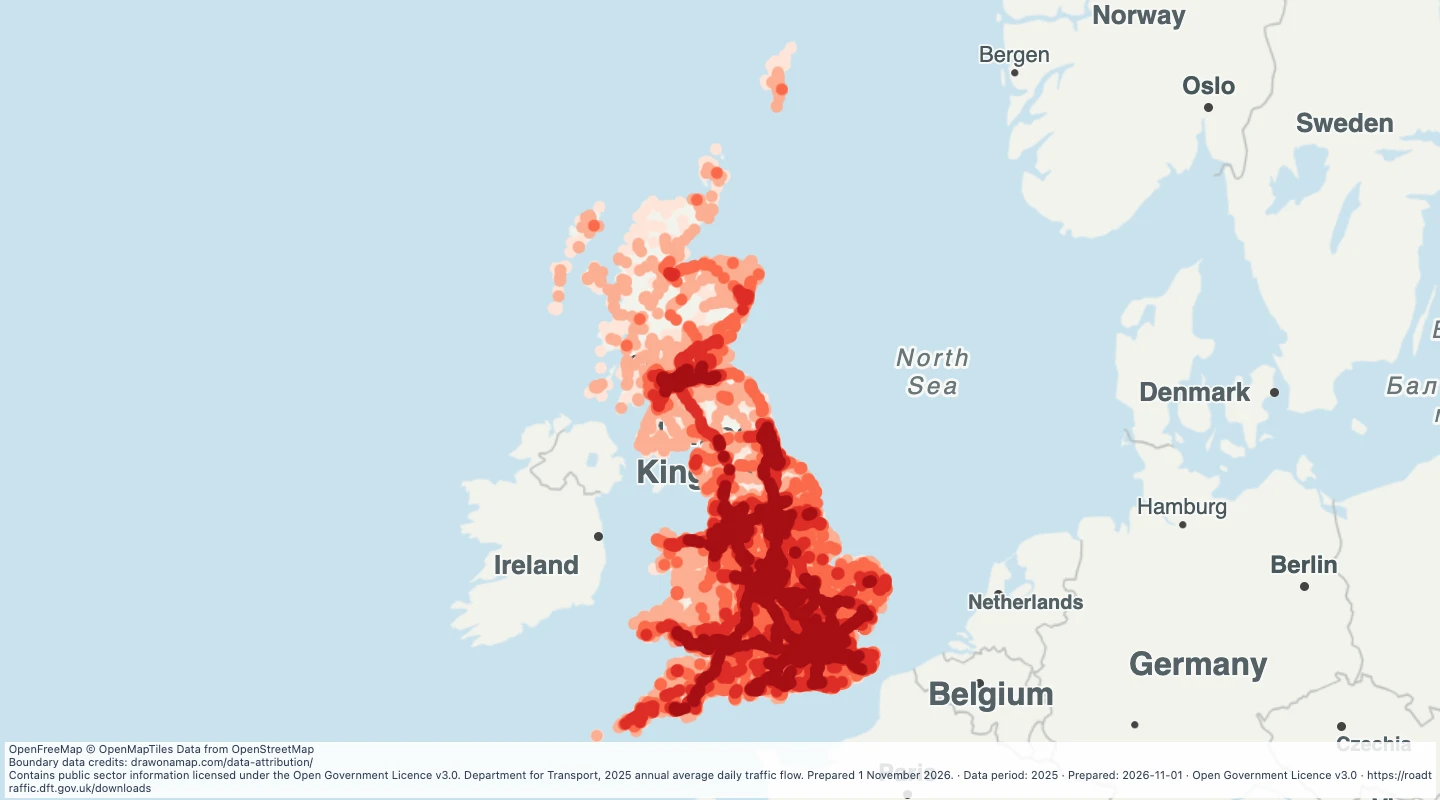 Great Britain road traffic volumes, 2025Compare annual average daily traffic at road count points across Great Britain, with vehicle types and source estimation methods.
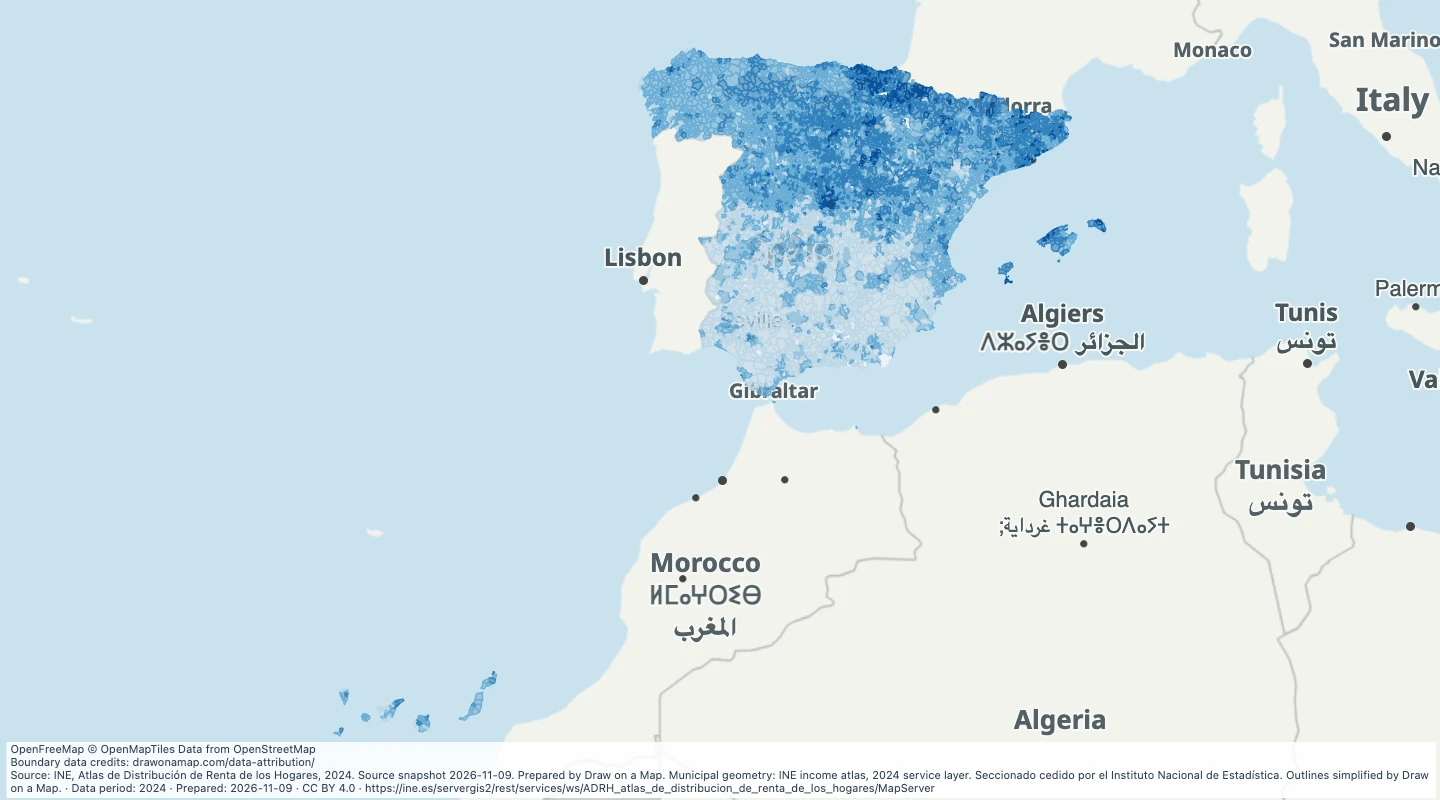 Spain municipal income, 2024Compare annual income across Spanish municipalities and add your own service areas or research notes.
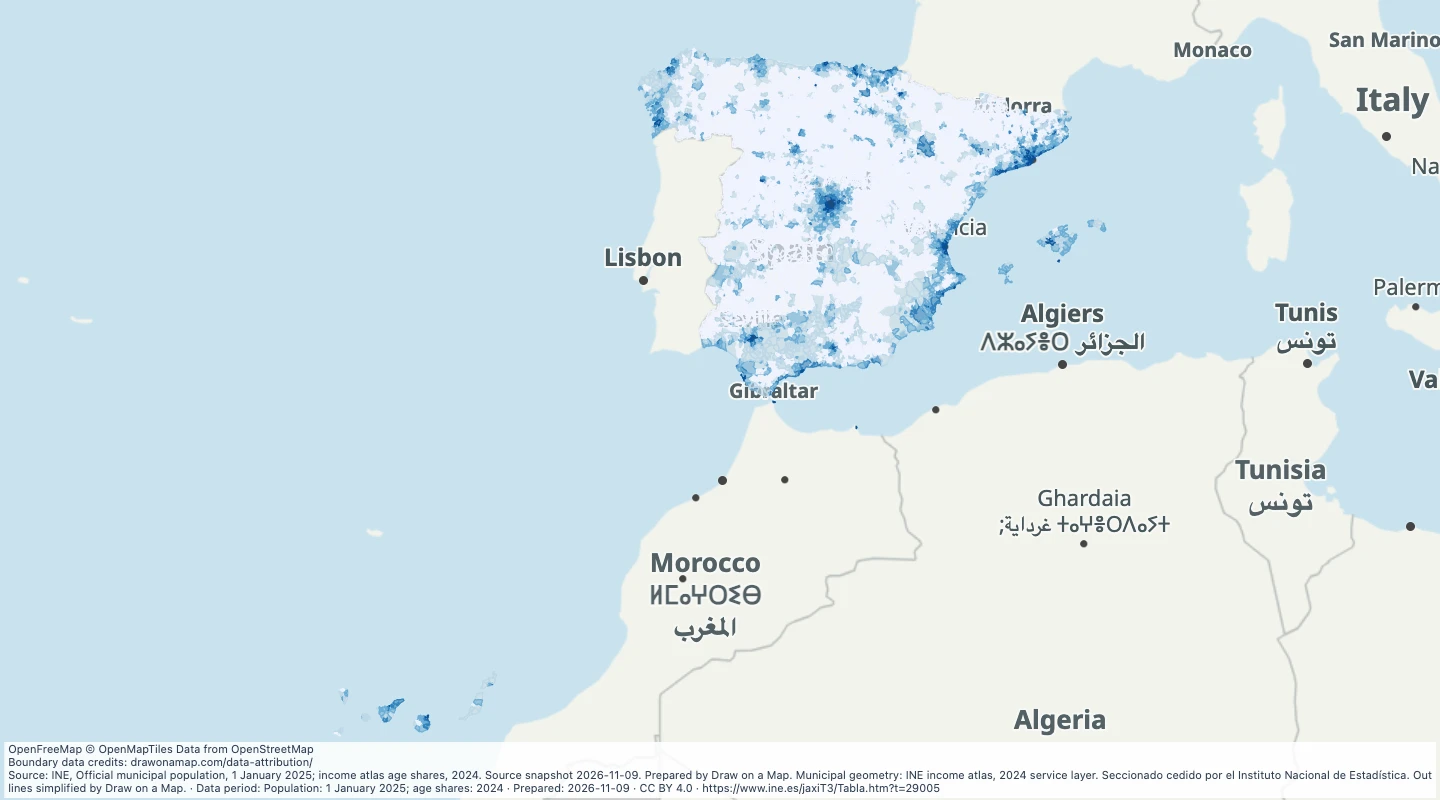 Spain municipal population density, 2025Compare population and approximate density across Spanish municipalities, then draw territories and add local notes.
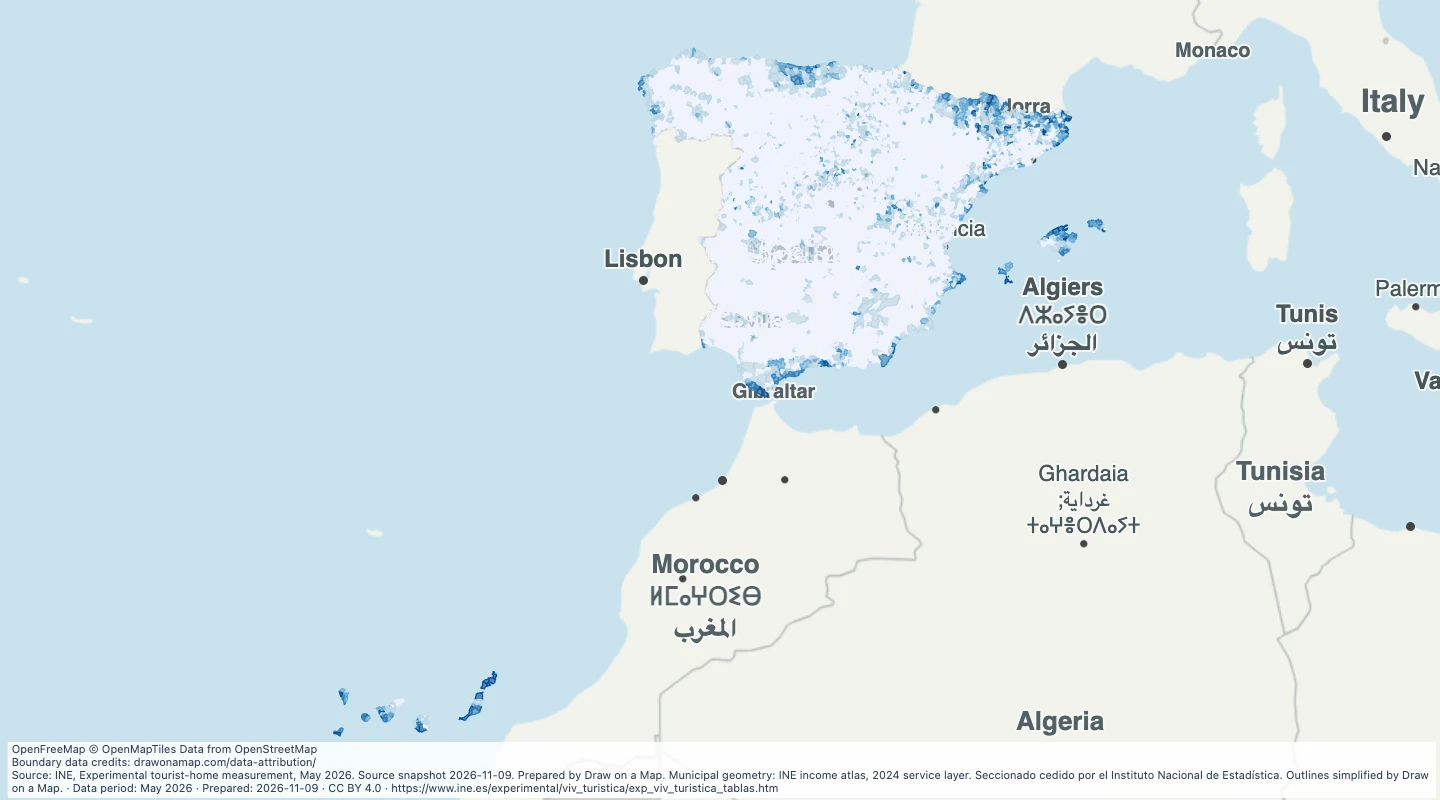 Spain tourist homes, May 2026Compare estimated tourist homes and accommodation capacity across Spanish municipalities, then add your own locations and notes.
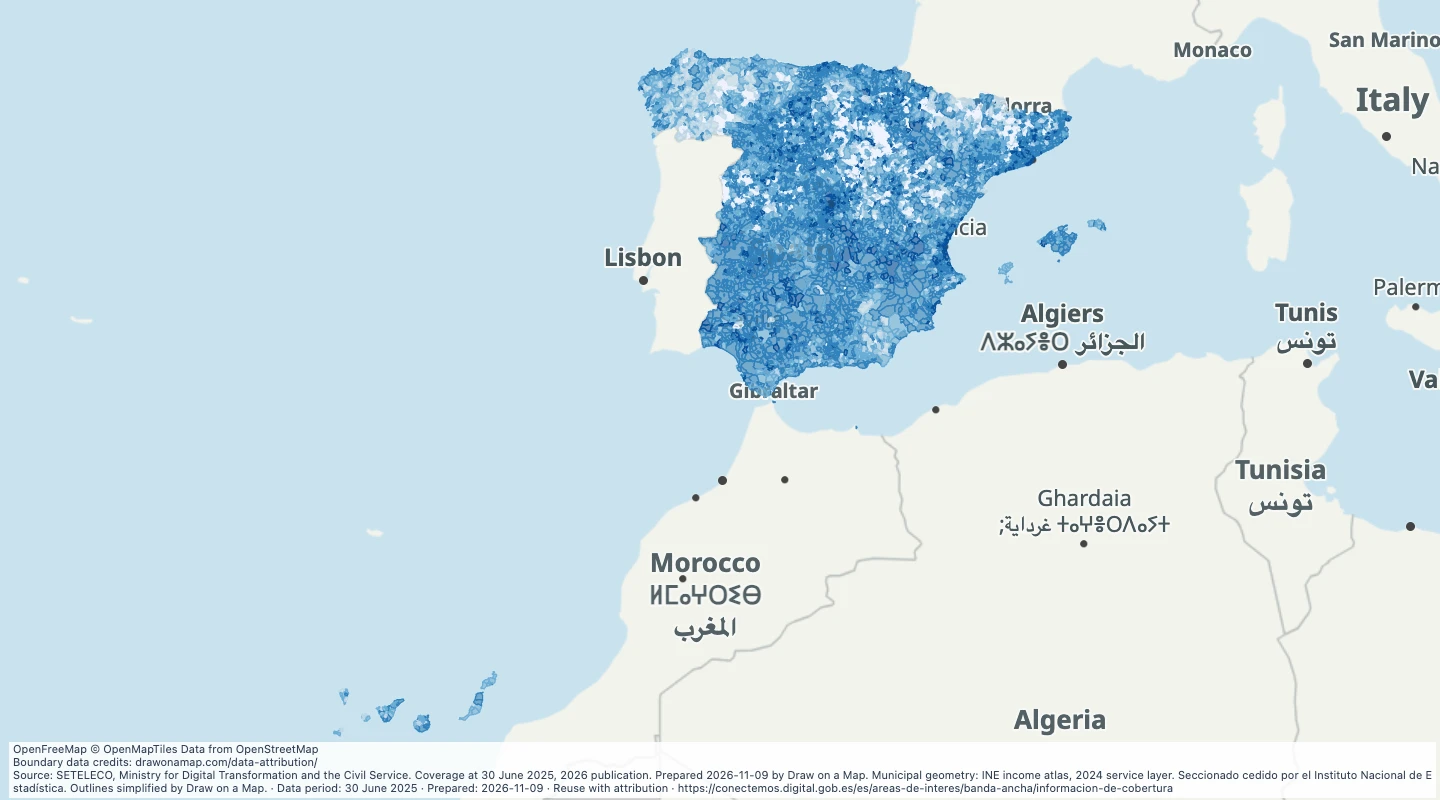 Spain fibre and 5G coverage, 2025Compare municipal fibre and mobile coverage from official operator reports, then add locations for further research.
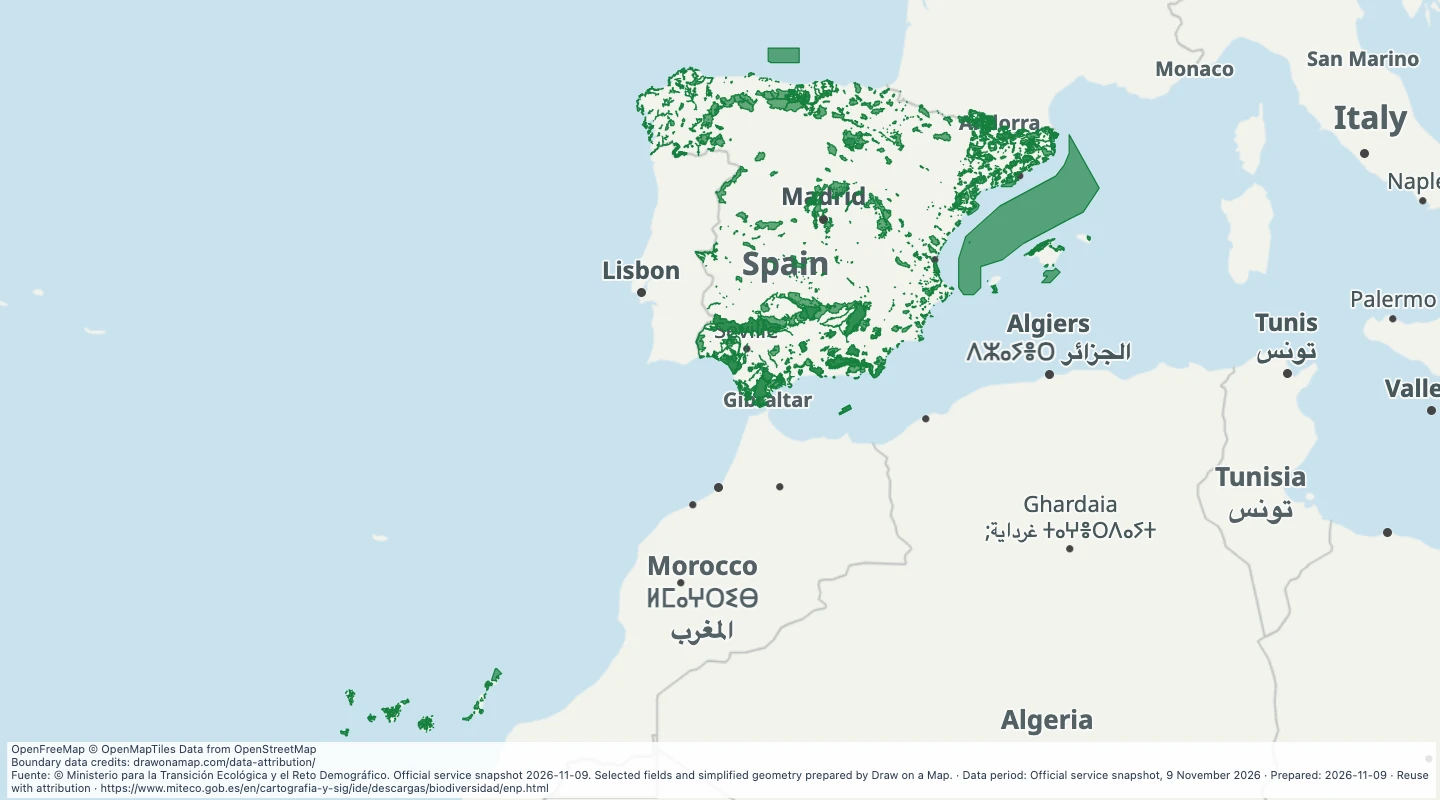 Protected natural areas in SpainExplore officially designated protected natural areas in Spain and add routes, locations and trip notes.
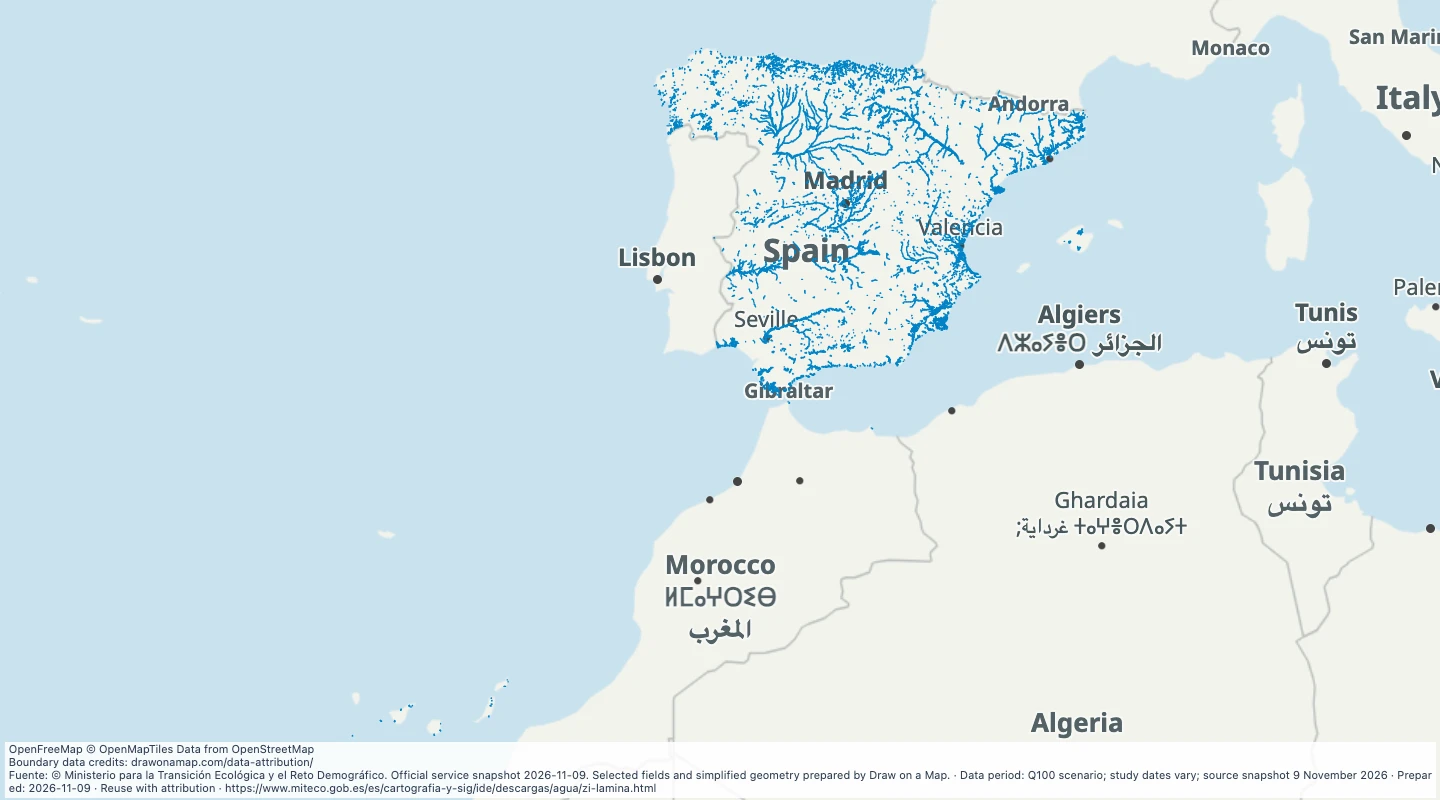 Spain river flood zones, 100-year scenarioCompare mapped river flood zones with your routes and sites using the official SNCZI 100-year scenario.
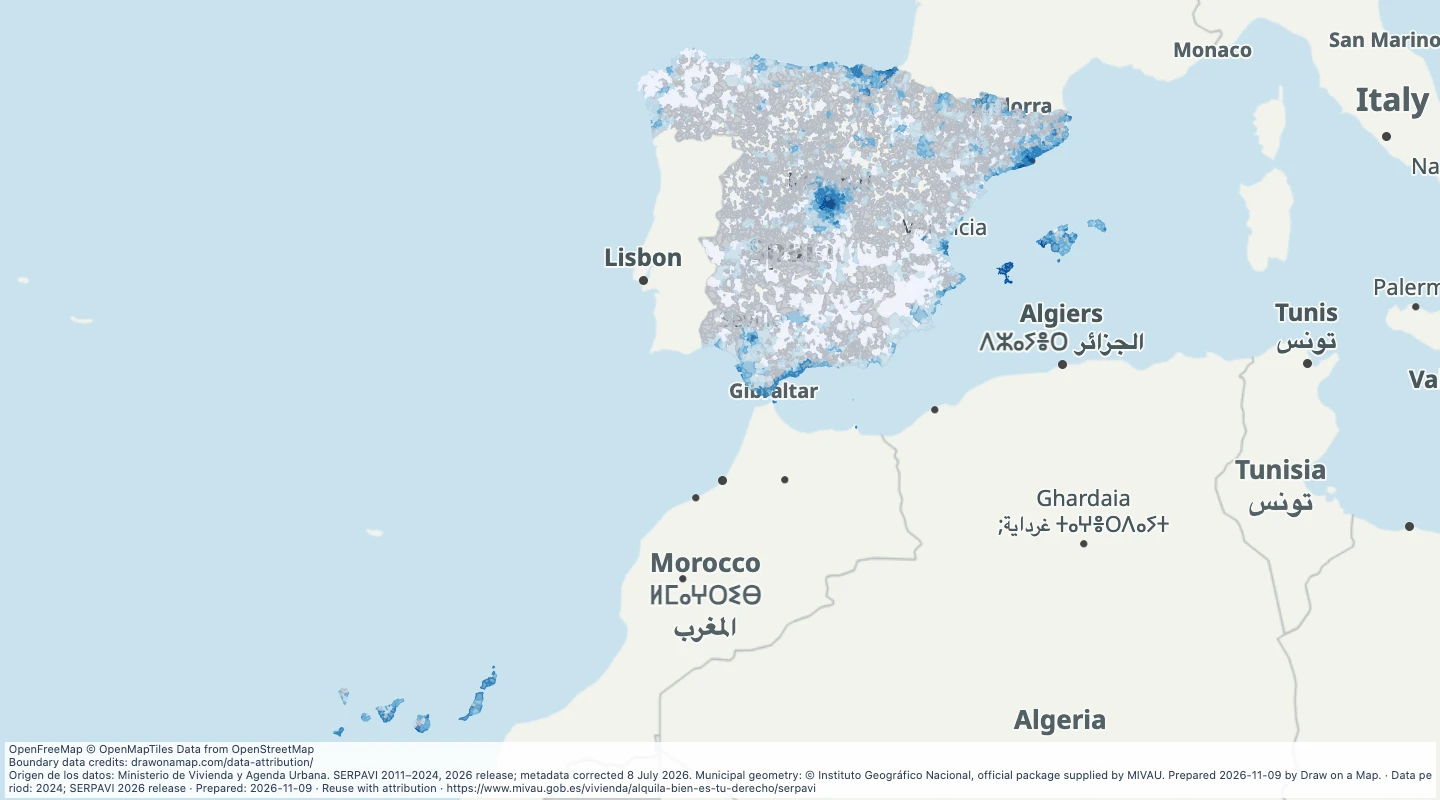 Spain declared residential rent, 2024Compare declared residential rents across Spanish municipalities and add locations or notes for local research.
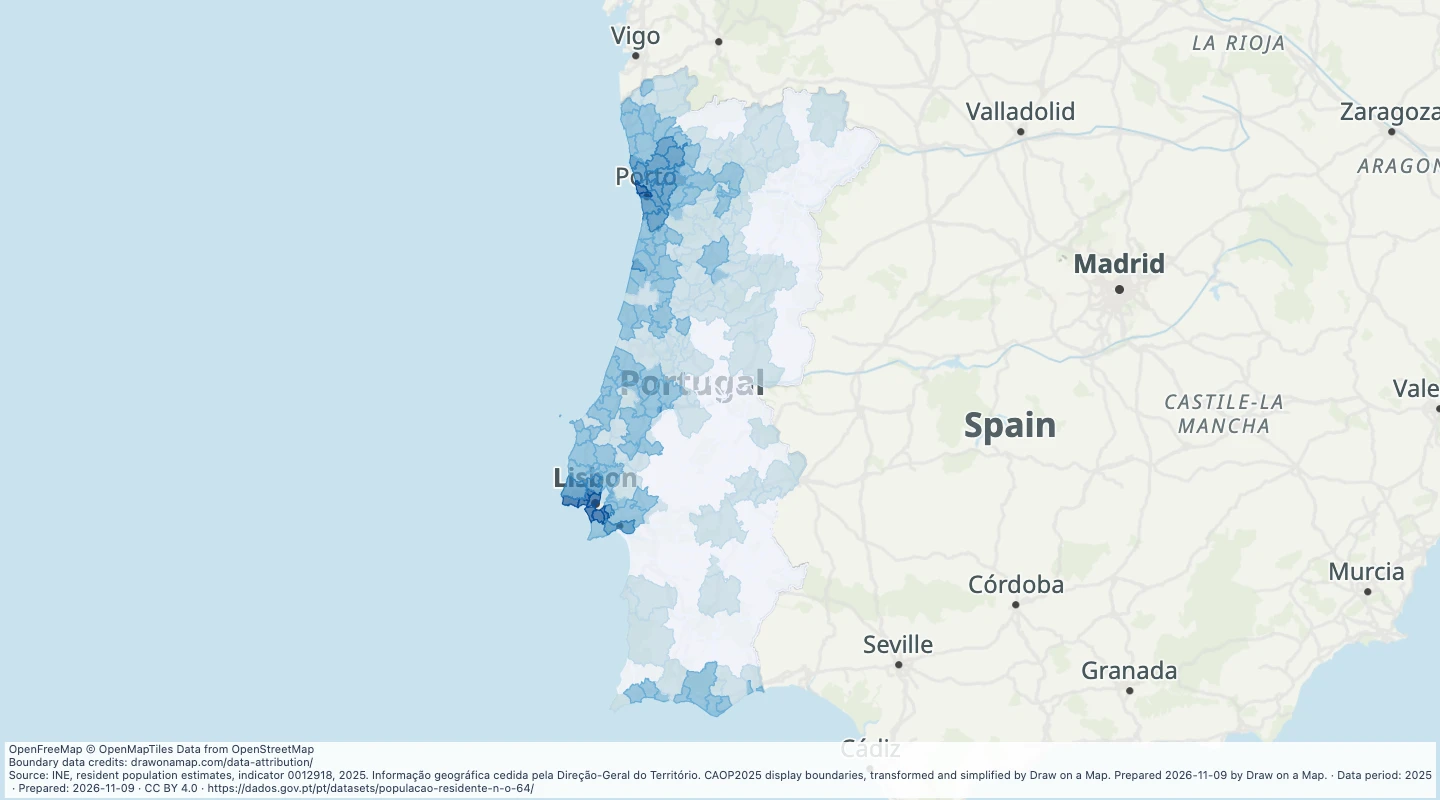 Portugal municipal population and age, 2025Compare population, approximate density and age shares across Portuguese municipalities, then draw areas and add local notes.
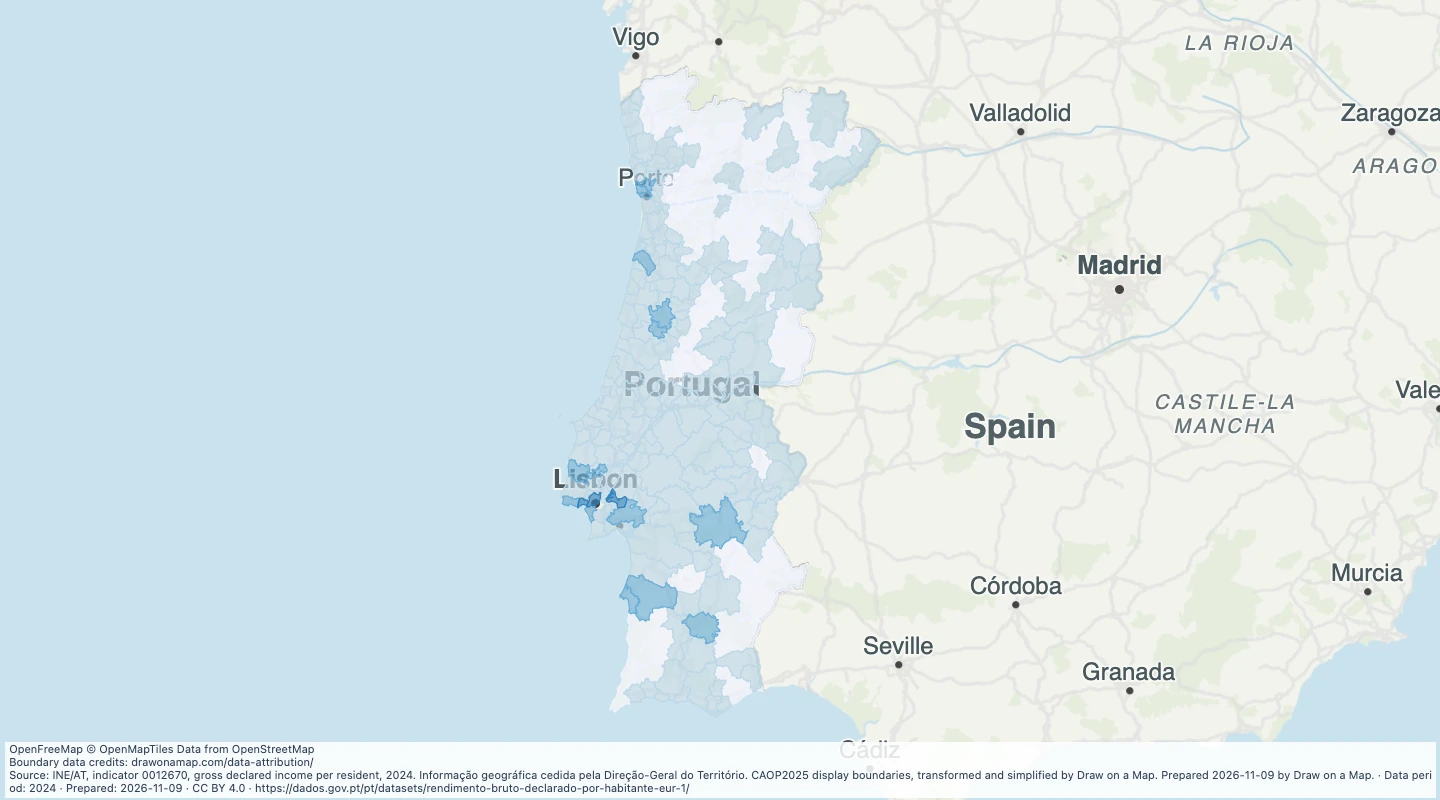 Portugal gross declared income per resident, 2024Compare annual gross declared income across Portuguese municipalities and add your own research areas.
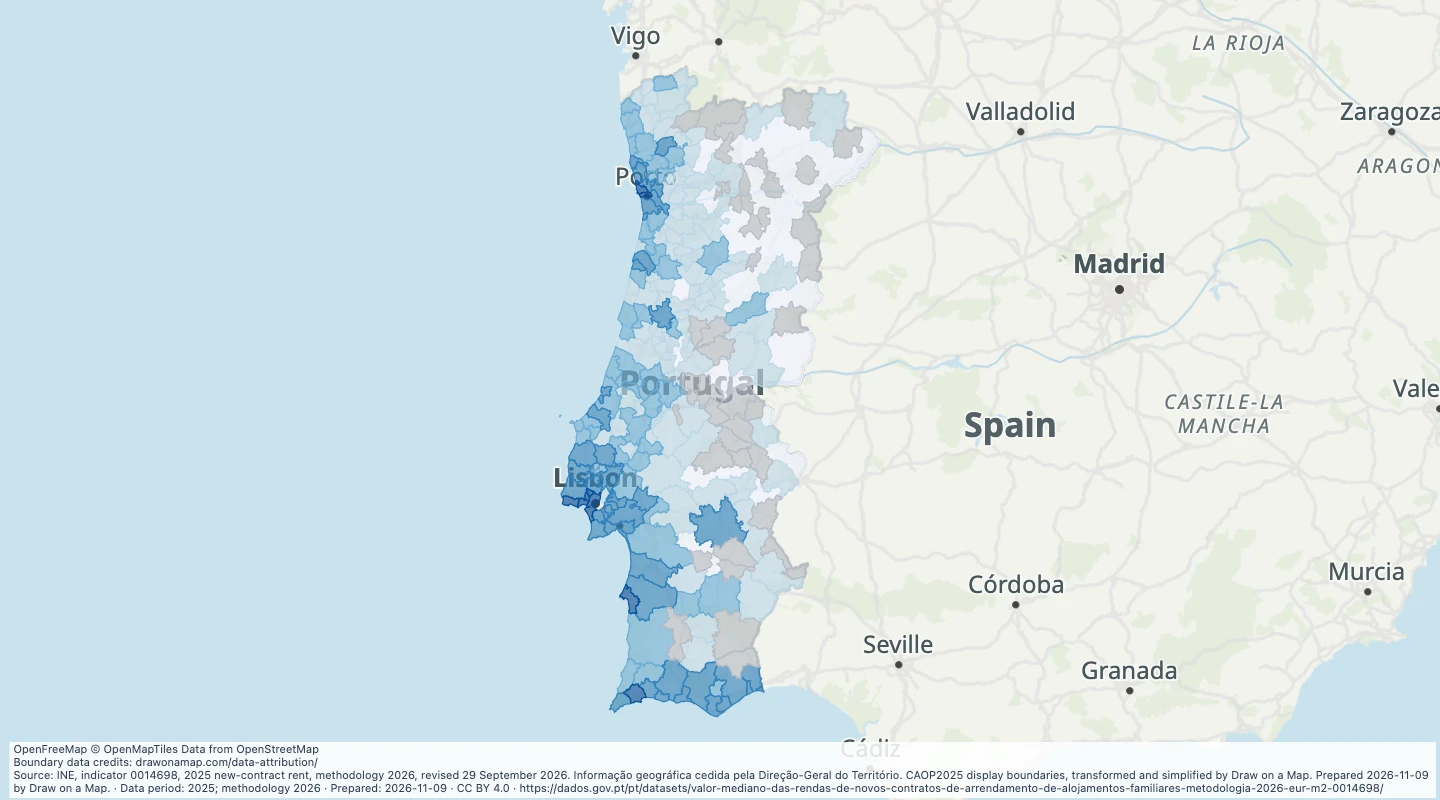 Portugal median new-contract rent, 2025Compare rent per square metre for new residential contracts across Portuguese municipalities.
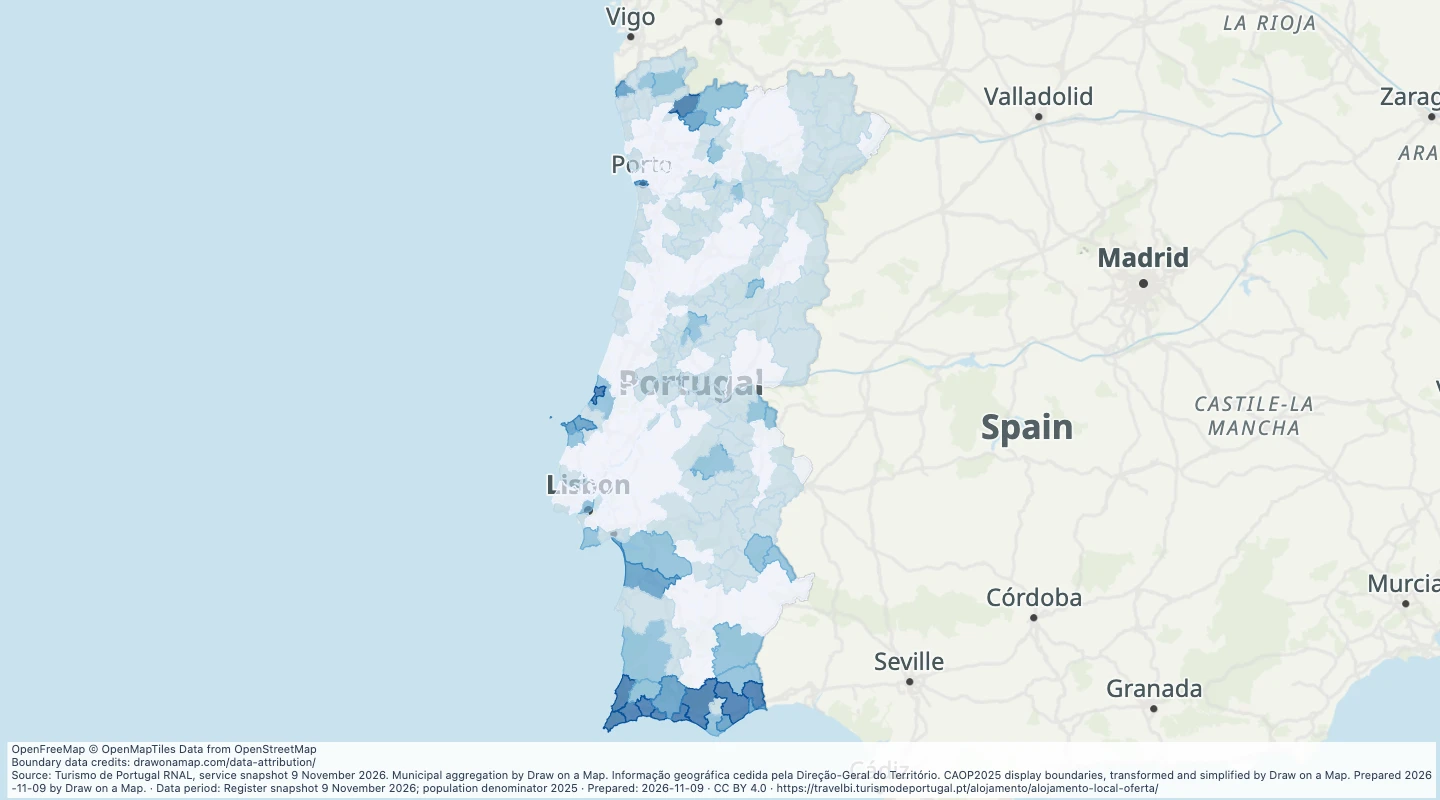 Mainland Portugal registered local accommodationCompare official accommodation-registration records by mainland municipality and add routes or local research notes.
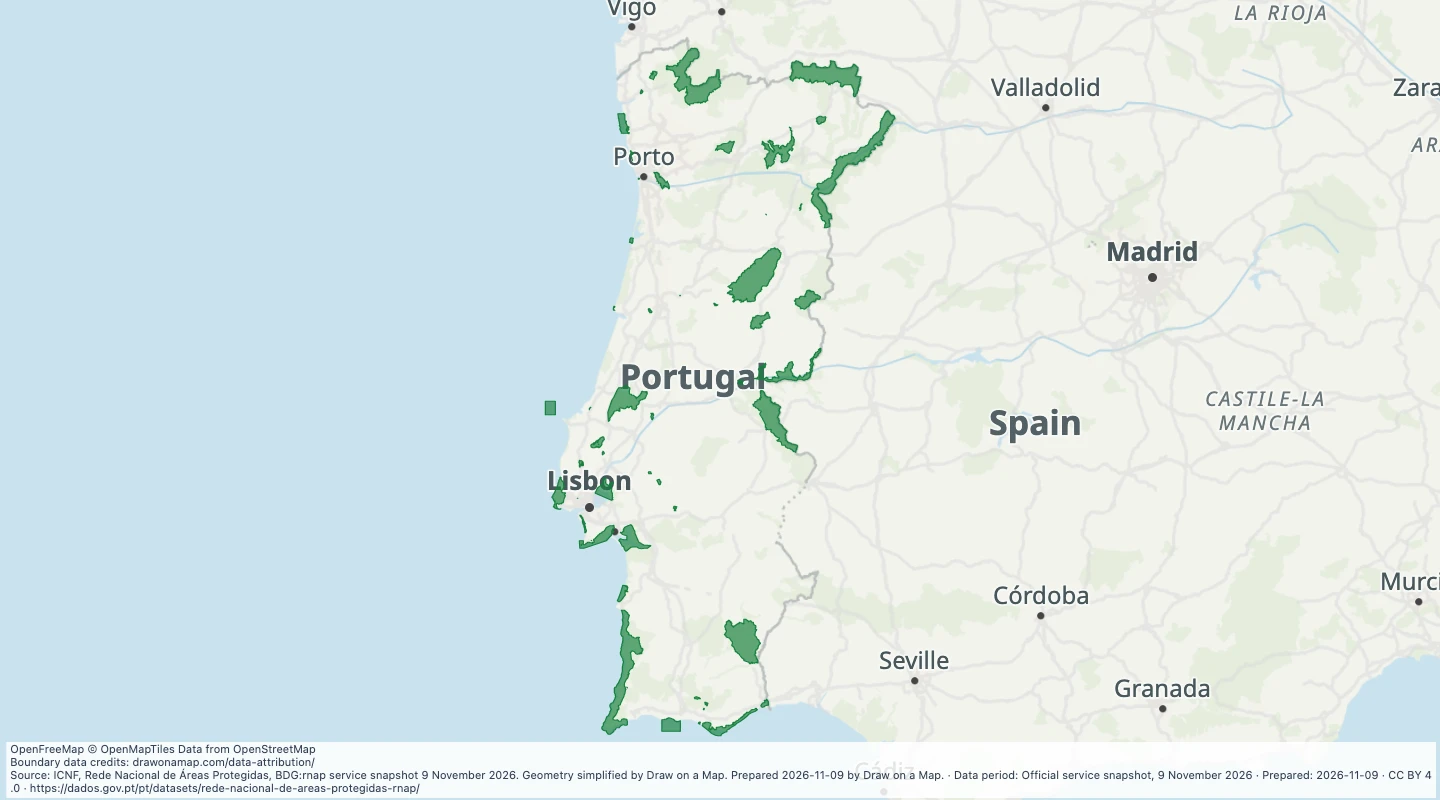 Mainland Portugal protected natural areasExplore mainland Portugal’s official protected-area outlines and add routes, locations and trip notes.
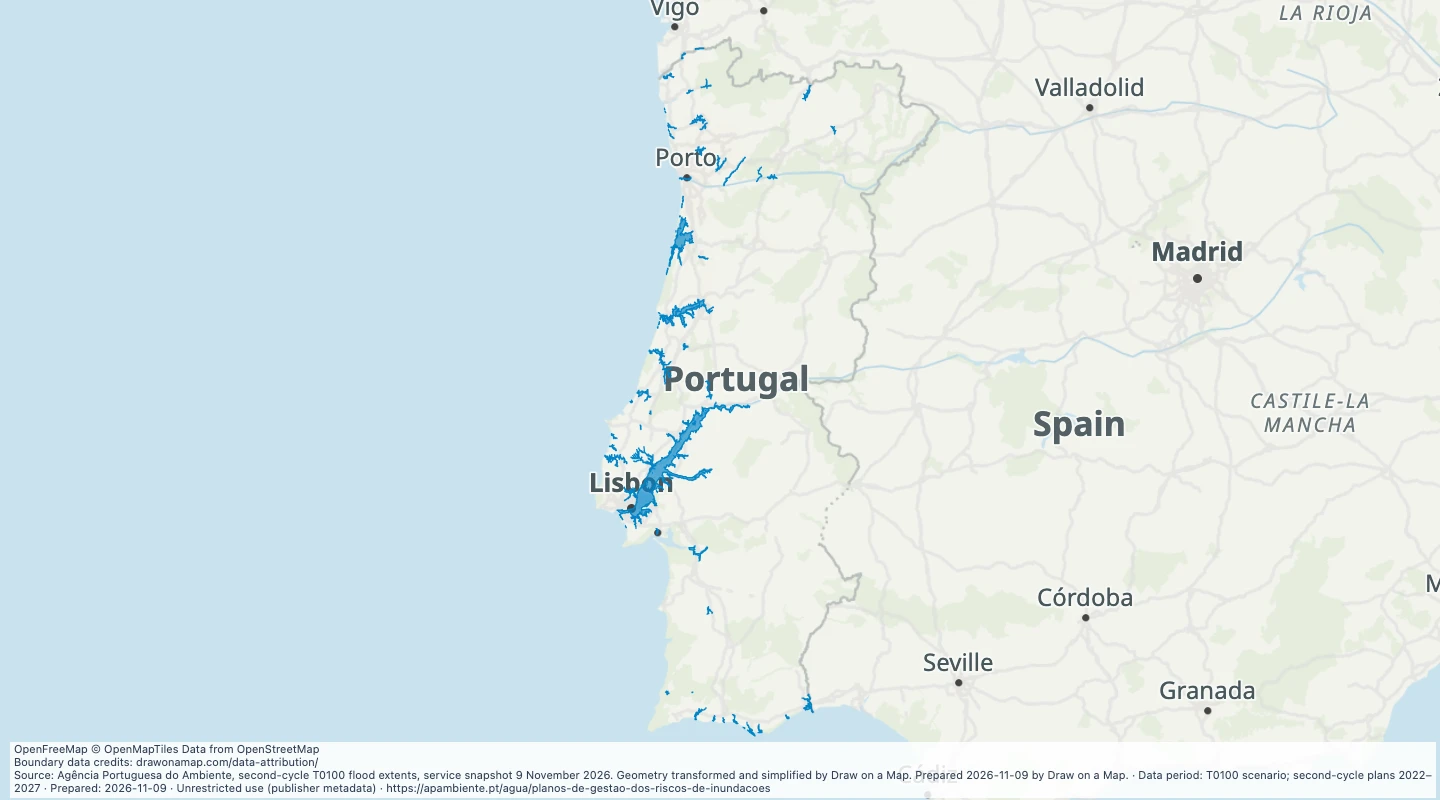 Mainland Portugal river and coastal flood zonesCompare official mapped 100-year flood zones in mainland Portugal with your routes and sites.
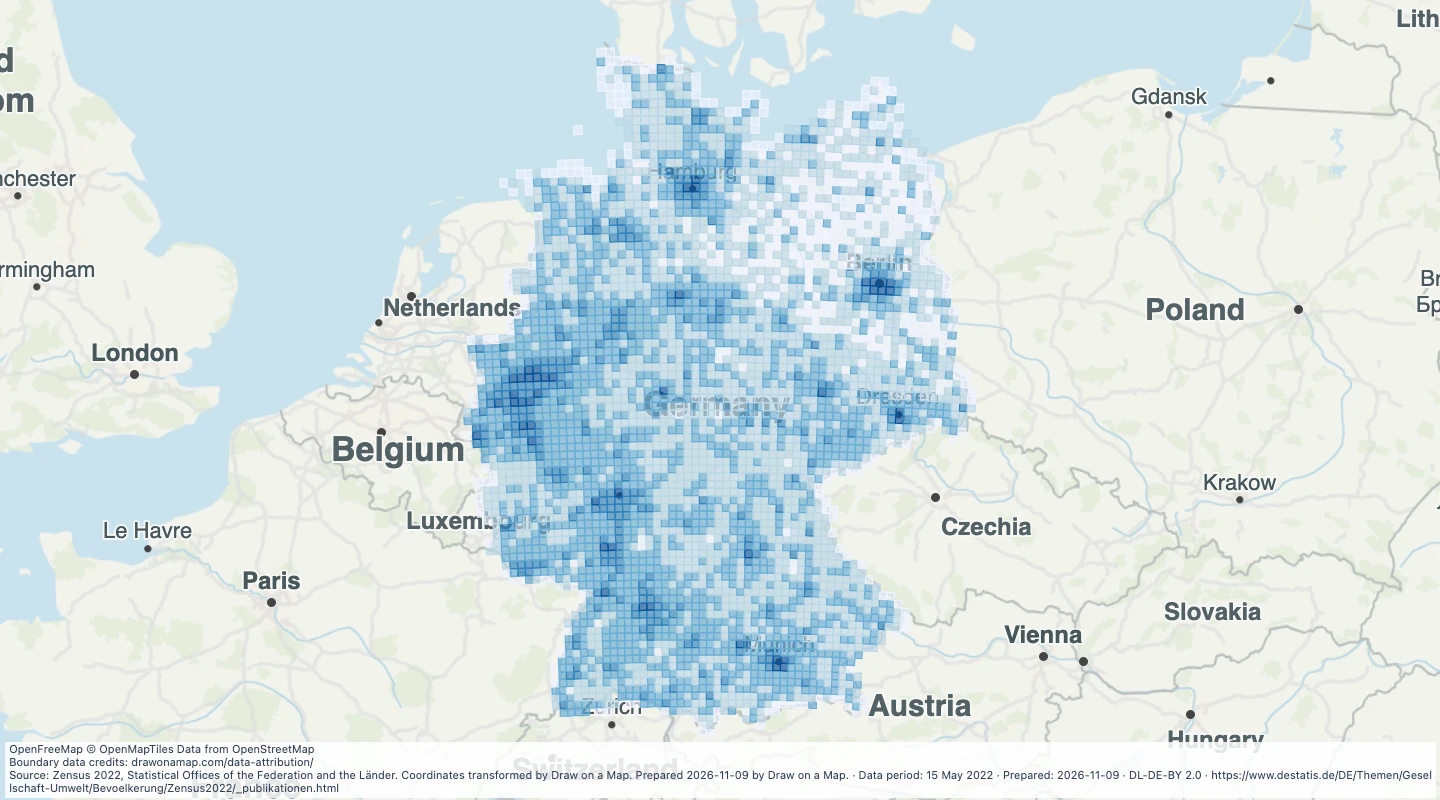 Germany population and age, 2022 census gridCompare population density and age shares across Germany on the official census grid, then draw areas and add notes.
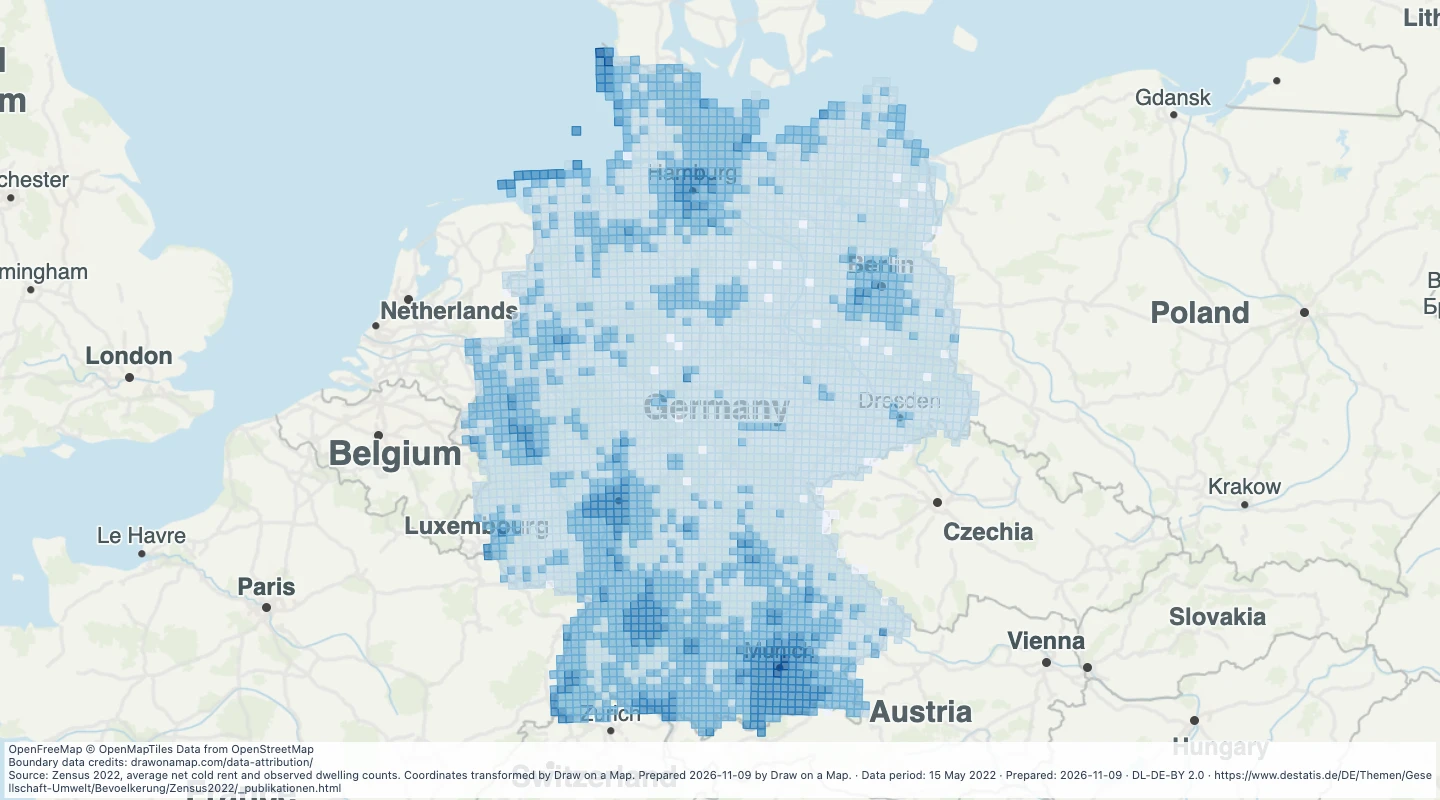 Germany observed net cold rent, 2022 census gridCompare observed residential rent per square metre across Germany using the 2022 census grid.
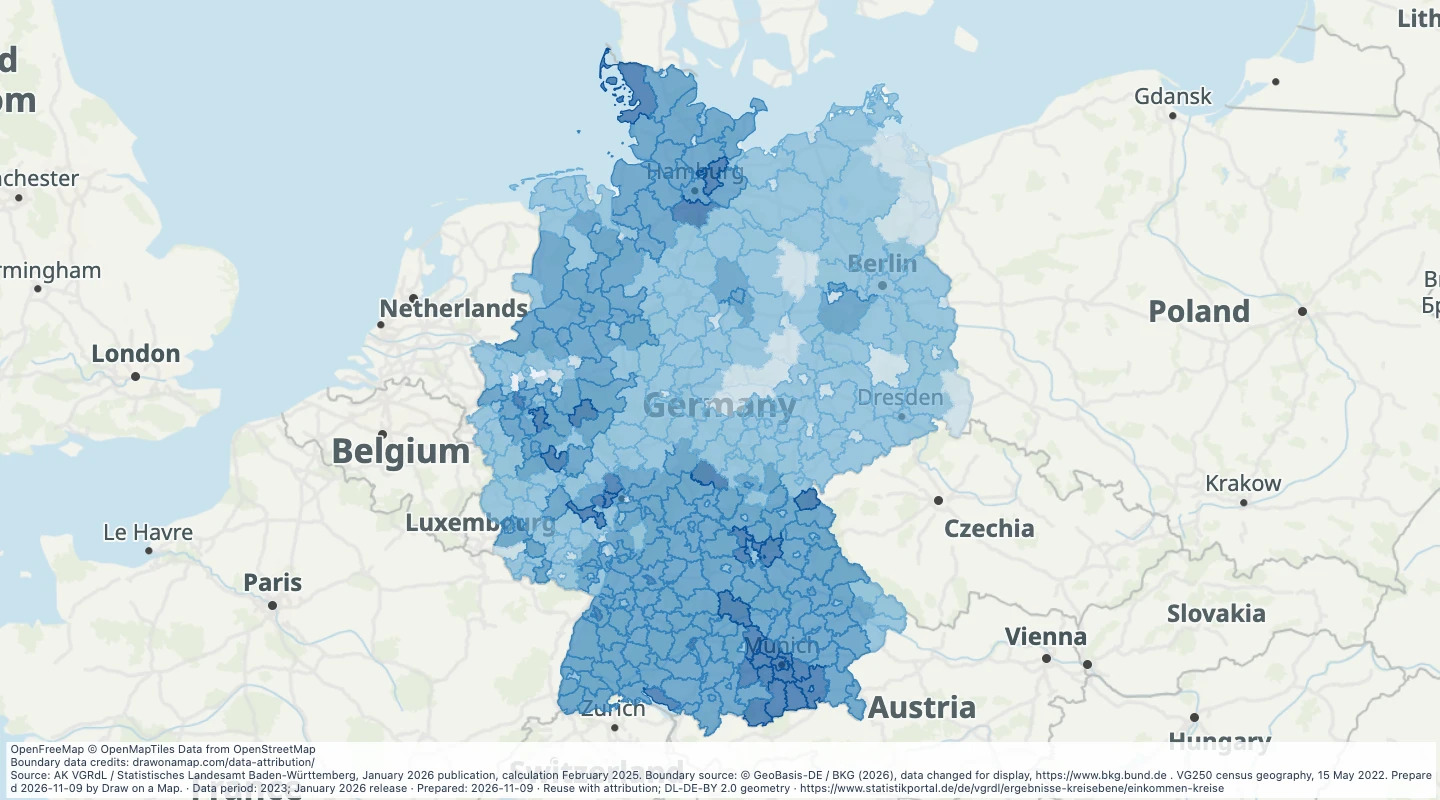 Germany district disposable income, 2023Compare annual disposable income per resident across German districts and add your own research areas.
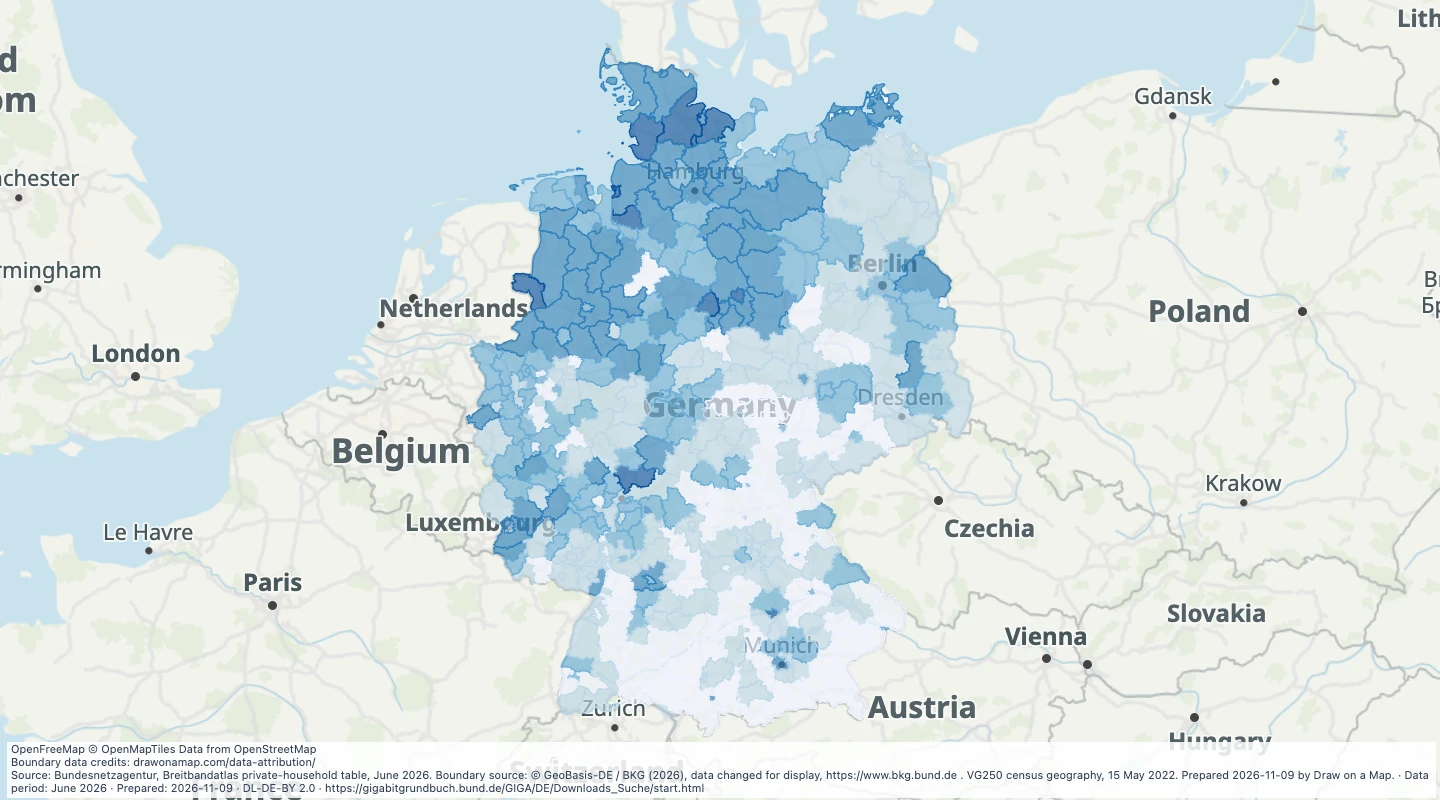 Germany district fibre and indoor 5G, June 2026Compare reported fibre and indoor mobile availability across German districts and mark locations for further checks.
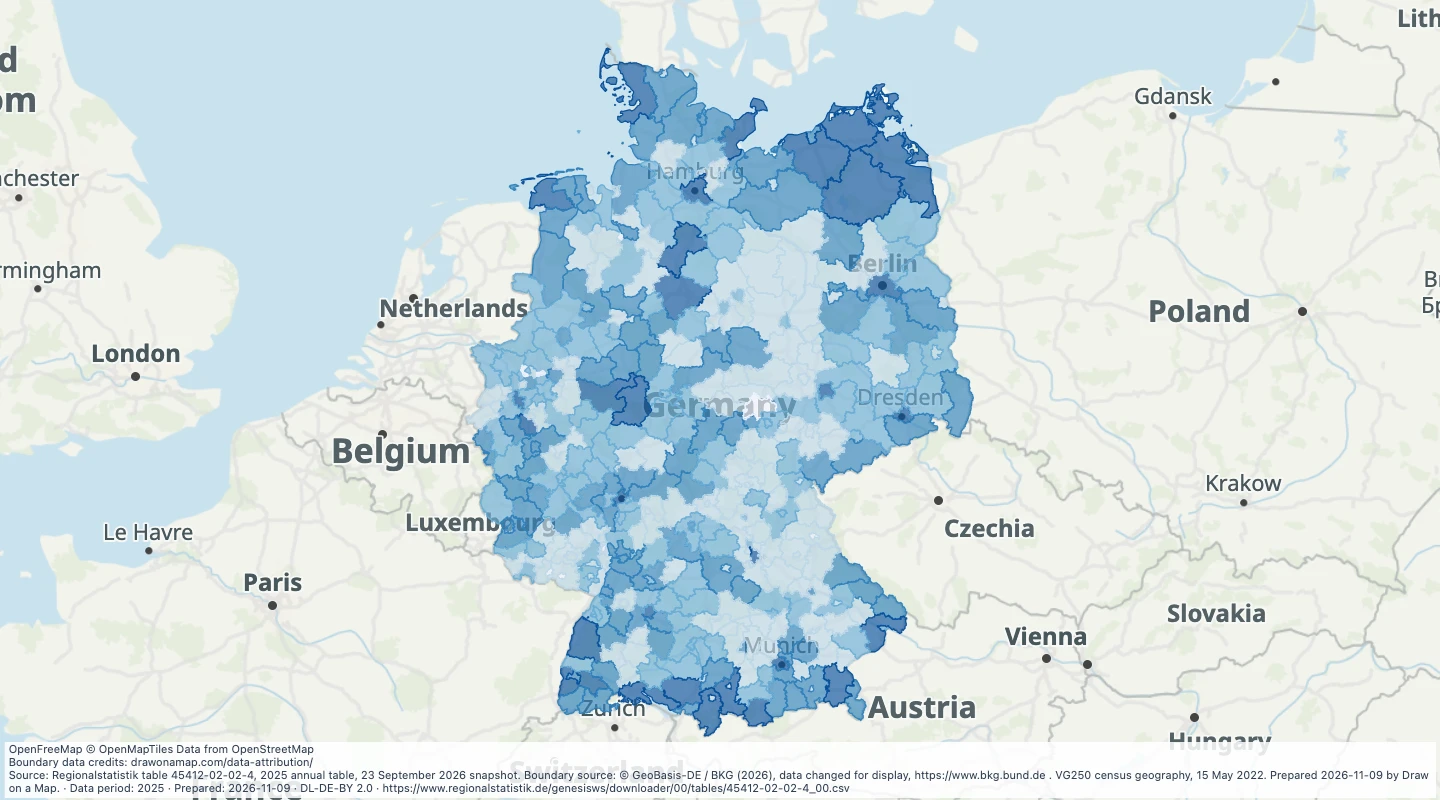 Germany tourist accommodation by district, 2025Compare official accommodation activity and capacity across German districts, then add travel locations and notes.
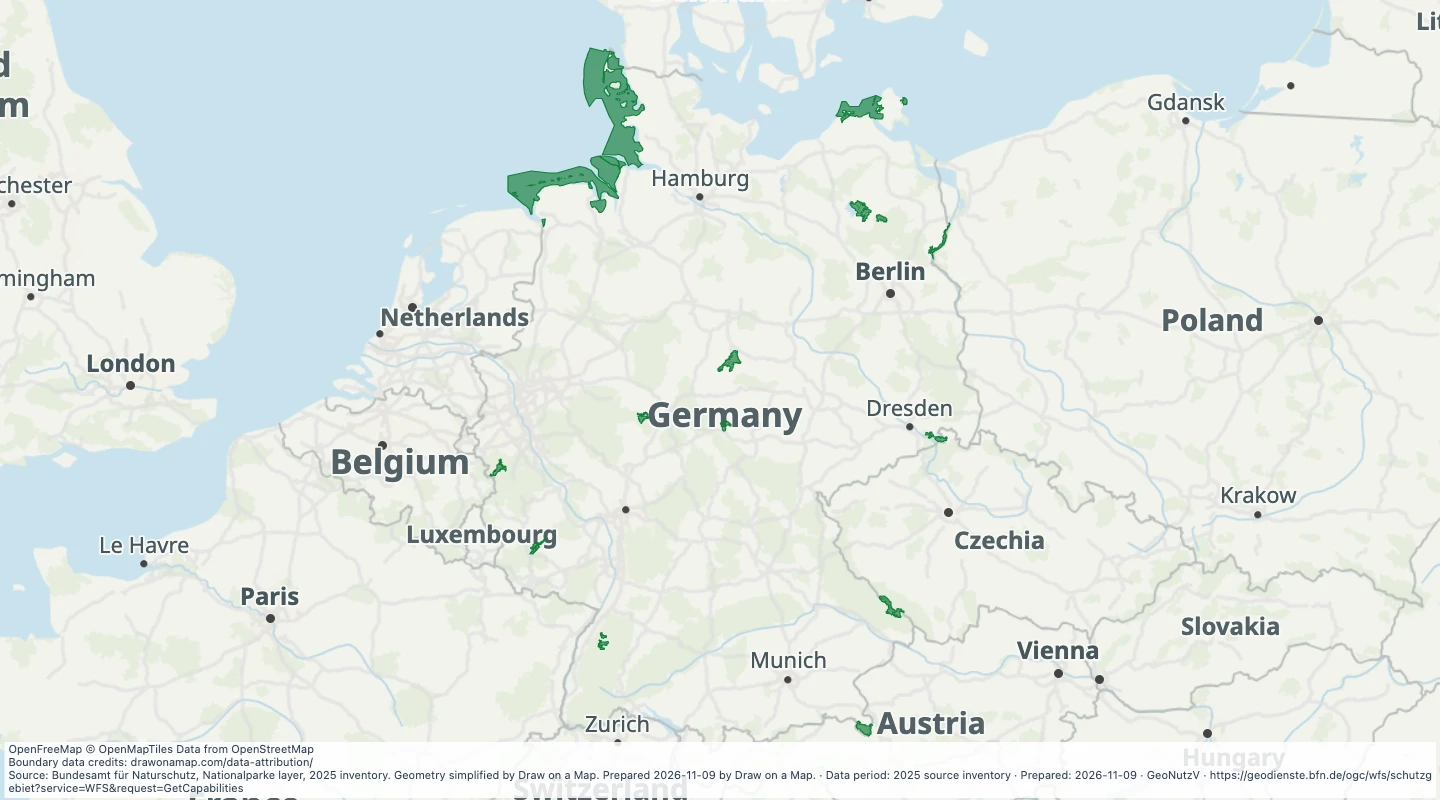 Germany national parks, 2025Explore the official national-park outlines in Germany and add routes, sites and trip notes.
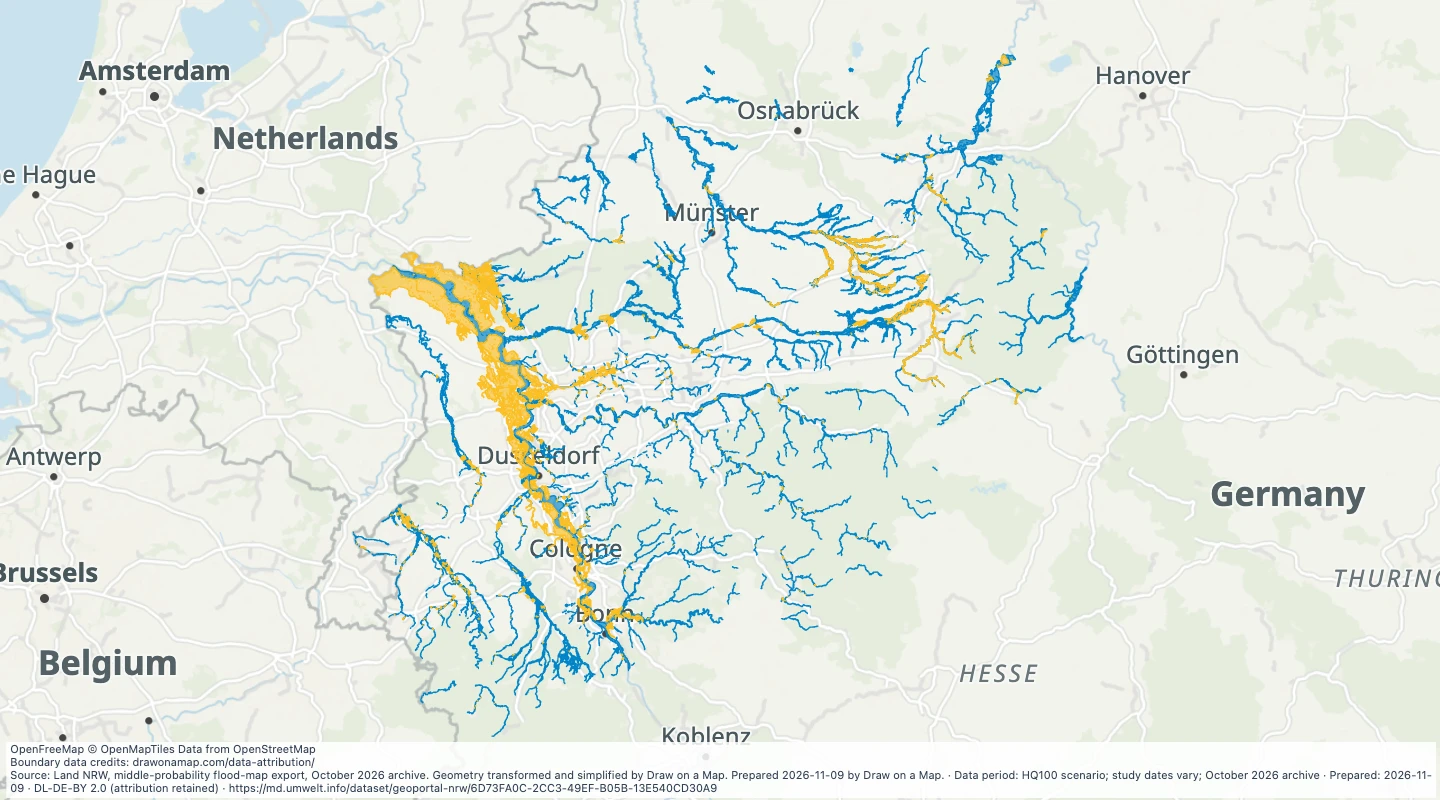 North Rhine-Westphalia flood zones and defended areasInspect official 100-year flood zones and defended areas in North Rhine-Westphalia alongside your routes and sites.
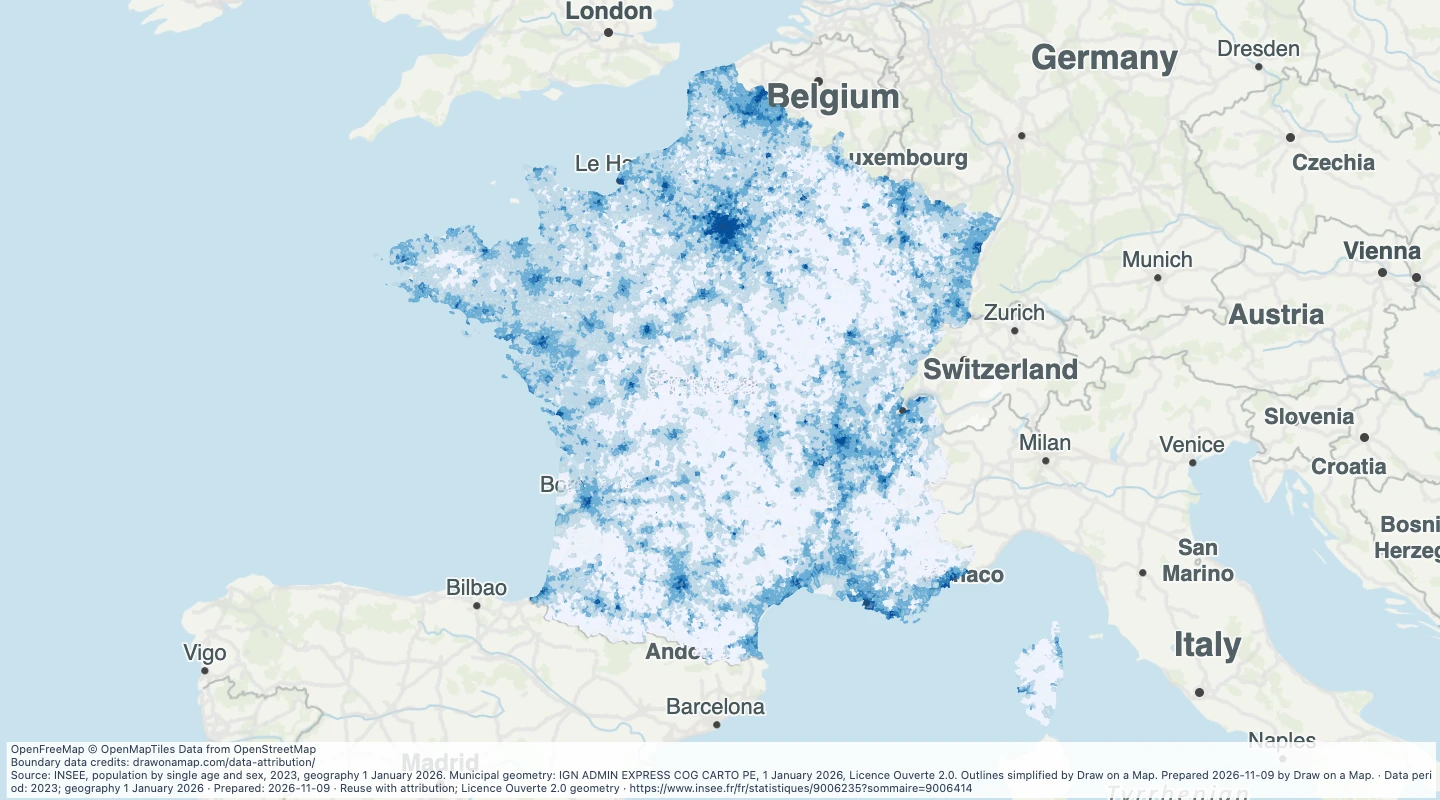 France commune population and age, 2023Compare census population, age shares and approximate density across French communes, then add your own areas and notes.
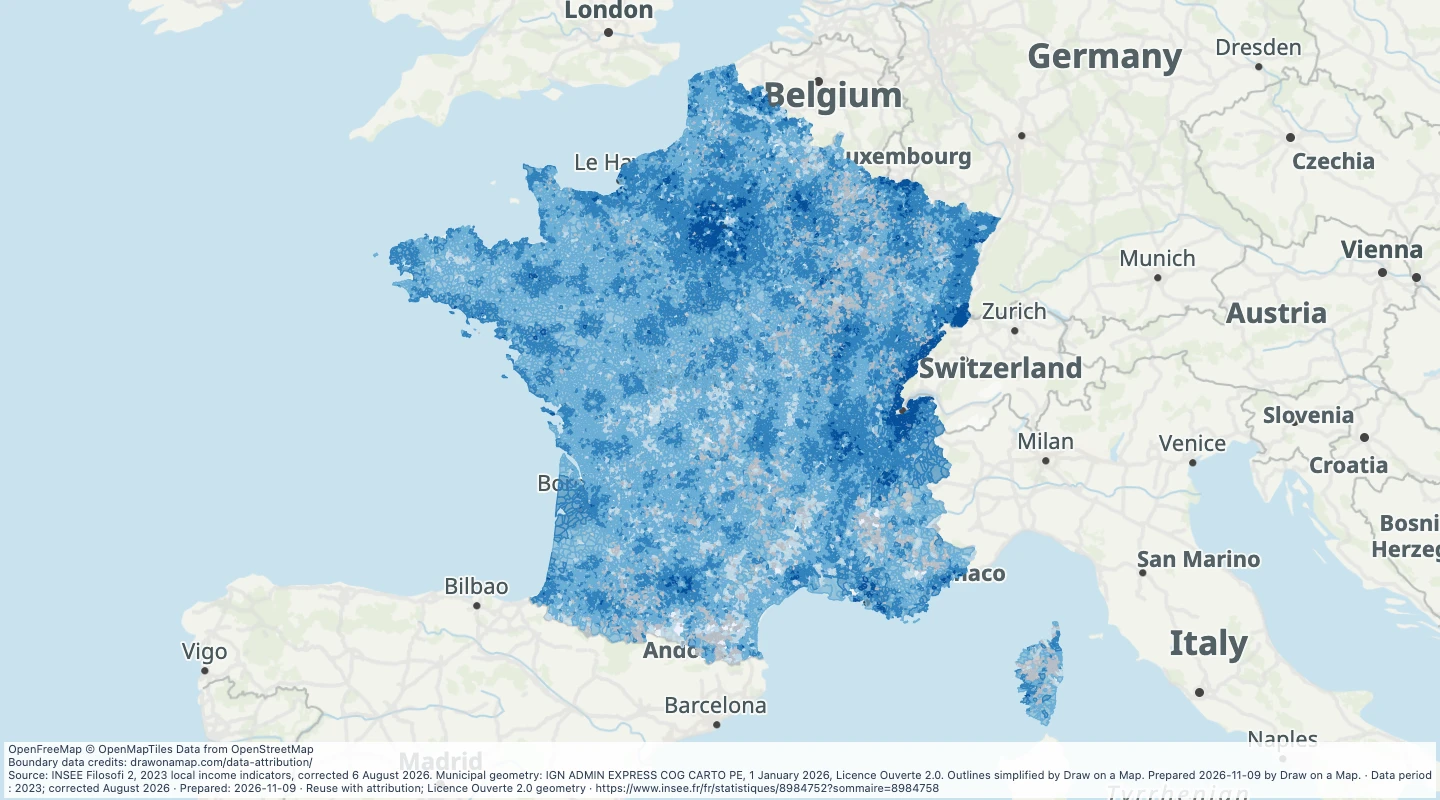 France commune median living standard, 2023Compare median disposable living standards across French communes and add local research notes.
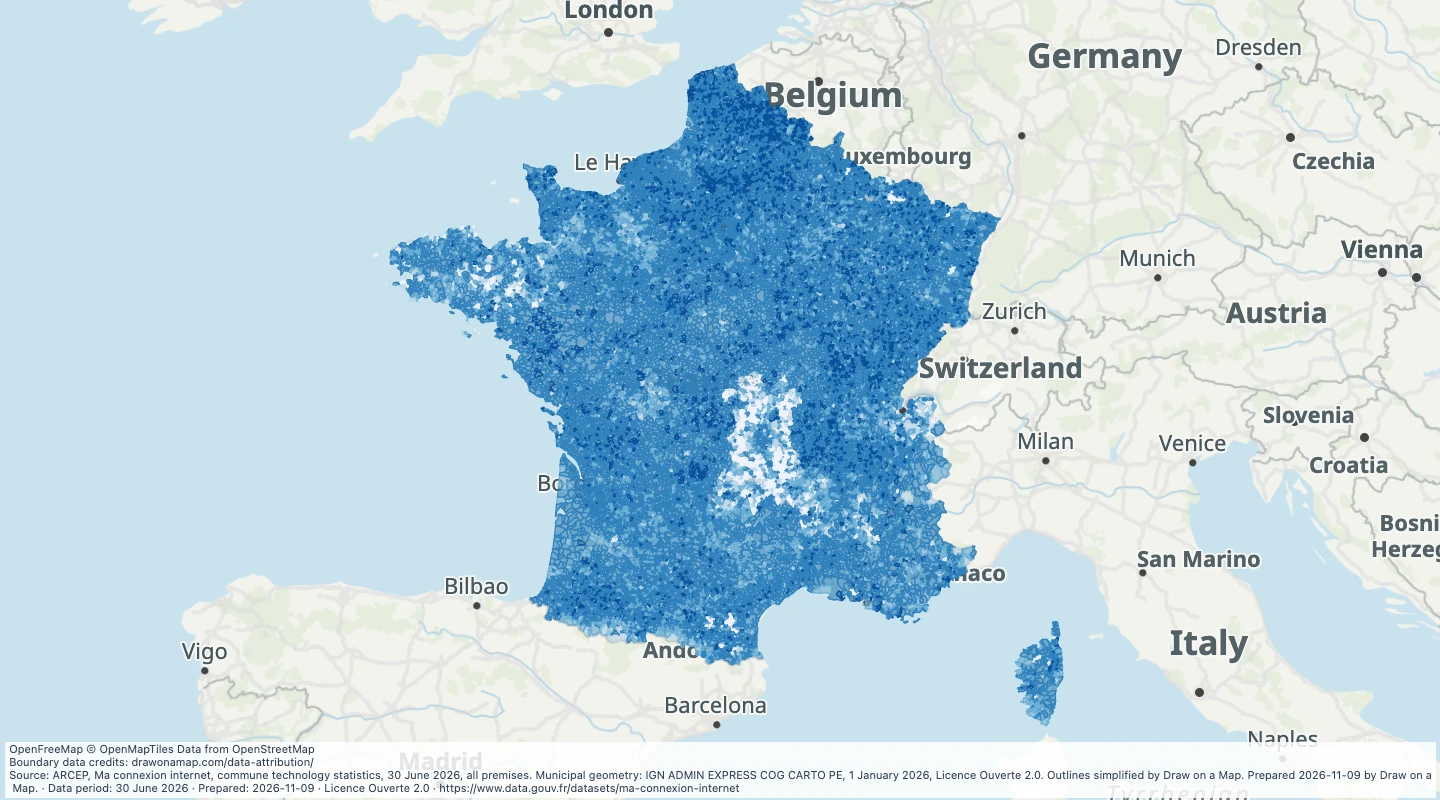 France commune fibre availability, June 2026Compare reported FTTH availability across French communes and mark locations for further checks.
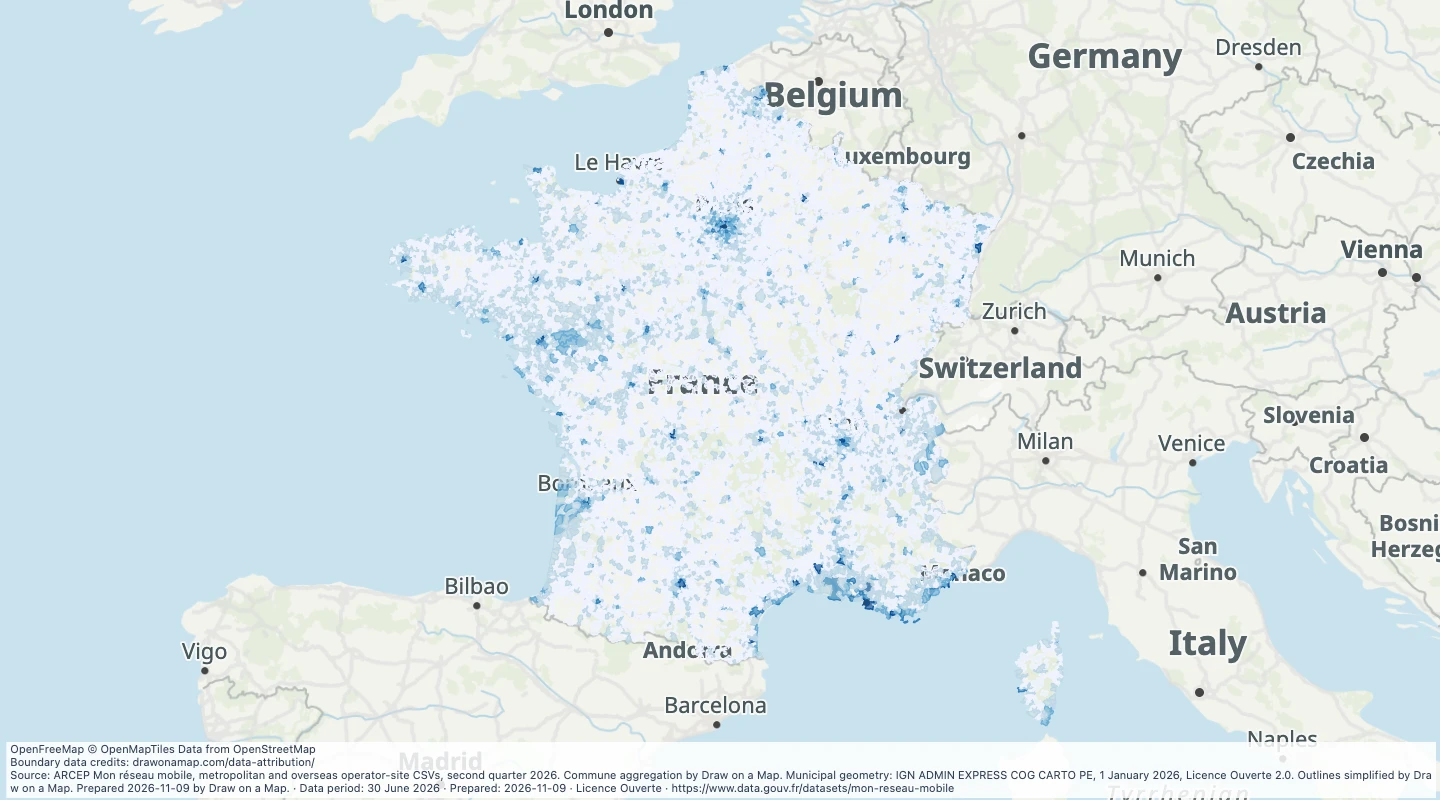 France reported 5G operator sites, June 2026Compare reported 5G operator-site records by French commune and add your own locations for research.
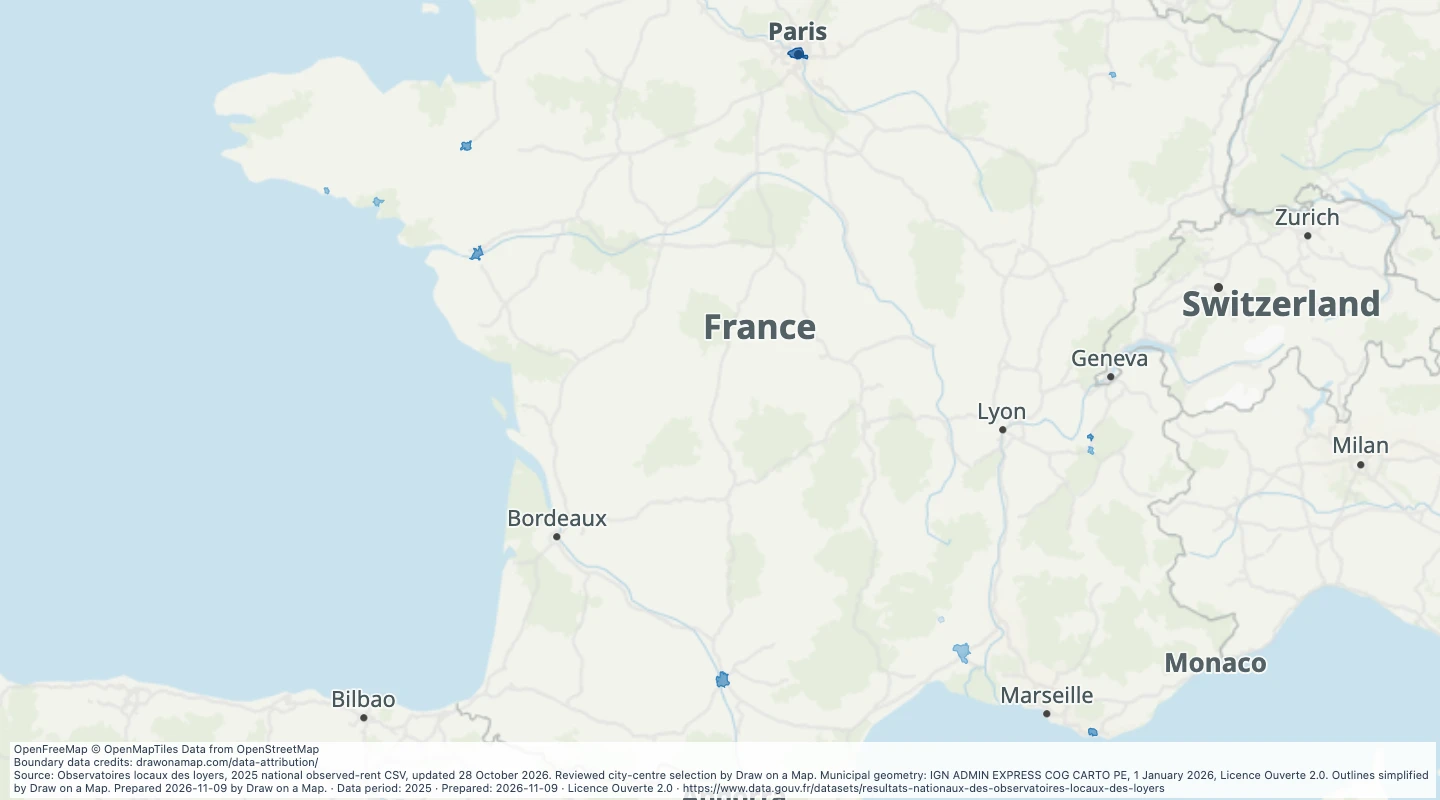 France observed city-centre rents, 2025Compare observed rents in the twelve published city-centre areas and add your own research notes.
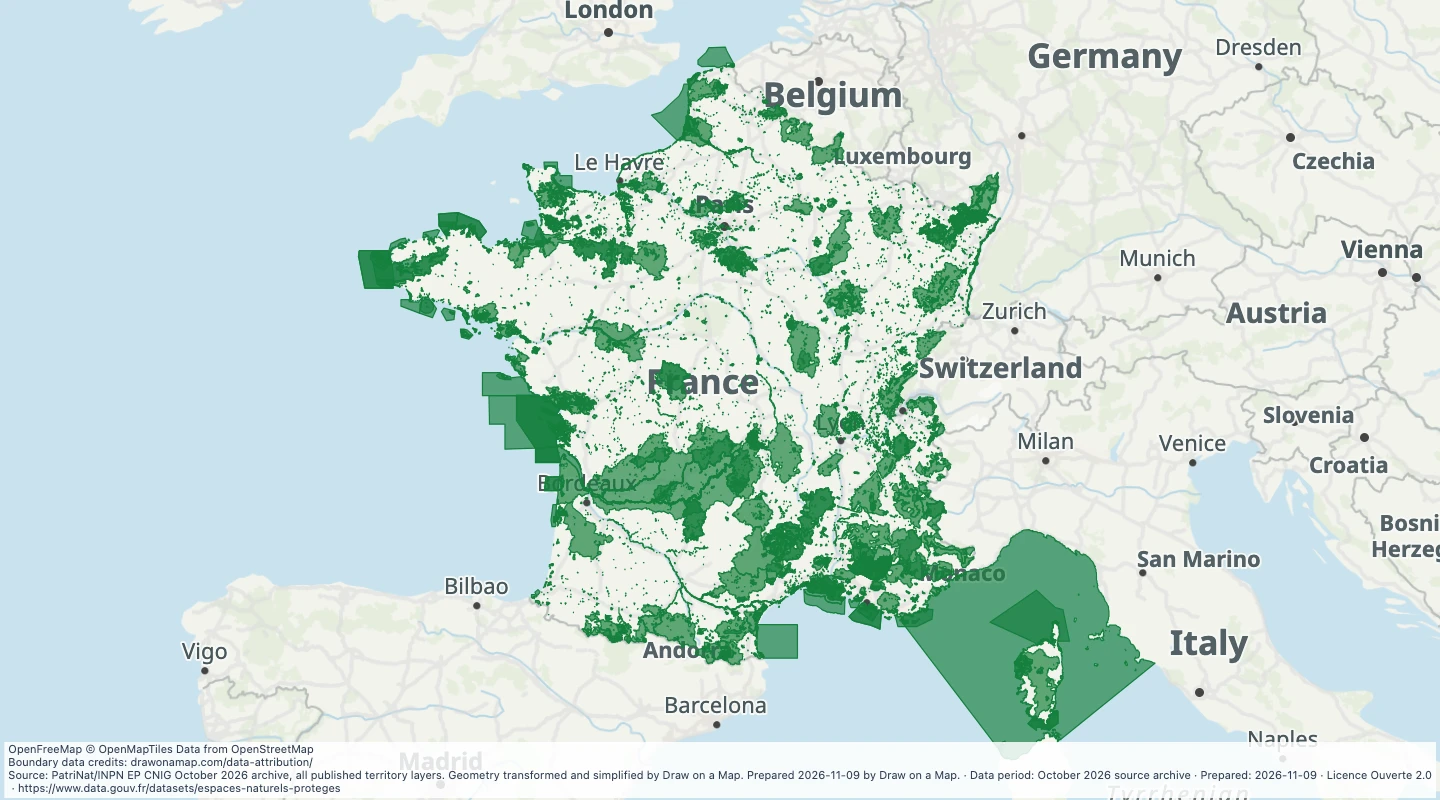 France nature and conservation sites, October 2026Explore official natural-protection and conservation designations in France and add routes, sites and notes.
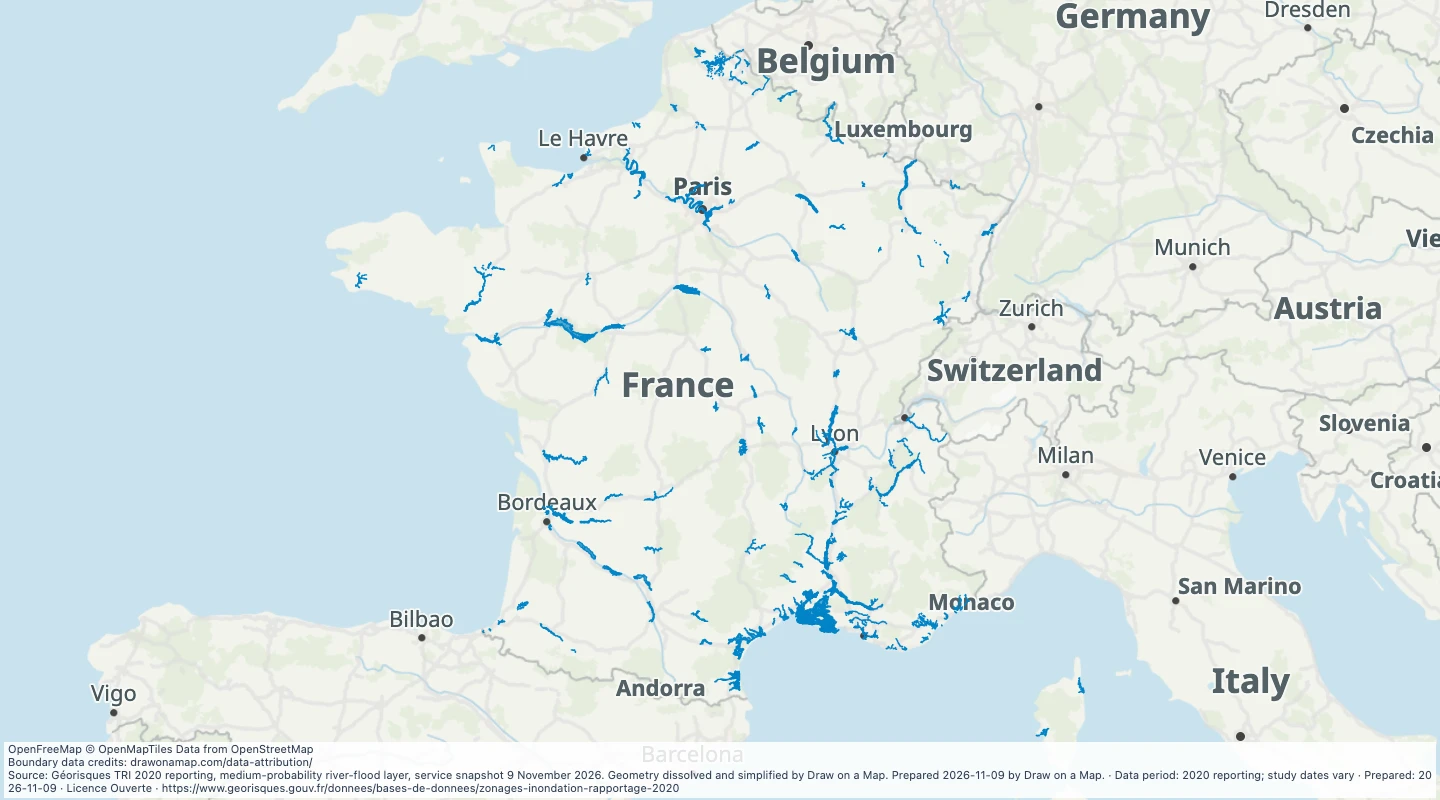 Metropolitan France mapped river flood zones, 2020Inspect official mapped river-flood extents for the medium-probability reporting scenario alongside your routes and sites.
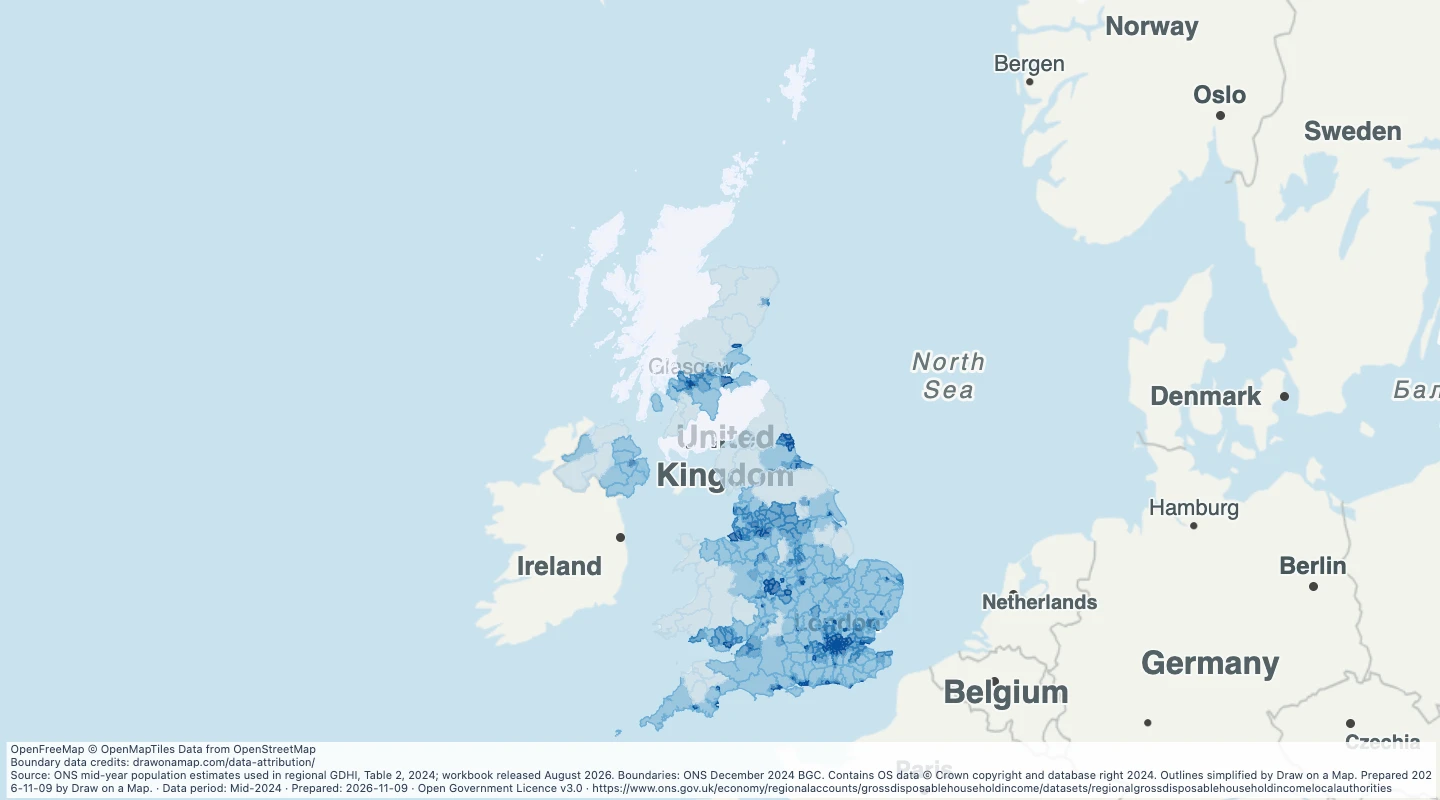 UK local-authority population density, 2024Compare official resident counts and approximate population density across UK local authorities, then draw areas and add notes.
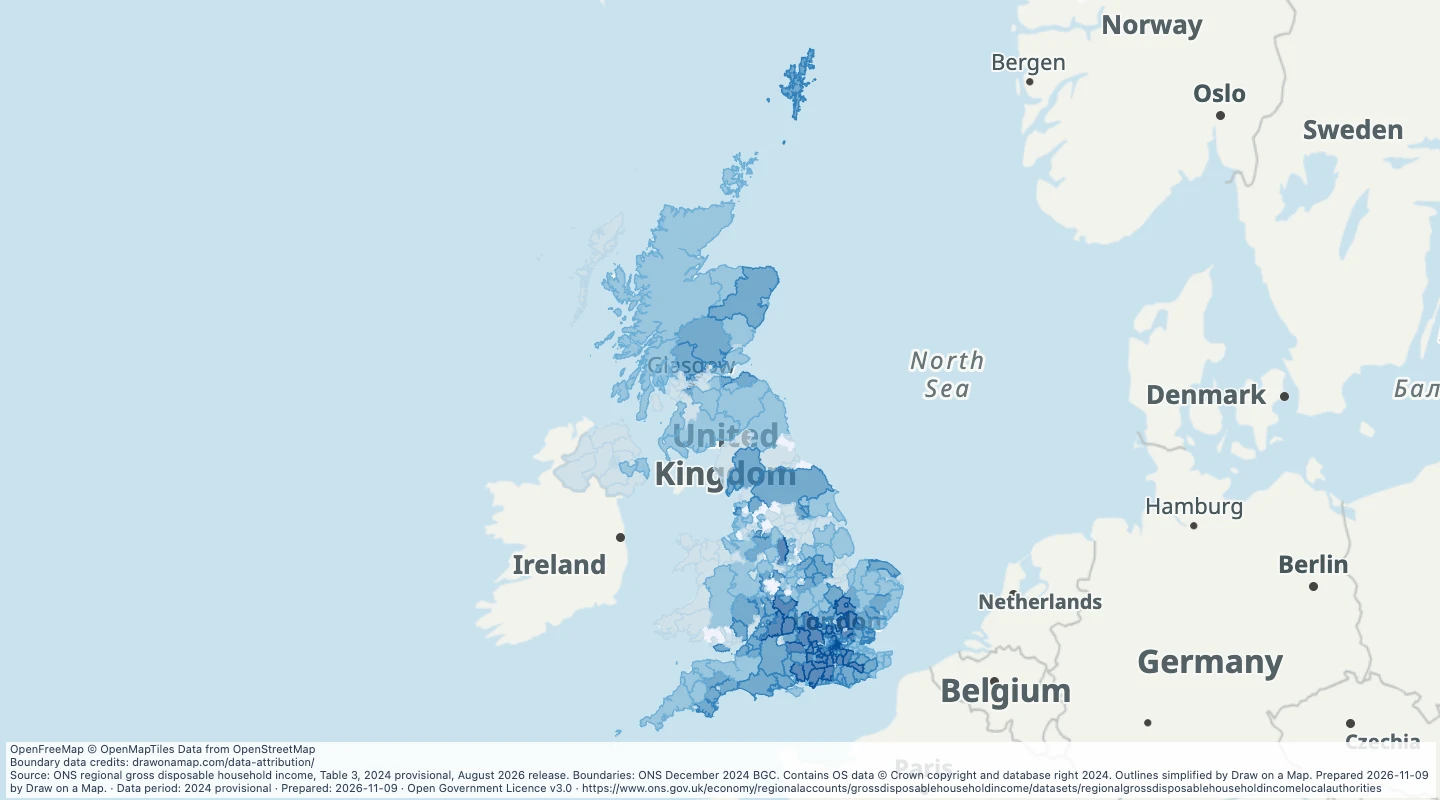 UK local-authority disposable income, 2024Compare annual gross disposable household-sector income per resident across UK local authorities.
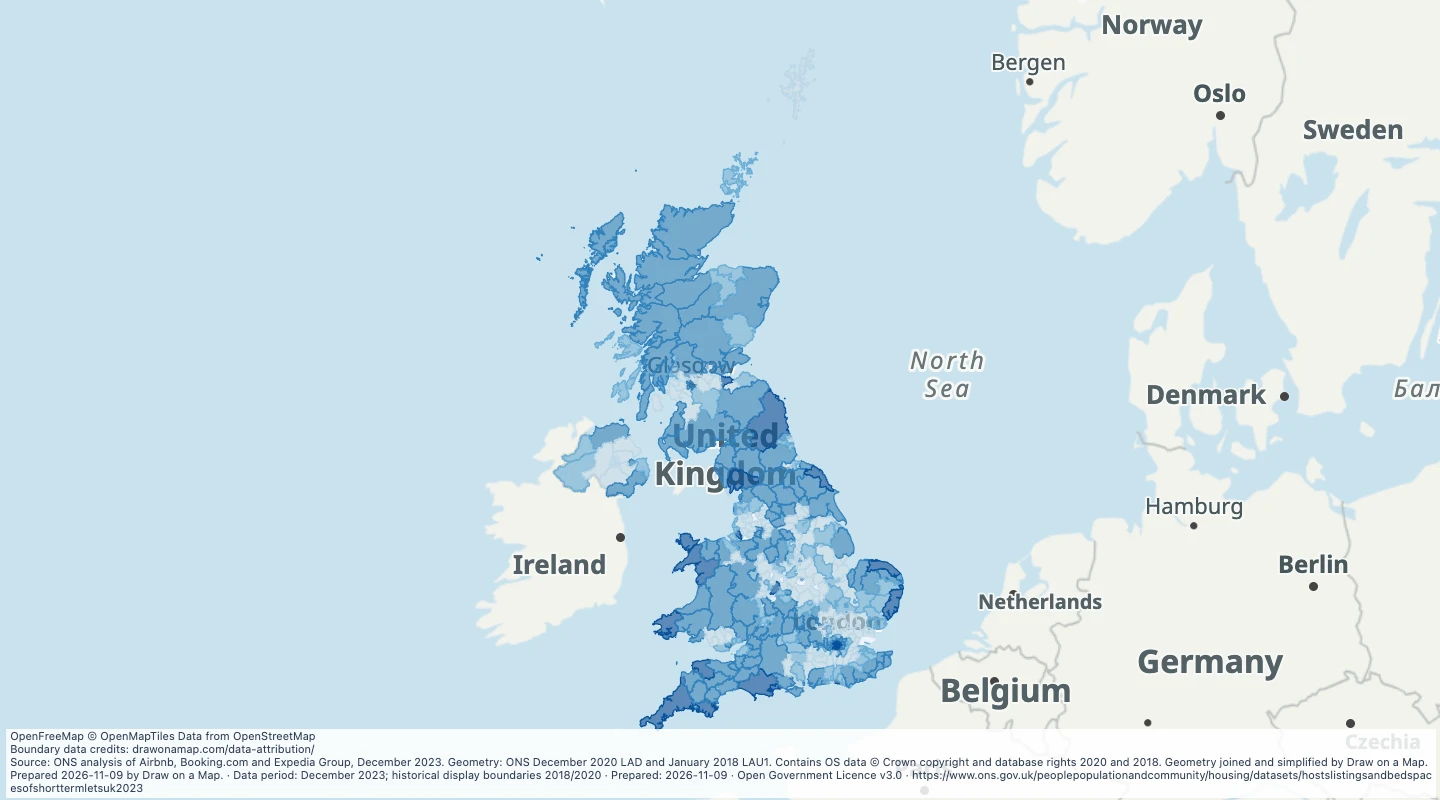 UK short-term-let platform listings, December 2023Compare official platform-listing counts across UK local statistical areas and add travel locations or research notes.
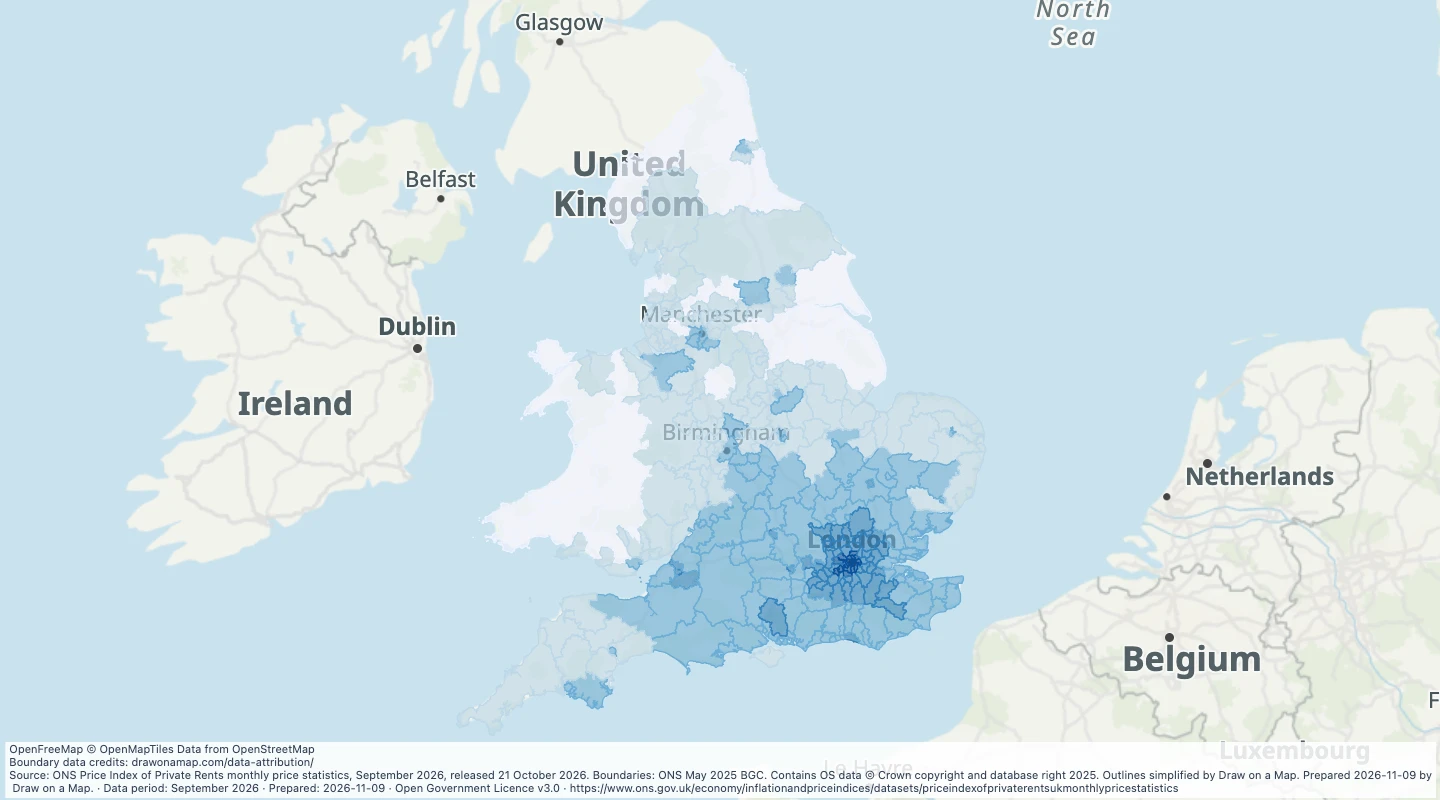 England and Wales average private rent, September 2026Compare observed and modelled private rent across the published local authorities in England and Wales.
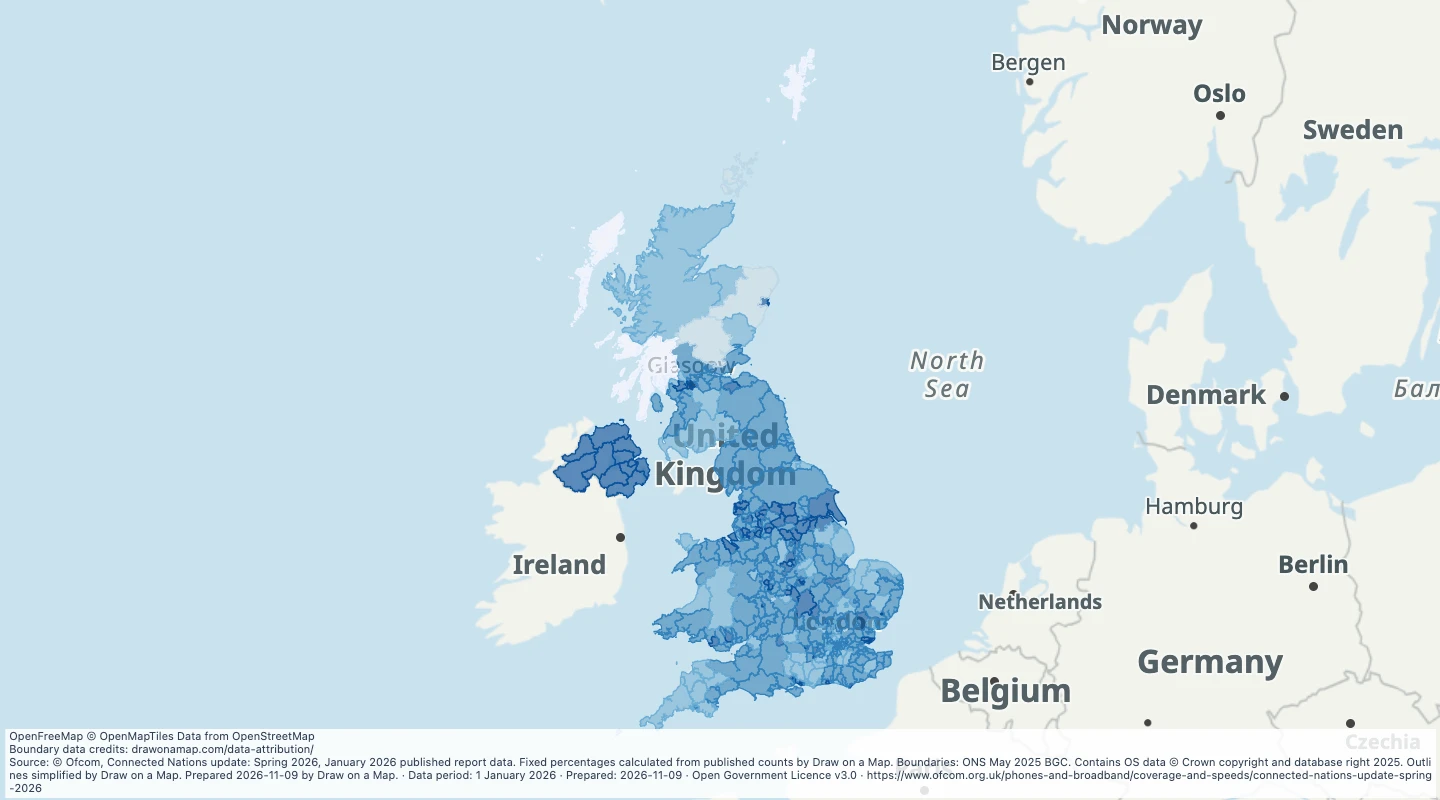 UK local-authority fibre and outdoor 5G, January 2026Compare reported fibre and outdoor mobile availability across UK local authorities and add locations for further checks.
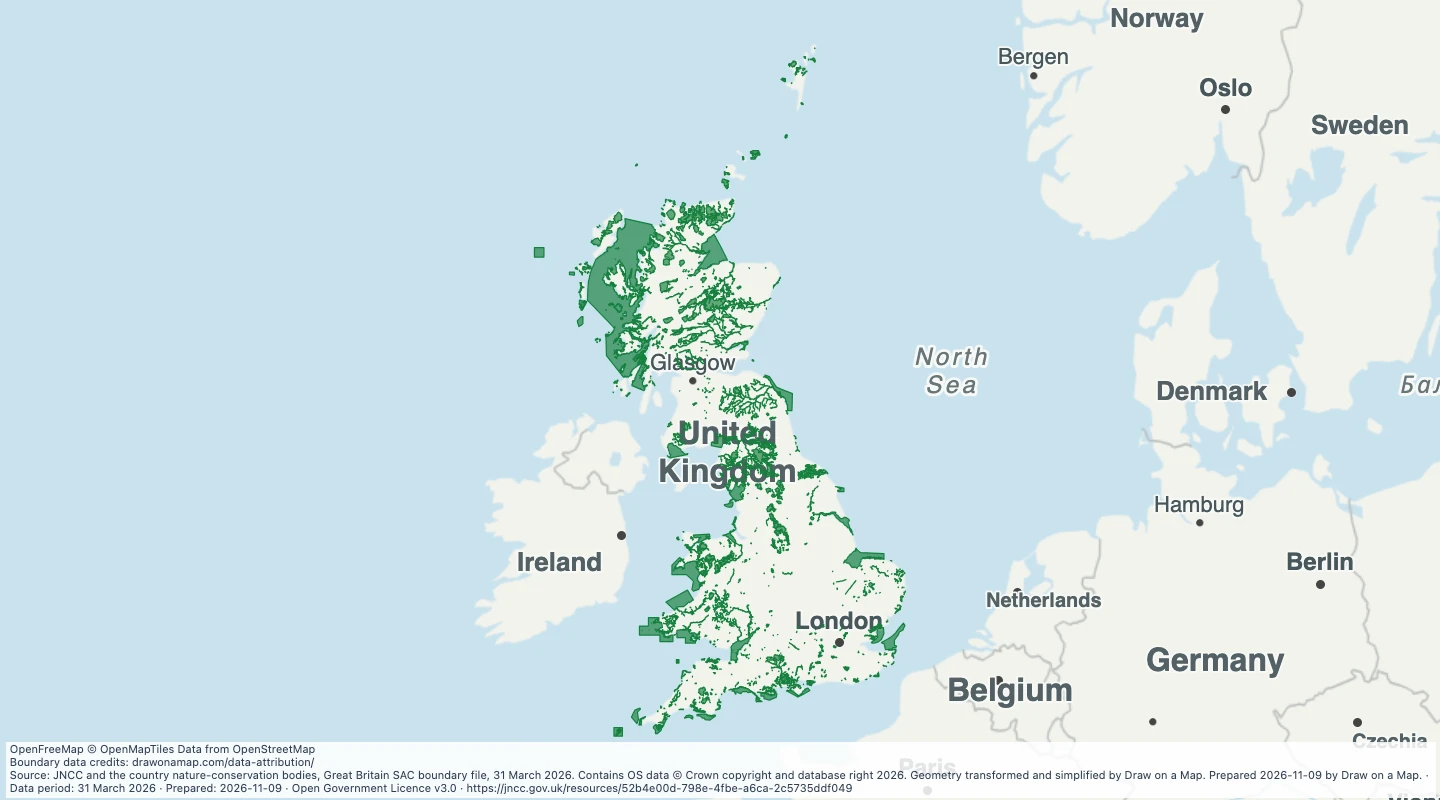 Great Britain Special Areas of Conservation, March 2026Explore official Special Area of Conservation outlines in Great Britain and add routes, locations and trip notes.
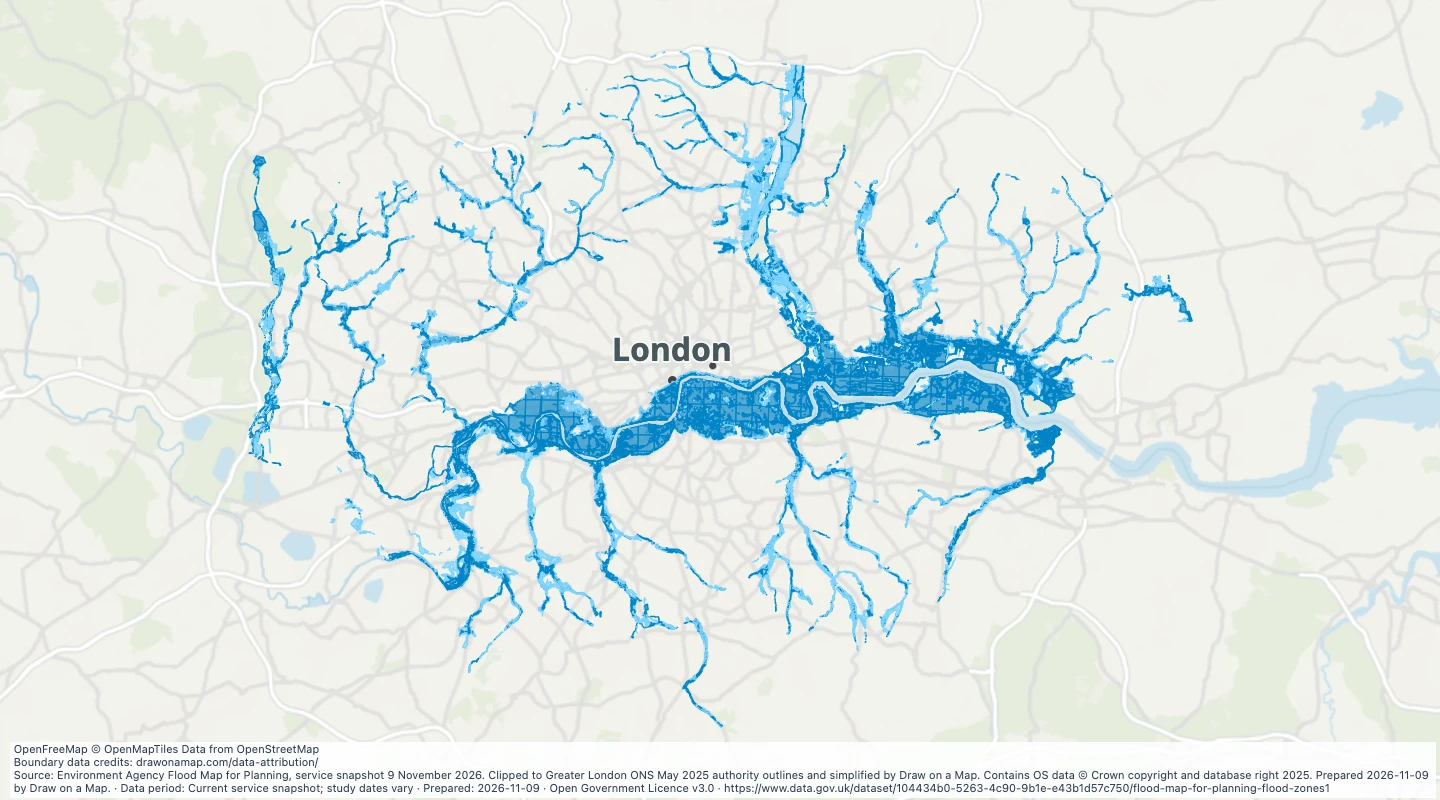 Greater London river and sea flood zonesCompare official Flood Zones 2 and 3 within Greater London with your routes and sites.
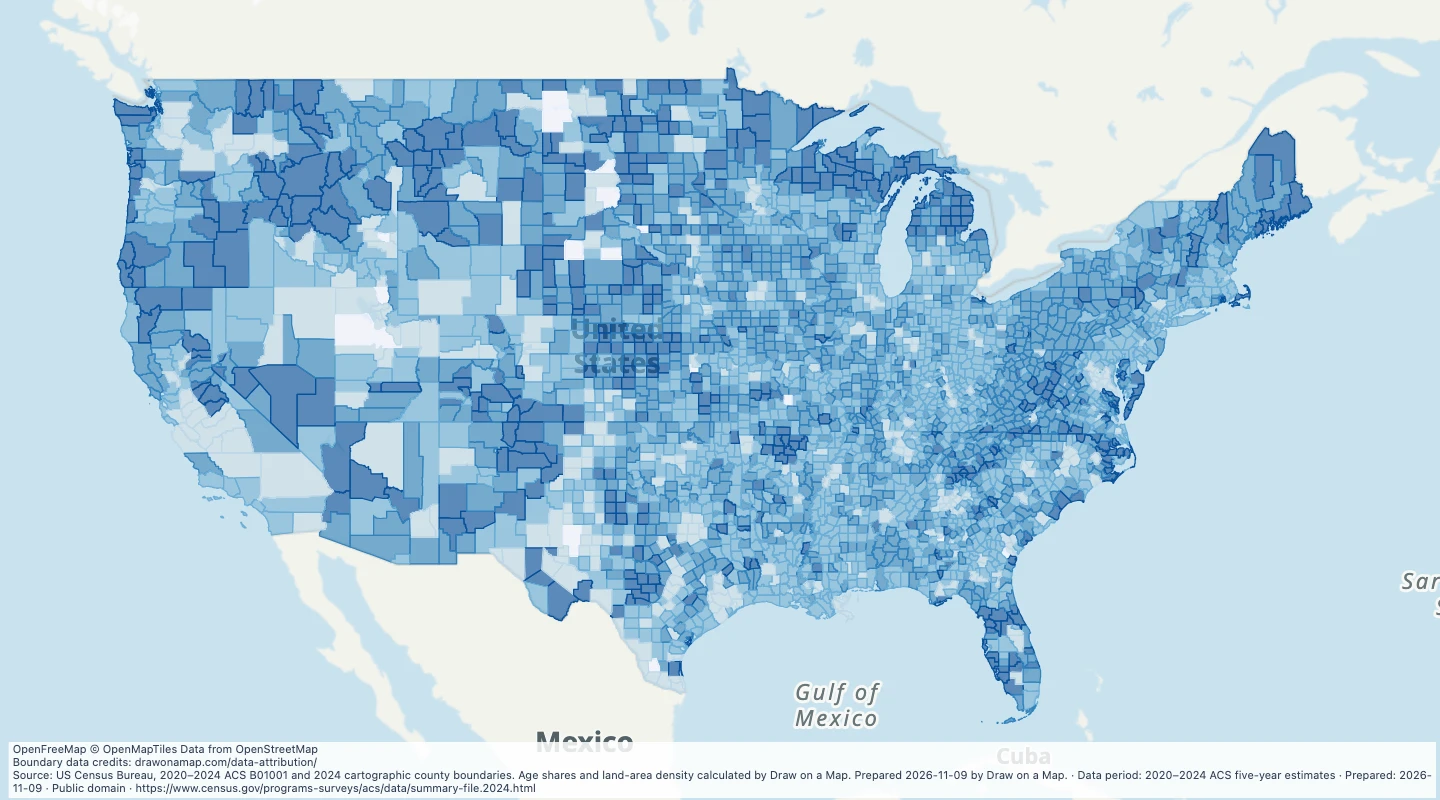 US county population and age, 2020–2024Compare population, age shares and land-area density across US counties, then add your own areas and notes.
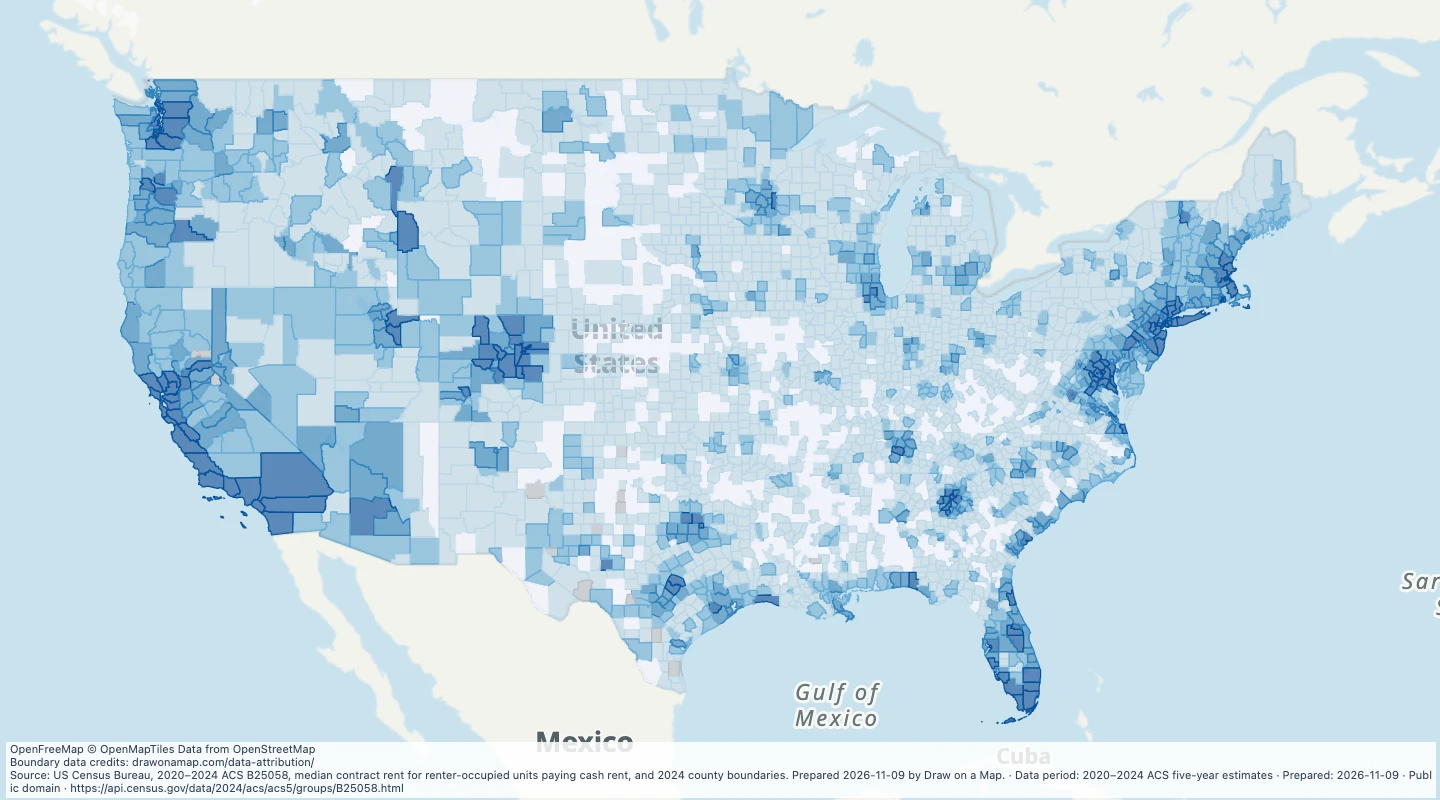 US county median contract rent, 2020–2024Compare Census monthly contract rents across US counties and add locations or notes for housing research.
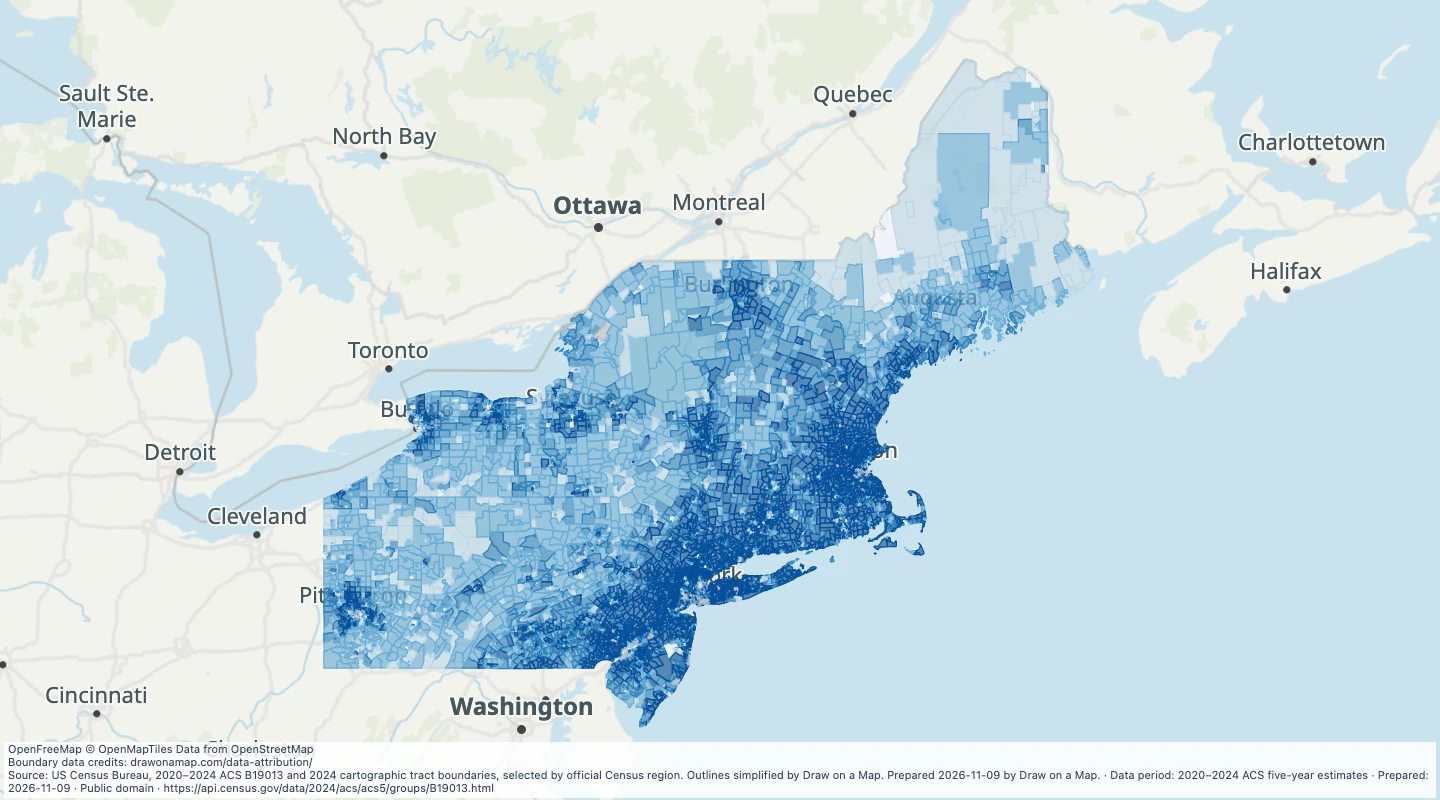 US Northeast census-tract household income, 2020–2024Compare median household income in smaller Census areas across the US Northeast region, then add your own locations and areas.
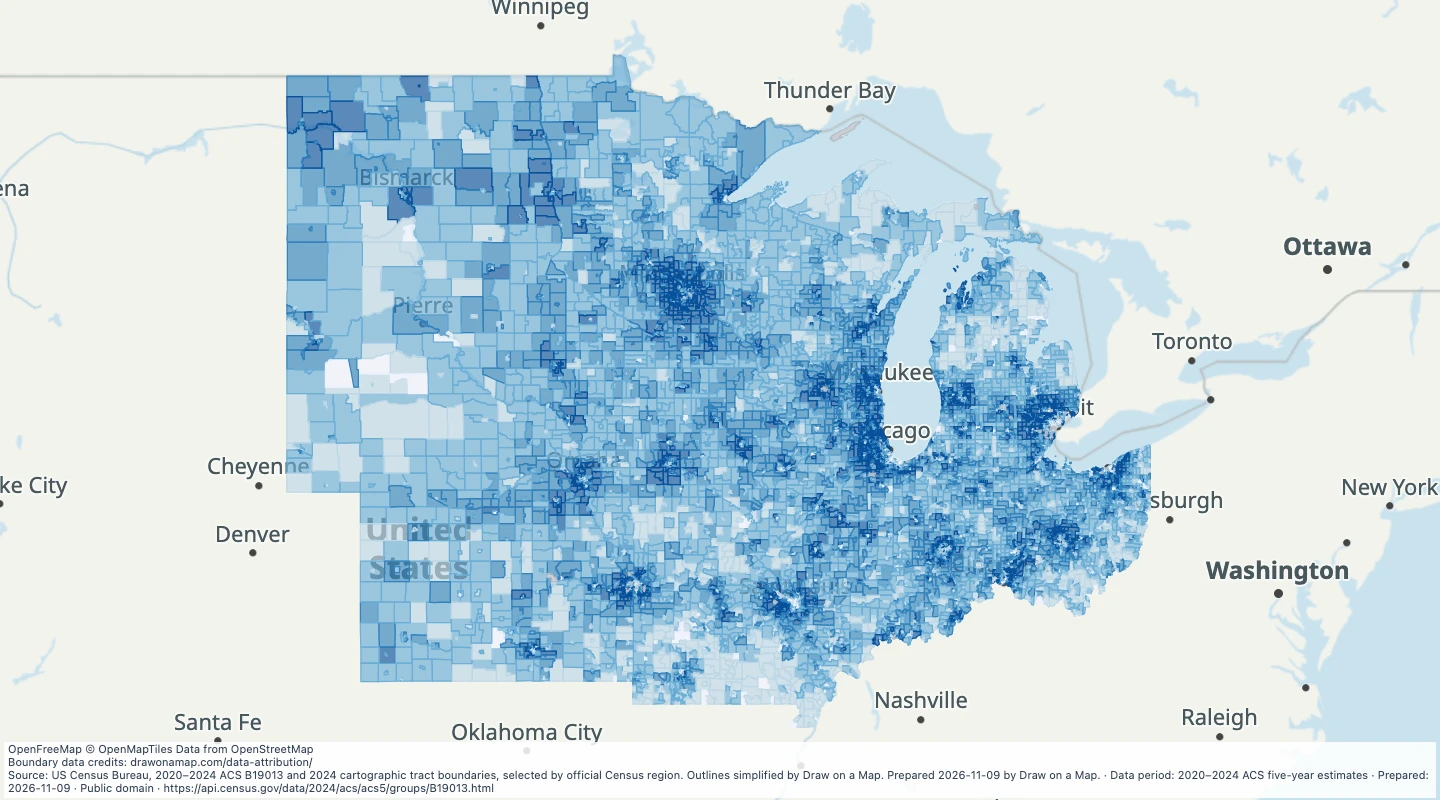 US Midwest census-tract household income, 2020–2024Compare median household income in smaller Census areas across the US Midwest region, then add your own locations and areas.
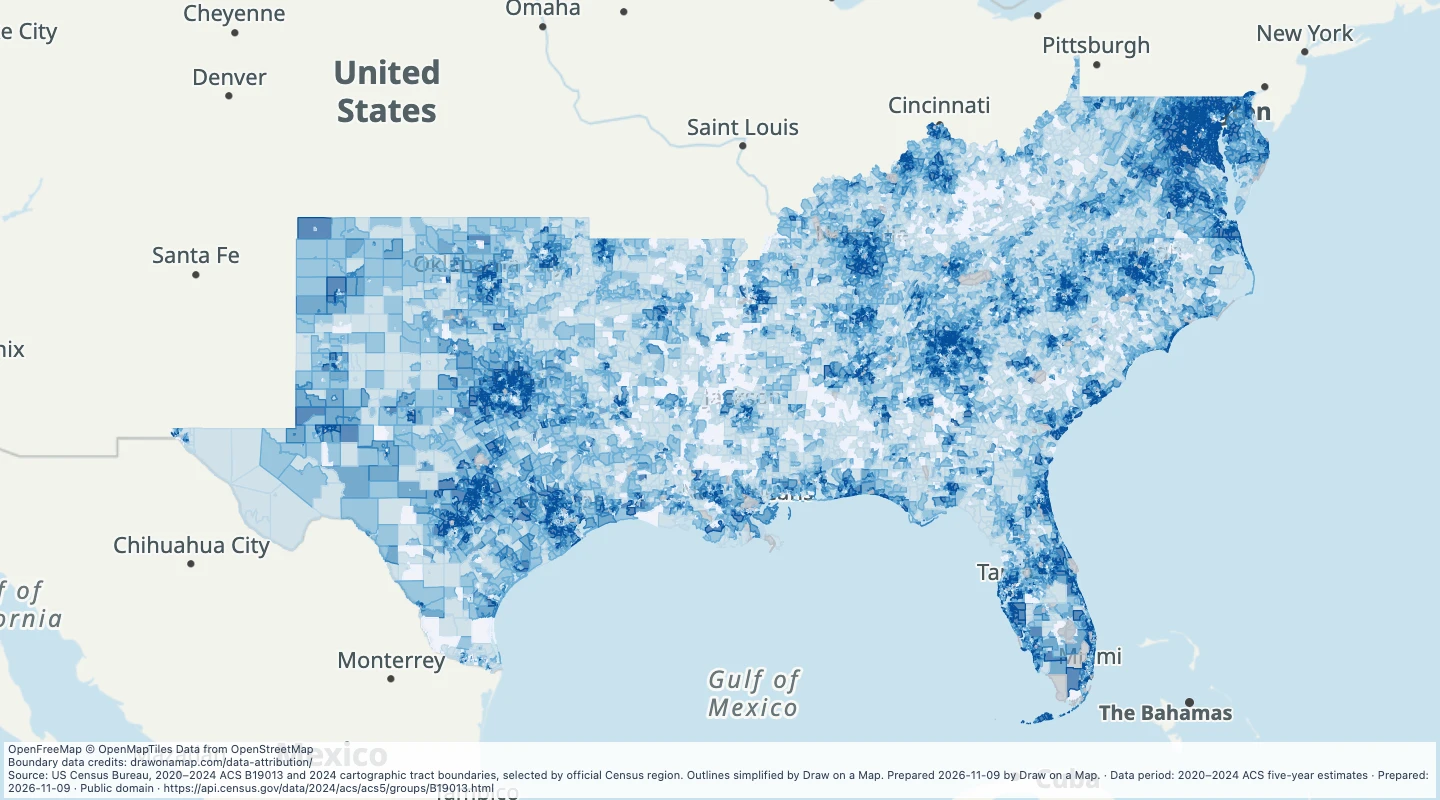 US South census-tract household income, 2020–2024Compare median household income in smaller Census areas across the US South region, then add your own locations and areas.
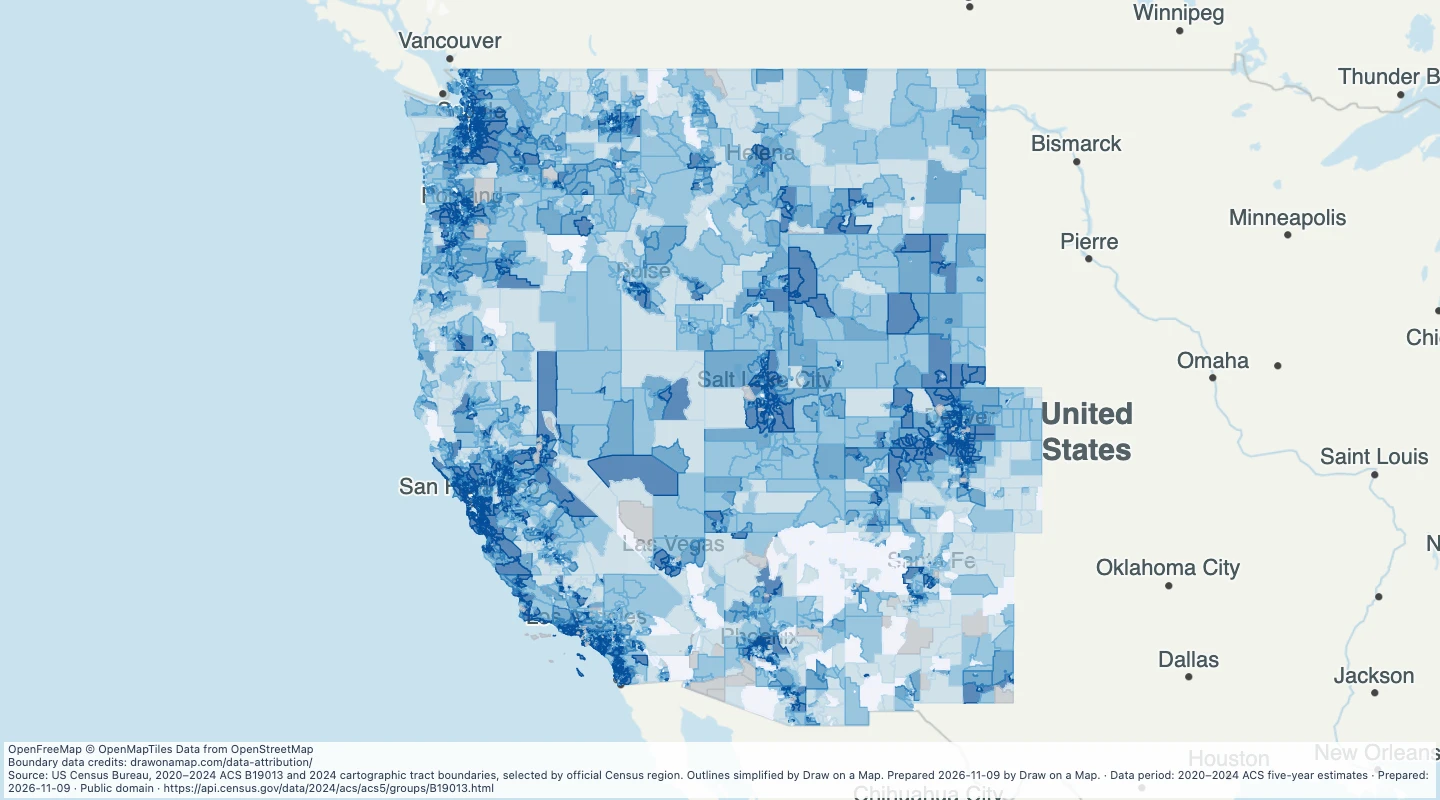 US West census-tract household income, 2020–2024Compare median household income in smaller Census areas across the US West region, then add your own locations and areas.
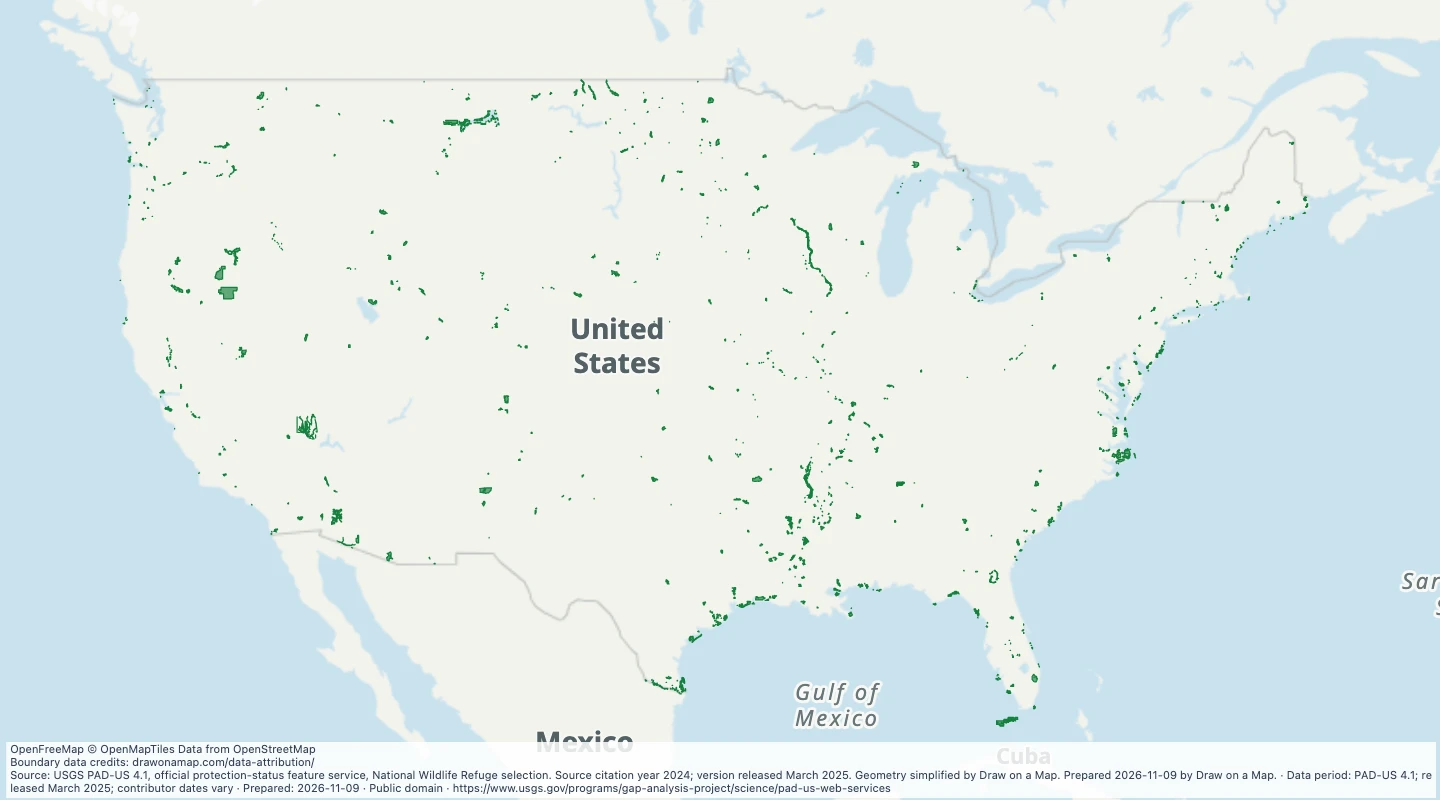 US national wildlife refuge boundaries, PAD-US 4.1Explore official wildlife-refuge boundary records and add routes, sites and conservation notes.
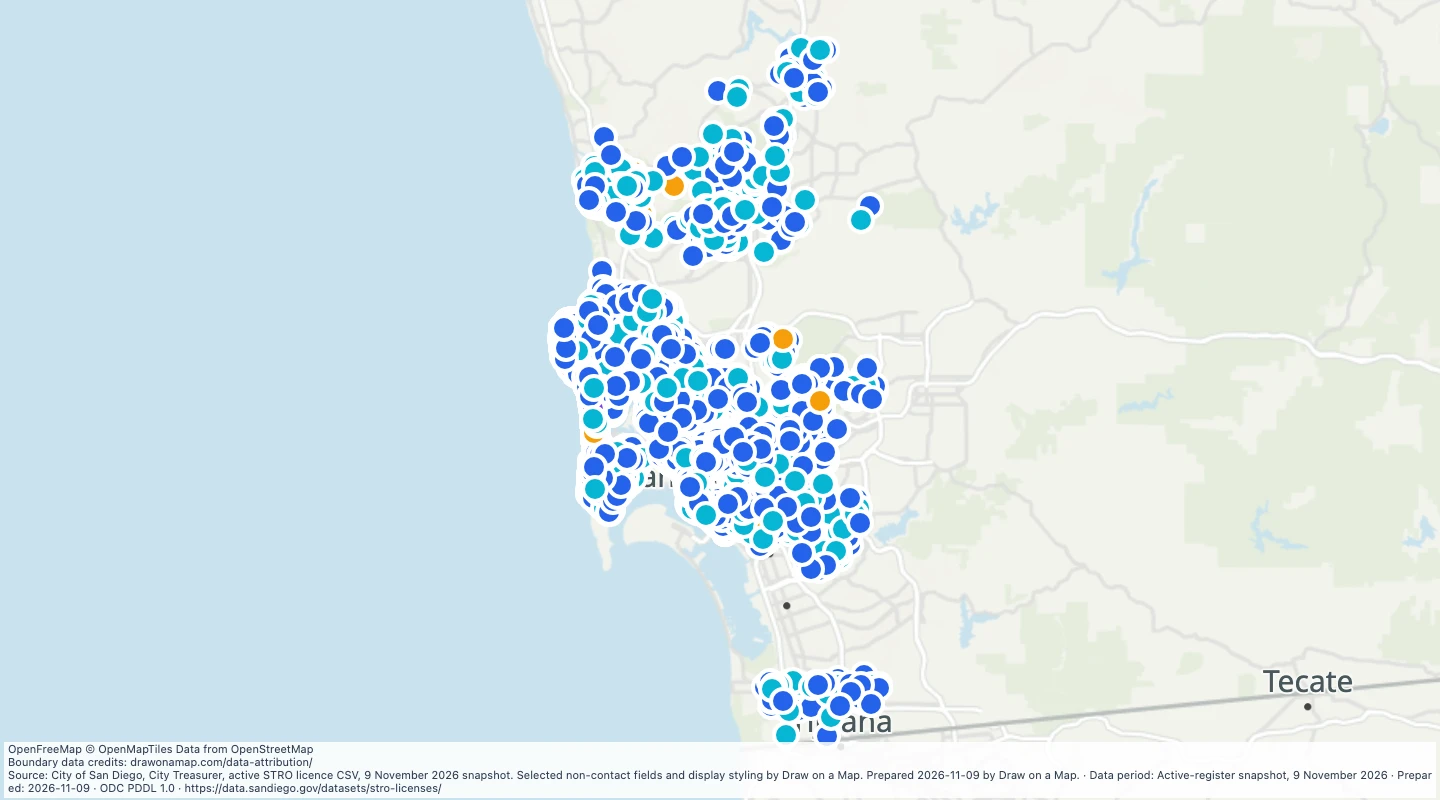 San Diego active short-term rental licences, November 2026Explore the city’s active rental licences by tier and add areas or notes for local research.
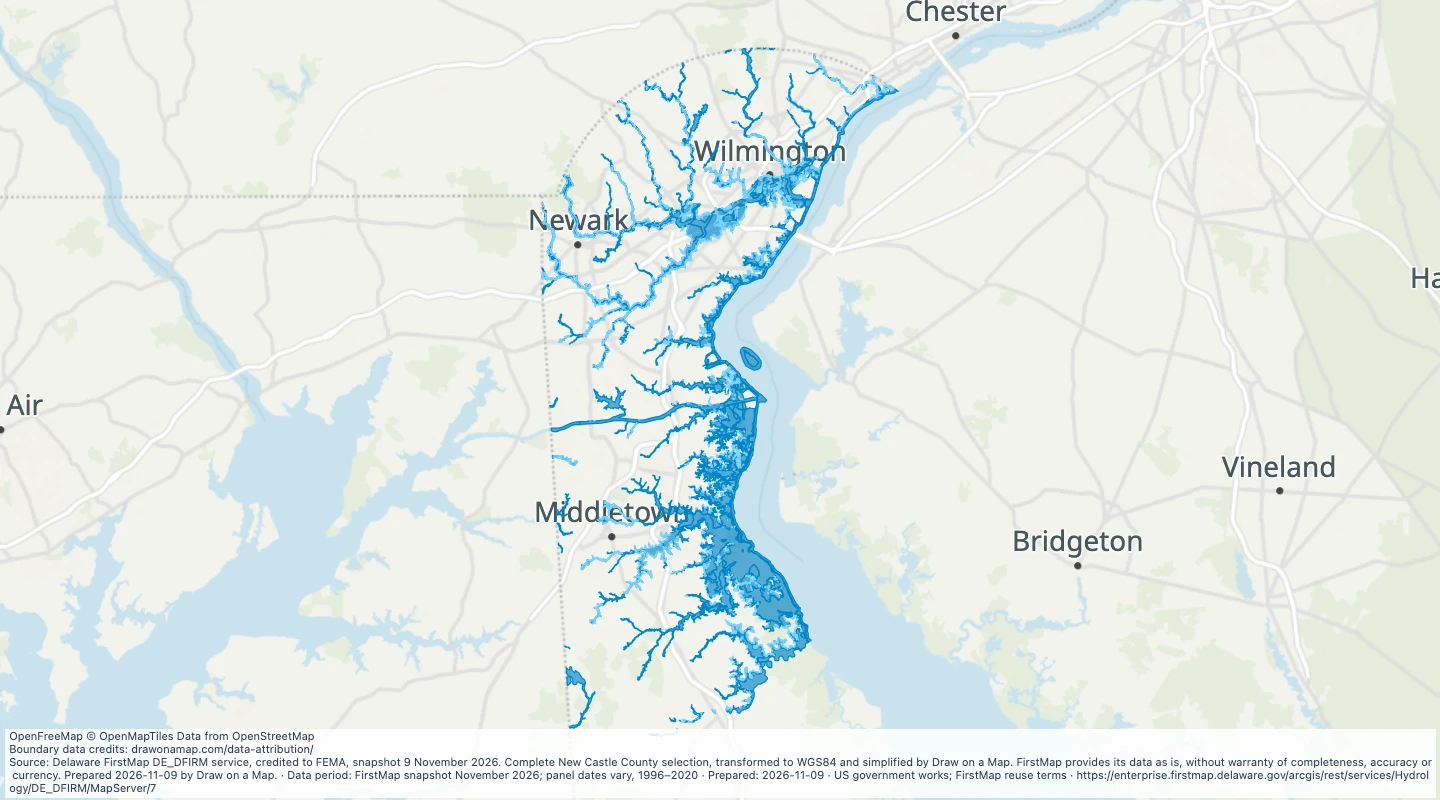 New Castle County, Delaware, mapped flood zonesCompare official mapped flood zones in New Castle County and add routes, sites and research notes.
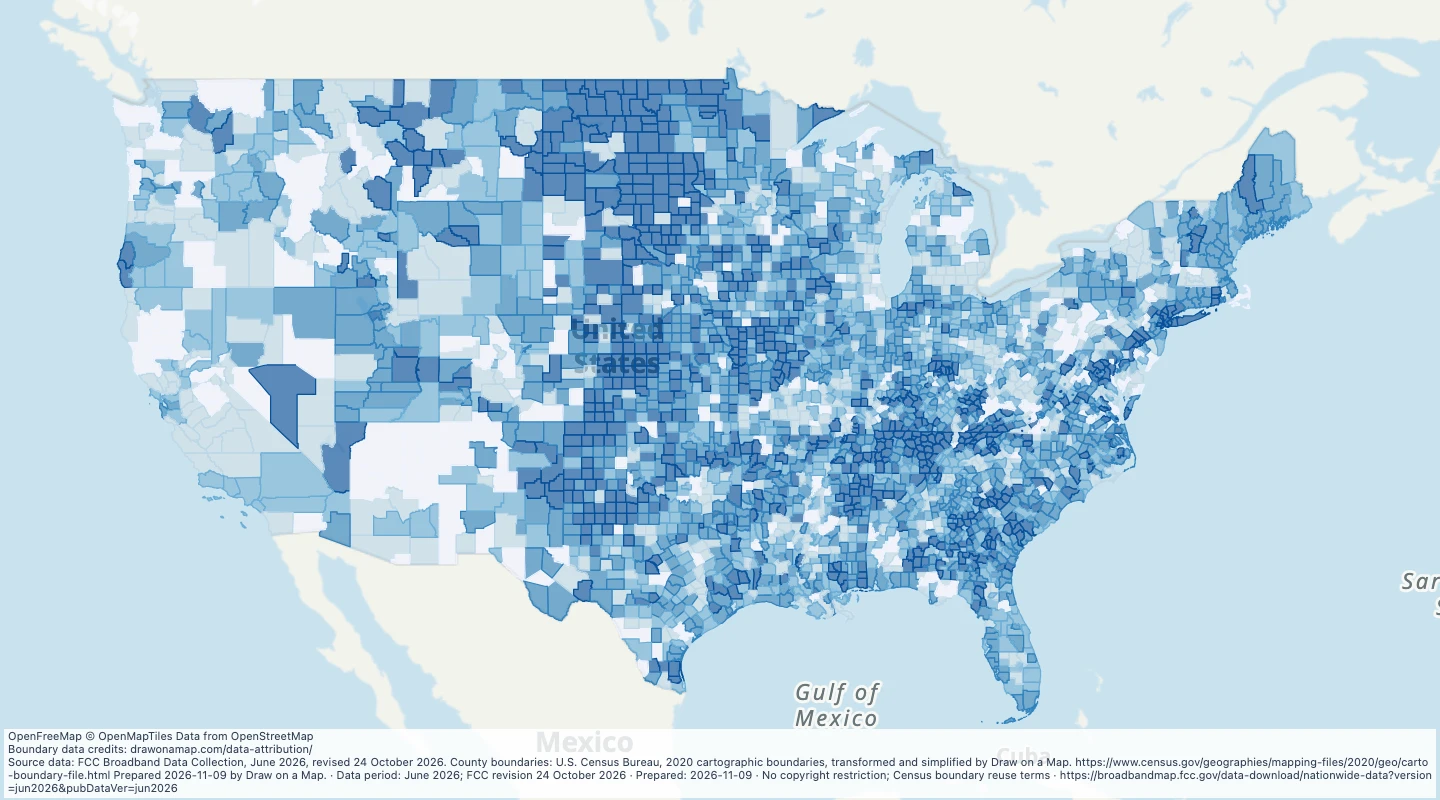 US county fibre availability, June 2026Compare reported fibre availability across US counties, then add your own routes and areas.
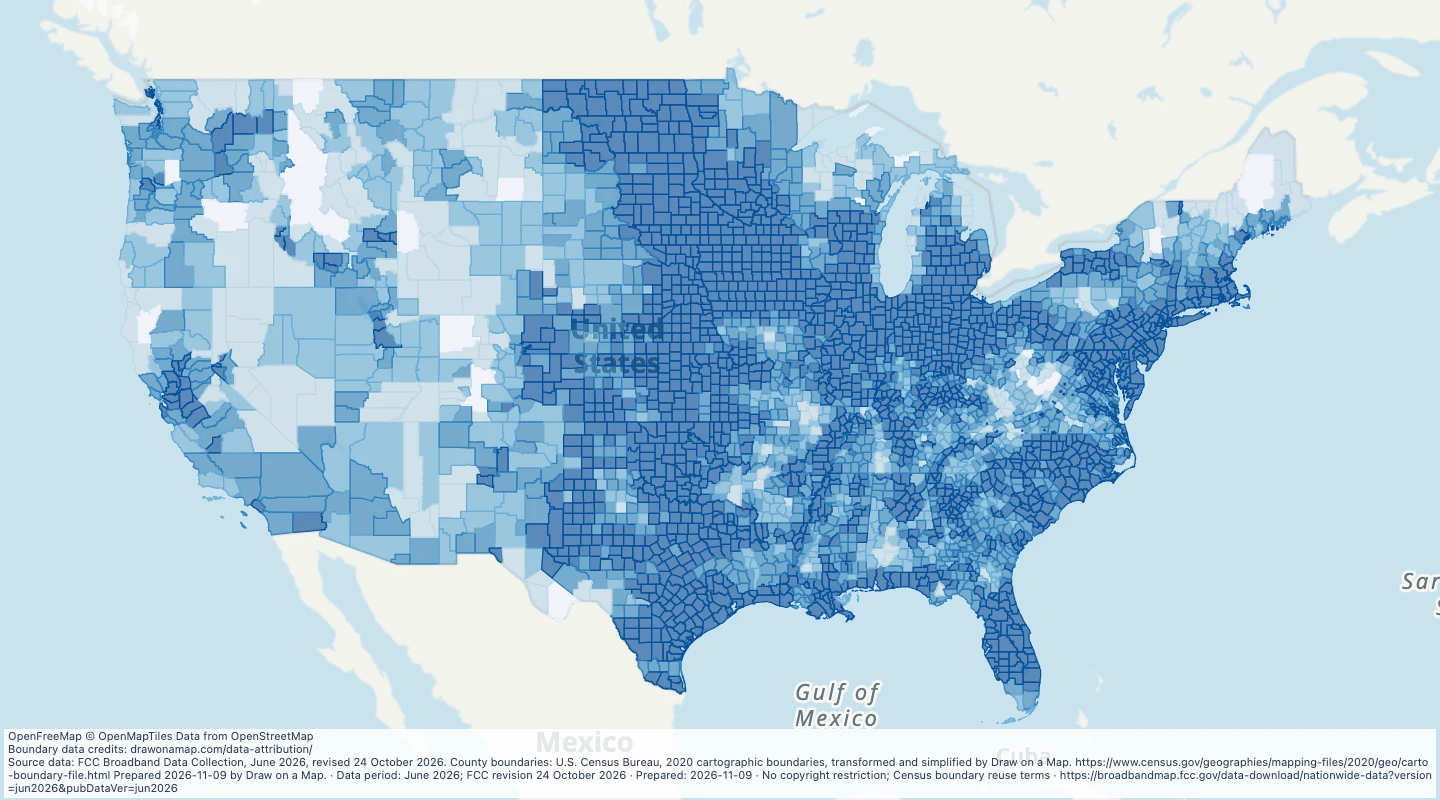 US county 5G coverage, June 2026Compare reported 5G coverage across US counties, then add your own routes and areas.
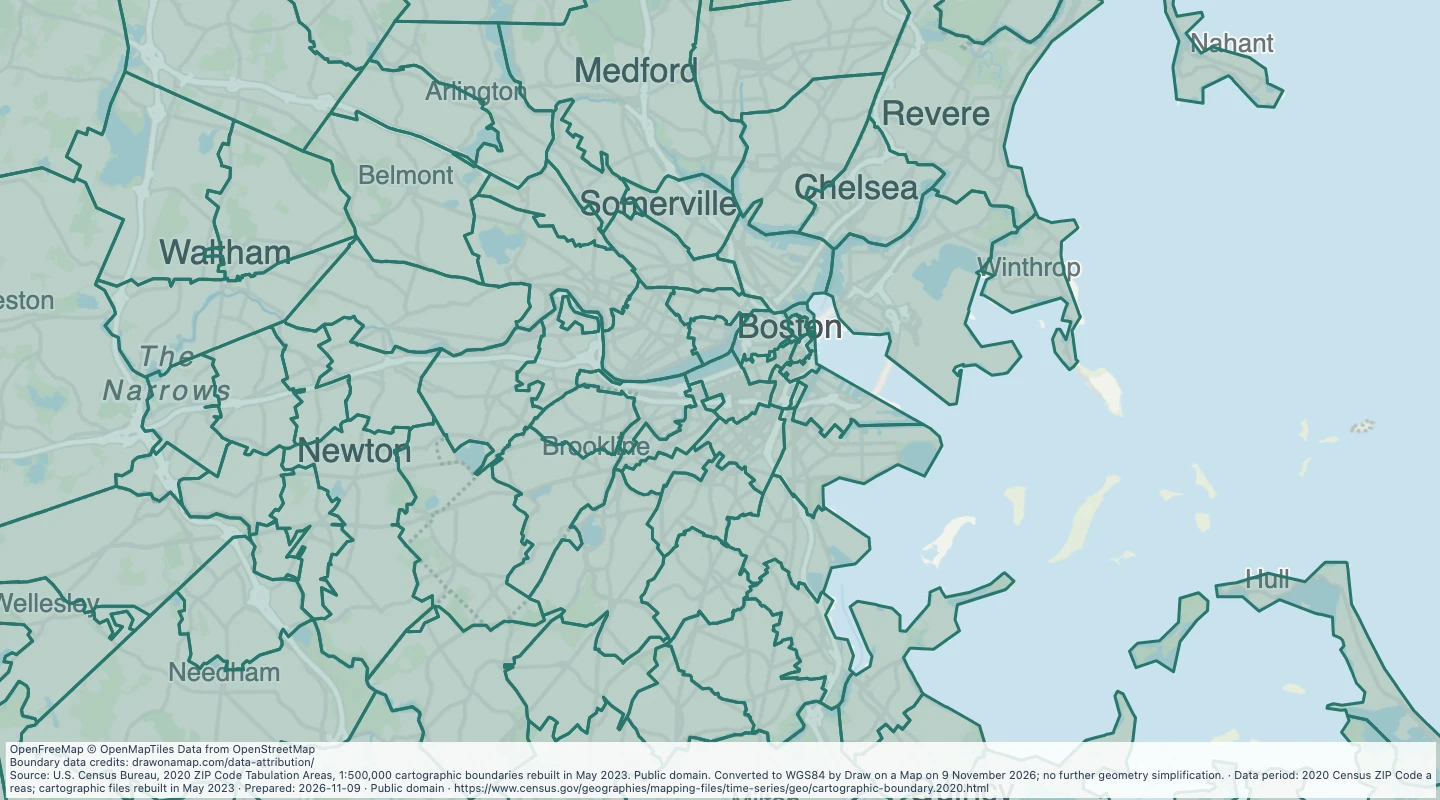 United States ZIP Code areas (2020 Census ZCTAs)Explore all 33,791 Census ZIP Code areas across the United States and its territories. Choose a map area to open its records, or download the complete dataset in 11 parts.
No datasets match your search.