 Draw on a Map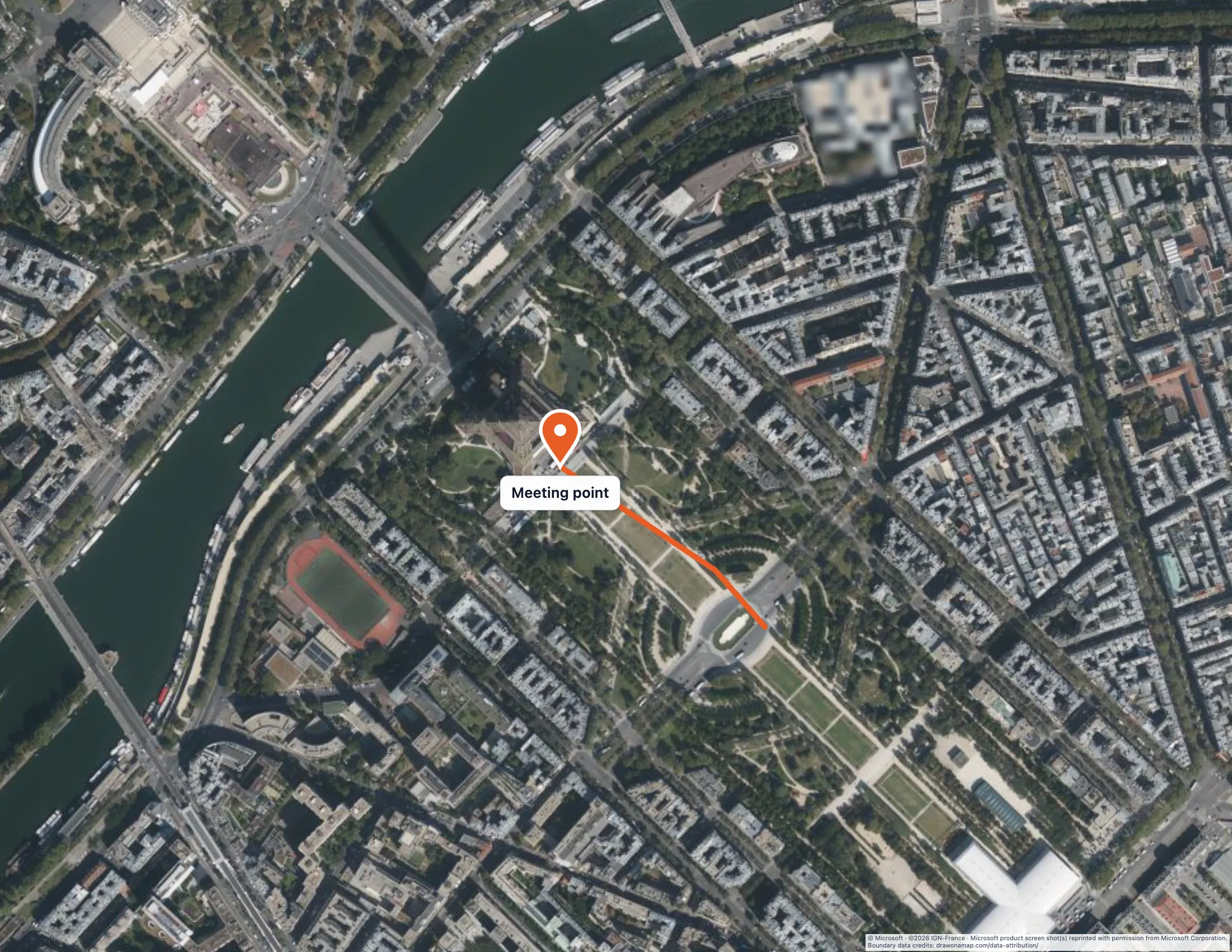
To draw on a satellite map, open Layers, choose Satellite or Hybrid, and then use the same line, area, and marker tools you use on the ordinary map. Both satellite options require Pro. You can draw on the ordinary map for free first and switch to imagery when you decide it helps.
Here is a worked example. You want to show visitors where to meet near the Eiffel Tower and which way to approach it. Imagery helps here because people can recognize the lawns, paths, and open spaces around the meeting point. The approach in this example is illustrative, so choose a route you know is open to walkers for your own map.
Choose a satellite layer
Choose Layers to open Map Layers. Satellite shows imagery only. Hybrid shows imagery with map labels added, which is useful when you also want street and place names.
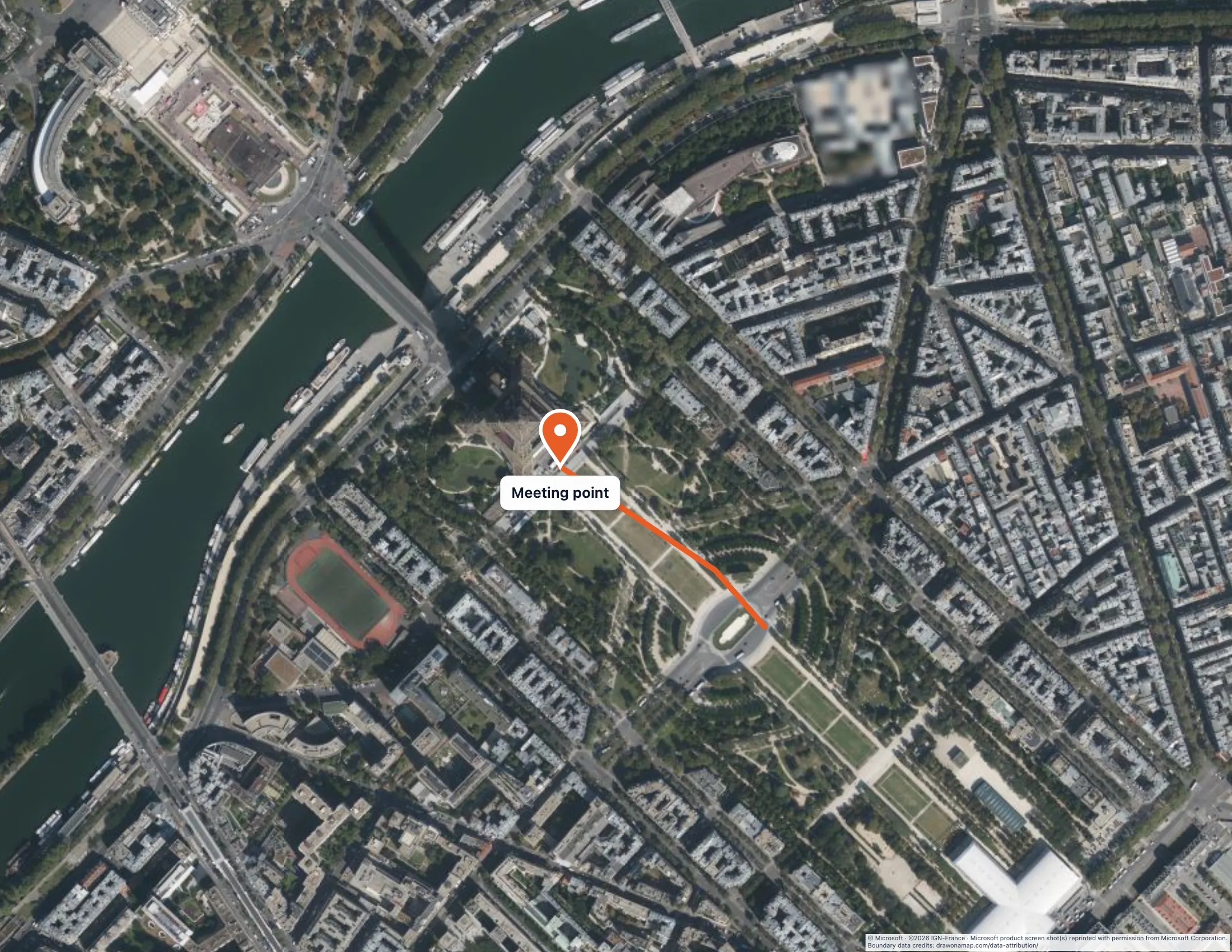
The image above shows the Paris meeting point and example approach on satellite imagery.
Mark the meeting point and the approach
Zoom to the area around the Eiffel Tower. Use the line tool to draw the approach, clicking along the path people will walk. You place each point yourself, so the line follows only the points you choose. If you want to outline the gathering space, use the area tool and click around its edge. Then add a marker at the meeting point and give it a short label such as “Meeting point.”
Imagery is busy, so check that your marks stand out. Choose a bright line color that contrasts with grass, paving, and rooftops, and keep labels short. Hybrid is a good choice when your readers also need street names. For more help with lines and labels, see sharing custom walking directions.
A line or area you draw is a planning mark. It is not a surveyed boundary, so do not use it as a property plan.
Download or print the map
Choose Download, then Image to save a picture. An export offer appears first, and Customize export opens the options where you can add a title and check a preview. Print or save PDF opens the options directly. The article on creating a custom printable map explains each option, including paper size and map area.
Pro includes watermark-free PNG and PDF exports. Credits for the map provider remain on every download.
Frequently asked questions
Do I need Pro to draw on satellite imagery?
Yes. Both Satellite and Hybrid require Pro. You can draw on the ordinary map for free first and choose Pro if imagery helps.
What is the difference between Satellite and Hybrid?
Satellite shows imagery only. Hybrid shows the same imagery with map labels added, such as street and place names.