Draw your area and send the map
Mark a delivery zone, route, or meeting point with Draw on a Map. Start with a blank map or import a file from Scribble Maps, then share a standard link for free.
Free to draw and share. No account needed.
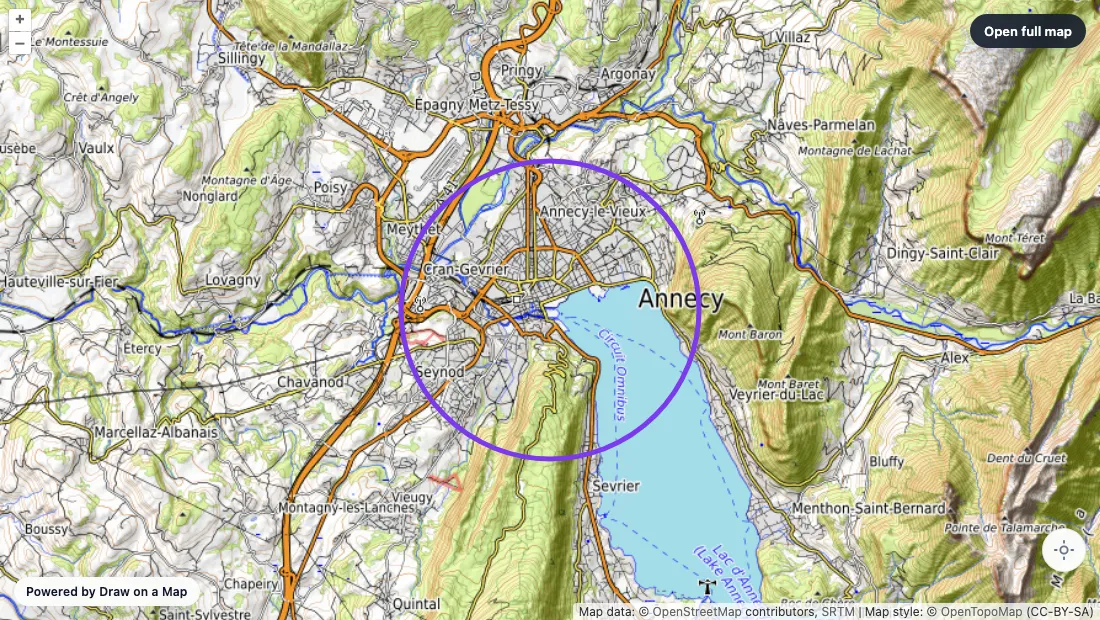
Make the map you need.
Find your place
Search for the address where your route or area starts. Import a supported map file if you already have the locations or boundary.
Make the map clear
Draw a circle or custom boundary, then add markers and notes. Use a line to show a route.
Send the result
Select Share and copy the standard link. Your reader can open it without an account.
At a glance
| Can you… |  Draw on a Map Draw on a Map |  Scribble Maps Scribble Maps |
|---|---|---|
| Draw on the map? | Free core tools | Free tier available |
| Share a finished map? | Share without an account | Sharing available; options depend on plan |
| Analyze heatmaps and proximity? | Not a replacement for these tools | Listed in Pro Basic |
| Optimize the order of stops? | Not included | Route optimization listed in Pro Business |
| Export an image? | Free with a watermark; paid without | Size and features depend on plan |
Choose what your map needs
1. Draw on a Map
Add lines, shapes, markers, and notes to show people where to go. Draw and share a link without an account. Sign in to save the map and keep editing it later.
Open Draw on a Map2. Scribble Maps
Its plan table lists heatmaps, proximity search, and overlay management in Pro Basic. Pro Business lists route optimization. Check these tools if your map needs data analysis.
Scribble Maps product detailsScribble Maps does a lot: drawing, data layers, heatmaps, and route optimization on its paid plans. If you only need to show someone a delivery area, a route, or a meeting point, Draw on a Map is the shorter path. Draw it, copy a link, and send it. Neither you nor the reader needs an account.
Show the boundary people need
Use a circle for a fixed radius, or draw a polygon that follows streets and landmarks. Add a marker for the starting point and a note for access instructions.
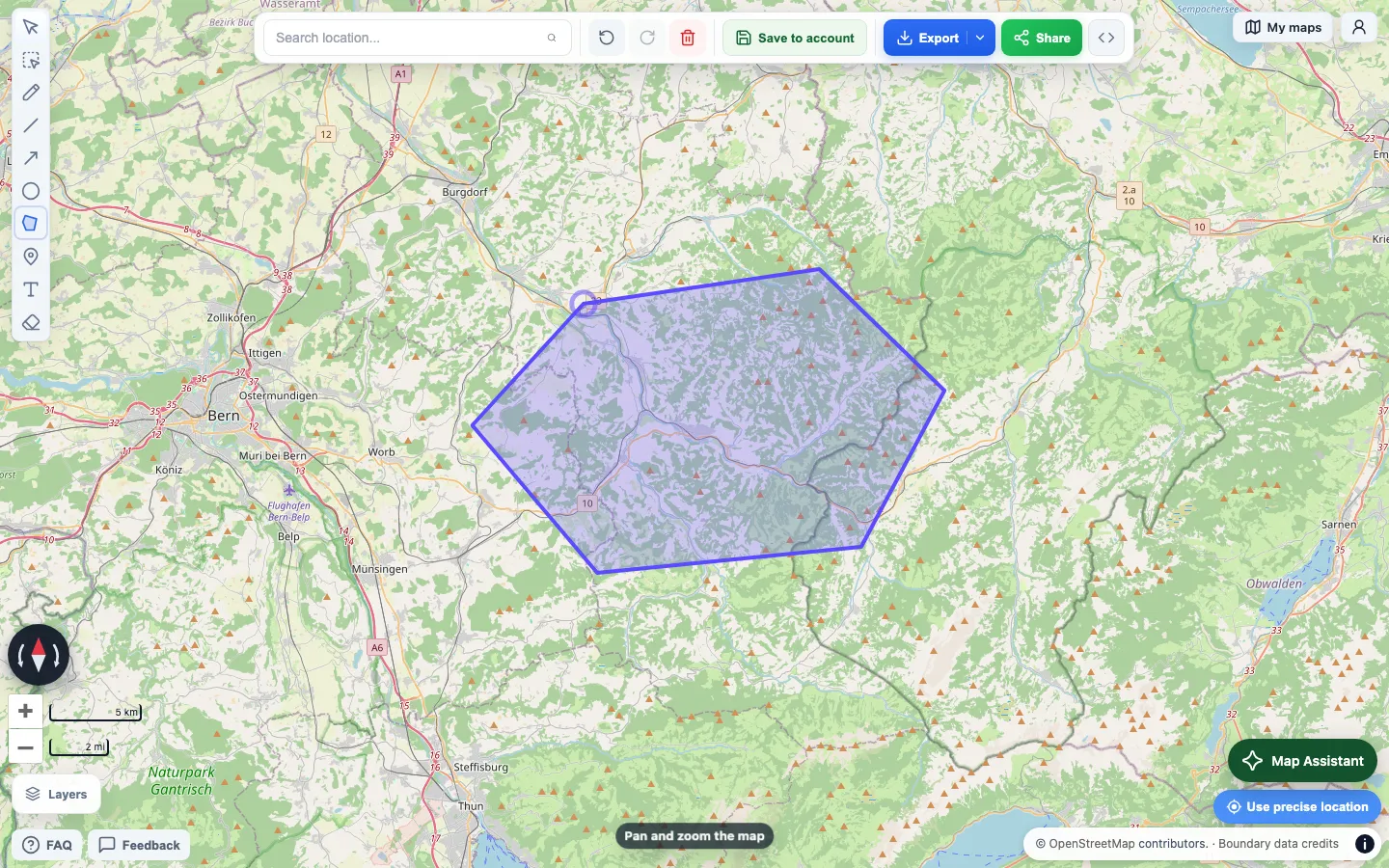
This delivery area uses a polygon to follow the streets instead of a fixed radius.
To set an exact distance, draw a circle with a known radius. To explain a route with notes and landmarks, see the walking directions example.
What is free
Drawing, file imports, and share links are free and need no account. PNG and PDF downloads are free with a watermark. A one-time purchase or Pro removes the watermark, and the export dialog shows a preview and the price before you pay.
Move an existing map
Export your map from Scribble Maps in a format Draw on a Map can read: KML, KMZ, GeoJSON, GPX, CSV, TSV, XLSX, or a shapefile ZIP, up to 15 MB. A shapefile ZIP needs matching .shp, .dbf, and .prj files.
Check the result before you share it. Complex styles and some format-specific details may not transfer exactly. The import report lists anything it skipped.
If an import fails, make sure you chose the exported map file, not a screenshot, a web page, or a link. Export a fresh copy and try again. Keep the original until the imported map looks right.
Keep working on the map
A link shared from an unsaved map is a fixed copy, so later edits do not change it. To keep editing, select Save to account and sign in. Your saved maps are under My maps, and you can also reopen recent maps from the start screen. With Pro, you can invite others to edit a saved map with you.
When to stay with Scribble Maps
Draw on a Map does not do heatmaps, proximity analysis, or automatic stop ordering. Importing a file moves the map features, not an analysis workflow or a paid data layer. If your project depends on those, the comparison above shows which Scribble Maps plan lists them.
Other options
The Scribble Maps alternatives guide compares other products by task.
Related guide
Embed a map on your website explains how to put a finished map on a page with an iframe.