Skip to content

Draw a service map your customers can use

Mark your office, draw a coverage boundary, and add notes that explain where you work. Share the map with a standard link for free.

Free to draw and share. No account needed.
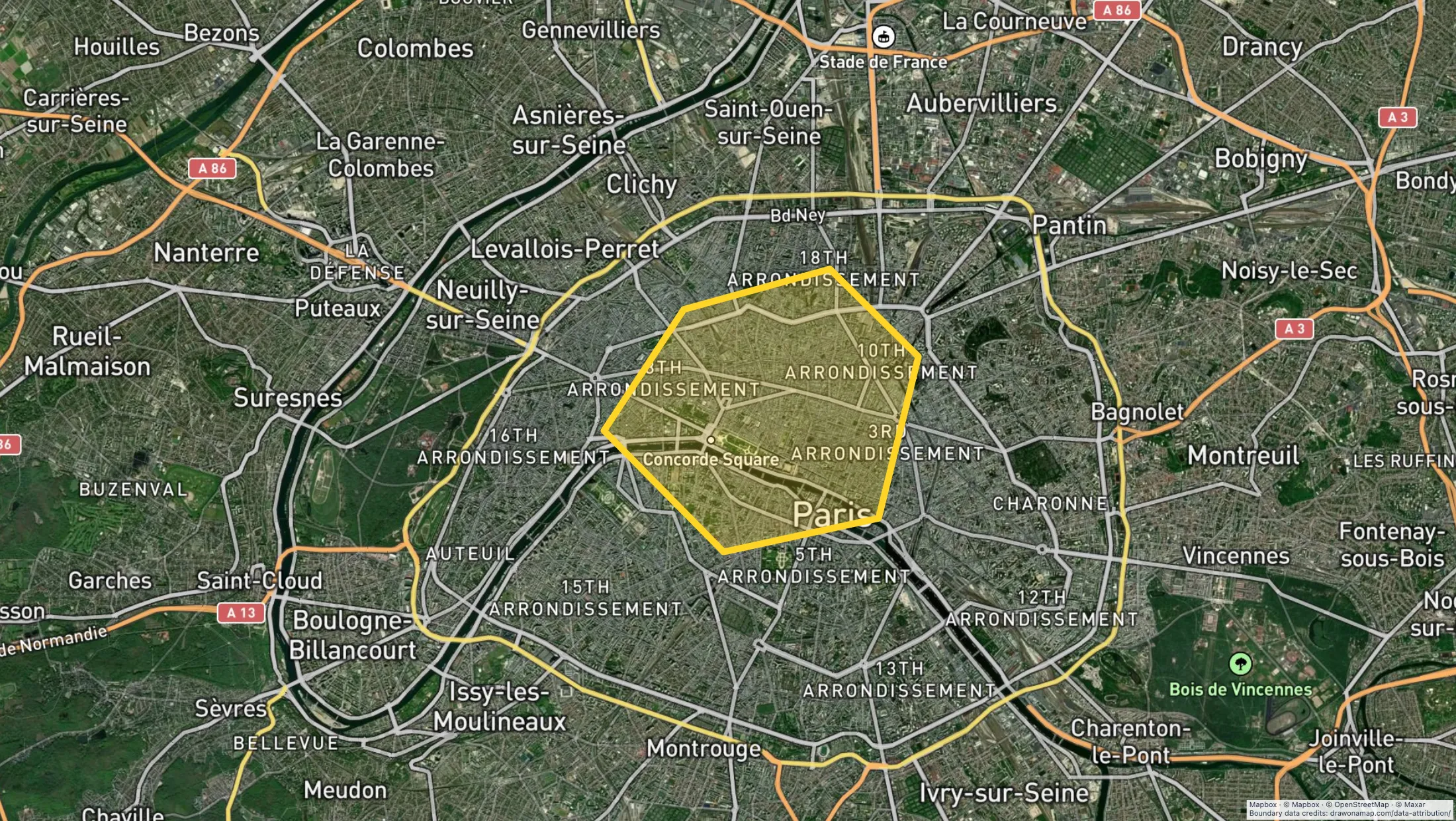
A business map example in Draw on a Map.

Make the map you need.

Mark your location

Find the place you serve and add a marker for your office or meeting point.

Explain your coverage

Draw the boundary and label the locations that customers need to recognize.

Share the map

Copy a standard share link for customers or staff. Inviting others to edit with you in real time requires Pro.

What you can make

Use Draw on a Map to explain a service boundary, mark an office, or share directions. Core drawing and standard share links are free. Compare the other tools below if your map also needs business analysis or a GIS workspace.

At a glance

Match the tool to your task
ToolBest forCost and access
Draw on a MapA service boundary or customer mapFree drawing and standard sharing. Image/PDF exports and some sharing features are paid.
Scribble MapsMore drawing and analysis toolsFree tier. Pro Basic is $19/month or $14/month with annual prepayment. Business costs more.
FeltGIS data and team reviewPersonal is free for non-business use without file uploads. Business use needs a paid plan; a trial is available.
MaptiveCustomer data and territory analysisTrial available. $250 for 45 days; Pro is $110/month or $1,250/year.

Choose what your map needs

1. Draw on a MapOur product

Best for
A service boundary or customer map
Cost
Free drawing and standard sharing. Image/PDF exports and some sharing features are paid.

Draw an area, add office markers, and label the places your customers need. Core drawing and standard share links are free, with no account needed. Sign in to save an editable copy. Real-time collaboration requires Pro.

Check the fit: you need customer-data analysis or automatic stop-order optimization. PNG and PDF downloads are free with a watermark.

Open Draw on a Map

2. Scribble Maps

Best for
More drawing and analysis tools
Cost
Free tier. Pro Basic is $19/month or $14/month with annual prepayment. Business costs more.

Scribble Maps combines drawing with analysis tools, including paid heatmaps. Compare it if your map needs an analysis step as well as labels and boundaries.

Check the fit: your task only needs a boundary and a few notes. Check which plan includes your required analysis tool.

Scribble Maps product details

3. Felt

Best for
GIS data and team review
Cost
Personal is free for non-business use without file uploads. Business use needs a paid plan; a trial is available.

Felt supports GIS data and team review. Compare it when staff need to work with shared data as part of the map, rather than only draw an area.

Check the fit: you need free business use. The Personal plan excludes business projects and file uploads.

Felt product details

4. Maptive

Best for
Customer data and territory analysis
Cost
Trial available. $250 for 45 days; Pro is $110/month or $1,250/year.

Keep Maptive in the comparison if your workflow uses customer records, demographic data, or territory analysis. Test those calculations before moving to a drawing tool.

Check the fit: your output is a simple map with labels and a boundary. Draw on a Map covers that task with free drawing and standard sharing.

Maptive product details

Make the map your customers need

A service map can answer a direct question: where do you work? In Draw on a Map, a boundary shows the area, markers identify key locations, and notes explain exceptions or meeting instructions. A standard share link lets customers open the result without an account.

Use this approach when your map needs to explain a location or an area. For a printed handout or a report, export a PNG or PDF. Free downloads have a watermark.

Choose by the work the map must do

A coverage boundary and a customer count by territory are different outputs. For a boundary, check that the map includes the right streets and that its labels are clear. For a calculated result, test the source data and the calculation in the candidate tool.

The picks above separate these tasks. Draw on a Map covers visual maps. Scribble Maps adds analysis to a drawing workflow. Felt supports shared GIS work. Maptive remains relevant when you use its business analysis tools.

Keep your data when you change tools

Keep your source data and map exports. Rebuild one map that represents your normal work, then check known locations and boundary cases. If the map includes totals or other calculations, compare them with a result you trust before you move the rest of your work.

For an address check on your website, our paid Service Area Widget can use an approved area to answer customer coverage questions. Set the area first; the widget does not choose a territory or perform demographic analysis.

The direct Maptive comparison gives more detail on drawing, sharing, and business analysis.

Questions

Can I make a service map for free?

Yes. Use Draw on a Map to draw a boundary, add markers and notes, and share a standard link for free. PNG and PDF downloads are free with a watermark. Real-time collaboration on a saved map requires Pro.

Can Draw on a Map replace all of Maptive?

Draw on a Map can cover a visual mapping task, such as a service boundary or a map with office locations. It does not replace customer-data analysis, demographic analysis, or automatic stop-order optimization.

What should I test before changing tools?

Use a map or dataset that represents your work. Check the locations, boundaries, required calculations, and access for your team. Keep your source data and map exports before you change services.