Skip to content

Show your event crew where to go

Mark the right entrance, delivery area, and meeting point on one map. Send a clear approach route before the crew arrives.

Free to draw and share. No account needed.
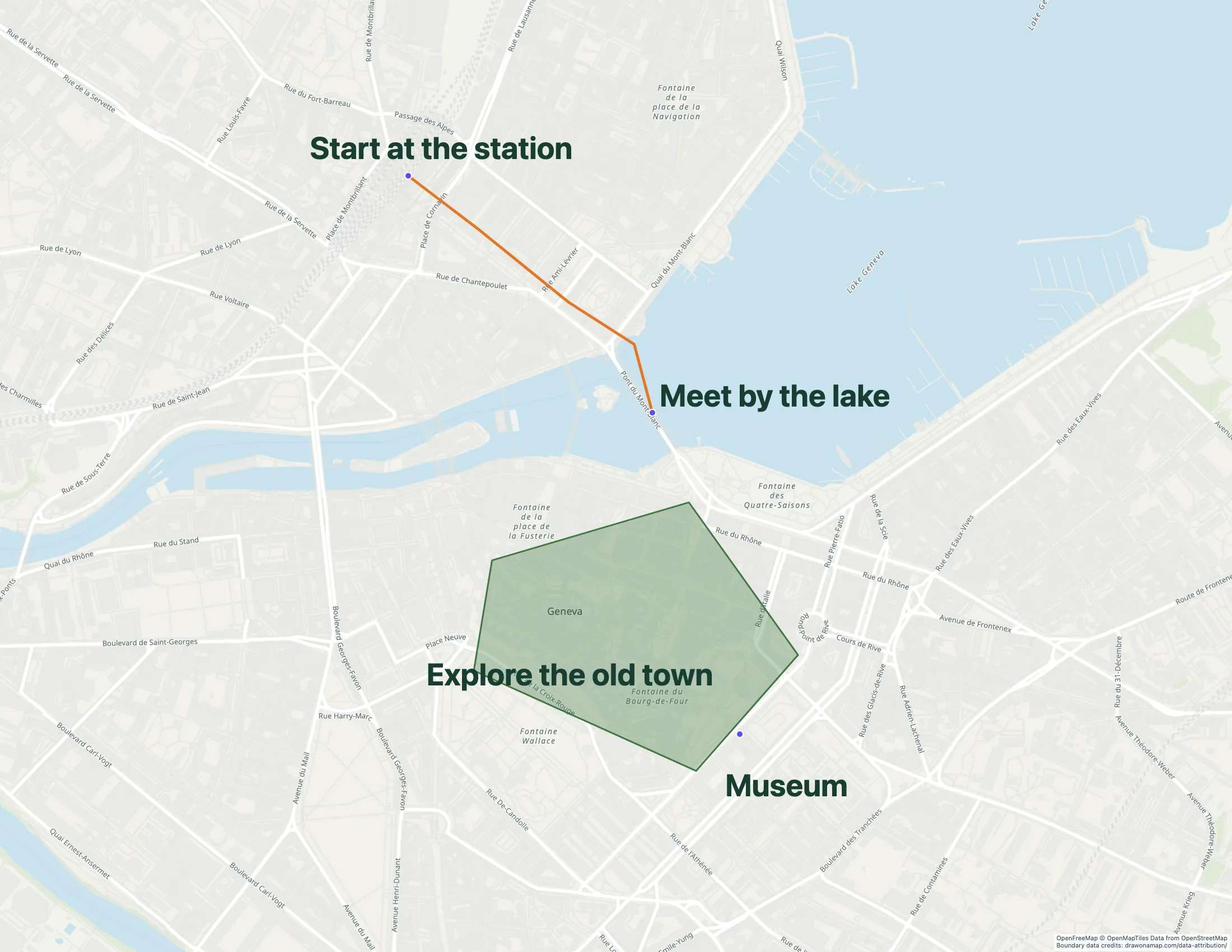
A Geneva walking route with annotations shows how route lines and notes work together.

Make the map you need.

Mark the access points

Find the venue and mark the crew entrance, unloading area, and meeting point. Use the gate names that people will see on site.

Show the approach route

Draw the route to the correct gate. Add short notes at turns or access points where the crew needs instructions.

Send the crew a link

Share the map with a free standard link. Inviting others to edit a saved map in real time requires Pro.

What you can make

Use Draw on a Map to show event crews where to arrive, unload, and meet. Draw the approach route, label each access point, and send a standard share link. Core drawing and standard share links are free.

At a glance

Match the tool to your task
ToolBest forCost and access
Draw on a MapA crew briefing or approach routeFree drawing and standard sharing. Image/PDF exports and some sharing features are paid.
MapmeA visitor map with categoriesStarter is $50/month or $360/year. Higher plans add imports and more locations.
Scribble MapsA more detailed site drawingFree tier. Pro Basic is $19/month or $14/month with annual prepayment. Business costs more.

Choose what your map needs

1. Draw on a MapOur product

Best for
A crew briefing or approach route
Cost
Free drawing and standard sharing. Image/PDF exports and some sharing features are paid.

Draw the approach route and add labels for the entrance, unloading area, and meeting point. Share the result with a standard link so each crew member can see where to go. PNG and PDF downloads are free with a watermark.

Check the fit: you need a visitor directory with photos and category filters, or a formal event operations system.

Open Draw on a Map

2. Mapme

Best for
A visitor map with categories
Cost
Starter is $50/month or $360/year. Higher plans add imports and more locations.

Compare Mapme when visitors need to browse stages, exhibitors, or food locations. Location media and category filters suit a visitor directory. The linked comparison explains how this differs from a crew briefing map.

Check the fit: the whole job is a line to the loading gate. A directory can take more time to maintain than a simple briefing map.

Mapme product details

3. Scribble Maps

Best for
A more detailed site drawing
Cost
Free tier. Pro Basic is $19/month or $14/month with annual prepayment. Business costs more.

Compare its drawing and analysis tools when a site plan needs several overlays. Check the tools and paid plan requirements against a representative section of your site.

Check the fit: you only need a quick drawing and prefer a smaller workflow.

Scribble Maps product details

Give each crew a clear arrival plan

A street address can take a driver to the wrong side of a venue. Mark the exact gate and label it with the name used on site. Show where to unload and where the crew must meet after arrival.

Keep notes close to the places they describe. A label such as “Delivery gate B” gives the recipient a specific destination. Add time-specific access instructions when the venue requires them.

Make a separate map for visitors

Visitors need public entrances, destinations, and approach directions. Crews need delivery access and setup information. Separate maps keep each set of instructions easy to read.

If visitors need to browse many places by category, compare a directory tool. The Mapme comparison explains this type of map and how it differs from a simple drawing.

Check the map before the event

Open the shared map on a phone and find the entrance. Check that labels are readable at the scale people will use. Then send the map to someone who has not visited the venue and ask them to find the delivery gate.

Walk through the approach route with someone who knows the site. Add a revision date to the instructions and replace old copies when access changes. For locations with poor connectivity, prepare a reference that the crew can keep offline, such as a PNG or PDF download. Free downloads have a watermark.

Use the venue’s approved plans for emergency exits and crowd safety. A crew arrival map supports those plans but does not replace them.

Questions

Can I make an event crew map for free?

Yes. Core drawing and standard share links are free. PNG and PDF downloads are free with a watermark.

Can my team edit the event map together?

Yes. Inviting others to edit a saved map in real time requires Pro.

Can one map serve visitors and crew?

Use separate maps when the instructions differ. A visitor map can show public entrances and destinations. A crew map can show delivery access, setup areas, and meeting points.

Will a share link work offline?

A standard share link needs an internet connection. For a venue with poor connectivity, prepare a separate reference before the event, such as a PNG or PDF download. Free downloads have a watermark.