Show customers where your business works
Put your office and service area on one map. Share it with customers so they can see your location and the area you cover.
Free to draw and share. No account needed.
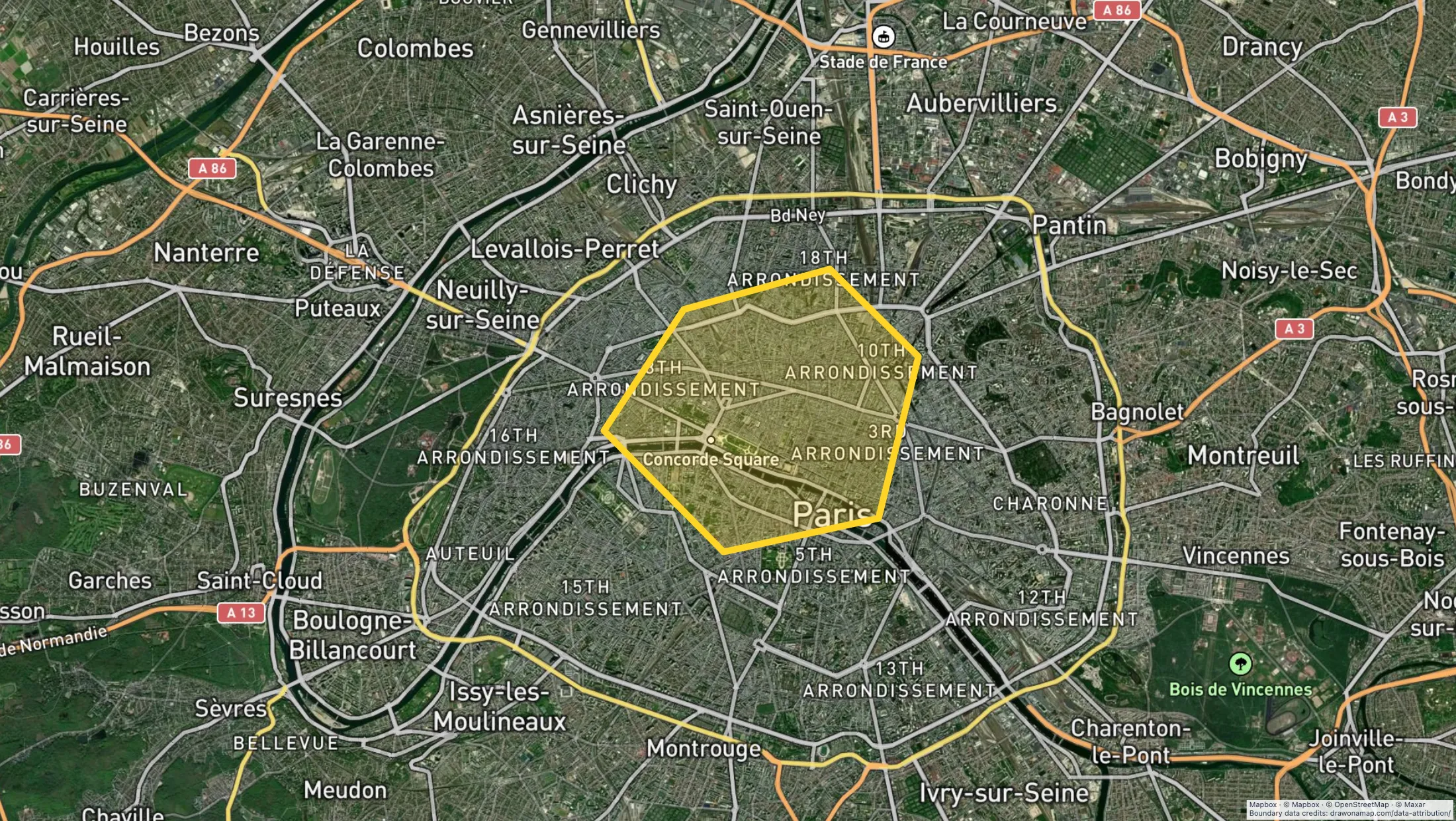
Make the map you need.
Mark your base
Find your office, shop, or depot. Add a marker and a clear label.
Draw your service area
Draw the boundary your business uses. Add notes for areas with special access or service conditions.
Share with customers
Send a free standard map link. Export a PNG or PDF when you need a copy for a document.
What you can make
Use Draw on a Map to show customers where you work and how to reach you. Mark your office, draw your service boundary, and share a standard link for free. PNG and PDF downloads are free with a watermark. For customers who need to check an address, use the separate paid Service Area Widget.
At a glance
| Tool | Best for | Cost and access |
|---|---|---|
| A service area or office map | Free drawing and standard sharing. Image/PDF exports and some sharing features are paid. | |

| Customer and territory analysis | Trial available. $250 for 45 days; Pro is $110/month or $1,250/year. | |

| A website location directory | Starter is $50/month or $360/year. Higher plans add imports and more locations. |
Choose what your map needs
1.
Draw on a MapOur product
- Best for
- A service area or office map
- Cost
- Free drawing and standard sharing. Image/PDF exports and some sharing features are paid.
Mark your office, draw the area you serve, and add notes for customers or staff. Share the map with a free standard link. Use the separate paid Service Area Widget when visitors need to check an entered address.
Check the fit: you need customer data analysis to select a territory. The drawn boundary records your decision; it does not calculate demand or profit.
Open Draw on a Map ↗2.
Maptive
- Best for
- Customer and territory analysis
- Cost
- Trial available. $250 for 45 days; Pro is $110/month or $1,250/year.
Consider Maptive when you need to analyze customer locations or plan territories. Test it with representative records and a result you can check.
Check the fit: you only need to show a service boundary or explain how to reach your office.
Maptive product details ↗3.
Mapme
- Best for
- A website location directory
- Cost
- Starter is $50/month or $360/year. Higher plans add imports and more locations.
Consider Mapme when visitors need to browse a directory of business locations with categories and media. Check the plan against the number of locations you need to publish.
Check the fit: you only need one office map or an address coverage check.
Mapme product details ↗Give customers the map they need
A service business can show the area it covers. A shop can mark its entrance and add an approach route. A depot can use notes to explain where drivers must arrive. Draw on a Map lets you put these details on the map and share a standard link for free.
Use public business locations in a customer map. Keep private customer addresses out of it. For a printed handout or proposal, export a PNG or PDF. Free downloads have a watermark.
Choose a boundary that matches your service
Draw the boundary your staff use to accept work. A radius works when you serve every address within a fixed straight-line distance. Use a custom boundary when roads, rivers, or other conditions change the area you cover.
A drawn boundary does not calculate travel time or customer demand. If you need data to choose a new territory, read the Maptive comparison to compare that task with a simple business map.
Check the map before you share it
Ask a staff member to check one address near the boundary and one outside it. Confirm that the office marker and access notes are correct. Open the shared link on a phone to check that customers can read it.
If customers need an answer for their own address, use the separate paid Service Area Widget. It checks an entered address against your published service area. A shared drawing gives customers a visual guide.
Keep one map for the team
Real-time collaboration on a saved map requires Pro. Staff can work together on the boundary and notes. Review these details when your service area or access arrangements change, then share the map with customers.
Questions
Is the Service Area Widget free?
No. It is a separate paid product. Core drawing and standard link sharing in Draw on a Map are free.
Should I show a radius as my service area?
Only if that matches the area you actually serve. A radius does not account for roads, crossings, or travel time.
Can staff edit the map together?
Yes. Real-time collaboration on a saved map requires Pro.